2017 CHEVROLET SONIC turn signal
[x] Cancel search: turn signalPage 34 of 342
Chevrolet Sonic Owner Manual (GMNA-Localizing-U.S./Canada-10122660) -2017 - crc - 5/13/16
Keys, Doors, and Windows 33
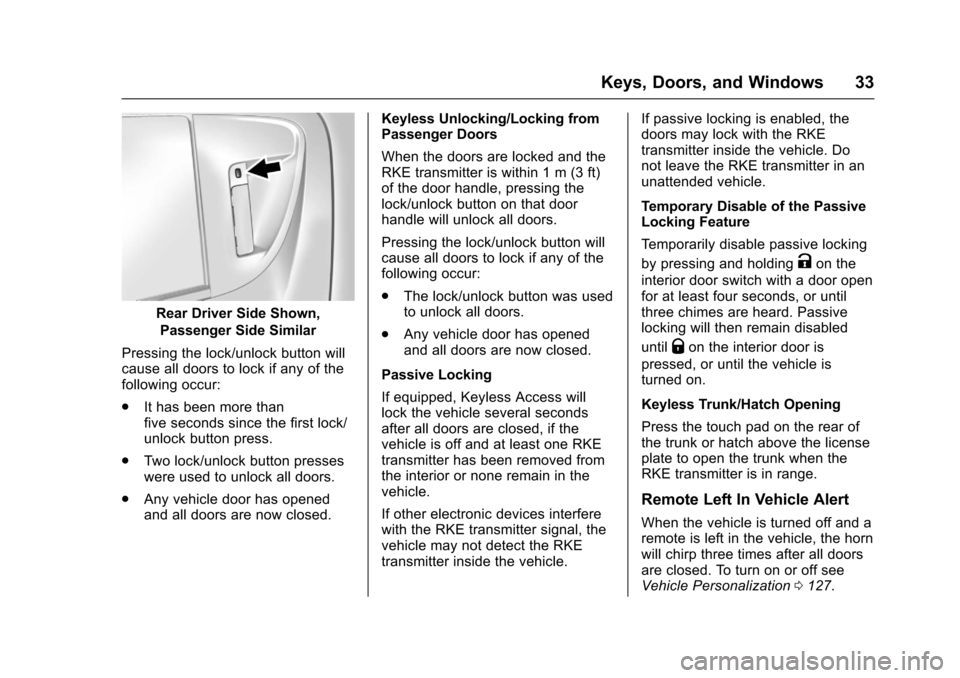
Rear Driver Side Shown,
Passenger Side Similar
Pressing the lock/unlock button willcause all doors to lock if any of thefollowing occur:
.It has been more thanfive seconds since the first lock/unlock button press.
.Tw o l o c k / u n l o c k b u t t o n p r e s s e swere used to unlock all doors.
.Any vehicle door has openedand all doors are now closed.
Keyless Unlocking/Locking fromPassenger Doors
When the doors are locked and theRKE transmitter is within 1 m (3 ft)of the door handle, pressing thelock/unlock button on that doorhandle will unlock all doors.
Pressing the lock/unlock button willcause all doors to lock if any of thefollowing occur:
.The lock/unlock button was usedto unlock all doors.
.Any vehicle door has openedand all doors are now closed.
Passive Locking
If equipped, Keyless Access willlock the vehicle several secondsafter all doors are closed, if thevehicle is off and at least one RKEtransmitter has been removed fromthe interior or none remain in thevehicle.
If other electronic devices interferewith the RKE transmitter signal, thevehicle may not detect the RKEtransmitter inside the vehicle.
If passive locking is enabled, thedoors may lock with the RKEtransmitter inside the vehicle. Donot leave the RKE transmitter in anunattended vehicle.
Temporary Disable of the PassiveLocking Feature
Te m p o r a r i l y d i s a b l e p a s s i v e l o c k i n g
by pressing and holdingKon the
interior door switch with a door openfor at least four seconds, or untilthree chimes are heard. Passivelocking will then remain disabled
untilQon the interior door is
pressed, or until the vehicle isturned on.
Keyless Trunk/Hatch Opening
Press the touch pad on the rear ofthe trunk or hatch above the licenseplate to open the trunk when theRKE transmitter is in range.
Remote Left In Vehicle Alert
When the vehicle is turned off and aremote is left in the vehicle, the hornwill chirp three times after all doorsare closed. To turn on or off seeVehicle Personalization0127.
Page 38 of 342
Chevrolet Sonic Owner Manual (GMNA-Localizing-U.S./Canada-10122660) -2017 - crc - 5/13/16
Keys, Doors, and Windows 37
3. Lift the battery with a flatobject.
4. Remove the battery.
5. Insert the new battery, positiveside toward the back cover.Replace with a CR2032 orequivalent battery.
6. Push the transmitter together.
Remote Vehicle Start
If equipped, this feature allows theengine to be started from outsidethe vehicle.
/:This button will be on the RKEtransmitter if the vehicle has remotestart.
The climate control system will usethe previous settings during aremote start. The rear defog maycome on during remote start basedon cold ambient conditions. Therear fog indicator light does notcome on during remote start.
If the vehicle has heated seats, theymay come on during a remote start.SeeHeated Front Seats056.
Laws in some local communitiesmay restrict the use of remotestarters. For example, some lawsrequire a person using remote startto have the vehicle in view. Checklocal regulations for anyrequirements.
Other conditions can affect theperformance of the transmitter. SeeRemote Keyless Entry (RKE)System028.
Starting the Vehicle
To s t a r t t h e e n g i n e u s i n g t h e r e m o t estart feature:
1. Press and releaseQ.
2. Immediately after completing
Step 1, press and hold/for at
least four seconds or until theturn signal lamps flash. Theturn signal lamps flashingconfirms the request to remotestart the vehicle has beenreceived.
When the engine starts, the parkinglamps will turn on and remain on aslong as the engine is running. Thedoors will be locked and the climatecontrol system may come on.
The engine will continue to run for10 minutes. After 30 seconds,repeat the steps if a 10-minuteextension is desired. Remote startcan be extended only once.
Insert the key and turn it to ON/RUNbefore driving.
Extending Engine Run Time
The engine run time can also beextended by another 10 minutes,if during the first 10 minutesSteps 1 and 2 are repeated whilethe engine is still running. Anextension can be requested,30 seconds after starting. Thisprovides a total of 20 minutes.
When the remote start is extended,the second 10-minute period isadded on to the first 10 minutes foratotalof20minutes.
Amaximumoftworemotestarts,or a single start with an extension,are allowed between ignition cycles.
Page 45 of 342
Chevrolet Sonic Owner Manual (GMNA-Localizing-U.S./Canada-10122660) -2017 - crc - 5/13/16
44 Keys, Doors, and Windows
Vehicle Security
This vehicle has theft-deterrentfeatures; however, they do not makethe vehicle impossible to steal.
Vehicle Alarm System
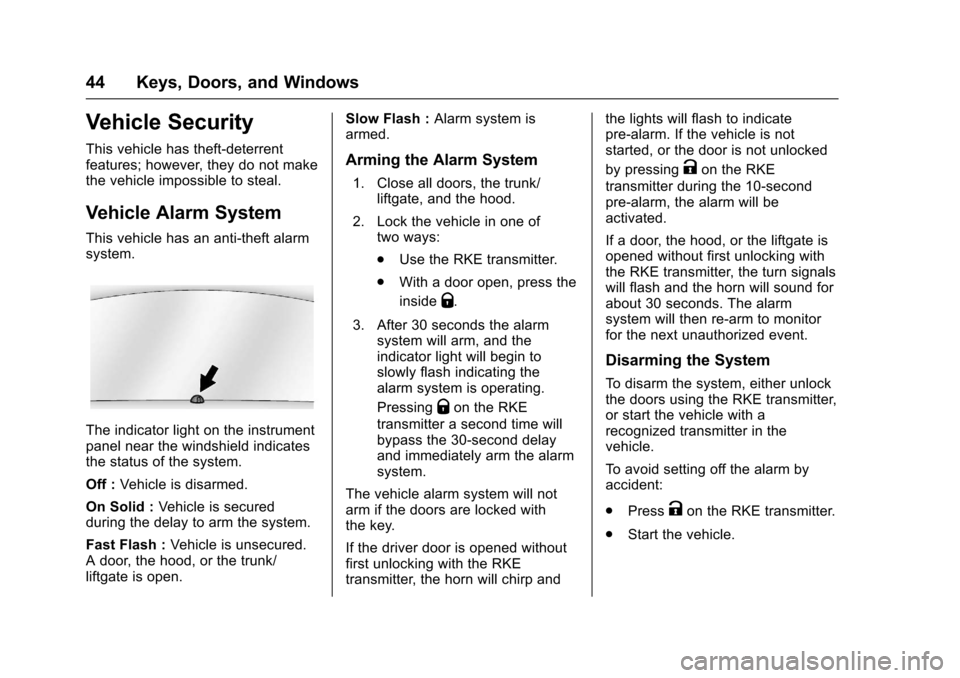
This vehicle has an anti-theft alarmsystem.
The indicator light on the instrumentpanel near the windshield indicatesthe status of the system.
Off :Vehicle is disarmed.
On Solid :Ve h i c l e i s s e c u r e dduring the delay to arm the system.
Fast Flash :Vehicle is unsecured.Adoor,thehood,orthetrunk/liftgate is open.
Slow Flash :Alarm system isarmed.
Arming the Alarm System
1. Close all doors, the trunk/liftgate, and the hood.
2. Lock the vehicle in one oftwo ways:
.Use the RKE transmitter.
.With a door open, press the
insideQ.
3. After 30 seconds the alarmsystem will arm, and theindicator light will begin toslowly flash indicating thealarm system is operating.
PressingQon the RKE
transmitter a second time willbypass the 30-second delayand immediately arm the alarmsystem.
The vehicle alarm system will notarm if the doors are locked withthe key.
If the driver door is opened withoutfirst unlocking with the RKEtransmitter, the horn will chirp and
the lights will flash to indicatepre-alarm. If the vehicle is notstarted, or the door is not unlocked
by pressingKon the RKE
transmitter during the 10-secondpre-alarm, the alarm will beactivated.
If a door, the hood, or the liftgate isopened without first unlocking withthe RKE transmitter, the turn signalswill flash and the horn will sound forabout 30 seconds. The alarmsystem will then re-arm to monitorfor the next unauthorized event.
Disarming the System
To d i s a r m t h e s y s t e m , e i t h e r u n l o c kthe doors using the RKE transmitter,or start the vehicle with arecognized transmitter in thevehicle.
To a v o i d s e t t i n g o f f t h e a l a r m b yaccident:
.PressKon the RKE transmitter.
.Start the vehicle.
Page 105 of 342

Chevrolet Sonic Owner Manual (GMNA-Localizing-U.S./Canada-10122660) -2017 - crc - 5/13/16
104 Instruments and Controls
in R (Reverse), and the frontwindshield wiper is performing lowor high speed wipes. If the rearwiper control is off, the shift lever isin R (Reverse), and the frontwindshield wiper is performinginterval wipes, then the rear wiperautomatically performs intervalwipes.
This feature can be changed. SeeVehicle Personalization0127.
The windshield washer reservoir isused for the windshield and the rearwindow. Check the fluid level in thereservoir if either washer is notworking. SeeWasher Fluid0231.
Compass
The vehicle may have a compassdisplay in the Driver InformationCenter (DIC). The compass receivesits heading and other informationfrom the Global PositioningSystem (GPS) antenna, StabiliTrak,and vehicle speed information.
Avoid covering the GPS antenna,located on the roof, for long periodsof time with objects that mayinterfere with the antenna's ability to
receive a satellite signal. Thecompass system is designed tooperate for a certain number ofmiles or degrees of turn beforeneeding a signal from the GPSsatellites. When the compassdisplay shows CAL, drive thevehicle for a short distance in anopen area where it can receive aGPS signal. The compass systemwill automatically determine whenthe GPS signal is restored andprovide a heading again.
Clock
The infotainment system controlsare used to access the time anddate settings through the menusystem. SeeOperation0144onhow to use the menu system.
Setting the Time and Date
When Auto Set is enabled the timecannot be manually set.
1. Press{,thentouch
SETTINGS.
2. Touch Time and Date, then SetTime or Set Date.
3. Touch + or✓to adjust thevalue.
4. TouchRorQto adjust AM or
PM for 12 hour format.
5. Touch0.
Using Auto Set
Auto Set requires an OnStarsubscription.
1. Press{,thentouch
SETTINGS.
2. Touch Time and Date, thenAuto Set.
3. Select from the availableselections.
4. Touch0.
Setting the 12/24 Hour Format
1. Press{,thentouch
SETTINGS.
2. Touch Time and Date, then SetTime Format.
3. Select 12h or 24h format.
4. Touch0.
Page 117 of 342

Chevrolet Sonic Owner Manual (GMNA-Localizing-U.S./Canada-10122660) -2017 - crc - 5/13/16
116 Instruments and Controls
Lane Departure Warning
(LDW) Light
If equipped, this light, located in thecenter of the instrument panel,comes on briefly while starting thevehicle.
If it does not come on, have thevehicle serviced.
This light is green if LDW is on andready to operate.
This light changes to amber andflashes to indicate that the lanemarking has been crossed withoutusing a turn signal in that direction.
SeeLane Departure Warning(LDW)0206.
Forward Collision Alert
(FCA) Warning Light
If equipped, this light is on thecenter of the instrument panel.
The red forward collision alertcomes on and flashes when avehicle is being approached toorapidly.
The forward collision alert stays onwhen following a vehicle much tooclosely.
SeeForward Collision Alert (FCA)System0204.
Vehicle Ahead Indicator
This light is on the center of theinstrument panel.
If equipped, this indicator willdisplay green when a vehicle isdetected ahead
SeeForward Collision Alert (FCA)System0204.
Ultrasonic Parking
Sensor Light
If equipped, this light comes onbriefly while starting the vehicle. If itdoes not come on, have the vehicleserviced.
This light indicates a malfunction inthe system. See your dealer forservice.
Page 122 of 342
Chevrolet Sonic Owner Manual (GMNA-Localizing-U.S./Canada-10122660) -2017 - crc - 5/13/16
Instruments and Controls 121
Door Ajar Light
This light comes on when a door isopen or not securely latched. Beforedriving, check that all doors areproperly closed.
Trunk Ajar Light
This light comes on when the trunkis ajar.
Information Displays
Driver Information
Center (DIC)
The DIC displays information aboutthe vehicle. It also displays warningmessages if a system problem isdetected. SeeVehicle Messages0126.AllmessagesappearintheDIC display in the instrument panelcluster.
DIC Operation and Displays
On some models, the trip odometerreset stem is used to operate theDIC. On other models, the controlsfor the DIC are on the turn signallever.
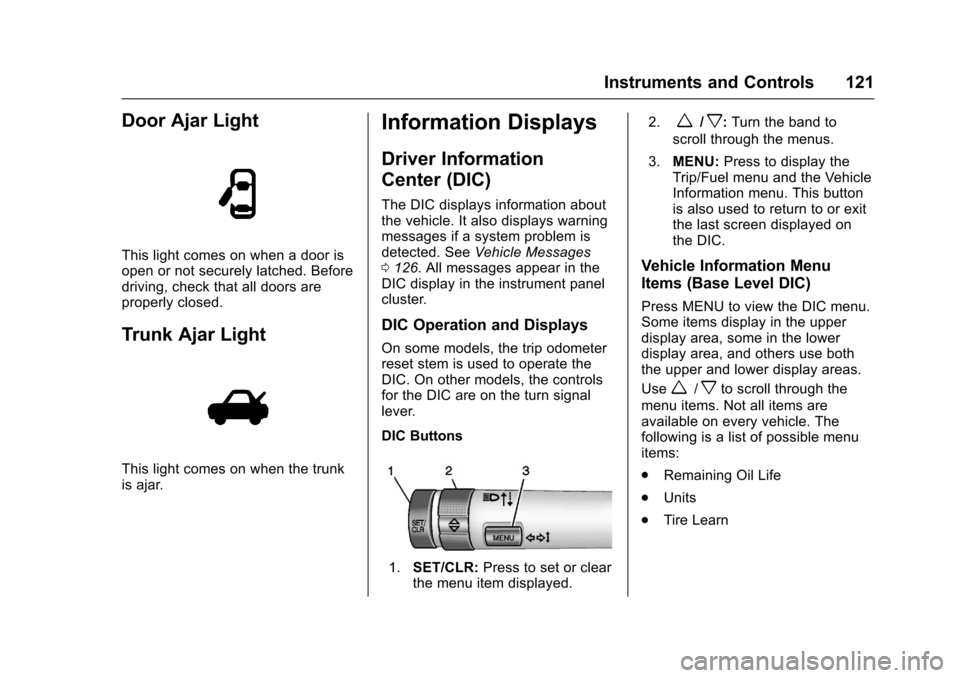
DIC Buttons
1.SET/CLR:Press to set or clearthe menu item displayed.
2.w/x:Turn the band to
scroll through the menus.
3.MENU:Press to display theTrip/Fuel menu and the VehicleInformation menu. This buttonis also used to return to or exitthe last screen displayed onthe DIC.
Vehicle Information Menu
Items (Base Level DIC)
Press MENU to view the DIC menu.Some items display in the upperdisplay area, some in the lowerdisplay area, and others use boththe upper and lower display areas.
Usew/xto scroll through the
menu items. Not all items areavailable on every vehicle. Thefollowing is a list of possible menuitems:
.Remaining Oil Life
.Units
.Tire Learn
Page 126 of 342
Chevrolet Sonic Owner Manual (GMNA-Localizing-U.S./Canada-10122660) -2017 - crc - 5/13/16
Instruments and Controls 125
briefly while Timer is displayed. Toreset the timer to zero, press andhold SET/CLR.
Navigation
This display is used for theTurn-by-Turn navigation,if equipped.
Vehicle Information Menu
Items (Uplevel DIC)
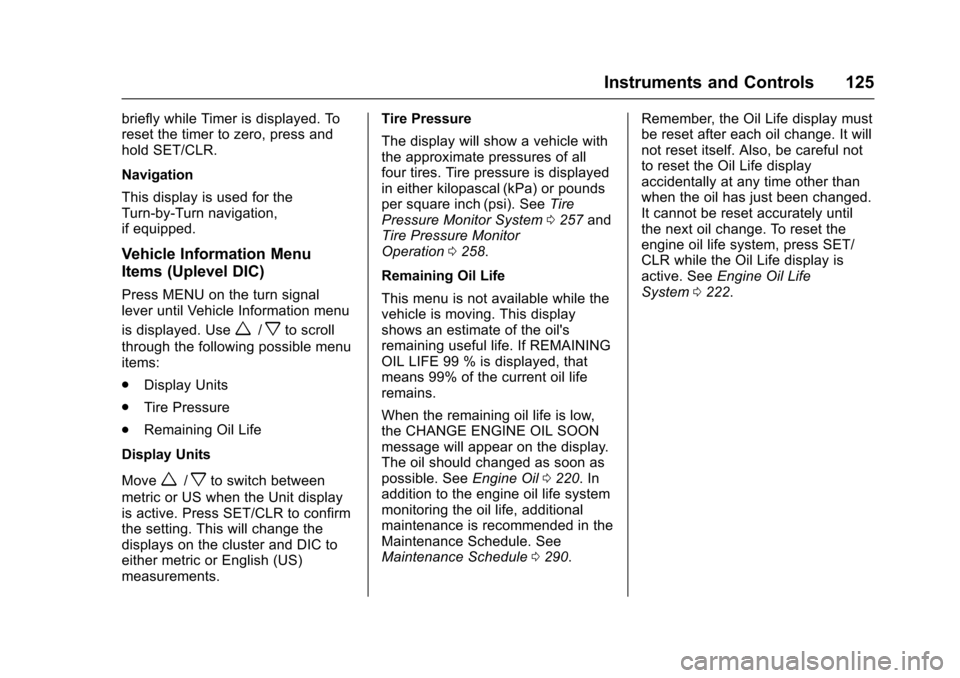
Press MENU on the turn signallever until Vehicle Information menu
is displayed. Usew/xto scroll
through the following possible menuitems:
.Display Units
.Tire Pressure
.Remaining Oil Life
Display Units
Movew/xto switch between
metric or US when the Unit displayis active. Press SET/CLR to confirmthe setting. This will change thedisplays on the cluster and DIC toeither metric or English (US)measurements.
Tire Pressure
The display will show a vehicle withthe approximate pressures of allfour tires. Tire pressure is displayedin either kilopascal (kPa) or poundsper square inch (psi). SeeTirePressure Monitor System0257andTire Pressure MonitorOperation0258.
Remaining Oil Life
This menu is not available while thevehicle is moving. This displayshows an estimate of the oil'sremaining useful life. If REMAININGOIL LIFE 99 % is displayed, thatmeans 99% of the current oil liferemains.
When the remaining oil life is low,the CHANGE ENGINE OIL SOONmessage will appear on the display.The oil should changed as soon aspossible. SeeEngine Oil0220.Inaddition to the engine oil life systemmonitoring the oil life, additionalmaintenance is recommended in theMaintenance Schedule. SeeMaintenance Schedule0290.
Remember, the Oil Life display mustbe reset after each oil change. It willnot reset itself. Also, be careful notto reset the Oil Life displayaccidentally at any time other thanwhen the oil has just been changed.It cannot be reset accurately untilthe next oil change. To reset theengine oil life system, press SET/CLR while the Oil Life display isactive. SeeEngine Oil LifeSystem0222.
Page 127 of 342
Chevrolet Sonic Owner Manual (GMNA-Localizing-U.S./Canada-10122660) -2017 - crc - 5/13/16
126 Instruments and Controls
Vehicle Messages
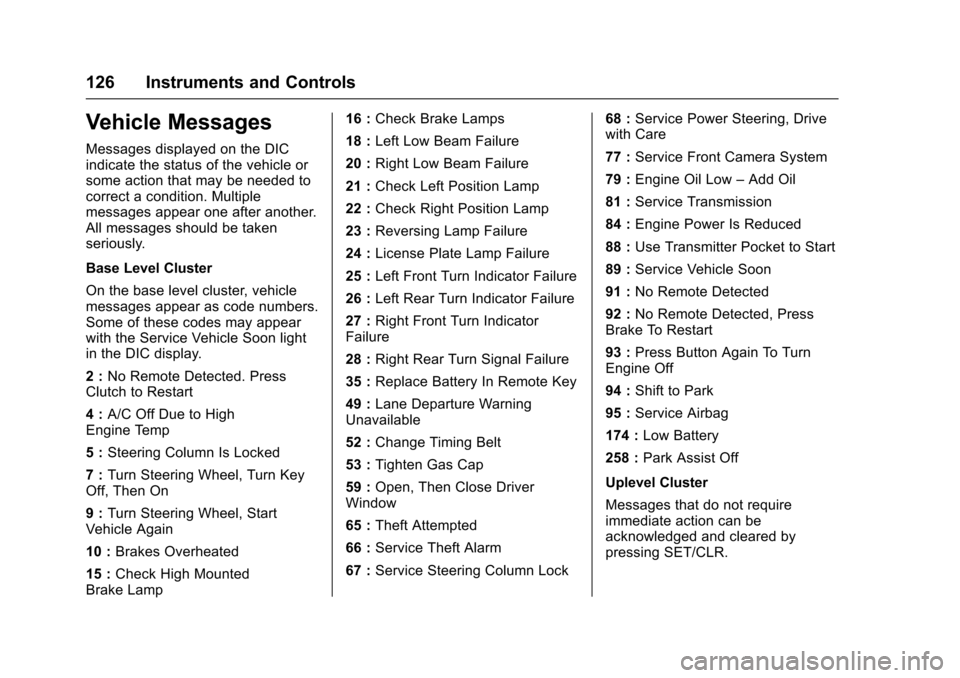
Messages displayed on the DICindicate the status of the vehicle orsome action that may be needed tocorrect a condition. Multiplemessages appear one after another.All messages should be takenseriously.
Base Level Cluster
On the base level cluster, vehiclemessages appear as code numbers.Some of these codes may appearwith the Service Vehicle Soon lightin the DIC display.
2:No Remote Detected. PressClutch to Restart
4:A/C Off Due to HighEngine Temp
5:Steering Column Is Locked
7:Turn Steering Wheel, Turn KeyOff, Then On
9:Turn Steering Wheel, StartVehicle Again
10 :Brakes Overheated
15 :Check High MountedBrake Lamp
16 :Check Brake Lamps
18 :Left Low Beam Failure
20 :Right Low Beam Failure
21 :Check Left Position Lamp
22 :Check Right Position Lamp
23 :Reversing Lamp Failure
24 :License Plate Lamp Failure
25 :Left Front Turn Indicator Failure
26 :Left Rear Turn Indicator Failure
27 :Right Front Turn IndicatorFailure
28 :Right Rear Turn Signal Failure
35 :Replace Battery In Remote Key
49 :Lane Departure WarningUnavailable
52 :Change Timing Belt
53 :Tighten Gas Cap
59 :Open, Then Close DriverWindow
65 :Theft Attempted
66 :Service Theft Alarm
67 :Service Steering Column Lock
68 :Service Power Steering, Drivewith Care
77 :Service Front Camera System
79 :Engine Oil Low–Add Oil
81 :Service Transmission
84 :Engine Power Is Reduced
88 :Use Transmitter Pocket to Start
89 :Service Vehicle Soon
91 :No Remote Detected
92 :No Remote Detected, PressBrake To Restart
93 :Press Button Again To TurnEngine Off
94 :Shift to Park
95 :Service Airbag
174 :Low Battery
258 :Park Assist Off
Uplevel Cluster
Messages that do not requireimmediate action can beacknowledged and cleared bypressing SET/CLR.