2017 Alfa Romeo Giulia steering wheel
[x] Cancel search: steering wheelPage 153 of 268
System Manual
Activation/Deactivation
To manually activate/deactivate the
system, push the button located in the
control panel on the left of the steering
wheel.
System Activation
The activation of the system is indicated
by the
symbol lighting up on the
display. In this condition, the light on the
buttonisoff.
System Deactivation
A message will appear on the display
when the system is deactivated. In this
condition, the light on the button is on.
Note: Each time the engine is started,
the system is activated regardless of
where was when it was previously
switched off.
Possible Reasons The
Engine Does Not
Autostop
For higher comfort and increased
safety, and to reduce emissions, there
are certain conditions where the engine
will not stop despite the system being
active, such as:
Engine still cold.
Especially cold outside temperature.
Battery not sufficiently charged.
Driver's door not shut.
Driver's seat belt not fastened.
Reverse gear engaged (e.g. for
parking maneuvers).
With the automatic climate control
active, an adequate cabin heating or
cooling comfort has not been reached
or with MAX-DEF function active.
During the first period of use, to
initialize the system.
Steering angle beyond threshold.
Engine Restarting
Conditions
Due to comfort, emission control and
safety reasons, the engine can restart
automatically without any action by the
driver, under special conditions, such
as:
Battery not sufficiently charged.
Reduced braking system vacuum
(e.g. if the brake pedal is pressed
repeatedly).
Vehicle moving (e.g. when driving on
roads with a grade).
Engine stopping by the Stop/Start
Evo system for more than approx. three
minutes.
With the automatic climate control
active, an adjustment in cabin heating
or cooling is made or with MAX-DEF
function active.
Safety Functions
When the engine is stopped through
the Stop/Start Evo system, if the driver
releases their seat belt, opens the
driver's or passenger's door, or opens
the hood from inside the vehicle, the
engine can be restarted only by using
the ignition.
This condition is indicated to the driver
both through a buzzer and a message
on the instrument cluster display.
Irregular Operation
In the event of malfunction, the
Stop/Start Evo system is deactivated.
For failure indications, see the "Warning
Lights and Messages" paragraph,
"Getting To Know Your Instrument
Panel" chapter.
Vehicle Inactivity
In the event of vehicle inactivity (or if the
battery is replaced), special attention
must be paid to the disconnection of
the battery power supply.
07126S0051EMStop/Start Evo Button
151
Page 155 of 268
EXCEEDING THE
PROGRAMMED SPEED
By fully depressing the accelerator
pedal, the programmed speed can be
exceeded even with the device active
(e.g. in the event of overtaking).
The device is disabled until the speed
drops below the set limit, after which it
reactivates automatically.
PROGRAMMED SPEED
ICON FLASHING
The programmed speed flashes in the
following cases:
when the accelerator pedal has been
fully depressed and the vehicle has
exceeded the programmed speed;
activating the system after setting a
limit below the effective speed of the
vehicle;
in the event of sharp acceleration.
DEACTIVATING THE
DEVICE
The function can be activated/
deactivated on the Connect system.
Deactivating the device
To access the function, on the main
menu select the following items in
sequence: "Settings", "Safety", “Speed
Limiter” and “off”.
Automatic deactivation of the
device
The device deactivates automatically in
the event of fault in the system. In this
case, contact an authorized dealer.
Temporary signal loss
When the devices loses the signal, the
white symbol without the speed
indication lights up on the display.
System failure
When the system is in failure, the amber
symbol
lights up on the display.
ELECTRONIC SPEED
CONTROL
Electronic Speed
Control Description
This is an electronically controlled
driving assistance feature that allows
the desired vehicle speed to be
maintained, without having to press the
accelerator pedal. This feature can be
used at a speed above 25 mph
(40 km/h) on long stretches of dry,
straight roads with few variations
(highways).
It is not recommended to use this
feature in city traffic.
The speed control buttons are located
on the left side of the steering wheel.
Note: To ensure correct operation, the
speed control is designed to deactivate
if more than one function is operated
simultaneously. In this case, the system
can be reactivated by pushing the
on/off button
and setting the
desired speed.
While driving downhill, the system could
brake the vehicle to keep the set speed
the same.
153
Page 156 of 268
Warning!
Speed Control can be dangerous where
the system cannot maintain a constant
speed. Your vehicle could go too fast for
the conditions, and you could lose control
and have an accident. Do not use Speed
Control in heavy traffic or on roads that are
winding, icy, snow-covered or slippery.
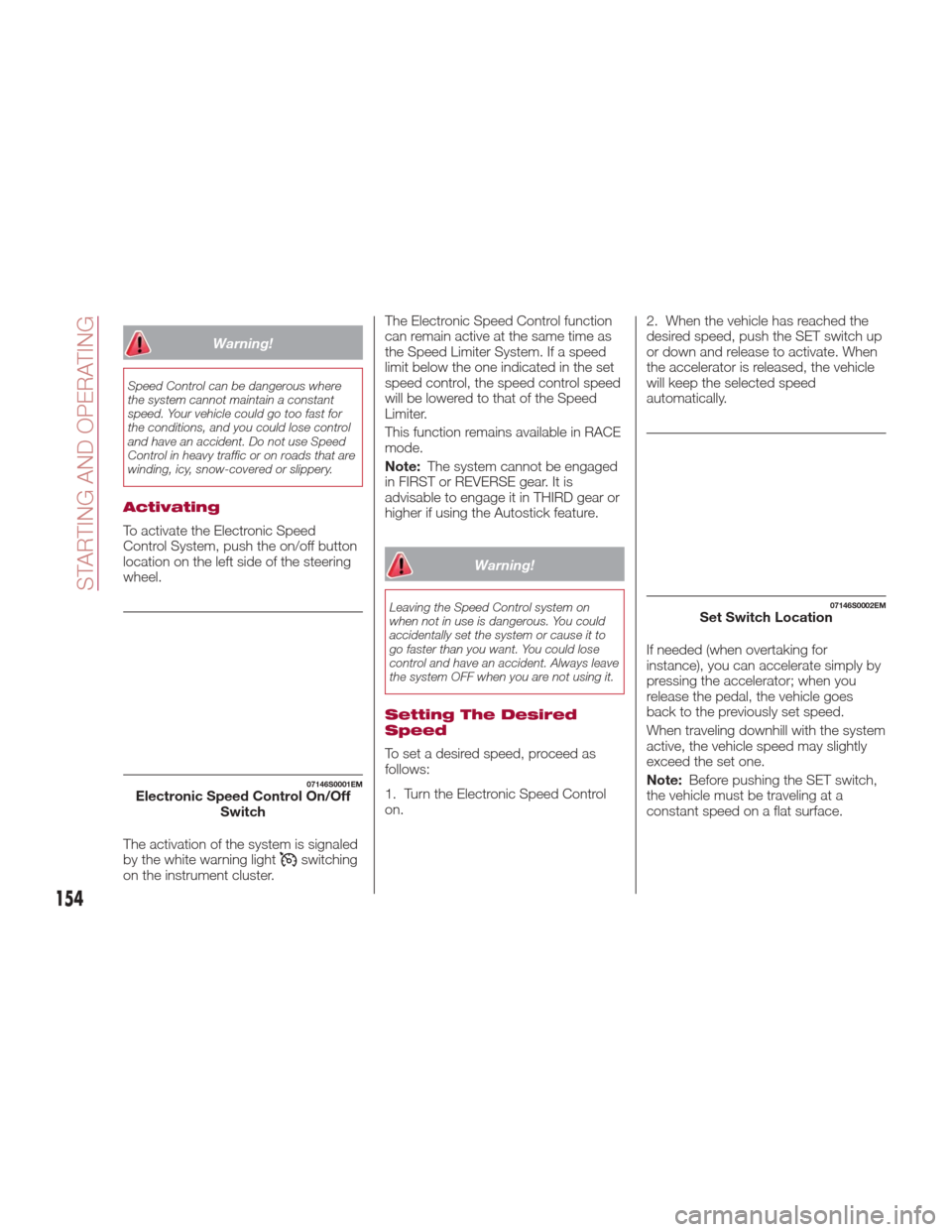
Activating
To activate the Electronic Speed
Control System, push the on/off button
location on the left side of the steering
wheel.
The activation of the system is signaled
by the white warning light
switching
on the instrument cluster. The Electronic Speed Control function
can remain active at the same time as
the Speed Limiter System. If a speed
limit below the one indicated in the set
speed control, the speed control speed
will be lowered to that of the Speed
Limiter.
This function remains available in RACE
mode.
Note:
The system cannot be engaged
in FIRST or REVERSE gear. It is
advisable to engage it in THIRD gear or
higher if using the Autostick feature.
Warning!
Leaving the Speed Control system on
when not in use is dangerous. You could
accidentally set the system or cause it to
go faster than you want. You could lose
control and have an accident. Always leave
the system OFF when you are not using it.
Setting The Desired
Speed
To set a desired speed, proceed as
follows:
1. Turn the Electronic Speed Control
on. 2. When the vehicle has reached the
desired speed, push the SET switch up
or down and release to activate. When
the accelerator is released, the vehicle
will keep the selected speed
automatically.
If needed (when overtaking for
instance), you can accelerate simply by
pressing the accelerator; when you
release the pedal, the vehicle goes
back to the previously set speed.
When traveling downhill with the system
active, the vehicle speed may slightly
exceed the set one.
Note:
Before pushing the SET switch,
the vehicle must be traveling at a
constant speed on a flat surface.
07146S0001EMElectronic Speed Control On/Off Switch
07146S0002EMSet Switch Location
154
STARTING AND OPERATING
Page 159 of 268
Activation/Deactivation
The system has four operating states:
Enabled (speed not set)
Activated (speed set)
Paused
Deactivated
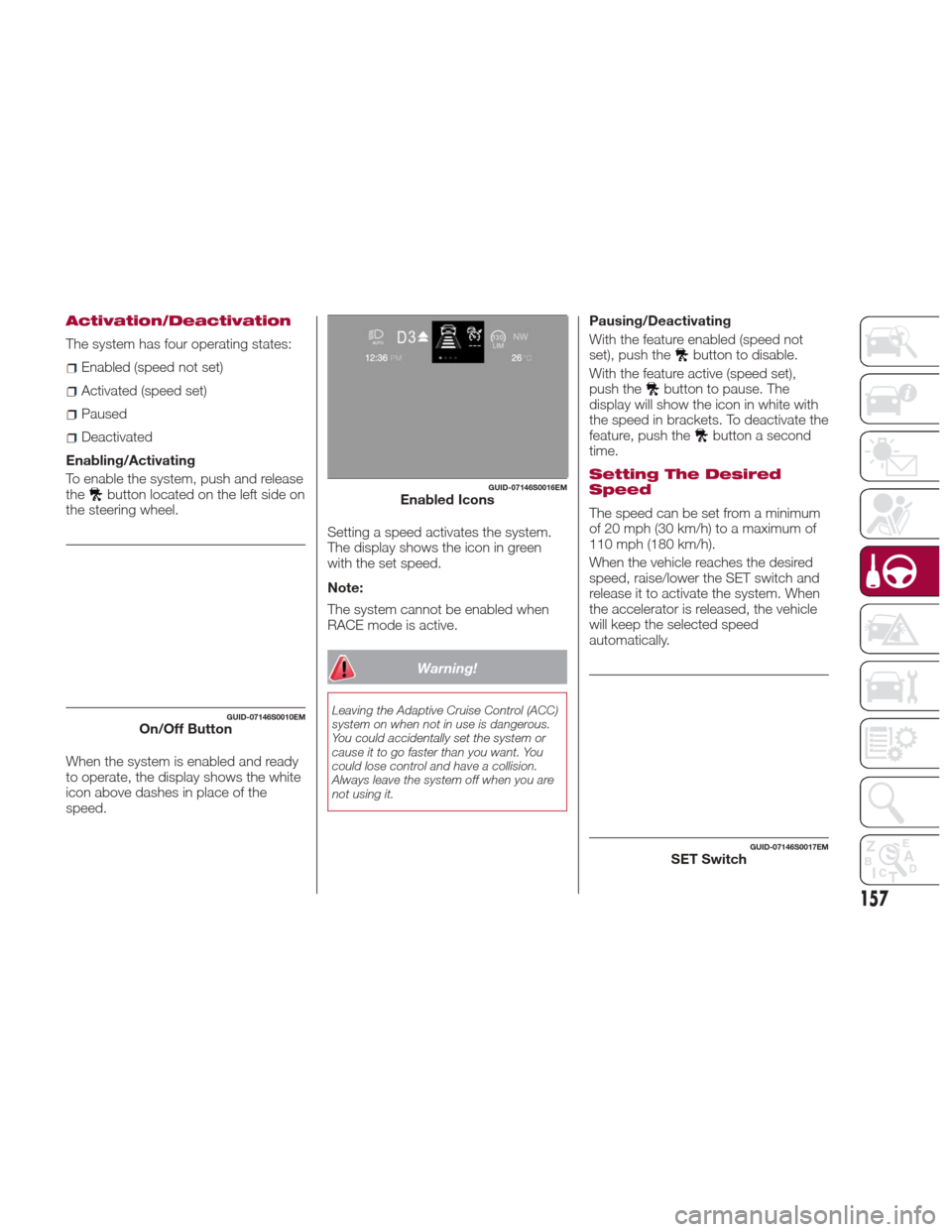
Enabling/Activating
To enable the system, push and release
the
button located on the left side on
the steering wheel.
When the system is enabled and ready
to operate, the display shows the white
icon above dashes in place of the
speed. Setting a speed activates the system.
The display shows the icon in green
with the set speed.
Note:
The system cannot be enabled when
RACE mode is active.
Warning!
Leaving the Adaptive Cruise Control (ACC)
system on when not in use is dangerous.
You could accidentally set the system or
cause it to go faster than you want. You
could lose control and have a collision.
Always leave the system off when you are
not using it.
Pausing/Deactivating
With the feature enabled (speed not
set), push the
button to disable.
With the feature active (speed set),
push the
button to pause. The
display will show the icon in white with
the speed in brackets. To deactivate the
feature, push the
button a second
time.
Setting The Desired
Speed
The speed can be set from a minimum
of 20 mph (30 km/h) to a maximum of
110 mph (180 km/h).
When the vehicle reaches the desired
speed, raise/lower the SET switch and
release it to activate the system. When
the accelerator is released, the vehicle
will keep the selected speed
automatically.
GUID-07146S0010EMOn/Off Button
GUID-07146S0016EMEnabled Icons
GUID-07146S0017EMSET Switch
157
Page 173 of 268
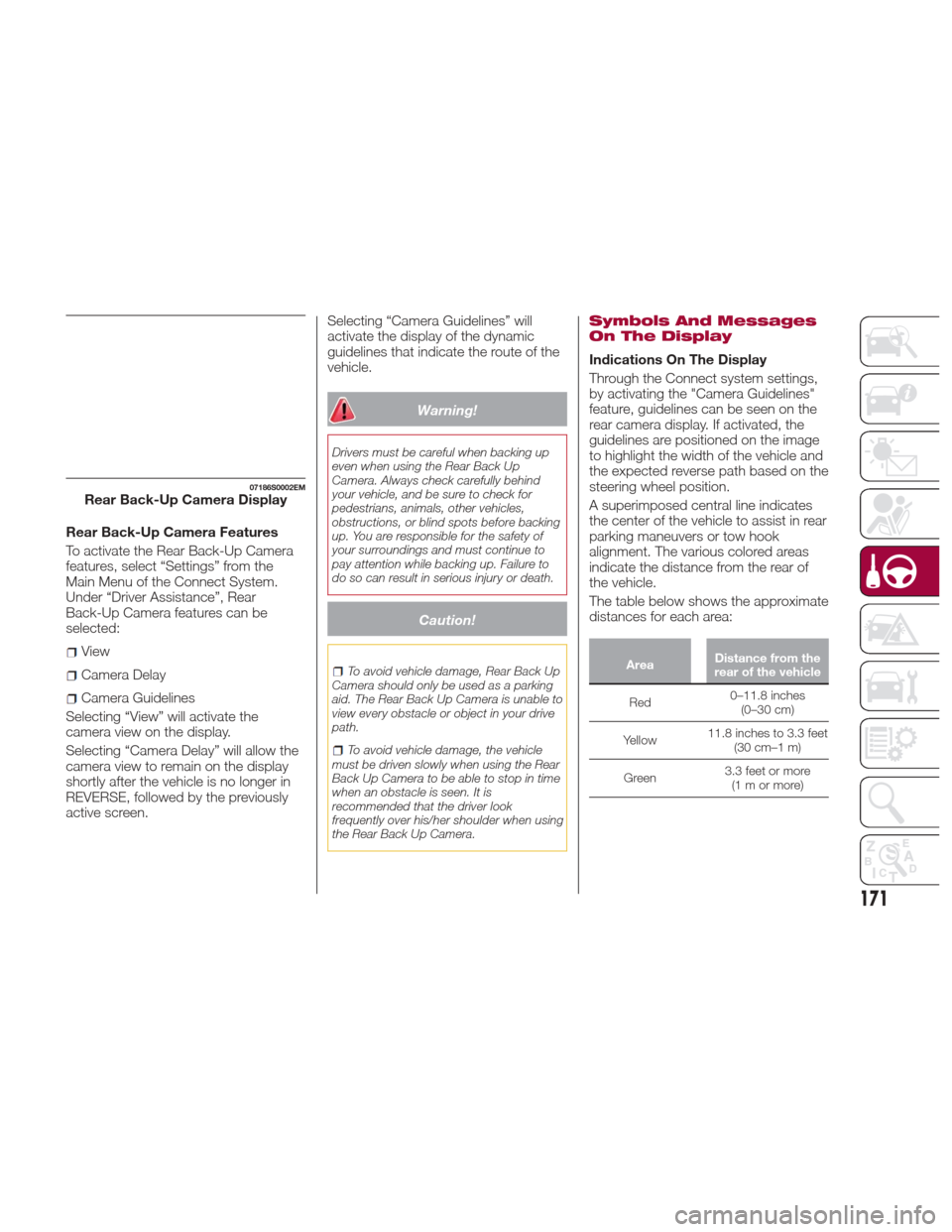
Rear Back-Up Camera Features
To activate the Rear Back-Up Camera
features, select “Settings” from the
Main Menu of the Connect System.
Under “Driver Assistance”, Rear
Back-Up Camera features can be
selected:
View
Camera Delay
Camera Guidelines
Selecting “View” will activate the
camera view on the display.
Selecting “Camera Delay” will allow the
camera view to remain on the display
shortly after the vehicle is no longer in
REVERSE, followed by the previously
active screen. Selecting “Camera Guidelines” will
activate the display of the dynamic
guidelines that indicate the route of the
vehicle.
Warning!
Drivers must be careful when backing up
even when using the Rear Back Up
Camera. Always check carefully behind
your vehicle, and be sure to check for
pedestrians, animals, other vehicles,
obstructions, or blind spots before backing
up. You are responsible for the safety of
your surroundings and must continue to
pay attention while backing up. Failure to
do so can result in serious injury or death.
Caution!
To avoid vehicle damage, Rear Back Up
Camera should only be used as a parking
aid. The Rear Back Up Camera is unable to
view every obstacle or object in your drive
path.
To avoid vehicle damage, the vehicle
must be driven slowly when using the Rear
Back Up Camera to be able to stop in time
when an obstacle is seen. It is
recommended that the driver look
frequently over his/her shoulder when using
the Rear Back Up Camera.
Symbols And Messages
On The Display
Indications On The Display
Through the Connect system settings,
by activating the "Camera Guidelines"
feature, guidelines can be seen on the
rear camera display. If activated, the
guidelines are positioned on the image
to highlight the width of the vehicle and
the expected reverse path based on the
steering wheel position.
A superimposed central line indicates
the center of the vehicle to assist in rear
parking maneuvers or tow hook
alignment. The various colored areas
indicate the distance from the rear of
the vehicle.
The table below shows the approximate
distances for each area:
Area Distance from the
rear of the vehicle
Red 0–11.8
inches
(0–30 cm)
Yellow 11.8 inches to 3.3 feet
(30 cm–1 m)
Green 3.3 feet or more
(1mormore)
07186S0002EMRear Back-Up Camera Display
171
Page 197 of 268
12. Apply the adhesive label from the
sealant bottle where it can be easily
seen by the driver as a reminder that
the tire has been treated with a Tire
Repair Kit, as well as not to exceed the
speed restriction for the treated tire.
Warning!
Do not adhere the speed restriction sticker
to the padded area on the steering wheel.
Adhering the speed restriction sticker to
the padded area on the steering wheel is
dangerous because the air bag may not
operate (deploy) normally resulting in
serious injury. In addition, do not adhere
the sticker to areas where warning lights or
the speedometer cannot be viewed.
Checking And Restoring
Tire Pressure
The compressor can also be used to
check and, if necessary, restore the tire
pressure.
Proceed as follows:
1. Release the quick connector and
connect it directly to the valve of the tire
to be inflated.
2. Push the air release button.
Sealant Cartridge
Replacement
Note:Only use original cartridges,
which can be purchased at an
authorized dealer.
Proceed as follows:
1. Remove the sealant cartridge by
pushing the release button located on
the side of the compressor.
2. Insert the new sealant cartridge by
pushing downward firmly.
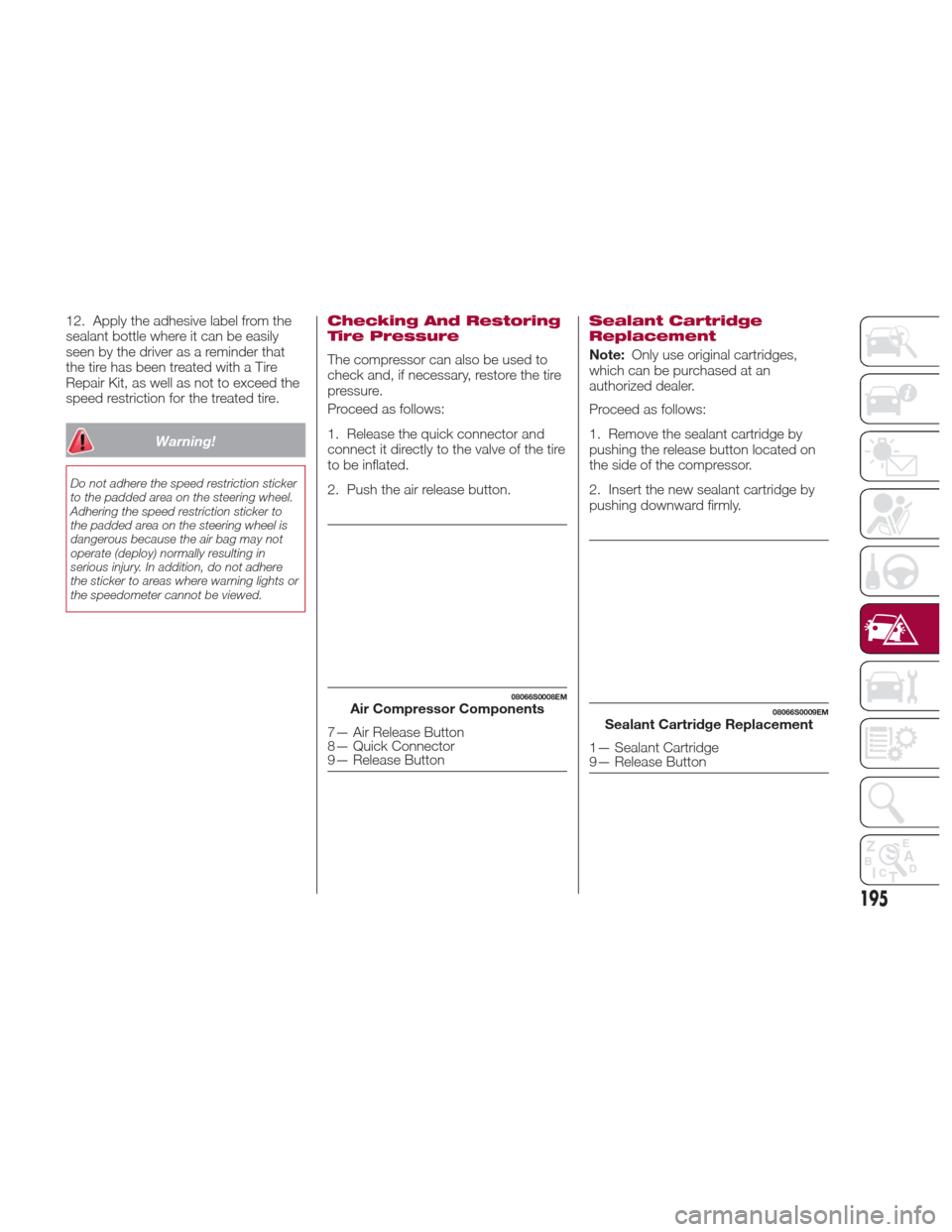
08066S0008EMAir Compressor Components
7— Air Release Button
8— Quick Connector
9— Release Button
08066S0009EMSealant Cartridge Replacement
1— Sealant Cartridge
9— Release Button
195
Page 213 of 268

Engine Coolant Fluid
If the level is too low, unscrew the cap
of reservoir and add the fluid described
in the "Technical Specifications"
chapter.
Washer Fluid For
Windshield/Headlights
The windshield and headlights washer
fluid reservoir (if equipped) has a
telescopic filler.
If the level is too low, remove reservoir
cap and lift the filler. Then, add the fluid
described in the "Technical
Specifications" chapter.
Note:
The headlight washing system will not
work if the liquid level is low (situation
indicated by the symbol on the
instrument panel display). The
windshield washer will keep working.
On vehicles equipped with headlight
washers, if equipped, there is a
reference notch on the dipstick: ONLY
the windshield/rear window washer
operates with the level below this
reference.
Brake Fluid
Check that the fluid is at the maximum
level. If the fluid level in the tank is low,
contact your authorized dealer to have
the system checked.
Automatic Transmission
Activation System Oil
The transmission control oil level should
only be checked at your authorized
dealer.
Useful Advice For
Extending The Life Of
Your Battery
To avoid draining your battery and
make it last longer, observe the
following instructions:
When you park the car, ensure that
the doors and trunk are closed properly
to prevent any lights from remaining on
inside the passenger's compartment.
Do not keep accessories (e.g. radio,
hazard warning lights, etc.) switched on
for a long time when the engine is not
running.
Before performing any operation on
the electrical system, disconnect the
negative battery cable.
If, after purchasing the car, you wish to
install electrical accessories that require
permanent electrical supply (e.g. alarm,
etc.), or accessories which influence the
electrical supply requirements, contact
your authorized dealer, whose qualified
staff will evaluate the overall electrical
consumption.
Caution!
If the charge level remains under 50% for a
long time, the battery may be damaged by
sulphation, reducing its capacity and
efficiency at start the vehicle. The battery is
also more prone to the risk of freezing (at
temperatures as high as 14°F (-10°C).
Note:
After the battery is disconnected, the
steering must be initialized. The
warning light on the instrument
panel switches on to indicate this. To
carry out this procedure, simply turn the
steering wheel all the way from one end
to the other, and then turn it back to the
central position.
211
Page 235 of 268
Warning!
Do not use a tire, wheel size, load rating,
or speed rating other than that specified for
your vehicle. Some combinations of
unapproved tires and wheels may change
suspension dimensions and performance
characteristics, resulting in changes to
steering, handling, and braking of your
vehicle. This can cause unpredictable
handling and stress to steering and
suspension components. You could lose
control and have a collision resulting in
serious injury or death. Use only the tire
and wheel sizes with load ratings approved
for your vehicle.
Never use a tire with a smaller load
index or capacity, other than what was
originally equipped on your vehicle. Using a
tire with a smaller load index could result in
tire overloading and failure. You could lose
control and have a collision.
Failure to equip your vehicle with tires
having adequate speed capability can
result in sudden tire failure and loss of
vehicle control.
Caution!
Replacing original tires with tires of a
different size may result in false
speedometer and odometer readings.
DEPARTMENT OF
TRANSPORTATION
UNIFORM TIRE
QUALITY GRADES
The following tire grading categories
were established by the National
Highway Traffic Safety Administration.
The specific grade rating assigned by
the tire's manufacturer in each category
is shown on the sidewall of the tires on
your vehicle.
All passenger vehicle tires must
conform to Federal safety requirements
in addition to these grades.
Treadwear
The Treadwear grade is a comparative
rating, based on the wear rate of the
tire when tested under controlled
conditions on a specified government
test course. For example, a tire graded
150 would wear one and one-half times
as well on the government course as a
tire graded 100. The relative
performance of tires depends upon the
actual conditions of their use, however,
and may depart significantly from the
norm due to variations in driving habits,
service practices, and differences in
road characteristics and climate.
Traction Grades
The Traction grades, from highest to
lowest, are AA, A, B, and C. These
grades represent the tire's ability to
stop on wet pavement, as measured
under controlled conditions on specified
government test surfaces of asphalt
and concrete. A tire marked C may
have poor traction performance.
Warning!
The traction grade assigned to this tire is
based on straight-ahead braking traction
tests, and does not include acceleration,
cornering, hydroplaning, or peak traction
characteristics.
233