Page 63 of 297

UNDERSTANDING THE FEATURES OF YOUR VEHICLE
CONTENTS
�MIRRORS ...........................63
▫ Inside Day/Night Mirror ...............63
▫ Outside Mirrors ......................63
▫ Power Mirrors .......................64
▫ Folding Mirrors .......................65
▫ Heated Mirrors ......................65
� REMOVABLE SOFT TOP — IF EQUIPPED .....65
▫ Installing The Soft Top ..................66
� SEATS ..............................71
▫ Manual Seats ........................72
▫ Non-Adjustable Head Restraints ..........73
� TO OPEN AND CLOSE THE DECKLID ......74
� LIGHTS .............................77
▫ Multifunction Lever ....................77 ▫
Headlights ..........................77
▫ Daytime Running Lights ................78
▫ High Beams .........................78
▫ Flash-To-Pass ........................78
▫ Parking Lights .......................78
▫ Turn Signals .........................78
▫ Lane Change Assist ...................78
▫ Follow Me Home/Headlight Delay —
If Equipped .........................79
▫ Dimmer Controls .....................79
▫ Interior Light ........................80
� WINDSHIELD WIPERS AND WASHERS .....81
▫ Intermittent Wiper System ..............81
▫ Windshield Wiper Operation .............813
Page 79 of 297
LIGHTS
Multifunction Lever
The multifunction lever, located on the left side of the
steering wheel, controls the operation of the headlights,
headlight beam selection, passing light and turn sig-
nals.
NOTE:The external lights can only be turned on with
the ignition in the ON/RUN position.
Headlights
Rotate the end of the multifunction lever
upward to the first detent for headlight
operation.
NOTE: When the headlights are turned on, the Daytime
Running Lights will be deactivated.
Multifunction Lever
Headlight Operation
3
UNDERSTANDING THE FEATURES OF YOUR VEHICLE 77
Page 80 of 297

Daytime Running Lights
To activate the Daytime Running Lights (DRL), rotate
the end of the multifunction lever to theOsymbol.
NOTE: The low beams and side/tail lights will not be
on with DRL.
High Beams
With the low beams activated, pull the multi-
function lever towards the steering wheel to turn
on the high beams. A high beam symbol will illuminate
in the cluster to indicate the high beams are on. Pull the
multifunction lever a second time to switch the head-
lights back to low beam.
Flash-To-Pass
You can signal another vehicle with your headlights by
partially pulling the multifunction lever toward the
steering wheel. This will cause the high beam head-
lights to turn on until the lever is released.
Parking Lights
To turn on the parking lights, remove the key
or turn the ignition to OFF/LOCK position
and turn on the headlights.
Turn Signals
Move the multifunction lever up or down and the
arrows on each side of the instrument cluster display
will flash to show proper operation of the front and rear
turn signal lights.
NOTE: If either light remains on and does not flash, or
there is a very fast flash rate, check for a defective
outside light bulb. If an indicator fails to light when the
lever is moved, it would suggest that the indicator bulb
is defective.
Lane Change Assist
Tap the lever up or down once, without moving beyond
the detent, and the turn signal (right or left) will flash
five times then automatically turn off.
78 UNDERSTANDING THE FEATURES OF YOUR VEHICLE
Page 81 of 297
Follow Me Home/Headlight Delay — If Equipped
When this feature is selected the driver can choose to
have the headlights remain on for a preset period of
time.
Activation
Remove the key or turn the ignition to the STOP
(OFF/LOCK) position, and pull the multifunction lever
toward the steering wheel, within two minutes. Each
time the lever is pulled, the activation of the lights will
be extended by 30 seconds. The activation of the lights
can be extended to a maximum of 210 seconds.
Deactivation
Pull the multifunction lever toward the steering wheel
and hold it for more than two seconds.
Dimmer Controls
The dimmer controls are located on the left side of the
instrument panel below the instrument cluster.
Pushing the up or down arrow will increase or decrease
the brightness of the instrument panel lights.
Dimmer Controls
3
UNDERSTANDING THE FEATURES OF YOUR VEHICLE 79
Page 82 of 297
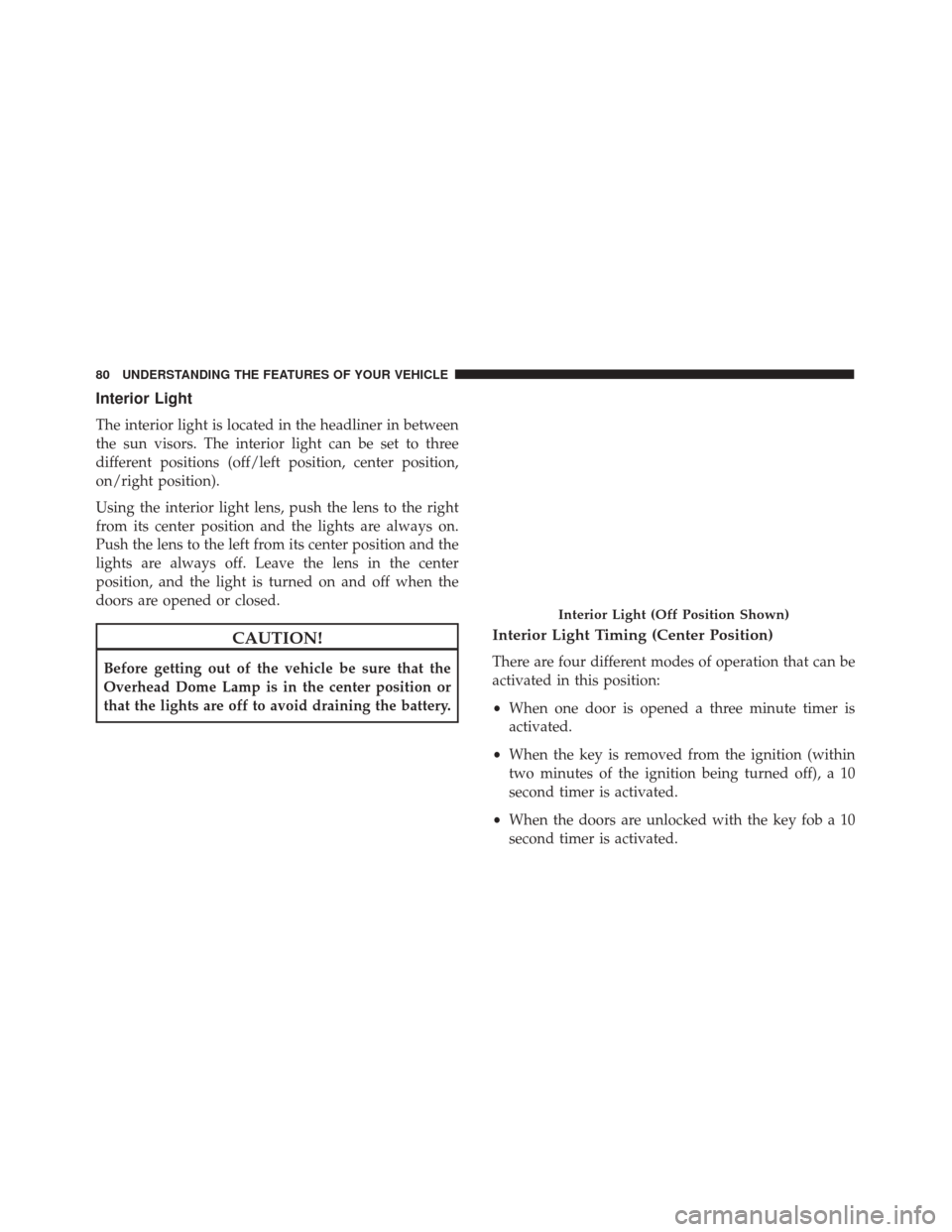
Interior Light
The interior light is located in the headliner in between
the sun visors. The interior light can be set to three
different positions (off/left position, center position,
on/right position).
Using the interior light lens, push the lens to the right
from its center position and the lights are always on.
Push the lens to the left from its center position and the
lights are always off. Leave the lens in the center
position, and the light is turned on and off when the
doors are opened or closed.
CAUTION!
Before getting out of the vehicle be sure that the
Overhead Dome Lamp is in the center position or
that the lights are off to avoid draining the battery.
Interior Light Timing (Center Position)
There are four different modes of operation that can be
activated in this position:
•When one door is opened a three minute timer is
activated.
• When the key is removed from the ignition (within
two minutes of the ignition being turned off), a 10
second timer is activated.
• When the doors are unlocked with the key fob a 10
second timer is activated.
Interior Light (Off Position Shown)
80 UNDERSTANDING THE FEATURES OF YOUR VEHICLE
Page 83 of 297

•When the doors are locked with the key fob the lights
will turn off.
WINDSHIELD WIPERS AND WASHERS
The windshield wiper/washer controls are located on
the windshield wiper/washer lever on the right side of
the steering column. The front wipers are operated by
rotating a switch, located on the end of the lever.
Intermittent Wiper System
Use the intermittent wiper when weather conditions
make a single wiping cycle with a variable pause
between cycles. Rotate the end of the multifunction
lever to the first detent position. There are four possible
delay intervals that depend on the vehicle speed.
Windshield Wiper Operation
Rotate the end of the lever upward, to the first detent
past the intermittent settings for low-speed wiper op-
eration. Rotate the end of the lever upward to the
second detent past the intermittent settings for high-
speed wiper operation.
Mist
Use the mist feature when weather conditions make
occasional usage of the wipers necessary. Push the lever
upward to the mist position and release for a single
wiping cycle.
NOTE: The mist feature does not activate the washer
pump; therefore, no washer fluid will be sprayed on the
windshield. The wash function must be used in order to
spray the windshield with washer fluid.
Windshield Wiper/Washer Lever
3
UNDERSTANDING THE FEATURES OF YOUR VEHICLE 81
Page 92 of 297
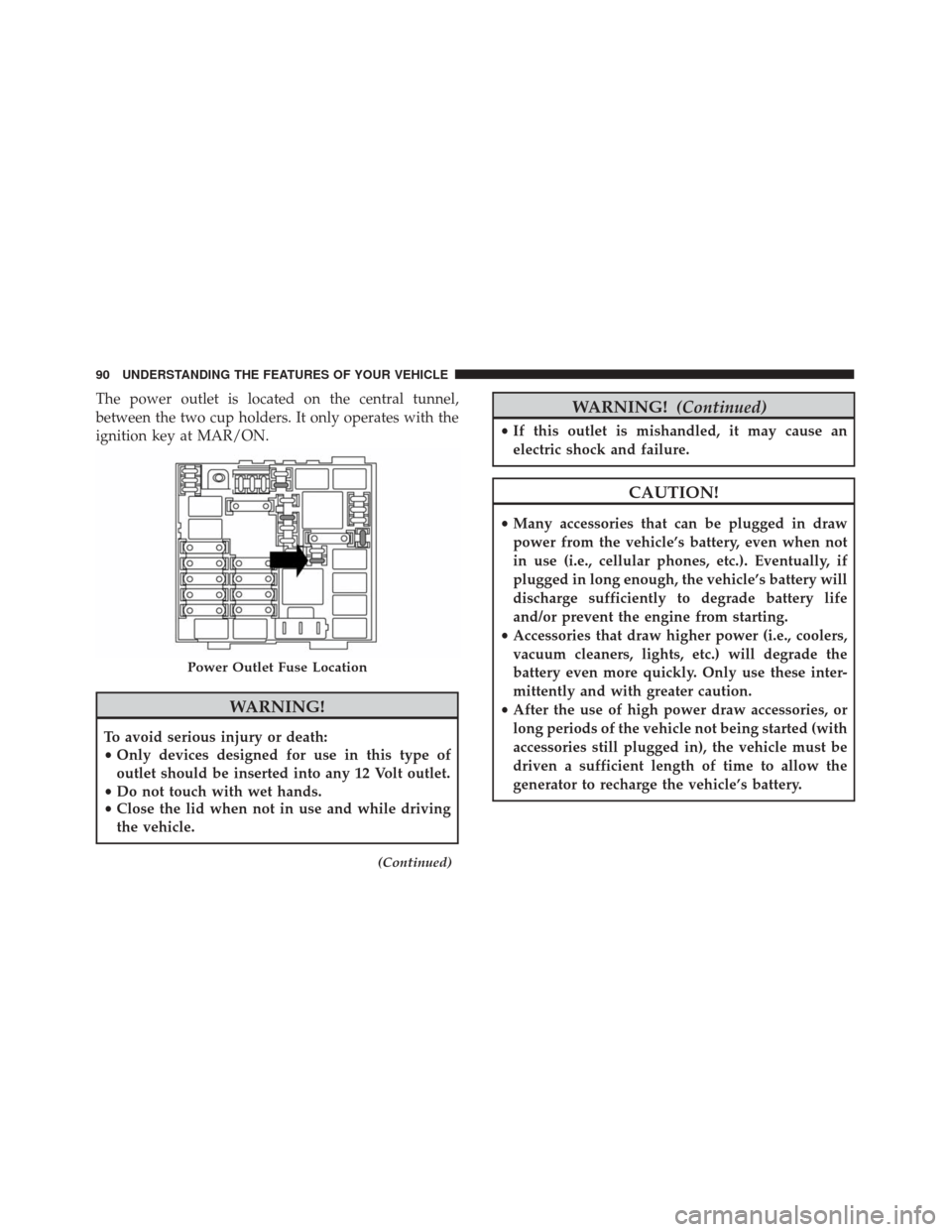
The power outlet is located on the central tunnel,
between the two cup holders. It only operates with the
ignition key at MAR/ON.
WARNING!
To avoid serious injury or death:
•Only devices designed for use in this type of
outlet should be inserted into any 12 Volt outlet.
• Do not touch with wet hands.
• Close the lid when not in use and while driving
the vehicle.
(Continued)
WARNING! (Continued)
•If this outlet is mishandled, it may cause an
electric shock and failure.
CAUTION!
•Many accessories that can be plugged in draw
power from the vehicle’s battery, even when not
in use (i.e., cellular phones, etc.). Eventually, if
plugged in long enough, the vehicle’s battery will
discharge sufficiently to degrade battery life
and/or prevent the engine from starting.
• Accessories that draw higher power (i.e., coolers,
vacuum cleaners, lights, etc.) will degrade the
battery even more quickly. Only use these inter-
mittently and with greater caution.
• After the use of high power draw accessories, or
long periods of the vehicle not being started (with
accessories still plugged in), the vehicle must be
driven a sufficient length of time to allow the
generator to recharge the vehicle’s battery.
Power Outlet Fuse Location
90 UNDERSTANDING THE FEATURES OF YOUR VEHICLE
Page 97 of 297
UNDERSTANDING YOUR INSTRUMENT PANEL
CONTENTS
�INSTRUMENT PANEL FEATURES ..........96
� INSTRUMENT CLUSTER ................97
� WARNING AND INDICATOR LIGHTS .......99
▫ Red Telltale Indicator Lights .............100
▫ Yellow Telltale Indicator Lights ...........106
▫ Green Telltale Indicator Lights ...........113
▫ White Telltale Indicator Lights ...........115
▫ Blue Telltale Indicator Lights .............115
� INSTRUMENT CLUSTER DISPLAY .........116
▫ Instrument Cluster Display Setup Menu ....118▫
Change Engine Oil Indicator System ......125
▫ Trip Computer ..................... .125
▫ Values Displayed ....................127
� CYBERSECURITY ..................... .129
� RADIO SYSTEM .......................130
� RADIO OPERATION AND MOBILE PHONES .130
▫ General Information ..................131
� HEATING AND VENTILATION ...........131
▫ Manual Climate Controls With A/C .......1314


