Page 118 of 557
117
uuLocking and Unlocking the Doors uLow Keyless Access Remote Signal Strength
Controls
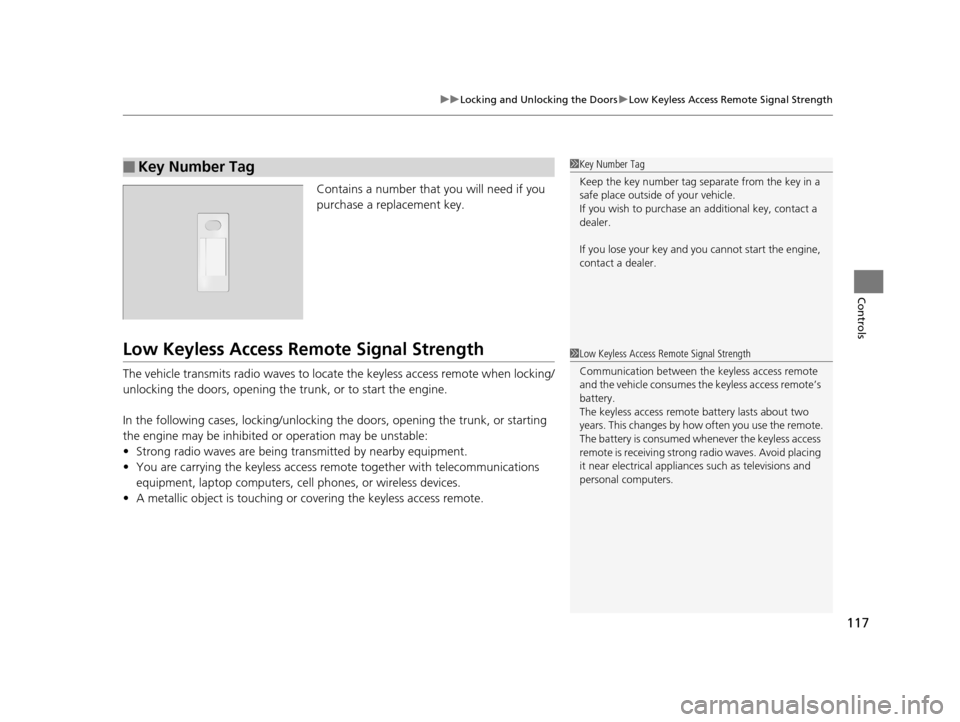
Contains a number that you will need if you
purchase a replacement key.
Low Keyless Access Re mote Signal Strength
The vehicle transmits radio waves to locate the keyless access remote when locking/
unlocking the doors, opening the trunk, or to start the engine.
In the following cases, locking/unlocking the doors, opening the trunk, or starting
the engine may be inhibited or operation may be unstable:
• Strong radio waves are being transmitted by nearby equipment.
• You are carrying the keyless access re mote together with telecommunications
equipment, laptop computers, ce ll phones, or wireless devices.
• A metallic object is touching or covering the keyless access remote.
■Key Number Tag1Key Number Tag
Keep the key number tag separate from the key in a
safe place outside of your vehicle.
If you wish to purchase an additional key, contact a
dealer.
If you lose your key and you cannot start the engine,
contact a dealer.
1 Low Keyless Access Remote Signal Strength
Communication between the keyless access remote
and the vehicle consumes the keyless access remote’s
battery.
The keyless access remote battery lasts about two
years. This changes by how often you use the remote.
The battery is consumed whenever the keyless access
remote is receivi ng strong radio wave s. Avoid placing
it near electrical appliances such as televisions and
personal computers.
17 ACURA RLX-31TY26300.book 117 ページ 2016年6月17日 金曜日 午前8時12分
Page 120 of 557

Continued119
uuLocking and Unlocking the Doors uLocking/Unlocking the Doors from the Outside
Controls
■Unlocking the vehicle
Grab the driver’s door handle:u The driver’s door unlocks.
u Some exterior lights flash twice and the
beeper sounds twice.
Grab the front passenger’s or rear
* door
handle: u All the doors unlock.
u Some exterior lights flash twice and the
beeper sounds twice.
Press the trunk release button: u The trunk unlocks and opens.
u The beeper sounds.
2 Using the Trunk Release Button P. 128
Trunk
Release
Button
1Using the Keyless Access System
If the distance at which the remote transmitter works
varies, the batter y is probably low.
If the LED does not come on when you press a
button, the battery is dead. 2 Replacing the Button Battery P. 481
You can customize the door lock mode and keyless
lock acknowledge ment setting.
2 Customized Features P. 103, 262
If you do not open a door within 30 seconds of
unlocking the vehicle, th e doors will automatically
relock.
When you go into the front side of the keyless access
system working range with all the doors locked, the
front and rear
* door outer handle ambient lights
come on for 30 seconds.
The lights do not come on if you have previously
stayed within the range for more than five minutes,
or the doors have been locked for a few days.
The feature activates again after you drive the
vehicle, then lock the doors.
The light flash, beep a nd unlock settings can be
customized using the audio/information screen or
multi-information display.
2 Customized Features P. 103, 262
* Not available on all models
17 ACURA RLX-31TY26300.book 119 ページ 2016年6月17日 金曜日 午前8時12分
Page 122 of 557
Continued121
uuLocking and Unlocking the Doors uLocking/Unlocking the Doors from the Outside
Controls
■Unlocking the doors
Press the unlock button.
Once: u Some exterior lights flash twice, and the driver’s door unlocks.
Twice: u The remaining doors unlock.1Using the Remote Transmitter
If the distance at which the remote transmitter works
varies, the batter y is probably low.
If the LED does not come on when you press a
button, the battery is dead. 2 Replacing the Button Battery P. 481
You can customize the door unlock mode setting. 2 Customized Features P. 103, 262
17 ACURA RLX-31TY26300.book 121 ページ 2016年6月17日 金曜日 午前8時12分
Page 123 of 557

uuLocking and Unlocking the Doors uLocking/Unlocking the Doors from the Outside
122
Controls
If the keyless remote battery or the vehicle battery is dead, use the key instead of the
keyless remote. Fully insert the key and turn it.
■Locking the front doors
Push the lock tab forward
a or push the
master door lock switch in the lock direction
b, and close the door.
■Locking the rear doors
Push the lock tab forward and close the door.
■Lockout prevention system
The doors cannot be locked wh en the keyless access remote is inside the vehicle, and
any door is open.
■Locking/Unlocking the Doors Using a Key1 Locking/Unlocking the Doors Using a Key
When you lock the driver’s door with a key, all the
other doors lock at the sa me time. When unlocking,
the driver’s door unlocks first. Turn the key a second
time within a few seconds to unlock the remaining
doors.
If you unlock the doors with the key, the alarm goes
off when you open the hood or move the shift lever
out of
( P before the power mode is set to ON.
You can customize the door unlock mode setting. 2 Customized Features P. 103, 262
Lock
Unlock
■Locking a Door Without Using a Key1Locking a Door Without Using a Key
When you lock the driver’s door, all the other doors
lock at the same time.
Make sure you have the key in your hand before
locking the door to prevent it from being locked in
the vehicle.
17 ACURA RLX-31TY26300.book 122 ページ 2016年6月17日 金曜日 午前8時12分
Page 133 of 557

uuSecurity System uSecurity System Alarm
132
Controls
■Setting the security system alarm
The security system alarm automatically sets when the following conditions have
been met:
• The power mode is set to VEHICLE OFF (LOCK).
• The hood and trunk are closed.
• All doors are locked from ou tside with the key, remote transmitter or keyless
access system.
■When the security system alarm sets
The security system indicator in the in strument panel blinks. When the blinking
interval changes after about 15 sec onds, the security system is set.
■To cancel the security system alarm
The security system is canceled when th e vehicle is unlocked using the remote
transmitter, or you grab either front door
* or any door* handle while carrying the
keyless access remote, or the power mode is set to ON. The security system indicator
goes off at the same time.
1 Security System Alarm
Do not set the security system alarm when someone
is in the vehicle or a window is open. The system can
accidentally activate when:
•Unlocking the door with the lock tab.•Opening the trunk with the trunk release button on
the driver’s door or the emergency trunk opener.
•Moving the shift lever out of ( P.•Opening the hood with the hood release.
If the battery goes dead after you have set the
security system alarm, the security alarm may go off
once the battery is re charged or replaced.
If this occurs, deactivate the security system alarm by
unlocking a door using the remote transmitter or
keyless access system.
Do not attempt to alter th is system or add another
device to it.
* Not available on all models
17 ACURA RLX-31TY26300.book 132 ページ 2016年6月17日 金曜日 午前8時12分
Page 138 of 557

137Continued
Controls
Operating the Switches Around the Steering Wheel
ENGINE START/STOP Button
■Changing the Power Mode1ENGINE START/STOP Button
ENGINE START/STOP Button Operating Range
You can start the engine when the keyless access
remote is inside the vehicle.
The engine may also run if the keyless access remote
is close to the door or window, even if it is outside the
vehicle.
ON mode:
Indicator in the button is of f, if the engine is running.
If the keyless access remote battery is weak, beeper
sounds and the To Start, Hold Remote Near Start
Button message appears on the multi-information
display. 2 If the Keyless Access Remote Battery is
Weak P. 510
Operating RangeVEHICLE OFF (LOCK)
Indicator in the button is off. The power to all
electrical components is turned off.
Press the button withou t the shift lever in
(P.
Shift to
( P then press the button.
Press the button.
Without depressing
the brake pedal ACCESSORY
Indicator in the button is on. Indicator in the
button blinks (from ON to ACCESSORY). Operate
the audio system and other accessories in this
position.
ON
Indicator in the button is on. All electrical
components can be used.
Indicator
Shift to (
P.
17 ACURA RLX-31TY26300.book 137 ページ 2016年6月17日 金曜日 午前8時12分
Page 139 of 557
138
uuOperating the Switches Around the Steering Wheel uENGINE START/STOP Button
Controls
If you leave the vehicle for 30 to 60 minutes with the shift lever in (P and the power
mode in ACCESSORY, the vehicle automati cally goes into the mode similar to
VEHICLE OFF (LOCK) to avoid the battery drain.
When in this mode, you cannot lock or unlock doors with the remote transmitter or
the keyless access system.
Press the ENGINE START/STOP button to switch the mode to VEHICLE OFF (LOCK).
If you open the driver’s doo r when the power mode is set to ACCESSORY, a warning
buzzer sounds.
■Automatic Power Off
■Power Mode Reminder
17 ACURA RLX-31TY26300.book 138 ページ 2016年6月17日 金曜日 午前8時12分
Page 142 of 557

141
uuOperating the Switches Around the Steering Wheel uLight Switches
Continued
Controls
Light Switches
Rotating the light switch turns the lights on
and off, regardless of the power mode
setting.
■High beams
Push the lever forward until you hear a click.
■Low beams
When in high beams, pull the lever back to
return to low beams.
■Flashing the high beams
Pull the lever back, and release it.
■Lights off
Turn the lever to OFF either when:
• The shift lever is in
(P.
• The parking brake is applied.
To turn the light s on again, turn the lever to
OFF to cancel the lights off mode. Even if you
do not cancel the lights off mode, the lights
come on automatically when:
• The shift lever is moved out of
(P.
• The parking brake is released.
• The vehicle starts to move.
■Manual Operation1Light Switches
If you leave the power mode in VEHICLE OFF (LOCK)
with the lights on, a light on reminder chime will
sound when you open the driver’s door.
When the lights are on, the lights on indicator in the
instrument pane l will be on.
2 Lights On Indicator P. 77
If you sense that the le vel of the headlights is
abnormal, have the vehicl e inspected by a dealer.
Do not leave the lights on when the engine is off
because it will cause the battery to discharge.
Your vehicle is equipped with the automatic
headlight adjusting system that automatically adjusts
the vertical angle of the headlights. If you find a
significant change in th e vertical angle of the
headlights, there may be a problem with the system.
Have your vehicle checked by a dealer.
High Beams
Flashing the high beams
Low Beams
Turns on parking, side marker,
tail, and rear license plate lights
Turns on headlights, parking, side
marker, tail, and rear license plate
lights
17 ACURA RLX-31TY26300.book 141 ページ 2016年6月17日 金曜日 午前8時12分

