Page 104 of 473

103
Controls
This chapter explains how to operate the various controls necessary for driving.
Clock.................................................. 104
Locking and Unlocking the Doors Key Types and Functions .................. 105
Low Keyless Access Remote Signal Strength ......................................... 106
Locking/Unlocking the Doors from the
Outside .......................................... 107
Locking/Unlocking the Doors from the Inside ............................................. 115
Auto Door Locking/Unlocking .......... 118
Opening and Closing the Hatch....... 119
Security System ................................ 122
Immobilizer System .......................... 122 Security System Alarm...................... 122Opening and Closing the Windows.... 125Operating the Switches Around the
Steering Wheel ENGINE START/STOP Button............. 127
Turn Signals ..................................... 130
Light Switches.................................. 131
Daytime Running Lights ................... 134
Wipers and Washers ........................ 135
Brightness Control ........................... 136
Rear Defogger/Heated Door Mirror Button.....137Driving Position Memory System*.... 138
Adjusting the Steering Wheel........... 140 Adjusting the Mirrors
....................... 141
Interior Rearview Mirror ................... 141
Power Door Mirrors ......................... 142
Adjusting the Seats .......................... 144
Interior Lights/Interior Convenience Items ................................................ 149
Interior Lights .................................. 149
Interior Convenience Items .............. 151
Climate Control System ................... 156
Using Automatic Climate Control .... 156Automatic Climate Control Sensors......160
* Not available on all models
17 NSX-31T6N6000.book 103 ページ 2016年4月22日 金曜日 午後3時44分
Page 157 of 473

156
Controls
Climate Control System
Using Automatic Climate Control
The automatic climate control system maintains the interior temperature you select.
The system also selects the proper mix of heated or cooled air to raise or lower the
interior temperature to your pr eference as quickly as possible. Use the system when the power system is ON.
1.
Press the AUTO button.
2. Adjust the interior temperature using the dr iver’s side or passenger’s side control
buttons.
3. Press the button to cancel.
1Using Automatic Climate Control
Press the CLIMATE button to display A/C, MODE, fan
control information on the audio/information screen
for several seconds. Select icon to turn on or off A/C,
change the vent mode, or change the fan speed.
If any buttons are presse d while using the climate
control system in auto, the function of the button
that was pressed will take priority.
The AUTO indicator will go off, but functions
unrelated to the button th at was pressed will be
controlled automatically.
To prevent cold air from bl owing in from outside, the
fan may not start i mmediately when the AUTO
button is pressed.
If the interior is very warm, you can cool it down
more rapidly by partial ly opening the windows,
turning the system to AUTO, and setting the
temperature to low. Change the fresh mode to
recirculation mode until the temperature cools down.
When you set the temperat ure to the lower or upper
limit, Lo or Hi is displayed.
Pressing the button switches the climate control
system on or off. When turned on, the system returns
to your last selection.
*1: MID vents provide supple mental air to the lower
body of the occupant(s). MID vents can be used
together with any other vent mode.
Dashboard
vents Dashboard
and floor
vents Floor vents Floor and
defroster
ventsMID vents*1
17 NSX-31T6N6000.book 156 ページ 2016年4月22日 金曜日 午後3時44分
Page 158 of 473
157
uuClimate Control System uUsing Automatic Climate Control
Continued
Controls
■Switching between the recirc ulation and fresh air modes
Press the (recirculation) button a nd switch the mode depending on
environmental conditions.
Recirculation mode (indicator on): Recirculat es air from the vehicle’s interior through
the system.
Fresh air mode (indicator off): Maintains outside ventilation. Keep the system in
fresh air mode in normal situations.
17 NSX-31T6N6000.book 157 ページ 2016年4月22日 金曜日 午後3時44分
Page 159 of 473

uuClimate Control System uUsing Automatic Climate Control
158
Controls
Pressing the (windshield defroster) button
turns the air conditioning system on and
automatically switches th e system to fresh air
mode.
Press the button again to turn off, the
system returns to the previous settings.
■To rapidly defrost the windows 1.Press the button.
2. Press the button.
■Defrosting the Windshield and Windows1Defrosting the Windshield and Windows
For your safety, make sure you have a clear view
through all the windows before driving.
Do not set the temperatur e near the upper or lower
limit.
When cold air hits the windshield, the outside of the
windshield may fog up.
If the side windows fog up, adjust the vents so that
the air hits th e side windows.
1To rapidly defrost the windows
After defrosting the windows, switch over to fresh air
mode. If you keep the syst em in recirculation mode,
the windows may fog up from humidity. This
impedes visibility.
17 NSX-31T6N6000.book 158 ページ 2016年4月22日 金曜日 午後3時44分
Page 160 of 473
159
uuClimate Control System uSynchronized Mode
Controls
Synchronized Mode
You can set the temperature synchronously for the driver’s side and the passenger’s
side in synchronized mode.
1. Press the SYNC button.
u The system switches to synchronized mode.
2. Adjust the temperature using the driver’s side temperature control buttons.
Press the SYNC button to return to dual mode.
1Synchronized Mode
When the system is in dua l mode, the driver’s side
temperature and the passe nger’s side temperature
can be set separately.
SYNC Button
Driver Side
Temperature
Control
Button
Passenger Side
Temperature
Control
Button
17 NSX-31T6N6000.book 159 ページ 2016年4月22日 金曜日 午後3時44分
Page 161 of 473
160
uuClimate Control System uAutomatic Climate Control Sensors
Controls
Automatic Climate Control Sensors
The automatic climate control system is
equipped with sensors. Do not cover or spill
any liquid on them.Sensor
Sensor
17 NSX-31T6N6000.book 160 ページ 2016年4月22日 金曜日 午後3時44分
Page 186 of 473

185
uuAudio System Basic Operation uVoice Control Operation
Continued
FeaturesWhen the (Talk) button is pressed,
available voice comma nds appear on the
screen.
For a complete list of commands, say “ Voice
Help ” after the beep or select Voice Help.
You can see the list of commands in Voice
Info on the Info menu screen. Select Info,
then select .
*1: Models with navigation system
■Voice Portal Screen■Phone Call
This can be only used when the phone is
connected. When the sy stem recognizes the
Phone call command, the screen will
change to the voice re cognition screen for
phone commands.
• Dial by number
• Call history
• Redial
• Call
• Call
• Call Police
• Call 911
Phone Call commands are not available if
using Apple CarPlay.
■Music Search*1
This can be only used when the iPod or USB
device is connected.
■Climate Control*1
When the system recognizes the Climate
Control command, the screen will change
the dedicated screen to the climate control
voice recognition screen.
2 Climate Control Commands*1 P. 187
■Audio*1
When the system recognizes the Audio
command, the screen will change to the
audio voice recognition screen.
• Audio On
• Audio Off
• Radio FM
• Radio SXM
*
•Pandora*
•iPod
• USB
• Other Sources
When there is an ac tive connection to
Android Auto, Pandora
* can only be played
from within Android Auto.
■Navigation*1
The screen changes to the navigation
screen.
2 Refer to the Navigation System Manual
■Voice Setting
The screen changes to the Voice Recog tab
on the System settings screen.
* Not available on all models
17 NSX-31T6N6000.book 185 ページ 2016年4月22日 金曜日 午後3時44分
Page 187 of 473
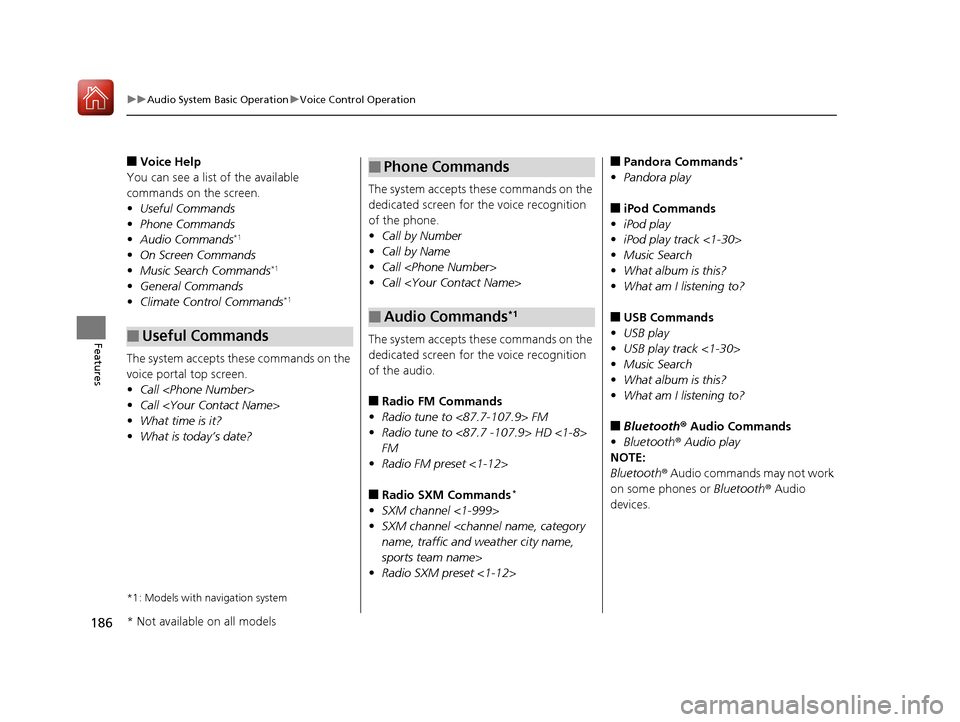
186
uuAudio System Basic Operation uVoice Control Operation
Features
■Voice Help
You can see a list of the available
commands on the screen.
• Useful Commands
• Phone Commands
• Audio Commands
*1
•On Screen Commands
• Music Search Commands*1
•General Commands
• Climate Control Commands*1
The system accepts these commands on the
voice portal top screen.
•Call
• Call
• What time is it?
• What is today’s date?
*1: Models with navigation system
■Useful Commands
The system accepts these commands on the
dedicated screen for the voice recognition
of the phone.
• Call by Number
• Call by Name
• Call
• Call
The system accepts these commands on the
dedicated screen for the voice recognition
of the audio.
■Radio FM Commands
• Radio tune to <87.7-107.9> FM
• Radio tune to <87.7 -107.9> HD <1-8>
FM
• Radio FM preset <1-12>
■Radio SXM Commands*
•SXM channel <1-999>
• SXM channel
name, traffic and weather city name,
sports team name>
• Radio SXM preset <1-12>
■Phone Commands
■Audio Commands*1
■Pandora Commands*
•Pandora play
■iPod Commands
• iPod play
• iPod play track <1-30>
• Music Search
• What album is this?
• What am I listening to?
■USB Commands
• USB play
• USB play track <1-30>
• Music Search
• What album is this?
• What am I listening to?
■Bluetooth ® Audio Commands
• Bluetooth ® Audio play
NOTE:
Bluetooth ® Audio commands may not work
on some phones or Bluetooth ® Audio
devices.
* Not available on all models
17 NSX-31T6N6000.book 186 ページ 2016年4月22日 金曜日 午後3時44分


