Page 123 of 256

2.47
AUTOMATIC GEARBOX (3/4)
Special circumstances
– Depending on the vehicle, snow position: if you are driving on slip-
pery surfaces (snow, mud, etc.)
press switch 5, the operating indica-
tor light 6 comes on.
Once these special driving con-
ditions no longer apply, exit this
function by pressing switch 5
again. The warning light 6 goes
out.
5
– If the road contour and bends in
the road do not allow you to stay in
automatic mode (e.g.: in mountain-
ous areas), it is recommended that
you switch to manual mode.
This will prevent the automatic gear-
box from changing gears repeatedly
when climbing, and permit engine
braking on long descents.
– In cold weather , to prevent the
engine from stalling, wait a few sec-
onds before moving the selector
lever from position P or N and en-
gaging it in D or R. –
Vehicles not fitted with traction
control: on a slippery surface or
surface with a low level of adhesion,
change to manual mode and select
second gear (or even third) before
starting the engine to avoid wheel-
spin when accelerating.
In very cold weather, the system
may prevent the gears from being
shifted in manual mode until the
gearbox reaches the right tempera-
ture.
6
Page 125 of 256

2.49
This function is an addi-
tional aid that indicates the
distance between the vehi-
cle and an obstacle whilst
reversing, using sound signals.
Under no circumstances should it
replace the driver’s care or respon-
sibility whilst reversing.
The driver should always look out
for sudden hazards during driving:
always ensure that there are no
moving obstacles (such as a child,
animal, pram, bicycle, etc.) or small,
narrow objects such as stones or
posts in your path when manoeu-
vring.
Operating principle
Ultrasonic sensors, fitted in the vehi-
cle’s rear bumper, measure the dis-
tance between the vehicle and an ob-
stacle when reversing.
This measurement is indicated by
beeps which become more frequent the
closer you come to the obstacle, until
they become a continuous beep when
the vehicle is approximately 40 centi-
metres from the obstacle.
There is a beep when reverse gear is
engaged. If the beep sounds for a long
time (3 seconds), this signals an oper-
ating fault.
NB: ensure that the ultrasonic sensors
are not obscured (by dirt, mud, snow,
etc.).
PARKING DISTANCE CONTROL (1/2)
An impact to the under-
side of the vehicle while
manoeuvring (e.g.: strik-
ing a post, raised kerb or
other street furniture) may result in
damage to the vehicle (e.g.: defor-
mation of an axle).
To avoid any risk of accident, have
your vehicle checked by an ap-
proved dealer.
Page 127 of 256
2.51
Note: make sure that the reversing
camera is not obscured (by dirt, mud,
snow, etc.).
REVERSING CAMERA (1/2)
Operation
When using reverse gear, the camera 1
located near the tailgate sends a view
of the area behind the vehicle to the
multimedia display 2 together with a
static guide line.
This system is used with the aid of a
fixed distance gauge. When the red
zone is reached, use the bumper image
to stop accurately.
This function is an additional aid. It cannot, therefore, under any circ\
um-
stances replace the vigilance or the responsibility of the driver.
The driver should always pay attention to sudden incidents during driv-
ing: always ensure that there are no moving obstacles (such as a child,\
animal, pram, bicycle, etc.) or small, narrow objects such as stones or\
posts in
your path when manoeuvring.
1
2
Page 132 of 256

3.4
HEATING, VENTILATION, AIR CONDITIONING (1/3)
23415
ControlsThe controls will depend on the vehicle
equipment level.
1 Distribution of air.
2 Switching air conditioning on or off.
3 Adjusting the ventilation fan speed.
4 De-icing/demisting of the rear screen and, depending on the vehicle, the
door mirrors and windscreen.
5 Air temperature adjuster.
6 Switching passenger compartment isolation mode/air recirculation mode
on
Adjusting the air temperature
Turn control 5 to obtain the desired
temperature. The further towards the
red the slide is, the higher the tempera-
ture will be.
Adjusting the ventilation fan
speed.
Turn control 3 from 0 to 4. The further
to the right it is positioned, the more air
is blown into the passenger compart-
ment. If you want to shut off the flow of
air completely and stop the system, set
control 3 to 0.
The system is deactivated: the ventila-
tion speed for the passenger compart-
ment air is zero (vehicle stationary),
you can however still feel a slight flow
of air when the vehicle is moving.
Leaving this control in position 0 for
prolonged periods can lead to con-
densation forming on the side win-
dows and windscreen and problems
due to the use of non-renewed air in
the passenger compartment.
6
Information and advice on use: refer
to information on “Air conditioning: in-
formation and advice on use”.
Depending on the vehicle, in the
event of setting the “Wake up every
2 hours” remote starting function,
the ventilation system must be
stopped before leaving the vehicle.
Please see your vehicle’s multime-
dia instructions.
Page 133 of 256

3.5
HEATING, VENTILATION, AIR CONDITIONING (2/3)
43
Switching passenger
compartment isolation mode/
air recirculation mode on.
Bring lever 6 to position â.
Under these conditions, air is taken
from the passenger compartment and
is recirculated, with no air being taken
from outside the vehicle. Air recirculation is used to:
– to isolate the passenger compart-
ment from the external atmosphere
(e.g. driving in polluted areas, etc.);
– to bring the passenger compartment to the desired temperature as quickly
as possible.
Rapid demisting
Turn controls 1, 3 and 6 to positions
W:
– air from the outside;
– maximum fan speed;
– demisting.
Using the climate control increases the
speed of demisting.
VHeated rear
windscreen/
Heated windscreen
With the engine running , press
button 4 (the warning light comes on).
Depending on the vehicle, this function
de-ices/demists the rear windscreen,
the electric rear-view mirrors and the
windscreen.
Depending on the vehicle, the function
is stopped:
– automatically after a period of time set by the system (warning light goes
out);
– by pressing button 4 again (the warn-
ing light goes out).
Prolonged use of air recirculation can lead to condensation forming on t\
he side
windows and windscreen, and discomfort due to the use of non-renewed air\
in
the passenger compartment.
You are therefore advised to return to normal mode (external air) as so\
on as the
air recirculation function is no longer required, by turning control 6 to the right.
1
6
Page 135 of 256

3.7
AIR CONDITIONING: information and advice on use
Fuel consumption
You will normally notice an increase
in fuel consumption (especially
when driving in town) when the air
conditioning is operating.
For vehicles fitted with air condition-
ing with no automatic mode, switch
off the system when it is not re-
quired.
Advice for reducing consumption
and helping to preserve the envi-
ronment
Drive with the air vents open and
the windows closed.
If the vehicle has been parked in
the sun, open the doors for a few
moments to let the hot air escape
before starting the engine. Operating faults
As a general rule, contact your ap-
proved dealer in the event of an op-
erating fault.
– Reduction in de-icing, demist-
ing or air conditioning per-
formance.
This may be caused by the pas-
senger compartment filter car-
tridge becoming clogged.
– No cold air is being produced .
Check that the controls are set
correctly and that the fuses are
sound. Otherwise, switch off the
system.
Do not open the refriger-
ant fluid circuit. The fluid
may damage eyes or skin.Presence of water under the ve-
hicle. After prolonged use of the air
conditioning system, it is normal for
water to be present under the vehi-
cle. This is caused by condensation.Maintenance
Refer to the Maintenance Document
for your vehicle for the inspection
frequency.
Page 138 of 256
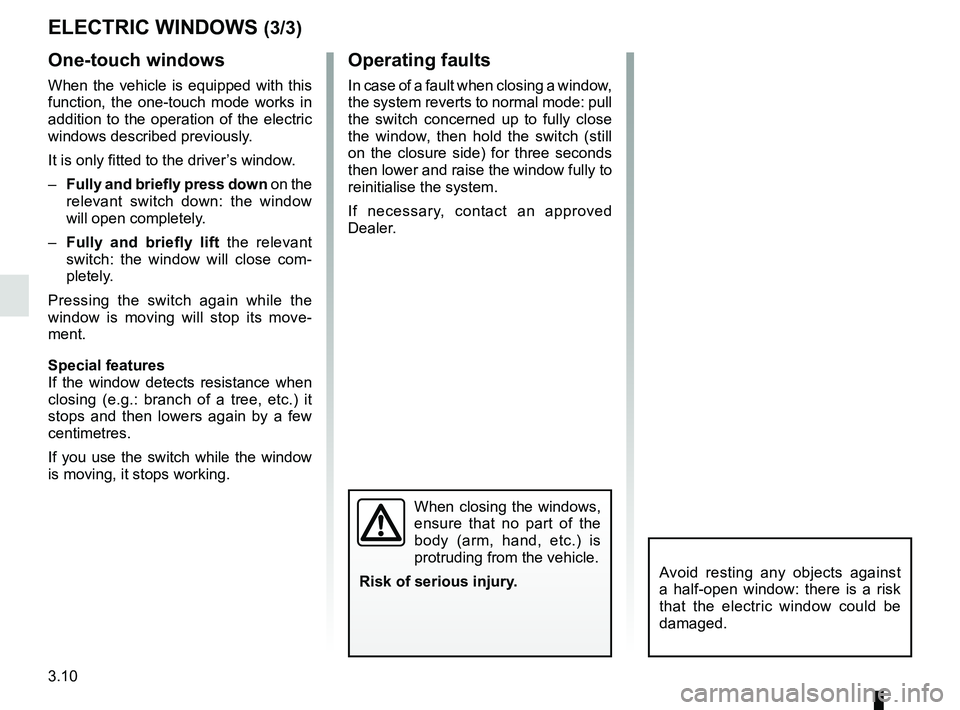
3.10
ELECTRIC WINDOWS (3/3)
One-touch windows
When the vehicle is equipped with this
function, the one-touch mode works in
addition to the operation of the electric
windows described previously.
It is only fitted to the driver’s window.
– Fully and briefly press down on the
relevant switch down: the window
will open completely.
– Fully and briefly lift the relevant
switch: the window will close com-
pletely.
Pressing the switch again while the
window is moving will stop its move-
ment.
Special features
If the window detects resistance when
closing (e.g.: branch of a tree, etc.) it
stops and then lowers again by a few
centimetres.
If you use the switch while the window
is moving, it stops working.
Operating faults
In case of a fault when closing a window,
the system reverts to normal mode: pull
the switch concerned up to fully close
the window, then hold the switch (still
on the closure side) for three seconds
then lower and raise the window fully to
reinitialise the system.
If necessary, contact an approved
Dealer.
When closing the windows,
ensure that no part of the
body (arm, hand, etc.) is
protruding from the vehicle.
Risk of serious injury.
Avoid resting any objects against
a half-open window: there is a risk
that the electric window could be
damaged.
Page 144 of 256
3.16
Dashboard upper storage
compartment 2
PASSENGER COMPARTMENT STORAGE SPACE AND FITTINGS (1/4)
Front door storage
compartments 1
Ensure that no hard, heavy
or pointed objects are
placed in the “open” sto-
rage compartments in such
a way that they may fall onto pas-
sengers during sudden turning, bra-
king or in the event of an accident.
Nothing should be placed
on the floor area in front of
the driver as such objects
may slide under the pedal
during braking manoeuvres, thus
obstructing its use.
1
2
Mobile phone storage
compartment 3
(depending on the vehicle)
Do not hang any heavy and/
or sharp objects which may
fall whilst driving.
Risk of injury.
3

