2016 NISSAN TITAN steering
[x] Cancel search: steeringPage 75 of 636
●If your vehicle has front recovery hooks
as original factory equipment do not
remove or modify them. If it was not
equipped with front recovery hooks do
not install them. Either action could af-
fect proper operation of the front air
bag system resulting in injury or death.
● Tampering with the front air bag system
may result in serious personal injury.
Tampering includes changes to the
steering wheel and the instrument
panel assembly by placing material
over the steering wheel pad and above
the instrument panel or by installing
additional trim material around the air
bag system.
● No unauthorized changes should be
made to any components or wiring of
the seat belt system. This may affect the
front air bag system. Tampering with
the seat belt system may result in seri-
ous personal injury. ●
It is recommended that you visit a
NISSAN dealer for work on and around
the front air bag. It is also recom-
mended that you visit a NISSAN dealer
for installation of electrical equipment.
The Supplemental Restraint System
(SRS) wiring should not be modified or
disconnected. Unauthorized electrical
test equipment and probing devices
should not be used on the air bag
system.
● A cracked windshield should be re-
placed immediately by a qualified repair
facility. A cracked windshield could af-
fect the function of the supplemental air
bag system.
*The SRS wiring harness connectors are
yellow and orange for easy identification.
When selling your vehicle, we request that you
inform the buyer about the front air bag system
and guide the buyer to the appropriate sections
in this Owner’s Manual.
Front seat-mounted side-impact
supplemental air bag and roof-
mounted curtain side-impact and
rollover supplemental air bag systems
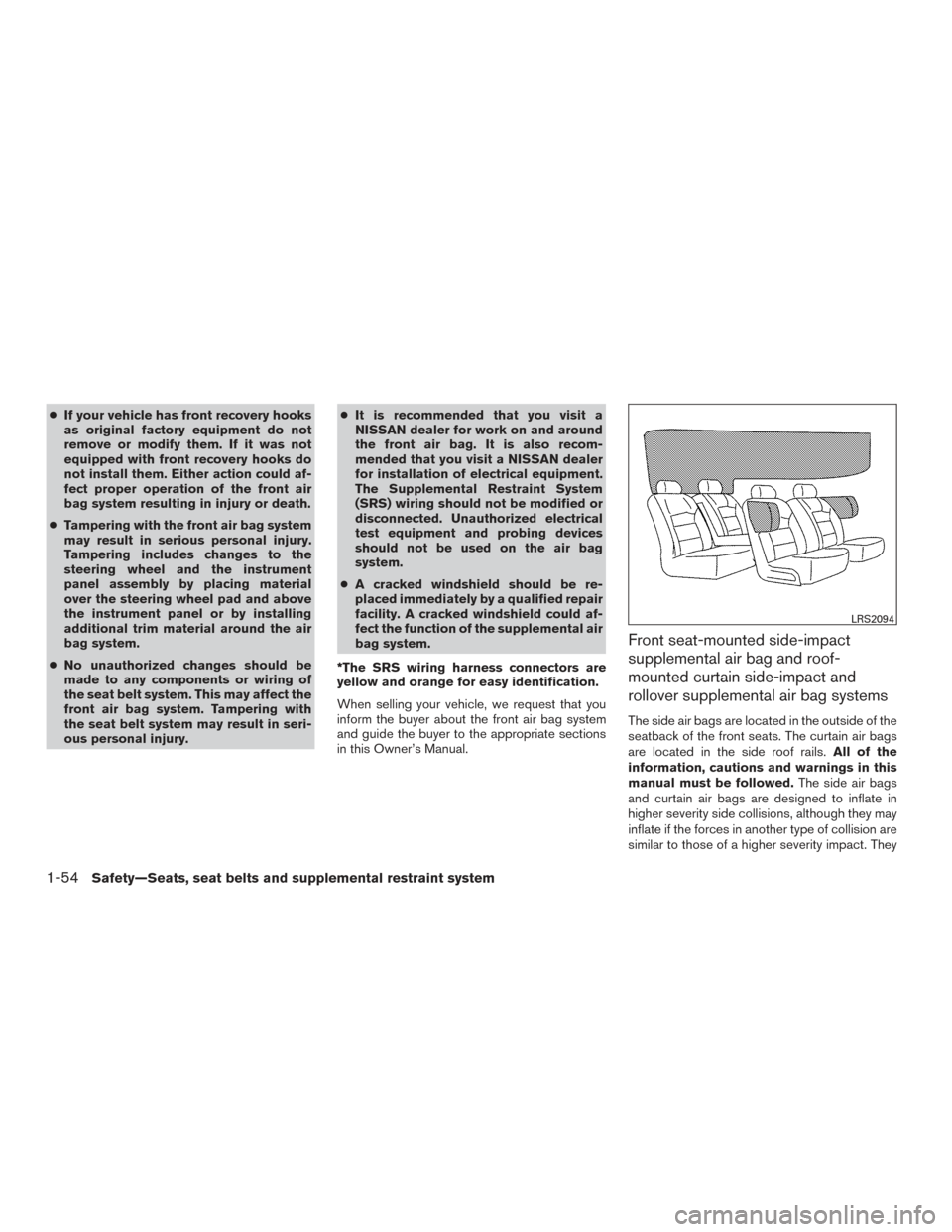
The side air bags are located in the outside of the
seatback of the front seats. The curtain air bags
are located in the side roof rails. All of the
information, cautions and warnings in this
manual must be followed. The side air bags
and curtain air bags are designed to inflate in
higher severity side collisions, although they may
inflate if the forces in another type of collision are
similar to those of a higher severity impact. They
LRS2094
1-54Safety—Seats, seat belts and supplemental restraint system
Page 82 of 636
Heated rear seat switches (if so equipped)..........2-58
Heated steering wheel switch (if so equipped) .......2-60
Warning systems switch (if so equipped) ............2-60
Vehicle Dynamic Control (VDC) off switch . . .........2-61
Hill descent control switch (if so equipped) ..........2-62
Electronic locking rear differential (E-Lock) system
switch (if so equipped) ............................ 2-63
Power inverter switch (if so equipped) ..............2-64
Parking Sensor (sonar) System OFF Switch
(if so equipped) .................................. 2-65
Tow mode switch ................................. 2-65
E-call (SOS) switch (if so equipped) ................2-66
Trailer Brake Controller Unit (TBCU)
(if so equipped) .................................. 2-66
Power outlets .................................... 2-67
12v Outlets . . ................................. 2-67
120v outlets (if so equipped) ...................2-69
Extended storage switch .......................... 2-70
Storage ......................................... 2-71
Map pockets .................................. 2-71
Seatback pockets (if so equipped) ..............2-72
Under-seat storage (if so equipped) .............2-72
Console box storage trays (if so equipped) .......2-73
Glove box .................................... 2-74Console box (if so equipped)
...................2-74
Center armrest storage (if so equipped) ..........2-75
Under front seat storage bin (if so equipped) .....2-76
Sunglasses holder (if so equipped) ..............2-76
Cup holders .................................. 2-77
Grocery hooks (if so equipped) .................2-79
Bed liner storage bins (if so equipped) ...........2-79
Windows ........................................ 2-80
Power windows ............................... 2-80
Rear sliding window (if so equipped) ............2-82
Rear power window switch (if so equipped) ......2-83
Interior lights ..................................... 2-84
Console
light (if so equipped) ...................2-85
Map lights (if so equipped) .....................2-85
Personal Lights (if so equipped) .................2-86
HomeLink® universal transceiver (if so equipped) ....2-86
Programming HomeLink® ......................2-87
Programming HomeLink® for Canadian
customers and gate openers ....................2-88
Operating the HomeLink® universal
transceiver .................................... 2-89
Programming trouble-diagnosis .................2-89
Clearing the programmed information ............2-89
Reprogramming a single HomeLink® button ......2-89
If your vehicle is stolen ......................... 2-90
Page 83 of 636
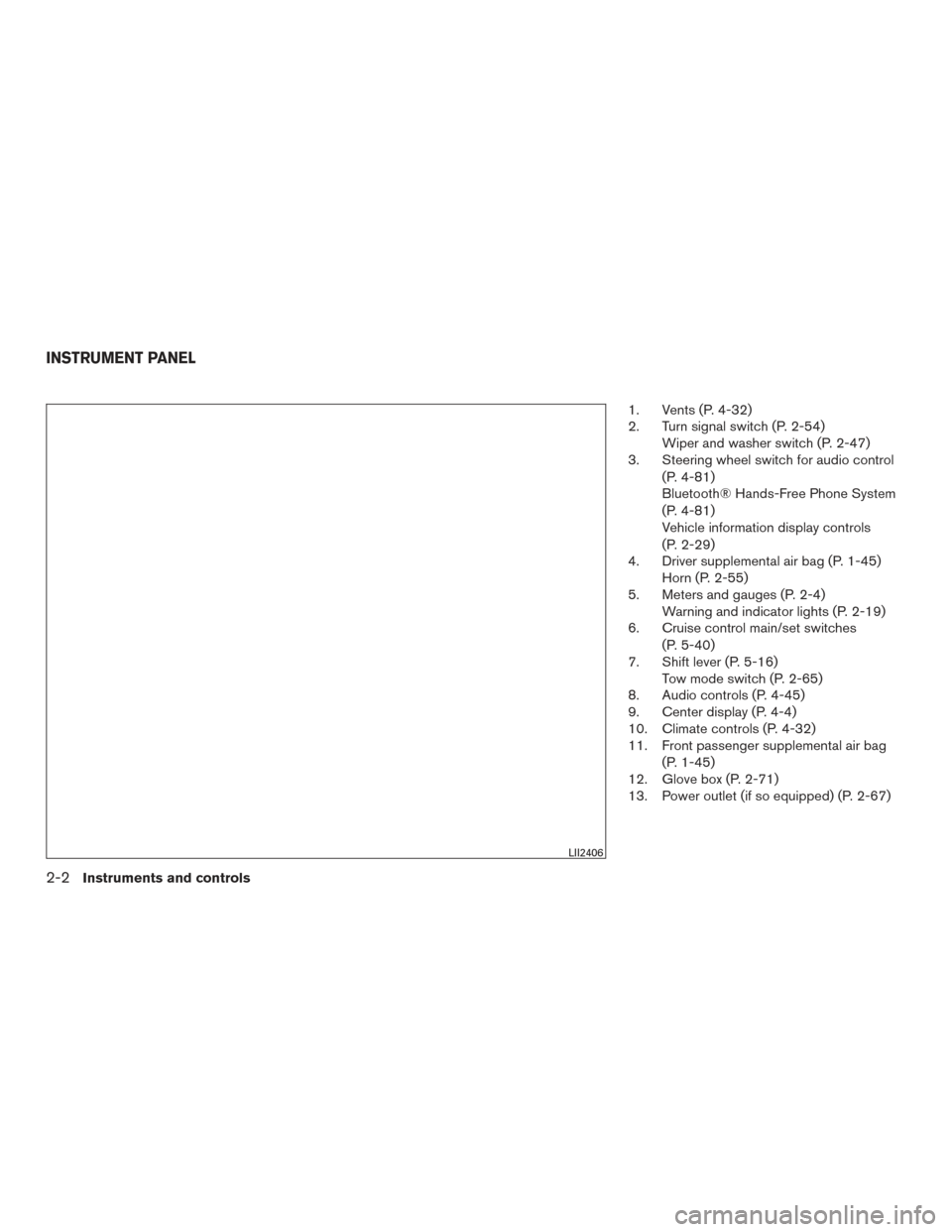
1. Vents (P. 4-32)
2. Turn signal switch (P. 2-54)Wiper and washer switch (P. 2-47)
3. Steering wheel switch for audio control
(P. 4-81)
Bluetooth® Hands-Free Phone System
(P. 4-81)
Vehicle information display controls
(P. 2-29)
4. Driver supplemental air bag (P. 1-45) Horn (P. 2-55)
5. Meters and gauges (P. 2-4) Warning and indicator lights (P. 2-19)
6. Cruise control main/set switches
(P. 5-40)
7. Shift lever (P. 5-16) Tow mode switch (P. 2-65)
8. Audio controls (P. 4-45)
9. Center display (P. 4-4)
10. Climate controls (P. 4-32)
11. Front passenger supplemental air bag
(P. 1-45)
12. Glove box (P. 2-71)
13. Power outlet (if so equipped) (P. 2-67)
LII2406
INSTRUMENT PANEL
2-2Instruments and controls
Page 84 of 636
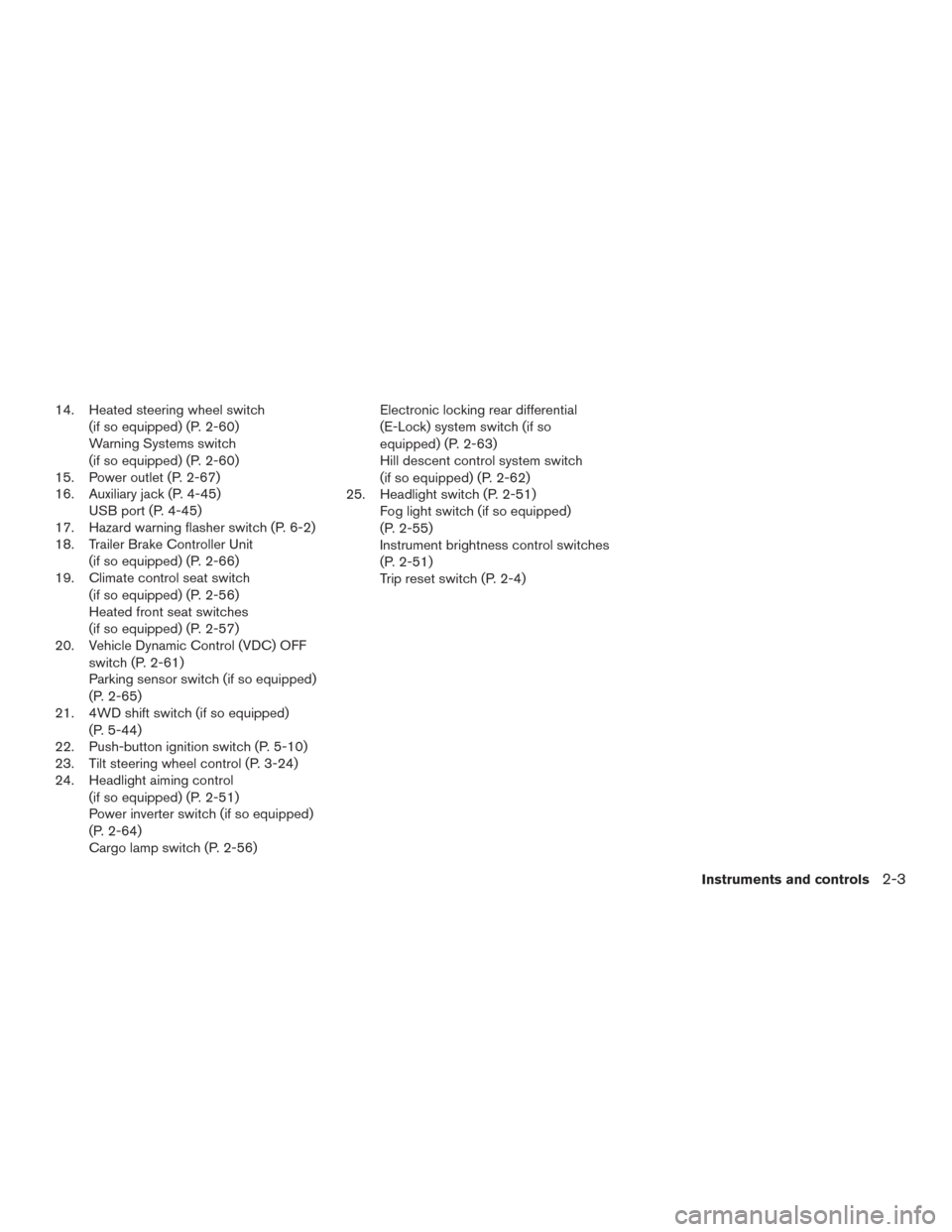
14. Heated steering wheel switch(if so equipped) (P. 2-60)
Warning Systems switch
(if so equipped) (P. 2-60)
15. Power outlet (P. 2-67)
16. Auxiliary jack (P. 4-45) USB port (P. 4-45)
17. Hazard warning flasher switch (P. 6-2)
18. Trailer Brake Controller Unit
(if so equipped) (P. 2-66)
19. Climate control seat switch
(if so equipped) (P. 2-56)
Heated front seat switches
(if so equipped) (P. 2-57)
20. Vehicle Dynamic Control (VDC) OFF
switch (P. 2-61)
Parking sensor switch (if so equipped)
(P. 2-65)
21. 4WD shift switch (if so equipped)
(P. 5-44)
22. Push-button ignition switch (P. 5-10)
23. Tilt steering wheel control (P. 3-24)
24. Headlight aiming control
(if so equipped) (P. 2-51)
Power inverter switch (if so equipped)
(P. 2-64)
Cargo lamp switch (P. 2-56) Electronic locking rear differential
(E-Lock) system switch (if so
equipped) (P. 2-63)
Hill descent control system switch
(if so equipped) (P. 2-62)
25. Headlight switch (P. 2-51) Fog light switch (if so equipped)
(P. 2-55)
Instrument brightness control switches
(P. 2-51)
Trip reset switch (P. 2-4)
Instruments and controls
2-3
Page 92 of 636
OFF-ROAD MONITOR (if so
equipped)
The off-road monitor displays the various slopes
of the vehicle.
The Pitch Gauge (left) indicates the angle of the
vehicle position up or down. The value will be
displayed below the gauge while the vehicle
graphic will rotate to indicate condition pointed
up or down.
The Tire Angle (center) indicates the angle of the
tires based on turning of the steering wheel. The
graphic image will show the actual vehicle tire
position while the angle is to be displayed below
as reference.The Roll Gauge (right) indicates the angle of the
vehicle position left and right. The value will be
displayed below the gauge while the vehicle
graphic will rotate to indicate condition of the
vehicle leaning to the left or right.
TRIP COMPUTER (if so equipped)
When the ignition switch is placed in the ON
position, the modes of the trip computer can be
selected by pressing the
buttons on the
steering wheel. The following modes can be se-
lected:
● Range
● Average fuel economy
● Average speed
● Time
● Tire info
● Settings
Range
The range mode provides you with an estimation
of the distance that can be driven before refuel-
ing. The range is constantly being calculated,
based on the amount of fuel in the fuel tank and
the actual fuel economy which will depend on
driving conditions. Dashes (—) indicate that fuel
remaining volume cannot be read by the fuel
pump and should be refilled as soon as possible.
The display is updated every 30 seconds.
LIC3417LIC3504
Instruments and controls2-11
Page 93 of 636
NOTE:
When driving uphill or rounding curves, the
fuel in the tank shifts, which may momen-
tarily change the display.
Average fuel economy
The average fuel economy mode shows the av-
erage fuel economy since the last reset. Reset-
ting is done by pressing the ENTER button on the
steering wheel for more than approximately
1 second. The display is updated every 30 sec-
onds. At about the first 1/3 mile (500 m) after a
reset, the display shows (----) .
Average speed
The average speed mode shows the average
vehicle speed since last reset. Resetting is done
by pressing the ENTER button on the steering
wheel for more than approximately 1 second. The
display is updated every 30 seconds. The first
30 seconds after a reset, the display shows
(----) .
LIC3505LIC3506
2-12Instruments and controls
Page 94 of 636
Time
The time mode shows the time the vehicle has
been on since the last reset. The displayed time
can be reset by pressing the ENTER button on
the steering wheel for more than approximately
1 second.
Tire info
The tire info mode shows the pressure of each
tire. To see the individual tire pressures, press the
ENTER button when the desired tire is shown.
The tire pressures are displayed as follows:● FL (Front Left)
● FR (Front Right)
● RL (Rear Left)
● RR (Rear Right)
To return to the main menu selections, scroll to
“EXIT” and press ENTER.
Settings
The settings mode allows the user to change the
trip computer display units and set maintenance
reminders. To select the desired menu item,
press the ENTER button when it is shown. The
menu items are displayed as follows:
● Engine Oil
● Oil Filter
● Rotation
● Other
● Units
LIC3507LIC3508LIC3509
Instruments and controls2-13
Page 105 of 636
section and “Tire Pressure Monitoring System
(TPMS)” in the “Starting and driving” section and
in the “In case of emergency” section of this
manual.
TPMS malfunction
If the TPMS is not functioning properly, the low
tire pressure warning light will flash for approxi-
mately 1 minute when the ignition switch is
placed in the ON position. The light will remain on
after 1 minute. Have the system checked. It is
recommended that you visit a NISSAN dealer for
this service.
For additional information, refer to “Tire Pressure
Monitoring System (TPMS)” in the “Starting and
driving” section and “Tire pressure” in the “Do-it-
yourself” section of this manual.
WARNING
●Radio waves could adversely affect elec-
tric medical equipment. Those who use a
pacemaker should contact the electric
medical equipment manufacturer for the
possible influences before use.
● If the light does not illuminate with the
ignition switch placed in the ON posi-
tion, have the vehicle checked as soon
as possible. It is recommended that you
visit a NISSAN dealer for this service. ●
If the light illuminates while driving,
avoid sudden steering maneuvers or
abrupt braking, reduce vehicle speed,
pull off the road to a safe location and
stop the vehicle as soon as possible.
Driving with under-inflated tires may
permanently damage the tires and in-
crease the likelihood of tire failure. Se-
rious vehicle damage could occur and
may lead to an accident and could result
in serious personal injury or death.
Check the tire pressure for all four tires.
Adjust the tire pressure to the recom-
mended COLD tire pressure show on
the Tire and Loading Information label
located in the driver’s door opening to
turn the low tire pressure warning light
OFF. If the light still illuminates while
driving after adjusting the tire pressure,
a tire may be flat or the TPMS may be
malfunctioning. If you have a flat tire,
replace it with a spare tire as soon as
possible. If no tire is flat and all tires are
properly inflated, have the vehicle
checked. It is recommended that you
visit a NISSAN dealer for this service. ●
Since the spare tire is not equipped with
TPMS, when a spare tire is mounted or a
wheel is replaced the TPMS will not
function and the low tire pressure warn-
ing light will flash for approximately
1 minute. The light will remain on after
1 minute. Have your tires replaced
and/or TPMS system reset as soon as
possible. It is recommended that you
visit a NISSAN dealer for these services.
● Replacing tires with those not originally
specified by NISSAN could affect the
proper operation of the TPMS.
CAUTION
● The TPMS is not a substitute for the
regular tire pressure check. Be sure to
check the tire pressure regularly.
● If the vehicle is being driven at speeds
of less than 16 mph 25 (km/h) , the
TPMS may not operate correctly.
● Be sure to install the specified size of
tires to the four wheels correctly.
2-24Instruments and controls