2016 NISSAN PATHFINDER climate control
[x] Cancel search: climate controlPage 211 of 540
Touch-screen maintenance
If you clean the display screen, use a dry, soft
cloth. If additional cleaning is necessary, use a
small amount of neutral detergent with a soft
cloth. Never spray the screen with water or de-
tergent. Dampen the cloth first, and then wipe the
screen.
HOW TO SELECT MENUS ON THE
SCREEN
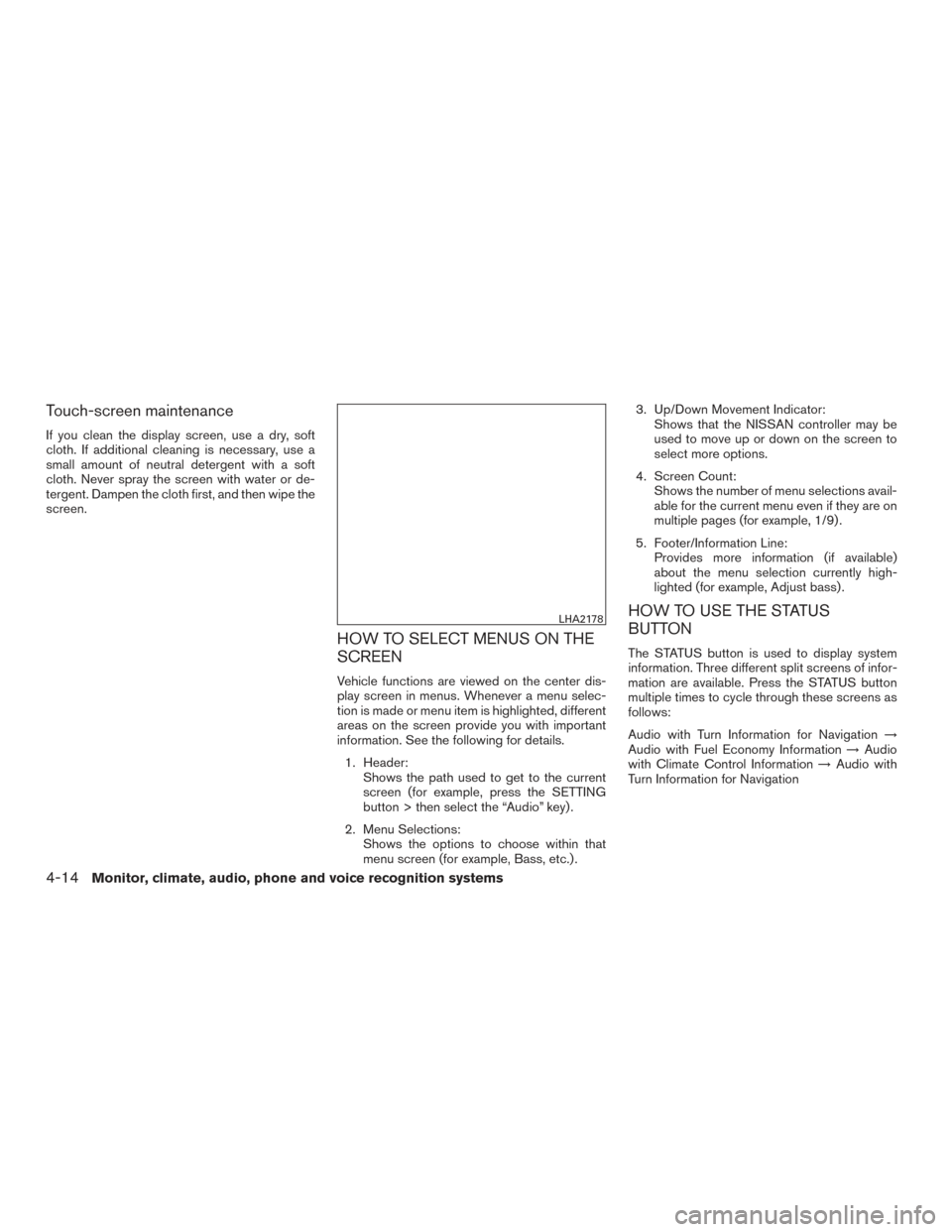
Vehicle functions are viewed on the center dis-
play screen in menus. Whenever a menu selec-
tion is made or menu item is highlighted, different
areas on the screen provide you with important
information. See the following for details.1. Header: Shows the path used to get to the current
screen (for example, press the SETTING
button > then select the “Audio” key) .
2. Menu Selections: Shows the options to choose within that
menu screen (for example, Bass, etc.) . 3. Up/Down Movement Indicator:
Shows that the NISSAN controller may be
used to move up or down on the screen to
select more options.
4. Screen Count: Shows the number of menu selections avail-
able for the current menu even if they are on
multiple pages (for example, 1/9) .
5. Footer/Information Line: Provides more information (if available)
about the menu selection currently high-
lighted (for example, Adjust bass) .
HOW TO USE THE STATUS
BUTTON
The STATUS button is used to display system
information. Three different split screens of infor-
mation are available. Press the STATUS button
multiple times to cycle through these screens as
follows:
Audio with Turn Information for Navigation →
Audio with Fuel Economy Information →Audio
with Climate Control Information →Audio with
Turn Information for Navigation
LHA2178
4-14Monitor, climate, audio, phone and voice recognition systems
Page 214 of 540
HOW TO USE THE SETTING
BUTTON
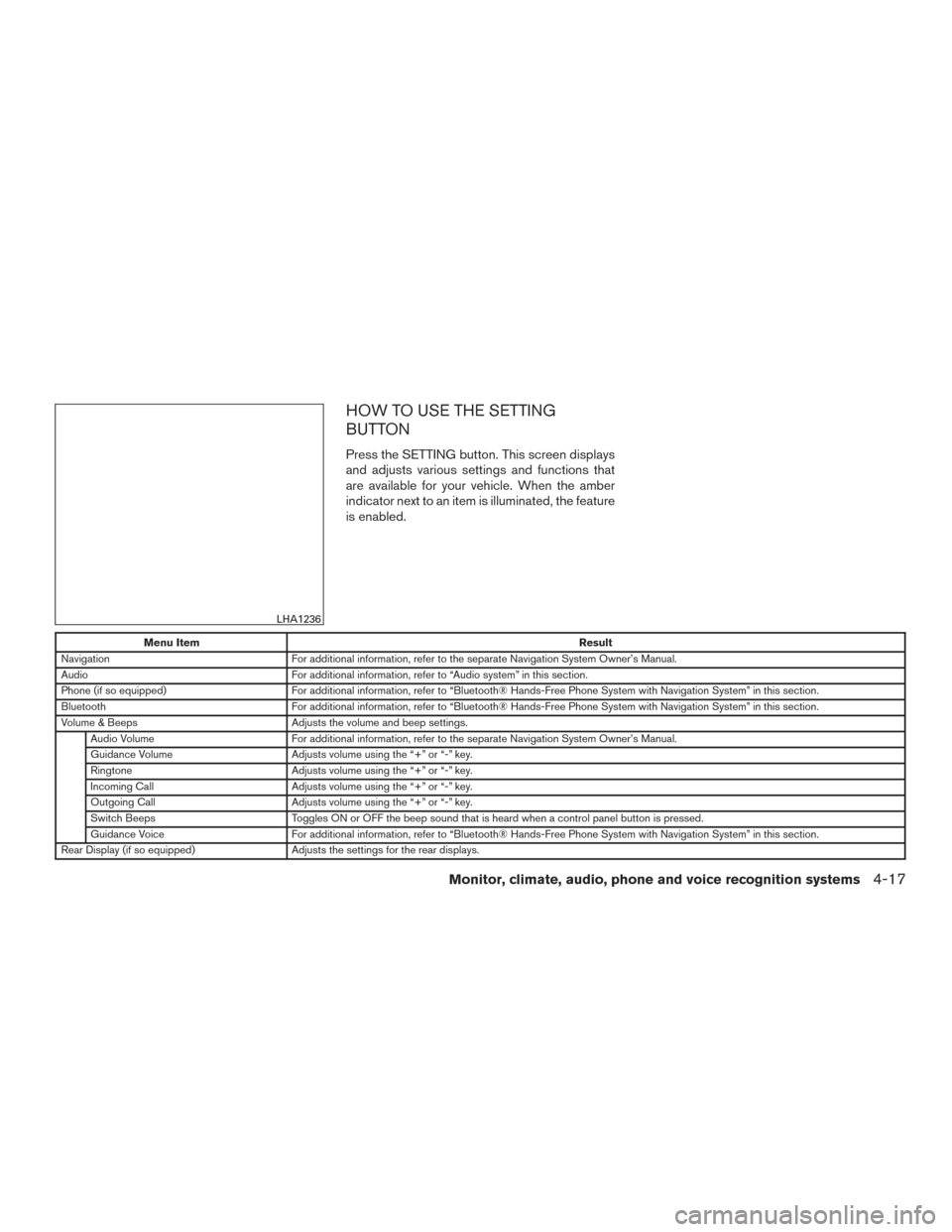
Press the SETTING button. This screen displays
and adjusts various settings and functions that
are available for your vehicle. When the amber
indicator next to an item is illuminated, the feature
is enabled.
Menu ItemResult
Navigation For additional information, refer to the separate Navigation System Owner’s Manual.
Audio For additional information, refer to “Audio system” in this section.
Phone (if so equipped) For additional information, refer to “Bluetooth® Hands-Free Phone System with Navigation System” in this section.
Bluetooth For additional information, refer to “Bluetooth® Hands-Free Phone System with Navigation System” in this section.
Volume & Beeps Adjusts the volume and beep settings.
Audio Volume For additional information, refer to the separate Navigation System Owner’s Manual.
Guidance Volume Adjusts volume using the “+” or “-” key.
Ringtone Adjusts volume using the “+” or “-” key.
Incoming Call Adjusts volume using the “+” or “-” key.
Outgoing Call Adjusts volume using the “+” or “-” key.
Switch Beeps Toggles ON or OFF the beep sound that is heard when a control panel button is pressed.
Guidance Voice For additional information, refer to “Bluetooth® Hands-Free Phone System with Navigation System” in this section.
Rear Display (if so equipped) Adjusts the settings for the rear displays.
LHA1236
Monitor, climate, audio, phone and voice recognition systems4-17
Page 215 of 540
Menu ItemResult
Display Control Select the “ON” key for either the left of right display to alternately enable or disable the display to the left or right rear passengers. If
the display is enabled, select the key (DVD, USB, front AUX or rear AUX) that you wish to have displayed on the corresponding
screen. The front AUX setting is for devices plugged into the AUX jacks in the center console. The rear AUX setting is for the de-
vices plugged into the AUX jacks on the back of the center console.
Auto Display Toggles ON or OFF the Auto Display option. When the Auto Display is ON, the rear displays will automatically turn on when a movie
is played from a DVD or USB device.
Rear Speaker Toggles ON or OFF the rear speaker volume.
Display Adjusts the settings for the display screen
Display Adjustment Toggles ON or OFF the display. Adjusts the brightness or contrast and background color of the map background.
Color Theme Changes the color of the background, arrows and bars on the screen.
Others Select the “Others” key using the NISSAN controller. Language and units, Voice Recognition, Camera Settings, and Image Viewer
setting screen will be displayed.
Clock Adjusts the clock settings.
On-screen Clock Toggles on or off the clock in the upper right corner of the display.
Clock Format Toggles between a 12-hour and 24-hour clock.
Offset (hour) , Offset (min) Manually adjusts the hours and minutes of the clock.
Daylight Savings Time Toggles on or off the daylight savings time.
Time Zone Adjusts the time zone. Choose a time zone from the available list.
Language & Units Adjusts the language and unit settings shown on the display.
Select Language Changes the language of the menus on the display screen. If you select the “Francais” key, French language screens will be
displayed, so please use the French Owner’s Manual. To obtain a French Owner’s Manual, refer to “Owner’s Manual/Service
Manual Order Information” in the “Technical and consumer information” section.
Select Units Changes the units used to “US” (mi, °F, MPG) or “Metric” (km, °C, L/100km) .
Voice Recognition For additional information, refer to “NISSAN Voice Recognition system” in this section.
Camera Settings (if so equipped) Selecting the Camera key will bring up the Camera settings screen.
Image Viewer For additional information, refer to “Image viewer” in this section.
4-18Monitor, climate, audio, phone and voice recognition systems
Page 216 of 540
HOW TO USE THE DISP BUTTON (if
so equipped)
Press the DISP button. This screen displays vari-
ous screen settings and functions that are avail-
able for your vehicle. Adjustments can be made
using the NISSAN controller or the touch-screen
display. When the amber indicator next to an item
is illuminated, the feature is enabled.
While the vehicle is in the (P) Park position, the
following settings may be changed:
MenuResult
Display Toggles the display screen on and off. The amber indicator is illuminated when the display is set to “On”. When the display is set to “Off” and a control
panel, audio or heater and air conditioner button is pressed, the display will resume until that operation is finished. To turn the display back on, press
and hold the
OFF button for approximately 2 seconds or return to the display setting screen and adjust the setting.
Brightness Adjusts the brightness of the screen background.
Contrast Adjusts the contrast of the screen background.
Background Color Toggles the display screen between day and night mode.
While the vehicle is in the (R) Reverse position, the following settings may be changed:
Menu Result
Brightness Adjusts the brightness of the rear view display.
Tint Adjusts the tint of the rear view display.
Color Adjusts the color of the rear view display.
Contrast Adjusts the contrast of the rear view display.
Black Level Adjusts the black level of the rear view display.
NOTE:
Do not adjust any of the display settings while the vehicle is moving. Make sure the parking brake is firmly applied.
Monitor, climate, audio, phone and voice recognition systems4-19
Page 217 of 540
HOW TO USE THE CAMERA
BUTTON
For additional information, refer to ”RearView
Monitor” or “Around View® Monitor” in this sec-
tion.
OFF BUTTON
To change the display brightness, press
the
OFF button. Pressing the button again
will change the display to the day
or the
night
display. The brightness can then be
adjusted using the NISSAN controller.
If no operation is performed within 5 seconds, the
display will return to the previous display.
Press and hold the
OFF button for more
than 2 seconds to turn the display off. Press the
button again to turn the display on.
USING THE IMAGE VIEWER
When a compatible portable storage device is
plugged into the USB connection port located in
the center console, compatible image files stored
on the device can be viewed on the control panel
display.
Connecting the portable storage
device
To connect a portable storage device to the sys-
tem so that images stored on it can be viewed,
insert the device into the USB connection port
located in the center console.
Viewing images
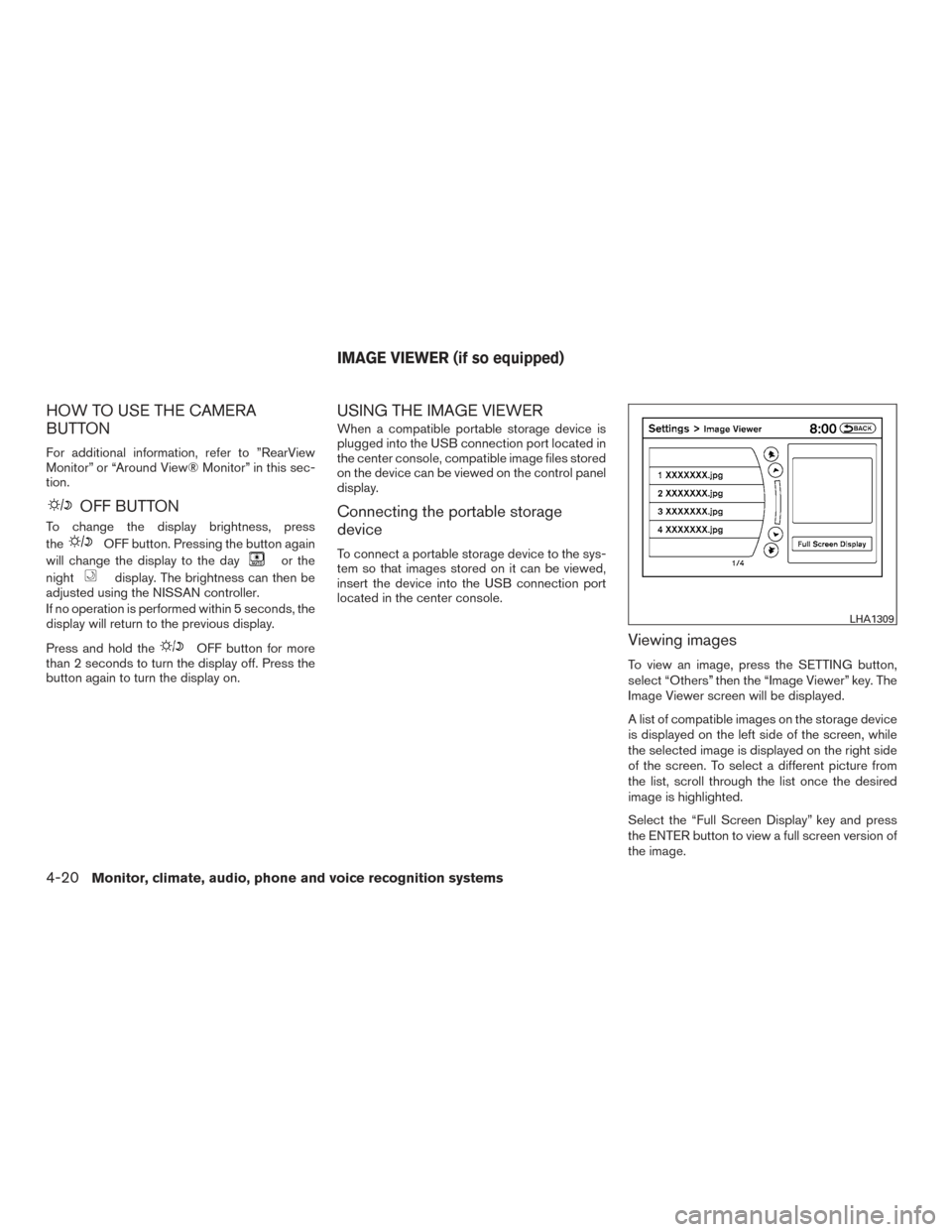
To view an image, press the SETTING button,
select “Others” then the “Image Viewer” key. The
Image Viewer screen will be displayed.
A list of compatible images on the storage device
is displayed on the left side of the screen, while
the selected image is displayed on the right side
of the screen. To select a different picture from
the list, scroll through the list once the desired
image is highlighted.
Select the “Full Screen Display” key and press
the ENTER button to view a full screen version of
the image.
LHA1309
IMAGE VIEWER (if so equipped)
4-20Monitor, climate, audio, phone and voice recognition systems
Page 218 of 540
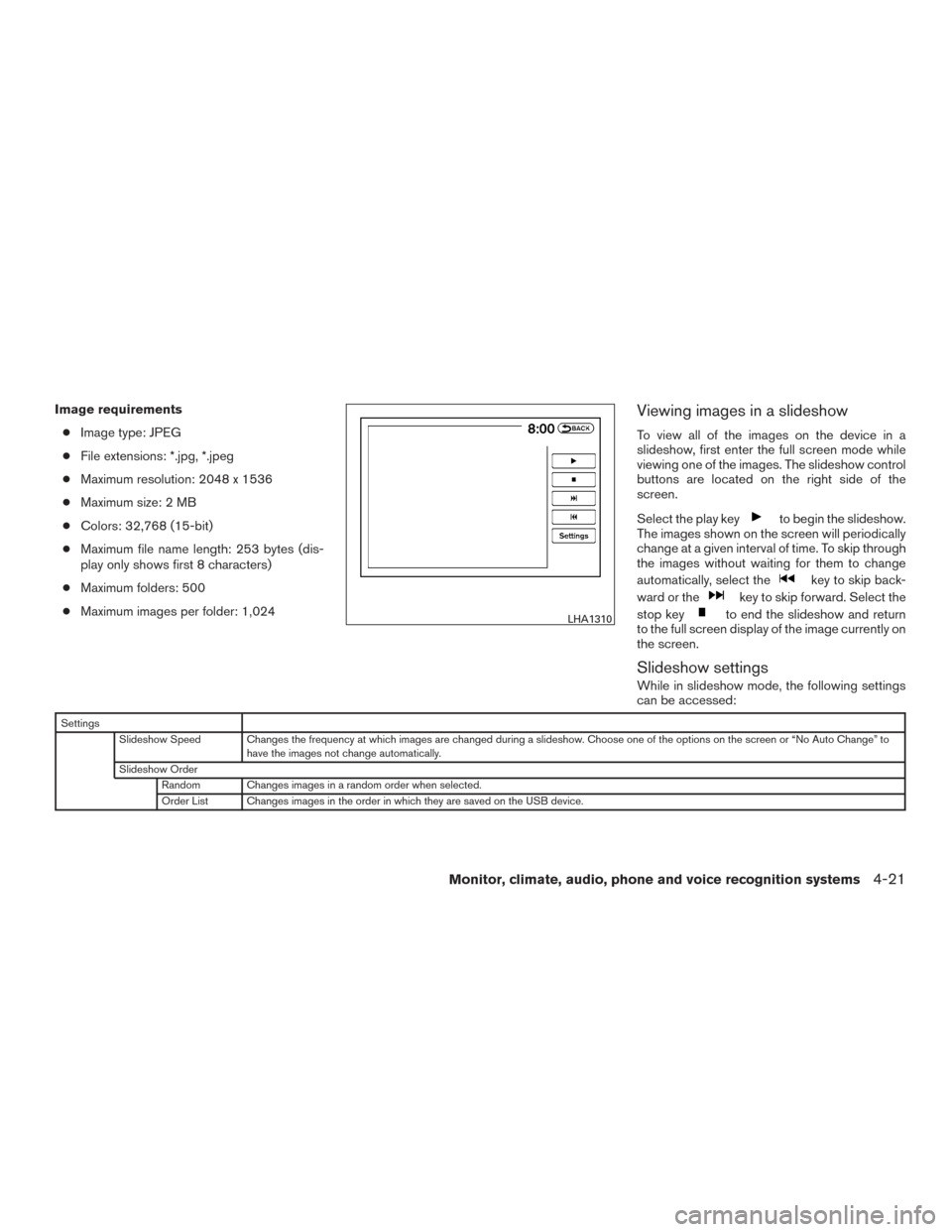
Image requirements● Image type: JPEG
● File extensions: *.jpg, *.jpeg
● Maximum resolution: 2048 x 1536
● Maximum size: 2 MB
● Colors: 32,768 (15-bit)
● Maximum file name length: 253 bytes (dis-
play only shows first 8 characters)
● Maximum folders: 500
● Maximum images per folder: 1,024Viewing images in a slideshow
To view all of the images on the device in a
slideshow, first enter the full screen mode while
viewing one of the images. The slideshow control
buttons are located on the right side of the
screen.
Select the play key
to begin the slideshow.
The images shown on the screen will periodically
change at a given interval of time. To skip through
the images without waiting for them to change
automatically, select the
key to skip back-
ward or the
key to skip forward. Select the
stop key
to end the slideshow and return
to the full screen display of the image currently on
the screen.
Slideshow settings
While in slideshow mode, the following settings
can be accessed:
Settings
Slideshow Speed Changes the frequency at which images are changed during a slideshow. Choose one of the options on the screen or “No Auto Change” to have the images not change automatically.
Slideshow Order Random Changes images in a random order when selected.
Order List Changes images in the order in which they are saved on the USB device.
LHA1310
Monitor, climate, audio, phone and voice recognition systems4-21
Page 224 of 540
ADJUSTING THE SCREEN
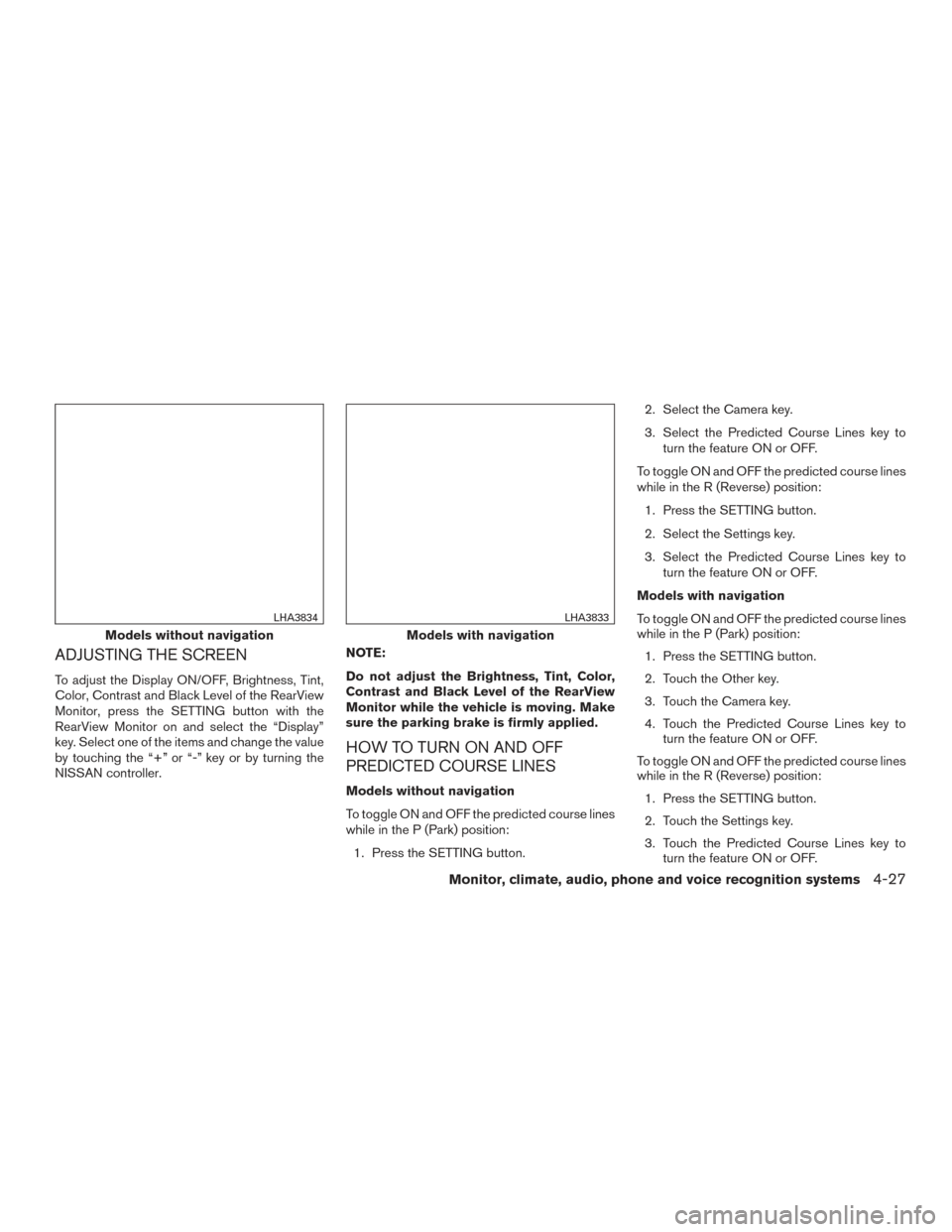
To adjust the Display ON/OFF, Brightness, Tint,
Color, Contrast and Black Level of the RearView
Monitor, press the SETTING button with the
RearView Monitor on and select the “Display”
key. Select one of the items and change the value
by touching the “+” or “-” key or by turning the
NISSAN controller.NOTE:
Do not adjust the Brightness, Tint, Color,
Contrast and Black Level of the RearView
Monitor while the vehicle is moving. Make
sure the parking brake is firmly applied.
HOW TO TURN ON AND OFF
PREDICTED COURSE LINES
Models without navigation
To toggle ON and OFF the predicted course lines
while in the P (Park) position:
1. Press the SETTING button. 2. Select the Camera key.
3. Select the Predicted Course Lines key to
turn the feature ON or OFF.
To toggle ON and OFF the predicted course lines
while in the R (Reverse) position: 1. Press the SETTING button.
2. Select the Settings key.
3. Select the Predicted Course Lines key to turn the feature ON or OFF.
Models with navigation
To toggle ON and OFF the predicted course lines
while in the P (Park) position: 1. Press the SETTING button.
2. Touch the Other key.
3. Touch the Camera key.
4. Touch the Predicted Course Lines key to turn the feature ON or OFF.
To toggle ON and OFF the predicted course lines
while in the R (Reverse) position: 1. Press the SETTING button.
2. Touch the Settings key.
3. Touch the Predicted Course Lines key to turn the feature ON or OFF.
Models without navigation
LHA3834
Models with navigation
LHA3833
Monitor, climate, audio, phone and voice recognition systems4-27
Page 235 of 540
ADJUSTING THE SCREEN
To adjust the Display ON/OFF, Brightness, Tint,
Color, Contrast and Black Level of the Around
View® Monitor, press the SETTING button with
the monitor on and select the “Display” key. Se-
lect one of the items and change the value by
touching the “+” or “-” key or by turning the
NISSAN controller.NOTE:
Do not adjust the Brightness, Tint, Color,
Contrast and Black Level of the Around
View® Monitor while the vehicle is moving.
Make sure the parking brake is firmly ap-
plied.
AROUND VIEW® MONITOR
SYSTEM LIMITATIONS
LHA3833
LHA3760
4-38Monitor, climate, audio, phone and voice recognition systems