2016 MERCEDES-BENZ WAGON warning light
[x] Cancel search: warning lightPage 77 of 350

ation is possible using the switches in the
rear compartment.
Pets in the vehicle
GWARNING
If you leave animals unattended or unsecured
in the veh icle, they could press buttons or
swit ches, for example.
As a result, they co uld:
Ractivate vehicle equipment and become
tr apped, for example
Ractivate or deactivate systems, there by
endangering other road users
Unsecured animals could also beflung around
the veh icle inthe event of an acc ident or sud-
den steering or braking, there byinjuring veh i-
cle occupants. There isa risk of an acc ident
and injury.
Never leave animals unattended inthe veh i-
cle. Alwa ys secure animals properly during
the journey, e.g. use a suitable animal trans-
port box.
Driving safety systems
Overview of driving safety systems
In this section, you will find information about
the following driving safety systems:
RABS (Anti-lock Braking System)
(
Ypage 75)
RBAS (B rakeAssist System) (Ypage 76)
RBAS PLUS (B rakeAssist System PLUS) with
Cross-Traffic Assist (
Ypage 76)
RCOLLISION PREVENTION ASSIST PLUS
(distance warning function and Adaptive
Brake Assist) (
Ypage 78)
RESP®( Electronic StabilityProgram)
(
Ypage 80)
REBD (Electronic Brake force Distribution)
(
Ypage 84)
RADAPTIVE BRAKE (Ypage 84)
RPRE-SAFE®Brake (Ypage 84)
RSTEER CONTROL (Ypage 86)
Important safety notes
If you fail to adapt your driving style or if you
are inattentive, the driving safety systems can
neither reduce the risk of an accident nor
override the laws of physics. Driving safety
systems are merely aids designed to assist
driving. You are responsible for maintaining
the distance to the vehicle in front, for vehicle
speed, for braking in good time, and for stay-
ing in lane. Always adapt your driving style to
suit the prevailing road and weather condi-
tions and maintain a safe distance from the
vehicle in front. Drive carefully.
The driving safety systems described only
work as effectively as possible when there is
adequate contact between the tires and the
road surface. Pay particular attention to the
information regarding tires, recommended
minimum tire tread depths etc. in the "Wheels
and tires" section (
Ypage 288).
In wintry driving conditions, always use winter
tires (M+S tires) and if necessary, snow
chains. Only in this way will the driving safety
systems described in this section work as
effectively as possible.
ABS (Anti-lock Braking System)
General information
ABS regulates brake pressure in such a way
that the wheels do not lock when you brake.
This allows you to continue steering the vehi-
cle when braking.
The yellow !ABS warning lamp in the
instrument cluster lights up when the ignition
is switched on. It goes out when the engine is running.
Driving safety systems75
Safety
Z
Page 81 of 350
the radar sensor checked at a qualified spe-
cialist workshop. This also applies to colli-
sions at low speeds where there is no visible
damage to the front of the vehicle.
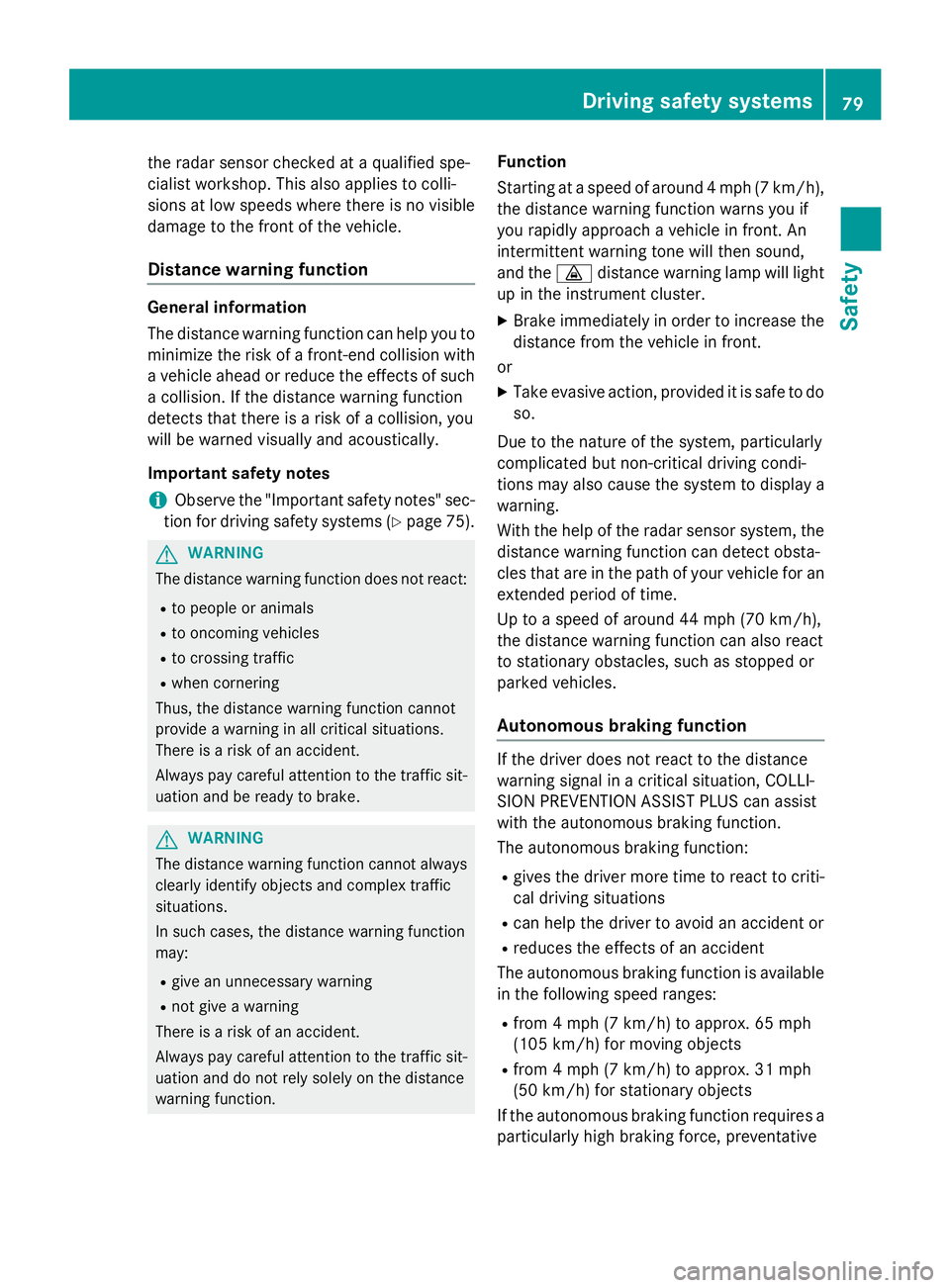
Distance warning function
General information
The distance warning function can help you to
minimize the risk of a front-end collision with
a vehicle ahead or reduce the effects of such
a collision. If the distance warning function
detects that there is a risk of a collision, you
will be warned visually and acoustically.
Important safety notes
iObserve the "Important safety notes" sec-
tion for driving safety systems (
Ypage 75).
GWARNING
The distance warning function does not react:
Rto people or animals
Rto oncoming vehicles
Rto crossing traffic
Rwhen cornering
Thus, the distance warning function cannot
provide a warning in all critical situations.
There is a risk of an accident.
Always pay careful attention to the traffic sit-
uation and be ready to brake.
GWARNING
The distance warning function cannot always
clearly identify objects and complex traffic
situations.
In such cases, the distance warning function
may:
Rgive an unnecessary warning
Rnot give a warning
There is a risk of an accident.
Always pay careful attention to the traffic sit-
uation and do not rely solely on the distance
warning function.
Function
Starting at a speed of around 4 mph (7 km/h),
the distance warning function warns you if
you rapidly approach a vehicle in front. An
intermittent warning tone will then sound,
and the ·distance warning lamp will light
up in the instrument cluster.
XBrake immediately in order to increase the distance from the vehicle in front.
or
XTake evasive action, provided it is safe to do so.
Due to the nature of the system, particularly
complicated but non-critical driving condi-
tions may also cause the system to display a
warning.
With the help of the radar sensor system, the
distance warning function can detect obsta-
cles that are in the path of your vehicle for an extended period of time.
Up to a speed of around 44 mph (70 km/h),
the distance warning fu nction ca
n also react
to stationary obstacles, such as stopped or
parked vehicles.
Autonomous braking function
If the driver does not react to the distance
warning signal in a critical situation, COLLI-
SION PREVENTION ASSIST PLUS can assist
with the autonomous braking function.
The autonomous braking function:
Rgives the driver more time to react to criti-
cal driving situations
Rcan help the driver to avoid an accident or
Rreduces the effects of an accident
The autonomous braking function is available in the following speed ranges:
Rfrom 4 mph (7 km/h) to approx. 65 mph
(105 km/h) for moving objects
Rfrom 4 mph (7 km/h) to approx. 31 mph
(50 km/h) for stationary objects
If the autonomous braking function requires a
particularly high braking force, preventative
Driving safet ysystem s79
Safety
Z
Page 84 of 350
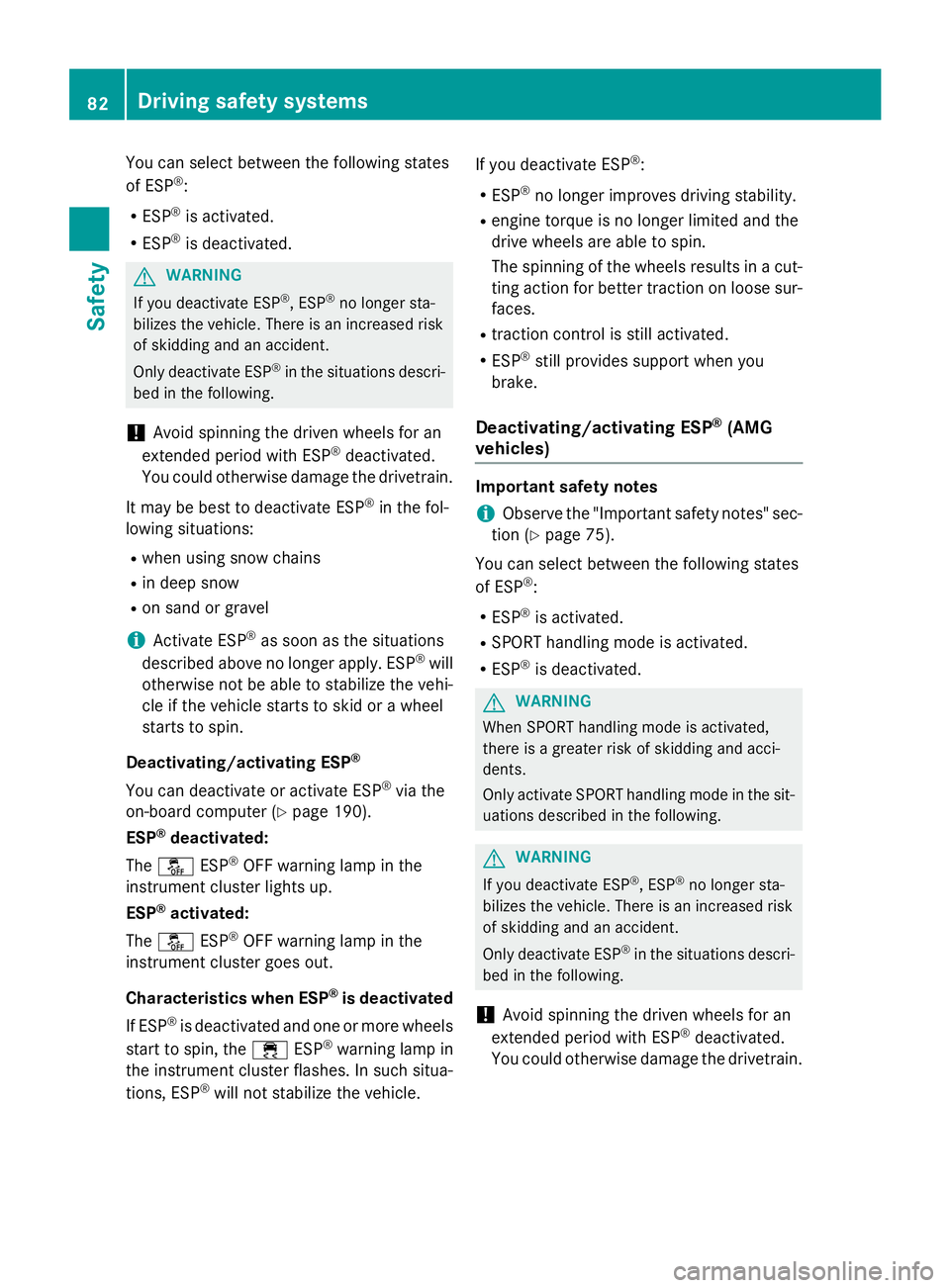
You can select between the following states
of ESP®:
RESP®is activated.
RESP®is deactivated.
GWARNING
If you deactivate ESP
®, ESP®no longer sta-
bilizes the vehicle. There is an increased risk
of skidding and an accident.
Only deactivate ESP
®in the situations descri-
bed in the following.
!Avoid spinning the driven wheels for an
extended period with ESP®deactivated.
You could otherwise damage the drivetrain.
It may be best to deactivate ESP
®in the fol-
lowing situations:
Rwhen using snow chains
Rin deep snow
Ron sand or gravel
iActivate ESP®as soon as the situations
described above no longer apply. ESP®will
otherwise not be able to stabilize the vehi-
cle if the vehicle starts to skid or a wheel
starts to spin.
Deactivating/activating ESP
®
You can deactivate or activate ESP®via the
on-board computer (
Ypage 190).
ESP
®deactivated:
The å ESP
®OFF warning lamp in the
instrument cluster lights up.
ESP
®activated:
The å ESP
®OFF warning lamp in the
instrument cluster goes out.
Characteristics when ESP
®is deactivated
If ESP
®is deactivated and one or more wheels
start to spin, the ÷ESP®warning lamp in
the instrument cluster flashes. In such situa-
tions, ESP
®will not stabilize the vehicle. If you deactivate ESP
®:
RESP®no longer improves driving stability.
Rengine torque is no longer limited and the
drive wheels are able to spin.
The spinning of the wheels results in a cut-
ting action for better traction on loose sur-
faces.
Rtraction control is still activated.
RESP®still provides support when you
brake.
Deactivating/activating ESP®(AMG
vehicles)
Important safety notes
iObserve the "Important safety notes" sec-
tion (
Ypage 75).
You can select between the following states
of ESP
®:
RESP®is activated.
RSPORT handling mode is activated.
RESP®is deactivated.
GWARNING
When SPORT handling mode is activated,
there is a greater risk of skidding and acci-
dents.
Only activate SPORT handling mode in the sit-
uations described in the following.
GWARNING
If you deactivate ESP
®, ESP®no longer sta-
bilizes the vehicle. There is an increased risk
of skidding and an accident.
Only deactivate ESP
®in the situations descri-
bed in the following.
!Avoid spinning the driven wheels for an
extended period with ESP®deactivated.
You could otherwise damage the drivetrain.
82Driving safety systems
Safety
Page 85 of 350

In the following situations, it may be better to
activate SPORT handling mode or deactivate
ESP
®:
Rwhen using snow chains
Rin deep snow
Ron sand or gravel
Ron specially designated roads when the
vehicle's own oversteering and understeer- ing characteristics are desired
Driving in SPORT handling mode or without
ESP
®requires an extremely qualified and
experienced driver.
iActivate ESP®as soon as the situations
described above no longer apply. ESP®will
otherwise not be able to stabilize the vehi-
cle if the vehicle starts to skid or a wheel
starts to spin.
Deactivating/activating ESP
®
XTo activate SPORT handling mode:
briefly press button :.
The M SPORT handling mode warning
lamp in the instrument cluster lights up.
The SPORT handling mode
message
appears in the multifunction display.
XTo deactivate SPORT handling mode:
briefly press button :.
The M SPORT handling mode warning
lamp in the instrument cluster goes out.
XTo deactivate ESP®: press button :until
the å ESP®OFF warning lamp lights up
in the instrument cluster.
The ÷ OFF
message appears in the mul-
tifunction display.
XTo activate ESP®: briefly press button :.
The å ESP®OFF warning lamp in the
instrument cluster goes out. The ÷ON
message appears in the multifunction dis-
play.
Characteristics of activated SPORT han-
dling mode
If SPORT handling mode is activated and one
or more wheels start to spin, the ÷ESP
®
warning lamp in the instrument cluster
flashes. ESP®only stabilizes the vehicle to a
limited degree.
When SPORT handling mode is activated:
RESP®only improves driving stability to a
limited degree.
Rtraction control is still activated.
Rengine torque is restricted to a limited
degree and the drive wheels are able to
spin.
The spinning of the wheels results in a cut-
ting action for better traction on loose sur-
faces.
RESP®still provides support when you brake
firmly.
Characteristics when ESP
®is deactivated
If ESP
®is deactivated and one or more wheels
start to spin, the ÷ESP®warning lamp in
the instrument cluster does not flash. In such
situations, ESP
®will not stabilize the vehicle.
If you deactivate ESP
®:
RESP®no longer improves driving stability.
Rengine torque is restricted to a limited
degree and the drive wheels are able to
spin.
The spinning of the wheels results in a cut-
ting action for better traction on loose sur-
faces.
Rtraction control is still activated.
RPRE-SAFE®is no longer available, nor is it
activated if you brake firmly and ESP®
intervenes.
Driving safety systems83
Safety
Z
Page 97 of 350
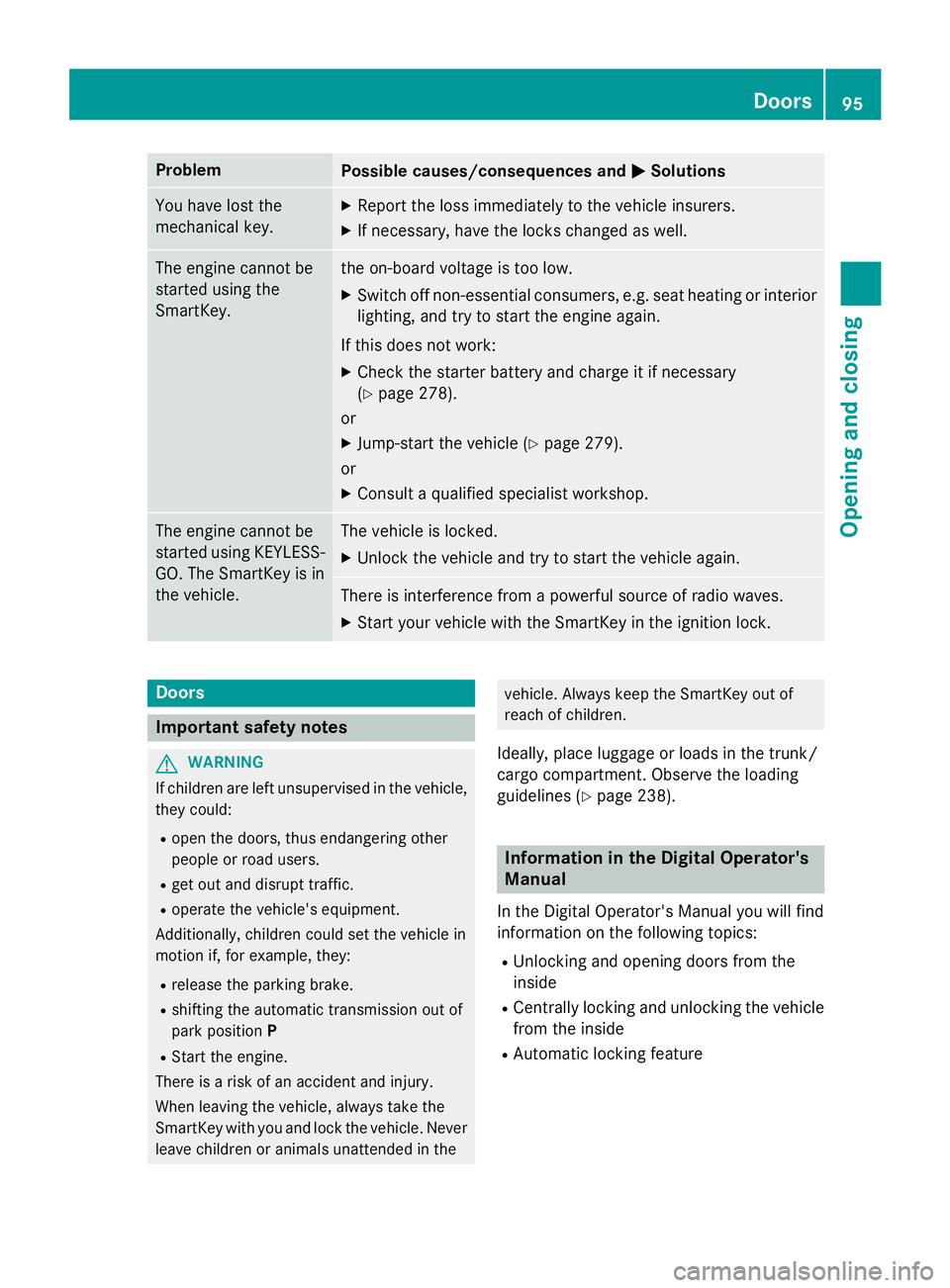
ProblemPossible causes/consequences andMSolutions
You have lost the
mechanical key.XReport the loss immediately to the vehicle insurers.
XIf necessary, have the locks changed as well.
The engine cannot be
started using the
SmartKey.the on-board voltage is too low.
XSwitch off non-essential consumers, e.g. seat heating or interior
lighting, and try to start the engine again.
If this does not work:
XCheck the starter battery and charge it if necessary
(
Ypage 278).
or
XJump-start the vehicle (Ypage 279).
or
XConsult a qualified specialist workshop.
The engine cannot be
started using KEYLESS-
GO. The SmartKey is in
the vehicle.The vehicle is locked.
XUnlock the vehicle and try to start the vehicle again.
There is interference from a powerful source of radio waves.
XStart your vehicle with the SmartKey in the ignition lock.
Doors
Important safety notes
GWARNING
If children are left unsupervised in the vehicle,
they could:
Ropen the doors, thus endangering other
people or road users.
Rget out and disrupt traffic.
Roperate the vehicle's equipment.
Additionally, children could set the vehicle in
motion if, for example, they:
Rrelease the parking brake.
Rshifting the automatic transmission out of
park position P
RStart the engine.
There is a risk of an accident and injury.
When leaving the vehicle, always take the
SmartKey with you and lock the vehicle. Never
leave children or animals unattended in the
vehicle. Always keep the SmartKey out of
reach of children.
Ideally, place luggage or loads in the trunk/
cargo compartment. Observe the loading
guidelines (
Ypage 238).
Information in the Digital Operator's
Manual
In the Digital Operator's Manual you will find
information on the following topics:
RUnlocking and opening doors from the
inside
RCentrally locking and unlocking the vehicle
from the inside
RAutomatic locking feature
Doors95
Opening and closing
Z
Page 99 of 350

Ideally, place luggage or loads in the trunk/
cargo compartment. Observe the loading
guidelines (
Ypage 238).
Do not leave the SmartKey in the trunk/cargo compartment. You could otherwise lock your-
self out.
Sedan without the trunk lid convenience
closing feature: the trunk lid can be:
Ropened and closed manually from outside
Ropened automatically from outside
Ropened automatically from inside
Rlocked separately
Ropened with the emergency release button
Runlocked with the mechanical key
Sedan with the trunk lid convenience
closing feature: the trunk lid can be:
Ropened and closed manually from outside
Ropened and closed automatically from out-
side
Ropened and closed automatically from
inside
Rlocked separately
Ropened with the emergency release button
Runlocked with the mechanical key
Wagon: you can:
Ropen and close the tailgate manually from
outside
Ropen the tailgate manually from inside
(Wagon with a folding bench seat)
Ropen and close the tailgate automatically
from outside
Ropen and close the tailgate automatically
from inside
Rlimit the opening angle of the tailgate
Runlock the tailgate using the mechanical
key
Trunk lid/tailgate reversing feature
The trunk lid/tailgate is equipped with an
automatic reversing feature. It reacts if a solid
object obstructs or restricts the trunk lid/
tailgate during the closing procedure. The trunk lid/tailgate opens again automatically.
The automatic reversing feature is only an aid
and is not a substitute for your attentiveness to the trunk lid/tailgate while it is closing.
GWARNING
The reversing feature does not react:
Rto soft, light and thin objects, e.g. small fin-
gers
Rover the last 1/3 in (8 mm) of the closing
movement
This means that the reversing feature cannot
prevent someone being trapped in these sit-
uations. There is a risk of injury.
Make sure that no body parts are in close
proximity during the closing procedure.
If somebody becomes trapped:
Rpress the Fbutton on the SmartKey, or
Rpull or press the remote operating switch
on the driver's door or
Rpress the closing or locking button on the
trunk lid/tailgate, or
Rpull the handle on the trunk lid/tailgate
Opening/closing from outside
Opening
Handle (example: Sedan)
XPress the %button on the SmartKey.
XSedan: pull handle :.
XRaise the trunk lid.
Wagon: if you pull handle :and keep it in
this position, you can open the tailgate man-
Trunk/cargo compartment97
Opening and closing
Z
Page 106 of 350

Opening
XFold the rear seat backrest forwards
(
Ypage 241).
XRemove cargo compartment cover
(
Ypage 243).
XTake the mechanical key out of the Smart-
Key (
Ypage 92).
XInsert mechanical key;into the opening
in paneling :.
XTurn mechanical key ;90° clockwise.
XPush mechanical key ;in the direction of
the arrow and open the tailgate.
XInsert the mechanical key into the Smart-
Key.
Side windows
Important safety notes
GWARNING
While opening the side windows, body parts
could become trapped between the side win-
dow and the door frame as the side window
moves. There is a risk of injury.
Make sure that nobody touches the side win-
dow during the opening procedure. If some-
body becomes trapped, release the switch or
pull the switch to close the side window again.
GWARNING
While closing the side windows, body parts in
the closing area could become trapped. There is a risk of injury.
When closing make sure that no parts of the
body are in the closing area. If somebody
becomes trapped, release the switch or press
the switch to open the side window again.
GWARNING
If children operate the side windows they
could become trapped, particularly if they are left unsupervised. There is a risk of injury.
Activate the override feature for the rear side
windows. When leaving the vehicle, always
take the SmartKey with you and lock the vehi-
cle. Never leave children unsupervised in the
vehicle.
Side window reversing feature
The side windows are equipped with an auto-
matic reversing feature. If a solid object
blocks or restricts a side window during the
closing process, the side window opens again
automatically. However, the automatic
reversing feature is only an aid and does not
relieve you of the responsibility of paying
attention when closing a side window.
GWARNING
The reversing feature does not react:
Rto soft, light and thin objects, e.g. small fin-
gers
Rover the last 1/6 in(4 mm) of the closing
movement
Rduring resetting
Rwhen closing the side window again man-
ually immediately after automatic reversing
This means that the reversing feature cannot
prevent someone being trapped in these sit-
uations. There is a risk of injury.
Make sure that no body parts are in close
proximity during the closing procedure. If
someone becomes trapped, press the switch
to open the side window again.
104Side windows
Opening and closing
Page 108 of 350
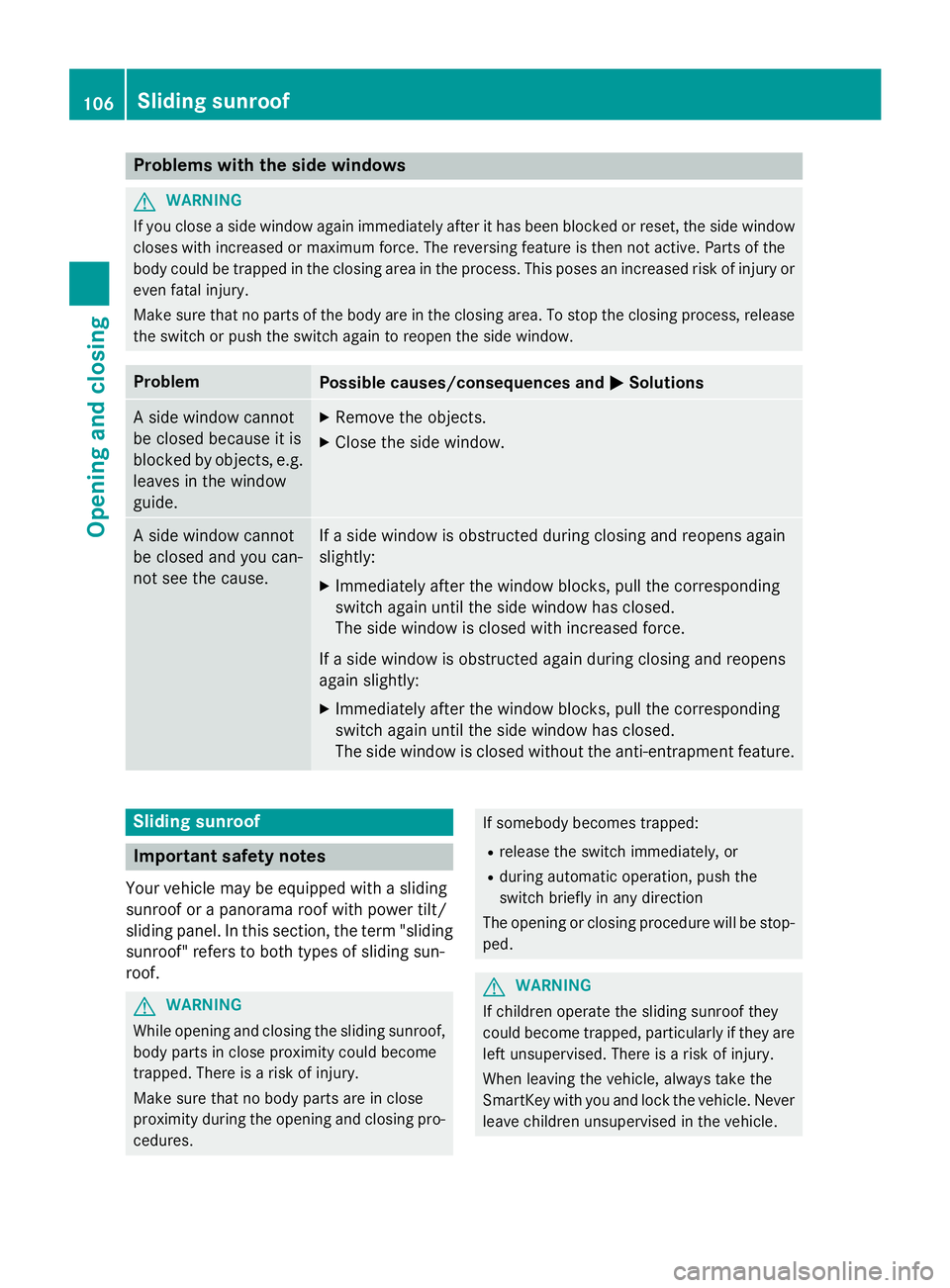
Problems with the side windows
GWARNING
If you close a side window again immediately after it has been blocked or reset, the side window
closes with increased or maximum force. The reversing feature is then not active. Parts of the
body could be trapped in the closing area in the process. This poses an increased risk of injury or
even fatal injury.
Make sure that no parts of the body are in the closing area. To stop the closing process, release
the switch or push the switch again to reopen the side window.
ProblemPossible causes/consequences and MSolutions
A side window cannot
be closed because it is
blocked by objects, e.g.
leaves in the window
guide.XRemove the objects.
XClose the side window.
A side window cannot
be closed and you can-
not see the cause.If a side window is obstructed during closing and reopens again
slightly:
XImmediately after the window blocks, pull the corresponding
switch again until the side window has closed.
The side window is closed with increased force.
If a side window is obstructed again during closing and reopens
again slightly:
XImmediately after the window blocks, pull the corresponding
switch again until the side window has closed.
The side window is closed without the anti-entrapment feature.
Sliding sunroof
Important safety notes
Your vehicle may be equipped with a sliding
sunroof or a panorama roof with power tilt/
sliding panel. In this section, the term "sliding
sunroof" refers to both types of sliding sun-
roof.
GWARNING
While opening and closing the sliding sunroof, body parts in close proximity could become
trapped. There is a risk of injury.
Make sure that no body parts are in close
proximity during the opening and closing pro-
cedures.
If somebody becomes trapped:
Rrelease the switch immediately, or
Rduring automatic operation, push the
switch briefly in any direction
The opening or closing procedure will be stop-
ped.
GWARNING
If children operate the sliding sunroof they
could become trapped, particularly if they are left unsupervised. There is a risk of injury.
When leaving the vehicle, always take the
SmartKey with you and lock the vehicle. Never
leave children unsupervised in the vehicle.
106Sliding sunroof
Opening and closing