Page 376 of 660
3764-5. Using the driving support systems
RX450h_U_OM0E013U
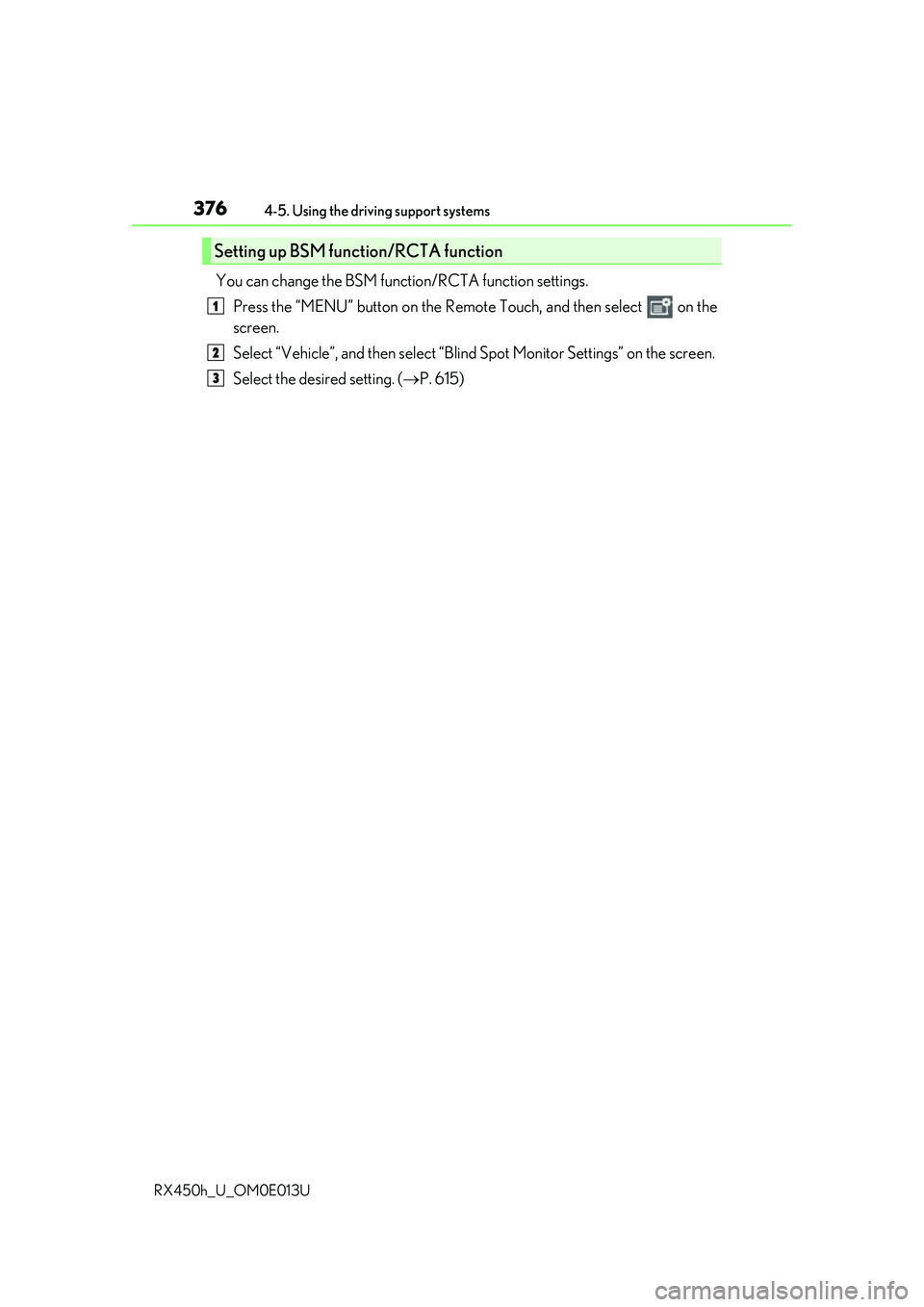
You can change the BSM function/RCTA function settings. Press the “MENU” button on the Remote Touch, and then select on the
screen.
Select “Vehicle”, and then select “Blind Spot Monito r Settings” on the screen.
Select the desired setting. ( P. 615)
Setting up BSM function/RCTA function
1
2
3
Page 397 of 660

397
5Interior features
RX450h_U_OM0E013U
5-1. Basic operation of the Remote Touch screen
Remote Touch ............................ 398
12.3-inch displa y.........................402
5-2. Using the air conditioning system and defogger
Lexus Climate Concierge ..... 404
Automatic air conditioning system ......................................... 405
Heated steering wheel/ seat heaters/
seat ventilators .......................... 414
5-3. Using the interior lights Interior lights list........................... 417
• Interior lights ........................... 418
• Personal lights ........................ 419
5-4. Using the storage features List of storage features.............. 421
• Glove box ............................... 422
• Console box ........................... 422
• Cup holders............................423
• Door pockets ......................... 424
• Bottle holders ........................425
• Coin box ..................................425
• Auxiliary boxes......................426
Luggage compartment features........................................ 427 5-5. Using the other interior
features
Other interior features ............ 432
• Sun visors ................................ 432
• Vanity mirrors ....................... 432
• Clock ........................................ 433
• Wireless charger ................. 433
• Power outlets (12 VDC) ................................. 440
• Power outlet (120 VAC)................................441
• Front passenger footwell hooks......................................... 442
• Rear door sunshades ......... 443
• Armrest .................................... 443
• Assist grips.............................. 444
• Coat hooks ............................. 444
Garage door opener ............... 445
LEXUS Enform Safety Connect ...................................... 452
Page 398 of 660
398
RX450h_U_OM0E013U5-1. Basic operation of the Remote Touch screen
Vehicles with 8-inch display
Vehicles with 12.3-inch display
Remote Touch
The Remote Touch can be used to operate the Remote Touch screens.
Owners of models equipped with a navi
gation system should refer to the
“NAVIGATION SYSTEM OWNER’S MANUAL”.
Page 399 of 660
3995-1. Basic operation of the Remote Touch screen
5
Interior features
RX450h_U_OM0E013U
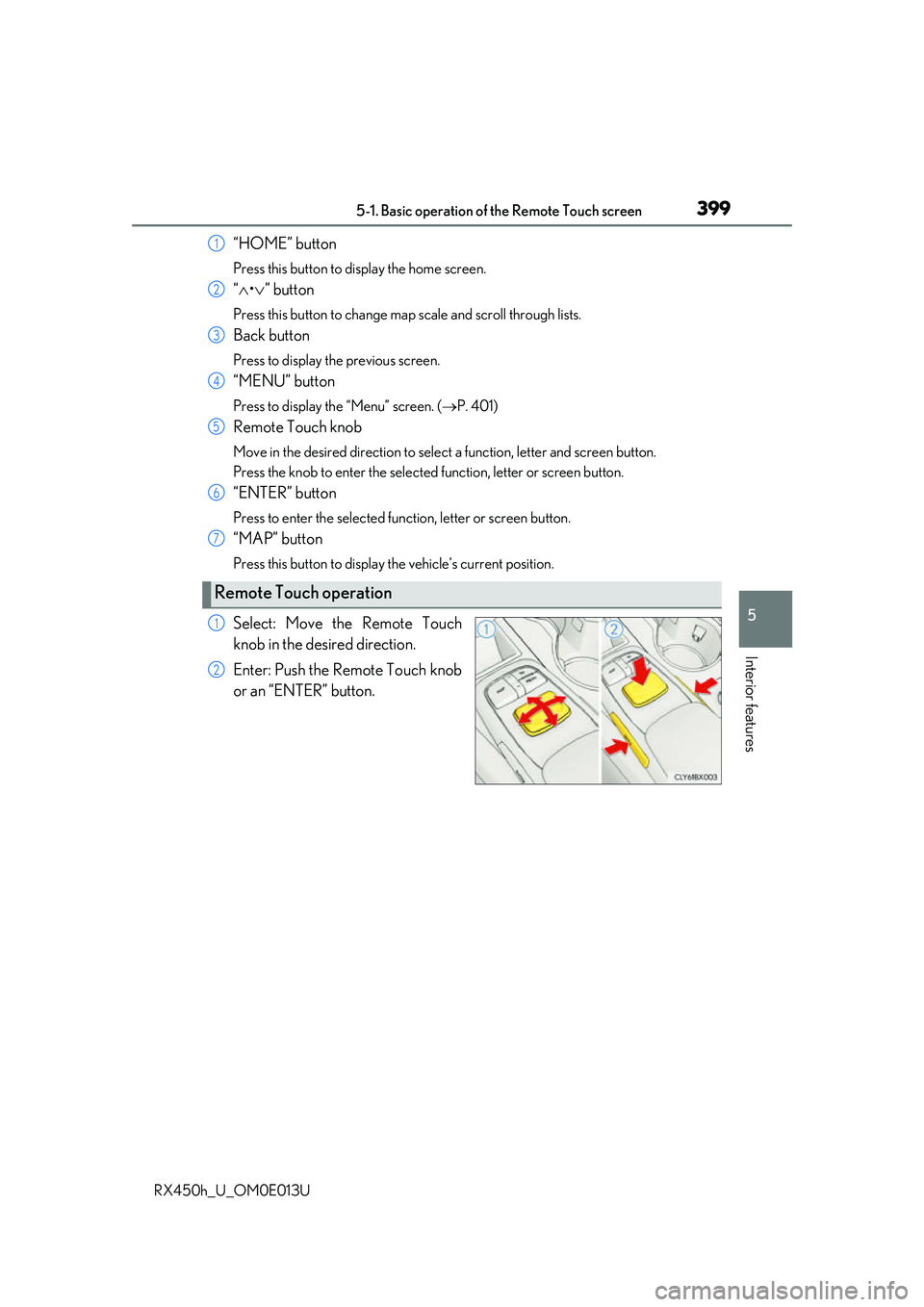
“HOME” button
Press this button to display the home screen.
“ • ” button
Press this button to change map scale and scroll through lists.
Back button
Press to display the previous screen.
“MENU” button
Press to display th e “Menu” screen. ( P. 401)
Remote Touch knob
Move in the desired direction to select a function, letter and screen button.
Press the knob to enter the selected function, letter or screen button.
“ENTER” button
Press to enter the selected function, letter or screen button.
“MAP” button
Press this button to display the vehicle’s current position.
Select: Move the Remote Touch
knob in the desired direction.
Enter: Push the Remote Touch knob
or an “ENTER” button.
Remote Touch operation
1
2
3
4
5
6
7
1
2
Page 400 of 660
4005-1. Basic operation of the Remote Touch screen
RX450h_U_OM0E013U
■Screen display during low temperatures
When the ambient temperature is extremely low, screen response may be delayed even
if the Remote Touch is operated.
WARNING
■When using the Remote Touch
●Do not allow fingers, fingernails or hair to become caught in the Remote Touch as this
may cause an injury.
●Be careful when selecting the Remote Touch in extreme temperatures as it may
become very hot or cold due to the temperature inside the vehicle.
NOTICE
■To prevent damage to the Remote Touch
●Do not allow the Remote Touch to come into contact with food, liquid, stickers or lit
cigarettes as doing so may cause it to change color, emit a strange odor or stop func-
tioning.
●Do not subject the Remote Touch to excessive pressure or strong impact as the knob
may bend or break off.
●Do not allow coins, contact lenses or ot her such items to become caught in the
Remote Touch as this may cause it to stop functioning.
●Items of clothing may rip if they become caught on the Remote Touch knob.
●If your hand or any object is on the Remo te Touch knob when the power switch is in
ACCESSORY mode, the Remote Touch knob may not operate properly.
Page 401 of 660

4015-1. Basic operation of the Remote Touch screen
5
Interior features
RX450h_U_OM0E013U
Press the “MENU” button on the Remote Touch to display the “Menu” screen.
The display may differ depending on the type of the system.
Vehicles with 12.3-inch display: When the split-screen display is selected, the “Menu”
screen will be displayed on the main display. ( P. 402)
*: Refer to the “NAVIGATION SYSTEM OWNER’S MANUAL”.
“Menu” screen
Vehicles with 8-inch displayVehicles with 12.3-inch display
SwitchFunction
Select to display the map screen (Vehicles with 8- inch display).*
Select to display the radio control screen.*
Select to display the media control screen.*
Select to display the hands-free operation screen.*
Select to display the “LEXUS App Suite” screen.*
Select to display the “Information” screen.*
Select to display the air conditioning control screen. ( P. 405)
Select to display the “Setup” screen.*
Select to display the “Destination ” screen (Vehicles with 12.3-inch
display).
*
“Display”Select to adjust the contrast and brightness of the screens, turn the
screen off, etc.
*
Page 402 of 660
4025-1. Basic operation of the Remote Touch screen
RX450h_U_OM0E013U
■Full screen display
The following functions can be displayed full screen: • Initial screen
•“Menu” screen ( P. 401)
• Map screen
*
*: Refer to the “NAVIGATION SYSTEM OWNER’S MANUAL”.
■Split-screen display
Different information can be displayed on the left and right of the screen. For
example, audio screen can be displa yed and operated while the fuel con-
sumption information screen is being disp layed. The large screen on the left of
the display is called the main display, and the small screen to the right is called
the side display.
12.3-inch display
: If equipped
12.3-inch display overview
Page 403 of 660
4035-1. Basic operation of the Remote Touch screen
5
Interior features
RX450h_U_OM0E013U
■Selecting the operation screen
When selecting the main display, move the Remote Touch knob to the left.
When selecting the side display, move the Remote Touch knob to the right.
■Main display
For details about the functions and operation of the main display, refer to the
respective section and “NAVIGATION SYSTEM OWNER’S MANUAL”.
■Side display
Basic screens
To change the screen displayed on the side display, use the screen buttons on
the right side of the display.
Navigation system
*
Audio*
Phone*
Vehicle information ( P. 129)
Air conditioning system
( P. 408)
Interruption screens
Each of the following screens is displayed automatically in accordance with
conditions. • Intuitive parking assist ( P. 340)
•Phone
*
• Destination Assist*
•Driving mode ( P. 377)
*: Refer to the “NAVIGATION SYSTEM OWNER’S MANUAL”.
Split-screen display operation
1
2
3
4
5