Page 447 of 748
4475-7. Connecting Bluetooth ®
5
Lexus Display Audio system
RX350_U_OM48E90U Go to “Bluetooth
* Setup”: “MENU” button “Setup” “Bluetooth
* ”
Move the controller to the left and then select “System Settings”.
Select “System Information”.
Change the system name
Change the PIN-code You can change the PIN-code that is
used to register your Bluetooth ®
devices in the system.
Device address
Select to set the display of the
phone status on/off You can set the system to show the
status confirmation display when
connecting a phone.
Select to set the display of the
audio player status on/off You can set the system to show the
status confirmation display when
connecting an audio player.
Compatibility profile of the sys-
tem
* : Bluetooth is a registered trademark of
Bluetooth SIG, Inc. ■
Restoring the default settings
Move the controller to the left and select “Default” on the “System Information” screen.Editing the system information 1
2
3
1
2
3
4
5
6
Page 448 of 748
448
RX350_U_OM48E90U 5-8. Bluetooth ®
Audio
When a Bluetooth ®
device cannot be connected, check the connection status
on the “Bluetooth
* Audio” screen. If the device is not connected, either register
or reconnect the device. ( P. 440, 442)
* : Bluetooth is a registered trademark of Bluetooth SIG, Inc.
You can check indicators, such as, signal strength and battery charge on the
screen.
Connection status
Battery charge
Depending on the type of portable
audio player used, some titles may not
be displayed.
■
Bluetooth ®
Audio
In some situations, sound output via the Bluetooth ®
audio system may be out of sync with
the connected device or output intermittently.Listening to Bluetooth ®
AudioThe Bluetooth ®
audio system enables the user to enjoy music played on a por-
table player from the vehicle speakers via wireless communication.
Status display 1
2
Indicators Conditions
Connection status Good Not connected
Battery charge Full Empty
Page 449 of 748
4495-8. Bluetooth ®
Audio
5
Lexus Display Audio system
RX350_U_OM48E90U Pressing the “MEDIA” button displays the Bluetooth ®
audio top screen from any
screen of the selected source. ■
Menu screen
P. 4 1 3■
Selecting a song
Press the “ PRST” or “TRACK ” button or turn the “TUNE•SCROLL” knob
to select the desired song number.
To fast-forward or reverse, press and hold the “ PRST” or “TRACK ” button.■
Selecting a play mode
Move the controller to the right and then select “Browse”.
Select the desired play mode, and then select a song to begin using the
selected play mode.■
Displaying the now playing list
Move the controller to the right and then select “Now Playing List”.Bluetooth ®
audio top screen 1
2
Page 451 of 748
4515-9. Bluetooth ®
Phone
5
Lexus Display Audio system
RX350_U_OM48E90U ◆ Phone switch ( P. 4 6 0 )
◆ Microphone
The vehicle’s built-in microphone is
used when talking on the phone.
The person to whom you are speak-
ing to can be heard from the front
speakers.
To use the hands-free system, you
must register your Bluetooth ®
phone in the system. ( P. 4 4 0 )
You can check indicators such as signal strength and battery charge on any
screen.
Connection status
Signal strength
Battery chargeStatus display 1
2
3
Indicators Conditions
Connection status Good Po o r Not connected
(Blue) (Gray)
Signal strength Excellent Poor
Battery charge Full Empty
Page 453 of 748
4535-9. Bluetooth ®
Phone
5
Lexus Display Audio system
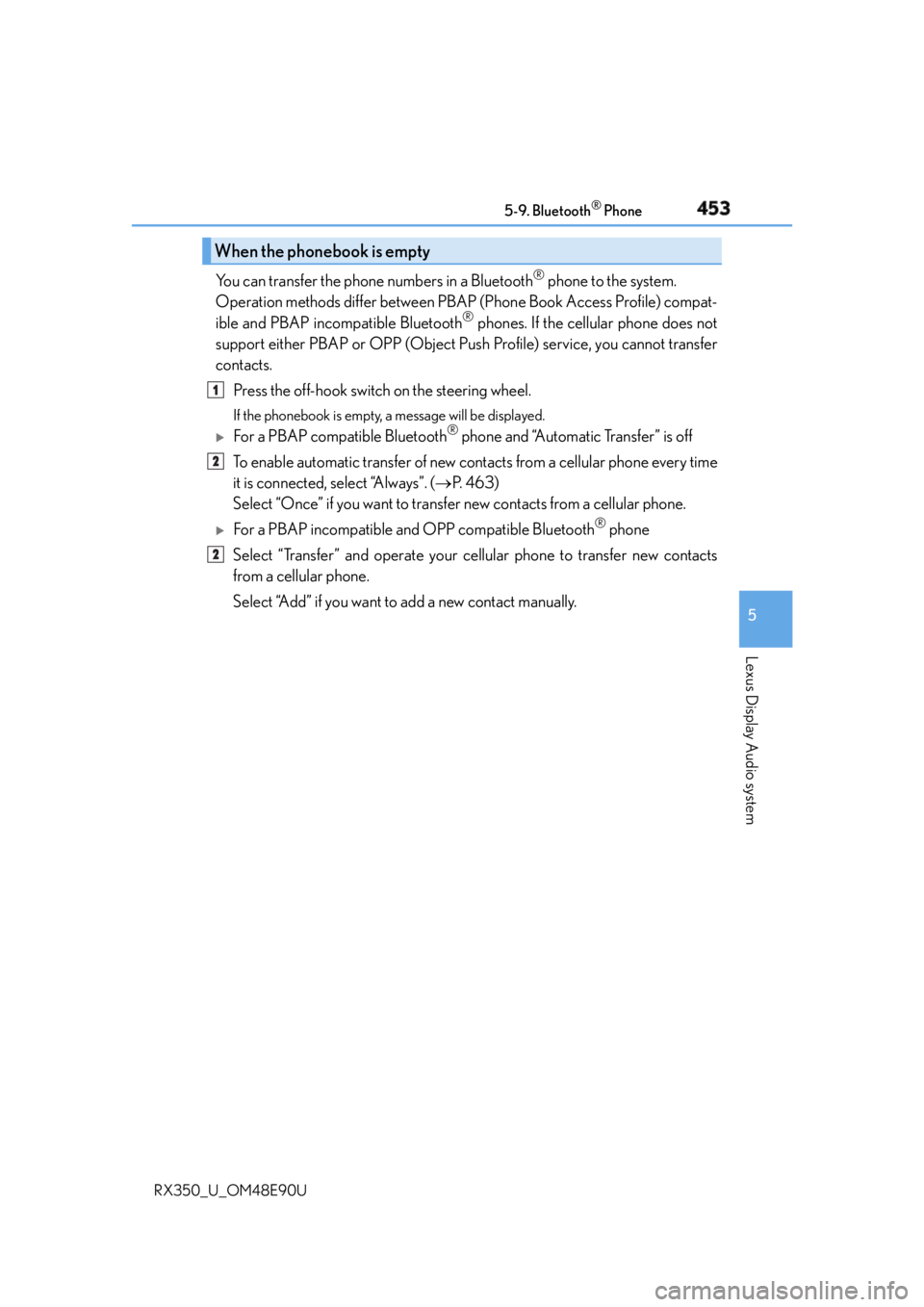
RX350_U_OM48E90U You can transfer the phone numbers in a Bluetooth ®
phone to the system.
Operation methods differ between PBAP (Phone Book Access Profile) compat-
ible and PBAP inco mpatible Bluetooth ®
phones. If the cellular phone does not
support either PBAP or OPP (Object Push Profile) service, you cannot transfer
contacts.
Press the off-hook switch on the steering wheel. If the phonebook is empty, a message will be displayed.
For a PBAP compatible Bluetooth ®
phone and “Automatic Transfer” is off
To enable automatic transfer of new contacts from a cellular phone every time
it is connected, select “Always”. ( P. 4 6 3 )
Select “Once” if you want to transf er new contacts from a cellular phone.
For a PBAP incompatible an d OPP compatible Bluetooth ®
phone
Select “Transfer” and operate your ce llular phone to transfer new contacts
from a cellular phone.
Select “Add” if you want to add a new contact manually.When the phonebook is empty 1
2
2
Page 455 of 748
4555-9. Bluetooth ®
Phone
5
Lexus Display Audio system
RX350_U_OM48E90U Press the off-hook switch on the steer-
ing wheel or select .
Press the on-hook switch on the steering wheel or select . ■
International calls
Depending on the cellular phone in use, re ceived international calls may not be dis-
played correctly.Receiving a call When a call is received, the following screen is displayed together with a
sound.
To answer the phone
To refuse a call
Page 457 of 748

4575-9. Bluetooth ®
Phone
5
Lexus Display Audio system
RX350_U_OM48E90U
Phone number containing a “w” symbol
When the “w” symbol is dialed in an outgoing call, you need to go to the
“Release Tones” screen to dial the following digits. Move the controller to the
left and then select “Release Tones”.
Select “Handset Mode” to change from a hands-free call to a cellular phone call
or vice versa.
Press the on-hook switch on the steering wheel or select .
When a call is interrupted by a third party while talking, an incoming call mes-
sage will be displayed.
To talk with the other party:
Press the off-hook switch on the steer-
ing wheel or select .
To refuse the call:
Press the on-hook switch on the steer-
ing wheel or select . Every time you press the off-hook switch on the steering wheel or select during
call waiting, you will be switched to the other party. ■
Transferring calls ●
It is not possible to transfer from hand s-free to the cellular phone while driving.●
If you transfer from the cellular phone to ha nds-free, the hands-free screen will be dis-
played, and you can operate the system using the screen. ●
Transfer method and operation may vary according to the cellular phone used. ●
For operation of the cellular phone in use, see the phone’s manual. ■
Call waiting operation
Call waiting operation may differ depend ing on your phone company and cellular
phone.To transfer a call
To hang up
Call waiting
Page 459 of 748

4595-9. Bluetooth ®
Phone
5
Lexus Display Audio system
RX350_U_OM48E90U Move the controller to the left while on the message screen.
Select “Quick Message” to display the “Quick Message” screen.
Select the desired message and then select “Send”. ■
Editing a quick message
Move the controller to the left while on the message screen.
Select “Quick Message” and move the cursor to the desired message.
Move the controller to the left and select “Edit”. To return to the default message after editing, select “Default”.
This function is available when the “E-mail Notification Popup” or “SMS/MMS
Notification Popup” are set to on. ( P. 4 6 2 )
“Incoming E-mail Display” or “Inco ming SMS/MMS Display” are set to
“Drop-Down”
When E-mail/ SMS/MMS are received, the incoming message is displayed
on the upper side of the screen with a sound.
“Incoming E-mail Display” or “Incoming SMS/MMS Display” are set to “Full
Screen”
When E-mail/ SMS/MMS are received, th e incoming message screen is dis-
played with a sound and it can be operated on the screen.
Check the message
Refuse to check the message
Call to receive the message
sender’s phone numberReplying to a message
Receiving a message popup function 1
2
3
1
2
3
1
2
3


