Page 236 of 587
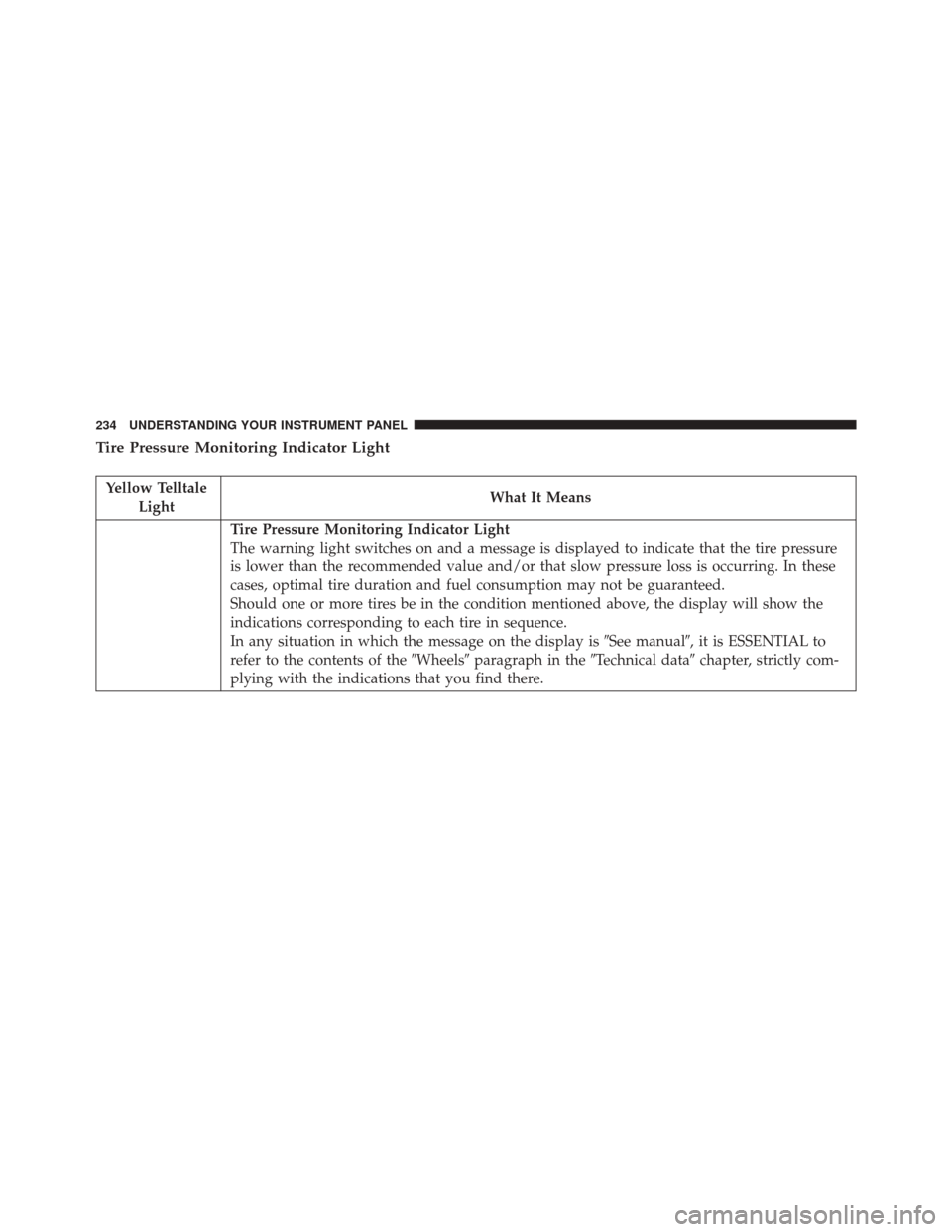
Tire Pressure Monitoring Indicator Light
Yellow TelltaleLight What It Means
Tire Pressure Monitoring Indicator Light
The warning light switches on and a message is displayed to indicate that the tire pressure
is lower than the recommended value and/or that slow pressure loss is occurring. In these
cases, optimal tire duration and fuel consumption may not be guaranteed.
Should one or more tires be in the condition mentioned above, the display will show the
indications corresponding to each tire in sequence.
In any situation in which the message on the display is
�See manual�, it is ESSENTIAL to
refer to the contents of the �Wheels�paragraph in the �Technical data�chapter, strictly com-
plying with the indications that you find there.
234 UNDERSTANDING YOUR INSTRUMENT PANEL
Page 237 of 587

IMPORTANT:Do not continue driving with one or more
flat tires as handling may be compromised. Stop the
vehicle, avoiding sharp braking and steering. Repair
immediately using the dedicated tire repair kit and
contact your authorized dealership as soon as possible.
Each tire, including the spare (if provided), should be
checked monthly when cold and inflated to the inflation
pressure recommended by the vehicle manufacturer on
the vehicle placard or tire inflation pressure label. If your
vehicle has tires of a different size than the size indicated
on the vehicle placard or tire inflation pressure label, you
should determine the proper tire inflation pressure for
those tires.
As an added safety feature, your vehicle has been
equipped with a Tire Pressure Monitoring System
(TPMS) that illuminates a low tire pressure telltale when
one or more of your tires is significantly under-inflated. Accordingly, when the low tire pressure telltale illumi-
nates, you should stop and check your tires as soon as
possible and inflate them to the proper pressure. Driving
on a significantly under-inflated tire causes the tire to
overheat and can lead to tire failure. Under-inflation also
reduces fuel efficiency and tire tread life, and may affect
the vehicle’s handling and stopping ability.
Please note that the TPMS is not a substitute for proper
tire maintenance, and it is the driver ’s responsibility to
maintain correct tire pressure, even if under-inflation has
not reached the level to trigger illumination of the TPMS
low tire pressure telltale.
Your vehicle has also been equipped with a TPMS
malfunction indicator to indicate when the system is not
operating properly. The TPMS malfunction indicator is
combined with the low tire pressure telltale. When the
system detects a malfunction, the telltale will flash for
approximately one minute and then remain continuously
4
UNDERSTANDING YOUR INSTRUMENT PANEL 235
Page 256 of 587

Upon reset, all digits will change to zeros, and time will
start incrementing again if the ignition switch is in RUN
or START.
Display Units Of Measure In
To make your selection, push and release the RIGHT
arrow button until “US” or “METRIC” appears.
Personal Settings (Customer-Programmable
Features)
This allows the driver to set and recall features when the
transmission is in PARK (automatic transmission) or the
vehicle is stopped (manual transmission).
Push and release the MENU or DOWN buttons until
“Personal Settings” is displayed in the EVIC then push
and release the RIGHT button.Use the RIGHT button to display one of the following
choices:
Language
When in this display, you may select different languages
for all display nomenclature, including the trip functions.
Pushing the RIGHT button while in this display selects
English, Espanol, Deutsch, Italiano, Francais, or NL de-
pending on availability. As you continue, the displayed
information will be shown in the selected language.
NOTE:
Uconnect language will not change using the
EVIC. Please refer to “Uconnect Phone Features” in
“Understanding The Features Of Your Vehicle” for fur-
ther information.
Auto Lock Doors
When ON is selected, all doors lock automatically when
the speed of the vehicle reaches 15 mph (24 km/h). Push
254 UNDERSTANDING YOUR INSTRUMENT PANEL
Page 270 of 587

NOTE:The user will have to set these defaults before
loading a disc. If changes are made to these settings after
a disc is loaded, changes will not be effective. Also, the
defaults are effective only if the disc supports the
customer-preferred settings.
AM and FM Buttons
Push the buttons to select AM or FM mode.
SET Button — To Set The Pushbutton Memory
When you are receiving a station that you wish to
commit to pushbutton memory, push the SET button. The
symbol SET 1 will now show in the display window.
Select the button (1-6) you wish to lock onto this station
and push and release that button. If a button is not
selected within five seconds after pushing the SET but-
ton, the station will continue to play but will not be
stored into pushbutton memory. You may add a second station to each pushbutton by
repeating the above procedure with this exception: Push
the SET button twice and SET 2 will show in the display
window. Each button can be set for SET 1 and SET 2 in
both AM and FM. This allows a total of 12 AM, 12 FM,
and 12 Satellite (if equipped) stations to be stored into
pushbutton memory. The stations stored in SET 2
memory can be selected by pushing the pushbutton
twice.
Every time a preset button is used, a corresponding
button number will display.
Buttons1-6
These buttons tune the radio to the stations that you
commit to pushbutton memory {12 AM, 12 FM, and 12
Satellite (if equipped) stations}.
268 UNDERSTANDING YOUR INSTRUMENT PANEL
Page 271 of 587

DISC Button
Pushing the DISC button will allow you to switch from
AM/FM modes to Disc modes.
Operation Instructions — DISC Mode For CD And
MP3/WMA Audio Play, DVD – Video
The radio DVD player and many DVD discs are coded by
geographic region. These region codes must match for
the disc to play. If the region code for the DVD disc does
not match the region code for the radio DVD player, it
will not play the disc. Customers may take their vehicle
to an authorized dealer to change the region code of the
player a maximum of five times.
CAUTION!
The radio may shut down during extremely hot
conditions. When this occurs, the radio will indicate
(Continued)
CAUTION!(Continued)
“Disc Hot” and shut off until a safe temperature is
reached. This shutdown is necessary to protect the
optics of the DVD player and other radio internal
components.
NOTE: The ignition switch must be in the ON or ACC
position to operate the radio.
LOAD Button — Loading Compact Disc(s)
Push the LOAD button and the pushbutton with the
corresponding number (1-6) where the CD is being
loaded. The radio will display PLEASE WAIT and
prompt when to INSERT DISC. After the radio displays
�INSERT DISC,� insert the CD into the player.
Radio display will show �LOADING DISC�when the disc
is loading and “READING DISC” when the radio is
reading the disc.
4
UNDERSTANDING YOUR INSTRUMENT PANEL 269
Page 272 of 587

CAUTION!
This CD player will accept 4–3/4 inch (12 cm) discs
only. The use of other sized discs may damage the
CD player mechanism.
Eject Button — Ejecting Compact Disc(s)
Push the EJECT button and the pushbutton
with the corresponding number (1-6) where the
CD was loaded and the disc will unload and
move to the entrance for easy removal. Radio
display will show �EJECTING DISC�when the disc is
being ejected and prompt the user to remove the disc.
Push and hold the EJECT button for five seconds and all
CDs will be ejected from the radio.
The disc can be ejected with the radio and ignition OFF.
SEEK Button (CD MODE)
Push the right SEEK button for the next selection on the
CD. Push the left SEEK button to return to the beginning
of the current selection, or return to the beginning of the
previous selection if the CD is within the first second of
the current selection. Pushing and holding the SEEK
button will allow you to scroll through the tracks faster in
CD and MP3/MWA modes.
SCAN Button (CD MODE)
Push the SCAN button to scan through each track on the
CD currently playing.
TIME Button (CD MODE)
Push this button to change the display from a large CD
playing time display to a small CD playing time display.
270 UNDERSTANDING YOUR INSTRUMENT PANEL
Page 282 of 587
You may add a second channel to each pushbutton by
repeating the above procedure with this exception: Push
the SET button twice and SET 2 will show in the display
window. Each button can be set for SET 1 and SET 2. This
allows a total of 12 Satellite channels to be stored into
pushbutton memory. The channels stored in SET 2
memory can be selected by pushing the pushbutton
twice.
Every time a preset button is used, a corresponding
button number will display.
Buttons1-6
These buttons tune the radio to the channels that you
commit to pushbutton memory (12 Satellite stations).
UCONNECT 430/430N CD/DVD/HDD/NAV — IF
EQUIPPED
Refer to your Uconnect Supplement Manual for detailed
operating instructions.
Operating Instructions (Voice Command System)
— If Equipped
Refer to “Voice Command” for further details.
Operating Instructions (Uconnect Phone) — If
Equipped
Refer to “Uconnect Phone” for further details.
280 UNDERSTANDING YOUR INSTRUMENT PANEL
Page 286 of 587

display window. Each button can be set for SET 1 and
SET 2 in both AM and FM. This allows a total of 12 AM
and 12 FM stations to be stored into pushbutton memory.
The stations stored in SET 2 memory can be selected by
pushing the pushbutton twice.
Every time a preset button is used, a corresponding
button number will display.
Buttons1-6
These buttons tune the radio to the stations that you
commit to pushbutton memory (12 AM and 12 FM
stations).
DISC Button
Pushing the DISC button will allow you to switch from
AM/FM modes to Disc modes.
Operation Instructions — CD MODE For CD And
MP3 Audio Play
NOTE:
•The ignition switch must be in the ON or ACC position
to operate the radio.
• This radio is capable of playing compact discs (CD),
recordable compact discs (CD-R), rewritable compact
discs (CD-RW), compact discs with MP3 tracks and
multisession compact discs with CD and MP3 tracks.
Inserting Compact Disc(s)
Gently insert one CD into the CD player with the CD
label facing up. The CD will automatically be pulled into
the CD player and the CD icon will illuminate on the
radio display. If a CD does not go into the slot more than
1 inch (2.5 cm), a disc may already be loaded and must be
ejected before a new disc can be loaded.
284 UNDERSTANDING YOUR INSTRUMENT PANEL