Page 461 of 745
ENGINE START/STOP Button Functions — With
Driver ’s Foot OFF The Brake Pedal (In PARK Or
NEUTRAL Position)
The ENGINE START/STOP button operates similar to an
ignition switch. It has four positions, OFF, ACC, RUN
and START. To change the ignition positions without
starting the vehicle and use the accessories follow these
steps:
•Starting with the ignition in the OFF position,
• Push the ENGINE START/STOP button once to place
the ignition to the ACC position (DID will display
“ACC”),
• Push the ENGINE START/STOP button a second time
to place the ignition to the RUN position (DID will
display “ON/RUN”), •
Push the ENGINE START/STOP button a third time to
return the ignition to the OFF position (DID will
display “OFF”).Extreme Cold Weather (Below –22°F Or 30°C)
To ensure reliable starting at these temperatures, use of
an externally powered electric engine block heater (avail-
able from your authorized dealer) is recommended.
If Engine Fails To Start
WARNING!
• Never pour fuel or other flammable liquid into the
throttle body air inlet opening in an attempt to start
the vehicle. This could result in flash fire causing
serious personal injury.
(Continued)
5
STARTING AND OPERATING 459
Page 462 of 745

WARNING!(Continued)
•Do not attempt to push or tow your vehicle to get it
started. Vehicles equipped with an automatic trans-
mission cannot be started this way. Unburned fuel
could enter the catalytic converter and once the
engine has started, ignite and damage the converter
and vehicle.
• If the vehicle has a discharged battery, booster
cables may be used to obtain a start from a booster
battery or the battery in another vehicle. This type
of start can be dangerous if done improperly. Refer
to “Jump-Starting” in “What To Do In Emergen-
cies” for further information.
Clearing A Flooded Engine (Using ENGINE
START/STOP Button)
If the engine fails to start after you have followed the
“Normal Starting” or “Extreme Cold Weather� proce-
dures, it may be flooded. To clear any excess fuel:
1. Press and hold the brake pedal.
2. Press the accelerator pedal all the way to the floor and hold it.
3. Push and release the ENGINE START/STOP button once.
The starter motor will engage automatically, run for
10 seconds, and then disengage. Once this occurs, release
the accelerator pedal and the brake pedal, wait 10 to 15
seconds, then repeat the “Normal Starting” procedure.
460 STARTING AND OPERATING
Page 471 of 745

Active Noise Cancellation — Summit And SRT
Models Only
Your vehicle is equipped with an Active Noise Cancella-
tion System. This system uses four microphones embed-
ded in the headliner to detect undesirable exhaust noise,
which sometimes occurs when operating in ECO mode.
An onboard frequency generator creates counteracting
sound waves through the audio system to help keep the
vehicle quiet.
Eight–Speed Automatic Transmission
The transmission gear range (PRNDM) is displayed both
on the gear selector bezel and in the Driver Information
Display (DID). To select a gear range, press the lock
button on the gear selector and move the lever rearward
or forward. You must also press the brake pedal to shift
the transmission out of PARK, or to shift from NEUTRAL
into DRIVE or REVERSE when the vehicle is stopped ormoving at low speeds (refer to “Brake/Transmission
Shift Interlock System” in this section). Select the DRIVE
range for normal driving.
The electronically-controlled transmission provides a
precise shift schedule. The transmission electronics are
self-calibrating; therefore, the first few shifts on a new
vehicle may be somewhat abrupt. This is a normal
condition, and precision shifts will develop within a few
hundred miles (kilometers).
Only shift from DRIVE to PARK or REVERSE when the
accelerator pedal is released and the vehicle is stopped.
Be sure to keep your foot on the brake pedal when
shifting between these gears.
The transmission gear selector provides PARK, RE-
VERSE, NEUTRAL, DRIVE and MANUAL (AutoStick)
shift positions. Manual shifts can be made using the
AutoStick shift control (refer to “AutoStick” in this
5
STARTING AND OPERATING 469
Page 475 of 745
CAUTION!
•DO NOT race the engine when shifting from
PARK or NEUTRAL into another gear range, as this
can damage the drivetrain.
• Before moving the gear selector out of PARK, you
must start the engine, and also press the brake
pedal. Otherwise, damage to the gear selector could
result.
The following indicators should be used to ensure that you
have engaged the transmission into the PARK position:
• When shifting into PARK, press the lock button on the
gear selector and push the lever all the way forward
until it stops and is fully seated.
• Look at the transmission gear position display and
verify that it indicates the PARK position (P). •
With brake pedal released, verify that the gear selector
will not move out of PARK.
NOTE: If the gear selector cannot be moved to the PARK
position (when pushed forward), it is probably in the
AutoStick (+/-) position (beside the DRIVE position). In
AutoStick mode, the transmission gear (1, 2, 3, etc.) is
displayed in the instrument cluster. Move the gear selec-
tor to the right (into the DRIVE [D] position) for access to
PARK, REVERSE, and NEUTRAL.
REVERSE (R)
This range is for moving the vehicle backward. Shift into
REVERSE only after the vehicle has come to a complete
stop.
NEUTRAL (N)
Use this range when the vehicle is standing for prolonged
periods with the engine running. Apply the parking
5
STARTING AND OPERATING 473
Page 486 of 745
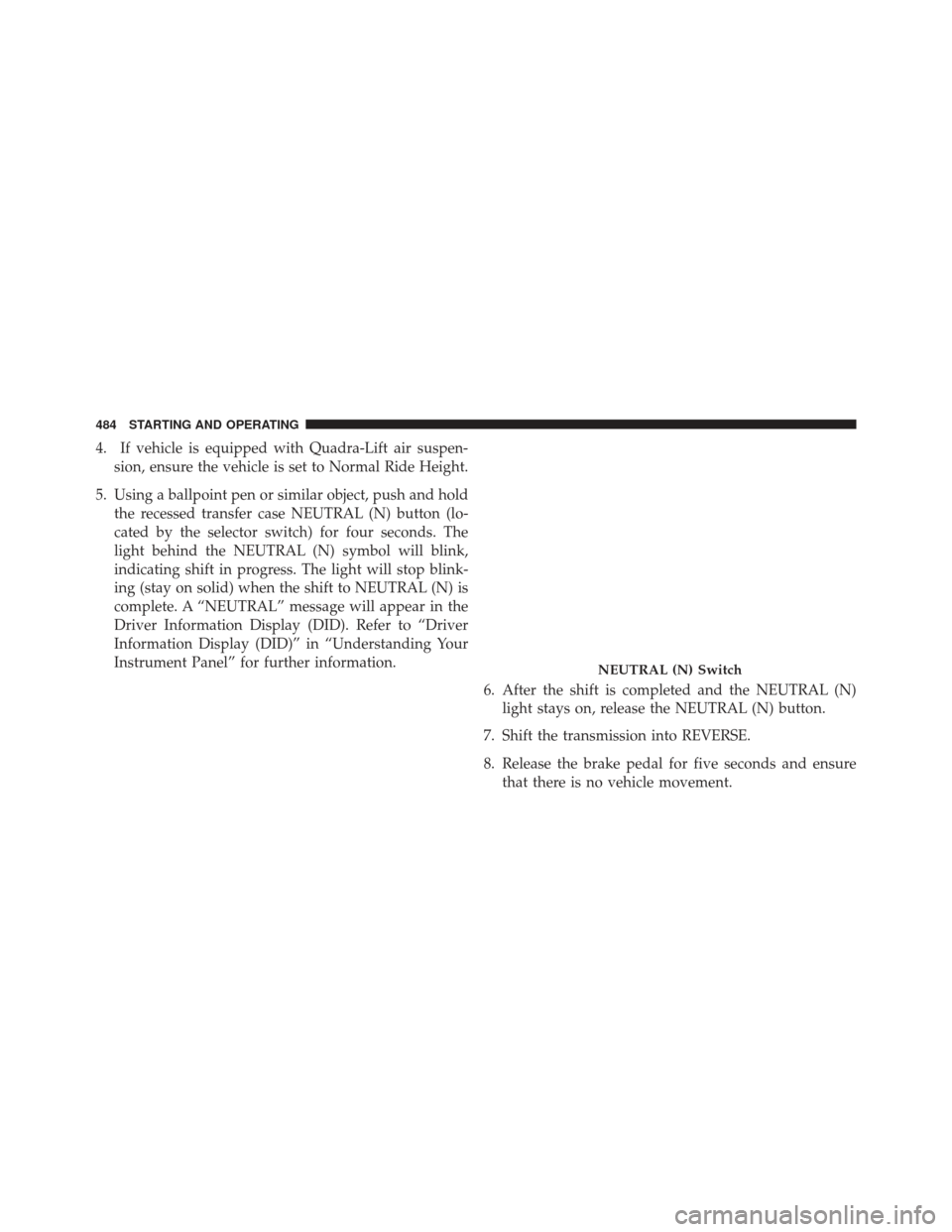
4. If vehicle is equipped with Quadra-Lift air suspen-sion, ensure the vehicle is set to Normal Ride Height.
5. Using a ballpoint pen or similar object, push and hold the recessed transfer case NEUTRAL (N) button (lo-
cated by the selector switch) for four seconds. The
light behind the NEUTRAL (N) symbol will blink,
indicating shift in progress. The light will stop blink-
ing (stay on solid) when the shift to NEUTRAL (N) is
complete. A “NEUTRAL” message will appear in the
Driver Information Display (DID). Refer to “Driver
Information Display (DID)” in “Understanding Your
Instrument Panel” for further information.
6. After the shift is completed and the NEUTRAL (N)light stays on, release the NEUTRAL (N) button.
7. Shift the transmission into REVERSE.
8. Release the brake pedal for five seconds and ensure that there is no vehicle movement.
NEUTRAL (N) Switch
484 STARTING AND OPERATING
Page 487 of 745
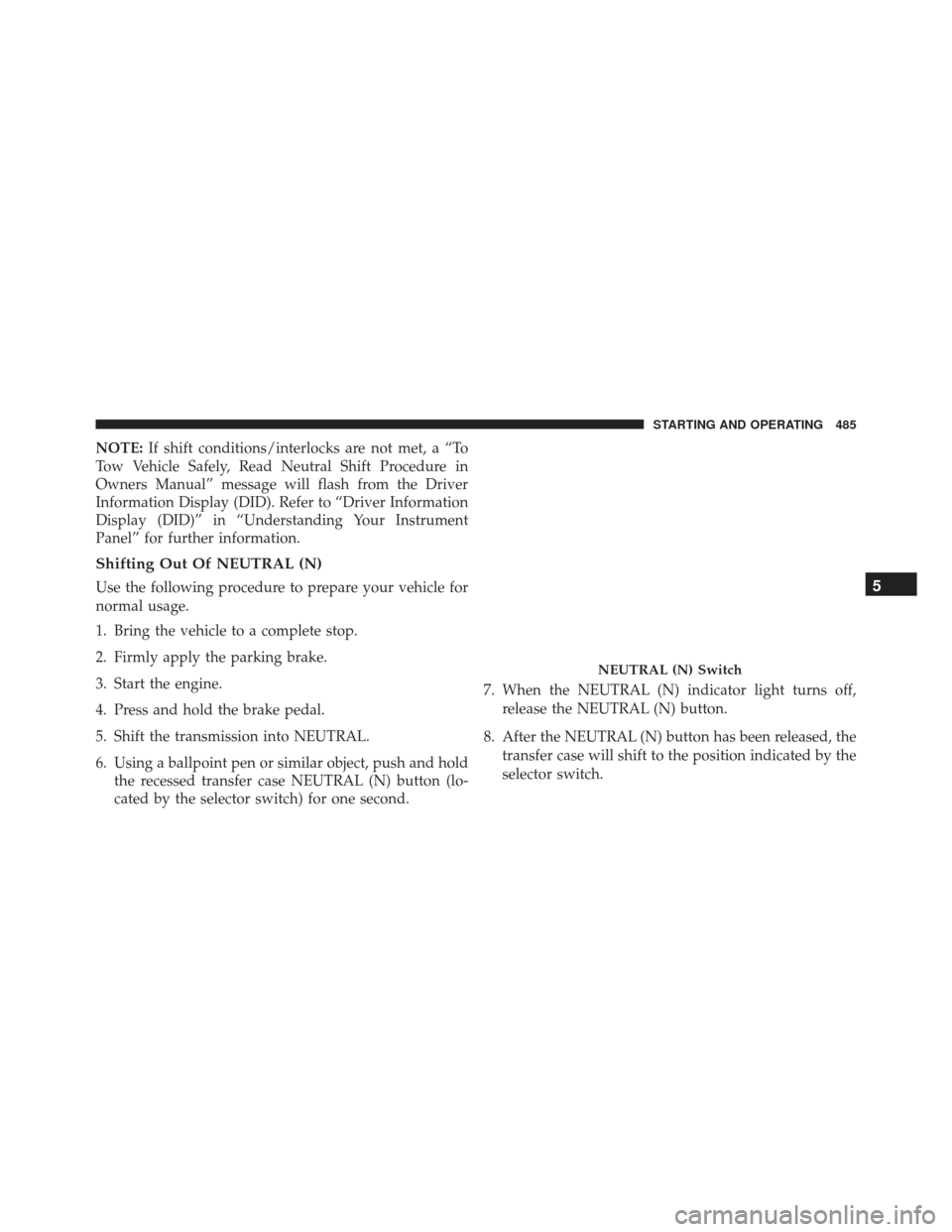
NOTE:If shift conditions/interlocks are not met, a “To
Tow Vehicle Safely, Read Neutral Shift Procedure in
Owners Manual” message will flash from the Driver
Information Display (DID). Refer to “Driver Information
Display (DID)” in “Understanding Your Instrument
Panel” for further information.
Shifting Out Of NEUTRAL (N)
Use the following procedure to prepare your vehicle for
normal usage.
1. Bring the vehicle to a complete stop.
2. Firmly apply the parking brake.
3. Start the engine.
4. Press and hold the brake pedal.
5. Shift the transmission into NEUTRAL.
6. Using a ballpoint pen or similar object, push and hold the recessed transfer case NEUTRAL (N) button (lo-
cated by the selector switch) for one second. 7. When the NEUTRAL (N) indicator light turns off,
release the NEUTRAL (N) button.
8. After the NEUTRAL (N) button has been released, the transfer case will shift to the position indicated by the
selector switch.
NEUTRAL (N) Switch
5
STARTING AND OPERATING 485
Page 596 of 745

WARNING!(Continued)
to roll, even if the transmission is in PARK. The
parking brake should always be applied when the
driver is not in the vehicle.
Use the following procedure to prepare your vehicle for
recreational towing.
CAUTION!
It is necessary to follow these steps to be certain that
the transfer case is fully in NEUTRAL (N) before
recreational towing to prevent damage to internal
parts.
1. Bring the vehicle to a complete stop, with the engine running.
2. Press and hold the brake pedal. 3. Shift the transmission into NEUTRAL.
4. If vehicle is equipped with Quadra-Lift air suspension,
ensure the vehicle is set to Normal Ride Height.
5. Using a ballpoint pen or similar object, press and hold the recessed transfer case NEUTRAL (N) button (lo-
cated by the selector switch) for four seconds. The
light behind the N symbol will blink, indicating shift
in progress. The light will stop blinking (stay on solid)
when the shift to NEUTRAL (N) is complete. A “FOUR
WHEEL DRIVE SYSTEM IN NEUTRAL” message will
appear in the Driver Information Display (DID). Refer
to “Driver Information Display (DID)” in “Under-
standing Your Instrument Panel” for further informa-
tion.
594 STARTING AND OPERATING
Page 597 of 745
6. After the shift is completed and the NEUTRAL (N)light stays on, release the NEUTRAL (N) button.
7. Shift the transmission into REVERSE.
8. Release the brake pedal for five seconds and ensure that there is no vehicle movement. 9. Shift the transmission back into NEUTRAL.
10. With the transmission and transfer case in NEU-
TRAL, press and hold the ENGINE START/STOP
button until the engine turns off. Turning the engine
off will automatically place the transmission in
PARK.
11. Press the ENGINE STOP/START button again (with- out pressing the brake pedal), if needed, to turn the
ignition switch to the OFF position.
12. Firmly apply the parking brake.
13. Attach the vehicle to the tow vehicle using a suitable tow bar.
14. Release the parking brake.
NEUTRAL (N) Switch
5
STARTING AND OPERATING 595