Page 167 of 589
Automatic Headlights — If Equipped
Turning the end of the multifunction lever to the third
detent (AUTO), will activate the automatic headlight
system.With the engine running and the multifunction lever in
the AUTO position, the headlights will turn on and turn
off based on the surrounding light levels.
Daytime Running Lights — If Equipped
The high beam lights will come on as Daytime Running
Lights (lower intensity), whenever the ignition is ON, the
engine is running, the headlight switch is off, the parking
brake is off, the turn signal is off, and the shift lever is in
any position except PARK.
Lights-On Reminder
If the headlights or parking lights are left on after the
ignition is turned OFF, a chime will sound to alert the
driver when the driver’s door is opened.
Headlight Switch
3
UNDERSTANDING THE FEATURES OF YOUR VEHICLE 165
Page 179 of 589

To Deactivate
A soft tap on the brake pedal, pushing the CANCEL
button, or normal brake pressure while slowing the
vehicle will deactivate the Electronic Speed Control with-
out erasing the set speed from memory.
Pushing the ON/OFF button or turning the ignition
switch OFF erases the set speed from memory.
To Resume Speed
To resume a previously set speed, push the RES (+)
button and release. Resume can be used at any speed
above 20 mph (32 km/h).
To Vary The Speed Setting
To Increase Speed
When the Electronic Speed Control is set, you can in-
crease speed by pushing the RES (+) button.The drivers preferred units can be selected through the
instrument panel settings if equipped. Refer to “Under-
standing Your Instrument Panel” for more information.
The speed increment shown is dependant on the chosen
speed unit of U.S. (mph) or Metric (km/h):
U.S. Speed (mph)
•
Pushing the RES (+) button once will result ina1mph
increase in set speed. Each subsequent tap of the
button results in an increase of 1 mph.
• If the button is continually pushed, the set speed will
continue to increase until the button is released, then
the new set speed will be established.
Metric Speed (km/h)
• Pushing the RES (+) button once will result in a
1 km/h increase in set speed. Each subsequent tap of
the button results in an increase of 1 km/h.
3
UNDERSTANDING THE FEATURES OF YOUR VEHICLE 177
Page 228 of 589

Brake Warning Light
Red TelltaleLight What It Means
United States
Canada
Brake Warning Light
This light monitors various brake functions, including brake fluid level and parking brake
application. If the brake light turns on it may indicate that the parking brake is applied, that
the brake fluid level is low, or that there is a problem with the anti-lock brake system reser-
voir.
If the light remains on when the parking brake has been disengaged, and the fluid level is at
the full mark on the master cylinder reservoir, it indicates a possible brake hydraulic system
malfunction or that a problem with the Brake Booster has been detected by the Anti-Lock
Brake System (ABS) / Electronic Stability Control (ESC) system. In this case, the light will
remain on until the condition has been corrected. If the problem is related to the brake
booster, the ABS pump will run when applying the brake, and a brake pedal pulsation may
be felt during each stop.
The dual brake system provides a reserve braking capac-
ity in the event of a failure to a portion of the hydraulic
system. A leak in either half of the dual brake system is indicated by the Brake Warning Light, which will turn on
when the brake fluid level in the master cylinder has
dropped below a specified level.
226 UNDERSTANDING YOUR INSTRUMENT PANEL
Page 229 of 589

The light will remain on until the cause is corrected.
NOTE:The light may flash momentarily during sharp
cornering maneuvers, which change fluid level condi-
tions. The vehicle should have service performed, and
the brake fluid level checked.
If brake failure is indicated, immediate repair is neces-
sary.
WARNING!
Driving a vehicle with the red brake light on is
dangerous. Part of the brake system may have failed.
It will take longer to stop the vehicle. You could have
a collision. Have the vehicle checked immediately.
Vehicles equipped with the Anti-Lock Brake System
(ABS) are also equipped with Electronic Brake Force
Distribution (EBD). In the event of an EBD failure, the Brake Warning Light will turn on along with the ABS
Light. Immediate repair to the ABS system is required.
Operation of the Brake Warning Light can be checked by
turning the ignition switch from the OFF position to the
ON/RUN position. The light should illuminate for ap-
proximately two seconds. The light should then turn off
unless the parking brake is applied or a brake fault is
detected. If the light does not illuminate, have the light
inspected by an authorized dealer.
The light also will turn on when the parking brake is
applied with the ignition switch in the ON/RUN posi-
tion.
NOTE:
This light shows only that the parking brake is
applied. It does not show the degree of brake application.
4
UNDERSTANDING YOUR INSTRUMENT PANEL 227
Page 242 of 589
Anti-Lock Brake (ABS) Indicator Light
Yellow TelltaleLight What It Means
Anti-Lock Brake (ABS) Indicator Light
This light monitors the Anti-Lock Brake System (ABS). The light will turn on when the igni-
tion switch is placed in the ON/RUN position and may stay on for as long as four seconds.
If the ABS light remains on or turns on while driving, then the Anti-Lock portion of the
brake system is not functioning and service is required. However, the conventional brake
system will continue to operate normally if the brake warning light is not on.
If the ABS light is on, the brake system should be serviced as soon as possible to restore the
benefits of Anti-Lock Brakes. If the ABS light does not turn on when the ignition switch is
placed in the ON/RUN position, have the light inspected by an authorized dealer.
240 UNDERSTANDING YOUR INSTRUMENT PANEL
Page 260 of 589

either front vehicle door will cancel this feature. Push and
hold the RIGHT button when in this display until “OFF,”
“45 sec.”, “5 min.”, or “10 min.” appears to make your
selection.
Illuminated Approach
When this feature is selected, the headlights will activate
and remain on for up to 90 seconds when the doors are
unlocked using the RKE transmitter. Push and hold the
RIGHT arrow button when in this display until “OFF,”
“30 sec,” “60 sec,” or “90 sec.” appears to make your
selection.
Hill Start Assist (HSA) — If Equipped
When “On”is selected, the HSA system is active. Refer to
“Electronic Brake Control System” in “Starting And
Operating” for system function and operating informa-
tion. To make your selection, push and release the RIGHT
arrow button until “On” or “Off” appears.
Display Units In
The EVIC, odometer, and Uconnect GPS system units can
be changed between U.S and Metric.
Push and hold the RIGHT arrow button when in this
display until “U.S” or “METRIC” appears to make your
selection.
Automatic Compass Calibration
This compass is self-calibrating, which eliminates the
need to set the compass manually. When the vehicle is
new, the compass may appear erratic, and the EVIC will
display “CAL” until the compass is calibrated. You may
also calibrate the compass by completing one or more
360–degree turns (in an area free from large metal or
metallic objects) until the “CAL” message displayed in
the EVIC turns off. The compass will now function
normally.
258 UNDERSTANDING YOUR INSTRUMENT PANEL
Page 335 of 589
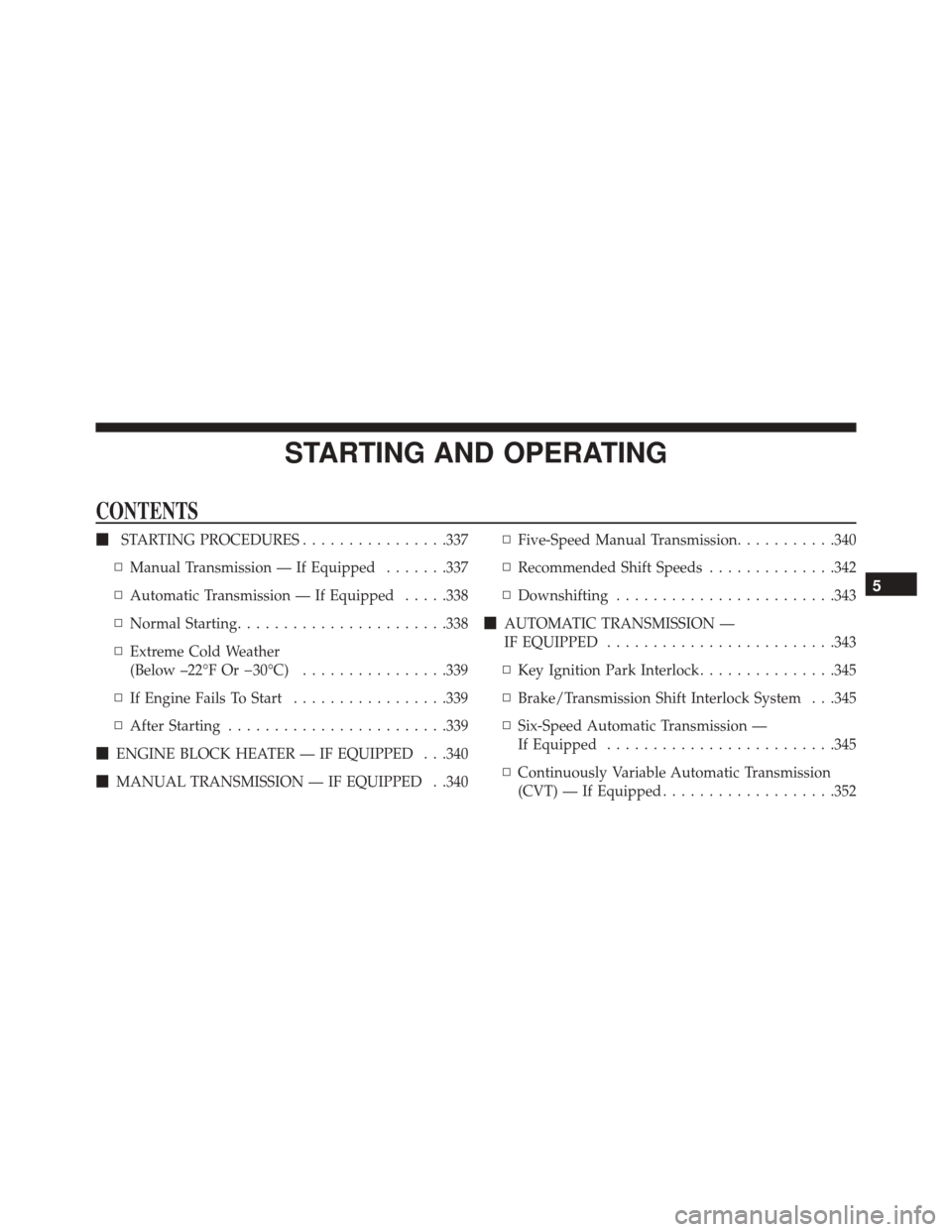
STARTING AND OPERATING
CONTENTS
�STARTING PROCEDURES ................337
▫ Manual Transmission — If Equipped .......337
▫ Automatic Transmission — If Equipped .....338
▫ Normal Starting ...................... .338
▫ Extreme Cold Weather
(Below –22°F Or 30°C) ................339
▫ If Engine Fails To Start .................339
▫ After Starting ....................... .339
� ENGINE BLOCK HEATER — IF EQUIPPED . . .340
� MANUAL TRANSMISSION — IF EQUIPPED . .340 ▫
Five-Speed Manual Transmission ...........340
▫ Recommended Shift Speeds ..............342
▫ Downshifting ....................... .343
� AUTOMATIC TRANSMISSION —
IF EQUIPPED ........................ .343
▫ Key Ignition Park Interlock ...............345
▫ Brake/Transmission Shift Interlock System . . .345
▫ Six-Speed Automatic Transmission —
If Equipped ........................ .345
▫ Continuously Variable Automatic Transmission
(CVT) — If Equipped ...................352
5
Page 336 of 589

�AUTOSTICK ......................... .357
▫ AutoStick
(Six-Speed Automatic Transmission) ........357
▫ AutoStick (CVT) — If Equipped ...........359
� FOUR-WHEEL DRIVE OPERATION — IF
EQUIPPED .......................... .361
� ON-ROAD DRIVING TIPS ................361
� OFF-ROAD DRIVING TIPS ...............362
▫ When To Use Low (L Off-Road) With The 4WD
Lock Lever Engaged — If Equipped ........363
▫ Driving In Snow, Mud And Sand ..........363
▫ Hill Climbing ....................... .365
▫ Driving Through Water .................368
▫ After Driving Off-Road .................370 �
POWER STEERING .....................371
▫ Power Steering Fluid Check ..............372
� PARKING BRAKE ..................... .373
� BRAKE SYSTEM ...................... .375
� ELECTRONIC BRAKE CONTROL SYSTEM . . . .376
▫ Electronic Brake Force Distribution (EBD) . . . .376
▫ Brake System Warning Light ..............377
▫ Anti-Lock Brake System (ABS) ............377
▫ Anti-Lock Brake Warning Light ............379
▫ Brake Assist System (BAS) ...............379
▫ Hill Start Assist (HSA) .................380
▫ Traction Control System (TCS) ............383
▫ Electronic Stability Control (ESC) ..........383
334 STARTING AND OPERATING