Page 255 of 770

car graphic will remain displayed for as long as the
vehicle is in REVERSE. Refer to “Electronic Vehicle
Information Center (EVIC) or�Driver Information Dis-
play (DID)” for further information.
If �PARKSENSE UNAVAILABLE WIPE REAR SENSORS�
or �PARKSENSE UNAVAILABLE WIPE FRONT SEN-
SORS� appears in the Electronic Vehicle Information
Center (EVIC) or Driver Information Display (DID) make
sure the outer surface and the underside of the rear
fascia/bumper and/or front fascia/bumper is clean and
clear of snow, ice, mud, dirt or other obstruction and then
cycle the ignition. If the message continues to appear see
an authorized dealer.
If the �PARKSENSE UNAVAILABLE SERVICE RE-
QUIRED� message appears in the EVIC/DID, see an
authorized dealer.Cleaning The ParkSense System
Clean the ParkSense sensors with water, car wash soap
and a soft cloth. Do not use rough or hard cloths. Do not
scratch or poke the sensors. Otherwise, you could dam-
age the sensors.
ParkSense System Usage Precautions
NOTE:
• Ensure that the front and rear bumper are free of snow,
ice, mud, dirt and debris to keep the ParkSense system
operating properly.
• Construction equipment, large trucks, and other vibra-
tions could affect the performance of ParkSense.
• When you turn ParkSense off, the instrument cluster
will display “PARKSENSE OFF.” Furthermore, once
you turn ParkSense off, it remains off until you turn it
on again, even if you cycle the ignition key.
3
UNDERSTANDING THE FEATURES OF YOUR VEHICLE 253
Page 294 of 770
WARNING!
•Never leave children unattended in a vehicle, or
with access to an unlocked vehicle. Never leave the
Key Fob in or near the vehicle, or in a location
(Continued)
WARNING! (Continued)
accessible to children. Do not leave the ignition of
a vehicle equipped with Keyless Enter-N-Go in the
ACC or ON/RUN mode. Occupants, particularly
unattended children, can become entrapped by the
power sunroof while operating the power sunroof
switch. Such entrapment may result in serious
injury or death.
• In a collision, there is a greater risk of being thrown
from a vehicle with an open sunroof. You could
also be seriously injured or killed. Always fasten
your seat belt properly and make sure all passen-
gers are also properly secured.
• Do not allow small children to operate the sunroof.
Never allow your fingers, other body parts, or any
object, to project through the sunroof opening.
Injury may result.
Power Shade Switches
292 UNDERSTANDING THE FEATURES OF YOUR VEHICLE
Page 298 of 770

open or partially open positions. This is a normal occur-
rence and can be minimized. If the buffeting occurs with
the rear windows open, then open the front and rear
windows together to minimize the buffeting. If the
buffeting occurs with the sunroof open, adjust the sun-
roof opening to minimize the buffeting or open any
window.
Sunroof Maintenance
Use only a non-abrasive cleaner and a soft cloth to clean
the glass panel.
Ignition OFF Operation
The power sunroof switch will remain active for up to
approximately ten minutes after the ignition switch is
turned to the LOCK position. Opening either front door
will cancel this feature.NOTE:
Ignition Off time is programmable through the
Uconnect System. Refer to “Uconnect Settings/Customer
Programmable Features” in “Understanding Your Instru-
ment Panel” for further information.
POWER OUTLETS
Your vehicle is equipped with 12 Volt (13 Amp) power
outlets that can be used to power cellular phones, small
electronics and other low powered electrical accessories.
The power outlets are labeled with either a “key” or a
“battery” symbol to indicate how the outlet is powered.
Power outlets labeled with a “key” are powered when
the ignition switch is in the ON or ACC position, while
the outlets labeled with a “battery” are connected directly
to the battery and powered at all times.
296 UNDERSTANDING THE FEATURES OF YOUR VEHICLE
Page 306 of 770

4. Adjust the wireless charging pad mobile phone cradleto hold the mobile phone in position. The cradle
moves by pushing down on the finger tabs and
adjusting the cradle in or out. NOTE:
The initial adjustment will only need to be done
once as long as only one mobile phone is used. If a
different mobile phone is used, the cradle will need to be
readjusted.
The LED indicator will flash green while the mobile
phone is charging. The Qi enabled phone is able to
function normally as it is charging.
WARNING!
Do not place metal object(s) between the mobile
phone and wireless charging pad. Metal object(s)
such as coins, rings or keys will become very HOT.
If metal object(s) become lodged between the mo-
bile phone and wireless charging pad, carefully
remove the mobile phone and allow the metal
object(s) to cool before removing. Failure to wait
until the object(s) cool could result in personal
injury, including burns.
Adjustable Finger Tabs
304 UNDERSTANDING THE FEATURES OF YOUR VEHICLE
Page 307 of 770
CAUTION!
Do not place your vehicle Key Fob on the wireless
charging pad, the Keyless Enter-N-Go feature may
not work properly while a mobile phone is being
charged.
CUPHOLDERS
There are two cupholders for the front seat passengers,
located in the center console.There are two cupholders for the rear seat passengers,
located in the center armrest.
Front Cupholders
3
UNDERSTANDING THE FEATURES OF YOUR VEHICLE 305
Page 337 of 770
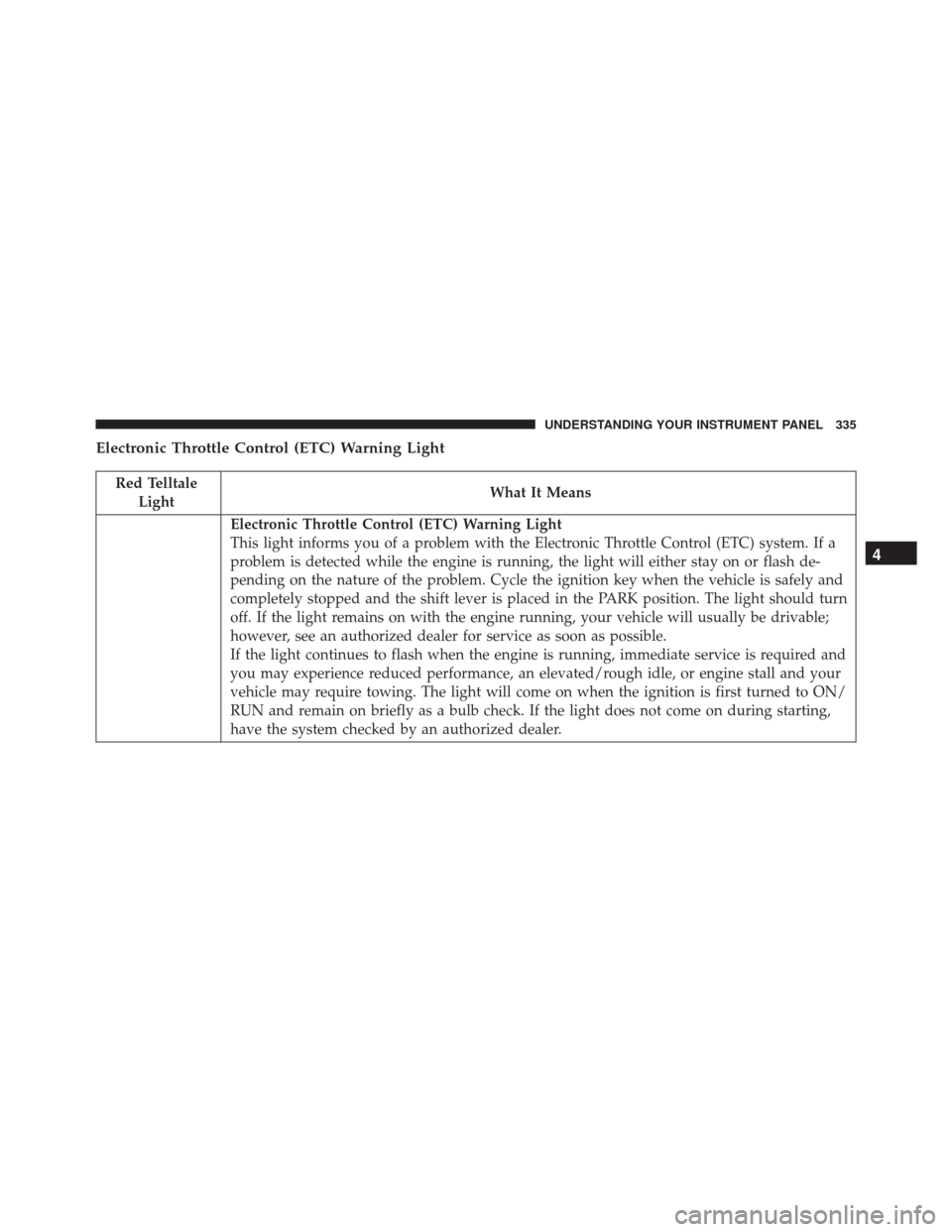
Electronic Throttle Control (ETC) Warning Light
Red TelltaleLight What It Means
Electronic Throttle Control (ETC) Warning Light
This light informs you of a problem with the Electronic Throttle Control (ETC) system. If a
problem is detected while the engine is running, the light will either stay on or flash de-
pending on the nature of the problem. Cycle the ignition key when the vehicle is safely and
completely stopped and the shift lever is placed in the PARK position. The light should turn
off. If the light remains on with the engine running, your vehicle will usually be drivable;
however, see an authorized dealer for service as soon as possible.
If the light continues to flash when the engine is running, immediate service is required and
you may experience reduced performance, an elevated/rough idle, or engine stall and your
vehicle may require towing. The light will come on when the ignition is first turned to ON/
RUN and remain on briefly as a bulb check. If the light does not come on during starting,
have the system checked by an authorized dealer.
4
UNDERSTANDING YOUR INSTRUMENT PANEL 335
Page 340 of 770

Engine Check/Malfunction Indicator Light (MIL)
Yellow TelltaleLight What It Means
Engine Check/Malfunction Indicator Light (MIL)
The Engine Check/Malfunction Indicator Light (MIL) is a part of an Onboard Diagnostic
System called OBD II that monitors engine and automatic transmission control systems. The
light will illuminate when the ignition is in the ON position before engine start. If the bulb
does not come on when turning the key from OFF to ON/RUN, have the condition checked
promptly.
Certain conditions, such as a loose or missing gas cap, poor quality fuel, etc., may illuminate
the light after engine start. The vehicle should be serviced if the light stays on through sev-
eral typical driving styles. In most situations, the vehicle will drive normally and will not
require towing.
When the engine is running, the MIL may flash to alert serious conditions that could lead to
immediate loss of power or severe catalytic converter damage. The vehicle should be ser-
viced as soon as possible if this occurs.
338 UNDERSTANDING YOUR INSTRUMENT PANEL
Page 374 of 770

•OK Button
Push the OK button to access/select the information
screens or submenu screens of a main menu item. Push
and hold the OK arrow button for one second to reset
displayed/selected features that can be reset.
Oil Change Reset
Oil Change Due
Your vehicle is equipped with an engine oil change
indicator system. The “Oil Change Due” message will
display in the DID for five seconds after a single chime
has sounded to indicate the next scheduled oil change
interval. The engine oil change indicator system is duty
cycle based, which means the engine oil change interval
may fluctuate, dependent upon your personal driving
style.
Unless reset, this message will continue to display each
time you turn the ignition is cycled to the ON/RUN position. To turn off the message temporarily, push and
release the OK button. To reset the oil change indicator
system (after performing the scheduled maintenance),
refer to the following procedure.
Vehicles Equipped With Keyless Enter-N-Go
1. Without pushing the brake pedal, push the ENGINE
START/STOP button and cycle the ignition to the
ON/RUN position (do not start the engine).
2. Fully depress the accelerator pedal, slowly, three times within 10 seconds.
3. Without pushing the brake pedal, push the ENGINE START/STOP button once to return the ignition to the
OFF/LOCK position.
Vehicles Not Equipped With Keyless Enter-N-Go
1. Turn the ignition switch to the ON/RUN position (do not start the engine).
372 UNDERSTANDING YOUR INSTRUMENT PANEL

