2016 Hyundai H350 CD player
[x] Cancel search: CD playerPage 22 of 473
2-2
You will read many safety precautions and recommendations throughout
this chapter, and throughout this man-
ual. The safety precautions in this chapter are among the most impor-tant.
Always wear your seat belt
A seatbelt is the best protection in all
types of accidents. An air bag isdesigned to supplement a seatbelt,
not replace it. So even though your
vehicle is equipped with air bag,
ALWAYS make sure you and your
passengers wear seatbelts in a prop-
er manner.
Restrain all children
All children under age 13 should ride
in your vehicle properly restrained in
a rear seat, not the front seat. Infantsand small children should be
restrained in an appropriate child
restraint. Larger children should usea booster seat with the lap/shoulder
belt until they can use the seat belt
properly without a booster seat. ❇
The age requirements about the
child detrainment differ in each
country.
Air bag hazards
While air bags can save lives, they
can also cause serious or fatal
injuries to passengers, who sit tooclose to them, or who are not prop-
erly restrained. Infants, young chil-dren, and small adults are at the
greatest risk of being injured by an
inflating air bag. Follow all instruc-
tions and warnings in this manual.
Driver's distraction
Driver distraction presents a serious
and potentially deadly danger, espe-
cially for inexperienced drivers. Safety
should be the first concern, while driv-
ing. Drivers need to be aware of the
wide array of potential distractions,
such as drowsiness, reaching for
objects, eating, personal grooming,
other passengers, and using cellular
phones.
Drivers can become distracted when
they take their eyes and attention offthe road or their hands off the wheel,
caring for other activities to focus on
activities other than driving. To
reduce your risk of distraction and an
accident, follow the below instruc-tions:
• ALWAYS use your mobile devices (i.e., MP3 players, phones, naviga-
tion units, etc.), only when your vehi-
cle is safely parked or safelystopped.
IIMM PPOO RRTTAA NN TT SS AA FFEE TT YY PP RR EECCAA UU TTIIOO NNSS
Safety system of your vehicle
Page 193 of 473
Multimedia System
4
Multimedia System
Multimedia system .................................................4-2Aux, usb and ipod ®
...........................................................4-2
Antenna ...............................................................................4-2
Audio remote control .......................................................4-3
How vehicle audio works ................................................4-4
Caring for disc....................................................................4-7
CD player (for RDS model) : AC210MDEE ................4-13
CD player : AC110MDGG, AC110MDGN,
AC110MDGL ......................................................................4-14
Radio, set up, volume control : AM210MDEE,
AMB00MDGL, AMB00MDGN, AMB00MDGG.............4-47
CD player (for RDS model) : AC210MDEE
(for turkey) .......................................................................4-56
4
Page 199 of 473
4-7
Multimedia System
4
Caring for disc
If the temperature inside the vehicleis too high, open the vehicle windows
to ventilate before using the system.
It is illegal to copy and use MP3/WMA files without permission.
Use CDs that are created only by
lawful means.
Do not apply volatile agents, such as benzene and thinner, normal clean-
ers and magnetic sprays made for
analogue disc onto CDs.
To prevent the disc surface from get- ting damaged, hold CDs by the
edges or the center hole only.
Clean the disc surface with a piece of soft cloth before playback (wipe itfrom the center to the outside edge).
Do not damage the disc surface or attach pieces of sticky tape or paper.
Make certain only CDs are inserted into the CD player (Do not insertmore than one CD at a time). Keep CDs in their cases after use to
protect them from scratches or dirt.
Depending on the type of CD-R/CD- RW CDs, certain CDs may not oper-
ate normally according to manufac-
turing companies or making and
recording methods. In such circum-
stances, continued use may cause
malfunctions to your audio system.
Information - Playing an Incompatible
Copy Protected Audio CD
Some copy protected CDs, which do
not comply with international audio
CD standards (Red Book), may not
play on your vehicle audio. Please note
that inabilities to properly play a copy
protected CD may indicate that the
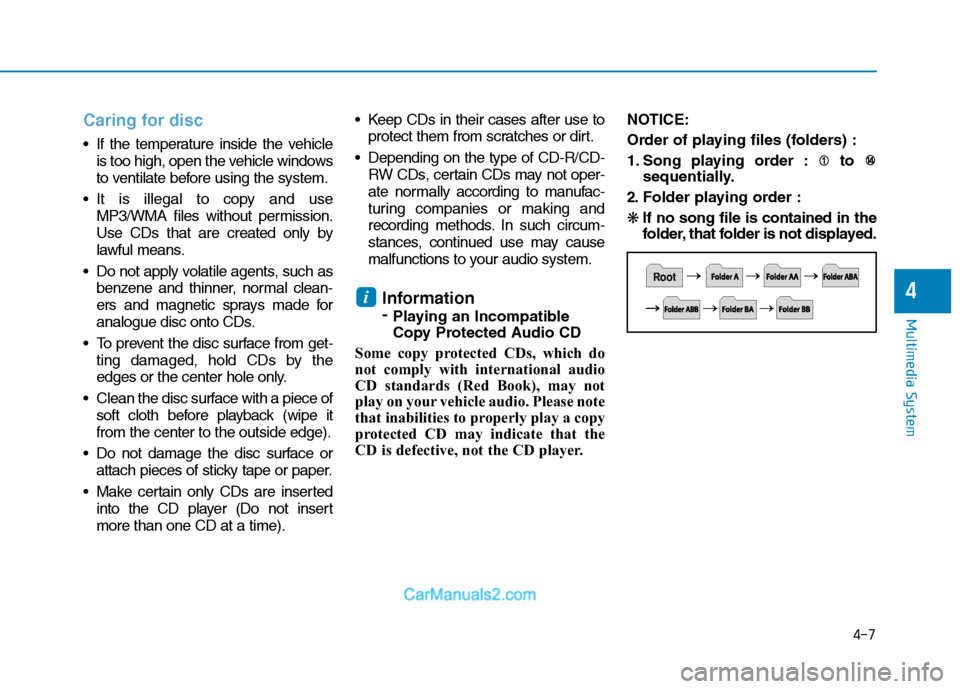
CD is defective, not the CD player. NOTICE:
Order of playing files (folders) :
1. Song playing order : to
sequentially.
2. Folder playing order :❋ If no song file is contained in the
folder, that folder is not displayed.
i
Page 202 of 473

4-10
Multimedia System
(Continued)
Do not place beverages close tothe audio system. Spilling bever-
ages may lead to system mal-function.
In case of product malfunction, please contact your place of
purchase or After Service cen-
ter.
Placing the audio system within an electromagnetic environment
may result in noise interference.
Prevent caustic solutions such as perfume and cosmetic oil
from contacting the dashboard
because they may cause dam-
age or discoloration. Information-
Using the USB device
To use an external USB device, make sure the device is not connect-
ed when starting up the vehicle.
Connect the device after starting up.
If you connect any external device while driving, it may lose the vehicle
control and increase the accident
risk. Park the vehicle before con-
necting any external devices.
Park the vehicle on a safe location before connecting any external USB
device.
If you start the engine when the USB device is connected, it may
damage the USB device. (USB flash-
drives are very sensitive to electric
shock.)
If the engine is started up or turned off while the external USB device is
connected, the external USB device
may not work.
The System may not play inauthen- tic MP3 or WMA files.
1) It can only play MP3 files with the compression rate between
8Kbps ~ 320Kbps.
(Continued)(Continued)
2) It can only play WMA music files with the compression rate
between 8Kbps ~ 320Kbps.
Take precautions for static electrici- ty when connecting or disconnecting
the external USB device.
An encrypted MP3 PLAYER is not recognizable.
Depending on the condition of the external USB device, the connected
external USB device can be unrec-
ognizable.
When the formatted byte/sector set- ting of External USB device is not
either 512BYTE or 2048BYTE, then
the device will not be recognized.
Use only a USB device formatted to FAT 12/16/32.
USB devices without USB I/F authentication may not be recogniz-
able.
Make sure the USB connection ter- minal does not come in contact with
the human body or other objects.
If you repeatedly connect or discon- nect the USB device in a short peri-
od of time, it may break the device.
(Continued)i
Page 203 of 473
4-11
Multimedia System
4
(Continued)
You may hear a strange noise whenconnecting or disconnecting a USB
device.
If you disconnect the external USB device during playback in USB
mode, the external USB device can
be damaged or may malfunction.
Therefore, disconnect the external
USB device when the audio is
turned off or in another mode. (e.g,
Radio, CD)
Depending on the type and capacity of the external USB device or the
type of the files stored in the device,
there is a difference in the time
taken for recognition of the device.
Do not use the USB device for pur- poses other than playing music files.
Playing videos through the USB is not supported.
Use of USB accessories such as rechargers or heaters using USB I/F
may lower performance or cause
trouble.
(Continued)(Continued)
If you use devices such as a USB hub
purchased separately, the vehicle's
audio system may not recognize the
USB device. In that case, connect
the USB device directly to the multi-
media terminal of the vehicle.
If the USB device is divided by logi- cal drives, only the music files on the
highest-priority drive are recog-
nized by vehicle audio.
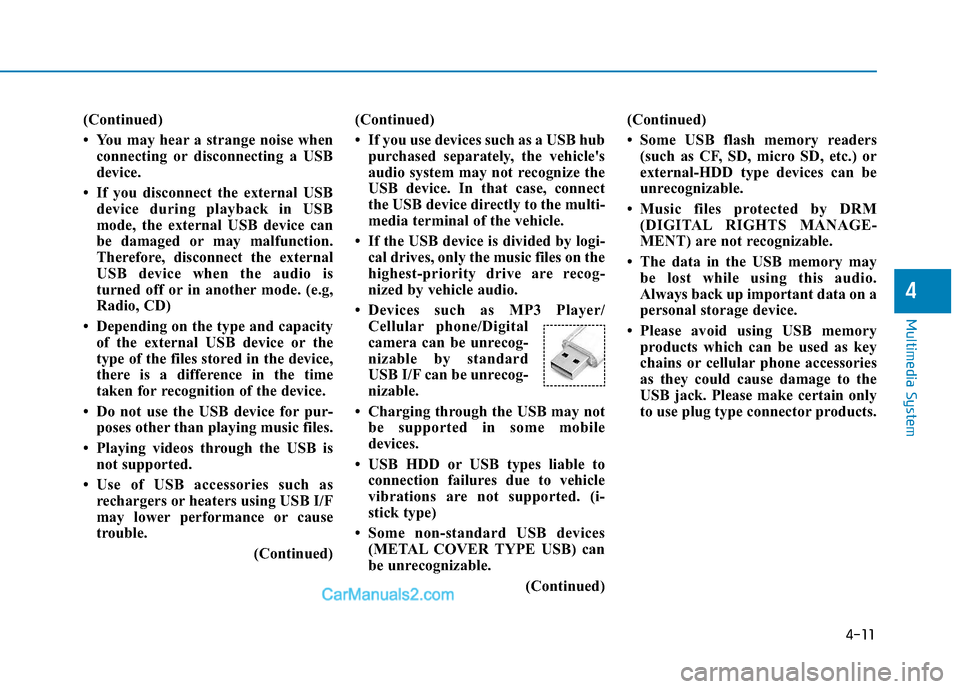
Devices such as MP3 Player/ Cellular phone/Digital
camera can be unrecog-
nizable by standard
USB I/F can be unrecog-
nizable.
Charging through the USB may not be supported in some mobile
devices.
USB HDD or USB types liable to connection failures due to vehicle
vibrations are not supported. (i-
stick type)
Some non-standard USB devices (METAL COVER TYPE USB) can
be unrecognizable.
(Continued)(Continued)
Some USB flash memory readers
(such as CF, SD, micro SD, etc.) or
external-HDD type devices can be
unrecognizable.
Music files protected by DRM (DIGITAL RIGHTS MANAGE-
MENT) are not recognizable.
The data in the USB memory may be lost while using this audio.
Always back up important data on a
personal storage device.
Please avoid using USB memory products which can be used as key
chains or cellular phone accessories
as they could cause damage to the
USB jack. Please make certain only
to use plug type connector products.
Page 205 of 473
4-13
Multimedia System
4
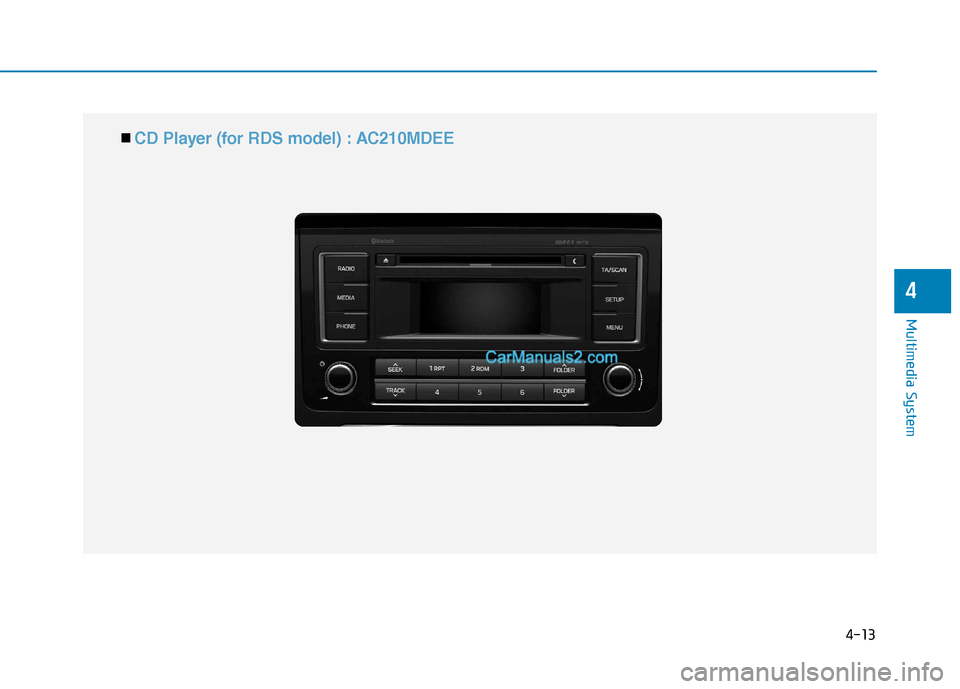
■■ CD Player (for RDS model) : AC210MDEE
Page 206 of 473
4-14
Multimedia System
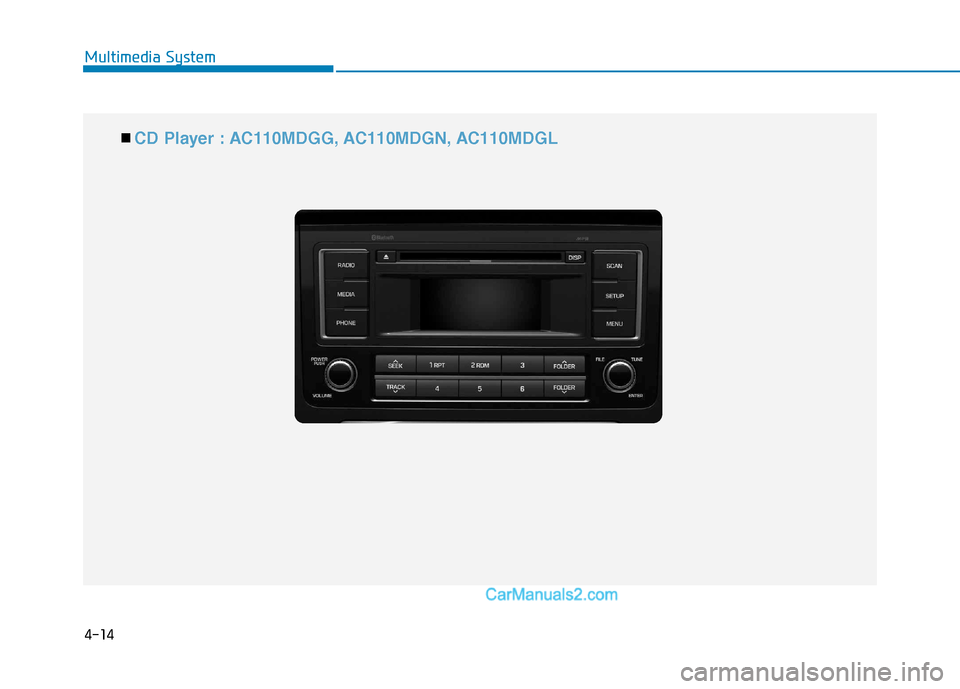
■■ CD Player : AC110MDGG, AC110MDGN, AC110MDGL
Page 242 of 473
4-50
Multimedia System
BEEP Control
VOLUME Knob clock-wise/counter-clockwise to the
BEEP sound ON/OFF.
LANGUAGE (Only AM210MDEE)
VOLUME Knob clock- wise/counter-clockwise to the select the desired Language
Language setting are as shown
below - English ➟➟
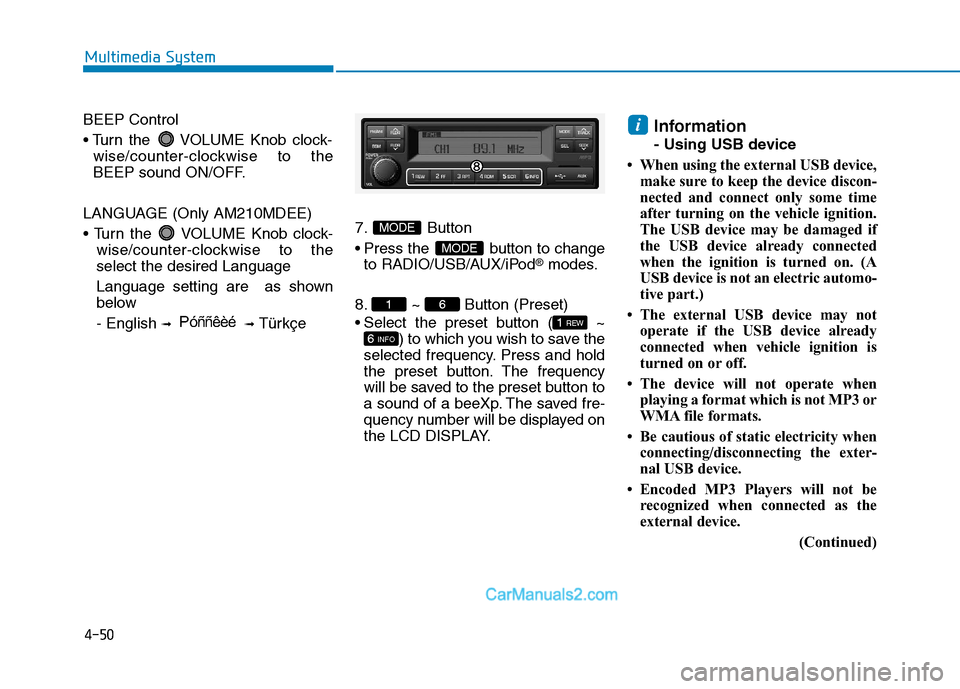
Türkçe7. Button
Press the button to change
to RADIO/USB/AUX/iPod
®modes.
8. ~ Button (Preset)
Select the preset button ( ~ ) to which you wish to save the
selected frequency. Press and hold
the preset button. The frequency
will be saved to the preset button to
a sound of a beeXp. The saved fre-
quency number will be displayed on
the LCD DISPLAY. Information
- Using USB device
When using the external USB device, make sure to keep the device discon-
nected and connect only some time
after turning on the vehicle ignition.
The USB device may be damaged if
the USB device already connected
when the ignition is turned on. (A
USB device is not an electric automo-
tive part.)
The external USB device may not operate if the USB device already
connected when vehicle ignition is
turned on or off.
The device will not operate when playing a format which is not MP3 or
WMA file formats.
Be cautious of static electricity when connecting/disconnecting the exter-
nal USB device.
Encoded MP3 Players will not be recognized when connected as the
external device.
(Continued)
i
6 INFO
1 REW
61
MODE
MODE
P óññêèé