2016 FORD SUPER DUTY navigation update
[x] Cancel search: navigation updatePage 429 of 510
SYNC Services Voice Commands
If your vehicle is equipped with
Navigation, SYNC Services
downloads your requested
destination to the navigation system. The
navigation system then calculates the
route and provides driving instructions.
See Navigation (page 434).
If your vehicle is not equipped with
Navigation, when a route has been
downloaded (non-navigation systems),
you can press the voice button on the
steering wheel controls and say any of the
following commands to receive directions:
Services Voice command
Cancel Route
Route Status
Route Summary
Update Route
Help Sirius Travel Link
(If Equipped) WARNING
Driving while distracted can result in
loss of vehicle control, crash and
injury. We strongly recommend that
you use extreme caution when using any
device that may take your focus off the
road. Your primary responsibility is the safe
operation of your vehicle. We recommend
against the use of any handheld device
while driving and encourage the use of
voice-operated systems when possible.
Make sure you are aware of all applicable
local laws that may affect the use of
electronic devices while driving. Note:
In order to use Sirius Travel Link, your
vehicle must be equipped with navigation
and your navigation SD card must be in the
SD card slot.
Note: A paid subscription is required to
access and use these features. Go to
www.siriusxm.com/travellink for more
information.
Note: Visit www.siriusxm.com/traffic and
click on Coverage map and details for a
complete listing of all traffic areas covered
by Sirius Travel Link.
Note: Neither Sirius nor Ford is responsible
for any errors or inaccuracies in the Sirius
Travel Link services or its use in vehicles.
When you subscribe to Sirius Travel Link,
it can help you locate the best gas prices,
find movie listings, get current traffic alerts,
view the current weather map, get
accurate ski conditions and see scores to
current sports games.
426
Super Duty (TFA) Canada/United States of America, enUSA, Second Printing MyFord Touch
™
(If Equipped)E142599
Page 434 of 510
Making a Report
If you want to run a report by using the
touchscreen, select:
Message
Apps
Vehicle Health Report You can also run a vehicle health
report by voice command.
Press the voice button and when
prompted say: Voice command
Vehicle Health Report
Vehicle Health Report Privacy Notice
When you create a Vehicle Health Report,
Ford Motor Company may collect your
cellular phone number (to process your
report request) and diagnostic information
about your vehicle. Certain versions or
updates to Vehicle Health Report may also
collect more vehicle information. Ford may
use your vehicle information it collects for
any purpose. If you do not want to disclose
your cellular phone number or vehicle information, do not run the feature or set
up your Vehicle Health Report profile at
www.SYNCMyRide.com. See
www.SYNCMyRide.com (Vehicle Health
Report Terms and Conditions, and Privacy
Statement) for more information.
Where Am I?
For information about your current
location, select: Action and Descrip-
tion
Message
View your vehicle's
current location, if
your vehicle is
equipped with
navigation. If your
vehicle is not
equipped with
navigation, nothing
displays.
Where Am I?
CLIMATE
Touch the lower right corner on the
touchscreen to access your climate control
features. Depending on your vehicle line
and option package, your climate screen
may look different from this screen.
Note: You can switch temperature units
between Fahrenheit and Celsius. See
Settings (page 384).
431
Super Duty (TFA) Canada/United States of America, enUSA, Second Printing MyFord Touch
™
(If Equipped)E142599
Page 438 of 510
Menu Item
Map
Edit Route
Cancel Route
To set your destination, enter the
necessary information into the highlighted
text fields (in any order). For an address destination entry, press: Action and Descrip-
tion
Menu Item
Pressing this button
makes the address
location appear on
the map.
Go
To choose a previous destination,
press: Action and Descrip-
tion
Menu Item
The last 20 destina-
tions you have
selected appear.
Previous Destina-
tions
Once you have chosen your destination press: Action and Description
Menu Item
To make this your destination. You can also choose to set this
as a waypoint (have the system route to this point on the way
to your current destination) or save it as a favorite. You can
then choose your route from three different options.
Set as Dest
Uses the fastest moving roads
possible.
Fastest Route
Uses the shortest distance possible.
Shortest Route
Uses the most fuel-efficient route.
Eco Route
To begin navigation press: Action and Description
Menu Item
You can cancel the route or have the system demo the route
for you.
Start Route
During route guidance, you can press the talking bubble icon
that appears in the upper right navigation corner (green bar) if
you want the system to repeat route guidance information.
When the system repeats the last guidance instruction, it
updates the distance to the next guidance instruction, since it
detects when the vehicle is moving.
435
Super Duty (TFA) Canada/United States of America, enUSA, Second Printing MyFord Touch
™ (If Equipped)
Page 446 of 510
Action and Description
Menu Item
Detour
Edit Route Preferences
Edit Traffic Preferences
Cancel Route
HERE is the digital map provider for the
navigation application. If you find map data
errors, you may report them directly to
HERE by going to
www.here.com/mapcreator. HERE
evaluates all reported map errors and
responds with the result of their
investigation by e-mail.
Navigation Map Updates
Annual navigation map updates are
available for purchase through your
dealership, by calling 1-866-462-8837 (in
Mexico, call 01-800-557-5539) or going
to www.navigation.com/sync. You need
to specify the make and model of your
vehicle to determine if there is an update
available.
Navigation Voice Commands When in navigation mode, press
the voice button on the steering
wheel controls.
After the tone, say any of the following
or a similar command: Voice command
Destination
Zoom out
Zoom in
Where Am I
Help The following commands can only be
used when a navigation route is active: Voice command
Detour
Cancel Route
Show Route
Repeat Instruction
Turn List
One-shot Destination Street Address
To set a destination with voice
commands, you can say: Action and Descrip-
tion
Voice Command
The system asks
you to say the full
address. The
system displays an
example on-screen.
Find an Address
You can then speak the address naturally,
such as "One two three four Main Street,
Anytown".
MYFORD TOUCH™
TROUBLESHOOTING
Your SYNC system is easy to use. However,
should questions arise, see the tables
below.
443
Super Duty (TFA) Canada/United States of America, enUSA, Second Printing MyFord Touch
™ (If Equipped)E142599
Page 495 of 510
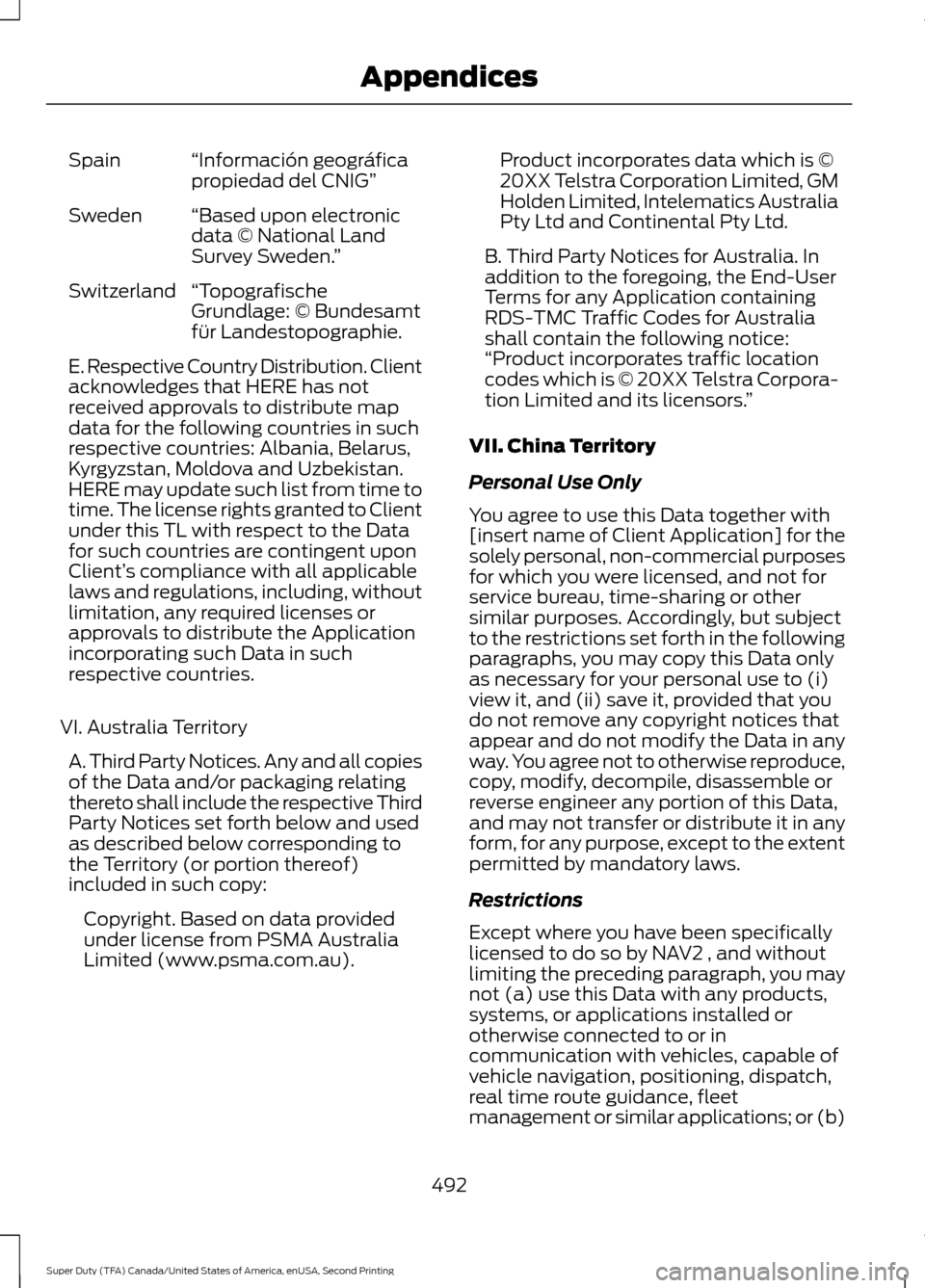
“Información geográfica
propiedad del CNIG”
Spain
“Based upon electronic
data © National Land
Survey Sweden. ”
Sweden
“Topografische
Grundlage: © Bundesamt
für Landestopographie.
Switzerland
E. Respective Country Distribution. Client
acknowledges that HERE has not
received approvals to distribute map
data for the following countries in such
respective countries: Albania, Belarus,
Kyrgyzstan, Moldova and Uzbekistan.
HERE may update such list from time to
time. The license rights granted to Client
under this TL with respect to the Data
for such countries are contingent upon
Client’
s compliance with all applicable
laws and regulations, including, without
limitation, any required licenses or
approvals to distribute the Application
incorporating such Data in such
respective countries.
VI. Australia Territory A. Third Party Notices. Any and all copies
of the Data and/or packaging relating
thereto shall include the respective Third
Party Notices set forth below and used
as described below corresponding to
the Territory (or portion thereof)
included in such copy: Copyright. Based on data provided
under license from PSMA Australia
Limited (www.psma.com.au). Product incorporates data which is ©
20XX Telstra Corporation Limited, GM
Holden Limited, Intelematics Australia
Pty Ltd and Continental Pty Ltd.
B. Third Party Notices for Australia. In
addition to the foregoing, the End-User
Terms for any Application containing
RDS-TMC Traffic Codes for Australia
shall contain the following notice:
“Product incorporates traffic location
codes which is © 20XX Telstra Corpora-
tion Limited and its licensors. ”
VII. China Territory
Personal Use Only
You agree to use this Data together with
[insert name of Client Application] for the
solely personal, non-commercial purposes
for which you were licensed, and not for
service bureau, time-sharing or other
similar purposes. Accordingly, but subject
to the restrictions set forth in the following
paragraphs, you may copy this Data only
as necessary for your personal use to (i)
view it, and (ii) save it, provided that you
do not remove any copyright notices that
appear and do not modify the Data in any
way. You agree not to otherwise reproduce,
copy, modify, decompile, disassemble or
reverse engineer any portion of this Data,
and may not transfer or distribute it in any
form, for any purpose, except to the extent
permitted by mandatory laws.
Restrictions
Except where you have been specifically
licensed to do so by NAV2 , and without
limiting the preceding paragraph, you may
not (a) use this Data with any products,
systems, or applications installed or
otherwise connected to or in
communication with vehicles, capable of
vehicle navigation, positioning, dispatch,
real time route guidance, fleet
management or similar applications; or (b)
492
Super Duty (TFA) Canada/United States of America, enUSA, Second Printing Appendices
Page 505 of 510
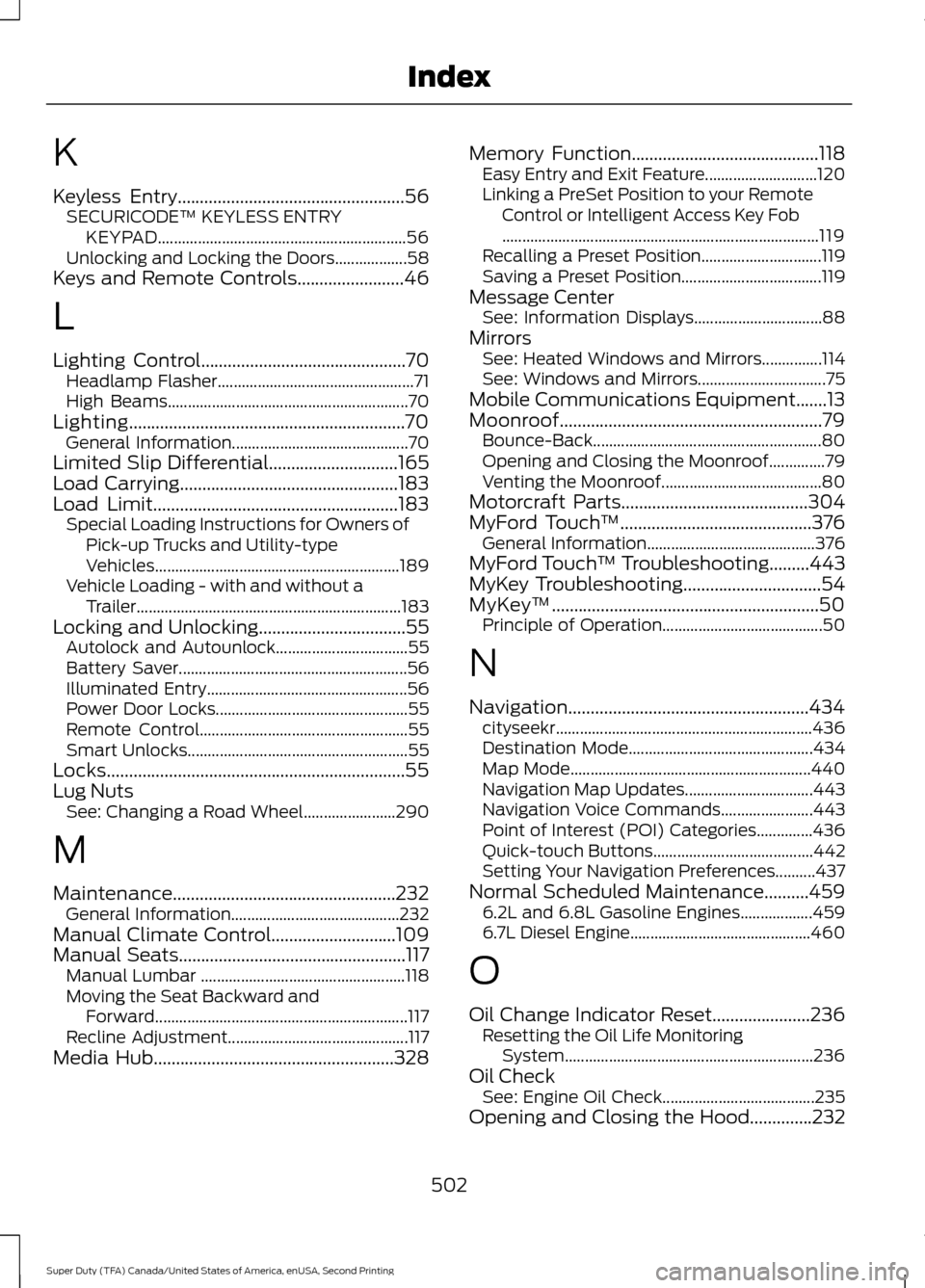
K
Keyless Entry...................................................56
SECURICODE™ KEYLESS ENTRY
KEYPAD.............................................................. 56
Unlocking and Locking the Doors.................. 58
Keys and Remote Controls........................46
L
Lighting Control..............................................70 Headlamp Flasher................................................. 71
High Beams............................................................ 70
Lighting..............................................................70 General Information............................................ 70
Limited Slip Differential.............................165
Load Carrying
.................................................183
Load Limit.......................................................183
Special Loading Instructions for Owners of
Pick-up Trucks and Utility-type
Vehicles............................................................. 189
Vehicle Loading - with and without a Trailer .................................................................. 183
Locking and Unlocking.................................55 Autolock and Autounlock................................. 55
Battery Saver......................................................... 56
Illuminated Entry.................................................. 56
Power Door Locks................................................ 55
Remote Control.................................................... 55
Smart Unlocks....................................................... 55
Locks...................................................................55
Lug Nuts See: Changing a Road Wheel....................... 290
M
Maintenance..................................................232 General Information.......................................... 232
Manual Climate Control............................109
Manual Seats
...................................................117
Manual Lumbar ................................................... 118
Moving the Seat Backward and Forward............................................................... 117
Recline Adjustment............................................. 117
Media Hub
......................................................328 Memory Function
..........................................118
Easy Entry and Exit Feature............................ 120
Linking a PreSet Position to your Remote Control or Intelligent Access Key Fob
........................................................................\
....... 119
Recalling a Preset Position.............................. 119
Saving a Preset Position................................... 119
Message Center See: Information Displays................................ 88
Mirrors See: Heated Windows and Mirrors...............114
See: Windows and Mirrors................................ 75
Mobile Communications Equipment.......13
Moonroof...........................................................79 Bounce-Back......................................................... 80
Opening and Closing the Moonroof..............79
Venting the Moonroof........................................ 80
Motorcraft Parts
..........................................304
MyFord Touch ™...........................................376
General Information.......................................... 376
MyFord Touch ™ Troubleshooting.........443
MyKey Troubleshooting
...............................54
MyKey ™............................................................50
Principle of Operation........................................ 50
N
Navigation......................................................434 cityseekr................................................................ 436
Destination Mode.............................................. 434
Map Mode............................................................ 440
Navigation Map Updates................................ 443
Navigation Voice Commands....................... 443
Point of Interest (POI) Categories..............436
Quick-touch Buttons........................................ 442
Setting Your Navigation Preferences..........437
Normal Scheduled Maintenance..........459 6.2L and 6.8L Gasoline Engines.................. 459
6.7L Diesel Engine............................................. 460
O
Oil Change Indicator Reset......................236 Resetting the Oil Life Monitoring
System.............................................................. 236
Oil Check See: Engine Oil Check...................................... 235
Opening and Closing the Hood..............232
502
Super Duty (TFA) Canada/United States of America, enUSA, Second Printing Index