2016 FORD SUPER DUTY door lock
[x] Cancel search: door lockPage 148 of 510
Fuel Filler Cap
WARNINGS
The fuel system may be under
pressure. If you hear a hissing sound
near the fuel filler door, do not refuel
until the sound stops. Otherwise, fuel may
spray out, which could cause serious
personal injury. If you do not use the proper fuel filler
cap, excessive pressure or vacuum
in the fuel tank may damage the fuel
system or cause the fuel cap to disengage
in a collision, which may result in possible
personal injury. Note:
If you must replace the fuel filler cap,
replace it with a fuel filler cap that is
designed for your vehicle. The customer
warranty may be void for any damage to the
fuel tank or fuel system if the correct
genuine Ford, Motorcraft or other certified
fuel filler cap is not used.
Your fuel tank filler cap has an indexed
design with a 1/4th turn on and off feature.
When fueling your vehicle:
1. Put your vehicle in park (P).
2. Switch the engine off.
3. Carefully turn the filler cap counterclockwise until it spins off.
4. Pull to remove the cap from the fuel filler pipe.
5. To install the cap, align the tabs on the
cap with the notches on the filler pipe.
6. Turn the filler cap clockwise 1/4 of a turn clockwise until it clicks at least
once.
If the Check Fuel Cap light or a Check Fuel
Cap message appears in the instrument
cluster and stays on after you start the
engine, you may not have installed the fuel
filler properly. If the fuel cap light remains on, at the next
opportunity, safely pull off of the road,
remove the fuel filler cap, align the cap
properly and reinstall it. The check fuel cap
light or Check fuel cap message may not
reset immediately. It may take several
driving cycles for the indicators to turn off.
A driving cycle consists of an engine
start-up (after four or more hours with the
engine off) followed by normal city and
highway driving.
FUEL CONSUMPTION
Empty reserve is the amount of fuel
remaining in the tank after the fuel gauge
indicates empty. The amount of usable
fuel in the empty reserve varies and should
not be relied upon to increase driving range.
•
The usable capacity of the fuel tank is
the amount of fuel that can be added
into the tank after the gauge indicates
empty.
• The advertised capacity is the total fuel
tank size. See Capacities and
Specifications (page 303). It is the
combined usable capacity plus the
empty reserve.
• Due to the empty reserve, you may not
be able to refuel the full amount of the
advertised capacity of the fuel tank
even when the fuel gauge reads empty.
Filling the Tank
For consistent results when refueling:
• Turn the ignition off before fueling; an
inaccurate reading results if the engine
is left running.
• Use the same fill rate
(low-medium-high) each time the tank
is filled.
• Allow no more than one automatic
shut-off when refueling.
145
Super Duty (TFA) Canada/United States of America, enUSA, Second Printing Fuel and Refueling
Page 232 of 510
Protected components
Fuse amp rating
Fuse or relay number
Driver lumbar motor
7.5A
7
Driver seat switch
Power mirror switch
10A
8
Auxiliary switch relay #3
10A
9
Customer access feed
10A
10
Run/accessory relay
Instrument cluster
10A
11
Interior lighting
15A
12
Lighted running board lamps
Right turn signals and brake lamps
15A
13
Left turn signals and brake lamps
15A
14
Backup lamps, Trailer tow backup relay
15A
15
High-mounted stop lamps
Reverse signal interior mirror
Right low beam headlamp
10A
16
Left low beam headlamp
10A
17
Brake shift interlock
10A
18
Keypad illumination
Passive anti-theft transceiver
Powertrain control module
Amplifier
20A
19
Subwoofer
Power door locks
20A
20
Brake on/off switch
10A
21
Horn
20A
22
Not used (spare)
15A
23
Diagnostic connector
15A
24
Electronic finish panel
Power fold mirror relay
Remote keyless entry
Steering wheel control module
Not used (spare)
15A
25
229
Super Duty (TFA) Canada/United States of America, enUSA, Second Printing Fuses
Page 233 of 510
Protected components
Fuse amp rating
Fuse or relay number
Steering wheel control module
5A
26
Not used (spare)
20A
27
Ignition switch
15A
28
GPS module
20A
29
Radio
SYNC
Parking lamp relay
15A
30
Trailer tow parking lamp relay
Customer access
5A
31
Trailer brake controller (brake signal)
Auto dimming mirror
15A
32
Driver and passenger door lock switch
illumination
Driver and passenger smart window motor
Moonroof motor
Passenger window switch
Power inverter
Rear heated seat switch illumination
Telescoping mirror switch
Restraint control module
10A
33
Heated steering wheel module
10A
34
Rear heated seats module
Reverse park aid module
5A
35
Select shift switch
Trailer brake control module
Fuel tank select switch
10A
36
Positive temperature coefficient heater
10A
37
AM/FM base radio
10A
38
High beam headlamps
15A
39
Parking lamps (in mirrors)
10A
40
Roof marker lamps
Passenger airbag deactivation indicator
7.5A
41
Not used (spare)
5A
42
230
Super Duty (TFA) Canada/United States of America, enUSA, Second Printing Fuses
Page 249 of 510

6. Release the parking brake. With your
foot on the brake pedal and with the
A/C on, put the vehicle in D and allow
the engine to idle for at least one
minute.
• If you do not allow the engine to
relearn its idle trim, the idle quality
of your vehicle may be adversely
affected until the idle trim is
eventually relearned.
7. Drive the vehicle to complete the relearning process
•The vehicle may need to be driven
10 mi (16 km) or more to relearn the
idle and fuel trim strategy along
with the ethanol content for flexible
fuel vehicles.
• For flexible fuel vehicles, if you are
operating on E85, you may
experience poor starts or an
inability to start the engine and
driveability problems until the fuel
trim and ethanol content have been
relearned.
If the battery has been disconnected or a
new battery has been installed, the clock
and radio settings must be reset once the
battery is reconnected.
Always dispose of automotive
batteries in a responsible manner.
Follow your local authorized standards
for disposal. Call your local authorized
recycling center to find out more about
recycling automotive batteries.
Battery Management System (If
Equipped)
The battery management system (BMS)
monitors battery conditions and takes
actions to extend battery life. If excessive
battery drain is detected, the system may
temporarily disable certain electrical
features to protect the battery. Those
electrical accessories affected include the
rear defrost, heated/cooled seats, climate control fan, heated steering wheel, audio
and navigation system. A message may be
shown in the information displays to alert
the driver that battery protection actions
are active. These messages are only for
notification that an action is taking place,
and not intended to indicate an electrical
problem or that the battery requires
replacement.
Electrical accessory installation
To ensure proper operation of the BMS,
any electrical devices that are added to
the vehicle should not have their ground
connection made directly at the negative
battery post. A connection at the negative
battery post can cause inaccurate
measurements of the battery condition
and potential incorrect system operation.
Note:
Electrical or electronic accessories
added to the vehicle by the dealer or the
owner may adversely affect battery
performance and durability, and may also
affect the performance of other electrical
systems in the vehicle.
When a battery replacement is required,
the battery should only be replaced with
a Ford recommended replacement battery
which matches the electrical requirements
of the vehicle. After battery replacement,
or in some cases after charging the battery
with the external charger, the BMS requires
eight hours of vehicle sleep time (key off
with doors closed) to relearn the new
battery state of charge. Prior to relearning
the state of charge, the BMS may disable
electrical features (to protect the battery)
earlier than normal.
246
Super Duty (TFA) Canada/United States of America, enUSA, Second Printing Maintenance
Page 261 of 510
•
Do not allow wax to come in contact
with any non-body (low-gloss black)
colored trim. The wax will discolor or
stain the parts over time.
•Roof racks.
• Bumpers.
• Grained door handles.
• Side moldings.
• Mirror housings.
• Windshield cowl area.
• Do not apply wax to glass areas.
• After waxing, your car's paint should
feel smooth, and be free of streaks and
smudges.
CLEANING THE ENGINE
Engines are more efficient when they are
clean because grease and dirt buildup keep
the engine warmer than normal.
When washing:
• Take care when using a power washer
to clean the engine. The high-pressure
fluid could penetrate the sealed parts
and cause damage.
• Do not spray a hot engine with cold
water to avoid cracking the engine
block or other engine components.
• Spray Motorcraft Engine Shampoo and
Degreaser on all parts that require
cleaning and pressure rinse clean. In
Canada, use Motorcraft Engine
Shampoo.
• Never wash or rinse the engine while it
is hot or running; water in the running
engine may cause internal damage. •
Never wash or rinse any ignition coil,
spark plug wire or spark plug well, or
the area in and around these locations.
• Cover the battery, power distribution
box, and air filter assembly to prevent
water damage when cleaning the
engine.
CLEANING THE WINDOWS AND
WIPER BLADES
Car wash chemicals and environmental
fallout can result in windshield and wiper
blade contamination. Dirty windshield and
wipers will result in poor windshield wiper
operation. Keep the windshield and wiper
blades clean to maintain windshield wiper
performance.
To clean the windshield and wiper blades:
• Clean the windshield with a
non-abrasive glass cleaner. When
cleaning the interior of the windshield,
avoid getting any glass cleaner on the
instrument panel or door panels. Wipe
any glass cleaner off these surfaces
immediately.
• For windshields contaminated with
tree sap, chemicals, wax or bugs, clean
the entire windshield using steel wool
(no greater than 0000 grade) in a
circular motion and rinse with water.
• Clean the wiper blades with isopropyl
rubbing alcohol or windshield washer
concentrate.
Note: Do not use razor blades or other
sharp objects to clean or remove decals
from the inside of the heated rear window.
The vehicle warranty does not cover
damage caused to the heated rear window
grid lines.
258
Super Duty (TFA) Canada/United States of America, enUSA, Second Printing Vehicle Care
Page 380 of 510

This system uses a four-corner strategy to
provide quick access to several vehicle
features and settings. The touchscreen
provides easy interaction with your cell
phone, entertainment, information and
system settings. The corners display active
modes within the menus, for example; your
cell phone's status.
Note:
Some features are not available while
your vehicle is moving.
Note: You can access the entertainment
features for 30 minutes after you switch the
ignition off, and no doors are opened.
PHONE
Press to select any of the following: Message
Phone
Quick Dial
Phonebook
History
Messaging
Settings
NAVIGATION
Press to select any of the following: Message
My Home
Favorites
Previous Destinations
Point of Interest
Emergency
Street Address
Intersection Message
City Center
Map
Edit Route
Cancel Route
CLIMATE
Press the corresponding icons to control
the following options:
• Driver Settings
• Recirculated Air
• Auto
• Dual
• Passenger Settings
• A/C
• Defrost
SETTINGS Press to select any of the following:
Message
Clock
Display
Sound
Vehicle
Settings
Help
HOME Press to access the home
screen.
377
Super Duty (TFA) Canada/United States of America, enUSA, Second Printing MyFord Touch
™ (If Equipped)E142607 E142613
Page 503 of 510

F
Fastening the Seatbelts..............................29
Fastening the Cinch Tongue............................ 30
Safety Belt Extension Assembly...................... 31
Safety Belt Locking Modes............................... 30
Using Safety Belts During Pregnancy...........30
Using the Safety Belt with Cinch Tongue (Front Center and Rear Center Seats
Only).................................................................... 29
Floor Mats.......................................................207
Fog Lamps - Front See: Front Fog Lamps......................................... 72
Foot Pedals See: Adjusting the Pedals................................. 68
Ford Credit
..........................................................11
(U.S. Only)................................................................. 11
Four-Wheel Drive
.........................................156
Front Fog Lamps.............................................72
Front Seat Armrest.......................................125
Fuel and Refueling.......................................142
Fuel Consumption
........................................145
Calculating Fuel Economy.............................. 146
Filling the Tank..................................................... 145
Fuel Filter........................................................244
Fuel Quality.....................................................143 Choosing the Right Fuel................................... 143
Choosing the Right Fuel With a Flex Fuel Vehicle (If Equipped)................................... 143
Diesel Engine........................................................ 143
Octane Recommendations............................ 143
Fuel Shutoff
....................................................212
Fuses.................................................................223
Fuse Specification Chart...........................223 Passenger Compartment Fuse
Panel
.................................................................. 228
Power Distribution Box.................................... 223
G
Garage Door Opener See: Universal Garage Door Opener............127 Gauges................................................................81
Engine Coolant Temperature Gauge............82
Engine Oil Pressure Gauge............................... 82
Fuel Gauge.............................................................. 82
Information Display............................................. 83
Transmission Fluid Temperature Gauge................................................................... 82
General Information on Radio Frequencies...................................................46
General Maintenance Information.......456 Multi-point Inspection..................................... 458
Owner Checks and Services.......................... 457
Protecting Your Investment.......................... 456
Why Maintain Your Vehicle?......................... 456
Why Maintain Your Vehicle at Your Dealership?..................................................... 456
Getting Assistance Outside the U.S. and Canada..........................................................219
Getting the Services You Need................216 Away From Home............................................... 216
Global Opening
...............................................76
Opening the Windows........................................ 76
H
Handbrake See: Parking Brake............................................. 168
Hazard Warning Flashers
...........................212
HDC See: Using Hill Descent Control..................... 175
Headlamp Adjusting See: Adjusting the Headlamps..................... 247
Headlamp Removal See: Removing a Headlamp.......................... 249
Head Restraints
..............................................115
Adjusting the Head Restraint.......................... 116
Heated Seats
..................................................122
Rear Heated Seats ............................................. 122
Heated Steering Wheel................................67
Heated Windows and Mirrors...................114 Heated Exterior Mirror........................................ 114
Heated Rear Window......................................... 114
Heating See: Climate Control......................................... 109
Hill Start Assist.............................................168 Switching the System On and Off...............169
Using Hill Start Assist....................................... 168
500
Super Duty (TFA) Canada/United States of America, enUSA, Second Printing Index
Page 504 of 510
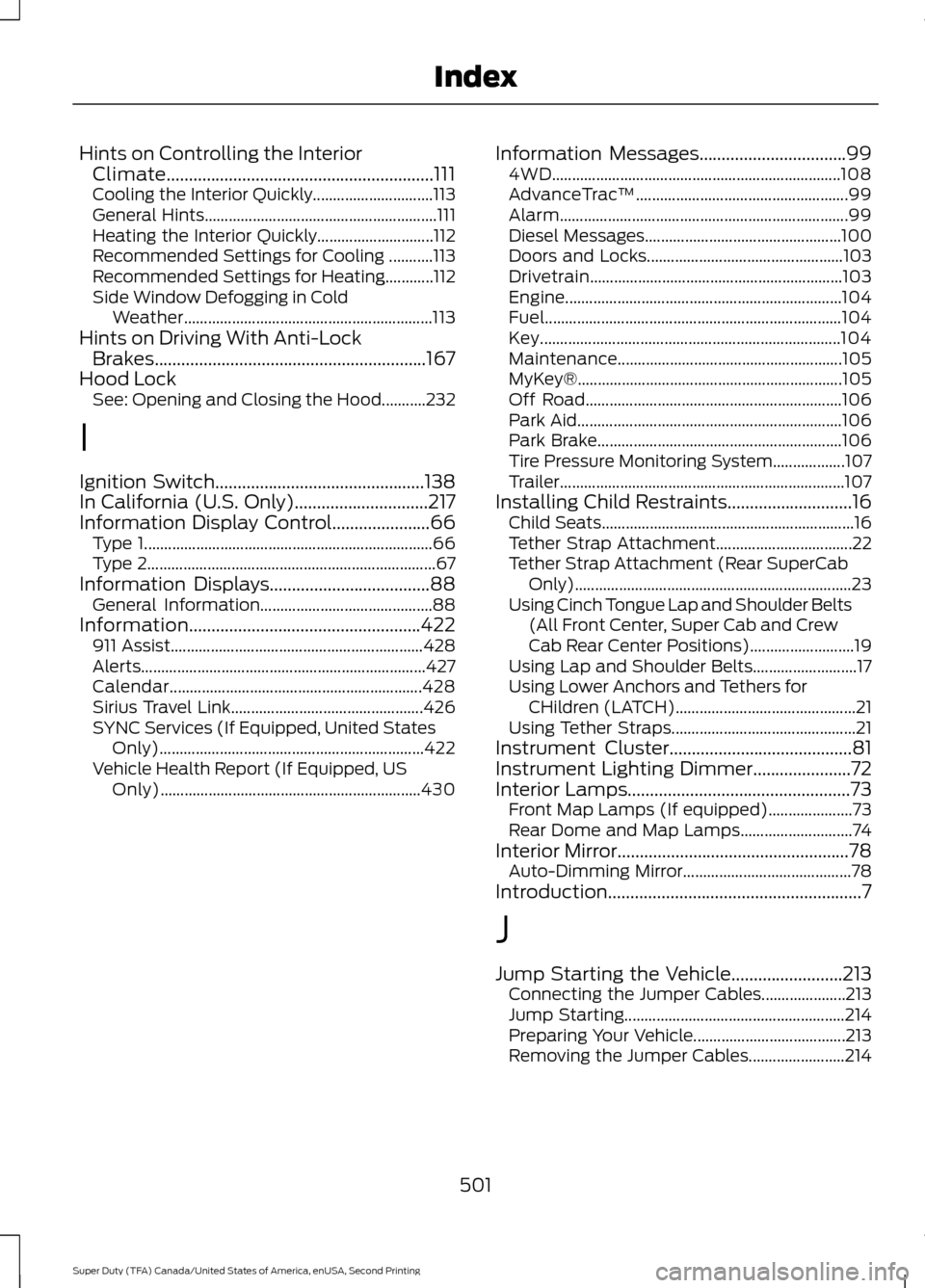
Hints on Controlling the Interior
Climate............................................................111
Cooling the Interior Quickly.............................. 113
General Hints.......................................................... 111
Heating the Interior Quickly............................. 112
Recommended Settings for Cooling ...........113
Recommended Settings for Heating............112
Side Window Defogging in Cold Weather.............................................................. 113
Hints on Driving With Anti-Lock Brakes.............................................................167
Hood Lock See: Opening and Closing the Hood...........232
I
Ignition Switch...............................................138
In California (U.S. Only)..............................217
Information Display Control
......................66
Type 1........................................................................\
66
Type 2........................................................................\
67
Information Displays
....................................88
General Information........................................... 88
Information....................................................422 911 Assist............................................................... 428
Alerts....................................................................... 427
Calendar............................................................... 428
Sirius Travel Link................................................ 426
SYNC Services (If Equipped, United States Only).................................................................. 422
Vehicle Health Report (If Equipped, US Only)................................................................. 430Information Messages
.................................99
4WD........................................................................\
108
AdvanceTrac ™..................................................... 99
Alarm........................................................................\
99
Diesel Messages................................................. 100
Doors and Locks................................................. 103
Drivetrain............................................................... 103
Engine..................................................................... 104
Fuel........................................................................\
.. 104
Key........................................................................\
... 104
Maintenance........................................................ 105
MyKey®.................................................................. 105
Off Road................................................................ 106
Park Aid.................................................................. 106
Park Brake............................................................. 106
Tire Pressure Monitoring System.................. 107
Trailer....................................................................... 107
Installing Child Restraints
............................16
Child Seats............................................................... 16
Tether Strap Attachment.................................. 22
Tether Strap Attachment (Rear SuperCab Only)..................................................................... 23
Using Cinch Tongue Lap and Shoulder Belts (All Front Center, Super Cab and Crew
Cab Rear Center Positions).......................... 19
Using Lap and Shoulder Belts.......................... 17
Using Lower Anchors and Tethers for CHildren (LATCH)............................................. 21
Using Tether Straps.............................................. 21
Instrument Cluster
.........................................81
Instrument Lighting Dimmer......................72
Interior Lamps
..................................................73
Front Map Lamps (If equipped)..................... 73
Rear Dome and Map Lamps............................ 74
Interior Mirror
....................................................78
Auto-Dimming Mirror.......................................... 78
Introduction.........................................................7
J
Jump Starting the Vehicle
.........................213
Connecting the Jumper Cables..................... 213
Jump Starting....................................................... 214
Preparing Your Vehicle...................................... 213
Removing the Jumper Cables........................ 214
501
Super Duty (TFA) Canada/United States of America, enUSA, Second Printing Index