2016 FORD EXPLORER battery location
[x] Cancel search: battery locationPage 463 of 541
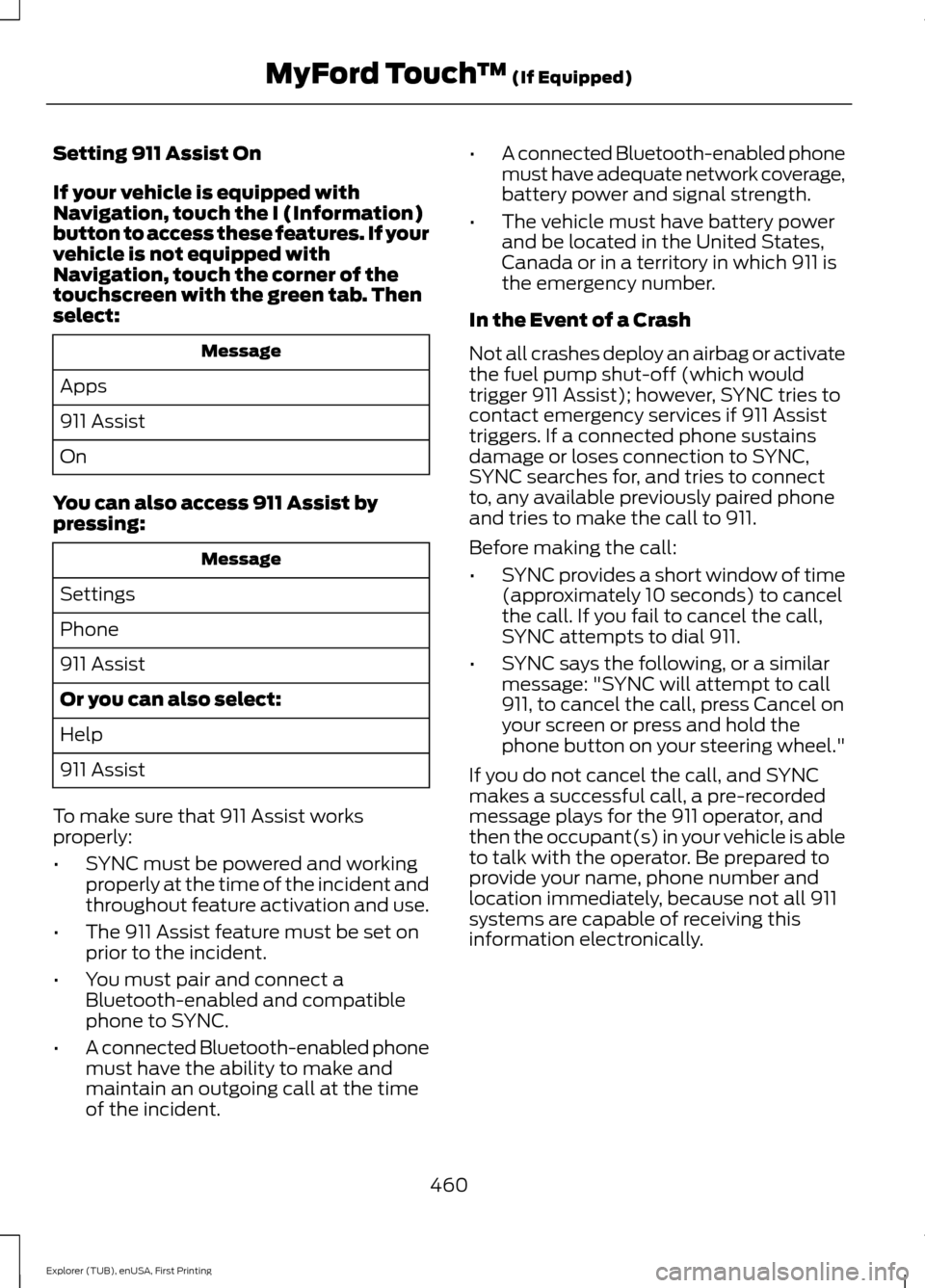
Setting 911 Assist On
If your vehicle is equipped with
Navigation, touch the I (Information)
button to access these features. If your
vehicle is not equipped with
Navigation, touch the corner of the
touchscreen with the green tab. Then
select:
Message
Apps
911 Assist
On
You can also access 911 Assist by
pressing: Message
Settings
Phone
911 Assist
Or you can also select:
Help
911 Assist
To make sure that 911 Assist works
properly:
• SYNC must be powered and working
properly at the time of the incident and
throughout feature activation and use.
• The 911 Assist feature must be set on
prior to the incident.
• You must pair and connect a
Bluetooth-enabled and compatible
phone to SYNC.
• A connected Bluetooth-enabled phone
must have the ability to make and
maintain an outgoing call at the time
of the incident. •
A connected Bluetooth-enabled phone
must have adequate network coverage,
battery power and signal strength.
• The vehicle must have battery power
and be located in the United States,
Canada or in a territory in which 911 is
the emergency number.
In the Event of a Crash
Not all crashes deploy an airbag or activate
the fuel pump shut-off (which would
trigger 911 Assist); however, SYNC tries to
contact emergency services if 911 Assist
triggers. If a connected phone sustains
damage or loses connection to SYNC,
SYNC searches for, and tries to connect
to, any available previously paired phone
and tries to make the call to 911.
Before making the call:
• SYNC provides a short window of time
(approximately 10 seconds) to cancel
the call. If you fail to cancel the call,
SYNC attempts to dial 911.
• SYNC says the following, or a similar
message: "SYNC will attempt to call
911, to cancel the call, press Cancel on
your screen or press and hold the
phone button on your steering wheel."
If you do not cancel the call, and SYNC
makes a successful call, a pre-recorded
message plays for the 911 operator, and
then the occupant(s) in your vehicle is able
to talk with the operator. Be prepared to
provide your name, phone number and
location immediately, because not all 911
systems are capable of receiving this
information electronically.
460
Explorer (TUB), enUSA, First Printing MyFord Touch
™ (If Equipped)
Page 464 of 541

911 Assist May Not Work If:
•
Your cellular phone or 911 Assist
hardware sustains damage in a crash.
• The vehicle's battery or the SYNC
system has no power.
• The phones(s) previously paired or
connected to the system are thrown
from the vehicle.
911 Assist Privacy Notice
When you turn on 911 Assist, it may
disclose to emergency services that your
vehicle has been in a crash involving the
deployment of an airbag or activation of
the fuel pump shut-off. Certain versions or
updates to 911 Assist may also be capable
of electronically or verbally disclosing to
911 operators your vehicle location or other
details about your vehicle or crash to assist
911 operators to provide the most
appropriate emergency services. If you do
not want to disclose this information, do
not turn the feature on.
Vehicle Health Report (If
Equipped, US Only) WARNING
Always follow scheduled
maintenance instructions, regularly
inspect your vehicle, and seek repair
for any damage or problem you suspect.
Vehicle Health Report supplements, but
cannot replace, normal maintenance and
vehicle inspection. Vehicle Health Report
only monitors certain systems
electronically monitored by your vehicle
and will not monitor or report the status
of any other system, (such as brake lining
wear). Failure to perform scheduled
maintenance and regularly inspect your
vehicle may result in vehicle damage and
serious injury. Note:
Your Vehicle Health Report feature
requires activation prior to use. Visit
www.SYNCMyRide.com to register. There
is no fee or subscription associated with
Vehicle Health Report, but you must register
to use this feature.
Note: This feature may not function
properly if you have enabled caller ID
blocking on your cellular phone. Before
running a report, review the Vehicle Health
Report Privacy Notice.
Note: In order to allow a break-in period for
your vehicle, you may not be able to create
a Vehicle Health Report until your vehicle
odometer has reached 200 miles.
Note: Cellular phone and SMS charges may
apply when making a report.
Register for Vehicle Health Report and set
your report preferences at
www.SYNCMyRide.com. After registering,
you can request a Vehicle Health Report
(inside your vehicle). Return to your
account at www.SYNCMyRide.com to view
your report. You can also choose for SYNC
to remind you automatically to run reports
at specific mileage intervals. Cellular phone
airtime usage may apply when reporting.
The system allows you to check your
vehicle ’s overall health in the form of a
diagnostic report card. The Vehicle Health
Report contains valuable information, for
example:
• Vehicle diagnostic information.
• Scheduled maintenance.
• Open recalls and Field Service Actions.
• Items noted during vehicle inspections
by your authorized dealer that still need
servicing.
461
Explorer (TUB), enUSA, First Printing MyFord Touch
™ (If Equipped)
Page 531 of 541
Automatic Transmission...........................180
Brake-Shift Interlock......................................... 182
If Your Vehicle Gets Stuck In Mud or Snow.................................................................. 183
SelectShift Automatic ™
Transmission.................................................... 181
Understanding the Positions of Your Automatic Transmission............................ 180
Automatic Transmission Fluid Check - 2.3L EcoBoost™.......................................286
Automatic Transmission Fluid Check - 3.5L Duratec/3.5L Ecoboost™...........286
Adding Transmission Fluid............................. 287
Checking the Transmission Fluid Level.................................................................. 286
Autowipers........................................................77
Auxiliary Power Points................................162 110 Volt AC Power Point................................... 162
12 Volt DC Power Point..................................... 162
Locations............................................................... 162
B
Blind Spot Information System..............224 Using the System............................................... 225
Bonnet Lock See: Opening and Closing the Hood...........276
Booster Seats..................................................26 Types of Booster Seats....................................... 27
Brake Fluid Check........................................288
Brakes...............................................................189 General Information.......................................... 189
Breaking-In.....................................................252
Bulb Specification Chart...........................297
C
Cabin Air Filter
...............................................138
California Proposition 65..............................11
Capacities and Specifications - 2.3L EcoBoost™..................................................341
Specifications...................................................... 341
Capacities and Specifications - 3.5L Duratec.........................................................344
Specifications..................................................... 345
Capacities and Specifications - 3.5L Ecoboost™.................................................348
Specifications..................................................... 349Capacities and Specifications
................334
Cargo Nets......................................................233
Car Wash See: Cleaning the Exterior............................. 300
Center Console..............................................164 Rear Seat Armrest.............................................. 164
Changing a Bulb...........................................293 Front Direction Indicator................................. 294
Front Fog Lamp.................................................. 295
Headlamp............................................................ 294
Headlamp High Beam..................................... 294
LED Lamps........................................................... 296
License Plate Lamp.......................................... 296
Rear Direction Indicator and Reversing Lamp
................................................................. 295
Changing a Fuse...........................................274
Fuses....................................................................... 274
Changing a Road Wheel
...........................328
Dissimilar Spare Wheel and Tire Assembly
Information..................................................... 328
Tire Change Procedure.................................... 329
Changing the 12V Battery.........................289
Changing the Engine Air Filter................299
Changing the Wiper Blades
......................291
Front Wiper Blades............................................ 291
Rear Wiper Blade................................................ 291
Checking MyKey System Status
...............57
Checking the Wiper Blades.....................290
Child Restraint and Safety Belt Maintenance.................................................38
Child Safety
.......................................................15
General Information............................................. 15
Child Safety Locks
.........................................29
Left-Hand Side..................................................... 30
Right-Hand Side................................................... 30
Child Seat Positioning
..................................28
Child Seats.........................................................16
Cleaning Leather Seats.............................303
Cleaning Products
......................................300
Cleaning the Alloy Wheels.......................304
Cleaning the Engine
....................................301
Cleaning the Exterior.................................300
Exterior Chrome Parts..................................... 300
Exterior Plastic Parts......................................... 301
Stripes or Graphics............................................ 301
Underbody............................................................ 301
Cleaning the Instrument Panel and Instrument Cluster Lens........................303
528
Explorer (TUB), enUSA, First Printing Index