Page 110 of 423
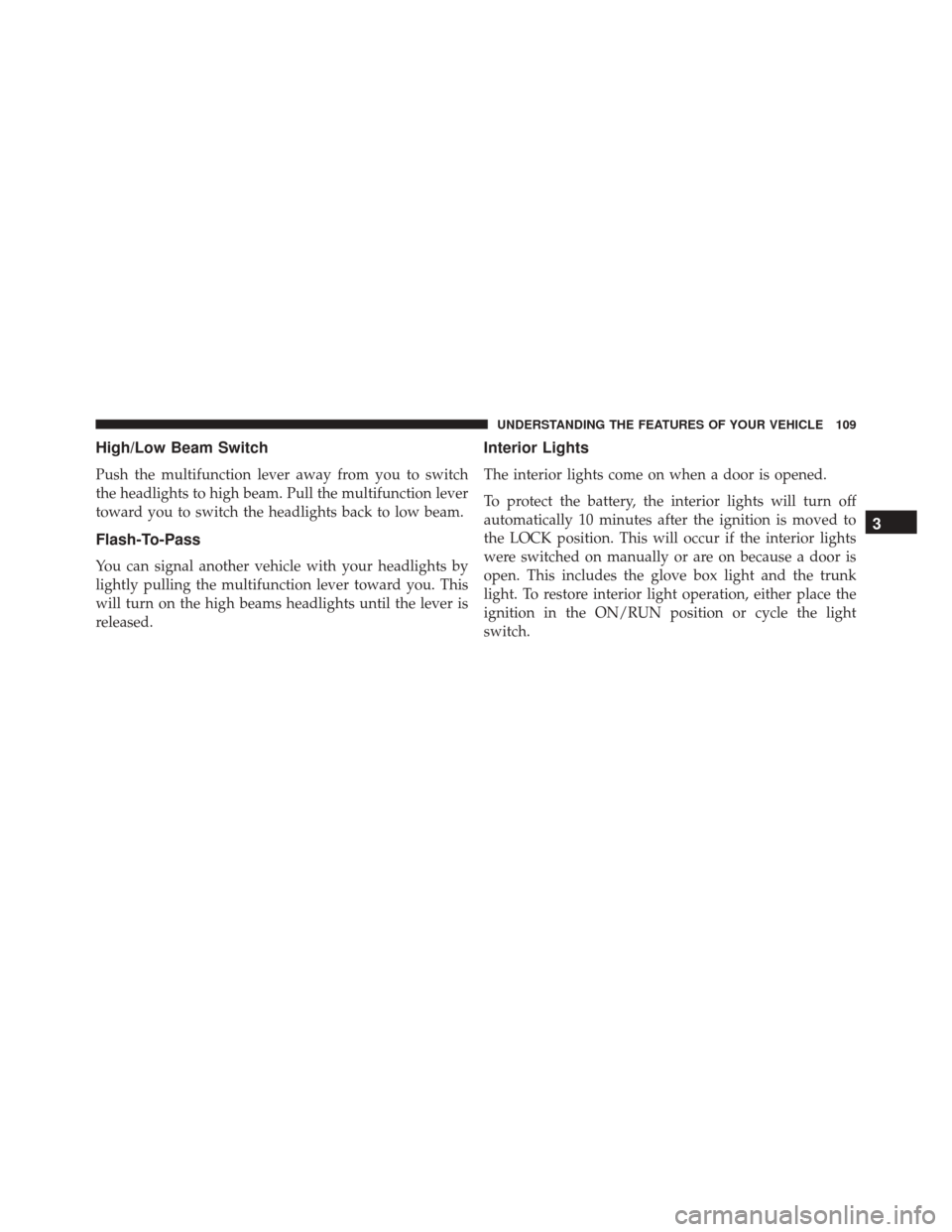
Multifunction Lever
The multifunction lever controls the operation of the turn
signals, headlight beam selection and passing lights. The
multifunction lever is located on the left side of the
steering column.
Turn Signals
Move the multifunction lever up or down and the arrows
on each side of the instrument cluster flash to show
proper operation of the front and rear turn signal lights.
NOTE:
•If either light remains on and does not flash, or there is
a very fast flash rate, check for a defective outside light
bulb. If an indicator fails to light when the lever is
moved, it would suggest that the indicator bulb is
defective.
• A “Turn Signal On” message will appear in the Driver
Information Display (DID) and a continuous chime
will sound if the vehicle is driven more than 1 mile
(1.6 km) with either turn signal on.
Multifunction Lever
108 UNDERSTANDING THE FEATURES OF YOUR VEHICLE
Page 111 of 423
High/Low Beam Switch
Push the multifunction lever away from you to switch
the headlights to high beam. Pull the multifunction lever
toward you to switch the headlights back to low beam.
Flash-To-Pass
You can signal another vehicle with your headlights by
lightly pulling the multifunction lever toward you. This
will turn on the high beams headlights until the lever is
released.
Interior Lights
The interior lights come on when a door is opened.
To protect the battery, the interior lights will turn off
automatically 10 minutes after the ignition is moved to
the LOCK position. This will occur if the interior lights
were switched on manually or are on because a door is
open. This includes the glove box light and the trunk
light. To restore interior light operation, either place the
ignition in the ON/RUN position or cycle the light
switch.
3
UNDERSTANDING THE FEATURES OF YOUR VEHICLE 109
Page 128 of 423

2. Place the hand-held transmitter 1 to 3 inches (3 to 8cm) away from the HomeLink button you wish to
program while keeping the HomeLink indicator light
in view.
3. Push and hold the HomeLink button you want to program while you push and hold the hand-held
transmitter button.
4. Continue to hold both buttons and observe the indi- cator light. The HomeLink indicator will flash slowly
and then rapidly after HomeLink has received the
frequency signal from the hand-held transmitter. Re-
lease both buttons after the indicator light changes
from slow to rapid.
5. At the garage door opener motor (in the garage), locate the “LEARN” or “TRAINING” button. This can
usually be found where the hanging antenna wire is
attached to the garage door opener/device motor. Firmly push and release the “LEARN” or “TRAIN-
ING” button. On some garage door openers/devices
there may be a light that blinks when the garage door
opener/device is in the LEARN/TRAIN mode.
NOTE: You have 30 seconds in which to initiate the next
step after the LEARN button has been pushed.
6. Return to the vehicle and push the programmed HomeLink button twice (holding the button for two
seconds each time). If the garage door opener/device
activates, programming is complete.
NOTE: If the garage door opener/device does not acti-
vate, push the button a third time (for two seconds) to
complete the training.
To program the remaining two HomeLink buttons, repeat
each step for each remaining button. DO NOT erase the
channels.
126 UNDERSTANDING THE FEATURES OF YOUR VEHICLE
Page 169 of 423
Turn Signal Indicator Lights
Green Tell-tale Light What It Means
Turn Signal Indicator Lights
The instrument cluster arrow will flash independently for the LEFT or RIGHT turn signal as se-
lected, as well as the exterior turn signal lamp(s) (front and rear) as selected when the multi-
function lever is moved down (LEFT) or up (RIGHT).
NOTE:
•A continuous chime will sound if the vehicle is driven more than 1 mile (1.6 km) with either
turn signal on.
•Check for an inoperative outside light bulb if either indicator flashes at a rapid rate.
4
UNDERSTANDING YOUR INSTRUMENT PANEL 167
Page 176 of 423

The main display area will normally display the main
menu or the screens of a selected feature of the main
menu. The main display area also displays “pop up”
messages that consist of approximately 60 possible warn-
ing or information messages. These pop up messages fall
into several categories:
•Five Second Stored Messages
When the appropriate conditions occur, this type of
message takes control of the main display area for five
seconds and then returns to the previous screen. Most of
the messages of this type are then stored (as long as the
condition that activated it remains active) and can be
reviewed from the “Messages” main menu item. As long
as there is a stored message, an “i” will be displayed in
the DID’s compass/outside temp line. Examples of this
message type are “Right Front Turn Signal Lamp Out”
and “Low Tire Pressure.” NOTE:
Pushing the LEFT arrow button will override the
DID “pop up” messages and return you to the menu
screen.
• Unstored Messages
This message type is displayed indefinitely or until the
condition that activated the message is cleared. Examples
of this message type are “Turn Signal On” (if a turn signal
is left on) and “Lights On” (if driver leaves the vehicle).
• Five Second Unstored Messages
When the appropriate conditions occur, this type of
message takes control of the main display area for five
seconds and then returns to the previous screen. An
example of this message type is “Automatic High Beams
On.”
174 UNDERSTANDING YOUR INSTRUMENT PANEL
Page 178 of 423
•Right Turn Signal Light Out
• Left Turn Signal Light Out
• Turn Signal On
• Service Air Bag System
• Service Air Bag Warning Light
• Driver Seat Belt Unbuckled
• Passenger Seat Belt Unbuckled
• Front Seat Belts Unbuckled
• Door Open
• Doors Open
• Park Brake EngagedDID Selectable Menu Items
Push and release the UPorDOWN arrow buttons until
the desired Selectable Menu icon is highlighted in the
DID.
Tachometer
Push and release the UPorDOWN arrow
button until the Tachometer icon is highlighted
in the DID. Push and release the RIGHTarrow
button to change the display between full
tachometer or tachometer with digital speedometer.
176 UNDERSTANDING YOUR INSTRUMENT PANEL
Page 263 of 423
WARNING!(Continued)
•The Anti-Lock Brake System (ABS) cannot prevent
the natural laws of physics from acting on the
vehicle, nor can it increase braking or steering
efficiency beyond that afforded by the condition of
the vehicle brakes and tires or the traction afforded.
• The Anti-Lock Brake System (ABS) cannot prevent
collisions, including those resulting from excessive
speed in turns, following another vehicle too
closely, or hydroplaning.
• The capabilities of an Anti-Lock Brake System
(ABS) equipped vehicle must never be exploited in
a reckless or dangerous manner, that could jeopar-
dize the user’s safety or the safety of others.
All vehicle wheels and tires must be the same size and
type as the original equipment and the tires must be
properly inflated to produce accurate signals for the
computer.
WARNING!
Significant over or underinflation of tires, or mixing
sizes of tires or wheels on the vehicle can lead to loss
of braking effectiveness.
Anti-Lock Brake Warning Light
The “Anti-Lock Brake Warning Light” will turn
on and stay on briefly as a bulb check when the
ignition is first turned on. If the light does not
turn on during starting, have it repaired
promptly.
This light also illuminates at vehicle start-up to indicate
that the ABS self-check is in process. If the light remains
on after start-up, or turns on and remains on at road
speeds, it may indicate a system malfunction or that the
system is inoperative. In this case, the system reverts to
standard non-anti-lock brakes. If this occurs, safely bring
5
STARTING AND OPERATING 261
Page 297 of 423

showing the pressure values of each tire with the low tire
pressure values changing color. An�Inflate to XX�mes-
sage will also be displayed.
Should this occur, you should stop as soon as possible
and inflate the tires with a low pressure condition (those
in a different color in the DID graphic) to the vehicle’s
recommended cold placard pressure inflation value as
shown in the �Inflate to XX� message. Once the system
receives the updated tire pressures, the system will
automatically update, the graphic display in the DID will
change color back to the original color, and the TPM
Telltale Light will turn off. The vehicle may need to be
driven for up to 20 minutes above 15 mph (24 km/h) in
order for the TPMS to receive this information.
Service TPMS Warning
If a system fault is detected, the TPM Telltale Light will
flash on and off for 75 seconds and then remain on solid.
The system fault will also sound a chime. In addition, the Driver Information Display (DID) will display a
�SER-
VICE TPM SYSTEM� message for a minimum of five
seconds and then display dashes (- -) in place of the
pressure value to indicate which sensor is not being
received.
If the ignition switch is cycled, this sequence will repeat,
providing the system fault still exists. If the system fault
no longer exists, the TPM Telltale Light will no longer
flash, and the �SERVICE TPM SYSTEM� message will no
longer display, and a pressure value will display in place
of the dashes. A system fault can occur due to any of the
following:
1. Signal interference due to electronic devices or driving next to facilities emitting the same radio frequencies as
the TPM sensors.
2. Installing aftermarket window tinting that contains materials that may block radio wave signals.
5
STARTING AND OPERATING 295