Page 393 of 707

Selecting A Different Audio Device
1. Push the Phonebutton to begin.
2. After the�Ready�prompt and following the beep, say
�Setup�, then say �Select Audio Devices.�
3. Say the name of the audio device or ask the Uconnect phone system to list the audio devices.
Next Track
Use the SEEK UP button, or push the VRbutton on
the radio and say “Next Track,” to jump to the next
music track on your cellular phone.
Previous Track
Use the SEEK DOWN button, or push the VRbut-
ton on the radio and say “Previous Track,” to jump to
the previous music track on your cellular phone. Browse
Browsing is not available on a Bluetooth Streaming
Audio (BTSA) device. Only the current song that is
playing will display info.
Uconnect MULTIMEDIA — VIDEO
ENTERTAINMENT SYSTEM (VES) — IF EQUIPPED
Your rear seat Video Entertainment System (VES) is
designed to give your family years of enjoyment. You can
play your favorite CDs or DVDs, listen to audio over the
wireless headphones, or plug and play a variety of
standard video games or audio devices. Please review
this Owner’s Manual to become familiar with its features
and operation.
Getting Started
•
Screen(s) located in the overhead console: Unfold the
overhead LCD screen(s) by pushing the button on the
overhead console behind the screen(s).
4
UNDERSTANDING YOUR INSTRUMENT PANEL 391
Page 396 of 707
NOTE:
•Due to the size of the content on a Blu-ray Disc, the
disc may not start playing immediately.
• Not all Blu-ray, CD or DVD discs will automatically
restart from where you left off at when turned off.
Some discs will restart from the beginning, others will
restart from where you left off at, and some will ask
you if you would like to continue or start from the
beginning.
Play Video Games
Connect the video game console to the Auxiliary RCA
input jacks or HDMI port, located on the left side behind
the second row seat.RCA/HDMI/USB Inputs
1 — HDMI Port 4 — USB Ports (Charge Only)
2 — Audio/Video In 5 — Power Inverter
3 — Power Outlet
394 UNDERSTANDING YOUR INSTRUMENT PANEL
Page 448 of 707

The rear blower and temperature controls for the rear
seat passengers are located in the headliner, near the
center of the vehicle.Rear Blower Control
The primary control for the rear blower is on the front
climate control unit, located on the instrument panel.
Only when the front control for the rear blower is in the
REARposition do the second row seat occupants have
control of the rear blower speed.
The rear blower control, located in the rear overhead
console, has an off position and a range of blower speeds.
This allows the second row seat occupants to control the
volume of air circulated in the rear of the vehicle.
CAUTION!
Interior air enters the Rear Manual Climate Control
system through an intake grille, located in the right
side trim panel behind the third row seats. The
heater outlets are located in the right side trim panel,
(Continued)
Rear Manual Climate Controls
1 — Rear Blower 3 — Rear Mode
2 — Rear Temperature 4 — Rear Climate Control Lock
446 UNDERSTANDING YOUR INSTRUMENT PANEL
Page 585 of 707
Spare Tire Removal
The spare tire is stowed inside a protective cover located
under the center of the vehicle between the front doors by
means of a cable winch mechanism. The “spare tire drive” nut
is located on the floor, under a plastic cap at the front of the
floor console or under front super console forward bin liner.
To Access Spare Tire Winch Drive Nut
To access the spare tire winch drive nut and lower the
spare tire, you will need to refer to one of the following
center console configurations.
Super Console
For vehicles equipped with the Super Console, the spare
tire winch assembly drive nut is located beneath the
console.
Spare Tire Location
6
WHAT TO DO IN EMERGENCIES 583
Page 586 of 707
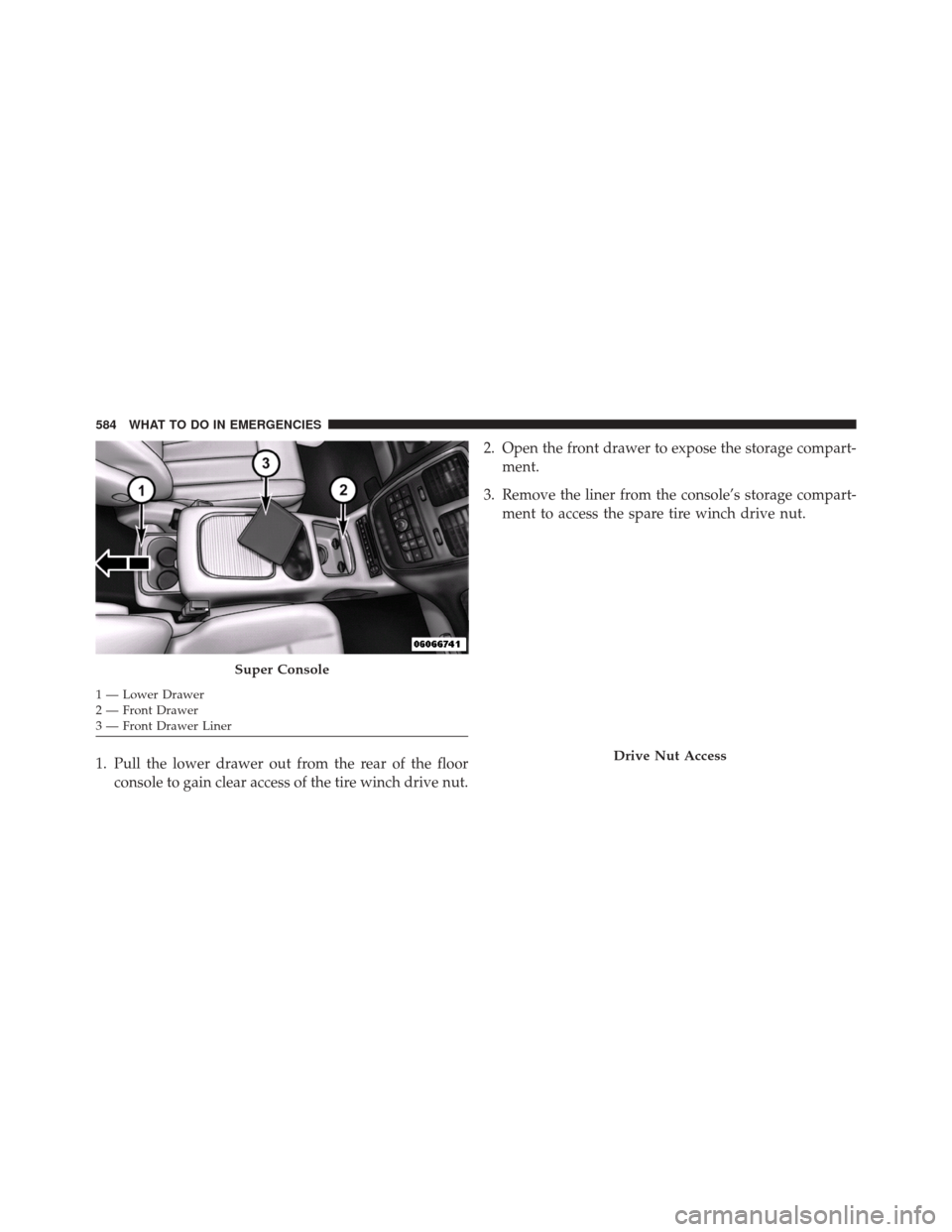
1. Pull the lower drawer out from the rear of the floorconsole to gain clear access of the tire winch drive nut. 2. Open the front drawer to expose the storage compart-
ment.
3. Remove the liner from the console’s storage compart- ment to access the spare tire winch drive nut.
Super Console
1 — Lower Drawer
2 — Front Drawer
3 — Front Drawer Liner
Drive Nut Access
584 WHAT TO DO IN EMERGENCIES
Page 587 of 707
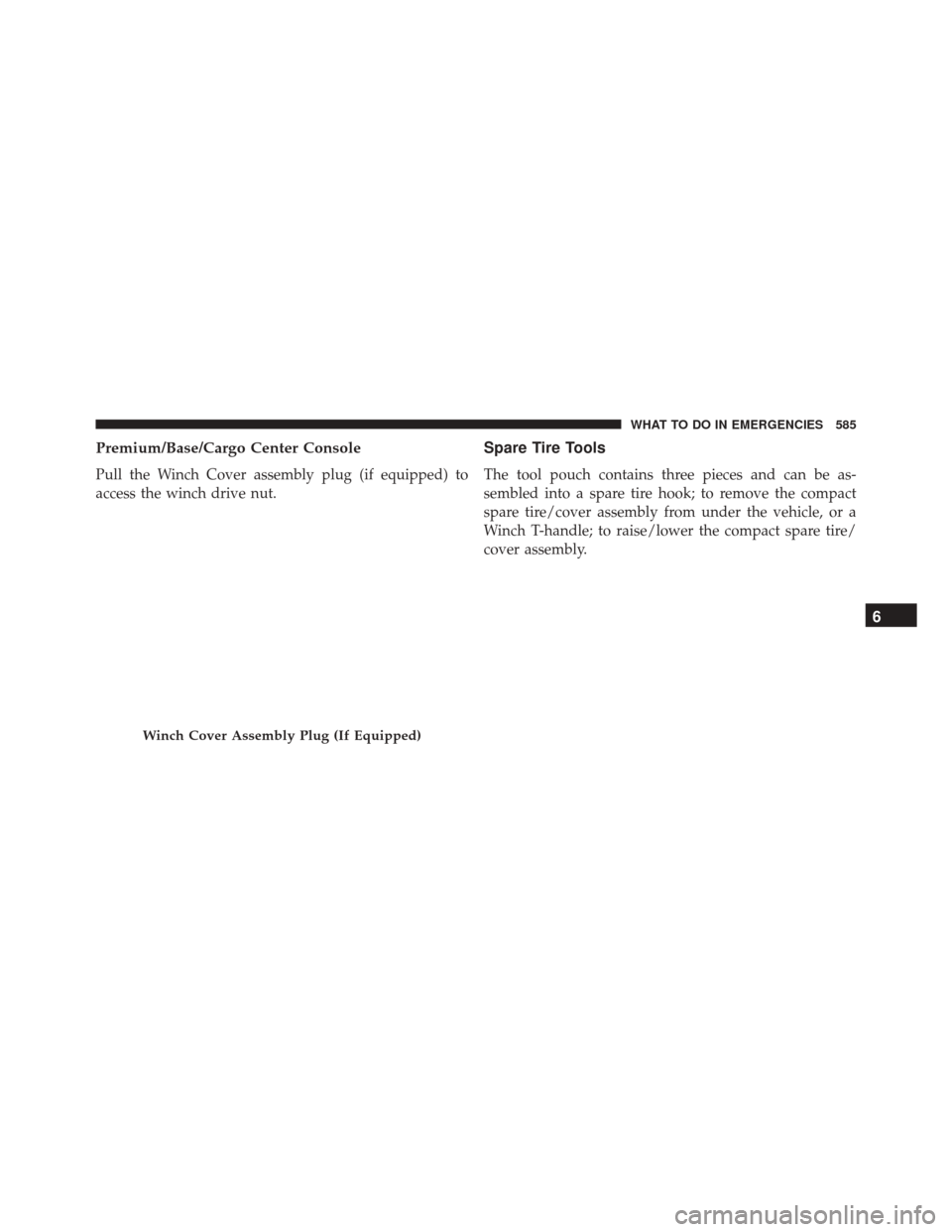
Premium/Base/Cargo Center Console
Pull the Winch Cover assembly plug (if equipped) to
access the winch drive nut.
Spare Tire Tools
The tool pouch contains three pieces and can be as-
sembled into a spare tire hook; to remove the compact
spare tire/cover assembly from under the vehicle, or a
Winch T-handle; to raise/lower the compact spare tire/
cover assembly.
Winch Cover Assembly Plug (If Equipped)
6
WHAT TO DO IN EMERGENCIES 585
Page 589 of 707
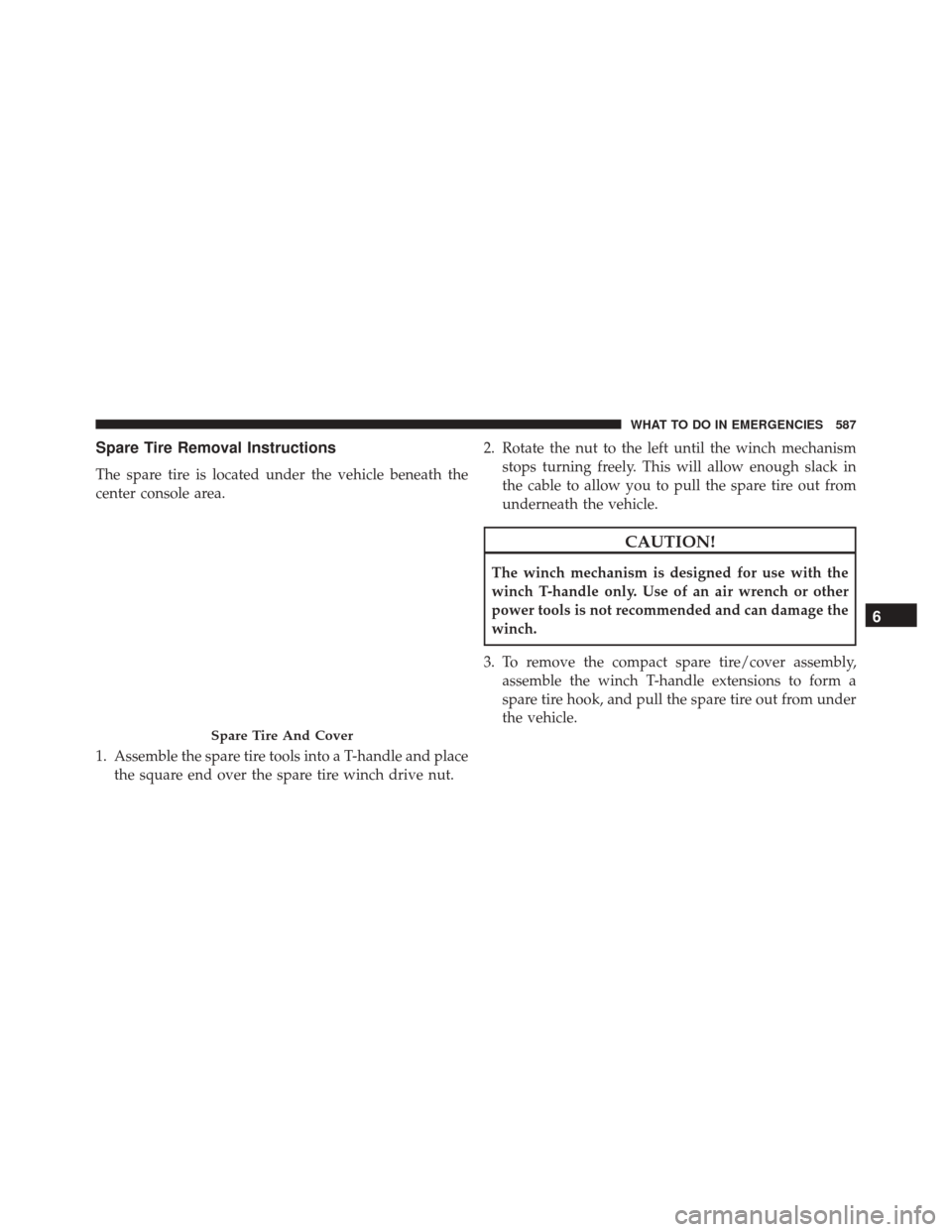
Spare Tire Removal Instructions
The spare tire is located under the vehicle beneath the
center console area.
1. Assemble the spare tire tools into a T-handle and placethe square end over the spare tire winch drive nut. 2. Rotate the nut to the left until the winch mechanism
stops turning freely. This will allow enough slack in
the cable to allow you to pull the spare tire out from
underneath the vehicle.
CAUTION!
The winch mechanism is designed for use with the
winch T-handle only. Use of an air wrench or other
power tools is not recommended and can damage the
winch.
3. To remove the compact spare tire/cover assembly, assemble the winch T-handle extensions to form a
spare tire hook, and pull the spare tire out from under
the vehicle.
Spare Tire And Cover
6
WHAT TO DO IN EMERGENCIES 587
Page 652 of 707
Cavity Cartridge Fuse Mini-FuseDescription
J19 60 Amp Yellow –Radiator Fan
J20 30 Amp Pink – Front Wiper LO/HI
J21 20 Amp Blue – Front/Rear Washer
J22 25 Amp Clear – Sunroof Module
M1 –15 Amp Blue Rear Center Brake Lamp/Brake Switch
M2 –20 Amp Yellow Front Fog Lamps
M3 –20 Amp Yellow Front/Rear Axle Locker, Vacuum Pump Motor
M5 –25 Amp Clear Inverter
M6 –20 Amp Yellow Power Outlet #1 (ACC), Rain Sensor, Cigar
Lighter (Instrument Panel or with Console Rear)
M7 –20 Amp Yellow Power Outlet #2 (BATT/ACC SELECT) – Center
Seat or with Console Rear
M8 –20 Amp Yellow Front Heated Seat – If Equipped
M9 –20 Amp Yellow Rear Heated Seat – If Equipped
650 MAINTAINING YOUR VEHICLE