Page 334 of 707
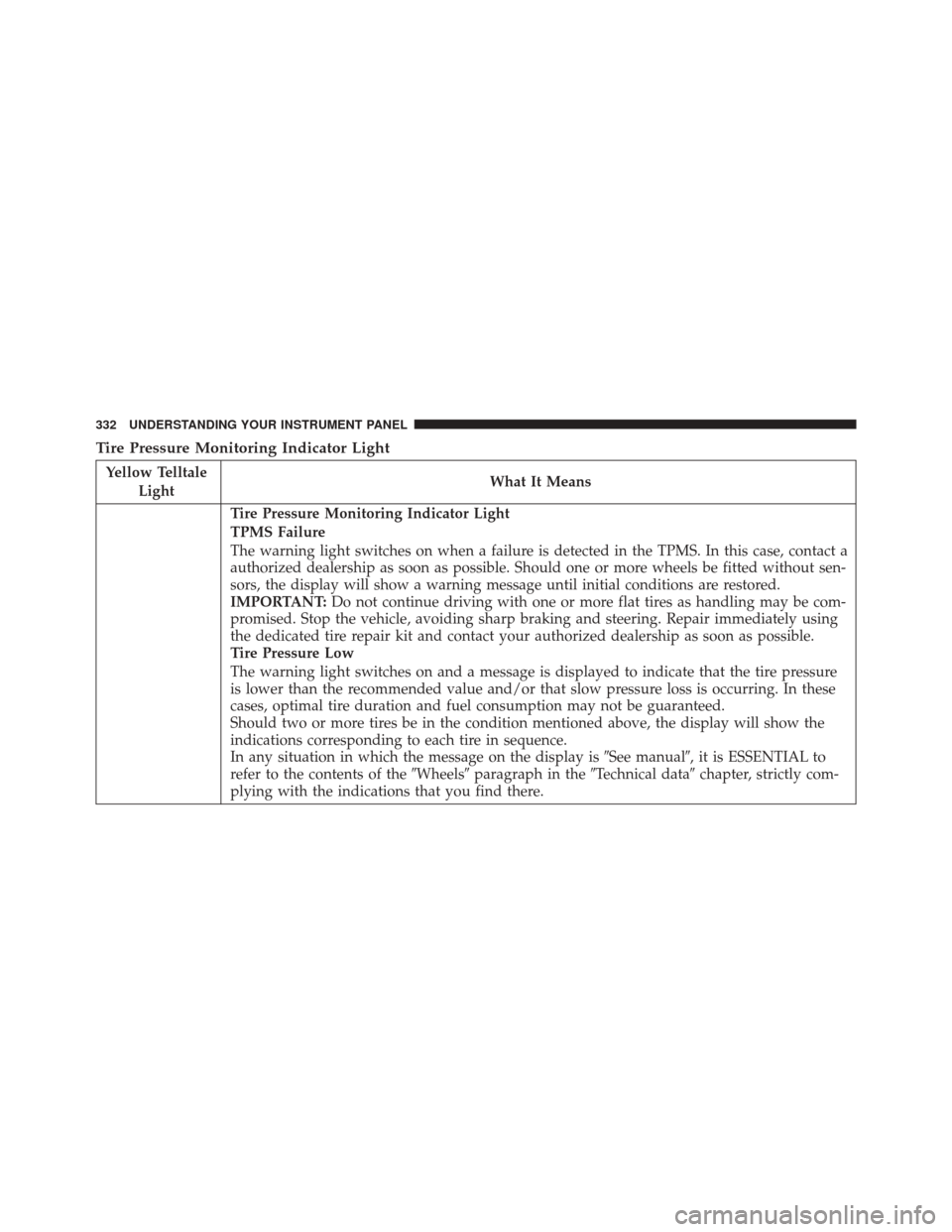
Tire Pressure Monitoring Indicator Light
Yellow TelltaleLight What It Means
Tire Pressure Monitoring Indicator Light
TPMS Failure
The warning light switches on when a failure is detected in the TPMS. In this case, contact a
authorized dealership as soon as possible. Should one or more wheels be fitted without sen-
sors, the display will show a warning message until initial conditions are restored.
IMPORTANT:
Do not continue driving with one or more flat tires as handling may be com-
promised. Stop the vehicle, avoiding sharp braking and steering. Repair immediately using
the dedicated tire repair kit and contact your authorized dealership as soon as possible.
Tire Pressure Low
The warning light switches on and a message is displayed to indicate that the tire pressure
is lower than the recommended value and/or that slow pressure loss is occurring. In these
cases, optimal tire duration and fuel consumption may not be guaranteed.
Should two or more tires be in the condition mentioned above, the display will show the
indications corresponding to each tire in sequence.
In any situation in which the message on the display is �See manual�, it is ESSENTIAL to
refer to the contents of the �Wheels�paragraph in the �Technical data�chapter, strictly com-
plying with the indications that you find there.
332 UNDERSTANDING YOUR INSTRUMENT PANEL
Page 335 of 707
Each tire, including the spare (if provided), should be
checked monthly when cold and inflated to the inflation
pressure recommended by the vehicle manufacturer on
the vehicle placard or tire inflation pressure label. If your
vehicle has tires of a different size than the size indicated
on the vehicle placard or tire inflation pressure label, you
should determine the proper tire inflation pressure for
those tires.
As an added safety feature, your vehicle has been
equipped with a Tire Pressure Monitoring System
(TPMS) that illuminates a low tire pressure telltale when
one or more of your tires is significantly under-inflated.
Accordingly, when the low tire pressure telltale illumi-
nates, you should stop and check your tires as soon as
possible and inflate them to the proper pressure. Driving
on a significantly under-inflated tire causes the tire to
overheat and can lead to tire failure. Under-inflation also
reduces fuel efficiency and tire tread life, and may affect
the vehicle’s handling and stopping ability.Please note that the TPMS is not a substitute for proper
tire maintenance, and it is the driver ’s responsibility to
maintain correct tire pressure, even if under-inflation has
not reached the level to trigger illumination of the TPMS
low tire pressure telltale.
Your vehicle has also been equipped with a TPMS
malfunction indicator to indicate when the system is not
operating properly. The TPMS malfunction indicator is
combined with the low tire pressure telltale. When the
system detects a malfunction, the telltale will flash for
approximately one minute and then remain continuously
illuminated. This sequence will continue upon subse-
quent vehicle start-ups as long as the malfunction exists.
When the malfunction indicator is illuminated, the sys-
tem may not be able to detect or signal low tire pressure
as intended. TPMS malfunctions may occur for a variety
of reasons, including the installation of replacement or
alternate tires or wheels on the vehicle that prevent the
TPMS from functioning properly. Always check the
4
UNDERSTANDING YOUR INSTRUMENT PANEL 333
Page 341 of 707
ELECTRONIC VEHICLE INFORMATION CENTER
(EVIC) — IF EQUIPPED
The Electronic Vehicle Information Center (EVIC) fea-
tures a driver-interactive display that is located in the
instrument cluster.The EVIC Menu items consists of the following:
•
Fuel Economy
• Vehicle Speed
• Trip Info
• Tire Pressure
• Vehicle Info
• Messages
• Units
• System Setup (Personal Settings)
• Turn Menu Off
Electronic Vehicle Information Center (EVIC)
4
UNDERSTANDING YOUR INSTRUMENT PANEL 339
Page 342 of 707
The system allows the driver to select information by
pushing the following buttons mounted on the steering
wheel:•
UP Button
Push and release the UP button to scroll up-
ward through the main menu items (Fuel
Economy, Vehicle Info, Tire PSI, Cruise, Mes-
sages, Units, System Setup).
• DOWN Button
Push and release the DOWN button to scroll
downward through the main menu items.
• RIGHT Button
The RIGHT button allows access to informa-
tion in EVIC submenus, selects some feature
settings, and resets some EVIC features. The
EVIC prompts the driver when the RIGHT
button can be used by displaying the right arrow graphic.
EVIC Steering Wheel Buttons
340 UNDERSTANDING YOUR INSTRUMENT PANEL
Page 344 of 707
•Unstored Messages
This message type is displayed indefinitely or until the
condition that activated the message is cleared. Examples
of this message type are �Turn Signal On�(if a turn signal
is left on) and �Lights On�(if driver leaves the vehicle).
• Unstored Messages Until RUN
These messages deal primarily with the Remote Start
feature. This message type is displayed until the ignition
is in the RUN state. Examples of this message type are
�Remote Start Aborted - Door Ajar� and�Press Brake
Pedal and Push Button to Start.�
• Five Second Unstored Messages
When the appropriate conditions occur, this type of mes-
sage takes control of the main display area for five seconds
and then returns to the previous screen. Examples of this
message type are �Memory System Unavailable - Not in
Park� and�Automatic High Beams On. �
The Reconfigurable Telltales section is divided into the
white telltales area on the right, amber telltales in the
middle, and red telltales on the left.
When the appropriate conditions exist, the EVIC displays
the following messages:
•Key in ignition
• Ignition or Accessory On
• Remote start aborted — Door ajar
• Remote start aborted — Hood ajar
• Remote start aborted — L/Gate ajar
• Remote start aborted — Fuel low
• Remote start disabled — Start Vehicle to Reset
• Remote start active — Push Start Button
• Remote start active — Key to Run
342 UNDERSTANDING YOUR INSTRUMENT PANEL
Page 347 of 707
Vehicles Equipped With Keyless Enter-N-Go
1. Without pushing the brake pedal, push the ENGINESTART/STOP button and cycle the ignition to the
ON/RUN position (do not start the engine).
2. Fully depress the accelerator pedal, slowly, three times within 10 seconds.
3. Without pushing the brake pedal, push the ENGINE START/STOP button once to return the ignition to the
OFF/LOCK position.
Vehicles Not Equipped With Keyless Enter-N-Go
1. Turn the ignition switch to the ON/RUN position (do not start the engine).
2. Fully depress the accelerator pedal, slowly, three times within 10 seconds.
3. Turn the ignition switch to the OFF/LOCK position. NOTE:
If the indicator message illuminates when you
start the engine, the oil change indicator system did not
reset. If necessary, repeat these steps.
Fuel Economy
Push and release the UP or DOWN button until “Fuel
Economy” displays highlighted in the EVIC and push the
RIGHT button. The following Fuel Economy functions
display in the EVIC:
• Average Fuel Economy (AVG)
• Distance To Empty (DTE)
• Current Fuel Economy (MPG or L/100 km)4
UNDERSTANDING YOUR INSTRUMENT PANEL 345
Page 348 of 707
Average Fuel Economy
Shows the average fuel economy since the last reset. The
Average Fuel Economy can be reset by following the
prompt in the EVIC to use the RIGHT button. When the
fuel economy is reset, the display will read “zero” for two
seconds. Then, the history information will be erased,
and the averaging will continue from the last fuel aver-
age reading before the reset.
Distance To Empty (DTE)
Shows the estimated distance that can be traveled with
the fuel remaining in the tank. This estimated distance is
determined by a weighted average of the instantaneous
and average fuel economy, according to the current fuel
tank level. DTE cannot be reset through the RIGHT arrow
button.
NOTE:Significant changes in driving style or vehicle
loading will greatly affect the actual drivable distance of
the vehicle, regardless of the DTE displayed value.
When the DTE value is less than 30 miles (48 km)
estimated driving distance, the DTE display will change
to a “LOW FUEL” message. This display will continue
until the vehicle runs out of fuel. Adding a significant
amount of fuel to the vehicle will turn off the “LOW
FUEL” message and a new DTE value will display.
Average Fuel Economy Display
346 UNDERSTANDING YOUR INSTRUMENT PANEL
Page 349 of 707
Current Fuel Economy (MPG or L/100 km)
This display shows the instantaneous MPG or L/100 km
in bar graph form while driving. This will monitor the
gas mileage in real-time as you drive and can be used to
modify driving habits in order to increase fuel economy.
Vehicle Speed
Push and release the UP or DOWN button until “Vehicle
Speed” displays highlighted in the EVIC and push the
RIGHT arrow button. Push and release the RIGHT arrow
button to display the current speed in mph or km/h.
Pushing the RIGHT arrow button a second time will
toggle the unit of measure between mph or km/h.
NOTE:Changing the unit of measure in the Vehicle
Speed menu will not change the unit of measure in the
EVIC.
Trip Info
Push and release the UP or DOWN button until “Trip
Info” is highlighted in the EVIC and push the RIGHT
button. Push and release the UP/DOWN buttons to
highlight one of the following functions if you want to
reset it:
Trip A
• Shows the total distance traveled for Trip A since the
last reset.
• Shows the elapsed time traveled for Trip A since the
last reset.
Trip B
• Shows the total distance traveled for Trip B since the
last reset.
• Shows the elapsed time traveled for Trip B since the
last reset.
4
UNDERSTANDING YOUR INSTRUMENT PANEL 347