Page 219 of 634

UNAVAILABLE WIPE REAR SENSORS” or
“PARKSENSE UNAVAILABLE SERVICE REQUIRED”
message for five seconds. Refer to “Driver Information
Display (DID)” in “Understanding Your Instrument
Panel” for further information.
When the gear selector is moved to REVERSE and the
system has detected a faulted condition, the Driver
Information Display (DID) will display the
“PARKSENSE UNAVAILABLE WIPE REAR SENSORS”
or “PARKSENSE UNAVAILABLE SERVICE REQUIRED”
message for as long as the vehicle is in REVERSE. Under
this condition, ParkSense will not operate.
If “PARKSENSE UNAVAILABLE WIPE REAR SEN-
SORS” appears in the Driver Information Display (DID),
make sure the outer surface and the inside of the rear
fascia/bumper is clean and clear of snow, ice, mud, dirt
or other obstruction, and then cycle the ignition. If the
message continues to appear see an authorized dealer.If “PARKSENSE UNAVAILABLE SERVICE REQUIRED”
appears in the DID, see an authorized dealer.
Cleaning The ParkSense System
Clean the ParkSense sensors with water, car wash soap
and a soft cloth. Do not use rough or hard cloths. Do not
scratch or poke the sensors. Otherwise, you could dam-
age the sensors.
ParkSense System Usage Precautions
NOTE:
•
Ensure that the rear bumper is free of snow, ice, mud,
dirt and debris to keep the ParkSense system operating
properly.
• Jackhammers, large trucks, and other vibrations could
affect the performance of ParkSense or render the
system temporarily unavailable.
3
UNDERSTANDING THE FEATURES OF YOUR VEHICLE 217
Page 221 of 634

CAUTION!(Continued)
the sensors will not be detected when they are in
close proximity.
• The vehicle must be driven slowly when using
ParkSense in order to be able to stop in time when
an obstacle is detected. It is recommended that the
driver looks over his/her shoulder when using
ParkSense.
WARNING!
Drivers must be careful when backing up even when
using the Rear Park Assist system. Always check
carefully behind your vehicle, and be sure to check
for pedestrians, animals, other vehicles, obstructions,
or blind spots before backing up. You are responsible
for the safety of your surroundings and must con-
tinue to pay attention while backing up. Failure to do
so can result in serious injury or death.
PARKVIEW REAR BACK UP CAMERA — IF
EQUIPPED
Your vehicle may be equipped with the ParkView Rear
Back Up Camera that allows you to see an on-screen
image of the rear surroundings of your vehicle whenever
the gear selector is put into REVERSE. The ParkView
camera is located on the rear of the vehicle above the rear
license plate. The image will be displayed in the touch-
screen display along with a caution note to “check entire
surroundings” across the top of the screen. After five
seconds this note will disappear.
NOTE: The ParkView Rear Back Up Camera has pro-
grammable modes of operation that may be selected
through the Uconnect System. Refer to “Uconnect Set-
tings” in “Understanding Your Instrument Panel” for
further information.
If your vehicle is equipped with the Camera Delay
feature and it is turned ON, the rear camera image will be
3
UNDERSTANDING THE FEATURES OF YOUR VEHICLE 219
Page 238 of 634
Ignition Off Operation
NOTE:
•The power sunroof switch can remain active in Acces-
sory Delay for up to approximately ten minutes after
the vehicles ignition is placed to the Off position.
Opening either front door will cancel this feature.
• This feature is programmable using the Uconnect
System. Refer to “Uconnect Settings” in “Understand-
ing Your Instrument Panel” for further information.
Relearn Procedure
For vehicles equipped with a sunroof, there is a relearn
procedure that allows you to calibrate the sunroof when
the “Auto Up” feature stops working. To reset the
sunroof, follow these steps:
1. Set the ignition to the ACC ON/RUN position.
2. Ensure that the sunroof is in the Fully Closed position. 3. Press and hold the Close switch. The sunroof will hit
the hard stop and move to the Vent position after 10
seconds.
4. Release the Close switch, then press and hold the Close switch again within 5 seconds to begin the
teaching process. The sunroof will complete one full
cycle and return to the Fully Closed position.
NOTE: If the Close switch is released anytime during the
teach cycle, the procedure will need to be repeated
starting from the first step.
5. Once the sunroof has stopped in the Fully Closed position, release the Close switch. The sunroof is now
reset and ready to use.
ELECTRICAL POWER OUTLETS
Your vehicle is equipped with one 12 Volt (13 Amp)
power outlet on the instrument panel and one 12 Volt (10
Amp) power outlet in the center console that can be used
236 UNDERSTANDING THE FEATURES OF YOUR VEHICLE
Page 239 of 634
to power cellular phones, small electronics and other low
powered electrical accessories. The power outlets are
labeled with either a “key” or a “battery” symbol to
indicate how the outlet is powered. Power outlets labeled
with a “key” are powered when the ignition switch is in
the ON or ACC position, while the outlets labeled with a
“battery” are connected directly to the battery and pow-
ered at all times.
NOTE:
•All accessories connected to the “battery” powered
outlets should be removed or turned off when the
vehicle is not in use to protect the battery against
discharge.
• To ensure proper cigar lighter operation, a MOPAR
knob and element must be used.
The front power outlet is located inside the storage area
on the center stack of the instrument panel.
WARNING!
Do not place ashes inside the cubby bin located on
the center console on vehicles not equipped with the
ash receiver tray. A fire leading to bodily injury could
result.
Front Power Outlet
3
UNDERSTANDING THE FEATURES OF YOUR VEHICLE 237
Page 241 of 634
NOTE:The instrument panel power outlet and dual rear
console USB ports can be changed to “battery” powered
all the time by moving the #12 20 Amp fuse from “IGN”
to “B+”. Refer to “Rear Power Distribution Center
Cover” in “Rear Power Distribution Center (Fuses)”.
WARNING!
To avoid serious injury or death:
• Only devices designed for use in this type of outlet
should be inserted into any 12 Volt outlet.
• Do not touch with wet hands.
• Close the lid when not in use and while driving the
vehicle.
• If this outlet is mishandled, it may cause an electric
shock and failure.
Power Outlet Fuse Locations
1 — #12 Fuse 20 Amp Yellow Instrument Panel Power Outlet/
Dual USB Charge Only Ports
2 — #38 Fuse 20 Amp Yellow Center Console Power Outlet/
Media Hub
3
UNDERSTANDING THE FEATURES OF YOUR VEHICLE 239
Page 245 of 634
STORAGE
Glove Compartment
The glove compartment is located on the passenger side
of the instrument panel.
Console Features
There is an open cubby bin located forward of the gear
selector.
Two separate storage compartments are also located
underneath the center console armrest.
Glove Compartment
Center Console
3
UNDERSTANDING THE FEATURES OF YOUR VEHICLE 243
Page 249 of 634
UNDERSTANDING YOUR INSTRUMENT PANEL
CONTENTS
�INSTRUMENT PANEL FEATURES ..........250
� INSTRUMENT CLUSTER — BASE ..........251
� INSTRUMENT CLUSTER — PREMIUM ......254
� WARNING AND INDICATOR LIGHTS .......256
▫ Red Telltale Indicator Lights ..............257
▫ Yellow Telltale Indicator Lights ............269
▫ Green Telltale Indicator Lights ............281
▫ Blue Telltale Indicator Lights ..............284
▫ White Telltale Indicator Lights ............285
� DRIVER INFORMATION DISPLAY (DID) .....287▫
Engine Oil Life Reset ..................289
▫ Performance Shift Indicator (PSI) –
If Equipped ........................ .291
▫ DID Selectable Menu Items ..............292
� CYBERSECURITY ...................... .304
� UCONNECT SETTINGS ..................306
▫ Buttons On The Faceplate ................307
▫ Buttons On The Touchscreen ..............307
▫ Customer Programmable Features —
Uconnect 8.4 Settings ...................3074
Page 250 of 634
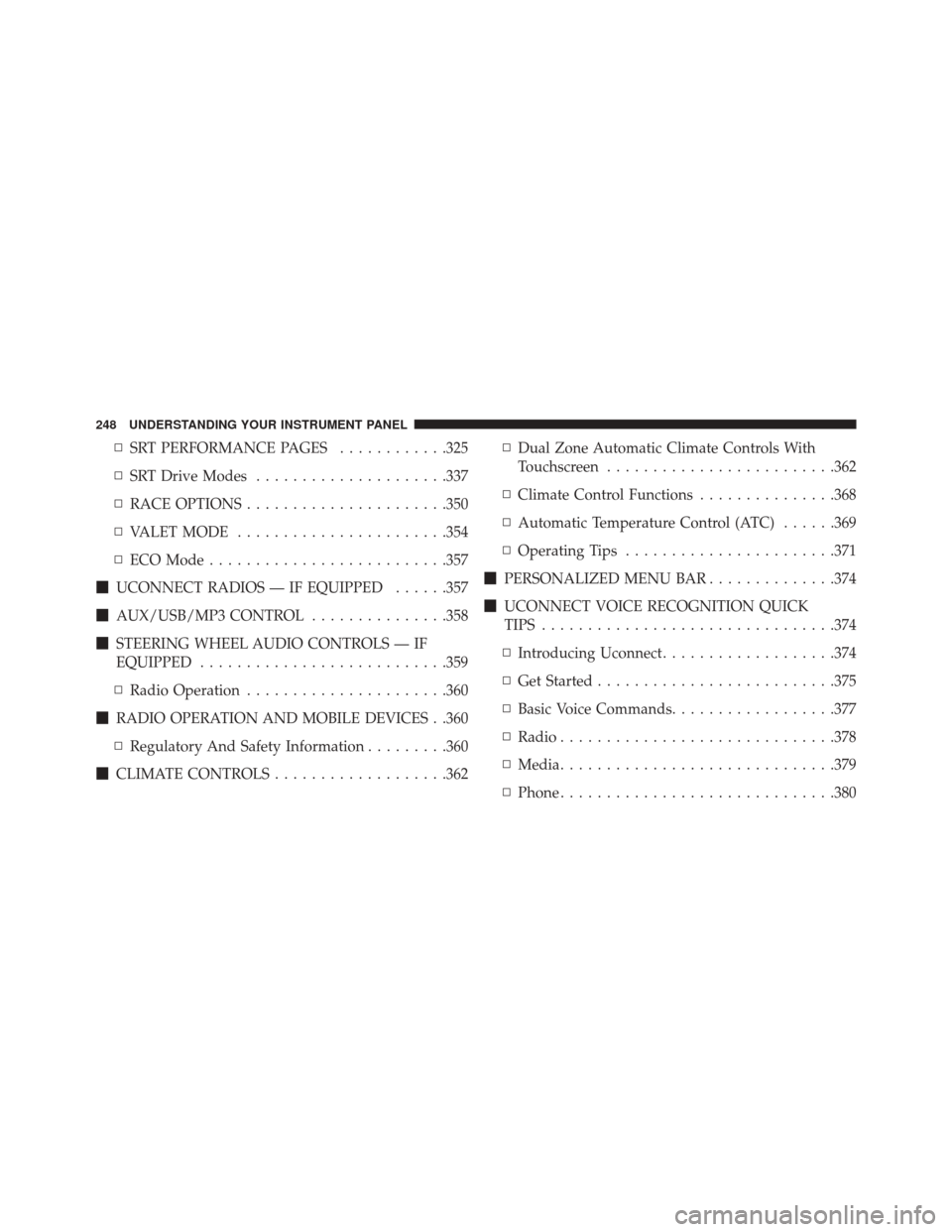
▫SRT PERFORMANCE PAGES ............325
▫ SRT Drive Modes .....................337
▫ RACE OPTIONS ..................... .350
▫ VALET MODE ...................... .354
▫ ECO Mode ......................... .357
� UCONNECT RADIOS — IF EQUIPPED ......357
� AUX/USB/MP3 CONTROL ...............358
� STEERING WHEEL AUDIO CONTROLS — IF
EQUIPPED .......................... .359
▫ Radio Operation ..................... .360
� RADIO OPERATION AND MOBILE DEVICES . .360
▫ Regulatory And Safety Information .........360
� CLIMATE CONTROLS ...................362 ▫
Dual Zone Automatic Climate Controls With
Touchscreen ........................ .362
▫ Climate Control Functions ...............368
▫ Automatic Temperature Control (ATC) ......369
▫ Operating Tips ...................... .371
� PERSONALIZED MENU BAR ..............374
� UCONNECT VOICE RECOGNITION QUICK
TIPS ............................... .374
▫ Introducing Uconnect ...................374
▫ Get Started ......................... .375
▫ Basic Voice Commands ..................377
▫ Radio ............................. .378
▫ Media ............................. .379
▫ Phone ............................. .380
248 UNDERSTANDING YOUR INSTRUMENT PANEL