Page 289 of 634
DRIVER INFORMATION DISPLAY (DID)
The Driver Information Display (DID) features an inter-
active display which is located in the instrument cluster.
This system conveniently allows the driver to select a
variety of useful information by pushing the arrowbuttons located on the left side of the steering wheel. The
DID Menu Items consists of the following:
•
Speedometer
• Vehicle Info
• Performance
• Driver Assist — If Equipped
• Fuel Economy
• Trip
• Audio
• Messages
• Screen Setup
• Speed Warning — If Equipped
• Diagnostics — If Equipped
Driver Information Display (DID) Display
4
UNDERSTANDING YOUR INSTRUMENT PANEL 287
Page 290 of 634
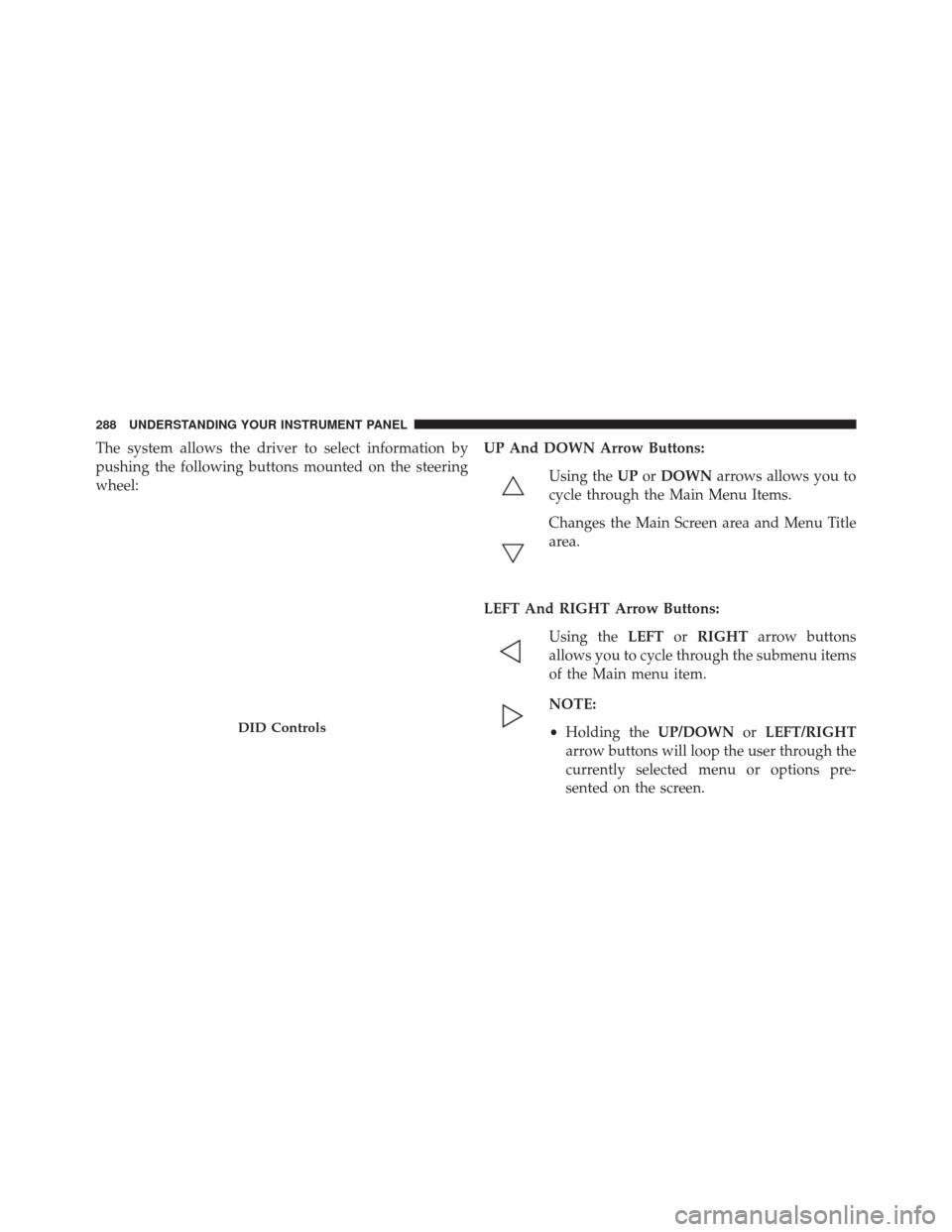
The system allows the driver to select information by
pushing the following buttons mounted on the steering
wheel:UP And DOWN Arrow Buttons:
Using the UPorDOWN arrows allows you to
cycle through the Main Menu Items.
Changes the Main Screen area and Menu Title
area.
LEFT And RIGHT Arrow Buttons: Using the LEFTorRIGHT arrow buttons
allows you to cycle through the submenu items
of the Main menu item.
NOTE:
• Holding the UP/DOWNorLEFT/RIGHT
arrow buttons will loop the user through the
currently selected menu or options pre-
sented on the screen.
DID Controls
288 UNDERSTANDING YOUR INSTRUMENT PANEL
Page 292 of 634

is duty cycle based, which means the engine oil change
interval may fluctuate, dependent upon your personal
driving style.
Unless reset, this message will continue to display each
time you place the ignition in the ON/RUN position. To
turn off the message temporarily, push and release the
OKor arrow buttons. To reset the oil change indicator
system (after performing the scheduled maintenance),
refer to the following procedure.
Vehicles Equipped With Keyless Enter-N-Go
Your vehicle is equipped with an engine oil change
indicator system. The “Oil Change Required” message
will display in the DID for five seconds after a single
chime has sounded to indicate the next scheduled oil
change interval. The engine oil change indicator system
is duty cycle based, which means the engine oil change
interval may fluctuate, dependent upon your personal
driving style. Use the steering wheel DID controls for the following
procedure(s):
1. Without pushing the brake pedal, push the ENGINE
START/STOP button and place the ignition in the
ON/RUN position (do not start the engine).
2. Push and release the DOWN
arrow button to
scroll downward through the main menu to “Ve-
hicle Info.”
3. Push and release the RIGHTarrow button to
access the ”Oil Life” screen.
4. Push and hold the OKbutton to rest oil life. If
conditions are met, the gauge and numeric display
will update to show 100%. If conditions are not met a
popup message of �To reset oil life engine must be off
with ignition in run� will be displayed (for 5 seconds),
and the user will remain at the Oil Life screen.
290 UNDERSTANDING YOUR INSTRUMENT PANEL
Page 301 of 634
Push the ADAPTIVE CRUISE CONTROL (ACC) ON/
OFF button (located on the steering wheel) until one of
the following displays in the DID:
Adaptive Cruise Control Off
When ACC is deactivated, the display will read “Adap-
tive Cruise Control Off.”
Adaptive Cruise Control Ready
When ACC is activated but the vehicle speed setting has
not been selected, the display will read “Adaptive Cruise
Control Ready.”
Push the SET + or the SET- button (located on the steering
wheel) and the following will display in the DID:
ACC SET
When ACC is set, the set speed will display in the
instrument cluster.The ACC screen may display once again if any ACC
activity occurs, which may include any of the following:
•
Distance Setting Change
• System Cancel
• Driver Override
• System Off
• ACC Proximity Warning
• ACC Unavailable Warning
• The DID will return to the last display selected after
five seconds of no ACC display activity.
For further information, refer to “Adaptive Cruise Con-
trol (ACC) — If Equipped” in “Understanding The
Features Of Your Vehicle.”
4
UNDERSTANDING YOUR INSTRUMENT PANEL 299
Page 315 of 634
are much closer to the vehicle in front of you. To change
the FCW status, press and release the “Near” or “Far”
button.
For further information, refer to “Adaptive Cruise Con-
trol (ACC)” in “Understanding The Features Of Your
Vehicle”.
•Forward Collision Warning (FCW) — Active Braking
The FCW system includes Advanced Brake Assist (ABA).
When this feature is selected, the ABA applies additional
brake pressure when the driver requests insufficient
brake pressure to avoid a potential frontal collision. The
ABA system becomes active at 5 mph (8 km/h). To make
your selection, press the “Forward Collision Warning
Active Braking” button on the touchscreen, until a check-
mark appears next to setting, indicating that the setting
had been selected. For further information, refer to
“Forward Collision Warning (FCW) With Mitigation” in
“Understanding The Features Of Your Vehicle.” •
LaneSense Warning — If Equipped
When this feature is selected, it sets the distance at which
the steering wheel will provide feedback for potential
lane departures. The LDW sensitivity can be set to
provide either an “Early,” “Medium,” or “Late” warning
zone start point.
For further information, refer to “LaneSense Warning
(LDW)” in “Understanding The Features Of Your Ve-
hicle”.
• LaneSense Strength — If Equipped
When this feature is selected, it sets the strength of the
steering wheel feedback for potential lane departures.
The amount of directional torque the steering system can
apply to the steering wheel to correct for vehicle lane
departure can be set at “Low,” “Medium” or “High.”
4
UNDERSTANDING YOUR INSTRUMENT PANEL 313
Page 322 of 634
once the driver door is opened, the interior door lock/
unlock switch can be used to unlock all doors (or use
RKE transmitter).
•Passive Entry — If Equipped
This feature allows you to lock and unlock the vehicles
door(s) without having to push the Remote Keyless Entry
(RKE) transmitter LOCK or UNLOCK buttons. To make
your selection, press the “Passive Entry” button on the
touchscreen, until a check-mark appears next to the
setting, showing that the setting has been selected. Refer
to “Keyless Enter-N-Go” in “Things To Know Before
Starting Your Vehicle”.
• Personal Settings Linked to Key Fob — If Equipped
This feature provides automatic recall of all settings
stored to a memory location (driver ’s seat, exterior
mirrors, steering column position and radio station pre-
sets) to enhance driver mobility when entering and
exiting the vehicle. To make your selection, press the “Personal Settings Linked to Key Fob” button on the
touchscreen, until a check-mark appears next to the
setting, showing that the setting has been selected.
NOTE:
The seat will return to the memorized seat
location (if Personal Settings Linked to Key Fob is set to
ON) when the Remote Keyless Entry (RKE) transmitter is
used to unlock the door. Refer to “Driver Memory Seat”
in “Understanding The Features Of Your Vehicle” for
further information.
Auto Comfort Systems — If Equipped
After pressing the “Auto-On Comfort” button on the
touchscreen the following settings will be available:
• Auto-On Driver Heated/Ventilated Seat & Steering
Wheel With Vehicle Start — If Equipped
When this feature is selected the driver’s heated seat and
heated steering wheel will automatically turn ON when
320 UNDERSTANDING YOUR INSTRUMENT PANEL
Page 323 of 634
temperatures are below 40° F (4.4° C). When tempera-
tures are above 80° F (26.7° C) the driver vented seat will
turn ON. To make your selection, press the “Auto-On
Driver Heated/Ventilated Seat & Steering Wheel With
Vehicle Start” button to select from “Off,” “Remote Start”
or “All Starts” until a check-mark appears next to setting,
showing that setting has been selected.
Engine Off Options
After pressing the “Engine Off Options” button on the
touchscreen the following settings will be available:
•Easy Exit Seat — If Equipped
When this feature is selected, the Driver ’s seat will
automatically move rearward once the engine is shut off.
To make your selection, press the “Easy Exit Seat” button
on the touchscreen, until a check-mark appears next to
setting, showing that setting has been selected. •
Engine Off Power Delay
When this feature is selected, the power window
switches, radio, Uconnect Phone system (if equipped),
DVD video system (if equipped), power sunroof (if
equipped), and power outlets will remain active for up to
10 minutes after the ignition is cycled to OFF. Opening
either front door will cancel this feature. To change the
Engine Off Power Delay setting, press the “+” or “-”
button on the touchscreen to select your desired time
interval, and choose from “0 seconds,” “45 seconds,” “5
minutes” or “10 minutes.”
• Headlight Off Delay
When this feature is selected, the driver can choose to
have the headlights remain on for 0, 30, 60, or 90 seconds
when exiting the vehicle. To change the Headlight Off
Delay status press the “+” or “–” button on the touch-
screen to select your desired time interval.
4
UNDERSTANDING YOUR INSTRUMENT PANEL 321
Page 337 of 634
•Vehicle Speed
Vehicle Speed measures the current speed of the vehicle
in either mph or km/h, starting at 0 with no maximum
value.
• Steering Wheel Angle
Steering Wheel Angle utilizes the steering angle sensor to
measure the degree of the steering wheel relative to zero.
The zero degree measurement indicates a steering wheel
straight ahead position. When the steering angle value is
negative, this indicates a turn to the left, and when the
steering angle value is positive, a turn to the right.Engine
SRT Performance Pages — Engine (6.4L)
4
UNDERSTANDING YOUR INSTRUMENT PANEL 335