Page 275 of 661
Charging System Warning Light
Red TelltaleLight What It Means
Charging System Warning Light
This light illuminates when the battery is not charging properly. If it stays on while the en-
gine is running, there may be a malfunction with the charging system. Contact your autho-
rized dealer as soon as possible. This indicates a possible problem with the electrical system
or a related component.
If jump starting is required, refer to “Jump Starting Procedures” in “What To Do In Emer-
gencies.”
4
UNDERSTANDING YOUR INSTRUMENT PANEL 273
Page 364 of 661
Located on the rear of the front center console are dual
USB “Charge Only” ports.
The USB “Charge Only” ports will recharge battery
operated USB devices when connected.STEERING WHEEL AUDIO CONTROLS — IF
EQUIPPED
The remote sound system controls are located on the rear
surface of the steering wheel. Reach behind the wheel to
access the switches.
Rear USB Charging Ports
Remote Sound Controls (Back View Of Steering Wheel)
362 UNDERSTANDING YOUR INSTRUMENT PANEL
Page 540 of 661
CAUTION!
Failure to follow these procedures could result in
damage to the charging system of the booster vehicle
or the discharged vehicle.
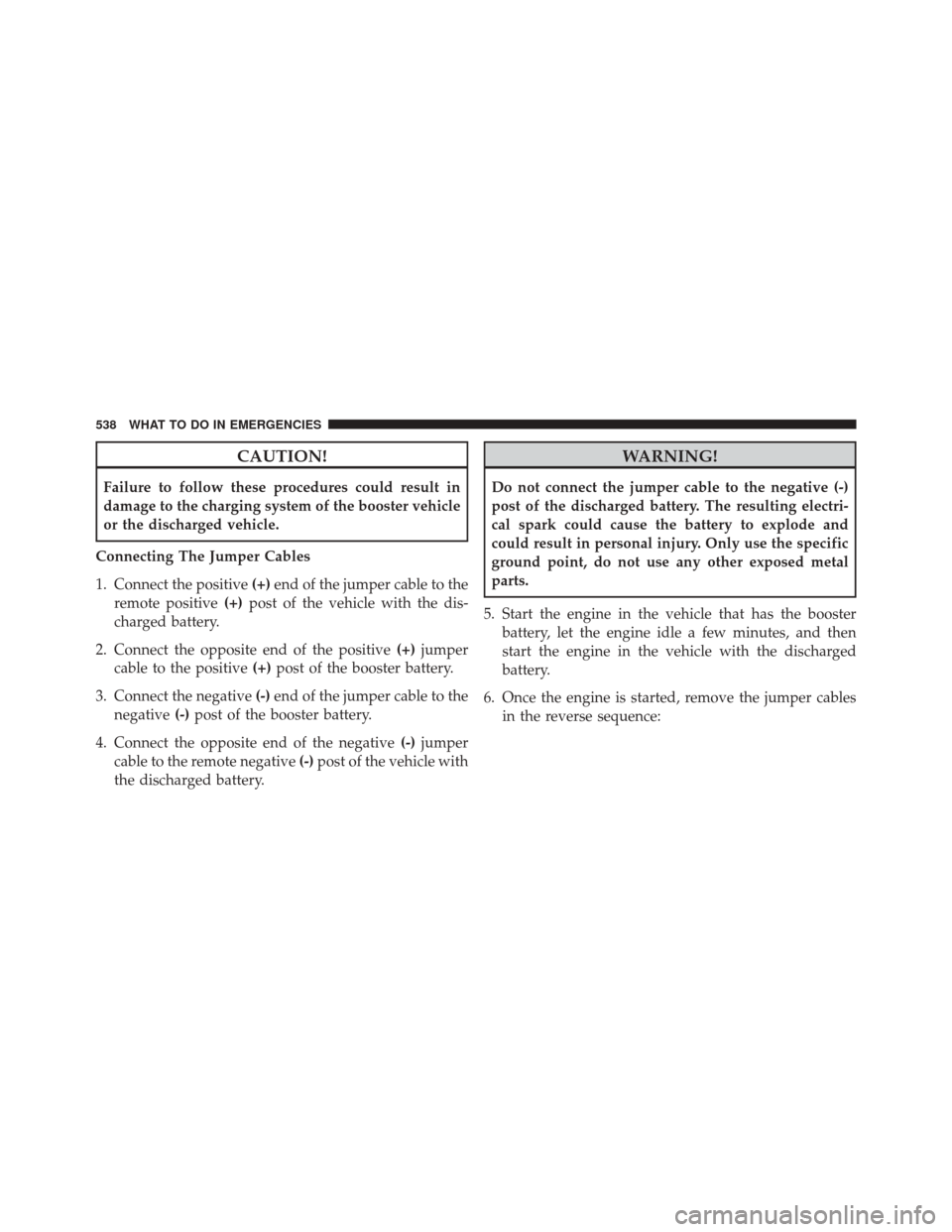
Connecting The Jumper Cables
1. Connect the positive (+)end of the jumper cable to the
remote positive (+)post of the vehicle with the dis-
charged battery.
2. Connect the opposite end of the positive (+)jumper
cable to the positive (+)post of the booster battery.
3. Connect the negative (-)end of the jumper cable to the
negative (-)post of the booster battery.
4. Connect the opposite end of the negative (-)jumper
cable to the remote negative (-)post of the vehicle with
the discharged battery.
WARNING!
Do not connect the jumper cable to the negative (-)
post of the discharged battery. The resulting electri-
cal spark could cause the battery to explode and
could result in personal injury. Only use the specific
ground point, do not use any other exposed metal
parts.
5. Start the engine in the vehicle that has the booster battery, let the engine idle a few minutes, and then
start the engine in the vehicle with the discharged
battery.
6. Once the engine is started, remove the jumper cables in the reverse sequence:
538 WHAT TO DO IN EMERGENCIES
Page 541 of 661
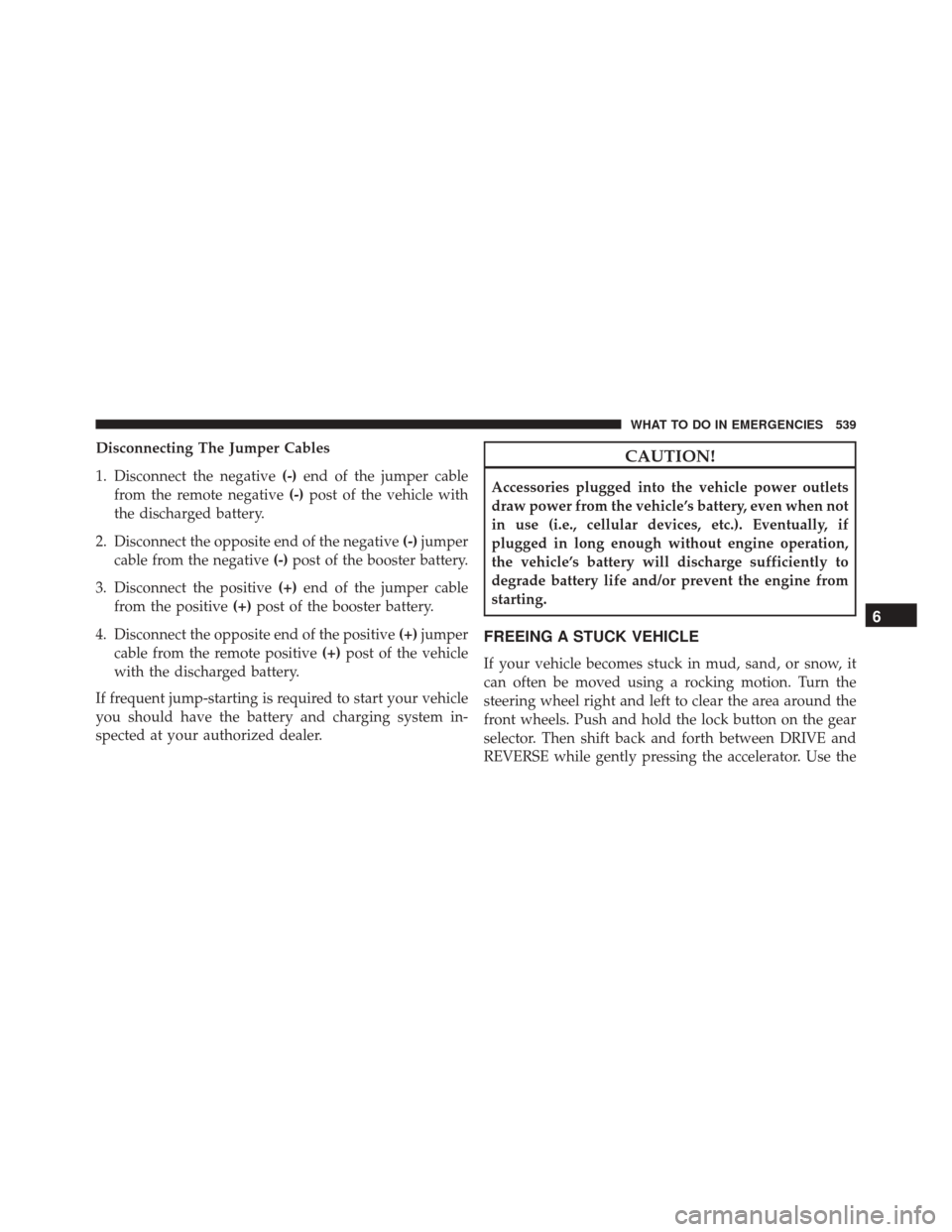
Disconnecting The Jumper Cables
1. Disconnect the negative(-)end of the jumper cable
from the remote negative (-)post of the vehicle with
the discharged battery.
2. Disconnect the opposite end of the negative (-)jumper
cable from the negative (-)post of the booster battery.
3. Disconnect the positive (+)end of the jumper cable
from the positive (+)post of the booster battery.
4. Disconnect the opposite end of the positive (+)jumper
cable from the remote positive (+)post of the vehicle
with the discharged battery.
If frequent jump-starting is required to start your vehicle
you should have the battery and charging system in-
spected at your authorized dealer.CAUTION!
Accessories plugged into the vehicle power outlets
draw power from the vehicle’s battery, even when not
in use (i.e., cellular devices, etc.). Eventually, if
plugged in long enough without engine operation,
the vehicle’s battery will discharge sufficiently to
degrade battery life and/or prevent the engine from
starting.
FREEING A STUCK VEHICLE
If your vehicle becomes stuck in mud, sand, or snow, it
can often be moved using a rocking motion. Turn the
steering wheel right and left to clear the area around the
front wheels. Push and hold the lock button on the gear
selector. Then shift back and forth between DRIVE and
REVERSE while gently pressing the accelerator. Use the
6
WHAT TO DO IN EMERGENCIES 539
Page 640 of 661

Axle Lubrication..................... .613, 616
Battery ............................ .273, 563
Charging System Light ...................273
Keyless Transmitter Replacement (RKE) ........24
Location ............................. .563
Belts, Seat .............................. .101
Body Mechanism Lubrication .................569
B-Pillar Location ......................... .457
Brake Assist System ...................... .440
Brake Control System, Electronic ..............437
Brake Fluid ......................... .613, 616
Brake, Parking .......................... .434
Brakes ................................ .436
Brake System ........................ .436, 579
Fluid Check ....................579, 613, 616
Master Cylinder ....................... .579
Parking ............................. .434
Warning Light ..................... .269, 436Brake/Transmission Interlock
.................417
Break-In Recommendations, New Vehicle .........99
Brightness, Interior Lights ...................163
Bulb Replacement ..................... .606, 608
Bulbs, Light ......................... .103, 606
Camera, Rear ........................... .227
Capacities, Fluid ..........................611
Caps, Filler Oil (Engine) .......................... .561
Radiator (Coolant Pressure) ................576
Carbon Monoxide Warning ...............100, 488
Cargo (Vehicle Loading) ....................495
Car Washes ............................ .584
Certification Label ........................ .495
Chains, Tire ............................ .475
Changing A Flat Tire ...................... .516
Chart, Tire Sizing ........................ .452
Check Engine Light (Malfunction Indicator Light) . .555
638 INDEX