Page 109 of 661
▫Fog Lights — If Equipped ...............158
▫ Multifunction Lever ...................159
▫ Turn Signals ........................ .160
▫ Lane Change Assist ...................160
▫ High/Low Beam Switch ................160
▫ Flash-To-Pass ....................... .160
▫ Front Map/Reading Lights — If Equipped . . .161
▫ Courtesy Lights ...................... .162
▫ Ambient Light — If Equipped ............162
▫ Interior Lights ...................... .163
� WINDSHIELD WIPERS AND WASHERS ......165
▫ Intermittent Wiper System ...............165
▫ Wiper Operation ..................... .165▫
Windshield Washers ...................166
▫ Heated Windshield Washer Nozzles ........167
▫ Mist Feature ........................ .167
▫ Headlights On With Wipers (Available With
Automatic Headlights Only) .............168
▫ Rain Sensing Wipers — If Equipped ........168
� MANUAL TILT/TELESCOPING STEERING
COLUMN ........................... .170
� POWER TILT/TELESCOPING STEERING
COLUMN — IF EQUIPPED ...............171
�
HEATED STEERING WHEEL —
IF EQUIPPED ........................ .172
�ADJUSTABLE PEDALS — IF EQUIPPED ......173
3
UNDERSTANDING THE FEATURES OF YOUR VEHICLE 107
Page 214 of 661
When only a single lane marking is detected and the
driver unintentionally drifts across the lane marking (no
turn signal applied), the LaneSense system provides a
visual warning through the DID to prompt the driver to
remain within the lane. When only a single lane marking
is detected, a haptic (torque) warning will not be pro-
vided.
NOTE:When operating conditions have been met, the
LaneSense system will monitor if the driver ’s hands are
on the steering wheel and provides an audible warning
to the driver when the driver ’s hands are not detected on
the steering wheel. The system will cancel if the driver
does not return their hands to the wheel.Turning LaneSense ON Or OFF
The default status of LaneSense is “OFF”.
The LaneSense button is located on the center stack
below the Uconnect display.
To turn the LaneSense system ON, push the
LaneSense button to turn the system ON (LED
turns off). A “Lane Sense On” message is shown in the
DID.
To turn the LaneSense system OFF, push the LaneSense
button once to turn the system OFF (LED turns on).
NOTE: The LaneSense system will retain the last system
state ON or OFF from the last ignition cycle when the
ignition is changed to the ON/RUN position.
212 UNDERSTANDING THE FEATURES OF YOUR VEHICLE
Page 217 of 661
Left Lane Departure — Both Lanes Detected
•When the LaneSense system is ON, the lane lines turn
from gray to white to indicate that both of the lane
markings have been detected. The LaneSense indicator
is solid green when both lane markings have been
detected and the system is “armed” to provide visual
warnings in the DID and a torque warning in the
steering wheel if an unintentional lane departure oc-
curs.
•When the LaneSense system senses a lane drift situa-
tion, the left thick lane line and left thin line turn solid
yellow. The LaneSense indicator changes from solid
green to solid yellow. At this time torque is applied to
the steering wheel in the opposite direction of the lane
boundary.
Lanes Sensed (White Lines/Green Indicator)
3
UNDERSTANDING THE FEATURES OF YOUR VEHICLE 215
Page 218 of 661
•For example: If approaching the left side of the lane the
steering wheel will turn to the right. •
When the LaneSense system senses the lane has been
approached and is in a lane departure situation, the
left thick lane line flashes yellow (on/off) and the left
thin line remains solid yellow. The LaneSense indicator
changes from solid yellow to flashing yellow. At this
time torque is applied to the steering wheel in the
opposite direction of the lane boundary.
• For example: If approaching the left side of the lane the
steering wheel will turn to the right.
Lane Sensed (Solid Yellow Thick Line, Solid Yellow
Thin Line/Solid Yellow Indicator)
216 UNDERSTANDING THE FEATURES OF YOUR VEHICLE
Page 220 of 661

•Use of the turn signal suppresses the warnings.
• The system will not apply torque to the steering wheel
whenever a safety system engages. (anti-lock brakes,
traction control system, electronic stability control,
forward collision warning, etc.)
PARKSENSE REAR PARK ASSIST — IF
EQUIPPED
The ParkSense Rear Park Assist system provides visual
and audible indications of the distance between the rear
fascia and a detected obstacle when backing up, e.g.
during a parking maneuver. Refer to “ParkSense System
Usage Precautions” in this section for limitations of this
system and recommendations.
ParkSense will retain the last system state (enabled or
disabled) from the last ignition cycle when the ignition is
changed to the ON/RUN position. ParkSense can be active only when the gear selector is in
REVERSE. If ParkSense is enabled at this gear selector
position, the system will remain active until the vehicle
speed is increased to approximately 7 mph (11 km/h) or
above. The system will become active again if the vehicle
speed is decreased to speeds less than approximately
6 mph (9 km/h).
ParkSense Sensors
The four ParkSense sensors, located in the rear fascia/
bumper, monitor the area behind the vehicle that is
within the sensors’ field of view. The sensors can detect
obstacles from approximately 12 inches (30 cm) up to 79
inches (200 cm) from the rear fascia/bumper in the
horizontal direction, depending on the location, type and
orientation of the obstacle.
218 UNDERSTANDING THE FEATURES OF YOUR VEHICLE
Page 299 of 661
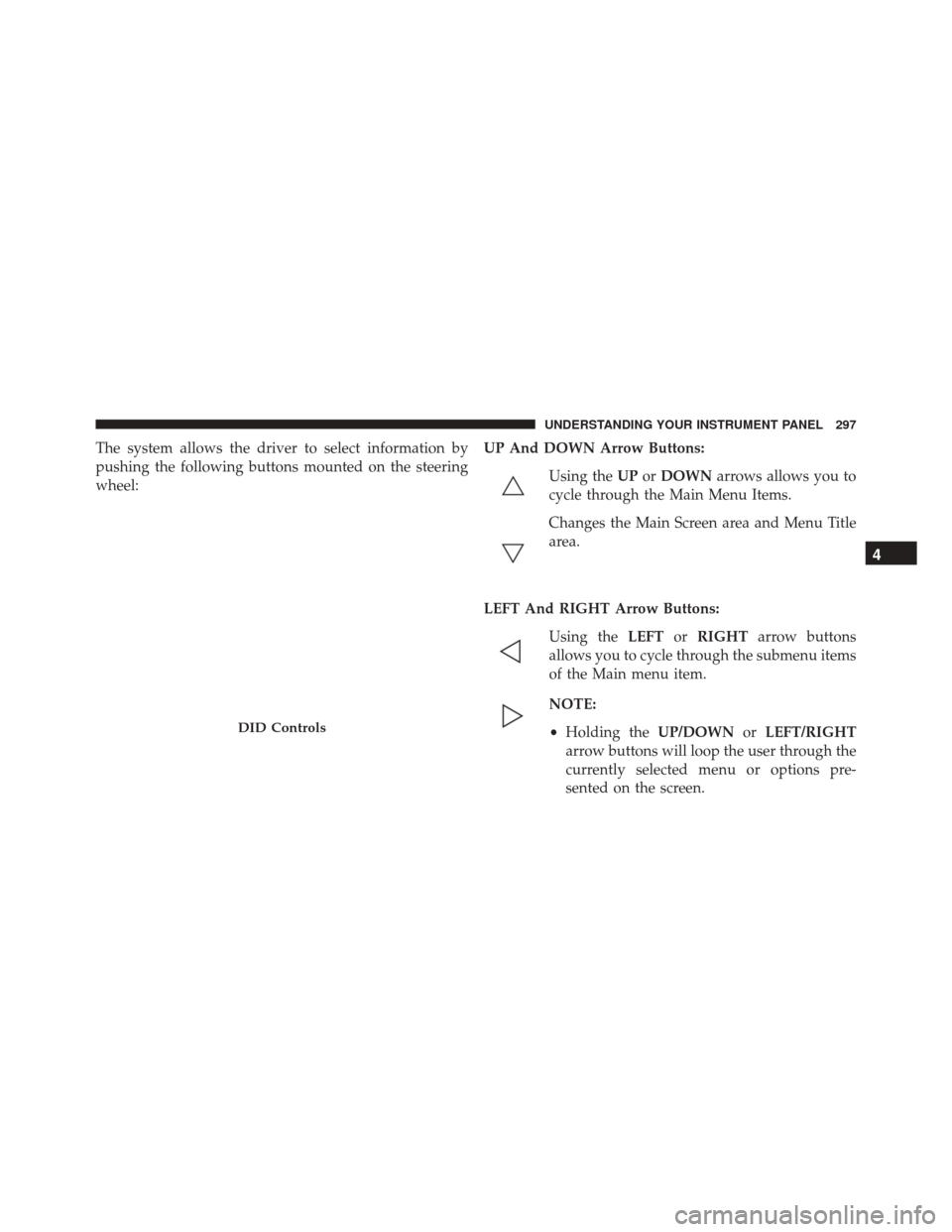
The system allows the driver to select information by
pushing the following buttons mounted on the steering
wheel:UP And DOWN Arrow Buttons:
Using the UPorDOWN arrows allows you to
cycle through the Main Menu Items.
Changes the Main Screen area and Menu Title
area.
LEFT And RIGHT Arrow Buttons: Using the LEFTorRIGHT arrow buttons
allows you to cycle through the submenu items
of the Main menu item.
NOTE:
• Holding the UP/DOWNorLEFT/RIGHT
arrow buttons will loop the user through the
currently selected menu or options pre-
sented on the screen.
DID Controls
4
UNDERSTANDING YOUR INSTRUMENT PANEL 297
Page 301 of 661
Unless reset, this message will continue to display each
time you place the ignition in the ON/RUN position. To
turn off the message temporarily, push and release the
OKor arrow buttons. To reset the oil change indicator
system (after performing the scheduled maintenance),
refer to the following procedure.
Vehicles Equipped With Keyless Enter-N-Go
Your vehicle is equipped with an engine oil change
indicator system. The “Oil Change Required” message
will display in the DID for five seconds after a single
chime has sounded to indicate the next scheduled oil
change interval. The engine oil change indicator system
is duty cycle based, which means the engine oil change
interval may fluctuate, dependent upon your personal
driving style. Use the steering wheel DID controls for the following
procedure(s):
1. Without pushing the brake pedal, push the ENGINE
START/STOP button and place the ignition in the
ON/RUN position (do not start the engine).
2. Push and release the DOWN
arrow button to
scroll downward through the main menu to “Ve-
hicle Info.”
3. Push and release the RIGHTarrow button to
access the ”Oil Life” screen.
4. Push and hold the OKbutton to rest oil life. If
conditions are met, the gauge and numeric display
will update to show 100%. If conditions are not met a
popup message of �To reset oil life engine must be off
with ignition in run� will be displayed (for 5 seconds),
and the user will remain at the Oil Life screen.
4
UNDERSTANDING YOUR INSTRUMENT PANEL 299
Page 305 of 661
Adaptive Cruise Control Ready
When ACC is activated but the vehicle speed setting has
not been selected, the display will read “Adaptive Cruise
Control Ready.”
Push the SET + or the SET- button (located on the steering
wheel) and the following will display in the DID:
ACC SET
When ACC is set, the set speed will display in the
instrument cluster.
The ACC screen may display once again if any ACC
activity occurs, which may include any of the following:
•Distance Setting Change
• System Cancel
• Driver Override
• System Off •
ACC Proximity Warning
• ACC Unavailable Warning
• The DID will return to the last display selected after
five seconds of no ACC display activity.
For further information, refer to “Adaptive Cruise Con-
trol (ACC) — If Equipped” in “Understanding The
Features Of Your Vehicle.”
LaneSense — If Equipped
The DID displays the current LaneSense system settings.
The information displayed depends on LaneSense sys-
tem status and the conditions that need to be met. For
further information, refer to “LaneSense — If Equipped”
in “Understanding The Features Of Your Vehicle.”
4
UNDERSTANDING YOUR INSTRUMENT PANEL 303