Page 208 of 661
•If the button is continually pushed, the set speed will
continue to decrease in 10 km/h decrements until the
button is released. The decrease in set speed is re-
flected in the DID display.
To Cancel
The following conditions will cancel the Normal (Fixed
Speed) Electronic Speed Control without clearing the
memory:
• The brake pedal is applied.
• The CANCEL button is pushed.
• The Electronic Stability Control/Traction Control Sys-
tem (ESC/TCS) activates.
• The vehicle parking brake is applied.
• The braking temperature exceeds normal range (over-
heated). •
The gear selector is removed from the Drive position.
To Resume Speed
To resume a previously set speed, push the RES button
and release. Resume can be used at any speed above
20 mph (32 km/h).
To Turn Off
The system will turn off and erase the set speed in
memory if:
•The Normal (Fixed Speed) Electronic Speed Control
ON/OFF button is pushed.
• The ignition is turned off.
• The Adaptive Cruise Control (ACC) On/Off button is
pushed.
206 UNDERSTANDING THE FEATURES OF YOUR VEHICLE
Page 259 of 661
UNDERSTANDING YOUR INSTRUMENT PANEL
CONTENTS
�INSTRUMENT PANEL FEATURES ..........260
� INSTRUMENT CLUSTER — BASE ..........261
� INSTRUMENT CLUSTER — PREMIUM ......264
� WARNING AND INDICATOR LIGHTS .......266
▫ Red Telltale Indicator Lights ..............267
▫ Yellow Telltale Indicator Lights ............279
▫ Green Telltale Indicator Lights ............290
▫ Blue Telltale Indicator Lights ..............293
▫ White Telltale Indicator Lights ............294�
DRIVER INFORMATION DISPLAY (DID) .....296
▫ Engine Oil Life Reset ..................298
▫ Performance Shift Indicator (PSI) –
If Equipped ........................ .300
▫ Cruise Control ....................... .301
▫ DID Selectable Menu Items ..............301
� CYBERSECURITY ...................... .307
� UCONNECT SETTINGS ..................309
▫ Buttons On The Faceplate ................310
▫ Buttons On The Touchscreen ..............3114
Page 291 of 661
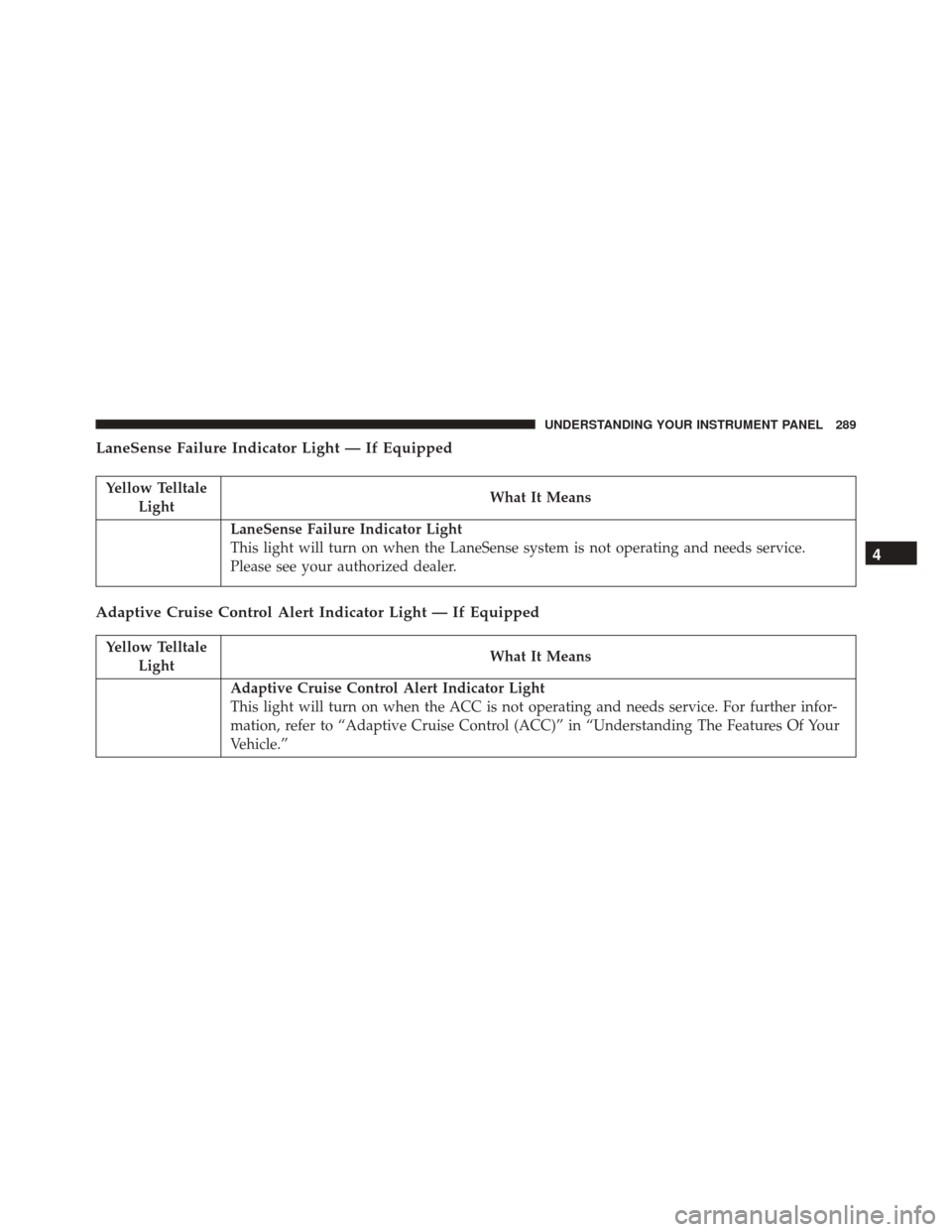
LaneSense Failure Indicator Light — If Equipped
Yellow TelltaleLight What It Means
LaneSense Failure Indicator Light
This light will turn on when the LaneSense system is not operating and needs service.
Please see your authorized dealer.
Adaptive Cruise Control Alert Indicator Light — If Equipped
Yellow Telltale
Light What It Means
Adaptive Cruise Control Alert Indicator Light
This light will turn on when the ACC is not operating and needs service. For further infor-
mation, refer to “Adaptive Cruise Control (ACC)” in “Understanding The Features Of Your
Vehicle.”
4
UNDERSTANDING YOUR INSTRUMENT PANEL 289
Page 294 of 661
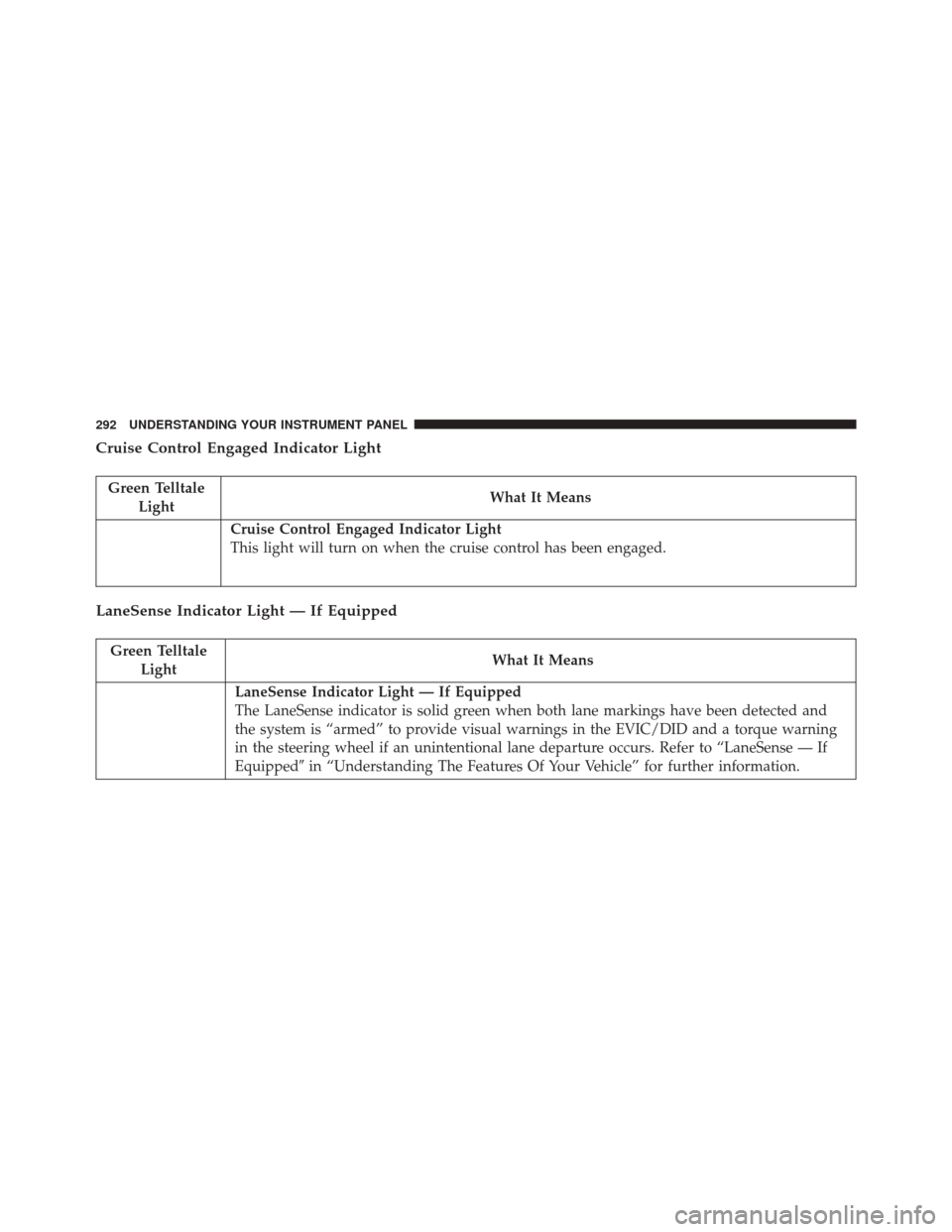
Cruise Control Engaged Indicator Light
Green TelltaleLight What It Means
Cruise Control Engaged Indicator Light
This light will turn on when the cruise control has been engaged.
LaneSense Indicator Light — If Equipped
Green Telltale
Light What It Means
LaneSense Indicator Light — If Equipped
The LaneSense indicator is solid green when both lane markings have been detected and
the system is “armed” to provide visual warnings in the EVIC/DID and a torque warning
in the steering wheel if an unintentional lane departure occurs. Refer to “LaneSense — If
Equipped�
in “Understanding The Features Of Your Vehicle” for further information.
292 UNDERSTANDING YOUR INSTRUMENT PANEL
Page 297 of 661
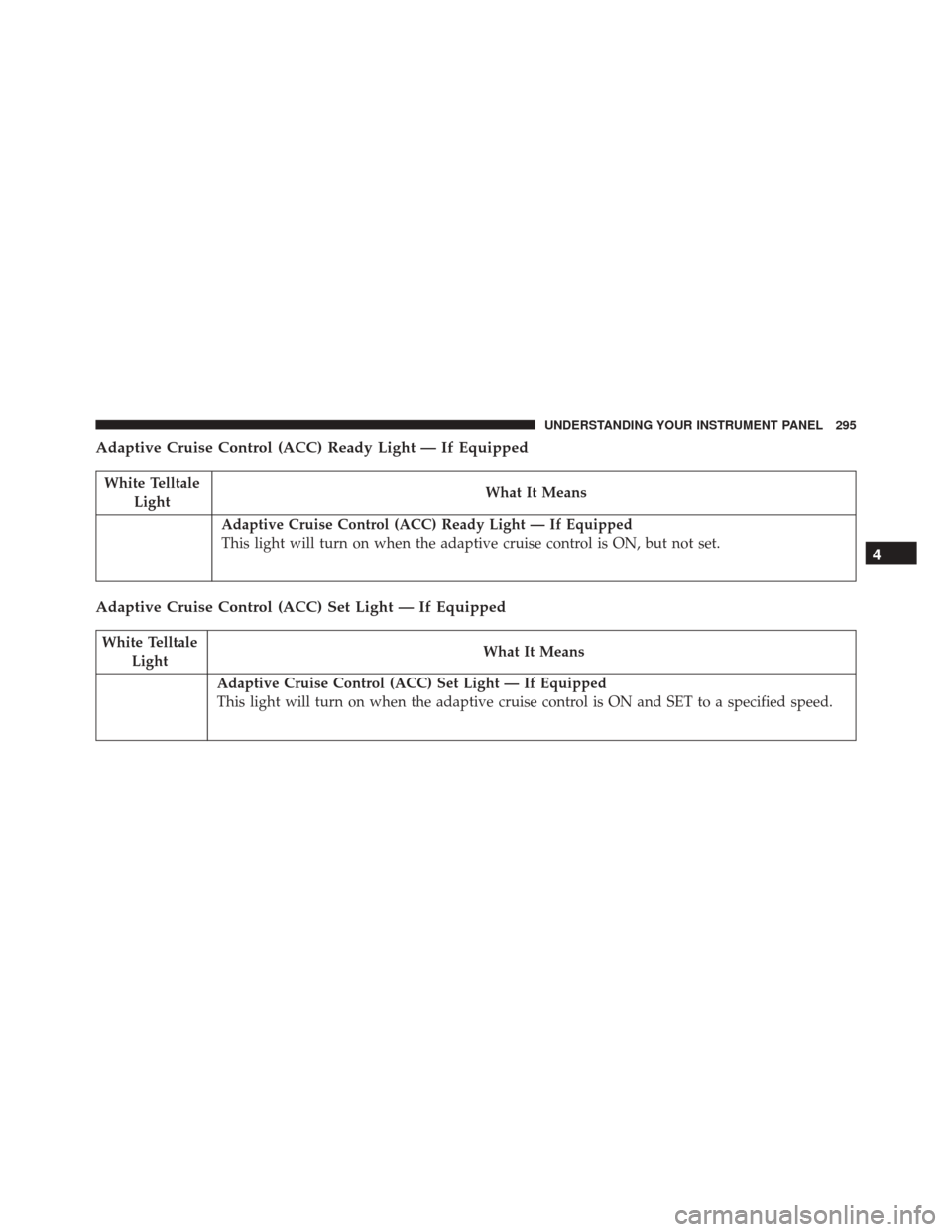
Adaptive Cruise Control (ACC) Ready Light — If Equipped
White TelltaleLight What It Means
Adaptive Cruise Control (ACC) Ready Light — If Equipped
This light will turn on when the adaptive cruise control is ON, but not set.
Adaptive Cruise Control (ACC) Set Light — If Equipped
White Telltale
Light What It Means
Adaptive Cruise Control (ACC) Set Light — If Equipped
This light will turn on when the adaptive cruise control is ON and SET to a specified speed.
4
UNDERSTANDING YOUR INSTRUMENT PANEL 295
Page 303 of 661
Cruise Control
This area will show reconfigurable white caution tell-
tales. These telltales include:
•Cruise Ready
This telltale will illuminate white to indicate
that the Cruise Control system is activated.
• Electronic Speed Control SET
This telltale will illuminate green when the
electronic speed control is SET. Refer to “Elec-
tronic Speed Control” in “Understanding The
Features Of Your Vehicle” for further
information.
DID Selectable Menu Items
Push and release the UPorDOWNarrow but-
tons until the desired Selectable Menu item is dis-
played in the DID.
Follow the Menu or submenu prompts as desired.
Speedometer
Push and release the UPorDOWNarrow button
until the Speedometer menu is displayed in the DID.
Push and release the LEFT
orRIGHTarrow
button to change the speedometer type (Analog or
Digital). Push and release the OKbutton to toggle
units (km/h or MPH) of the speedometer.
4
UNDERSTANDING YOUR INSTRUMENT PANEL 301
Page 304 of 661
Vehicle Info
Push and release theUPorDOWNarrow button
until the Vehicle Info menu is displayed in the DID.
Push and release the RIGHT
arrow button to enter
the submenus items of Vehicle Info. Follow the direc-
tional prompts to access or reset any of the following
Vehicle Info submenu items:
• Tire Pressure Monitor
• Coolant Temp
• Trans Temp
• Oil Temp
• Oil Pressure
• Oil Life
• Battery Voltage
• AWD Status — If Equipped
• Engine Hours Idle Hours — If Equipped
Driver Assist — If Equipped
Push and release the UPorDOWNarrow button
until the Driver Assist menu is displayed in the DID.
Adaptive Cruise Control (ACC) Menu
The DID displays the current ACC system settings. The
information displayed depends on ACC system status.
Push the ADAPTIVE CRUISE CONTROL (ACC) ON/
OFF button (located on the steering wheel) until one of
the following displays in the DID:
Adaptive Cruise Control Off
When ACC is deactivated, the display will read “Adap-
tive Cruise Control Off.”
302 UNDERSTANDING YOUR INSTRUMENT PANEL
Page 305 of 661
Adaptive Cruise Control Ready
When ACC is activated but the vehicle speed setting has
not been selected, the display will read “Adaptive Cruise
Control Ready.”
Push the SET + or the SET- button (located on the steering
wheel) and the following will display in the DID:
ACC SET
When ACC is set, the set speed will display in the
instrument cluster.
The ACC screen may display once again if any ACC
activity occurs, which may include any of the following:
•Distance Setting Change
• System Cancel
• Driver Override
• System Off •
ACC Proximity Warning
• ACC Unavailable Warning
• The DID will return to the last display selected after
five seconds of no ACC display activity.
For further information, refer to “Adaptive Cruise Con-
trol (ACC) — If Equipped” in “Understanding The
Features Of Your Vehicle.”
LaneSense — If Equipped
The DID displays the current LaneSense system settings.
The information displayed depends on LaneSense sys-
tem status and the conditions that need to be met. For
further information, refer to “LaneSense — If Equipped”
in “Understanding The Features Of Your Vehicle.”
4
UNDERSTANDING YOUR INSTRUMENT PANEL 303