Page 253 of 616
Low Fuel Indicator Light
Yellow TelltaleLight What It Means
Low Fuel Indicator Light
When the fuel level reaches approximately 1.5 gal (5.8 L) this light will turn on, and remain
on until fuel is added.
Adaptive Cruise Control Alert Indicator Light — If Equipped
Yellow Telltale
Light What It Means
Adaptive Cruise Control Alert Indicator Light
This light will turn on when the ACC is not operating and needs service. For further infor-
mation, refer to “Adaptive Cruise Control (ACC)” in “Understanding The Features Of Your
Vehicle.”
4
UNDERSTANDING YOUR INSTRUMENT PANEL 251
Page 254 of 616
Service Forward Collision Warning Indicator Light — If Equipped
Yellow TelltaleLight What It Means
Service Forward Collision Warning Indicator Light — If Equipped
This telltale will turn on when there is a fault in the Forward Collision Warning system.
Contact your authorized dealership.
Loose Fuel Filler Cap Indicator Light — If Equipped
Yellow Telltale
Light What It Means
Loose Fuel Filler Cap Indicator Light — If Equipped
This light will illuminate when fuel filler cap is loose. Properly close the filler cap to disen-
gage the light. If the light does not turn off, please see your authorized dealer.
252 UNDERSTANDING YOUR INSTRUMENT PANEL
Page 255 of 616
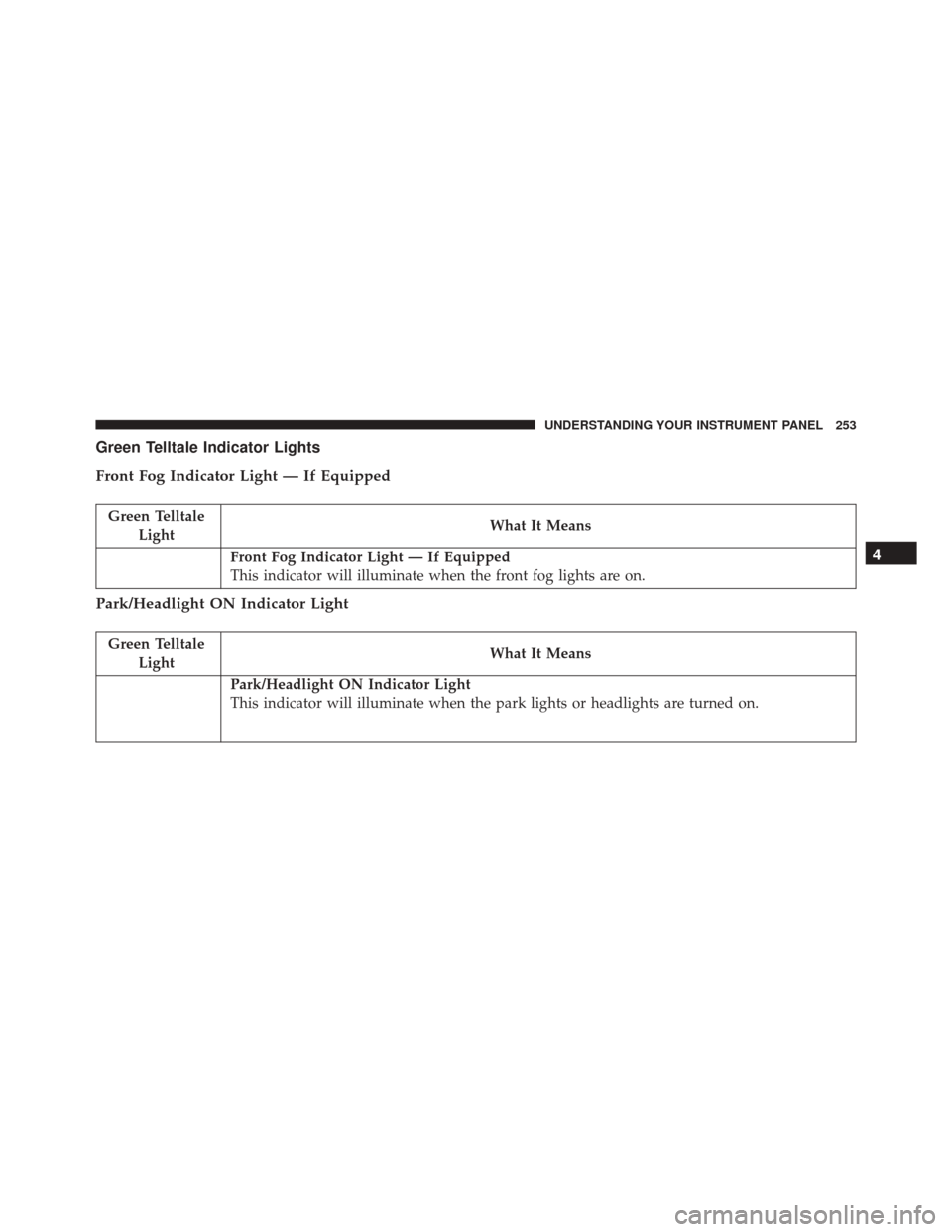
Green Telltale Indicator Lights
Front Fog Indicator Light — If Equipped
Green TelltaleLight What It Means
Front Fog Indicator Light — If Equipped
This indicator will illuminate when the front fog lights are on.
Park/Headlight ON Indicator Light
Green Telltale
Light What It Means
Park/Headlight ON Indicator Light
This indicator will illuminate when the park lights or headlights are turned on.
4
UNDERSTANDING YOUR INSTRUMENT PANEL 253
Page 256 of 616
Turn Signal Indicator Lights
Green Tell-tale Light What It Means
Turn Signal Indicator Lights
The instrument cluster directional arrow will flash independently for the LEFT or RIGHT turn
signal as selected, as well as the exterior turn signal lamp(s) (front and rear) as selected when
the multifunction lever is moved down (LEFT) or up (RIGHT).
NOTE:
•A continuous chime will sound if the vehicle is driven more than 1 mile (1.6 km) with either
turn signal on.
•Check for an inoperative outside light bulb if either indicator flashes at a rapid rate.
254 UNDERSTANDING YOUR INSTRUMENT PANEL
Page 257 of 616
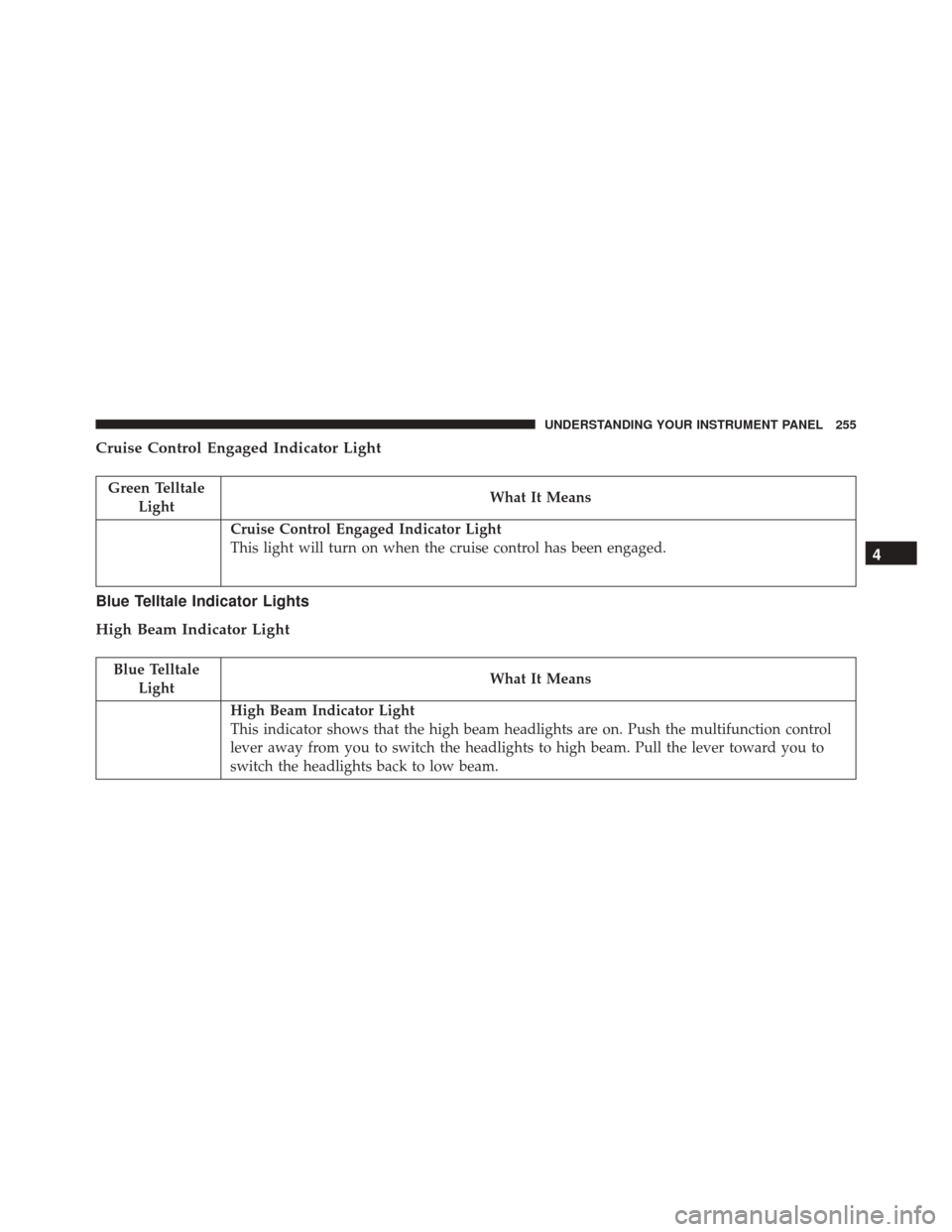
Cruise Control Engaged Indicator Light
Green TelltaleLight What It Means
Cruise Control Engaged Indicator Light
This light will turn on when the cruise control has been engaged.
Blue Telltale Indicator Lights
High Beam Indicator Light
Blue Telltale
Light What It Means
High Beam Indicator Light
This indicator shows that the high beam headlights are on. Push the multifunction control
lever away from you to switch the headlights to high beam. Pull the lever toward you to
switch the headlights back to low beam.
4
UNDERSTANDING YOUR INSTRUMENT PANEL 255
Page 258 of 616
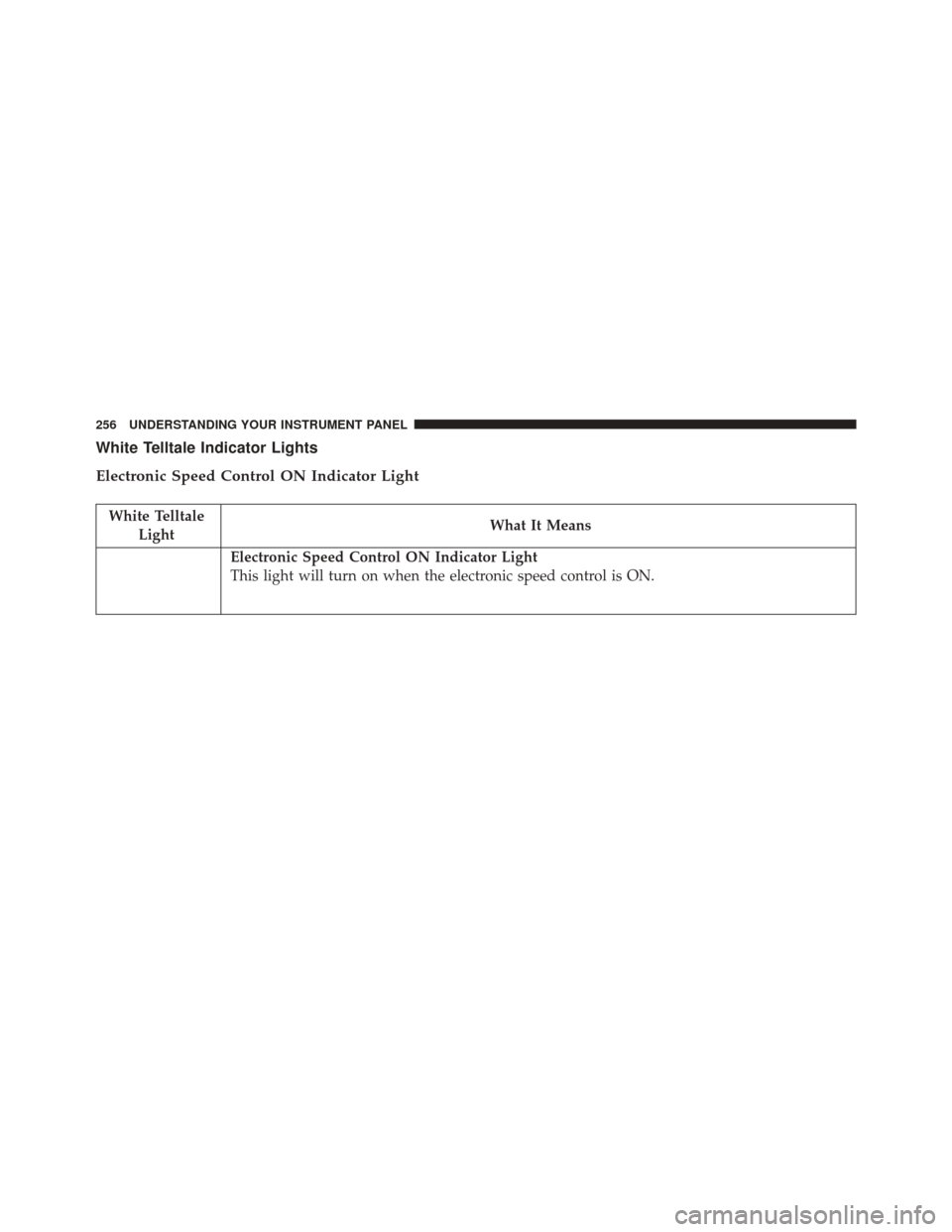
White Telltale Indicator Lights
Electronic Speed Control ON Indicator Light
White TelltaleLight What It Means
Electronic Speed Control ON Indicator Light
This light will turn on when the electronic speed control is ON.
256 UNDERSTANDING YOUR INSTRUMENT PANEL
Page 267 of 616

– Will list the last 5 lap with the best lap highlightedin green.
• Top Speed
The following describes each feature and its operation:
0-60 MPH (0-100 km/h)
When selected, this screen displays the time it takes for
the vehicle to go from 0 to 60 MPH (0 to 100 km/h)
within 10 seconds.
• The feature will “ready” when the vehicle speed is at 0
MPH (0 km/h). The word “READY” will flash when
conditions are met for the event to begin.
• Dashes will display if the vehicle fails to reach 60 MPH
(100 km/h) in less then 10 seconds.
• To clear the vehicle’s best, last, and current 0-60 MPH
(0-100 km/h) time, push and hold the OKbutton for
two seconds. 0 to 100 MPH (0 to 161 km/h)
When selected, this screen displays the time it takes for
the vehicle to go from 0 to 100 MPH (0 to 161 km/h)
within 15 seconds.
•
The feature will “ready” when the vehicle speed is at 0
MPH (0 km/h). The word “READY” will flash when
conditions are met for the event to begin.
• Dashes will display if the vehicle fails to reach 0 to 100
MPH (0 to 161 km/h) in less then 15 seconds.
• To clear the vehicle’s best, last and current 0 to 100
MPH (0 to 161 km/h) time, push and hold the OK
button for two seconds.
Reaction Timer
Press OK to engage Countdown Timer. The time it takes
for wheel speed not equal to 0 MPH after the words ’GO’
4
UNDERSTANDING YOUR INSTRUMENT PANEL 265
Page 270 of 616

•As soon as the driver exits the Lap Timer pages, the
“current” timer will stop and the time will be reset to
0:00.00.
• If the driver stays on the Lap Timer pages, the “cur-
rent” timer will reset to 0:00.0 when ignition is placed
in the off position, or ignition placed in the ON
position (or will roll over at 59:59.99 if ever possible).
• Each time the driver pushes OKfor a Lap that current
time populates, the Last time and also populates the
1st (top) space on the Timer History page the current
time resets to 0:00.0 at every push of the OKbutton.
• The timer will stop when the driver navigates away
from this page.
Lap History
When selected, this screen displays the Lap History, and
will color highlight the time that is the best time from the
Timer Page. •
Each time the driver pushes the OKbutton (while on
the Lap Timer page) the current Lap Time populates
the 1st spot and the rest of the data shifts down.
• Color will indicate the time that is the best time from
the Timer Page.
• Holding the OKbutton only resets the page you are
on.
• Lap History page is a static display of lap times only.
Top Speed
When selected, this screen displays the Top Speed since
last reset:
• Populates a top speed from first drive cycle and every
time that speed is exceeded that number is stored here
unless/until the driver resets the screen.
• Latching over ignition cycles.
268 UNDERSTANDING YOUR INSTRUMENT PANEL