Page 159 of 620
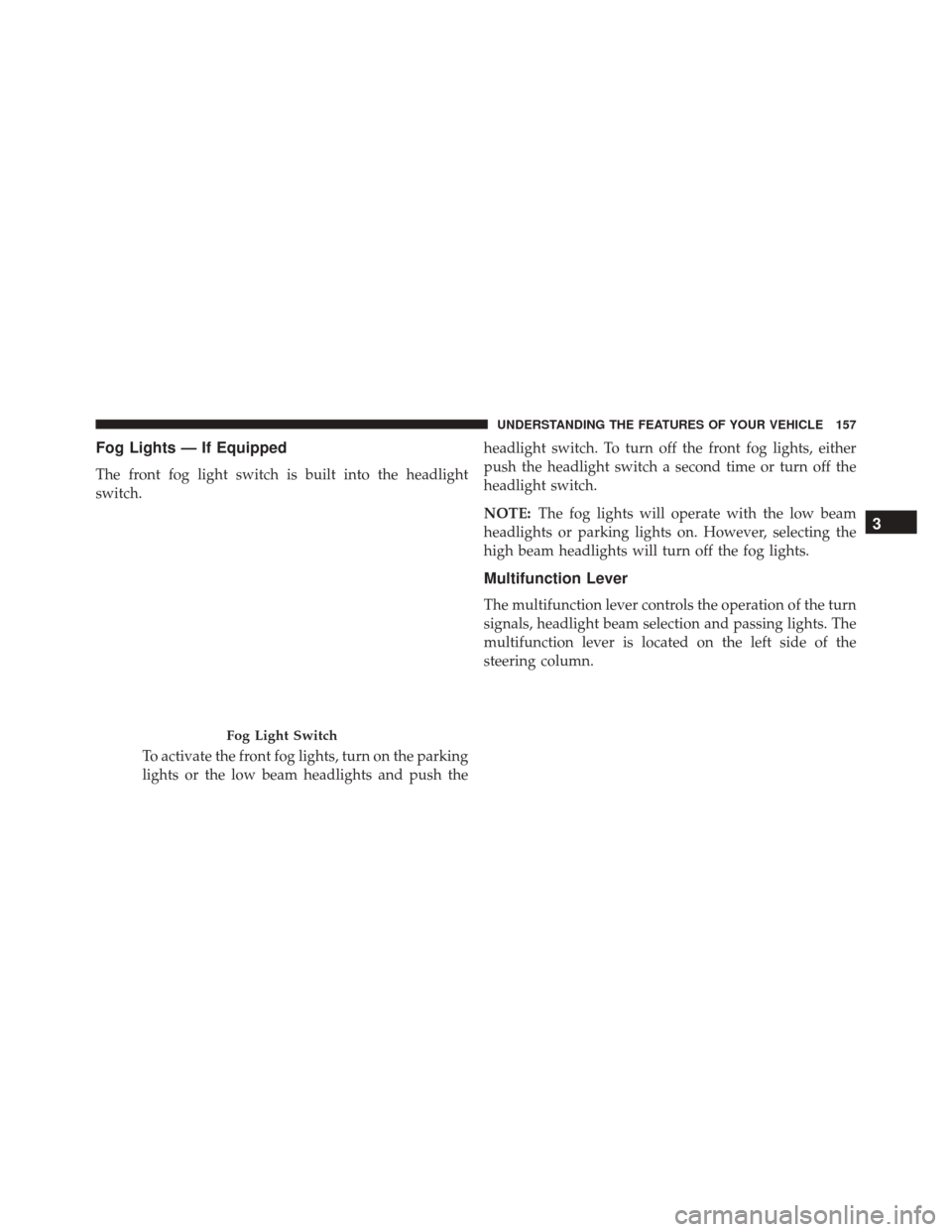
Fog Lights — If Equipped
The front fog light switch is built into the headlight
switch.To activate the front fog lights, turn on the parking
lights or the low beam headlights and push the headlight switch. To turn off the front fog lights, either
push the headlight switch a second time or turn off the
headlight switch.
NOTE:
The fog lights will operate with the low beam
headlights or parking lights on. However, selecting the
high beam headlights will turn off the fog lights.
Multifunction Lever
The multifunction lever controls the operation of the turn
signals, headlight beam selection and passing lights. The
multifunction lever is located on the left side of the
steering column.
Fog Light Switch
3
UNDERSTANDING THE FEATURES OF YOUR VEHICLE 157
Page 161 of 620
High/Low Beam Switch
Push the multifunction lever away from you to switch
the headlights to high beam. Pull the multifunction lever
toward you to switch the headlights back to low beam.
Flash-To-Pass
You can signal another vehicle with your headlights by
lightly pulling the multifunction lever toward you. This
will turn on the high beams headlights until the lever is
released.
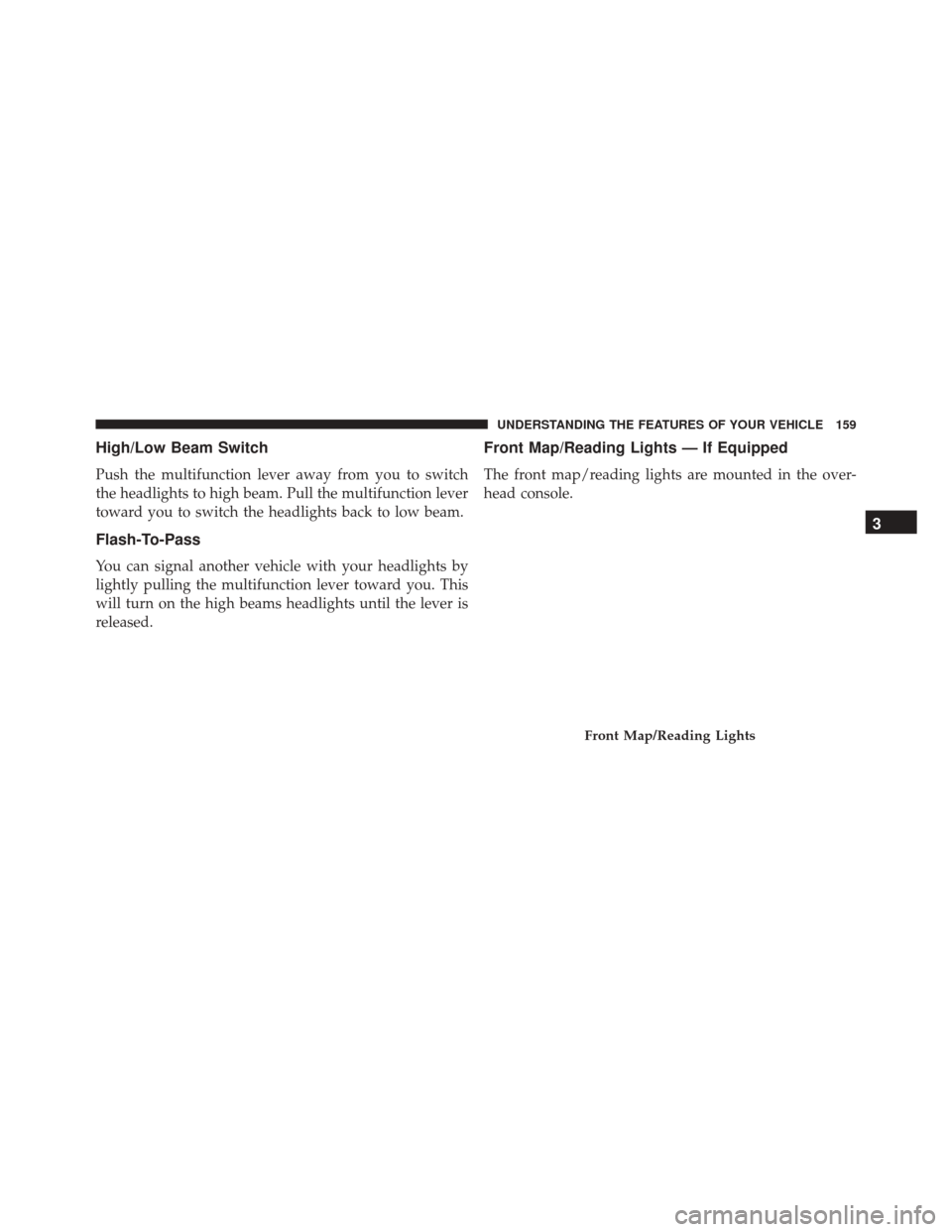
Front Map/Reading Lights — If Equipped
The front map/reading lights are mounted in the over-
head console.
Front Map/Reading Lights
3
UNDERSTANDING THE FEATURES OF YOUR VEHICLE 159
Page 164 of 620
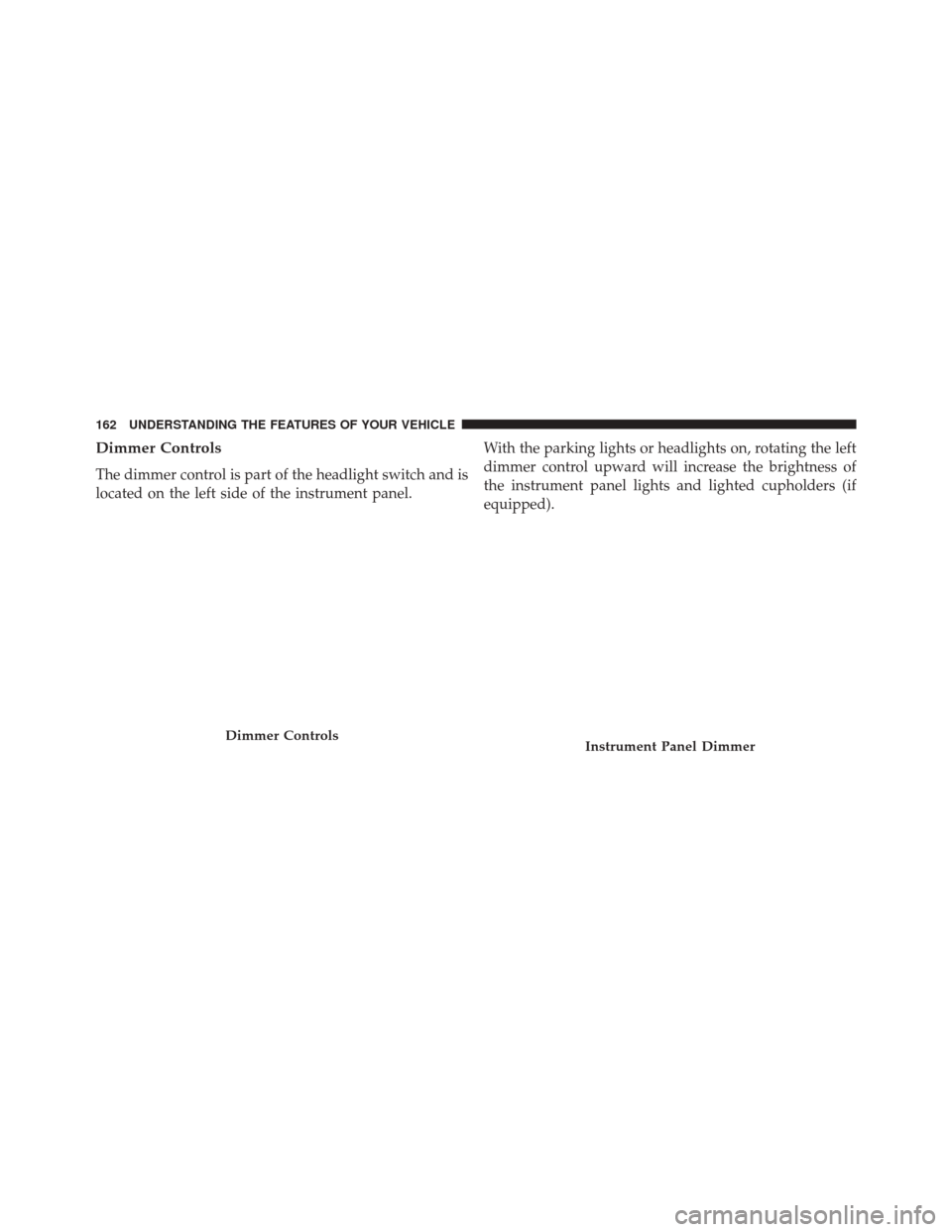
Dimmer Controls
The dimmer control is part of the headlight switch and is
located on the left side of the instrument panel.With the parking lights or headlights on, rotating the left
dimmer control upward will increase the brightness of
the instrument panel lights and lighted cupholders (if
equipped).
Dimmer ControlsInstrument Panel Dimmer
162 UNDERSTANDING THE FEATURES OF YOUR VEHICLE
Page 165 of 620
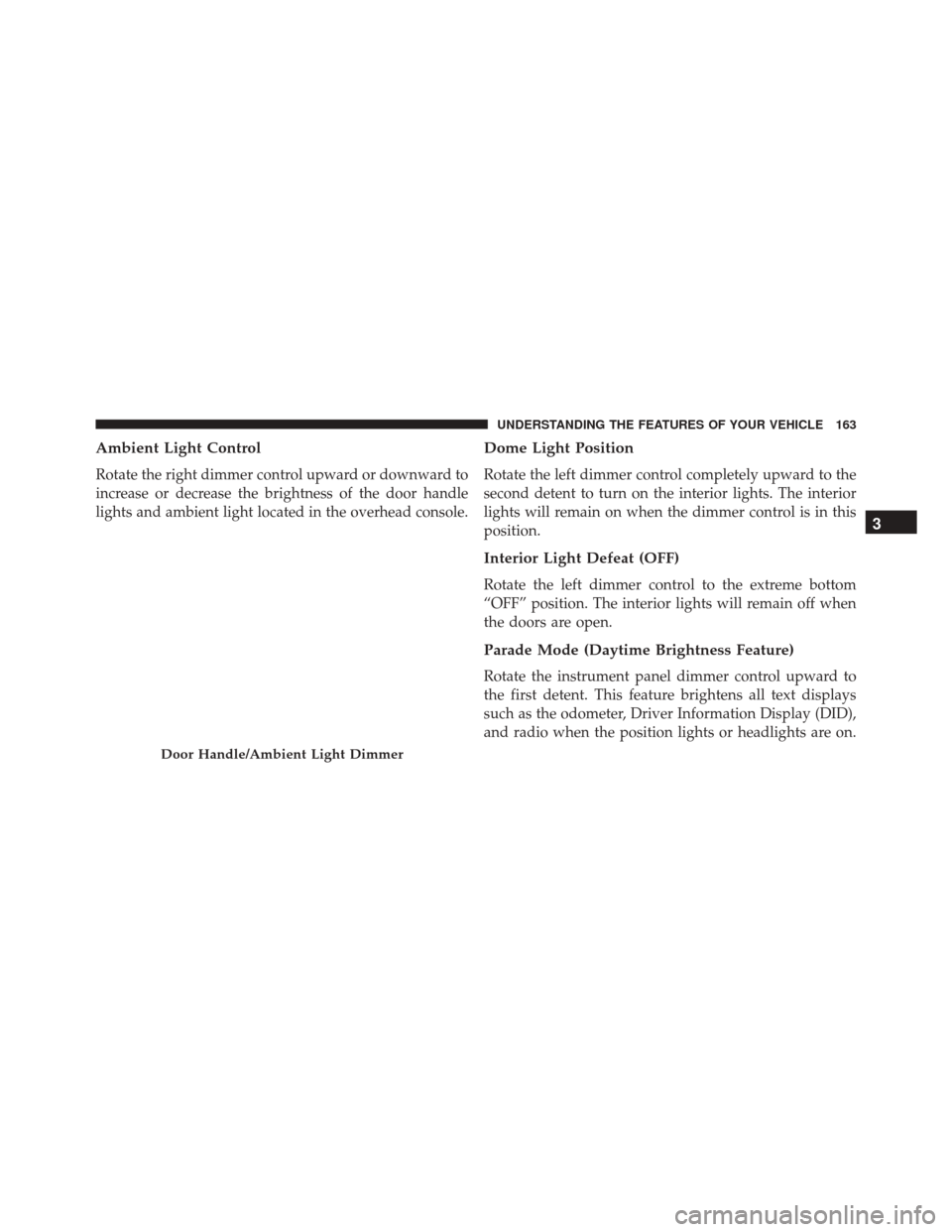
Ambient Light Control
Rotate the right dimmer control upward or downward to
increase or decrease the brightness of the door handle
lights and ambient light located in the overhead console.
Dome Light Position
Rotate the left dimmer control completely upward to the
second detent to turn on the interior lights. The interior
lights will remain on when the dimmer control is in this
position.
Interior Light Defeat (OFF)
Rotate the left dimmer control to the extreme bottom
“OFF” position. The interior lights will remain off when
the doors are open.
Parade Mode (Daytime Brightness Feature)
Rotate the instrument panel dimmer control upward to
the first detent. This feature brightens all text displays
such as the odometer, Driver Information Display (DID),
and radio when the position lights or headlights are on.
Door Handle/Ambient Light Dimmer
3
UNDERSTANDING THE FEATURES OF YOUR VEHICLE 163
Page 168 of 620
two wipe cycles after releasing the lever and then resume
the intermittent interval previously selected.
If you activate the washer while the windshield wiper is
turned off, the wipers will operate for three wipe cycles
and then turn off.
WARNING!
Sudden loss of visibility through the windshield
could lead to a collision. You might not see other
vehicles or other obstacles. To avoid sudden icing of
the windshield during freezing weather, warm the
windshield with the defroster before and during
windshield washer use.
Headlights On With Wipers (Available With
Automatic Headlights Only)
When this feature is active, the headlights will turn on
after the wipers are turned on if the headlight switch isplaced in the AUTO position and programmable feature
is set to ON. In addition, the headlights will turn off
when the wipers are turned off if they were turned on by
this feature.
NOTE:
The Headlights On with Wipers feature can be
turned on or off using the Uconnect System. Refer to
“Uconnect Settings/Customer Programmable Features”
in “Understanding Your Instrument Panel” for further
information.
Rain Sensing Wipers
This feature senses moisture on the windshield and
automatically activates the wipers for the driver. The
feature is especially useful for road splash or over spray
from the windshield washers of the vehicle ahead. Rotate
the end of the multifunction lever to one of four settings
to activate this feature.
The sensitivity of the system can be adjusted with the
multifunction lever. Wiper delay position 1 is the least
166 UNDERSTANDING THE FEATURES OF YOUR VEHICLE
Page 298 of 620
Green Telltale Indicator Lights
Park/Headlight ON Indicator Light
Green TelltaleLight What It Means
Park/Headlight ON Indicator Light
This indicator will illuminate when the park lights or headlights are turned on.
Front Fog Indicator Light — If Equipped
Green Telltale
Light What It Means
Front Fog Indicator Light — If Equipped
This indicator will illuminate when the front fog lights are on.
296 UNDERSTANDING YOUR INSTRUMENT PANEL
Page 303 of 620
Blue Telltale Indicator Lights
High Beam Indicator Light
Blue TelltaleLight What It Means
High Beam Indicator Light
This indicator shows that the high beam headlights are on. Push the multifunction control
lever away from you to switch the headlights to high beam. Pull the lever toward you to
switch the headlights back to low beam. Pull the lever toward you for a temporary high
beam on,
�flash to pass� scenario.
DRIVER INFORMATION DISPLAY (DID)
The Driver Information Display (DID) features an inter-
active display which is located in the instrument cluster.
This system conveniently allows the driver to select a
variety of useful information by pushing the arrow
buttons located on the left side of the steering wheel. The
DID Menu Items consists of the following: •
Speedometer
• Vehicle Info
• Driver Assist — If Equipped
• Fuel Economy
• Trip
• Audio
4
UNDERSTANDING YOUR INSTRUMENT PANEL 301
Page 319 of 620
screen. Pressing the Up or Down Arrow button on the
right side of the screen will allow you to toggle up or
down through the available settings.
Display
After pressing the “Display” button on the touchscreen
the following settings will be available:
•Display Mode
When in this display you may select one of the display
mode settings. To change Mode status, press and release
the “Manual” or “Auto” button on the touchscreen.
• Display Brightness With Headlights ON
When in this display, you may select the brightness with
the headlights on. Adjust the brightness from (1–10) with
the “+” and “–” buttons on the touchscreen. NOTE:
To make changes to the �Display Brightness with
Headlights ON� setting, the headlights must be on and
the interior dimmer switch must not be in the �party�or
�parade� positions.
• Display Brightness With Headlights OFF
When in this display, you may select the brightness with
the headlights off. Adjust the brightness from (1–10) with
the “+” and “–” buttons on the touchscreen.
NOTE: To make changes to the �Display Brightness with
Headlights OFF� setting, the headlights must be off and
the interior dimmer switch must not be in the �party�or
�parade� positions.
• Set Theme
When in this display, you may select the theme for the
display screen. To make your selection, press the �Set4
UNDERSTANDING YOUR INSTRUMENT PANEL 317