Page 314 of 702

▫DID Selectable Menu Items ..............370
▫ Screen Setup Driver Selectable Items ........374
� UCONNECT SETTINGS ..................376
▫ Buttons On The Faceplate ................377
▫ Buttons On The Touchscreen ..............378
▫ Customer Programmable Features/Personal
Settings — Uconnect 5.0/8.4A/8.4AN
Settings ............................ .378
� UCONNECT RADIOS — IF EQUIPPED ......394
� USB PORT AND AUX JACK — IF EQUIPPED . .394
� STEERING WHEEL AUDIO CONTROLS — IF
EQUIPPED .......................... .395
▫ Radio Operation ..................... .396
▫ Media Mode ........................ .396�
RADIO OPERATION AND MOBILE DEVICES . .396
▫ Regulatory And Safety Information .........396
� CLIMATE CONTROLS ...................398
▫ Manual Climate Controls ................398
▫ Manual Climate Controls With Touchscreen —
If Equipped ........................ .403
▫ Automatic Climate Controls With Touchscreen —
If Equipped ......................... .408
▫ Climate Control Functions ...............414
▫ Automatic Temperature Control (ATC) ......416
▫ Operating Tips ...................... .418
� PERSONALIZED MENU BAR .............421
� UCONNECT VOICE RECOGNITION QUICK
TIPS ............................... .421
312 UNDERSTANDING YOUR INSTRUMENT PANEL
Page 316 of 702
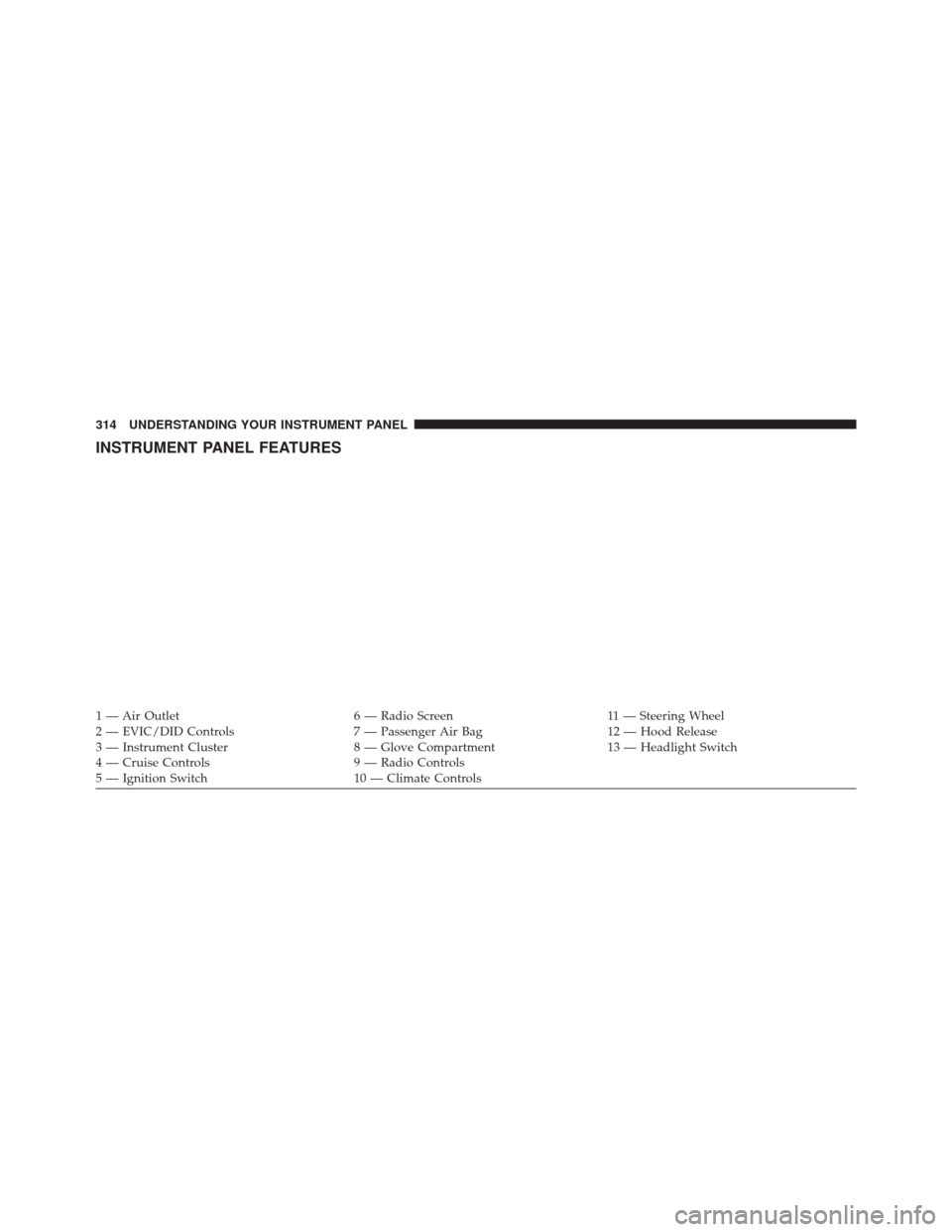
INSTRUMENT PANEL FEATURES
1 — Air Outlet6 — Radio Screen11 — Steering Wheel
2 — EVIC/DID Controls 7 — Passenger Air Bag12 — Hood Release
3 — Instrument Cluster 8 — Glove Compartment13 — Headlight Switch
4 — Cruise Controls 9 — Radio Controls
5 — Ignition Switch 10 — Climate Controls
314 UNDERSTANDING YOUR INSTRUMENT PANEL
Page 333 of 702
Electric Power Steering Fail Warning — If Equipped
Red TelltaleLight What It Means
Electric Power Steering Fail Warning
This light is used to manage the electrical warning of the EPS (Power Steering System). Re-
fer to “Power Steering” in “Starting and Operating” for further information.
Oil Temperature Warning Light
Red Telltale
Light What It Means
Oil Temperature Warning Light
This telltale indicates engine oil temperature is high. If the light turns on while driving, stop the
vehicle and shut off the engine as soon as possible.
4
UNDERSTANDING YOUR INSTRUMENT PANEL 331
Page 339 of 702

Tire Pressure Monitoring Indicator Light
Yellow TelltaleLight What It Means
Tire Pressure Monitoring Indicator Light
The warning light switches on and a message is displayed to indicate that the tire pressure
is lower than the recommended value and/or that slow pressure loss is occurring. In these
cases, optimal tire duration and fuel consumption may not be guaranteed.
Should one or more tires be in the condition mentioned above, the display will show the
indications corresponding to each tire in sequence.
In any situation in which the message on the display is
�See manual�, it is ESSENTIAL to
refer to the contents of the �Wheels�paragraph in the �Technical data�chapter, strictly com-
plying with the indications that you find there.
IMPORTANT: Do not continue driving with one or more
flat tires as handling may be compromised. Stop the
vehicle, avoiding sharp braking and steering. Repair
immediately using the dedicated tire repair kit and
contact your authorized dealership as soon as possible. Each tire, including the spare (if provided), should be
checked monthly when cold and inflated to the inflation
pressure recommended by the vehicle manufacturer on
the vehicle placard or tire inflation pressure label. If your
vehicle has tires of a different size than the size indicated
4
UNDERSTANDING YOUR INSTRUMENT PANEL 337
Page 345 of 702
LaneSense Indicator Light — If Equipped
Yellow TelltaleLight What It Means
LaneSense Indicator Light — If Equipped
The LaneSense system provides the driver with visual and steering torque warnings when
the vehicle starts to drift out of its lane unintentionally without the use of a turn signal.
•
When the LaneSense system senses a lane drift situation, the LaneSense indicator
changes from solid green to solid yellow.
• When the LaneSense system senses the lane has been approached and is in a lane
departure situation, the LaneSense indicator changes from solid white/green to flashing
yellow.
Refer to “LaneSense - If Equipped� in “Understanding The Features Of Your Vehicle” for further
information.
4
UNDERSTANDING YOUR INSTRUMENT PANEL 343
Page 355 of 702
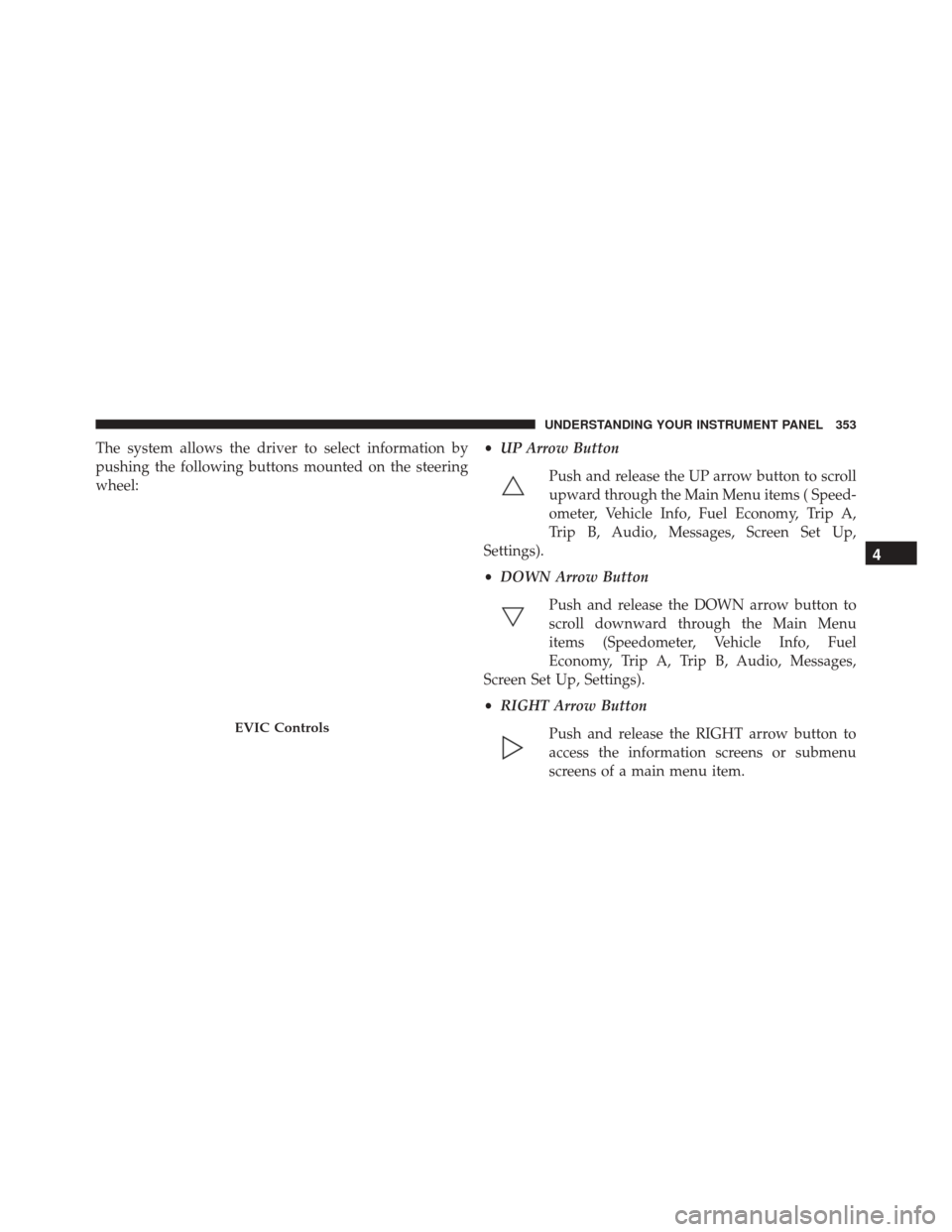
The system allows the driver to select information by
pushing the following buttons mounted on the steering
wheel:•
UP Arrow Button
Push and release the UP arrow button to scroll
upward through the Main Menu items ( Speed-
ometer, Vehicle Info, Fuel Economy, Trip A,
Trip B, Audio, Messages, Screen Set Up,
Settings).
• DOWN Arrow Button
Push and release the DOWN arrow button to
scroll downward through the Main Menu
items (Speedometer, Vehicle Info, Fuel
Economy, Trip A, Trip B, Audio, Messages,
Screen Set Up, Settings).
• RIGHT Arrow Button
Push and release the RIGHT arrow button to
access the information screens or submenu
screens of a main menu item.
EVIC Controls
4
UNDERSTANDING YOUR INSTRUMENT PANEL 353
Page 358 of 702
•Service Power Steering
• Cruise Off
• Cruise Ready
• Cruise Set To XXX MPH
• Cruise Set To XXX KM/H
• Tire Pressure Screen With Low Tire(s) “Inflate Tire to
XX”
• Service Tire Pressure System
• Parking Brake Engaged
• Brake Fluid Low
• Service Electronic Braking System
• Engine Temperature Hot
• Battery Voltage Low •
Service Electronic Throttle Control
• Lights On
• Right Turn Signal Light Out
• Left Turn Signal Light Out
• Turn Signal On
• Vehicle Not in Park
• Key in Ignition
• Key in Ignition Lights On
• Remote Start Active Key to Run
• Remote Start Active Push Start Button
• Remote Start Aborted Fuel Low
• Remote Start Aborted Too Cold
• Remote Start Aborted Door Open
356 UNDERSTANDING YOUR INSTRUMENT PANEL
Page 367 of 702
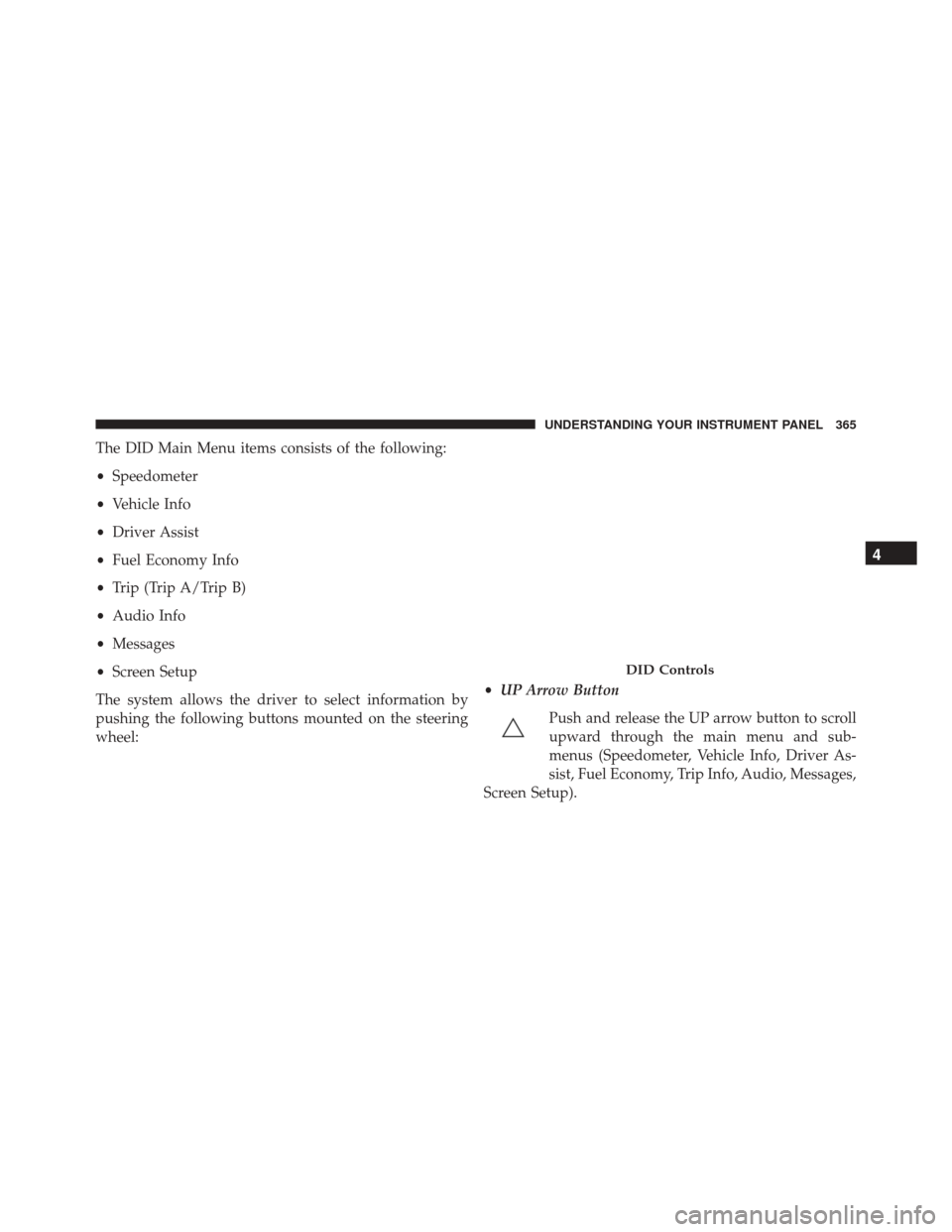
The DID Main Menu items consists of the following:
•Speedometer
• Vehicle Info
• Driver Assist
• Fuel Economy Info
• Trip (Trip A/Trip B)
• Audio Info
• Messages
• Screen Setup
The system allows the driver to select information by
pushing the following buttons mounted on the steering
wheel: •
UP Arrow Button
Push and release the UP arrow button to scroll
upward through the main menu and sub-
menus (Speedometer, Vehicle Info, Driver As-
sist, Fuel Economy, Trip Info, Audio, Messages,
Screen Setup).
DID Controls
4
UNDERSTANDING YOUR INSTRUMENT PANEL 365