2016 CHEVROLET MALIBU stop start
[x] Cancel search: stop startPage 331 of 420
Chevrolet Malibu Owner Manual (GMNA-Localizing-U.S./Canada/Mexico-
9087641) - 2016 - crc - 9/3/15
330 Vehicle Care
could prevent the TPMS from
functioning properly. SeeBuying
New Tires 0333
ii.
. Operating electronic devices or
being near facilities using radio
wave frequencies similar to the
TPMS could cause the TPMS
sensors to malfunction.
If the TPMS is not functioning
properly it cannot detect or signal a
low tire condition. See your dealer
for service if the TPMS malfunction
light and DIC message comes on
and stays on.
TPMS Sensor Matching
Process
Each TPMS sensor has a unique
identification code. The identification
code needs to be matched to a new
tire/wheel position after rotating the
vehicle’s tires or replacing one or
more of the TPMS sensors. The
TPMS sensor matching process
should also be performed after
replacing a spare tire with a road
tire containing the TPMS sensor.
The malfunction light and the DIC
message should go off at the next
ignition cycle. The sensors are matched to the tire/wheel positions,
using a TPMS relearn tool, in the
following order: driver side front tire,
passenger side front tire, passenger
side rear tire, and driver side rear.
See your dealer for service or to
purchase a relearn tool. A TPMS
relearn tool can also be purchased.
See Tire Pressure Monitor Sensor
Activation Tool at
www.gmtoolsandequipment.com or
call 1-800-GM TOOLS
(1-800-468-6657).
There are two minutes to match the
first tire/wheel position, and
five minutes overall to match all four
tire/wheel positions. If it takes
longer, the matching process stops
and must be restarted.
The TPMS sensor matching
process is:
1. Set the parking brake.
2. Place the vehicle in ON/RUN/ START. See Ignition Positions
0 226
ii.
3. Make sure the Tire Pressure info page option is turned on.
The info pages on the DIC can be turned on and off through
the Settings menu. See
Driver
Information Center (DIC) (Base
Level) 0129
iior Driver
Information Center (DIC)
(Uplevel) 0132
ii.
4. Use the DIC controls on the right side of the steering wheel
to scroll to the Tire Pressure
screen under the DIC
info page.
5. Press and hold the
V(Set/
Reset) button in the center of
the DIC controls.
The horn sounds twice to
signal the receiver is in relearn
mode and the TIRE
LEARNING ACTIVE message
displays on the DIC screen.
6. Start with the driver side front tire.
7. Place the relearn tool against the tire sidewall, near the valve
stem. Then press the button to
activate the TPMS sensor.
A horn chirp confirms that the
Page 357 of 420
Chevrolet Malibu Owner Manual (GMNA-Localizing-U.S./Canada/Mexico-
9087641) - 2016 - crc - 9/3/15
356 Vehicle Care
Recreational Vehicle
Towing
Recreational vehicle towing means
towing the vehicle behind another
vehicle–such as behind a motor
home. The two most common types
of recreational vehicle towing are
known as dinghy towing and dolly
towing. Dinghy towing is towing the
vehicle with all four wheels on the
ground. Dolly towing is towing the
vehicle with two wheels on the
ground and two wheels up on a
device known as a dolly.
Here are some important things to
consider before recreational vehicle
towing:
. What is the towing capacity of
the towing vehicle? Be sure to
read the tow vehicle
manufacturer's
recommendations.
. How far will the vehicle be
towed? Some vehicles have
restrictions on how far and how
long they can tow. .
Does the vehicle have the
proper towing equipment? See
your dealer or trailering
professional for additional advice
and equipment
recommendations.
. Is the vehicle ready to be
towed? Just as preparing the
vehicle for a long trip, make sure
the vehicle is prepared to be
towed.
Dinghy Towing (1.5L Engine
without Active Shutters
RPO VRI)
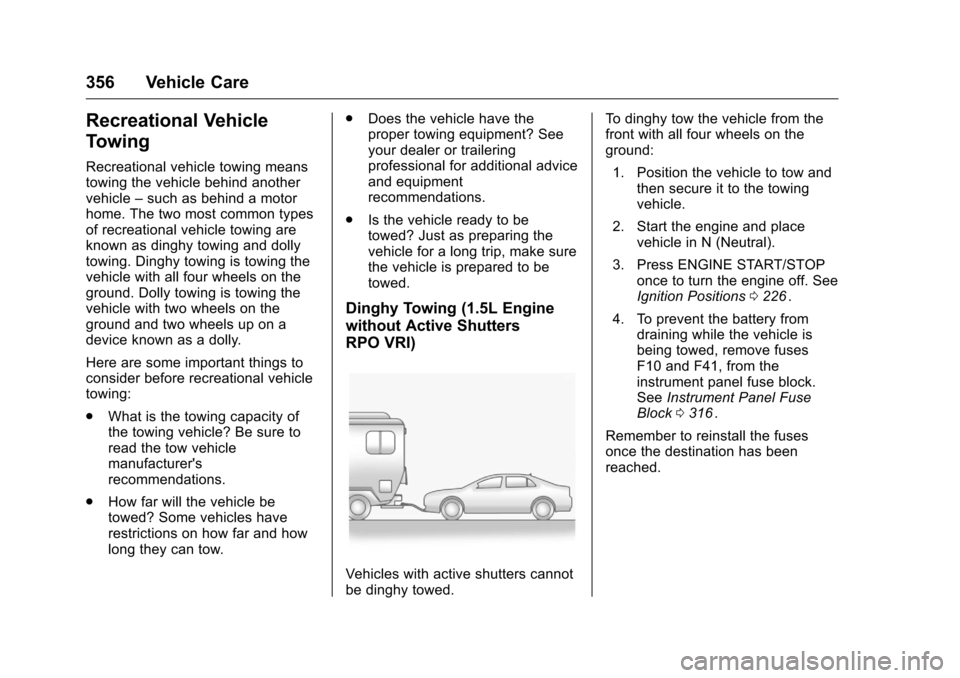
Vehicles with active shutters cannot
be dinghy towed. To dinghy tow the vehicle from the
front with all four wheels on the
ground:
1. Position the vehicle to tow and then secure it to the towing
vehicle.
2. Start the engine and place vehicle in N (Neutral).
3. Press ENGINE START/STOP once to turn the engine off. See
Ignition Positions 0226
ii.
4. To prevent the battery from draining while the vehicle is
being towed, remove fuses
F10 and F41, from the
instrument panel fuse block.
See Instrument Panel Fuse
Block 0316
ii.
Remember to reinstall the fuses
once the destination has been
reached.
Page 375 of 420
Chevrolet Malibu Owner Manual (GMNA-Localizing-U.S./Canada/Mexico-
9087641) - 2016 - crc - 9/3/15
374 Service and Maintenance
.To avoid break-down or failure to
start the vehicle, maintain a
battery with full cranking power.
. Trained dealer technicians have
the diagnostic equipment to test
the battery and ensure that the
connections and cables are
corrosion-free.
Belts
. Belts may need replacing if they
squeak or show signs of
cracking or splitting.
. Trained dealer technicians have
access to tools and equipment
to inspect the belts and
recommend adjustment or
replacement when necessary.
Brakes
Brakes stop the vehicle and are
crucial to safe driving.
. Signs of brake wear may include
chirping, grinding, or squealing
noises, or difficulty stopping. .
Trained dealer technicians have
access to tools and equipment
to inspect the brakes and
recommend quality parts
engineered for the vehicle.
Fluids
Proper fluid levels and approved
fluids protect the vehicle’s systems
and components. See
Recommended Fluids and
Lubricants 0376
iifor GM approved
fluids.
. Engine oil and windshield
washer fluid levels should be
checked at every fuel fill.
. Instrument cluster lights may
come on to indicate that fluids
may be low and need to be
filled.
Hoses
Hoses transport fluids and should
be regularly inspected to ensure
that there are no cracks or leaks.
With a multi-point inspection, your
dealer can inspect the hoses and
advise if replacement is needed. Lamps
Properly working headlamps,
taillamps, and brake lamps are
important to see and be seen on
the road.
.
Signs that the headlamps need
attention include dimming, failure
to light, cracking, or damage.
The brake lamps need to be
checked periodically to ensure
that they light when braking.
. With a multi-point inspection,
your dealer can check the lamps
and note any concerns.
Shocks and Struts
Shocks and struts help aid in control
for a smoother ride.
. Signs of wear may include
steering wheel vibration, bounce/
sway while braking, longer
stopping distance, or uneven
tire wear.
. As part of the multi-point
inspection, trained dealer
technicians can visually inspect
the shocks and struts for signs
Page 402 of 420
Chevrolet Malibu Owner Manual (GMNA-Localizing-U.S./Canada/Mexico-
9087641) - 2016 - crc - 9/3/15
OnStar 401
(no Internet connection, 3G,
4G, 4G LTE), and signal quality
(poor, good, excellent).
3. To change the SSID or password, press
Qor call
1-888-4ONSTAR to connect
with an Advisor.
OnStar RemoteLink
®Mobile App
(If Equipped)
Download the OnStar RemoteLink
mobile app to select Apple
®iOS,
Android™, BlackBerry®,
or Windows®mobile devices.
OnStar Subscribers can access the
following services from a mobile
device:
. Remotely start/stop the vehicle,
if factory-equipped.
. Lock/unlock doors, if equipped
with automatic locks.
. Activate the horn and lamps.
. Check the vehicle’s fuel level, oil
life, or tire pressure,
if factory-equipped with the Tire
Pressure Monitor System.
. Send directions to the vehicle. .
Locate the vehicle on a map
(U.S. market only).
. Turn the vehicle's Wi-Fi hotspot
on/off, manage settings, and
monitor data consumption,
if equipped.
For OnStar RemoteLink information
and compatibility, see
www.onstar.com (U.S.) or
www.onstar.ca (Canada).
Remote Services
Contact an OnStar Advisor to
unlock the doors or sound the horn
and flash the lamps.
OnStar AtYourService
OnStar Advisors can provide special
offers from restaurants and retailers
on your route, help locate hotels,
or book a room.
OnStar Hands-Free Calling
Make and receive calls with the
built-in wireless calling service,
which requires available minutes. Make a Call
1. Press
=. System responds:
“OnStar ready.”
2. Say “Call.”System responds:
“Call. Please say the name or
number to call.”
3. Say the entire number without pausing, including a “1”and the
area code. System responds:
“OK, calling.”
Calling 911 Emergency
1. Press=. System responds:
“OnStar ready.”
2. Say “Call.”System responds:
“Call. Please say the name or
number to call.”
3. Say “911”without pausing.
System responds: “911.”
4. Say “Call.”System responds:
“OK, dialing 911.”
Retrieve My Number
1. Press=. System responds:
“OnStar ready.”
Page 418 of 420
Chevrolet Malibu Owner Manual (GMNA-Localizing-U.S./Canada/Mexico-
9087641) - 2016 - crc - 9/3/15
Index 417
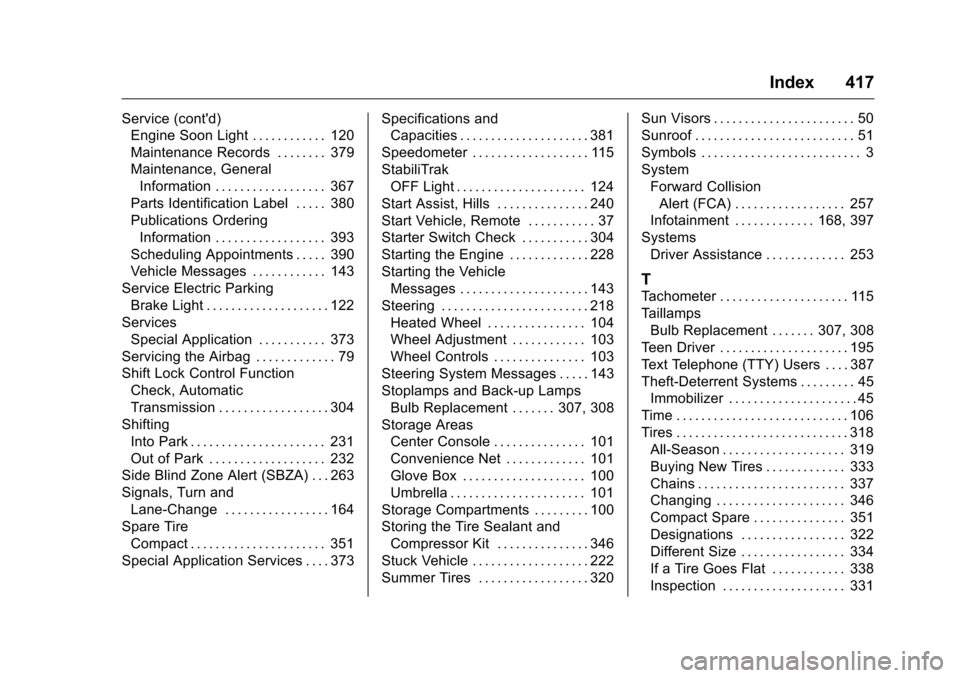
Service (cont'd)Engine Soon Light . . . . . . . . . . . . 120
Maintenance Records . . . . . . . . 379
Maintenance, General
Information . . . . . . . . . . . . . . . . . . 367
Parts Identification Label . . . . . 380
Publications Ordering Information . . . . . . . . . . . . . . . . . . 393
Scheduling Appointments . . . . . 390
Vehicle Messages . . . . . . . . . . . . 143
Service Electric Parking Brake Light . . . . . . . . . . . . . . . . . . . . 122
Services Special Application . . . . . . . . . . . 373
Servicing the Airbag . . . . . . . . . . . . . 79
Shift Lock Control Function Check, Automatic
Transmission . . . . . . . . . . . . . . . . . . 304
Shifting Into Park . . . . . . . . . . . . . . . . . . . . . . 231
Out of Park . . . . . . . . . . . . . . . . . . . 232
Side Blind Zone Alert (SBZA) . . . 263
Signals, Turn and Lane-Change . . . . . . . . . . . . . . . . . 164
Spare Tire Compact . . . . . . . . . . . . . . . . . . . . . . 351
Special Application Services . . . . 373 Specifications and
Capacities . . . . . . . . . . . . . . . . . . . . . 381
Speedometer . . . . . . . . . . . . . . . . . . . 115
StabiliTrak OFF Light . . . . . . . . . . . . . . . . . . . . . 124
Start Assist, Hills . . . . . . . . . . . . . . . 240
Start Vehicle, Remote . . . . . . . . . . . 37
Starter Switch Check . . . . . . . . . . . 304
Starting the Engine . . . . . . . . . . . . . 228
Starting the Vehicle Messages . . . . . . . . . . . . . . . . . . . . . 143
Steering . . . . . . . . . . . . . . . . . . . . . . . . 218 Heated Wheel . . . . . . . . . . . . . . . . 104
Wheel Adjustment . . . . . . . . . . . . 103
Wheel Controls . . . . . . . . . . . . . . . 103
Steering System Messages . . . . . 143
Stoplamps and Back-up Lamps
Bulb Replacement . . . . . . . 307, 308
Storage Areas Center Console . . . . . . . . . . . . . . . 101
Convenience Net . . . . . . . . . . . . . 101
Glove Box . . . . . . . . . . . . . . . . . . . . 100
Umbrella . . . . . . . . . . . . . . . . . . . . . . 101
Storage Compartments . . . . . . . . . 100
Storing the Tire Sealant and Compressor Kit . . . . . . . . . . . . . . . 346
Stuck Vehicle . . . . . . . . . . . . . . . . . . . 222
Summer Tires . . . . . . . . . . . . . . . . . . 320 Sun Visors . . . . . . . . . . . . . . . . . . . . . . . 50
Sunroof . . . . . . . . . . . . . . . . . . . . . . . . . . 51
Symbols . . . . . . . . . . . . . . . . . . . . . . . . . . 3
System
Forward CollisionAlert (FCA) . . . . . . . . . . . . . . . . . . 257
Infotainment . . . . . . . . . . . . . 168, 397
Systems Driver Assistance . . . . . . . . . . . . . 253
T
Tachometer . . . . . . . . . . . . . . . . . . . . . 115
TaillampsBulb Replacement . . . . . . . 307, 308
Teen Driver . . . . . . . . . . . . . . . . . . . . . 195
Text Telephone (TTY) Users . . . . 387
Theft-Deterrent Systems . . . . . . . . . 45 Immobilizer . . . . . . . . . . . . . . . . . . . . . 45
Time . . . . . . . . . . . . . . . . . . . . . . . . . . . . 106
Tires . . . . . . . . . . . . . . . . . . . . . . . . . . . . 318 All-Season . . . . . . . . . . . . . . . . . . . . 319
Buying New Tires . . . . . . . . . . . . . 333
Chains . . . . . . . . . . . . . . . . . . . . . . . . 337
Changing . . . . . . . . . . . . . . . . . . . . . 346
Compact Spare . . . . . . . . . . . . . . . 351
Designations . . . . . . . . . . . . . . . . . 322
Different Size . . . . . . . . . . . . . . . . . 334
If a Tire Goes Flat . . . . . . . . . . . . 338
Inspection . . . . . . . . . . . . . . . . . . . . 331