2016 BMW M4 navigation
[x] Cancel search: navigationPage 90 of 228
System limits
The function may be disabled or inaccurate
under certain conditions, for example:▷In thick fog and heavy rain or snow.▷If road signs are obscured by objects.▷If the vehicle is moving too close to the ve‐
hicle ahead.▷With bright oncoming light.▷When the windscreen in front of the rear-
view mirror is covered with condensation,
dirt, stickers, etc.▷Due to possible wrong detections of the
camera.▷If the speed limits saved in the navigation
system are wrong.▷In areas not covered by the navigation sys‐
tem.▷If there are deviations in relation to the nav‐
igation, for example due to changes in the
road routing.▷On overtaking buses or trucks with speed
stickers.▷If traffic signs do not correspond to the
standard.▷During the calibration process of the cam‐
era immediately after the vehicle is sup‐
plied.
Selection lists in the
instrument cluster
Principle Depending on equipment, the following can be
displayed or operated via the buttons and the
knurled wheel on the steering wheel and using
the displays in the instrument cluster and
Head-Up Display:
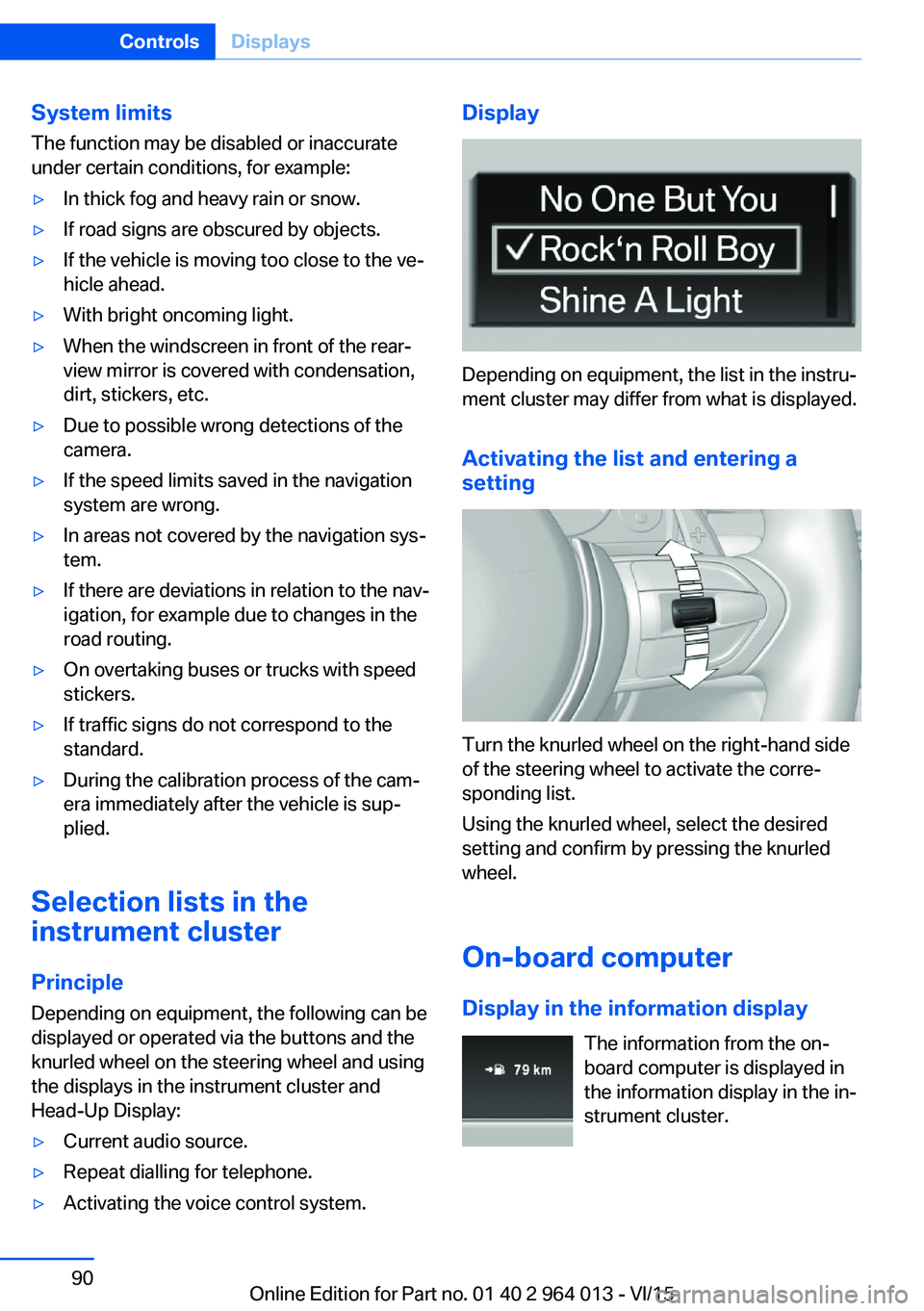
▷Current audio source.▷Repeat dialling for telephone.▷Activating the voice control system.Display
Depending on equipment, the list in the instru‐
ment cluster may differ from what is displayed.
Activating the list and entering a
setting
Turn the knurled wheel on the right-hand side
of the steering wheel to activate the corre‐
sponding list.
Using the knurled wheel, select the desired
setting and confirm by pressing the knurled
wheel.
On-board computer
Display in the information display The information from the on-
board computer is displayed in
the information display in the in‐
strument cluster.
Seite 90ControlsDisplays90
Online Edition for Part no. 01 40 2 964 013 - VI/15
Page 92 of 228
navigation system before the start of the jour‐
ney.
The distance to the destination is automati‐
cally adopted.
Arrival time The estimated time of arrival is
displayed if a destination was
entered in the navigation system
before the start of the journey.
A precondition is that the time is
correctly set.
Speed Limit Information Description of Speed Limit Information, see
page 88.
Journey computer
Two types of on-board computer are available.▷"On-board computer": values can be reset
any number of times.▷"Trip computer": values deliver an over‐
view of the current trip.
Resetting the journey computer
On the Control Display:
1."Vehicle information"2."Trip computer"3."Reset": all values are reset.
"Reset automatically": all values are reset if
the vehicle is at a standstill for approxi‐
mately four hours.
Display on the Control Display
Display the on-board computer or journey
computer on the Control Display.
1."Vehicle information"2."On-board computer" or "Trip computer"Resetting fuel consumption or speed
On the Control Display:1."Vehicle information"2."On-board computer"3."Consumpt." or "Speed"4."Yes"
Sport displays
Principle
On the Control Display the current values for
power and torque are shown with the relevant
equipment.
Show Sport displays on the Control
Display
1."Vehicle information"2."Sport displays"
Speed warning
Principle Display of a speed at which a warning is to be
issued when reached.
Repeat warning if the set speed limit was un‐
dershot once by at least 5 km/h/3 mph.
Displaying, setting or altering the
speed warning
On the Control Display:
1."Settings"2."Speed"3."Warning at:"4.Turn the Controller until the desired speed
is displayed.5.Press the Controller.
Speed warning is stored.
Seite 92ControlsDisplays92
Online Edition for Part no. 01 40 2 964 013 - VI/15
Page 95 of 228

Switching on/off1."Settings"2."Head-up display"3."Head-up display"
Display
Standard view The following information is displayed in the
Head-Up Display:
▷Speed.▷Navigation system.▷Check Control messages.▷Selection list from the instrument cluster.▷Driver Assistance Systems.
Some of this information is only shown briefly
when needed.
M View
1Current engine speed, highlighted2Shift Lights3Forewarning field, engine speed display4Red warning field, engine speed display5Speed6Gear display/warning messages7Speed Limit Information with No Passing
Information
Activate M View:
Select displays in the head-up display.
Selecting displays on the Head-Up
Display
On the Control Display:1."Settings"2."Head-up display"3."Information displayed"4.Select desired display on Head-Up Dis‐
play.
Adjusting brightness
The brightness is automatically adapted to the
ambient light.
The base setting can be adjusted manually.
On the Control Display:
1."Settings"2."Head-up display"3."Brightness"4.Turn the Controller until the desired bright‐
ness is obtained.5.Press the Controller.
The brightness of the Head-Up Display can
also be influenced using the instrument light‐
ing if the low-beam headlights are switched on.
The setting is saved for the currently used pro‐
file.
Adjusting height
On the Control Display:
1."Settings"2."Head-up display"3."Height"4.Turn the Controller until the desired height
is obtained.5.Press the Controller.
The setting is saved for the currently used pro‐
file.
Seite 95DisplaysControls95
Online Edition for Part no. 01 40 2 964 013 - VI/15
Page 105 of 228

Notes on optimum protective effect of
the airbag
WARNING
If the seat position is wrong or the de‐
ployment area of the airbag is impaired, the air‐
bag system cannot provide the intended pro‐
tection, or may cause additional injuries when
it deploys. Danger of injury or life. Comply with
these notes for optimum protective effect.◀▷Keep your distance from the airbags.▷Make sure that vehicle occupants keep
their head away from the side airbag.▷Always grip the steering wheel on the
steering wheel rim. Keep you hands in the
3 o'clock and 9 o'clock positions to reduce
the risk of injury to hands or arms when the
airbag deploys.▷Make sure that the front-seat passenger is
sitting correctly, in other words with feet or
legs in the footwell, not resting on the
dashboard.▷Do not position any other persons, pets or
objects between the airbags and persons.▷Never attach any material to the airbag
covers with adhesive; never place material
over them or modify them in any way.▷Keep the dashboard and windscreen in the
area of the passenger's side free, for exam‐
ple do not attach adhesive foil or covers
and do not fit brackets for navigation devi‐
ces or mobile telephones.▷Do not use the front airbag cover on the
front passenger's side as a tray.▷Do not fit seat covers, cushions or other
objects not specifically suitable for seats
with integral side airbags to the front seats.▷Do not hang items of clothing such as
coats or jackets over the backrests.▷Do not modify individual components of
the system or its wiring in any way. This
also applies to the covers of the steering
wheel, the dashboard and seats.▷Do not dismantle the airbag system.
Even if all these notes are complied with, de‐
pending on the circumstances in which an ac‐
cident occurs, certain injuries as a result of
contact with the airbag cannot be entirely ruled
out.
The noise caused by the deployment of an air‐
bag may lead to temporary hearing loss for ve‐
hicle occupants sensitive to noise.
Operational readiness of the airbag
system
Notes WARNING
Individual components of the airbag sys‐
tem can be hot after triggering. Danger of in‐ jury. Do not touch individual components.◀
WARNING
Work carried out incorrectly can lead to a
failure, a malfunction or accidental triggering of
the airbag system. If there is a malfunction, the
airbag system might not trigger as intended in
an accident, in spite of the accident being of
the appropriate severity. Danger of injury or
life. Have the airbag system tested, repaired or
removed and scrapped by a Service Partner or a qualified specialist workshop.◀
Correct function When the ignition is switched on, the
warning light in the instrument cluster
briefly illuminates in order to show the
functional readiness of the entire airbag sys‐
tem and the belt tensioner.
Airbag system disrupted
▷Warning light does not illuminate after the
ignition is switched on.▷Warning lamp is permanently illuminated.Seite 105SecurityControls105
Online Edition for Part no. 01 40 2 964 013 - VI/15
Page 223 of 228

Mounting child restraints 59
M Technology 160
Multifunction steering wheel, buttons 12
Multimedia 6
M View, Head-Up Display 95
N Navigation 6
Neutral cleaner, see rim cleaner 210
New wheels and tyres 177
No Passing Information 88
Notes 6
Nylon ropes for tow-starting/ towing 206
O OBD, see on-board diagnosis, OBD 192
Obstacle marking, rear-view camera 135
Octane number, see Petrol grade 174
Odometer 84
Office 6
Oil 185
Oil additives 187
Oil change 187
Oil change interval, service requirement 87
Oil filler neck 186
Oil grades, alternative 187
Oil grades, suitable 187
Old battery, disposing 200
On-board computer 90
On-board diagnosis, OBD 192
On-board monitor, see Con‐ trol Display 16
On-board toolkit 193
Opening/closing using door lock 37
Opening and closing 32 Opening and closing, without
remote control 37
Opening and closing with re‐ mote control 35
Operating menus, iDrive 16
Operating principle, iDrive 16
Outside air, see AUC 146
Outside temperature dis‐ play 84
Outside temperature warn‐ ing 84
Overheating of the engine, see Coolant temperature 84
P Paintwork, vehicle 209
Park assistant 139
Park Distance Control PDC 131
Parked vehicle, conden‐ sate 165
Parking aid, see PDC 131
Parking assistant 139
Parking brake 69
Parking lights 99
Part replacement 193
Parts and accessories 8
Passenger's mirror, tilting down 56
PDC Park Distance Con‐ trol 131
Personal data, delete 23
Personal Profile 33
Personal profile, export pro‐ file 34
Personal profile, import pro‐ file 35
Person warning with city braking function 113
Petrol 174
Petrol grade 174
Place for children 58
Plasters, see First-aid kit 203
Plastic, care 210
Pockets in the doors 154 Power failure 200
Power windows 43
Pressure check, tyres 107
Pressure, tyres 175
Pressure warning RPA, tyres 109
Preventing Auto Start Stop 69
Profiles, Personal Profile 33
Protection function, glass Roof 46
Protection function, win‐ dows 44
Puncture, runflat indicator RPA 109
R Radio 6
Radio-control key, see Re‐ mote control 32
Radio ready state 65
Radio signals 163
Rain sensor 71
Range 85
Rear backrests, folding, see Through-loading sys‐
tem 151
Rear fog lights 102
Rear lights 196
Rear-view camera 133
Rear-view mirror, automatic- dim 56
Recirculated-air mode 146
Recirculating air filter 146
Recirculation, see Recircula‐ ted-air mode 146
Recommended tyre makes 177
Recycling 192
Refuelling 172
Remaining distance 85
Remedying flat tyres 178
Remote control/key 32
Remote control, malfunc‐ tion 37 Seite 223Everything from A to ZReference223
Online Edition for Part no. 01 40 2 964 013 - VI/15