2016 BMW M4 CONVERTIBLE clutch
[x] Cancel search: clutchPage 207 of 226

Screw thread for tow fitting
Press on the mark of the front cover to push it
out.
Press out the rear cover at the recess using
the screw driver from the onboard vehicle tool
kit.
Tow-starting
M double-clutch transmission
Do not tow-start the vehicle.
Tow-starting the engine is not possible due to
the M double-clutch transmission.
Have the cause of the starting problems fixed.
Manual transmission If possible, do not tow-start the vehicle but
start the engine by jump-starting, refer to
page 199. If the vehicle is equipped with a cat‐
alytic converter, only tow-start while the en‐
gine is cold.
1.Switch on the hazard warning system and
comply with local regulations.2.Ignition, refer to page 63, on.3.Engage third gear.4.Have the vehicle tow-started with the
clutch pedal pressed and slowly release
the pedal. After the engine starts, immedi‐
ately press on the clutch pedal again.5.Stop at a suitable location, remove the tow
bar or rope, and switch off the hazard
warning system.6.Have the vehicle checked.Seite 203Breakdown assistanceMobility203
Online Edition for Part no. 01 40 2 960 812 - II/15
Page 209 of 226

Manual transmission:1.Drive into the car wash.2.Shift to neutral.3.Switch the engine off.4.Switch on the ignition.
M double-clutch transmission:
1.Drive into the car wash.2.Engage selector lever position N.3.Switch the engine off.
In this way, the ignition remains switched
on, and a Check-Control message is dis‐
played.
The vehicle cannot be locked from the outside
when in selector lever position N. A signal
sounds when an attempt is made to lock the
vehicle.
To start the engine with manual transmission:
1.Press on the clutch pedal.2.Press the Start/Stop button.
To start the engine with a M double clutch
transmission:
1.Depress the brake pedal.2.Press the Start/Stop button.
Pressing the Start/Stop button without step‐
ping on the brake turns the ignition off.
Transmission position
Transmission position P is engaged automati‐
cally:
▷When the ignition is switched off.▷After approx. 15 minutes.
Headlights
▷Do not rub dry and do not use abrasive or
acidic cleansers.▷Soak areas that have been dirtied e. g.,
from insects, with shampoo and wash off
with water.▷Thaw ice with de-icing spray; do not use an
ice scraper.
Lowerable hardtop
When the wet hardtop is opened, water drop‐
lets can run into the trunk. Remove any objects
in the trunk beforehand to prevent water spot‐
ting or soiling.
After washing the vehicle
After washing the vehicle, apply the brakes
briefly to dry them; otherwise, braking action
can be reduced and corrosion of the brake
discs can occur.
Completely remove all residues on the win‐
dows, to minimize loss of visibility due to
smearing and to reduce wiper noises and
wiper blade wear.
Vehicle care
Car care products BMW recommends using care and cleaning
products from BMW, since these have been
tested and approved.
Car care and cleaning products
Follow the instructions on the container.
When cleaning the interior, open the doors or
windows.
Only use products intended for cleaning vehi‐
cles.
Cleansers can contain substances that are
dangerous and harmful to your health.◀
Vehicle paint
Regular care contributes to driving safety and
value retention. Environmental influences in
areas with elevated air pollution or natural con‐
taminants, such as tree resin or pollen can af‐
fect the vehicle's paintwork. Tailor the fre‐
quency and extent of your car care to these
influences.
Seite 205CareMobility205
Online Edition for Part no. 01 40 2 960 812 - II/15
Page 214 of 226

Technical dataVehicle features and options
This chapter describes all standard, country-
specific and optional features offered with the
series. It also describes features that are not
necessarily available in your car, e. g., due tothe selected options or country versions. This
also applies to safety-related functions and
systems. The respectively applicable country
provisions must be observed when using the
respective features and systems.
Note
The technical data and specifications in this
Owner's Manual are used as guidance values.
The vehicle-specific data can deviate from this,
for example, due to the selected special equip‐
ment, country version or country-specific
measurement method. Detailed values can befound in the approval documents, on informa‐
tion signs on the vehicle or can be obtained
from the service center.
The information in the vehicle documents al‐
ways has priority.
Dimensions
The dimensions can vary depending on the
model version, equipment or country-specific
measurement method.
The specified heights do not take into account
attached parts, for example, a roof antenna,roof racks or spoiler. The heights can deviate,
for example, due to the selected special equip‐
ment, tires, load and chassis version. BMW M4 ConvertibleWidth with mirrorsinches/mm79.3/2,014Width without mirrorsinches/mm73.6/1,870Heightinches/mm54.6/1,386Lengthinches/mm184.5/4,687Wheelbaseinches/mm110.7/2,812Smallest turning radius diam.ft/m40/12.2
Weights
The values preceding the slash apply to vehi‐
cles with manual transmission; the values fol‐lowing the slash apply to vehicles with M dou‐
ble-clutch transmission.Seite 210ReferenceTechnical data210
Online Edition for Part no. 01 40 2 960 812 - II/15
Page 218 of 226
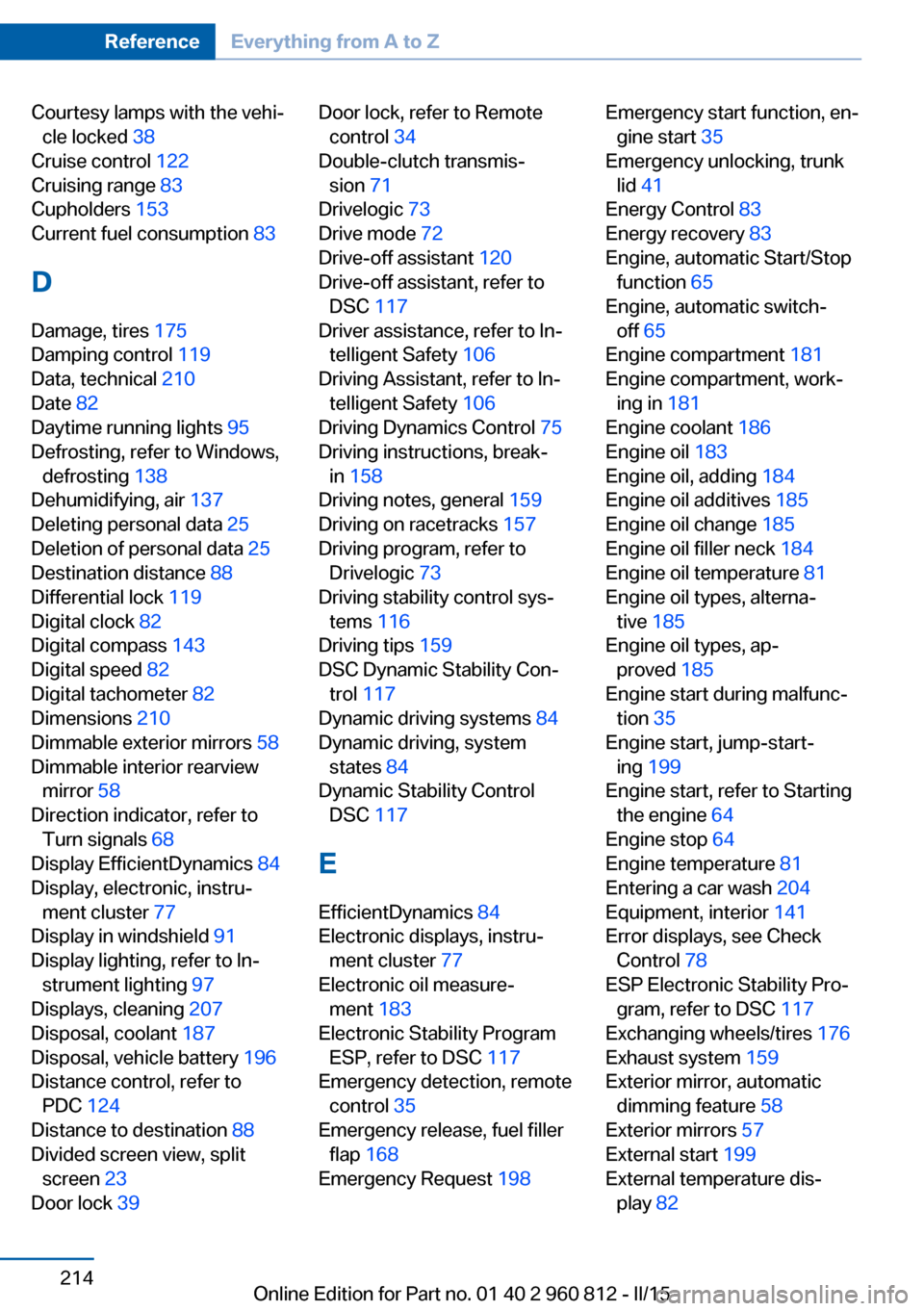
Courtesy lamps with the vehi‐cle locked 38
Cruise control 122
Cruising range 83
Cupholders 153
Current fuel consumption 83
D
Damage, tires 175
Damping control 119
Data, technical 210
Date 82
Daytime running lights 95
Defrosting, refer to Windows, defrosting 138
Dehumidifying, air 137
Deleting personal data 25
Deletion of personal data 25
Destination distance 88
Differential lock 119
Digital clock 82
Digital compass 143
Digital speed 82
Digital tachometer 82
Dimensions 210
Dimmable exterior mirrors 58
Dimmable interior rearview mirror 58
Direction indicator, refer to Turn signals 68
Display EfficientDynamics 84
Display, electronic, instru‐ ment cluster 77
Display in windshield 91
Display lighting, refer to In‐ strument lighting 97
Displays, cleaning 207
Disposal, coolant 187
Disposal, vehicle battery 196
Distance control, refer to PDC 124
Distance to destination 88
Divided screen view, split screen 23
Door lock 39 Door lock, refer to Remote
control 34
Double-clutch transmis‐ sion 71
Drivelogic 73
Drive mode 72
Drive-off assistant 120
Drive-off assistant, refer to DSC 117
Driver assistance, refer to In‐ telligent Safety 106
Driving Assistant, refer to In‐ telligent Safety 106
Driving Dynamics Control 75
Driving instructions, break- in 158
Driving notes, general 159
Driving on racetracks 157
Driving program, refer to Drivelogic 73
Driving stability control sys‐ tems 116
Driving tips 159
DSC Dynamic Stability Con‐ trol 117
Dynamic driving systems 84
Dynamic driving, system states 84
Dynamic Stability Control DSC 117
E EfficientDynamics 84
Electronic displays, instru‐ ment cluster 77
Electronic oil measure‐ ment 183
Electronic Stability Program ESP, refer to DSC 117
Emergency detection, remote control 35
Emergency release, fuel filler flap 168
Emergency Request 198 Emergency start function, en‐
gine start 35
Emergency unlocking, trunk lid 41
Energy Control 83
Energy recovery 83
Engine, automatic Start/Stop function 65
Engine, automatic switch- off 65
Engine compartment 181
Engine compartment, work‐ ing in 181
Engine coolant 186
Engine oil 183
Engine oil, adding 184
Engine oil additives 185
Engine oil change 185
Engine oil filler neck 184
Engine oil temperature 81
Engine oil types, alterna‐ tive 185
Engine oil types, ap‐ proved 185
Engine start during malfunc‐ tion 35
Engine start, jump-start‐ ing 199
Engine start, refer to Starting the engine 64
Engine stop 64
Engine temperature 81
Entering a car wash 204
Equipment, interior 141
Error displays, see Check Control 78
ESP Electronic Stability Pro‐ gram, refer to DSC 117
Exchanging wheels/tires 176
Exhaust system 159
Exterior mirror, automatic dimming feature 58
Exterior mirrors 57
External start 199
External temperature dis‐ play 82 Seite 214ReferenceEverything from A to Z214
Online Edition for Part no. 01 40 2 960 812 - II/15
Page 221 of 226

M carbon ceramic brake 156
M Compound brake 156
M differential, active 119
MDM, M Dynamic Mode 118
M double-clutch transmis‐ sion 71
M Drive 116
M Driving Dynamics Con‐ trol 75
M Dynamic Mode MDM 118
Measure, units of 91
Medical kit 199
Memory, seat, mirror 56
Menu EfficientDynamics 84
Menu in instrument clus‐ ter 87
Menus, operating, iDrive 18
Menus, refer to iDrive operat‐ ing concept 20
Messages, see Check Con‐ trol 78
Microfilter 139
Minimum tread, tires 175
Mirror 57
Mirror memory 56
Mobile communication devi‐ ces in the vehicle 159
Mobility System 177
Modifications, technical, refer to Safety 7
Moisture in headlight 191
Monitor, refer to Control Dis‐ play 18
Mounting of child restraint systems 60
M technology 156
Multifunction steering wheel, buttons 14
M view, Head-up display 92
N
Navigation, see user's manual for Navigation, Entertain‐
ment and Communication Neck restraints, front, refer to Head restraints 56
Neck warmer 54
Neutral cleaner, see wheel cleaner 206
New wheels and tires 176
Nylon rope for tow-starting/ towing 202
O OBD Onboard Diagnosis 189
OBD, see OBD Onboard Di‐ agnosis 189
Obstacle marking, rearview camera 128
Octane rating, refer to Rec‐ ommended fuel grade 170
Odometer 82
Office, see user's manual for Navigation, Entertainment
and Communication
Oil 183
Oil, adding 184
Oil additives 185
Oil change 185
Oil change interval, service requirements 84
Oil filler neck 184
Oil types, alternative 185
Oil types, approved 185
Old batteries, disposal 196
On-board computer 87
Onboard monitor, refer to Control Display 18
Onboard vehicle tool kit 190
Opening/closing via door lock 39
Opening and closing 34
Opening and closing, without remote control 39
Opening and closing, with re‐ mote control 37
Operating concept, iDrive 18
Optional equipment, standard equipment 6 Outside air, refer to Auto‐
matic recirculated-air con‐
trol 138
Overheating of engine, refer to Coolant temperature 82
P Paint, vehicle 205
Parallel parking assistant 132
Park Distance Control PDC 124
Parked-car ventilation 139
Parked vehicle, condensa‐ tion 160
Parking aid, refer to PDC 124
Parking assistant 132
Parking brake 67
Parking lights 94
Parts and accessories 7
Passenger side mirror, tilting downward 58
Pathway lines, rearview cam‐ era 128
PDC Park Distance Con‐ trol 124
Pedestrian warning with city braking function 109
Personal Profile 35
Personal Profile, exporting profiles 36
Personal Profile, importing profiles 37
Pinch protection system, win‐ dows 46
Plastic, care 206
Power failure 196
Power windows 45
Pressure, tire air pres‐ sure 172
Preventing Auto Start Stop 66
Profile, refer to Personal Pro‐ file 35
Programmable memory but‐ tons, iDrive 24 Seite 217Everything from A to ZReference217
Online Edition for Part no. 01 40 2 960 812 - II/15