2015 VOLKSWAGEN PASSAT poi
[x] Cancel search: poiPage 34 of 397

Remote Vehicle Access:
Feature Description
Remote Door Unlock
You can send a request to unlock the vehicle doors through your Volkswagen Car-Net iPhone® or Android® app, the Volkswagen Car-Net website or by call-ing the Volkswagen Car-Net Response Center (text and data rates apply). If none of the vehicle doors are opened within about 30 seconds, the car will lock again.
Remote Honk and Flash
You can send a honk and flash signal to the car using the Volkswagen Car-Net website or the VW Car-Net iPhone® or Android® app (text and data rates apply). The car will honk the horn and blink the headlights and emergency flashers for up to 10 seconds.
Last Parked Location You can locate your last parked location using your Volkswagen Car-Net iPh-one® or Android® app (text and data rates apply).
Destinations Only applicable for vehicles equipped with a factory-installed naviga-tion system.
Points of Interest (POIs) or other destinations can be imported remotely into the factory-installed navigation system (if equipped) from a computer or the Volkswagen Car-Net iPhone® or Android® app (text and data rates apply). These destinations can be called up and used by the navigation system.
Destination Down-load Only applicable for vehicles equipped with a factory-installed naviga-tion system.
Press the • button in the 3-button module: The vehicle will connect directly to the Volkswagen Car-Net Response Center where a Volkswagen Car-Net Cus-tomer Specialist will assist with destinations. The address of a dealer’s location can also be sent by the Customer Specialist to your factory-installed navigation system (if equipped).
Remote Status Check
Current information about the vehicle can be viewed through a computer or your Volkswagen Car-Net iPhone® or Android® app (text and data rates apply). You can find out if the doors, luggage compartment and engine hood are open or closed, whether the car lights are on or off, the level of fuel in the tank, when the vehicle needs to be serviced next and more.
Diagnostics & Maintenance:
Feature Description
Dealer Scheduling
Press the • button in the 3-button module: The vehicle will initiate a call to the Volkswagen Car-Net Response Center where a Volkswagen Car-Net Customer Specialist will connect you with an authorized Volkswagen dealer to schedule your service appointment. The address of the dealer’s location can also be sent by the Customer Specialist to your factory-installed navigation system (if equipped).
Vehicle Health Report
View a vehicle health report to proactively manage maintenance and other services and to receive up-to-date diagnostics in a monthly email report or by immediate request.
Page 80 of 397
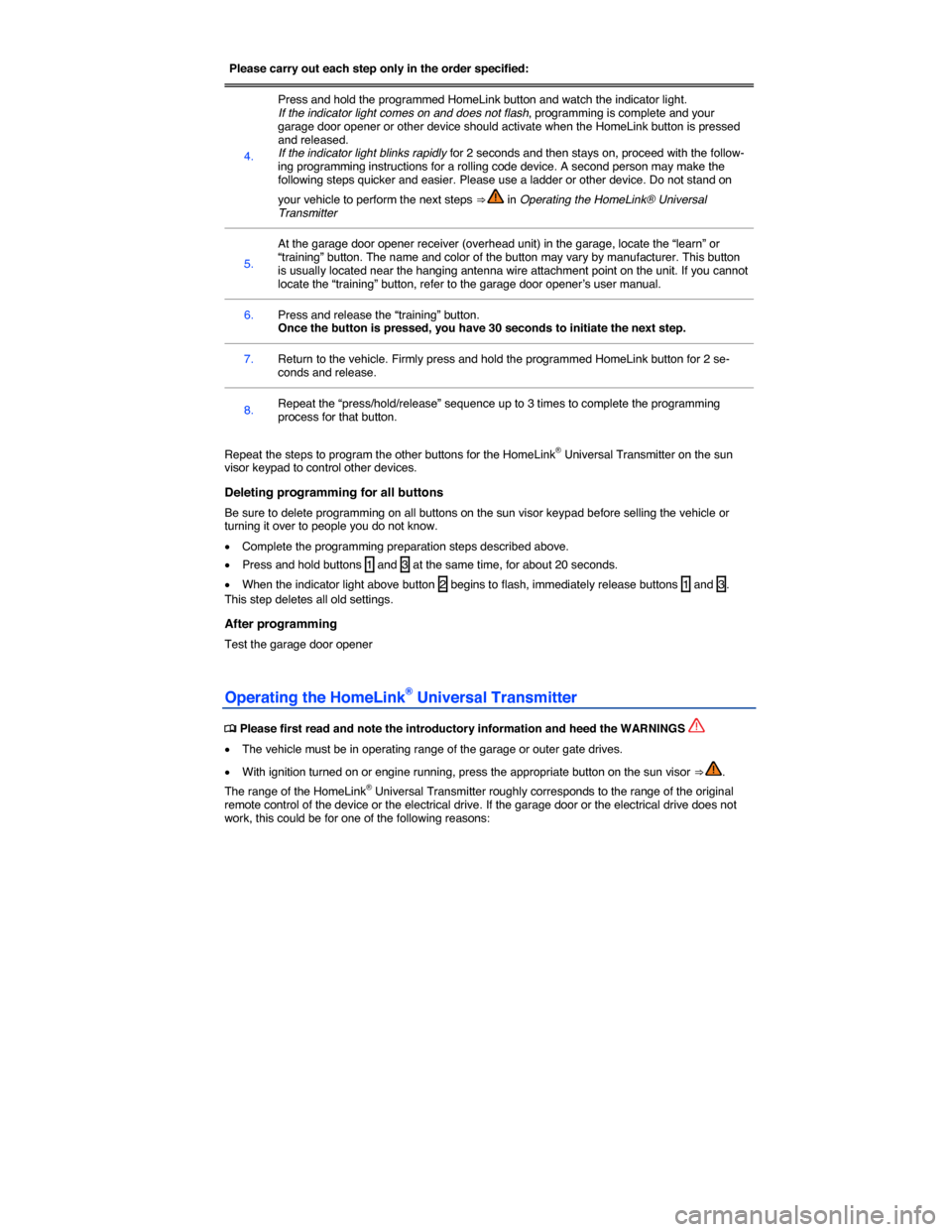
Please carry out each step only in the order specified:
4.
Press and hold the programmed HomeLink button and watch the indicator light. If the indicator light comes on and does not flash, programming is complete and your garage door opener or other device should activate when the HomeLink button is pressed and released. If the indicator light blinks rapidly for 2 seconds and then stays on, proceed with the follow-ing programming instructions for a rolling code device. A second person may make the following steps quicker and easier. Please use a ladder or other device. Do not stand on
your vehicle to perform the next steps ⇒ in Operating the HomeLink® Universal Transmitter
5.
At the garage door opener receiver (overhead unit) in the garage, locate the “learn” or “training” button. The name and color of the button may vary by manufacturer. This button is usually located near the hanging antenna wire attachment point on the unit. If you cannot locate the “training” button, refer to the garage door opener’s user manual.
6. Press and release the “training” button. Once the button is pressed, you have 30 seconds to initiate the next step.
7. Return to the vehicle. Firmly press and hold the programmed HomeLink button for 2 se-conds and release.
8. Repeat the “press/hold/release” sequence up to 3 times to complete the programming process for that button.
Repeat the steps to program the other buttons for the HomeLink® Universal Transmitter on the sun visor keypad to control other devices.
Deleting programming for all buttons
Be sure to delete programming on all buttons on the sun visor keypad before selling the vehicle or turning it over to people you do not know.
x Complete the programming preparation steps described above.
x Press and hold buttons 1 and 3 at the same time, for about 20 seconds.
x When the indicator light above button 2 begins to flash, immediately release buttons 1 and 3. This step deletes all old settings.
After programming
Test the garage door opener
Operating the HomeLink® Universal Transmitter
Page 84 of 397
WARNING
Always adjust seat, safety belts, and head restraints properly before driving and make sure that all passengers are properly restrained.
x Push the passenger seat as far back as possible. Always be sure that there are at least 10 inches (25 cm) between the front passenger's breastbone and the instrument panel.
x Always adjust the driver's seat and the steering wheel so that there are at least 10 inches (25 cm) between your breastbone and the steering wheel.
x Adjust the driver's seat so that you can easily push the pedals all the way to the floor while keeping your knee(s) slightly bent. The distance to the instrument panel in the knee area must be at least 4 inches (10 cm).
x If these requirements cannot be met for physical reasons, contact an authorized Volkswagen dealer or an authorized Volkswagen Service Facility to see whether adaptive equipment is available.
x Always hold the steering wheel on the outside of the steering wheel rim with your hands at the 9 o'clock and 3 o'clock positions to help reduce the risk of personal injury if the driv-er's airbag inflates.
x Never hold the steering wheel at the 12 o'clock position or with your hands at other places inside the steering wheel rim or on the steering wheel hub. Holding the steering wheel the wrong way can cause serious injuries to the hands, arms, and head if the driver's airbag in-flates.
x Pointing the steering wheel toward your face decreases the ability of the driver's airbag to help protect you in a collision.
x Never drive with backrests reclined or tilted back farther than necessary to drive comfort-ably. The farther back the backrests are tilted, the greater the risk of injury caused by incor-rect positioning of the safety belts and improper seating position.
x Never drive with the front seat passenger backrest tilted forward. If the front airbag de-ploys, the front backrest can be forced backward and injure passengers on the rear seat.
x Sit as far back as possible from the steering wheel and the instrument panel.
x Always sit upright with your back against the backrest with the front seats properly ad-justed. Never lean against or place any part of your body too close to the area where the air-bags are located.
x Rear seat passengers who are not properly seated and restrained are more likely to be seriously injured in a crash.
WARNING
Improper adjustment of the seats can cause accidents and severe injuries.
x Never adjust the seats while the vehicle is moving. Your seat may move unexpectedly and you could lose control of the vehicle. In addition, you will not be in the correct seating posi-tion while adjusting the seats.
x Adjust the front seat height, angle and longitudinal direction only if the seat adjustment area is clear.
x The adjustment of the front seats must not be restricted by things in the footwell in front or behind the seats.
Examples of improper seating positions
Page 87 of 397
x Adjust the seat backrest angle to an upright position so that your back is in full contact with it when the vehicle is moving.
x Always keep both feet on the floor and in the footwell whenever the vehicle is moving.
x Always adjust and fasten safety belts properly ⇒ Safety belts.
Driver - seat and steering wheel adjustment:
x Adjust the steering wheel so that there are at least 10 inches (25 cm) between the steering wheel
and your breast bone ⇒ fig. 56. When adjusting the proper distance to the steering wheel, grasp the top of the steering wheel with your elbows slightly bent.
x Always hold the steering wheel on the outside of the steering wheel rim with your hands at the 9 o'clock and 3 o'clock positions to help reduce the risk of personal injury if the driver's airbag inflates.
x Never hold the steering wheel at the 12 o'clock position or with your hands at other places inside the steering wheel rim or on the steering wheel hub. Holding the steering wheel the wrong way can cause serious injuries to the hands, arms, and head if the driver's airbag inflates.
x Adjust the steering wheel so that the steering wheel cover points at your chest and not at your face. Pointing the steering wheel toward your face decreases the ability of the driver's airbag to help protect you in a collision.
x Adjust the driver's seat so that you can easily push the pedals all the way to the floor while keeping your knee(s) slightly bent.
x Adjust the seat height so that the top point of the steering wheel can be reached.
x Always keep both feet in the footwell so that you are in control of the vehicle at all times.
Passenger - front seat adjustment:
x Push the passenger seat as far back as possible in order to ensure optimum protection if the airbag is deployed.
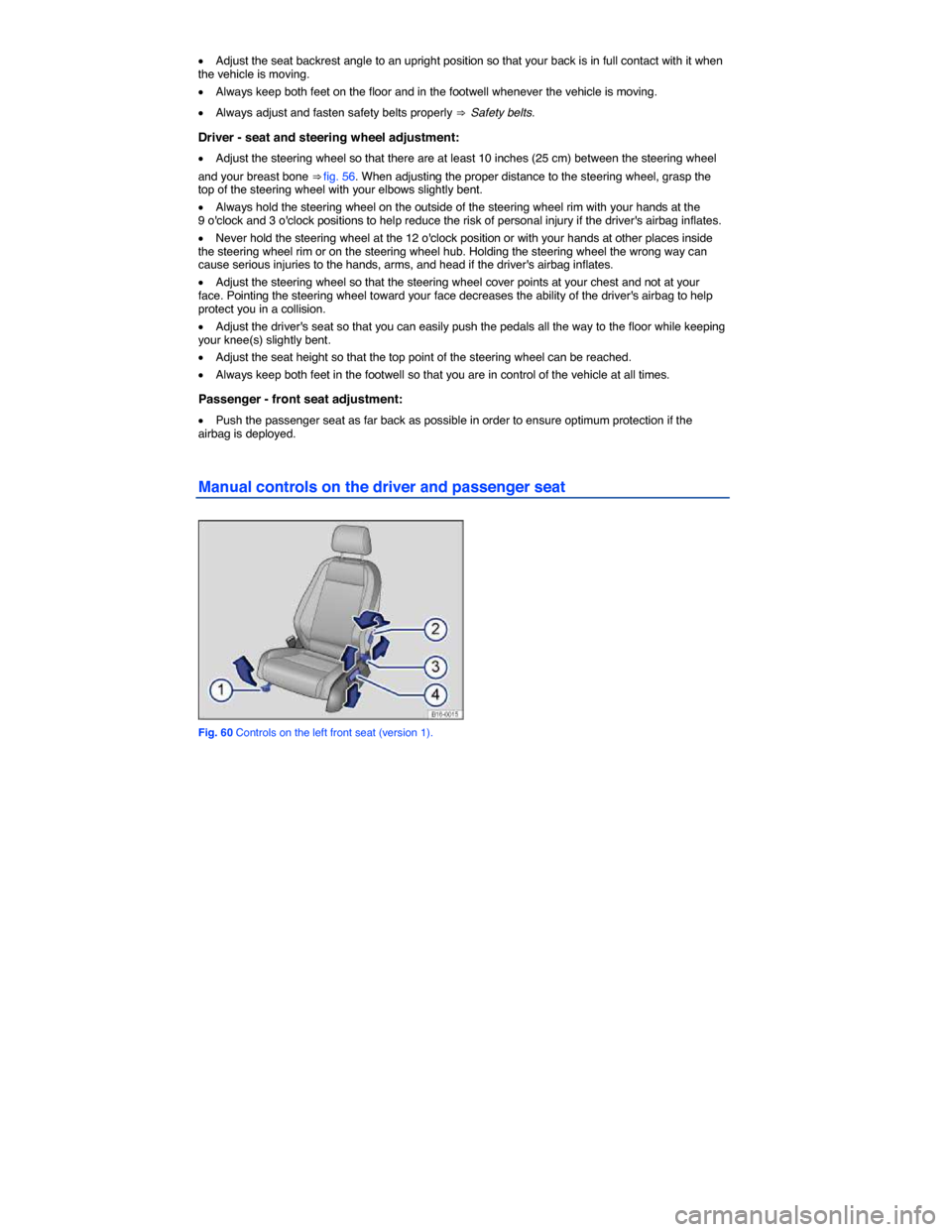
Manual controls on the driver and passenger seat
Fig. 60 Controls on the left front seat (version 1).
Page 94 of 397
WARNING
Improper use of the steering column adjustment feature can result in serious personal injury and even death.
x Always pull the lever (1) firmly upward after adjusting the steering column so that the steering wheel does not change position suddenly while the vehicle is moving.
x Never adjust the steering column while the vehicle is moving. If you find that you need to adjust the steering wheel while driving, stop the vehicle in a safe place and make the proper adjustment.
x Never adjust the steering wheel so that it points toward your face. Always make sure that the steering wheel points toward your chest. Otherwise, the airbag system cannot protect you properly in the event of a crash.
x Always hold the steering wheel on the outside of the steering wheel rim with your hands at the 9 o'clock and 3 o'clock positions to help reduce the risk of serious personal injury if the driver's airbag inflates.
x Never hold the steering wheel at the 12 o'clock position or with your hands anywhere inside the steering wheel or on the steering wheel hub. Holding the steering wheel the wrong way increases the risk of severe injury to the arms, hands, and head if the driver airbag de-ploys.
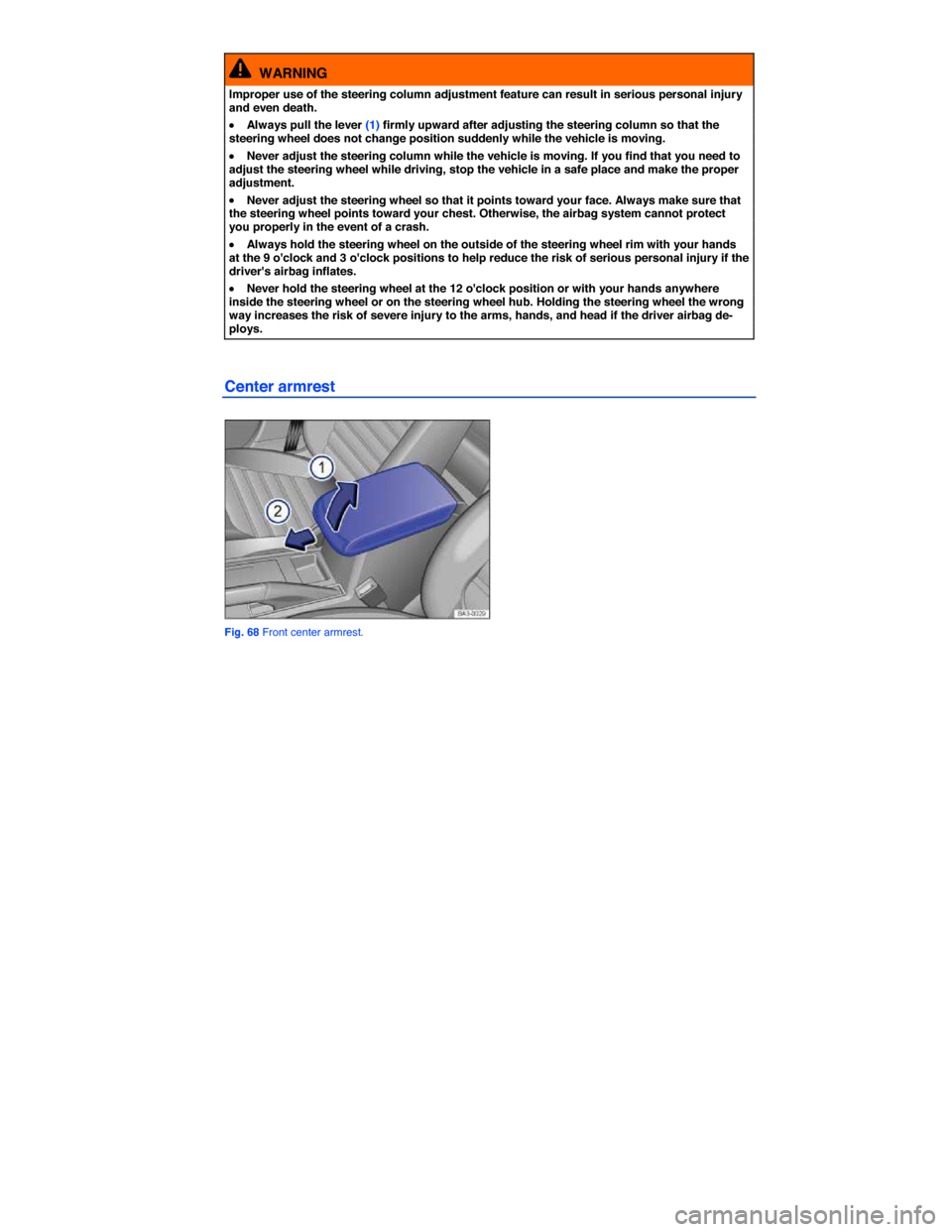
Center armrest
Fig. 68 Front center armrest.
Page 158 of 397
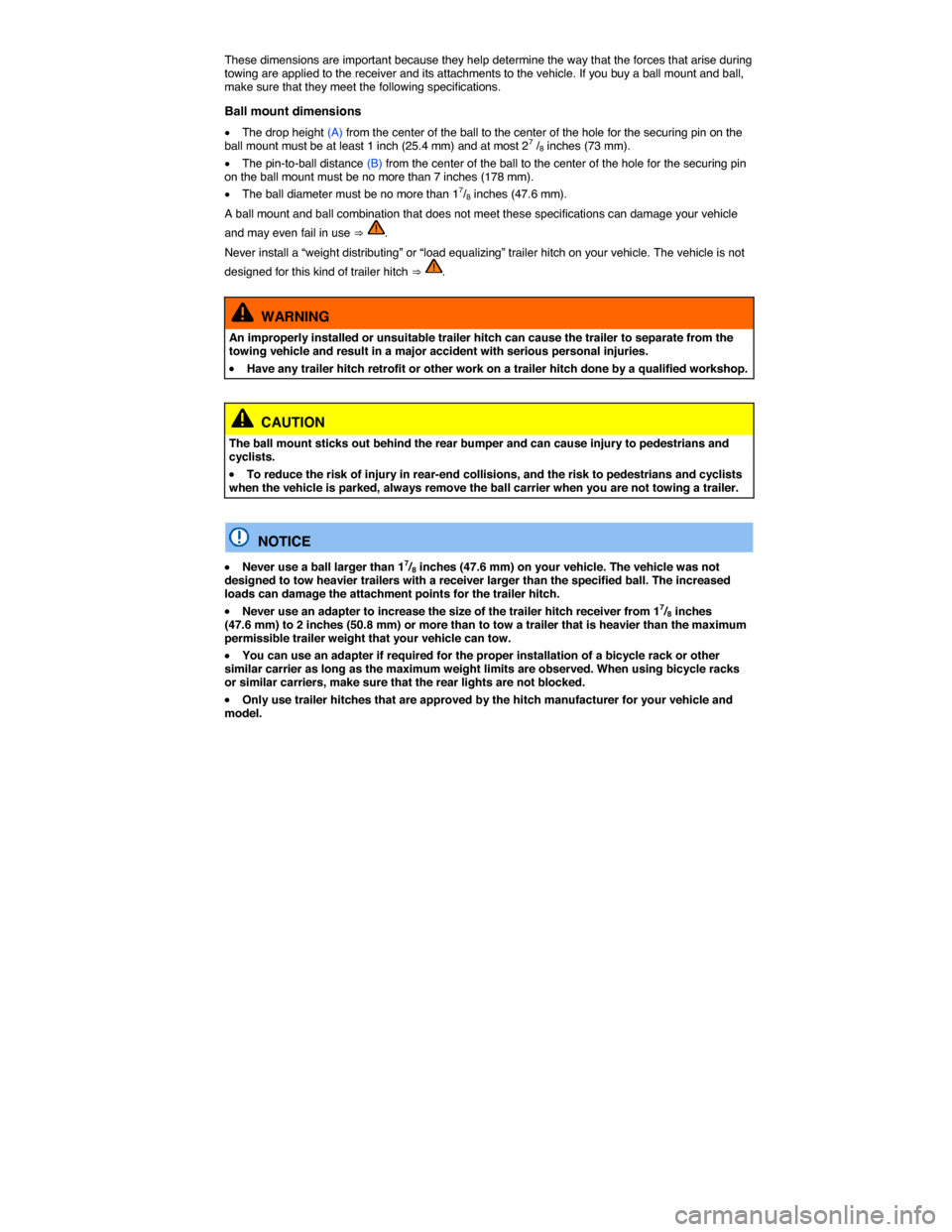
These dimensions are important because they help determine the way that the forces that arise during towing are applied to the receiver and its attachments to the vehicle. If you buy a ball mount and ball, make sure that they meet the following specifications.
Ball mount dimensions
x The drop height (A) from the center of the ball to the center of the hole for the securing pin on the ball mount must be at least 1 inch (25.4 mm) and at most 27 /8 inches (73 mm).
x The pin-to-ball distance (B) from the center of the ball to the center of the hole for the securing pin on the ball mount must be no more than 7 inches (178 mm).
x The ball diameter must be no more than 17/8 inches (47.6 mm).
A ball mount and ball combination that does not meet these specifications can damage your vehicle
and may even fail in use ⇒ .
Never install a “weight distributing” or “load equalizing” trailer hitch on your vehicle. The vehicle is not
designed for this kind of trailer hitch ⇒ .
WARNING
An improperly installed or unsuitable trailer hitch can cause the trailer to separate from the towing vehicle and result in a major accident with serious personal injuries.
x Have any trailer hitch retrofit or other work on a trailer hitch done by a qualified workshop.
CAUTION
The ball mount sticks out behind the rear bumper and can cause injury to pedestrians and cyclists.
x To reduce the risk of injury in rear-end collisions, and the risk to pedestrians and cyclists when the vehicle is parked, always remove the ball carrier when you are not towing a trailer.
NOTICE
x Never use a ball larger than 17/8 inches (47.6 mm) on your vehicle. The vehicle was not designed to tow heavier trailers with a receiver larger than the specified ball. The increased loads can damage the attachment points for the trailer hitch.
x Never use an adapter to increase the size of the trailer hitch receiver from 17/8 inches (47.6 mm) to 2 inches (50.8 mm) or more than to tow a trailer that is heavier than the maximum permissible trailer weight that your vehicle can tow.
x You can use an adapter if required for the proper installation of a bicycle rack or other similar carrier as long as the maximum weight limits are observed. When using bicycle racks or similar carriers, make sure that the rear lights are not blocked.
x Only use trailer hitches that are approved by the hitch manufacturer for your vehicle and model.
Page 159 of 397
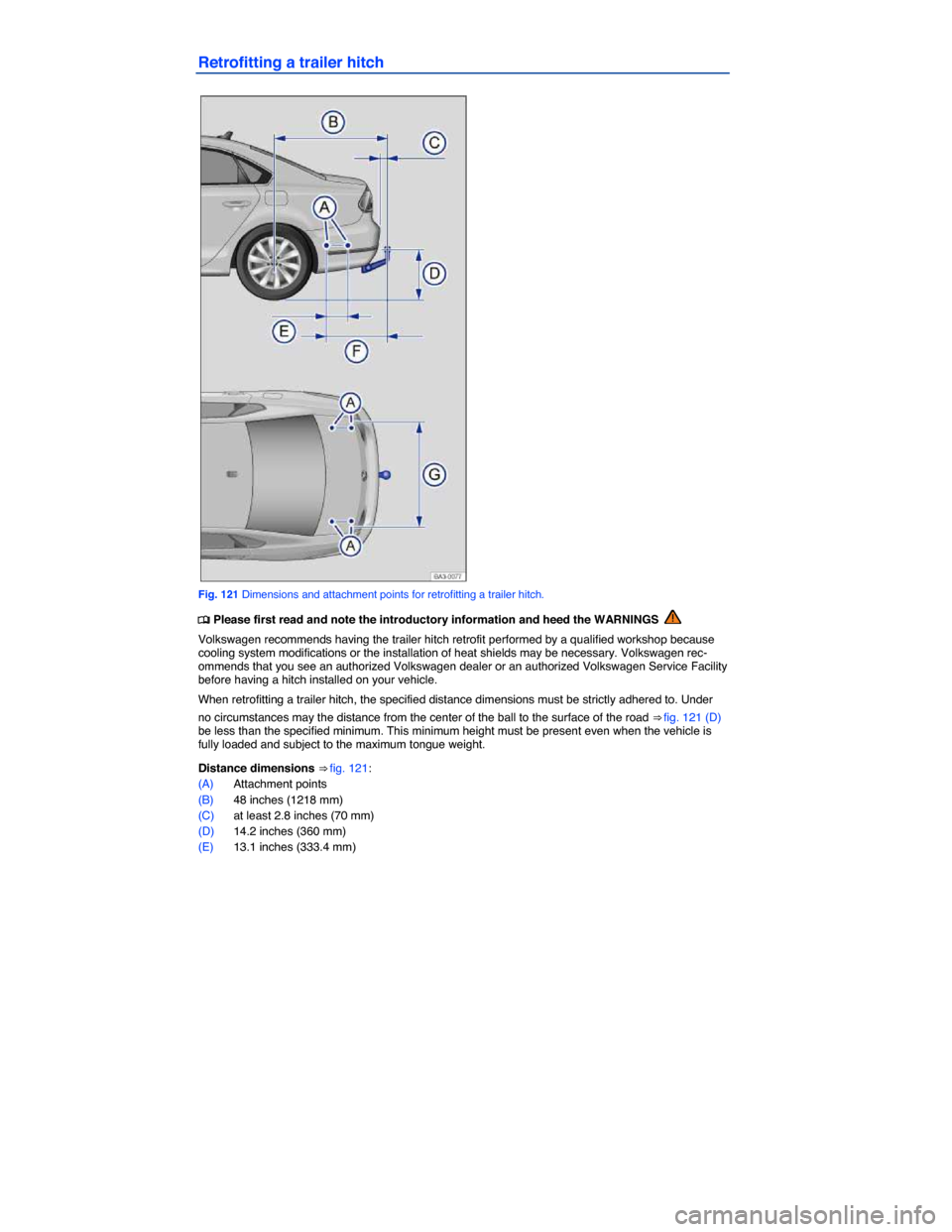
Retrofitting a trailer hitch
Fig. 121 Dimensions and attachment points for retrofitting a trailer hitch.
Page 212 of 397
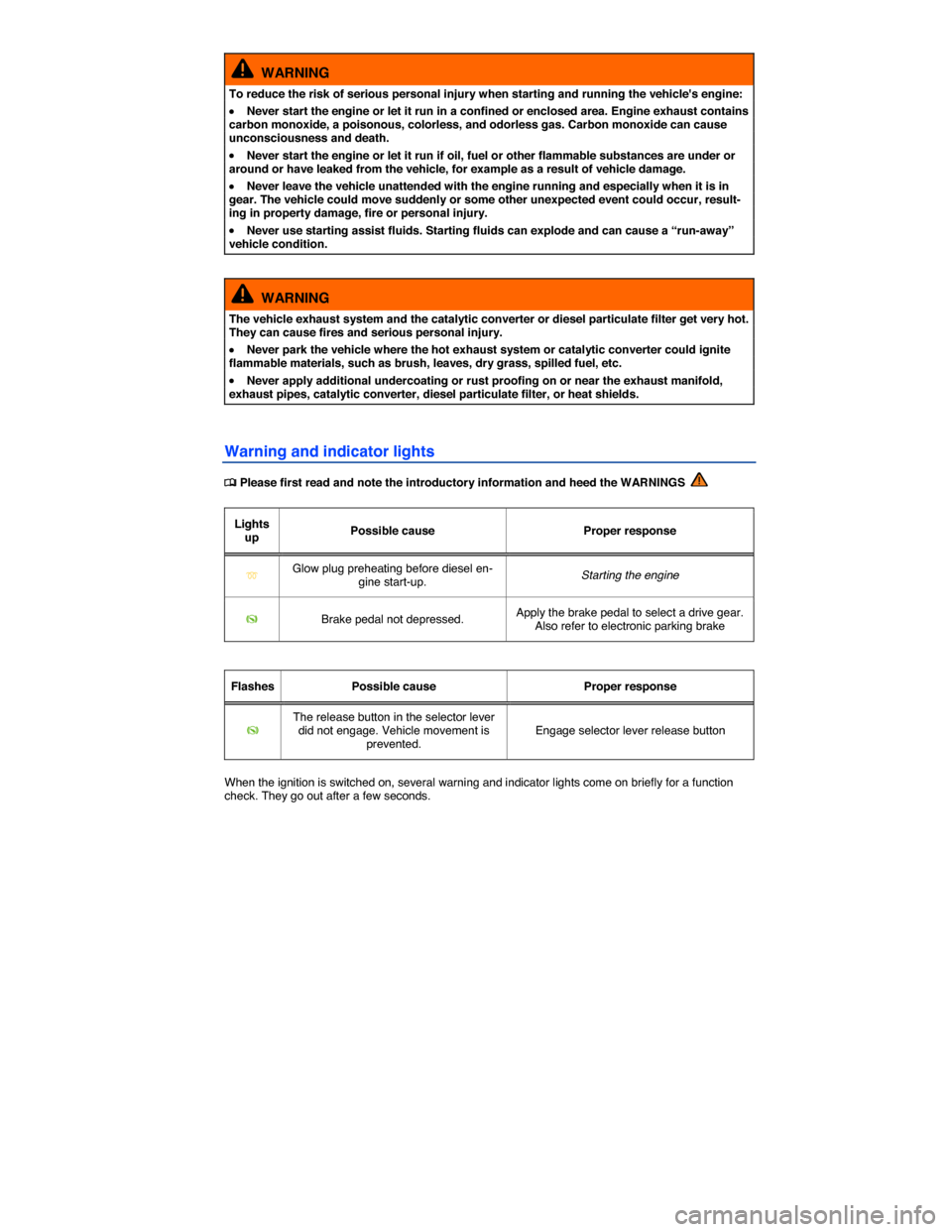
WARNING
To reduce the risk of serious personal injury when starting and running the vehicle's engine:
x Never start the engine or let it run in a confined or enclosed area. Engine exhaust contains carbon monoxide, a poisonous, colorless, and odorless gas. Carbon monoxide can cause unconsciousness and death.
x Never start the engine or let it run if oil, fuel or other flammable substances are under or around or have leaked from the vehicle, for example as a result of vehicle damage.
x Never leave the vehicle unattended with the engine running and especially when it is in gear. The vehicle could move suddenly or some other unexpected event could occur, result-ing in property damage, fire or personal injury.
x Never use starting assist fluids. Starting fluids can explode and can cause a “run-away” vehicle condition.
WARNING
The vehicle exhaust system and the catalytic converter or diesel particulate filter get very hot. They can cause fires and serious personal injury.
x Never park the vehicle where the hot exhaust system or catalytic converter could ignite flammable materials, such as brush, leaves, dry grass, spilled fuel, etc.
x Never apply additional undercoating or rust proofing on or near the exhaust manifold, exhaust pipes, catalytic converter, diesel particulate filter, or heat shields.
Warning and indicator lights