Page 234 of 564
234 2-4. Using other driving systems
Stop & Start system warning buzzer
If the engine is stopped by the Stop & Start system and either of the following
actions is performed, a buzzer will sound and the Stop & Start indicator will
flash (vehicles with a Multidrive), or a buzzer will sound (vehicles with a
manual transmission). This indicates that the engine is only stopped by the
Stop & Start system, not that the engine has been turned off completely.
Vehicles with a Multidrive: The driver’s door is opened when the shift
lever is in D or M.
Vehicles with a Multidrive: The shift lever is shifted into a position other
than N or P with the brake pedal released.
Vehicles with a manual transmission: The shift lever is shifted into a posi-
tion other than N with the clutch pedal released.
If the Stop & Start cancel indicator light continues to flash
The Stop & Start system may be malfunctioning. Contact any authorized
Toyota dealer or repairer, or another duly qualified and equipped profes-
sional.
If the windshield is fogged up while the engine is stopped by the Stop
& Start system
Vehicles with an automatic air conditioning system: Turn the windshield
defogger on. (The engine will start due to the automatic engine start func-
tion.) (P. 276)
Vehicles with a manual air conditioning system: Restart the engine by
depressing the clutch pedal (vehicles with a manual transmission) or
releasing brake pedal (vehicles with a Multidrive) (P. 230) or by press-
ing the Stop & Start cancel switch, and then set the air outlet selection
dial to . (P. 267)
If the windshield fogs up frequently, press the Stop & Start cancel switch to
deactivate the system.
The Stop & Start system operation time and Stop & Start system total
operation time display
P. 200
Changing mandatory displaying/hiding of the Stop & Start system
operation time
P. 202
Page 237 of 564
237 2-4. Using other driving systems
2
When driving
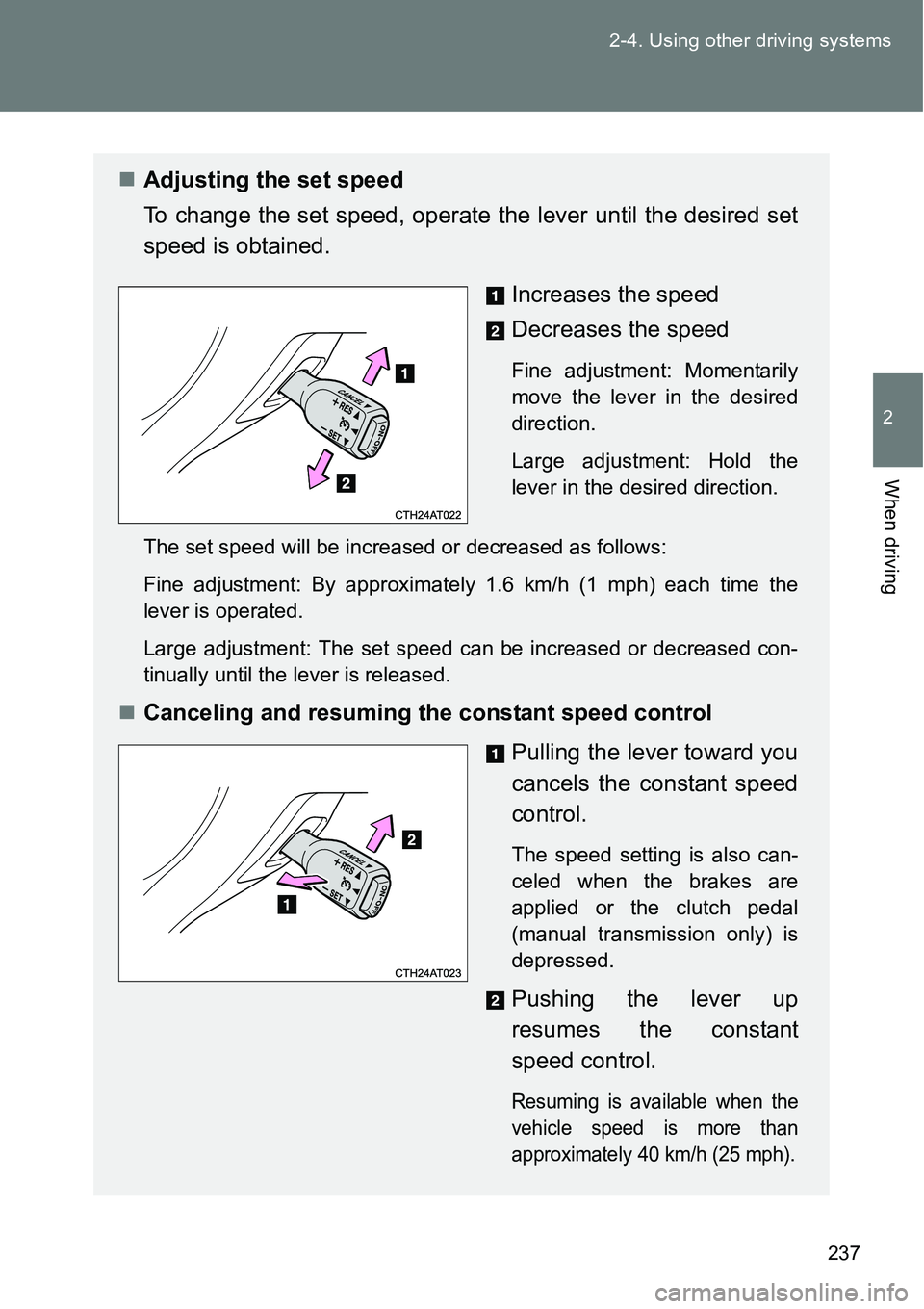
Adjusting the set speed
To change the set speed, operate the lever until the desired set
speed is obtained.
Increases the speed
Decreases the speed
Fine adjustment: Momentarily
move the lever in the desired
direction.
Large adjustment: Hold the
lever in the desired direction.
The set speed will be increased or decreased as follows:
Fine adjustment: By approximately 1.6 km/h (1 mph) each time the
lever is operated.
Large adjustment: The set speed can be increased or decreased con-
tinually until the lever is released.
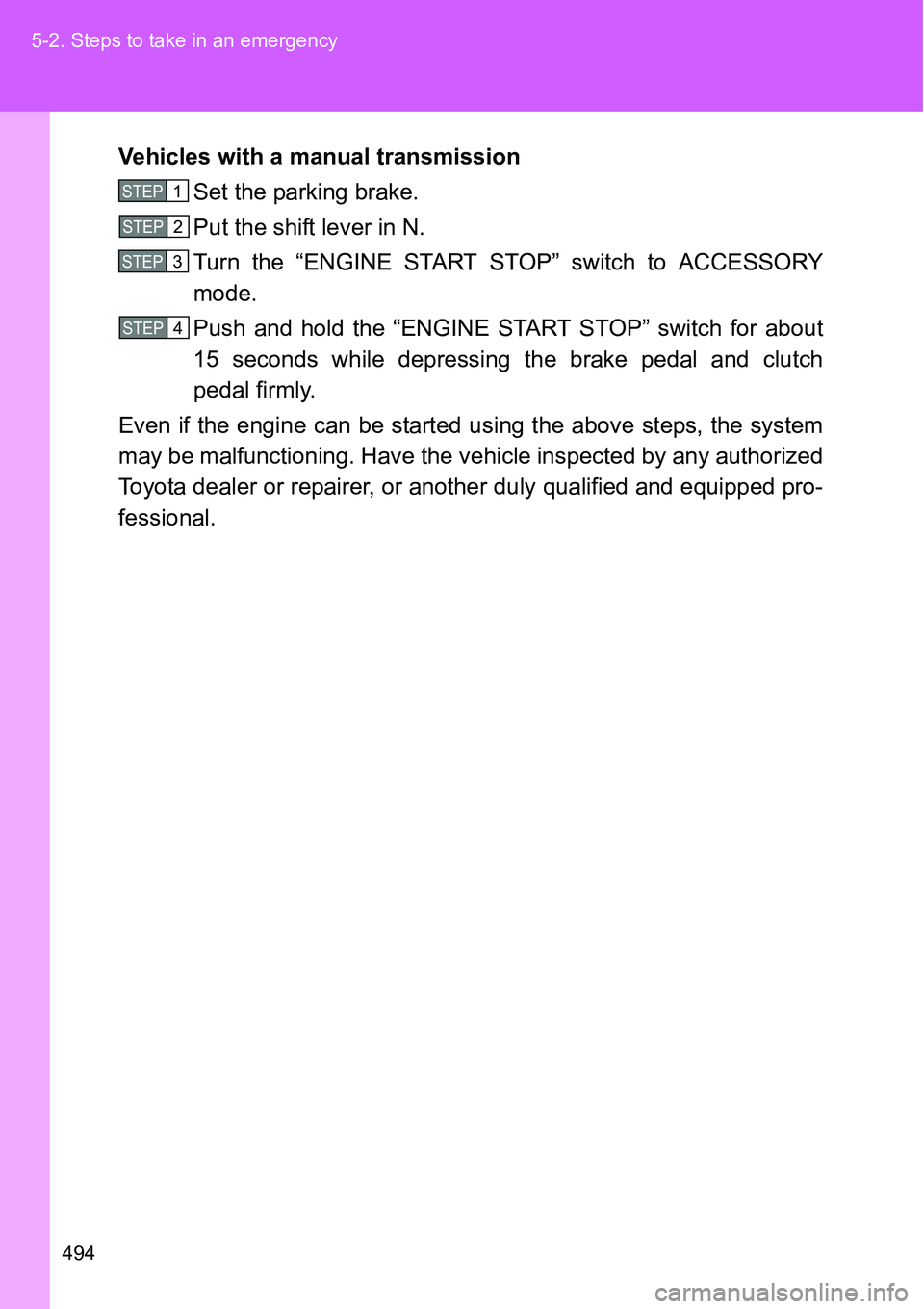
Canceling and resuming the constant speed control
Pulling the lever toward you
cancels the constant speed
control.
The speed setting is also can-
celed when the brakes are
applied or the clutch pedal
(manual transmission only) is
depressed.
Pushing the lever up
resumes the constant
speed control.
Resuming is available when the
vehicle speed is more than
approximately 40 km/h (25 mph).
Page 248 of 564
248
2-5. Driving information
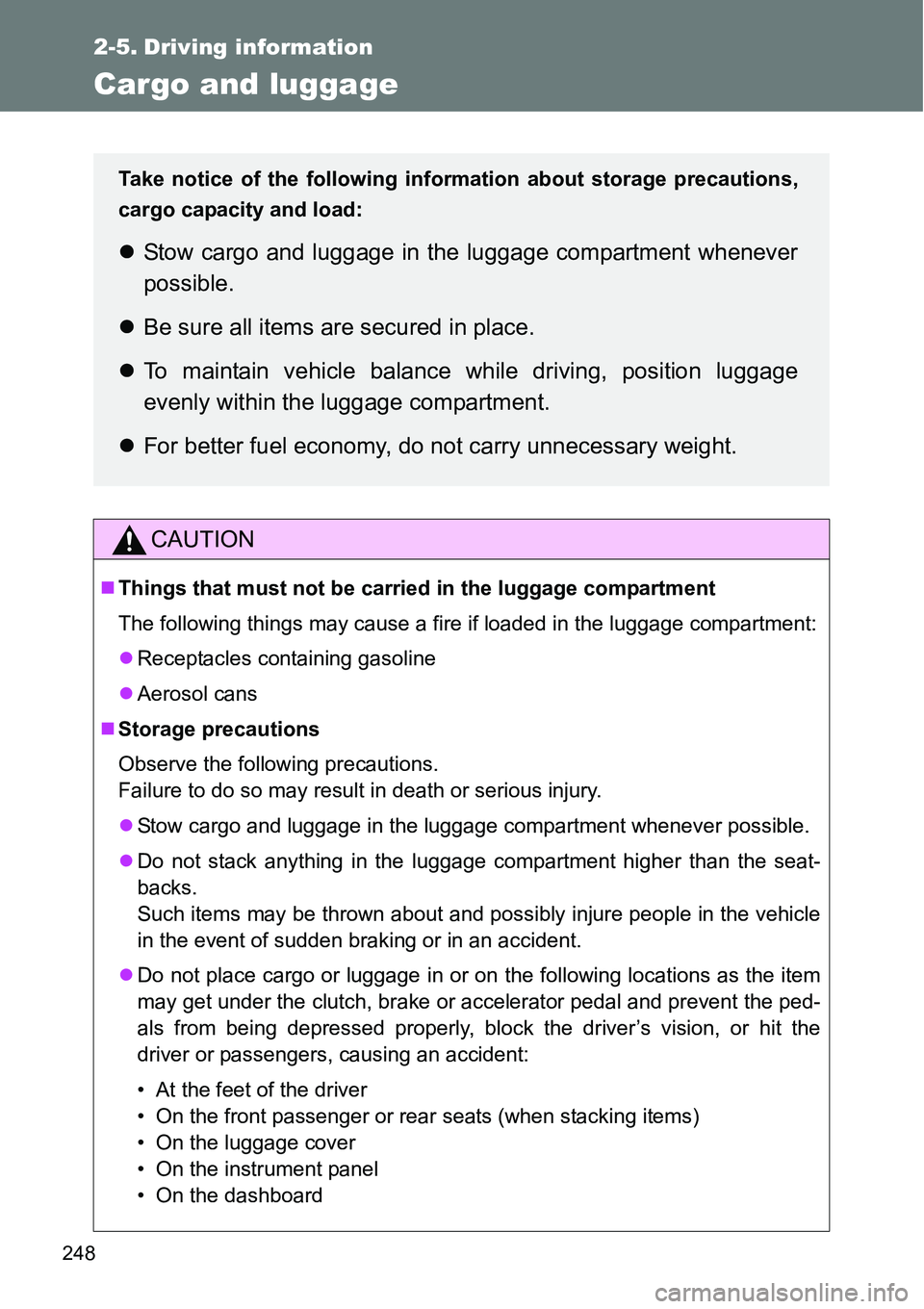
Cargo and luggage
CAUTION
Things that must not be carried in the luggage compartment
The following things may cause a fire if loaded in the luggage compartment:
Receptacles containing gasoline
Aerosol cans
Storage precautions
Observe the following precautions.
Failure to do so may result in death or serious injury.
Stow cargo and luggage in the luggage compartment whenever possible.
Do not stack anything in the luggage compartment higher than the seat-
backs.
Such items may be thrown about and possibly injure people in the vehicle
in the event of sudden braking or in an accident.
Do not place cargo or luggage in or on the following locations as the item
may get under the clutch, brake or accelerator pedal and prevent the ped-
als from being depressed properly, block the driver’s vision, or hit the
driver or passengers, causing an accident:
• At the feet of the driver
• On the front passenger or rear seats (when stacking items)
• On the luggage cover
• On the instrument panel
• On the dashboard
Take notice of the following information about storage precautions,
cargo capacity and load:
Stow cargo and luggage in the luggage compartment whenever
possible.
Be sure all items are secured in place.
To maintain vehicle balance while driving, position luggage
evenly within the luggage compartment.
For better fuel economy, do not carry unnecessary weight.
Page 362 of 564
362 4-2. Maintenance
Where to go for maintenance service?
In order to maintain your vehicle in the best possible condition, Toyota rec-
ommends that maintenance service operations as well as other inspections
and repairs be carried out by authorized Toyota dealers or repairers or other
duly qualified and equipped professionals. For repairs and services covered
by your warranty, please visit an authorized Toyota dealer or repairer, who
will use genuine Toyota parts in repairing any difficulties you may encounter.
There can also be advantages in utilizing authorized Toyota dealers or
repairers for non-warranty repairs and services, as members of the Toyota
network will be able to expertly assist you with any difficulties you may
encounter.
Your Toyota dealer or repairer, or another duly qualified and equipped pro-
fessional will perform all of the scheduled maintenance on your vehicle reli-
ably and economically due to their experience with Toyota vehicles.
Does your vehicle need repairs?
Be on the alert for changes in performance and sounds, and visual tip-offs
that indicate service is needed. Some important clues are:
Engine missing, stumbling or pinging
Appreciable loss of power
Strange engine noises
A fluid leak under the vehicle (However, water dripping from the air condi-
tioning system after use is normal.)
Change in exhaust sound (This may indicate a dangerous carbon mon-
oxide leak. Drive with the windows open and have the exhaust system
checked immediately.)
Flat-looking tires, excessive tire squeal when cornering, uneven tire wear
Vehicle pulls to one side when driven straight on a level road
Strange noises related to suspension movement
Loss of brake effectiveness, spongy feeling brake pedal or clutch pedal
(vehicles with a manual transmission), pedal almost touches the floor,
vehicle pulls to one side when braking
Page 457 of 564
5
457 5-2. Steps to take in an emergency
When trouble arises
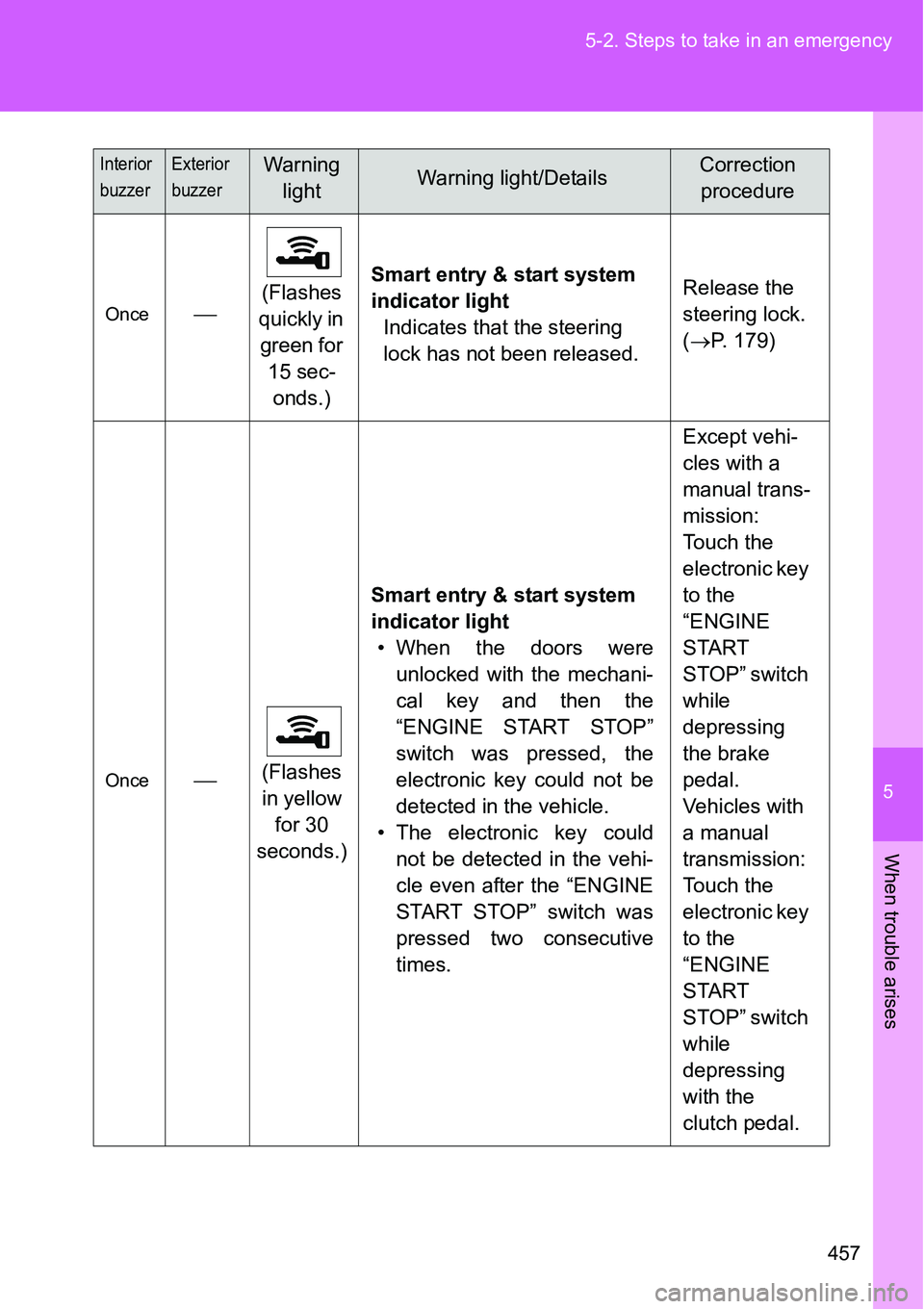
Once(Flashes
quickly in
green for
15 sec-
onds.)Smart entry & start system
indicator light
Indicates that the steering
lock has not been released.Release the
steering lock.
(P. 179)
Once(Flashes
in yellow
for 30
seconds.)Smart entry & start system
indicator light
• When the doors were
unlocked with the mechani-
cal key and then the
“ENGINE START STOP”
switch was pressed, the
electronic key could not be
detected in the vehicle.
• The electronic key could
not be detected in the vehi-
cle even after the “ENGINE
START STOP” switch was
pressed two consecutive
times.Except vehi-
cles with a
manual trans-
mission:
Touch the
electronic key
to the
“ENGINE
START
STOP” switch
while
depressing
the brake
pedal.
Vehicles with
a manual
transmission:
Touch the
electronic key
to the
“ENGINE
START
STOP” switch
while
depressing
with the
clutch pedal.
Interior
buzzerExterior
buzzerWarning
lightWarning light/DetailsCorrection
procedure
Page 494 of 564
494 5-2. Steps to take in an emergency
Vehicles with a manual transmission
Set the parking brake.
Put the shift lever in N.
Turn the “ENGINE START STOP” switch to ACCESSORY
mode.
Push and hold the “ENGINE START STOP” switch for about
15 seconds while depressing the brake pedal and clutch
pedal firmly.
Even if the engine can be started using the above steps, the system
may be malfunctioning. Have the vehicle inspected by any authorized
Toyota dealer or repairer, or another duly qualified and equipped pro-
fessional.
STEP1
STEP2
STEP3
STEP4
Page 499 of 564
5
499 5-2. Steps to take in an emergency
When trouble arises
Vehicles with a manual transmission
Ensure that the shift lever is in N and depress the clutch
pedal.
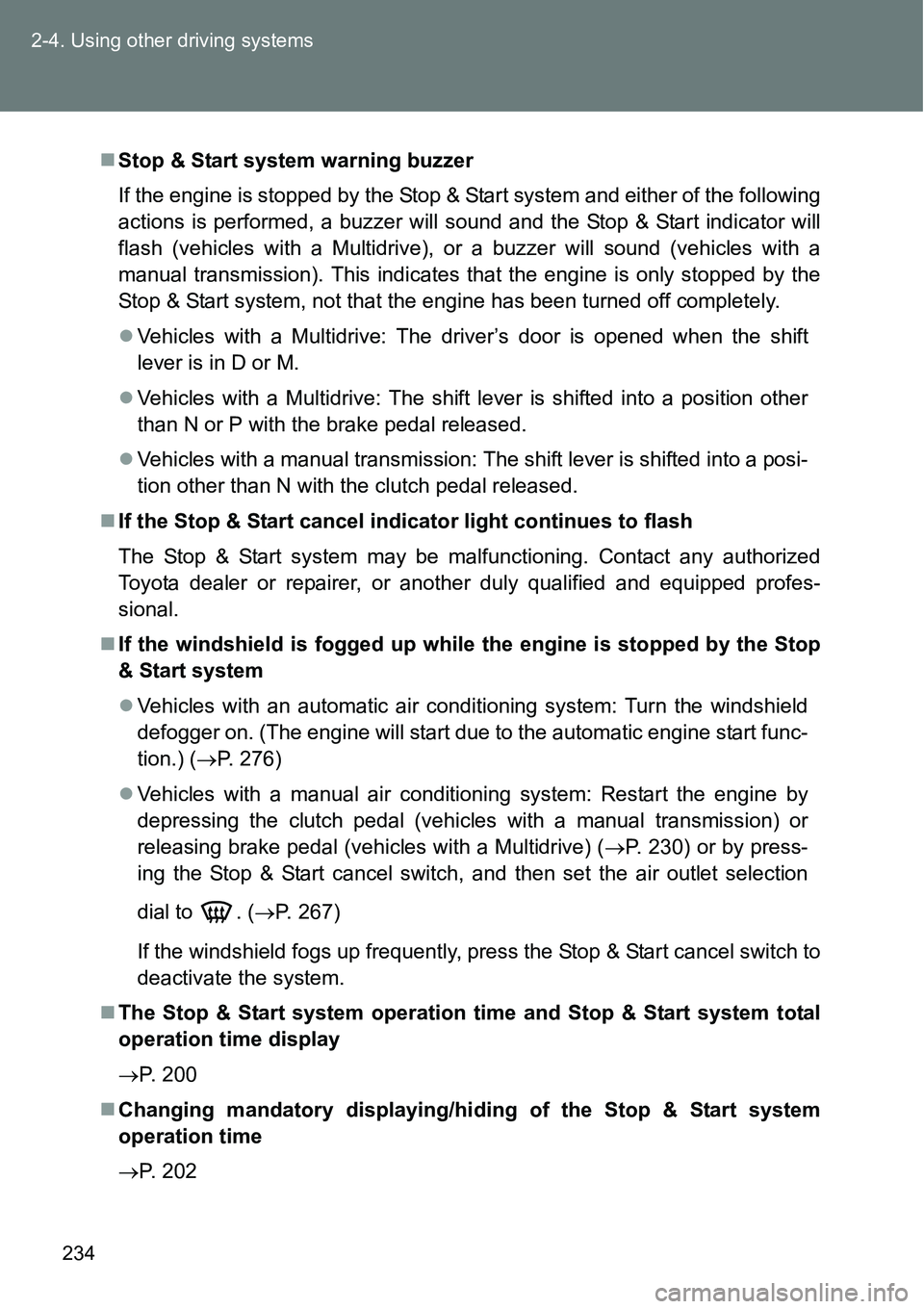
Touch the Toyota emblem side of
the electronic key to the
“ENGINE START STOP” switch.
The “ENGINE START STOP”
switch will turn to IGNITION ON
mode.
When the smart entry & start sys-
tem is deactivated in customiza-
tion setting, the “ENGINE START
STOP” switch will turn to ACCES-
SORY mode. Modes can be
changed by pressing the
“ENGINE START STOP” switch
with the clutch pedal released.
(The mode changes each time
the switch is pressed.)
Firmly depress the clutch pedal and check that the smart
entry & start system indicator light (green) turns on.
Press the “ENGINE START STOP” switch.
In the event that the “ENGINE START STOP” switch still cannot be
operated, contact any authorized Toyota dealer or repairer, or another
duly qualified and equipped professional.
STEP1
STEP2
STEP3
STEP4
Page 500 of 564
500 5-2. Steps to take in an emergency
Stopping the engine
Vehicles with a Multidrive: Shift the shift lever to P and press the “ENGINE
START STOP” switch as you normally do when stopping the engine.
Except vehicles with a Multidrive: Shift the shift lever to N and press the
“ENGINE START STOP” switch as you normally do when stopping the
engine.
Replacing the key battery
As the above procedure is a temporary measure, it is recommended that the
electronic key battery be replaced immediately when the battery is depleted.
(P. 403)
Alarm (if equipped)
Using the mechanical key to lock the doors will not set the alarm system.
If a door is unlocked using the mechanical key when the alarm system is set,
the alarm may be triggered. (P. 117)
If the doors cannot be locked or unlocked by the smart entry & start
system
Lock and unlock the doors by the mechanical key or wireless remote control.
When the electronic key does not work properly
Make sure that the smart entry & start system has not been deactivated in
the customization setting. If it is off, turn the function on.
(Customizable features P. 540)
Changing “ENGINE START STOP” switch modes (if the smart entry &
start system has been deactivated in a customized setting)
Release the brake pedal (except for manual transmission) or clutch pedal
(for manual transmission) and press the “ENGINE START STOP” switch in
above.
The engine does not start and modes will be changed each time the switch
is pressed. (P. 176)
STEP3