Page 199 of 564
199 2-2. Instrument cluster
2
When driving
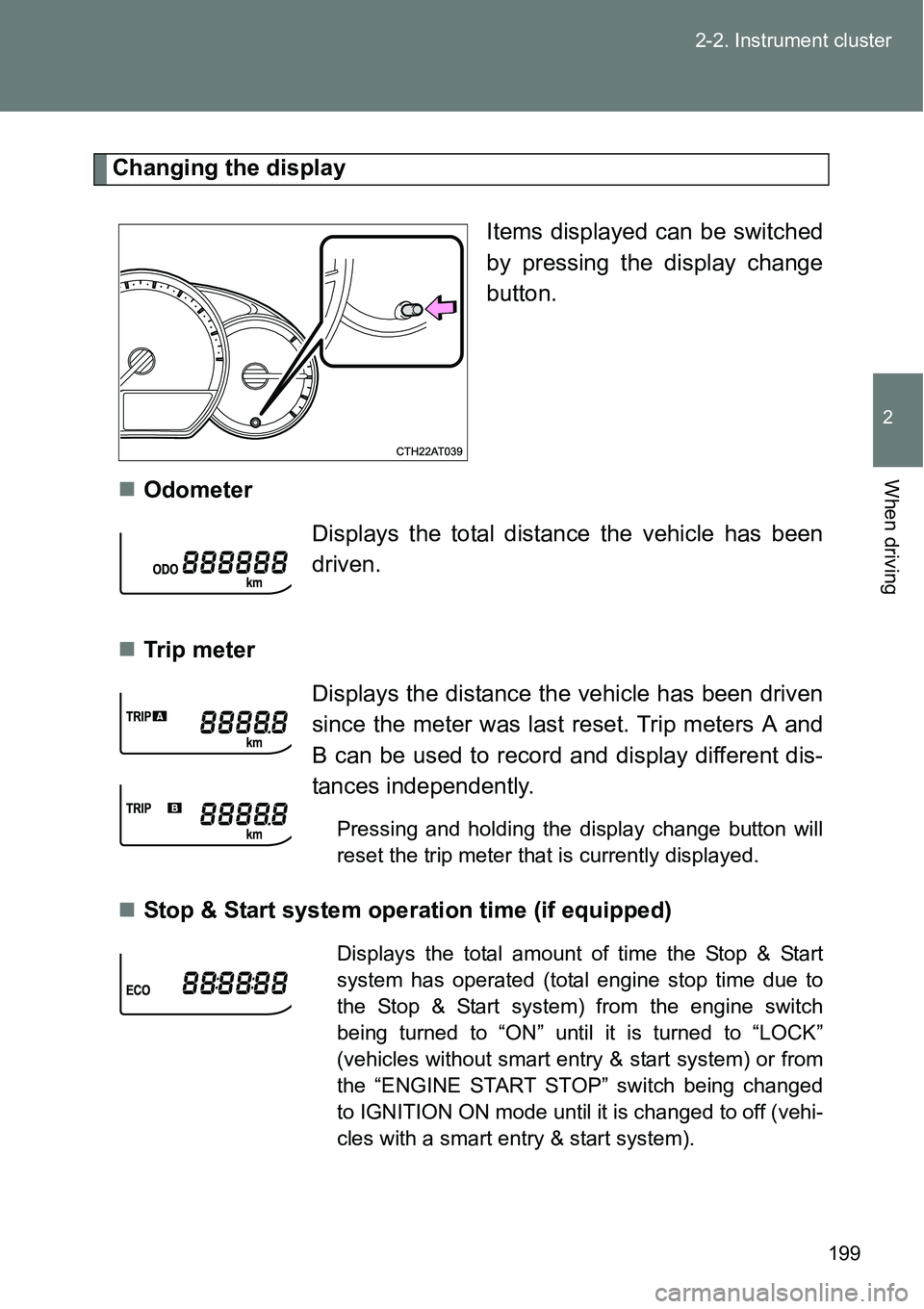
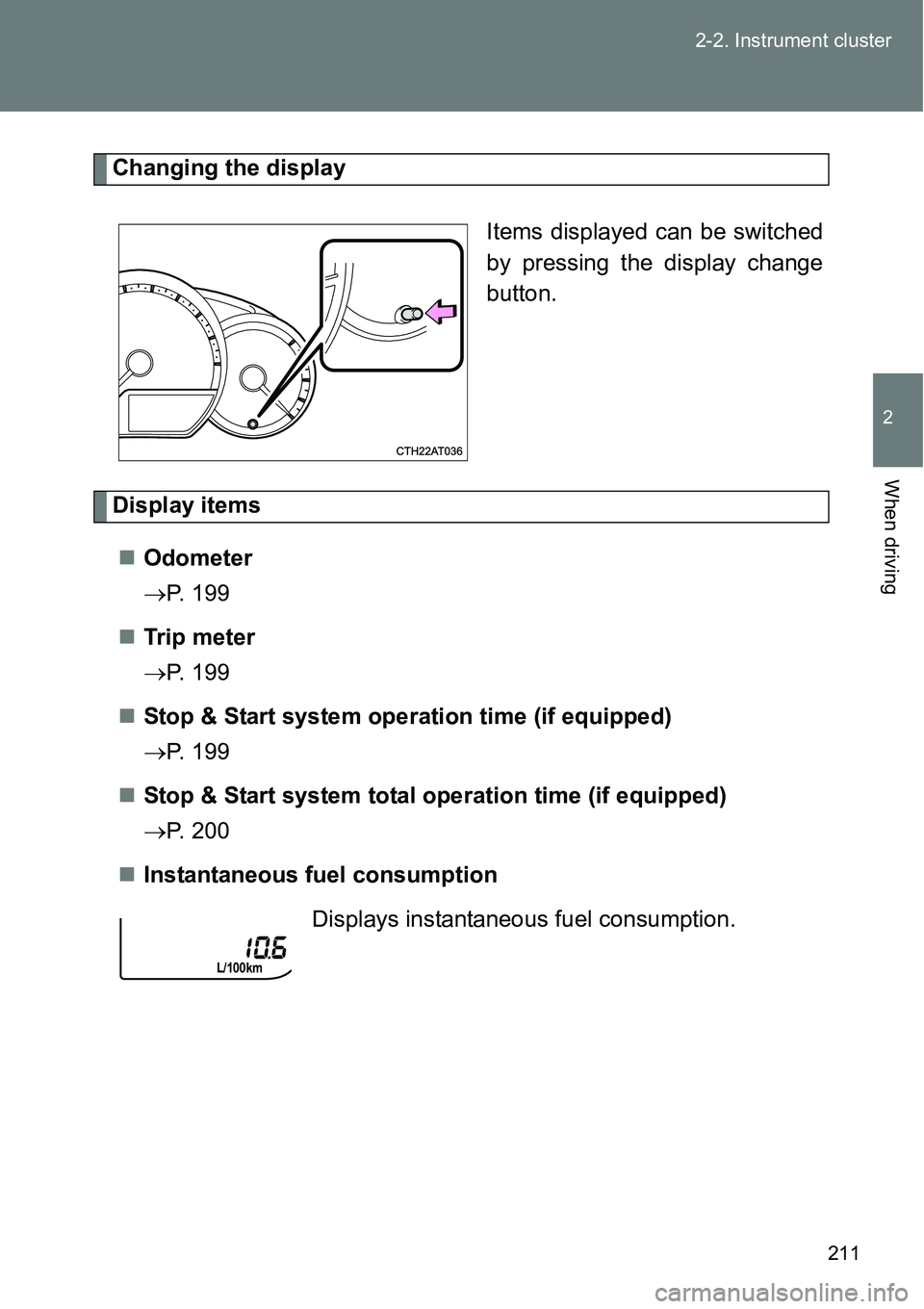
Changing the display
Items displayed can be switched
by pressing the display change
button.
Odometer
Tr ip m eter
Stop & Start system operation time (if equipped)
Displays the total distance the vehicle has been
driven.
Displays the distance the vehicle has been driven
since the meter was last reset. Trip meters A and
B can be used to record and display different dis-
tances independently.
Pressing and holding the display change button will
reset the trip meter that is currently displayed.
Displays the total amount of time the Stop & Start
system has operated (total engine stop time due to
the Stop & Start system) from the engine switch
being turned to “ON” until it is turned to “LOCK”
(vehicles without smart entry & start system) or from
the “ENGINE START STOP” switch being changed
to IGNITION ON mode until it is changed to off (vehi-
cles with a smart entry & start system).
Page 200 of 564
200 2-2. Instrument cluster
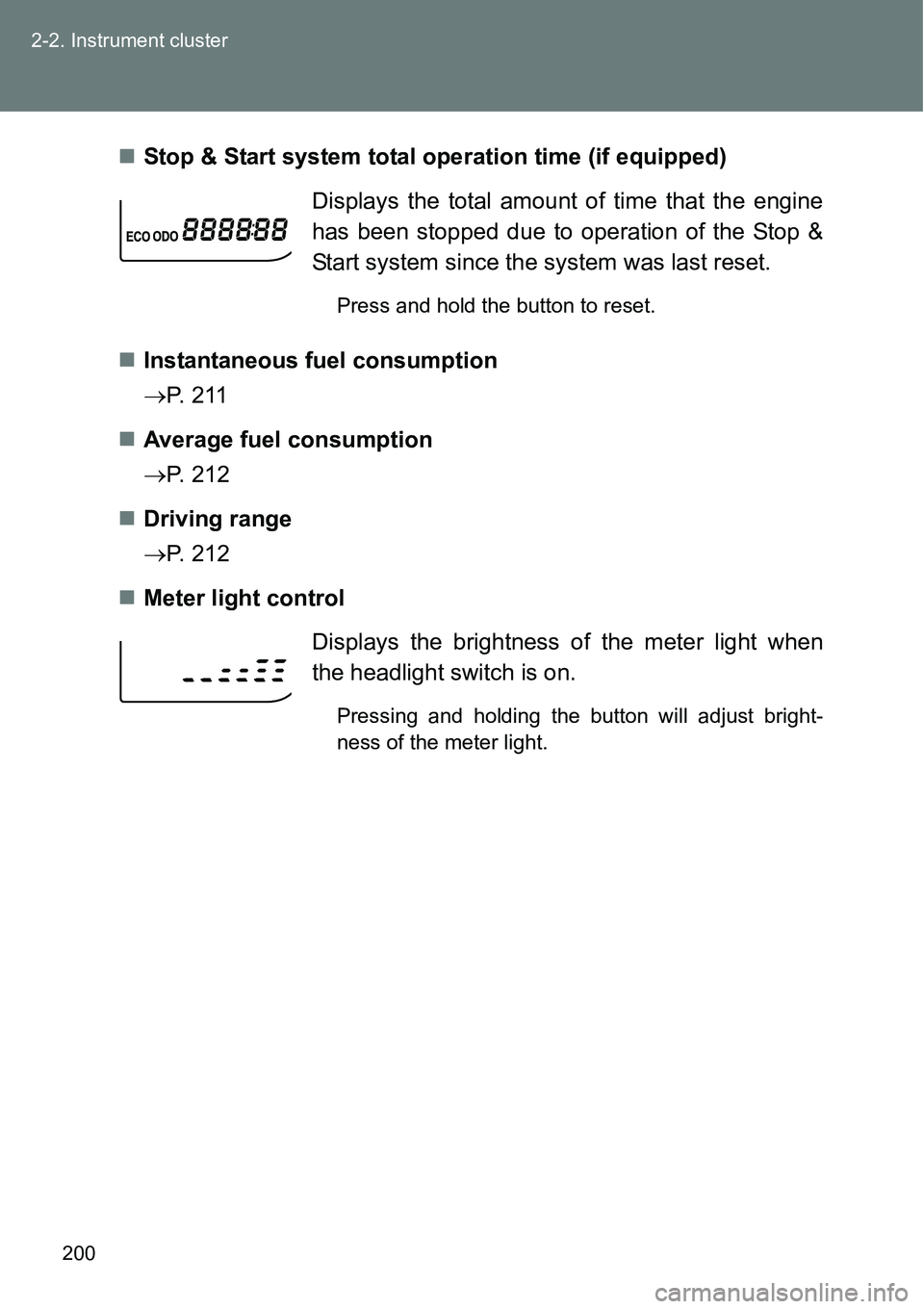
Stop & Start system total operation time (if equipped)
Instantaneous fuel consumption
P. 2 1 1
Average fuel consumption
P. 212
Driving range
P. 212
Meter light controlDisplays the total amount of time that the engine
has been stopped due to operation of the Stop &
Start system since the system was last reset.
Press and hold the button to reset.
Displays the brightness of the meter light when
the headlight switch is on.
Pressing and holding the button will adjust bright-
ness of the meter light.
Page 201 of 564
201 2-2. Instrument cluster
2
When driving
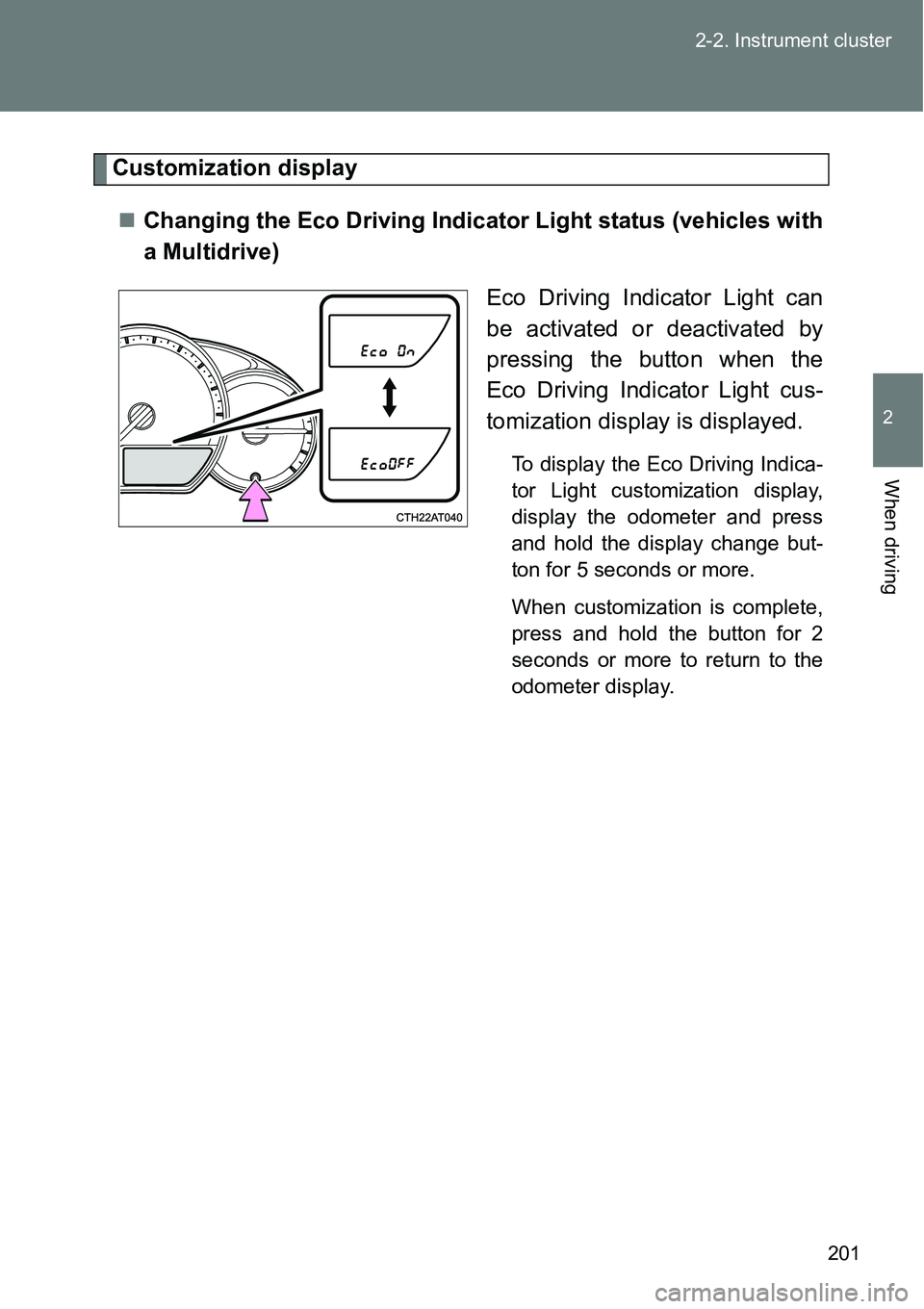
Customization display
Changing the Eco Driving Indicator Light status (vehicles with
a Multidrive)
Eco Driving Indicator Light can
be activated or deactivated by
pressing the button when the
Eco Driving Indicator Light cus-
tomization display is displayed.
To display the Eco Driving Indica-
tor Light customization display,
display the odometer and press
and hold the display change but-
ton for 5 seconds or more.
When customization is complete,
press and hold the button for 2
seconds or more to return to the
odometer display.
Page 202 of 564
202 2-2. Instrument cluster
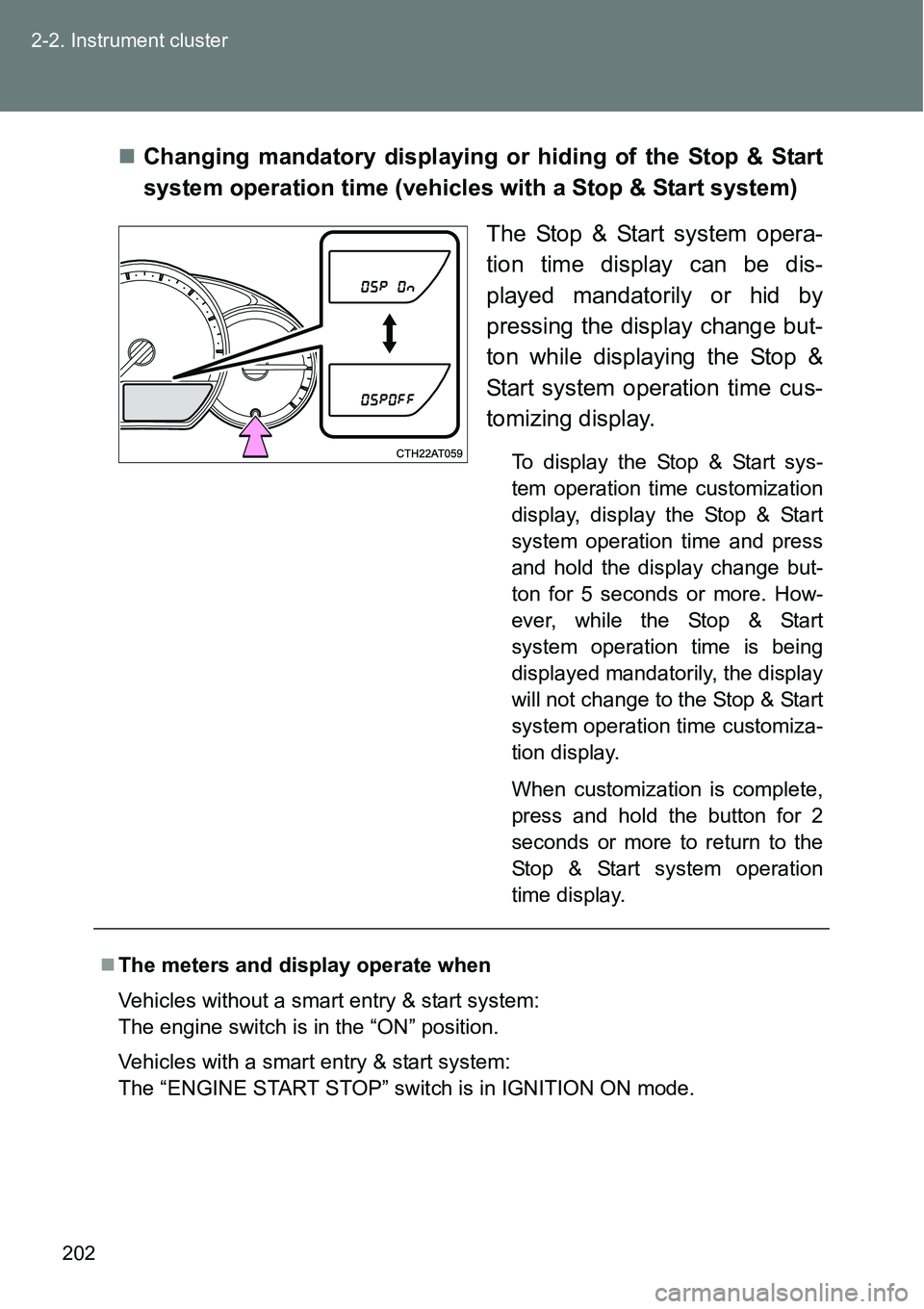
Changing mandatory displaying or hiding of the Stop & Start
system operation time (vehicles with a Stop & Start system)
The Stop & Start system opera-
tion time display can be dis-
played mandatorily or hid by
pressing the display change but-
ton while displaying the Stop &
Start system operation time cus-
tomizing display.
To display the Stop & Start sys-
tem operation time customization
display, display the Stop & Start
system operation time and press
and hold the display change but-
ton for 5 seconds or more. How-
ever, while the Stop & Start
system operation time is being
displayed mandatorily, the display
will not change to the Stop & Start
system operation time customiza-
tion display.
When customization is complete,
press and hold the button for 2
seconds or more to return to the
Stop & Start system operation
time display.
The meters and display operate when
Vehicles without a smart entry & start system:
The engine switch is in the “ON” position.
Vehicles with a smart entry & start system:
The “ENGINE START STOP” switch is in IGNITION ON mode.
Page 210 of 564
210
2-2. Instrument cluster
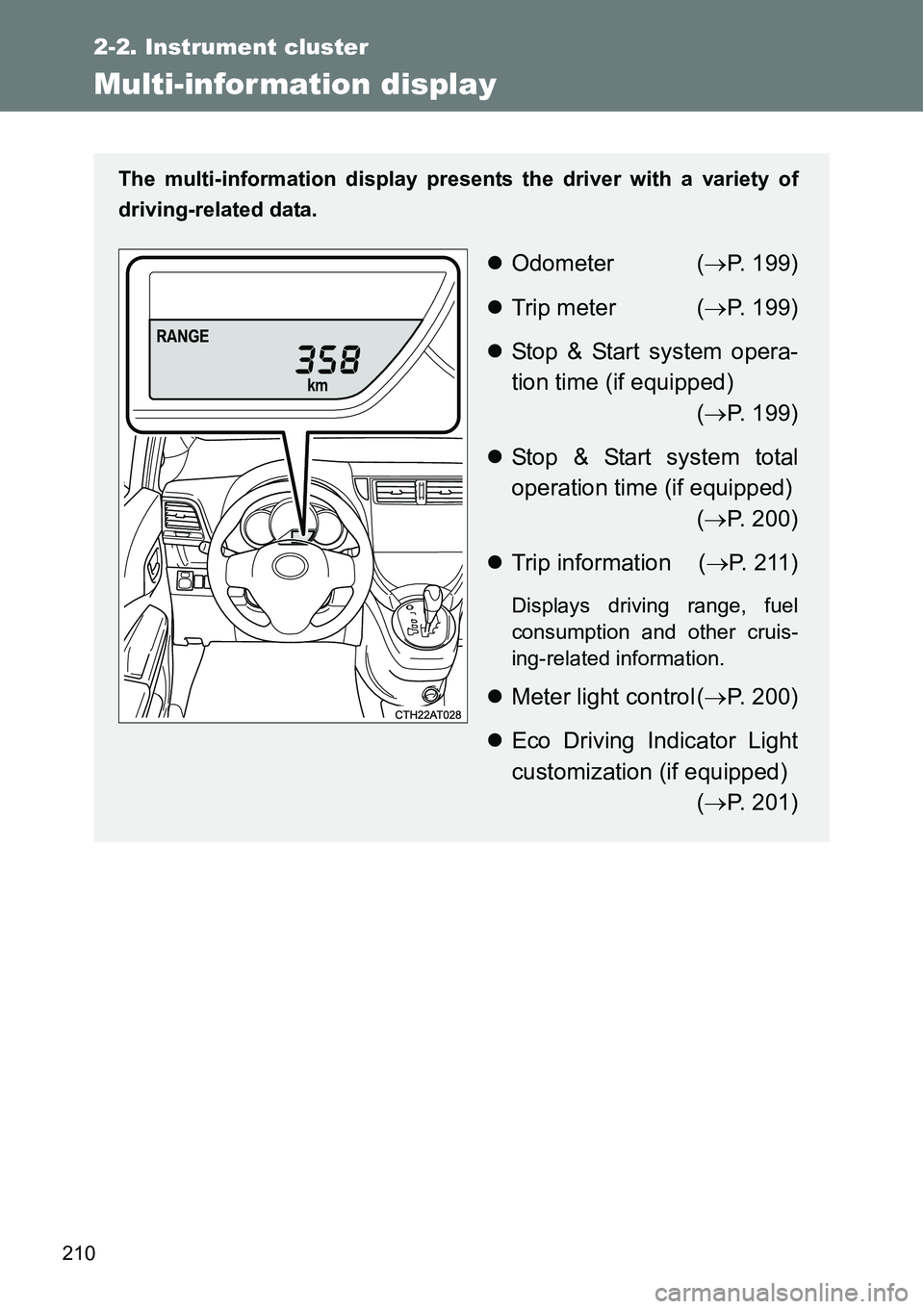
Multi-infor mation display
The multi-information display presents the driver with a variety of
driving-related data.
Odometer (P. 199)
Trip meter (P. 199)
Stop & Start system opera-
tion time (if equipped)
(P. 199)
Stop & Start system total
operation time (if equipped)
(P. 200)
Trip information (P. 2 1 1 )
Displays driving range, fuel
consumption and other cruis-
ing-related information.
Meter light control (P. 200)
Eco Driving Indicator Light
customization (if equipped)
(P. 201)
Page 211 of 564
211 2-2. Instrument cluster
2
When driving
Changing the display
Items displayed can be switched
by pressing the display change
button.
Display items
Odometer
P. 199
Tr ip m eter
P. 199
Stop & Start system operation time (if equipped)
P. 199
Stop & Start system total operation time (if equipped)
P. 200
Instantaneous fuel consumption
Displays instantaneous fuel consumption.
Page 212 of 564
212 2-2. Instrument cluster
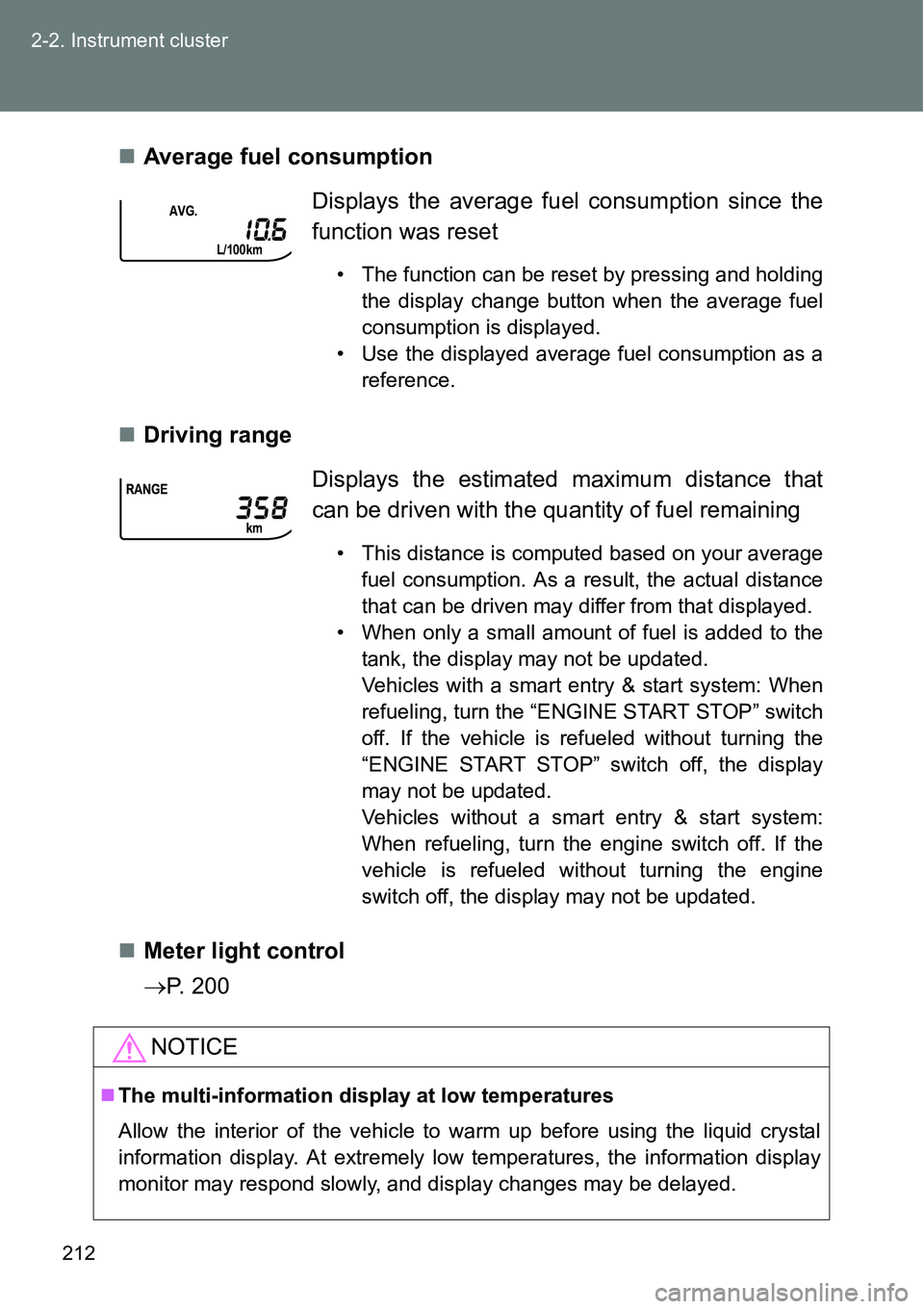
Average fuel consumption
Driving range
Meter light control
P. 200Displays the average fuel consumption since the
function was reset
• The function can be reset by pressing and holding
the display change button when the average fuel
consumption is displayed.
• Use the displayed average fuel consumption as a
reference.
Displays the estimated maximum distance that
can be driven with the quantity of fuel remaining
• This distance is computed based on your average
fuel consumption. As a result, the actual distance
that can be driven may differ from that displayed.
• When only a small amount of fuel is added to the
tank, the display may not be updated.
Vehicles with a smart entry & start system: When
refueling, turn the “ENGINE START STOP” switch
off. If the vehicle is refueled without turning the
“ENGINE START STOP” switch off, the display
may not be updated.
Vehicles without a smart entry & start system:
When refueling, turn the engine switch off. If the
vehicle is refueled without turning the engine
switch off, the display may not be updated.
NOTICE
The multi-information display at low temperatures
Allow the interior of the vehicle to warm up before using the liquid crystal
information display. At extremely low temperatures, the information display
monitor may respond slowly, and display changes may be delayed.
Page 229 of 564
229
2
When driving
2-4. Using other driving systems
Stop & Start system
: If equipped
Vehicles with a Multidrive: The Stop & Start system stops and
restarts the engine according to the brake pedal and shift lever oper-
ation for stopping and starting the vehicle.
Vehicles with a manual transmission: The Stop & Start system stops
and restarts the engine according to the clutch pedal operation for
stopping and starting the vehicle.
While the engine is stopped by the Stop & Start system, the Stop &
Start system operation time is displayed mandatorily on the multi-
information display. This display can be hidden. (P. 202)
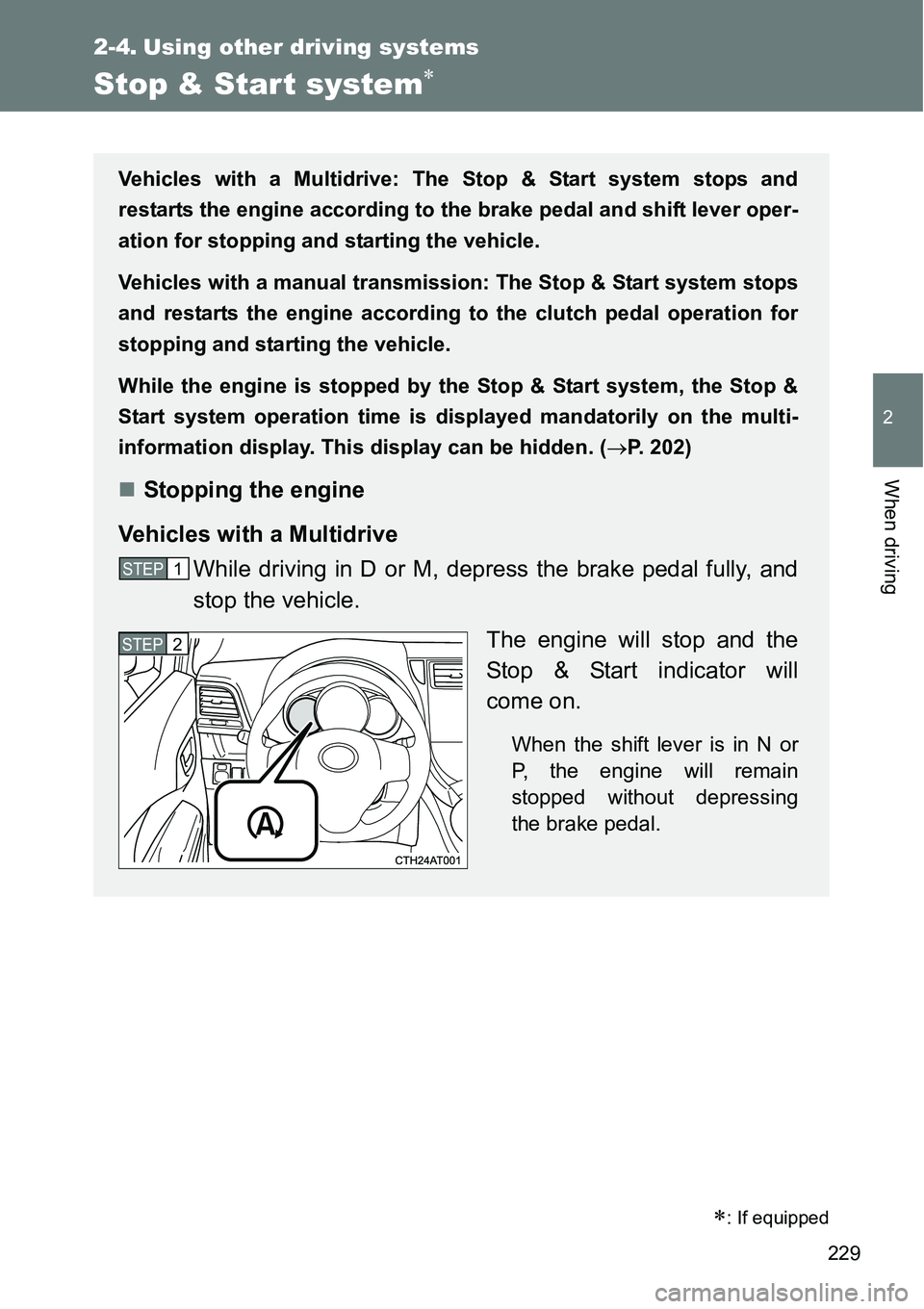
Stopping the engine
Vehicles with a Multidrive
While driving in D or M, depress the brake pedal fully, and
stop the vehicle.
The engine will stop and the
Stop & Start indicator will
come on.
When the shift lever is in N or
P, the engine will remain
stopped without depressing
the brake pedal.
STEP1
STEP2