Page 270 of 540
2705-2. Using the audio system
HILUX_OM_OM0K219E_(EE)
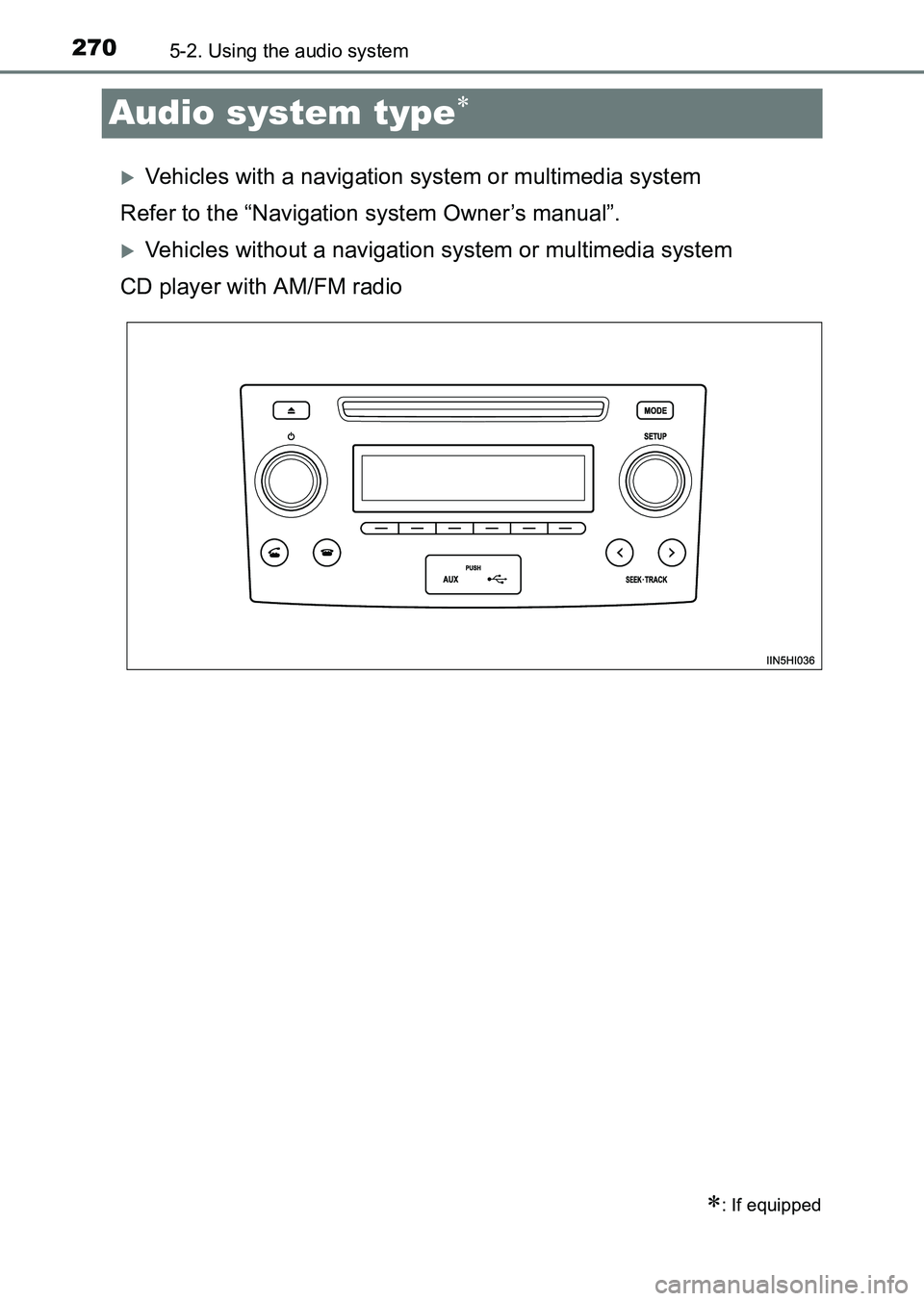
Audio system type∗
XVehicles with a navigation system or multimedia system
Refer to the “Navigation system Owner’s manual”.
XVehicles without a navigation system or multimedia system
CD player with AM/FM radio
∗: If equipped
HILUX_OM_OM0K219E_(EE).book Page 270 Wednesday, May 14, 2014 3:06 PM
Page 271 of 540
2715-2. Using the audio system
5
Interior features
HILUX_OM_OM0K219E_(EE)
■Using cellular phones
Interference may be heard through the audio system’s speakers if a cellular
phone is being used inside or close to the vehicle while the audio system is
operating.
TitlePage
Using the radioP. 272
Using the CD playerP. 276
Playing back MP3 and WMA discsP. 281
Operating an iPodP. 287
Operating a USB memoryP. 295
Optimal use of the audio systemP. 303
Using the AUX portP. 306
NOTICE
■To prevent battery discharge
Do not leave the audio system on longer than necessary with the engine
stopped.
■
To avoid damaging the audio system
Take care not to spill drinks or other fluids over the audio system.
HILUX_OM_OM0K219E_(EE).book Page 271 Wednesday, May 14, 2014 3:06 PM
Page 272 of 540
2725-2. Using the audio system
HILUX_OM_OM0K219E_(EE)
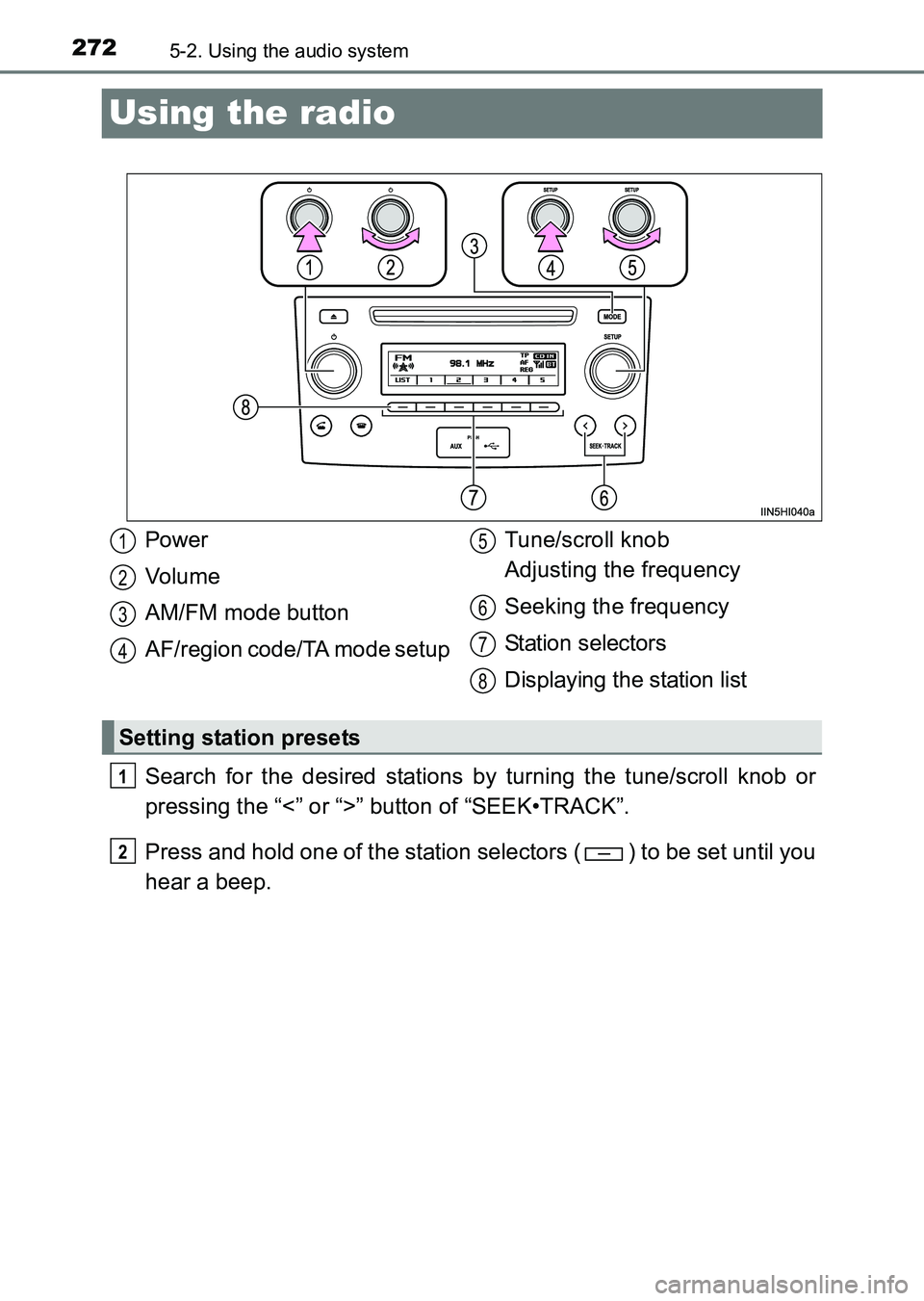
Using the radio
Search for the desired stations by turning the tune/scroll knob or
pressing the “<” or “>” button of “SEEK•TRACK”.
Press and hold one of the station selectors ( ) to be set until you
hear a beep.
Power
Vo lu m e
AM/FM mode button
AF/region code/TA mode setupTune/scroll knob
Adjusting the frequency
Seeking the frequency
Station selectors
Displaying the station list
Setting station presets
1
2
3
4
5
6
7
8
1
2
HILUX_OM_OM0K219E_(EE).book Page 272 Wednesday, May 14, 2014
3:06 PM
Page 273 of 540
2735-2. Using the audio system
5
Interior features
HILUX_OM_OM0K219E_(EE)■
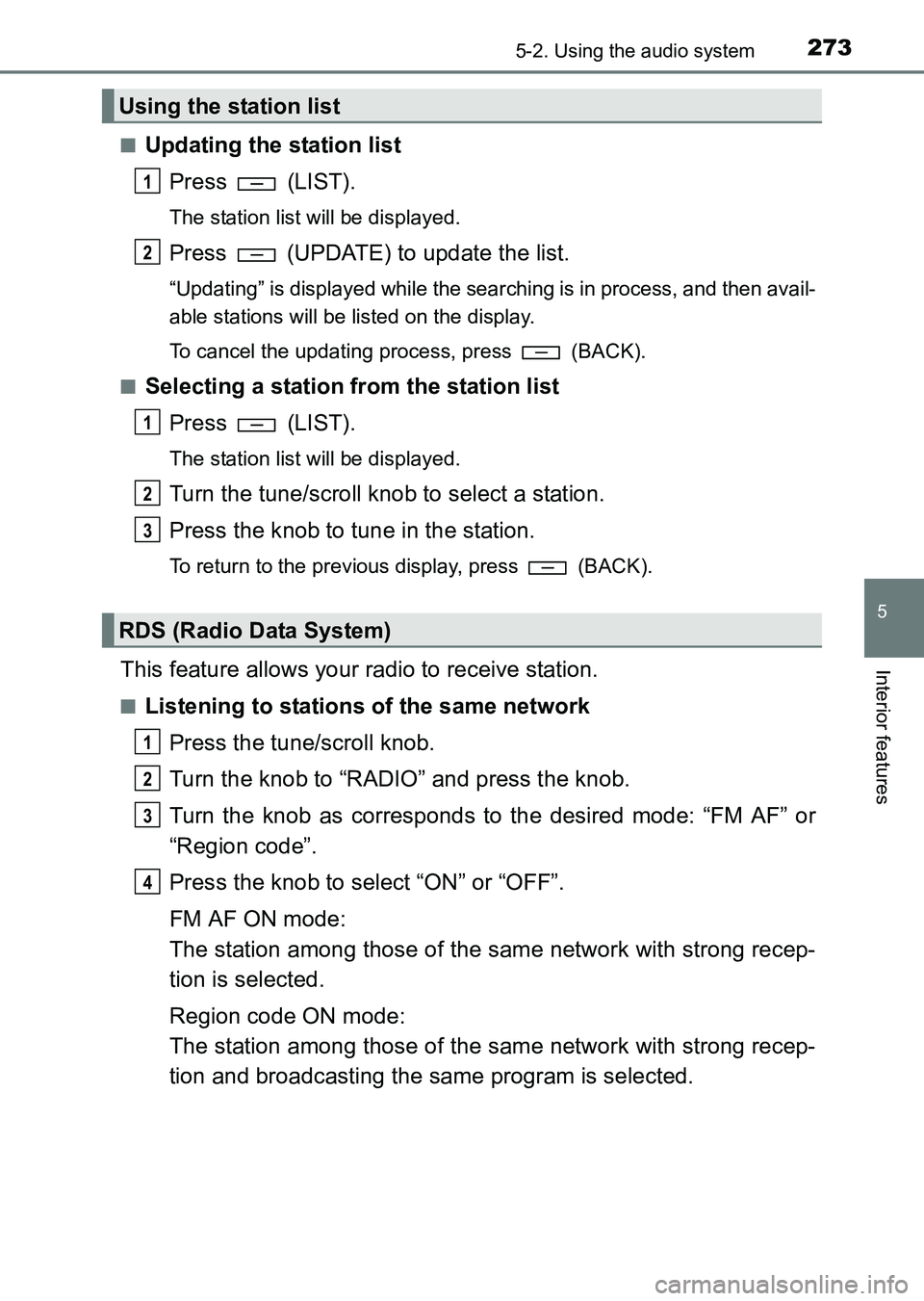
Updating the station list
Press (LIST).
The station list will be displayed.
Press (UPDATE) to update the list.
“Updating” is displayed while the searching is in process, and then avail-
able stations will be listed on the display.
To cancel the updating process, press
(BACK).
■
Selecting a station from the station list Press (LIST).
The station list will be displayed.
Turn the tune/scroll knob to select a station.
Press the knob to tune in the station.
To return to the previous display, press (BACK).
This feature allows your radio to receive station.
■Listening to stations of the same networkPress the tune/scroll knob.
Turn the knob to “RADIO” and press the knob.
Turn the knob as corresponds to the desired mode: “FM AF” or
“Region code”.
Press the knob to select “ON” or “OFF”.
FM AF ON mode:
The station among those of the same network with strong recep-
tion is selected.
Region code ON mode:
The station among those of the same network with strong recep-
tion and broadcasting the same program is selected.
Using the station list
RDS (Radio Data System)
1
2
1
2
3
1
2
3
4
HILUX_OM_OM0K219E_(EE).book Page 273 Wednesday, May 14, 2014 3:06 PM
Page 274 of 540
2745-2. Using the audio system
HILUX_OM_OM0K219E_(EE)■
Traffic information
Press the tune/scroll knob.
Turn the knob to “RADIO” and press the knob.
Turn the knob to “FM TA” mode.
Press the knob to select “ON” or “OFF”.
TP mode:
The system automatically switches to traffic information when a
broadcast with a traffic information signal is received.
The station returns to the previous one when the traffic information
ends.
TA mode:
The system automatically switches to traffic information when a
broadcast with a traffic information signal is received. In FM
modes, the system will be mute unless traffic information is being
broadcast.
The audio system returns to the previous mode when the traffic informa-
tion ends.
1
2
3
4
HILUX_OM_OM0K219E_(EE).book Page 274 Wednesday, May 14, 2014 3:06 PM
Page 275 of 540
2755-2. Using the audio system
5
Interior features
HILUX_OM_OM0K219E_(EE)
■EON (Enhanced Other Network) system (for traffic announcement func-
tion)
If the RDS station (with EON data) you are listening to is not broadcasting a
traffic information program and the audio system is in the TA (traffic
announcement) mode, the radio will be switched automatically to a station
broadcasting a traffic information program in the EON AF list when traffic
information begins.
■ When the battery is disconnected
Stations presets are erased.
■ Reception sensitivity
●Maintaining perfect radio reception at a ll times is difficult due to the continu-
ally changing position of the antenna, differences in signal strength and sur-
rounding objects, such as trains, transmitters, etc.
● The radio antenna is mounted on the roof. The antenna can be removed
from the base by turning.
NOTICE
■To prevent damage, remove the antenna in the following cases
● The antenna will touch the ceiling of a garage.
● A cover will be put on the roof.
● When driving through an automatic car wash.
● Any other cases where there is a risk of touching surrounding parts.
HILUX_OM_OM0K219E_(EE).book Page 275 Wednesday, May 14, 2014 3:06 PM
Page 276 of 540
2765-2. Using the audio system
HILUX_OM_OM0K219E_(EE)
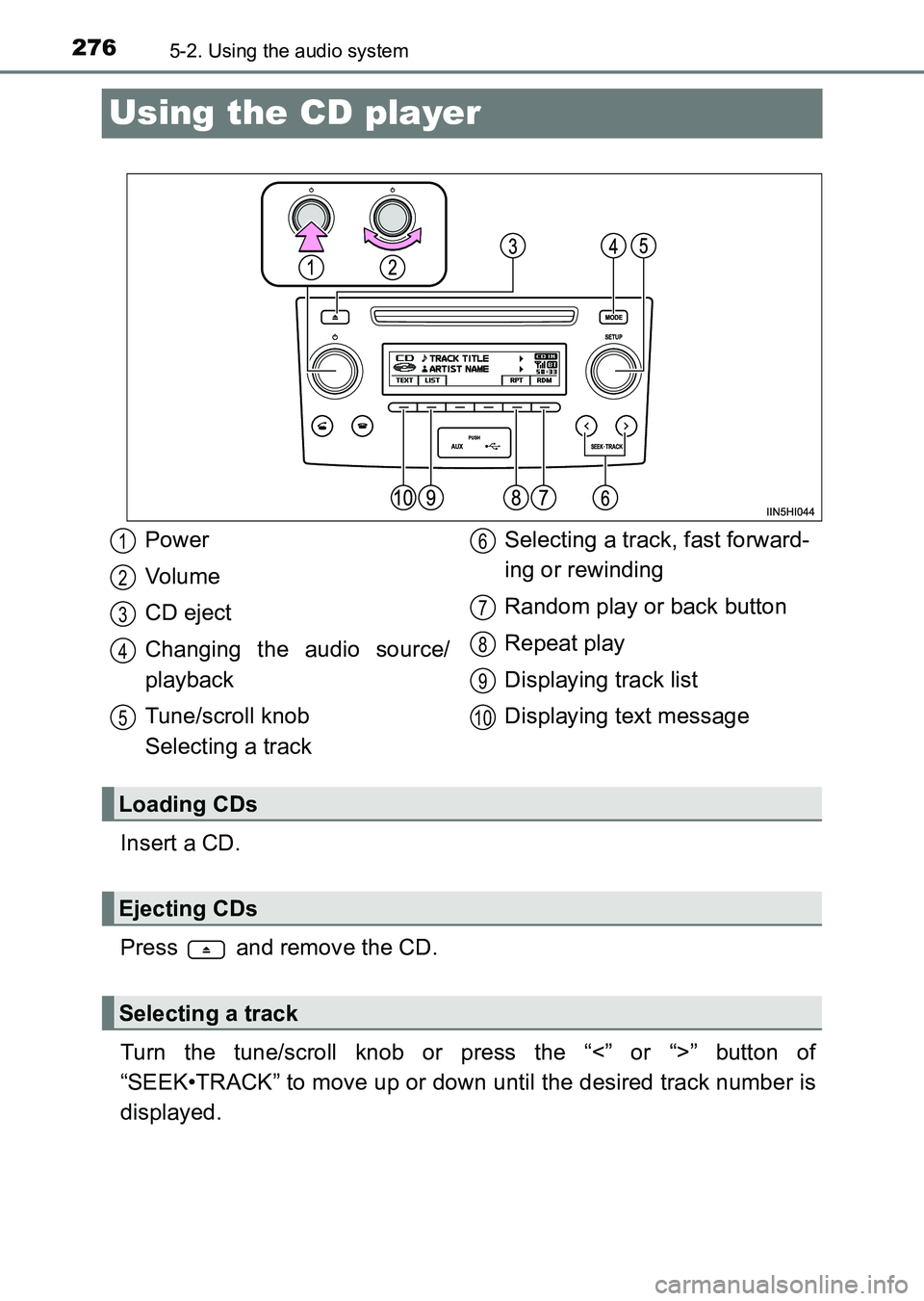
Using the CD player
Insert a CD.
Press and remove the CD.
Turn the tune/scroll knob or press the “<” or “>” button of
“SEEK•TRACK” to move up or down until the desired track number is
displayed.
Power
Vo lu m e
CD eject
Changing the audio source/
playback
Tune/scroll knob
Selecting a trackSelecting a track, fast forward-
ing or rewinding
Random play or back button
Repeat play
Displaying track list
Displaying text message
Loading CDs
Ejecting CDs
Selecting a track
1
2
3
4
5
6
7
8
9
10
HILUX_OM_OM0K219E_(EE).book Page 276 Wednesday, May 14, 2014
3:06 PM
Page 277 of 540
2775-2. Using the audio system
5
Interior features
HILUX_OM_OM0K219E_(EE)
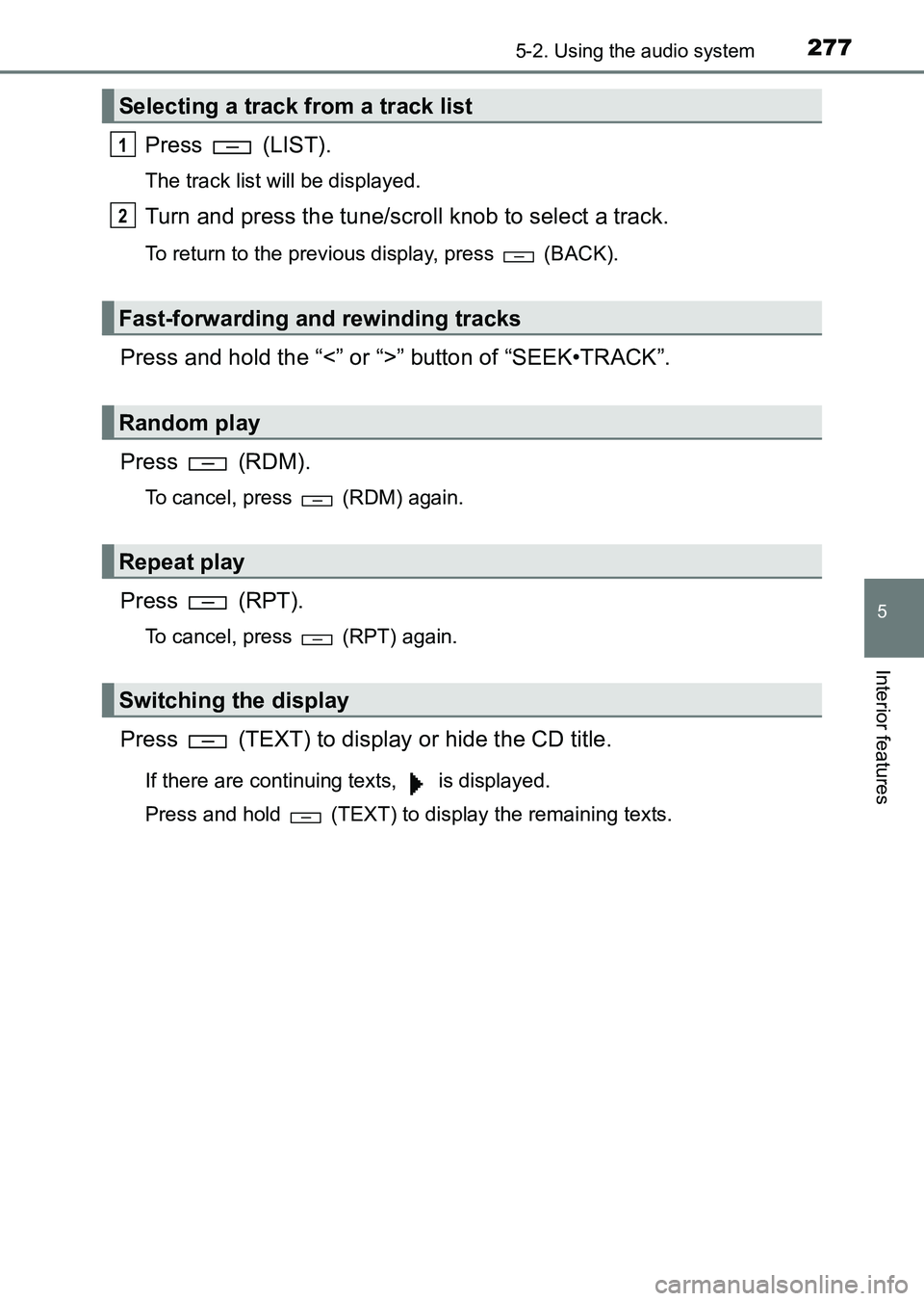
Press (LIST).
The track list will be displayed.
Turn and press the tune/scroll knob to select a track.
To return to the previous display, press (BACK).
Press and hold the “<” or “>” button of “SEEK•TRACK”.
Press (RDM).
To cancel, press (RDM) again.
Press (RPT).
To cancel, press (RPT) again.
Press (TEXT) to display or hide the CD title.
If there are continuing texts, is displayed.
Press and hold (TEXT) to display the remaining texts.
Selecting a track from a track list
Fast-forwarding and rewinding tracks
Random play
Repeat play
Switching the display
1
2
HILUX_OM_OM0K219E_(EE).book Page 277 Wednesday, May 14, 2014 3:06 PM