Page 179 of 425
•Loudness — If Equipped
Loudness improves sound quality at lower volumes. To
make your selection, press the “Loudness” button on the
touchscreen, then choose “On” or “Off.” The button will
highlight indicating that the setting has been selected.
Press the back arrow/Done button on the touchscreen
when done.
• Auto - On Radio
Press the Auto On Radio button on the touchscreen to set
how the radio behaves when the Ignition is switched to
On. The options are: ON, Off or Recall Last. Press the
back arrow/Done button on the touchscreen when done.
• AUX Volume Offset
This feature provides the ability to tune the audio level
for portable devices connected through the AUX input.
To make your selection, press the AUX Volume Match button on the touchscreen, choose a level from –3 to +3
followed by pressing the back arrow/Done button on the
touchscreen.
•
Radio Off Delay
Press the Radio Off Delay to keep the radio On for a
preset amount of time after the Ignition is switched Off.
Press the back arrow/Done button on the touchscreen
when done.
Phone/Bluetooth®
After pressing the “Phone/Bluetooth®” button on the
touchscreen the following settings will be available:
• Paired Phones
This feature shows which phones are paired to the
Phone/Bluetooth® system. For further information, refer
to the Uconnect® Supplement Manual.
4
UNDERSTANDING YOUR INSTRUMENT PANEL 177
Page 180 of 425
•Paired Audio Sources
This feature shows which audio devices are paired to the
Phone/Bluetooth® system. For further information, refer
to the Uconnect® Supplement Manual.
SiriusXM Setup — If Equipped
After pressing the “SiriusXM Setup” button on the touch-
screen, the following settings will be available:
• Channel Skip
SiriusXM can be programmed to designate a group of
channels that are the most desirable to listen to or to
exclude undesirable channels while scanning. To make
your selection, press the “Channel Skip” button on the
touchscreen, select the channels you would like to skip
followed by pressing the back arrow button on the
touchscreen. •
Subscription Information
New vehicle purchasers or lessees will receive a free
limited time subscription to SiriusXM Satellite Radio
with your radio. Following the expiration of the free
services, it will be necessary to access the information on
the Subscription Information screen to re-subscribe.
Press the “Subscription Info” button on the touchscreen
to access the Subscription Information screen.
Write down the SIRIUS ID numbers for your receiver. To
reactivate your service, either call the number listed on
the screen or visit the provider online.
NOTE: SiriusXM Travel Link is a separate subscription
and is available for U.S. residents only.
178 UNDERSTANDING YOUR INSTRUMENT PANEL
Page 181 of 425
Restore Settings — If Equipped
After pressing the Restore Settings button on the touch-
screen the following settings will be available:
•Restore Settings
When this feature is selected it will reset the Display,
Clock, Audio, and Radio Settings to their default settings.
To restore the settings to their default setting, press the
Restore Settings button. A pop-up will appear asking
�Are you sure you want to reset your settings to default?”
select Yes to restore, or Cancel to exit. Once the settings
are restored, a pop up appears stating �settings reset to
default.� Press the okay button on the touchscreen to exit.
Uconnect® RADIOS
For detailed information about your Uconnect® radio,
refer to your Uconnect® Supplement Manual.
iPod®/USB/MP3 CONTROL — IF EQUIPPED
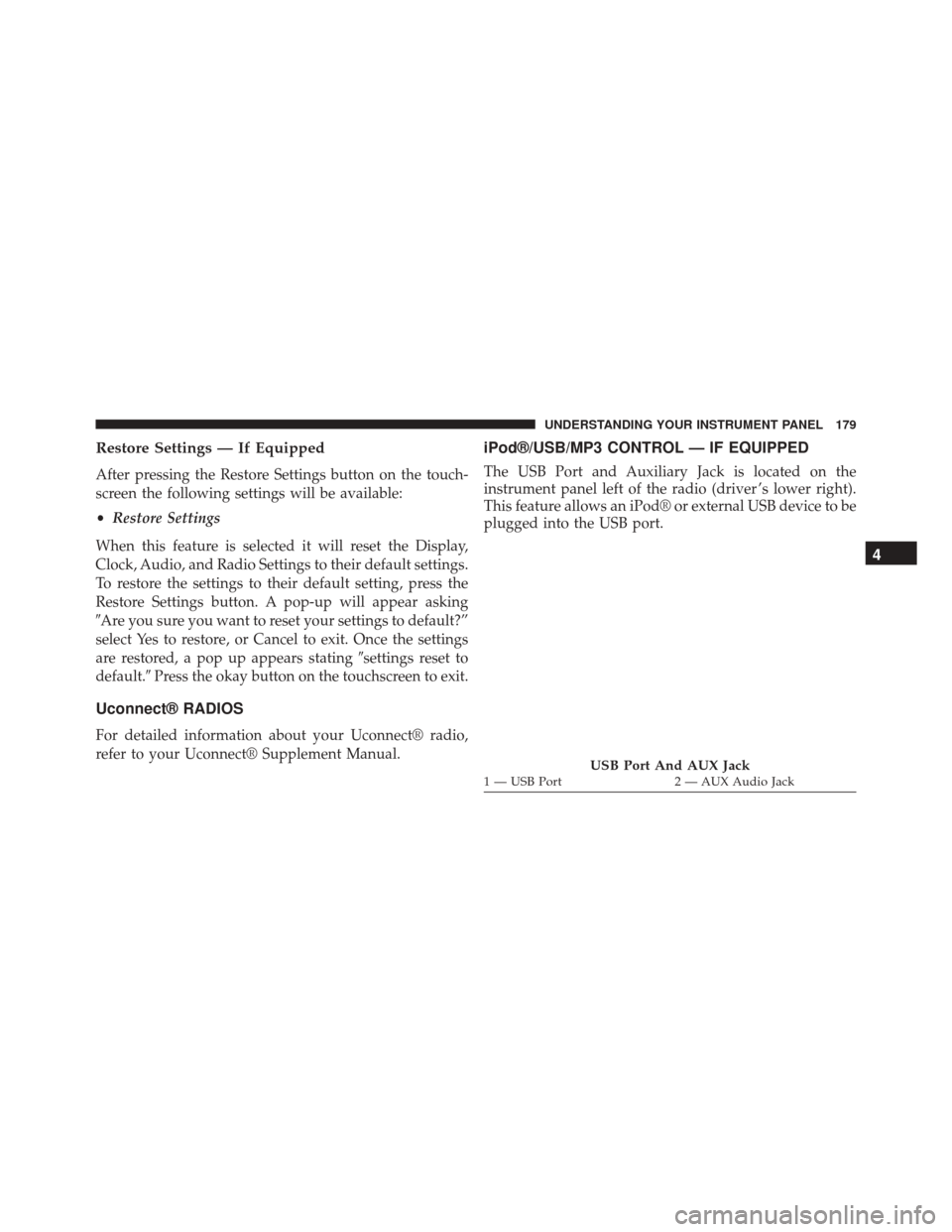
The USB Port and Auxiliary Jack is located on the
instrument panel left of the radio (driver ’s lower right).
This feature allows an iPod® or external USB device to be
plugged into the USB port.
USB Port And AUX Jack1 — USB Port 2 — AUX Audio Jack
4
UNDERSTANDING YOUR INSTRUMENT PANEL 179
Page 182 of 425
iPod® control supports Mini, 4G, Photo, Nano, 5G iPod®
and iPhone® devices. Some iPod® software versions
may not fully support the iPod® control features. Please
visit Apple’s website for software updates.
For further information, refer to the Uconnect® Supple-
ment Manual.
USB Charging Port
The USB connector port can be used for charging pur-
poses only. Use the connection cable to connect an iPod®
or external USB device to the vehicle’s USB charging port
which is located next to the 12V power outlet near the
cup holder on passenger side.NOTE:If the device battery to be charged is completely
depleted, it may take awhile to charge.
Passenger Compartment USB Charging Port
180 UNDERSTANDING YOUR INSTRUMENT PANEL
Page 183 of 425
WARNING!
Do not plug in or remove the iPod® or external
device while driving. Failure to follow this warning
could result in a collision.
STEERING WHEEL AUDIO CONTROLS
The remote sound system controls are located on the
surface of the steering wheel.The right-hand control is a rocker-type switch and con-
trols the SCAN functions of the sound system.
The left-hand control is a rocker-type switch and controls
the volume of the sound system plus a button to mute the
Sound System.
Remote Sound System Controls
4
UNDERSTANDING YOUR INSTRUMENT PANEL 181
Page 185 of 425
harmful to the radio. If your radio performance does not
satisfactorily “clear” by the repositioning of the phone, it
is recommended that the radio volume be turned down
or off during mobile phone operation when not using
Uconnect® (if equipped).
General Information
This device complies with Part 15 of the FCC rules and
RSS 210 of Industry Canada. Operation is subject to the
following conditions:
•Changes or modifications not expressly approved by
the party responsible for compliance could void the
user’s authority to operate the equipment.
• This device may not cause harmful interference.
• This device must accept any interference received,
including interference that may cause undesired op-
eration.
CLIMATE CONTROLS
Manual Heating And Air Conditioning
Manual Temperature Controls
4
UNDERSTANDING YOUR INSTRUMENT PANEL 183
Page 191 of 425
Uconnect® 5.0 VOICE RECOGNITION QUICK TIPS
Introducing Uconnect®
Start using Uconnect® Voice Recognition with these
helpful quick tips. It provides the key Voice Commands
and tips you need to know to control your Uconnect® 5.0
system.
Key Features:
•5.0” Full Color Touchscreen Display
• Bluetooth® With Integrated Voice Control
• GPS Navigation (If Equipped)
Get Started
1. Visit UconnectPhone.com to check mobile device and
feature compatibility and to find phone pairing in-
structions.
Uconnect® 5.0
4
UNDERSTANDING YOUR INSTRUMENT PANEL 189
Page 195 of 425
Media
Uconnect® offers connections via USB, SD, Bluetooth®
and Auxiliary ports (If Equipped). Voice operation is only
available for connected USB and iPod® devices. (Remote
CD player optional and not available on all vehicles.)
Push the VR button
. After the beep, say one of the
following commands and follow the prompts to
switch your media source or choose an artist.
• Change source to Bluetooth®
• Change source to iPod®
• Change source to USB
• Play artist Beethoven; Play album Greatest Hits; Play
song Moonlight Sonata; Play genreClassical TIP:
Press the “Browse” button on the touchscreen to see
all of the music on your iPod® or USB device. Your Voice
Command must match exactlyhow the artist, album,
song and genre information is displayed.
Uconnect® 5.0 Media
4
UNDERSTANDING YOUR INSTRUMENT PANEL 193


