Page 106 of 347
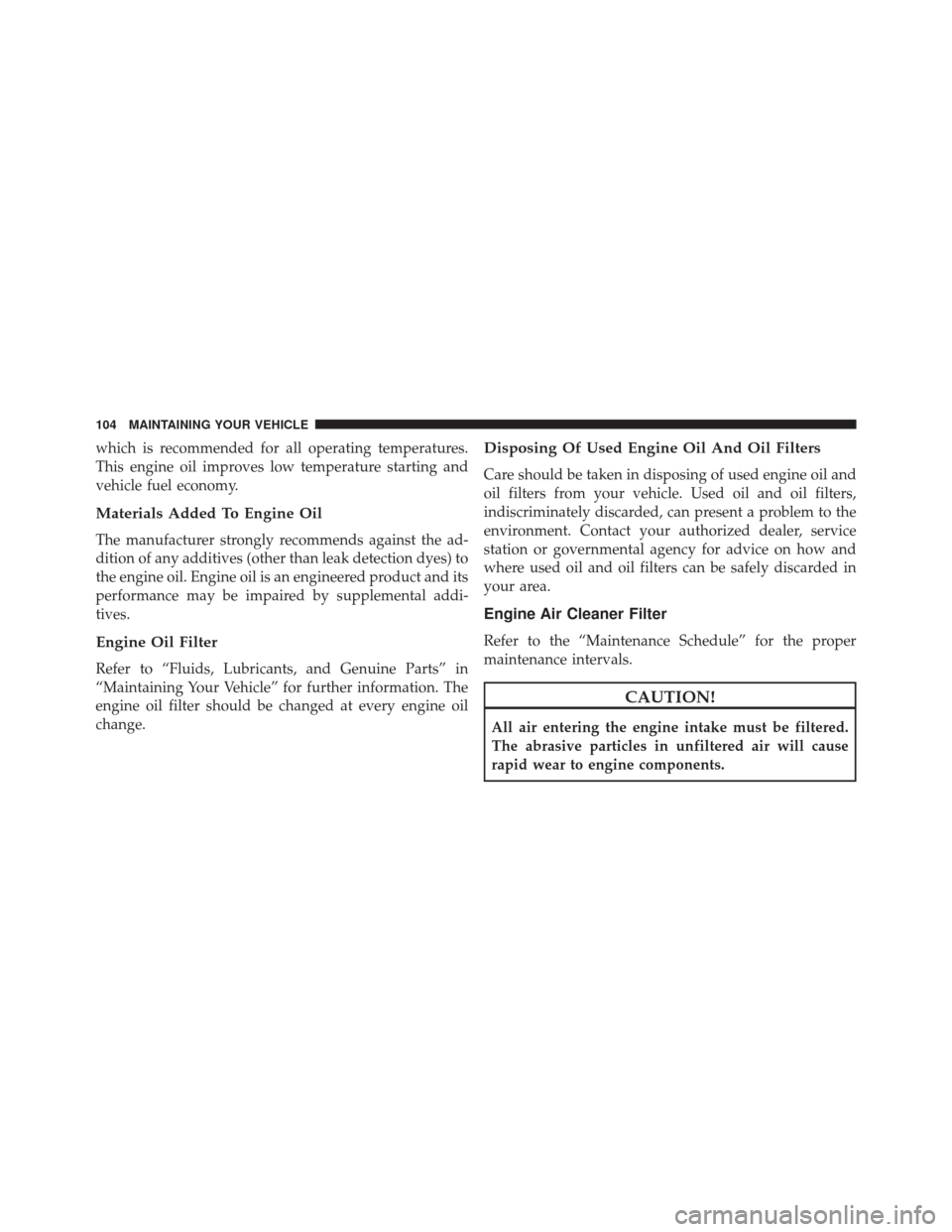
which is recommended for all operating temperatures.
This engine oil improves low temperature starting and
vehicle fuel economy.
Materials Added To Engine Oil
The manufacturer strongly recommends against the ad-
dition of any additives (other than leak detection dyes) to
the engine oil. Engine oil is an engineered product and its
performance may be impaired by supplemental addi-
tives.
Engine Oil Filter
Refer to “Fluids, Lubricants, and Genuine Parts” in
“Maintaining Your Vehicle” for further information. The
engine oil filter should be changed at every engine oil
change.
Disposing Of Used Engine Oil And Oil Filters
Care should be taken in disposing of used engine oil and
oil filters from your vehicle. Used oil and oil filters,
indiscriminately discarded, can present a problem to the
environment. Contact your authorized dealer, service
station or governmental agency for advice on how and
where used oil and oil filters can be safely discarded in
your area.
Engine Air Cleaner Filter
Refer to the “Maintenance Schedule” for the proper
maintenance intervals.
CAUTION!
All air entering the engine intake must be filtered.
The abrasive particles in unfiltered air will cause
rapid wear to engine components.
104 MAINTAINING YOUR VEHICLE
Page 130 of 347

MAINTENANCE SCHEDULE
Your vehicle is equipped with an automatic oil change
indicator system. The oil change indicator system will
remind you that it is time to take your vehicle in for
scheduled maintenance.
Based on engine operation conditions, the oil change
indicator message will illuminate. This means that ser-
vice is required for your vehicle. Operating conditions
such as frequent short-trips, trailer tow, extremely hot or
cold ambient temperatures will influence when the “Oil
Change Required” message is displayed. Severe Operat-
ing Conditions can cause the change oil message to
illuminate as early as 3,500 miles (5,600 km) since last
reset. Have your vehicle serviced as soon as possible,
within the next 500 miles (805 km).
Your authorized dealer will reset the oil change indicator
message after completing the scheduled oil change. If a
scheduled oil change is performed by someone otherthan your authorized dealer, the message can be reset by
referring to the steps described under “Electronic Vehicle
Information Center (EVIC)” or “Driver Information Dis-
play (DID)” in “Understanding Your Instrument Panel”
for further information.
NOTE:
Under no circumstances should oil change inter-
vals exceed 10,000 miles (16,000 km) or twelve months,
whichever comes first.
Once A Month Or Before A Long Trip:
• Check engine oil level
• Check windshield washer fluid level
• Check the tire inflation pressures and look for unusual
wear or damage
• Check the fluid levels of the coolant reservoir, brake
master cylinder and power steering, and fill as needed
• Check function of all interior and exterior lights
128 MAINTENANCE SCHEDULE
Page 131 of 347
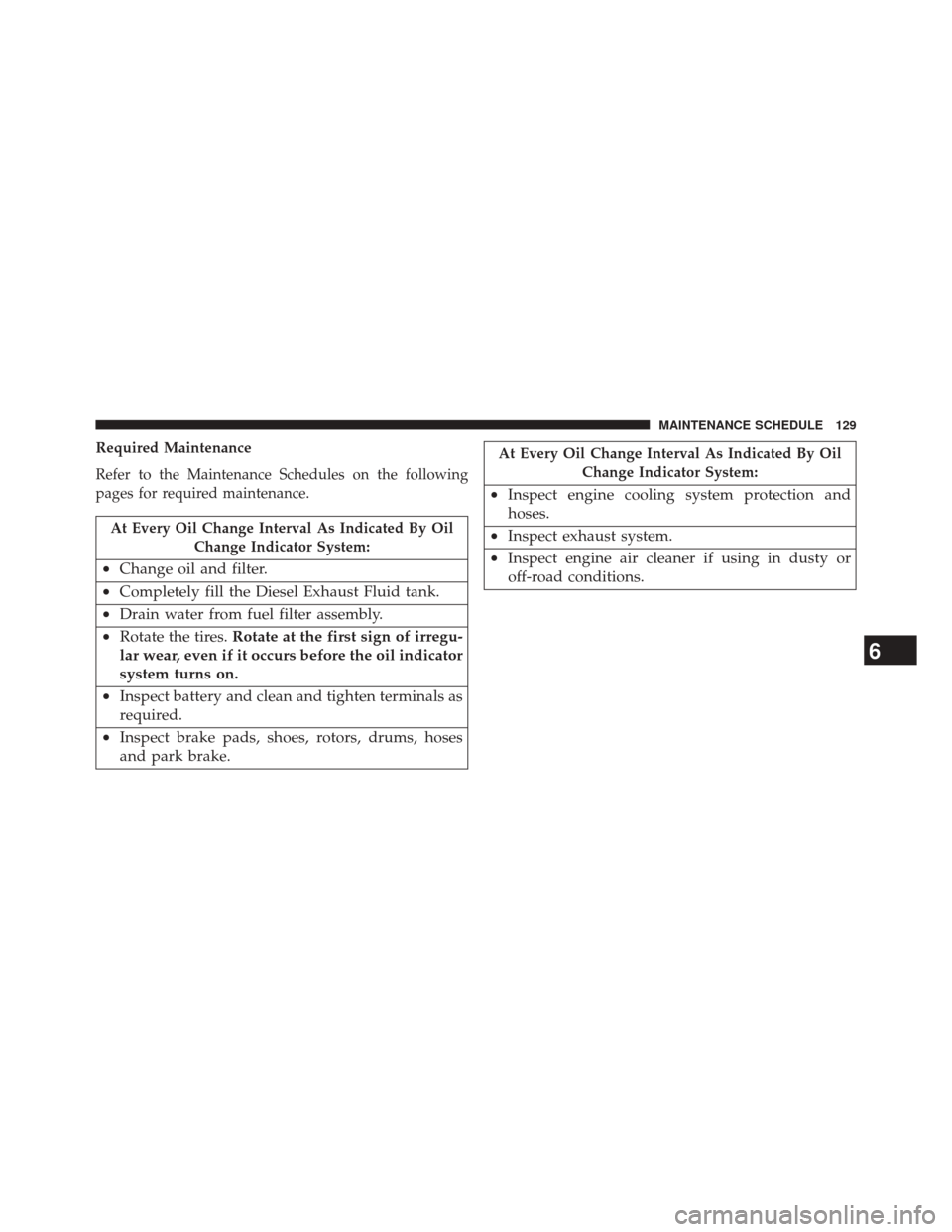
Required Maintenance
Refer to the Maintenance Schedules on the following
pages for required maintenance.
At Every Oil Change Interval As Indicated By OilChange Indicator System:
•Change oil and filter.
• Completely fill the Diesel Exhaust Fluid tank.
• Drain water from fuel filter assembly.
• Rotate the tires. Rotate at the first sign of irregu-
lar wear, even if it occurs before the oil indicator
system turns on.
• Inspect battery and clean and tighten terminals as
required.
• Inspect brake pads, shoes, rotors, drums, hoses
and park brake.
At Every Oil Change Interval As Indicated By Oil
Change Indicator System:
•Inspect engine cooling system protection and
hoses.
• Inspect exhaust system.
• Inspect engine air cleaner if using in dusty or
off-road conditions.
6
MAINTENANCE SCHEDULE 129
Page 132 of 347
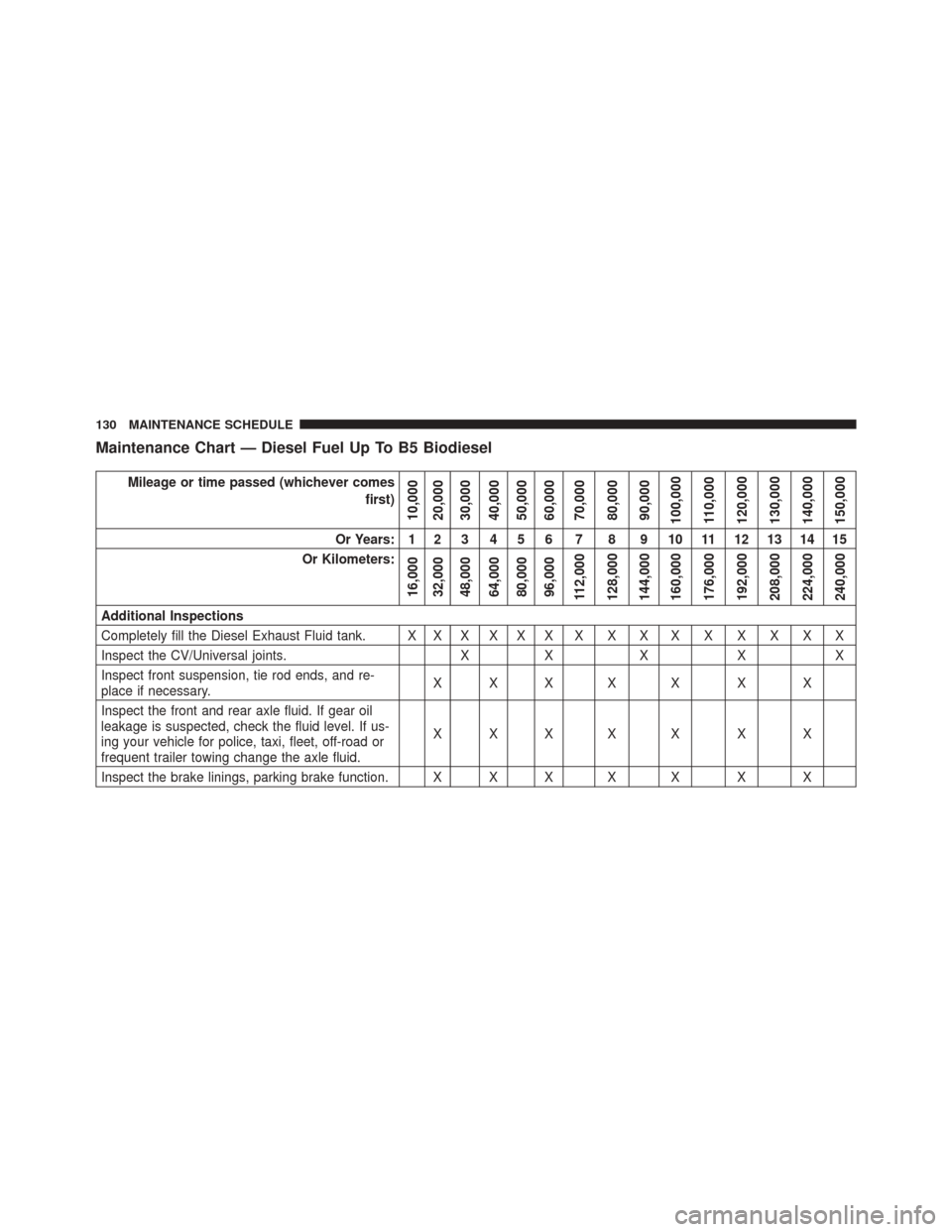
Maintenance Chart — Diesel Fuel Up To B5 Biodiesel
Mileage or time passed (whichever comesfirst)
10,000
20,000
30,000
40,000
50,000
60,000
70,000
80,000
90,000
100,000
110,000
120,000
130,000
140,000
150,000
Or Years: 1 2 3 4 5 6 7 8 9 10 11 12 13 14 15
Or Kilometers:
16,000
32,000
48,000
64,000
80,000
96,000
112,000
128,000
144,000
160,000
176,000
192,000
208,000
224,000
240,000
Additional Inspections
Completely fill the Diesel Exhaust Fluid tank. X X X X X X X X X X X X X X X
Inspect the CV/Universal joints. XX X X X
Inspect front suspension, tie rod ends, and re-
place if necessary. XXX X X X X
Inspect the front and rear axle fluid. If gear oil
leakage is suspected, check the fluid level. If us-
ing your vehicle for police, taxi, fleet, off-road or
frequent trailer towing change the axle fluid. XXX X X X X
Inspect the brake linings, parking brake function. X X X X X X X
130 MAINTENANCE SCHEDULE
Page 135 of 347
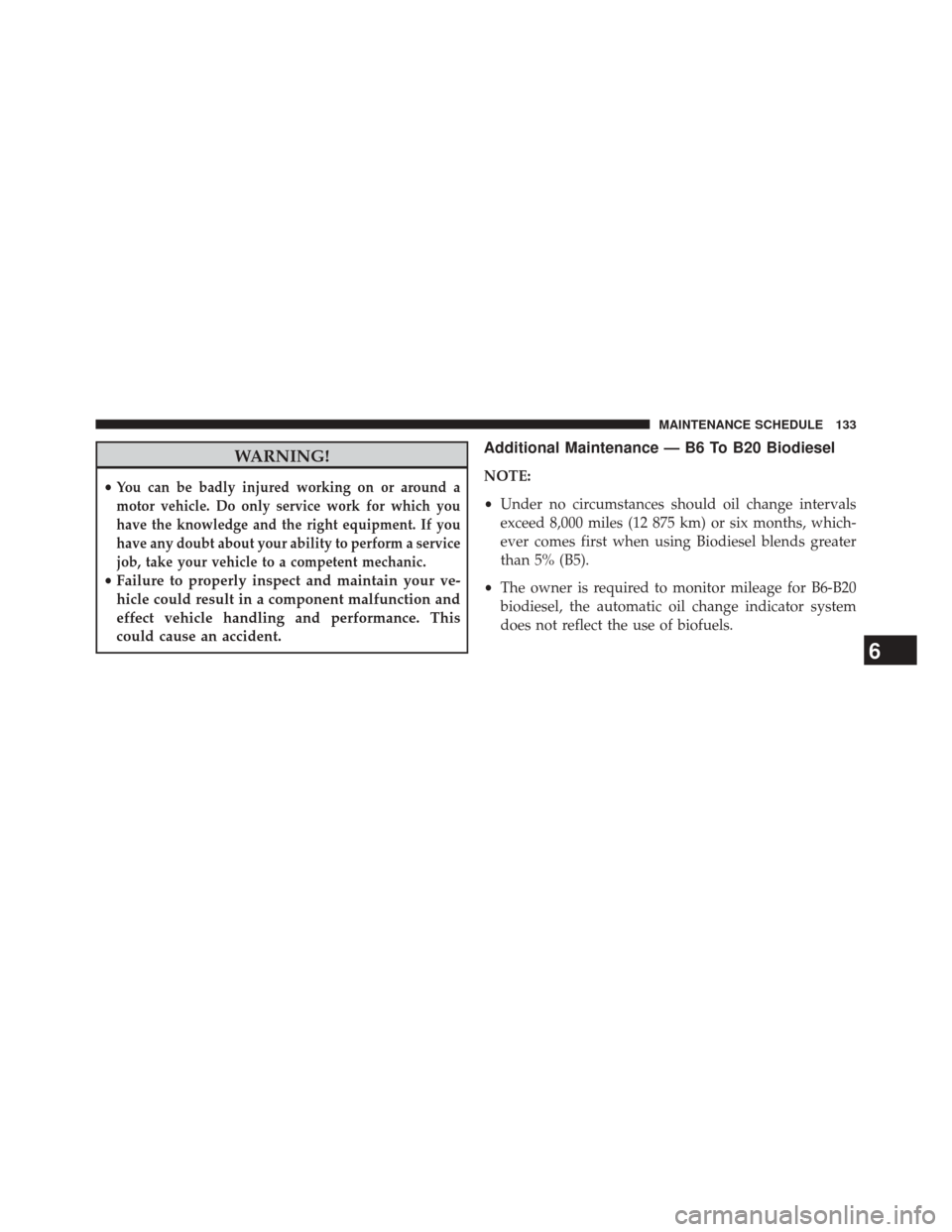
WARNING!
•You can be badly injured working on or around a
motor vehicle. Do only service work for which you
have the knowledge and the right equipment. If you
have any doubt about your ability to perform a service
job, take your vehicle to a competent mechanic.
• Failure to properly inspect and maintain your ve-
hicle could result in a component malfunction and
effect vehicle handling and performance. This
could cause an accident.
Additional Maintenance — B6 To B20 Biodiesel
NOTE:
• Under no circumstances should oil change intervals
exceed 8,000 miles (12 875 km) or six months, which-
ever comes first when using Biodiesel blends greater
than 5% (B5).
• The owner is required to monitor mileage for B6-B20
biodiesel, the automatic oil change indicator system
does not reflect the use of biofuels.
6
MAINTENANCE SCHEDULE 133
Page 189 of 347
Oil Life Reset
Your vehicle is equipped with an engine oil change
indicator system. The “Oil Change Required” message
will display in the EVIC after a single chime has sounded,
to indicate the next scheduled oil change interval. The
engine oil change indicator system is duty cycle based,
which means the engine oil change interval may fluctu-
ate, dependent upon your personal driving style.
NOTE:Use the steering wheel EVIC controls for the
following procedure(s).
Vehicles Equipped With Passive Entry
1. Without pressing the brake pedal, push the ENGINE START/STOP button and place the ignition to the
ON/RUN position (do not start the engine). 2. Push and release the
DOWNarrow button to scroll
downward through the main menu to “Vehicle Info.”
3. Push and release the RIGHTarrow button to access
the ”Vehicle Info” screen, then scroll UP or DOWN to
select “Oil Life.”
4. Push and hold the RIGHTarrow button to select
“Reset,” then push and release the Rightarrow button
to select “NO”or“YES” to reset the Oil Life to 100%.
5. Push and release the Uparrow button to exit the EVIC
screen.
Vehicles Not Equipped With Passive Entry
1. Without depressing the brake pedal, cycle the ignition to the ON/RUN position (do not start the engine).
3
UNDERSTANDING YOUR INSTRUMENT PANEL 187
Page 202 of 347
4. Press and hold theRIGHTarrow button for one
second to access the ”Fuel Filter Life Reset” screen.
5. Press and hold the RIGHTarrow button for one
second to access the Reset Confirmation screen.
6. Press and release the UPorDOWN arrow button to
select “Yes” or “No” then press and hold the RIGHT
arrow button to reset the Fuel Filter Life.
7. Press and release the Uparrow button to exit the EVIC
screen once the Fuel Filter Life is 100%
NOTE: If the indicator message illuminates when you
start the vehicle, the oil change indicator system did not
reset. If necessary, repeat this procedure.
Oil Life Reset
Your vehicle is equipped with an engine oil change
indicator system. The “Oil Change Required” message
will flash in the DID display for approximately 10 seconds after a single chime has sounded, to indicate the
next scheduled oil change interval. The engine oil change
indicator system is duty cycle based, which means the
engine oil change interval may fluctuate, dependent
upon your personal driving style.
NOTE:
Use the steering wheel DID controls for the
following procedure(s)
Vehicles Equipped With Passive Entry
1. Without Pushing the brake pedal, push the ENGINE START/STOP button and cycle the ignition to the
ON/RUN position (do not start the engine.)
2. Push and release the DOWNarrow button to scroll
downward through the main menu to “Vehicle Info”.
3. Push and release the RIGHTarrow button to access
the ”Oil Life” screen.
200 UNDERSTANDING YOUR INSTRUMENT PANEL
Page 203 of 347
4. Push and hold theRIGHTarrow button for one
second to access the ”Oil Life Reset” screen.
5. Push and release the DOWNarrow button to select
“Yes”, then push and release the Rightarrow button to
select reset of the Oil Life.
6. Push and release the Uparrow button to exit the DID
screen.
Vehicles Not Equipped With Passive Entry
1. Without pushing the brake pedal, cycle the ignition to the ON/RUN position (do not start the engine.)
2. Push and release the DOWNarrow button to scroll
downward through the main menu to “ Vehicle Info”.
3. Push and release the RIGHTarrow button to access
the ” Oil Life” screen. 4. Push and hold the
RIGHTarrow button for one
second to access the ” Oil Life Reset” screen.
5. Push and release the DOWNarrow button to select
“Yes”, then push and release the Rightarrow button to
select reset of the Oil Life.
6. Push and release the Uparrow button to exit the DID
screen.
NOTE: If the indicator message illuminates when you
start the vehicle, the oil change indicator system did not
reset. If necessary, repeat this procedure.
3
UNDERSTANDING YOUR INSTRUMENT PANEL 201