Page 195 of 271
193
108_en_Chap12a_Autoradio-Toyota-tactile-1_ed01-2015
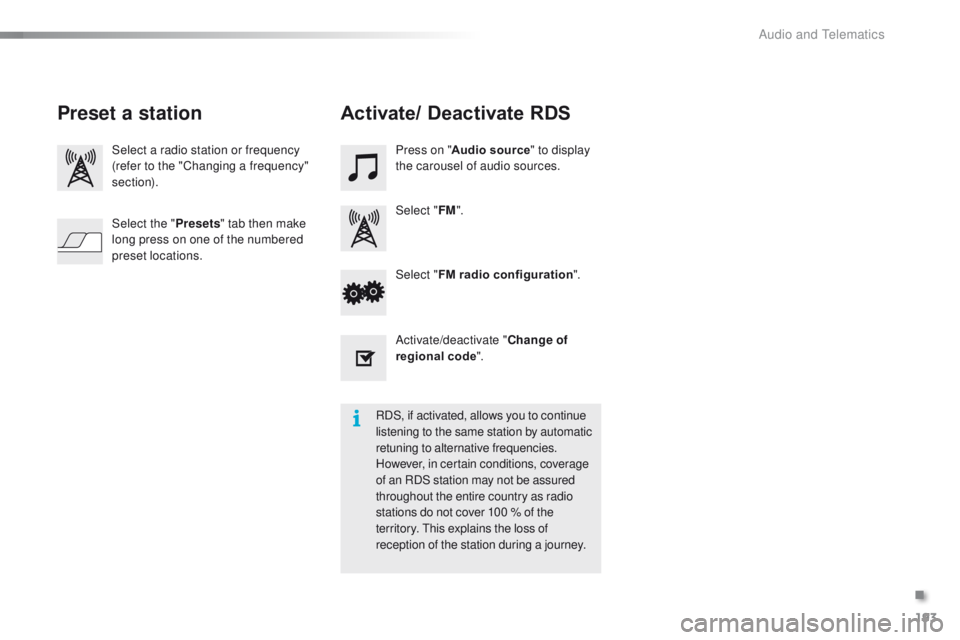
Select a radio station or frequency
(refer to the "Changing a frequency"
section).Press on "
Audio source " to display
the carousel of audio sources.
Select " FM".
Select " FM radio configuration ".
Activate/deactivate " Change of
regional code ".
Select the "
Presets" tab then make
long press on one of the numbered
preset locations.
Preset a station Activate/ Deactivate RDS
RDS, if activated, allows you to continue
listening to the same station by automatic
retuning to alternative frequencies.
However, in certain conditions, coverage
of an RDS station may not be assured
throughout the entire country as radio
stations do not cover 100 % of the
territory.
t
h
is explains the loss of
reception of the station during a journey.
.
Audio and telematics
Page 196 of 271
194
108_en_Chap12a_Autoradio-Toyota-tactile-1_ed01-2015
DAB (Digital Audio Broadcasting) radio
Display "DAB" waveband.Display the name and "Radiotext" for
the current station.
Short-cut: access to the choice of
audio source, telephone functions and
SmartphoneLink
® mode.
Select the radio station.
Preset stations.
Short press: select the preset
radio station.
Long press: preset a radio
station.
"Next multiplex".
Next radio station.
Display the name and number of the
"Multiplex" service being used.
"Previous multiplex". "DAB radio configuration".
Previous radio station. If the "DAB" radio station being listened
to is not available, the "FM" waveband
appears in the screen.
Audio and telematics
Page 197 of 271
195
108_en_Chap12a_Autoradio-Toyota-tactile-1_ed01-2015
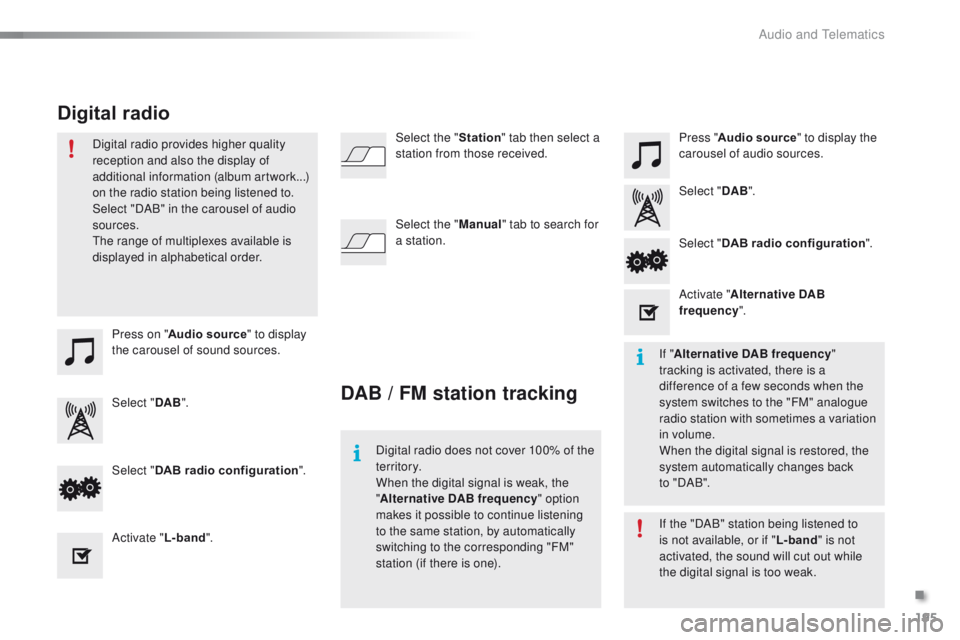
Press on "Audio source " to display
the carousel of sound sources. Press "
Audio source " to display the
carousel of audio sources.
Select " DAB". Select "
DAB".
Select " DAB radio configuration ".
Activate " L-band". Select "
DAB radio configuration ".
Activate " Alternative DAB
frequency ".
Select the "
Station" tab then select a
station from those received.
Select the " Manual" tab to search for
a station.
Digital radio provides higher quality
reception and also the display of
additional information (album artwork...)
on the radio station being listened to.
Select "DAB" in the carousel of audio
sources.
th
e range of multiplexes available is
displayed in alphabetical order.
Digital radio does not cover 100% of the
te r r i to r y.
When the digital signal is weak, the
"Alternative DAB frequency " option
makes it possible to continue listening
to the same station, by automatically
switching to the corresponding "FM"
station (if there is one). If the "DAB" station being listened to
is not available, or if "
L-band" is not
activated, the sound will cut out while
the digital signal is too weak. If " Alternative DAB frequency "
tracking is activated, there is a
difference of a few seconds when the
system switches to the "FM" analogue
radio station with sometimes a variation
in volume.
When the digital signal is restored, the
system automatically changes back
to
" DA B ".
DAB / FM station tracking
Digital radio
.
Audio and telematics
Page 198 of 271
196
108_en_Chap12a_Autoradio-Toyota-tactile-1_ed01-2015
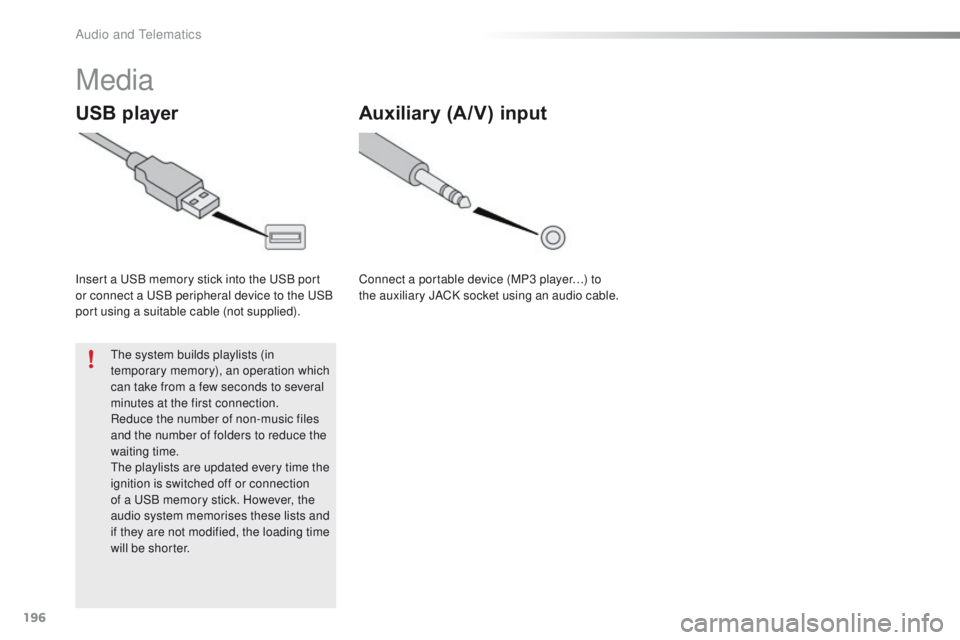
Media
USB player
Insert a uSB memory stick into the uS B port
or connect a uS B peripheral device to the uS B
port using a suitable cable (not supplied).
th
e system builds playlists (in
temporary memory), an operation which
can take from a few seconds to several
minutes at the first connection.
Reduce the number of non-music files
and the number of folders to reduce the
waiting time.
th
e playlists are updated every time the
ignition is switched off or connection
of a
u
S
B memory stick. However, the
audio system memorises these lists and
if they are not modified, the loading time
will be shorter.
Auxiliary (A/V) input
Connect a portable device (MP3 player…) to
the auxiliary JACK socket using an audio cable.
Audio and telematics
Page 199 of 271
197
108_en_Chap12a_Autoradio-Toyota-tactile-1_ed01-2015
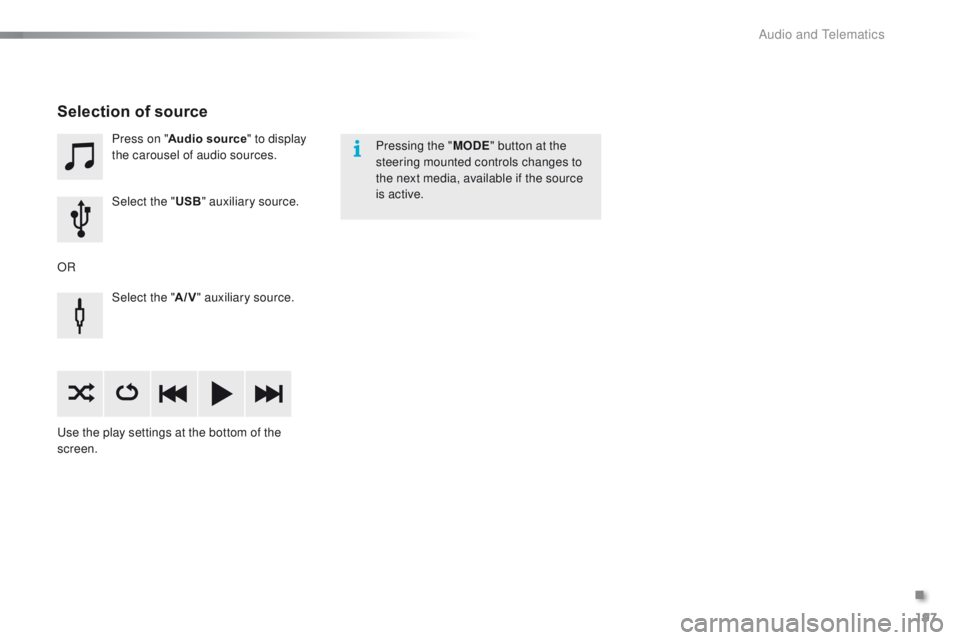
Press on "Audio source " to display
the carousel of audio sources.
Select the " USB" auxiliary source.
Select the " A/V" auxiliary source.
us
e the play settings at the bottom of the
screen.
Selection of source
OR Pressing the "
MODE" button at the
steering mounted controls changes to
the next media, available if the source
is active.
.
Audio and telematics
Page 200 of 271
198
108_en_Chap12a_Autoradio-Toyota-tactile-1_ed01-2015
Information and advice
the system accepts uS B mass storage
devices or Apple® players via the uS
B ports.
th
e adaptor cable is not
supplied.
Control of the peripheral device is with
the audio system controls.
Other peripherals, not recognised on
connection, must be connected to the
auxiliary socket using a Jack cable (not
supplied).
It is advisable to restrict file names to
20
characters, without using of special
characters (e.g.: " " ? ; ù) to avoid any playing
and displaying problems.
us
e only
u
S
B memory sticks formatted FA
t
32
(File Allocation
t
a
ble).th
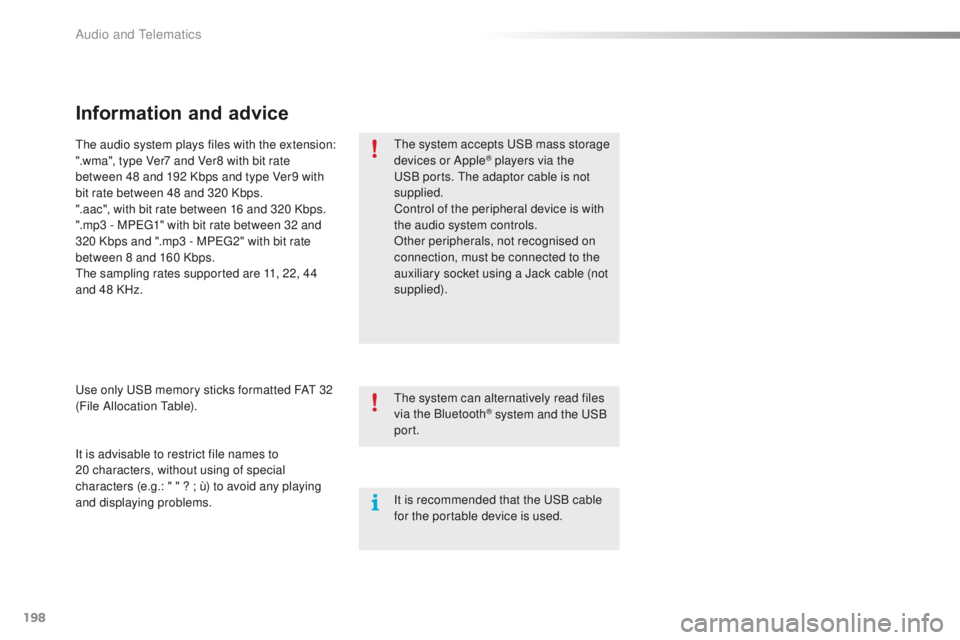
e audio system plays files with the extension:
".wma", type Ver7 and Ver8 with bit rate
between 48 and 192 Kbps and type Ver9 with
bit rate between 48 and 320 Kbps.
".aac", with bit rate between 16 and 320 Kbps.
".mp3 - MP
e
g
1
" with bit rate between 32 and
320 Kbps and ".mp3 - MP
e
g
2
" with bit rate
between 8 and 160 Kbps.
th
e sampling rates supported are 11, 22, 44
and 48 KHz.
th
e system can alternatively read files
via the Bluetooth
® system and the uS B
port.
It is recommended that the
u
S
B cable
for the portable device is used.
Audio and telematics
Page 201 of 271
199
108_en_Chap12a_Autoradio-Toyota-tactile-1_ed01-2015
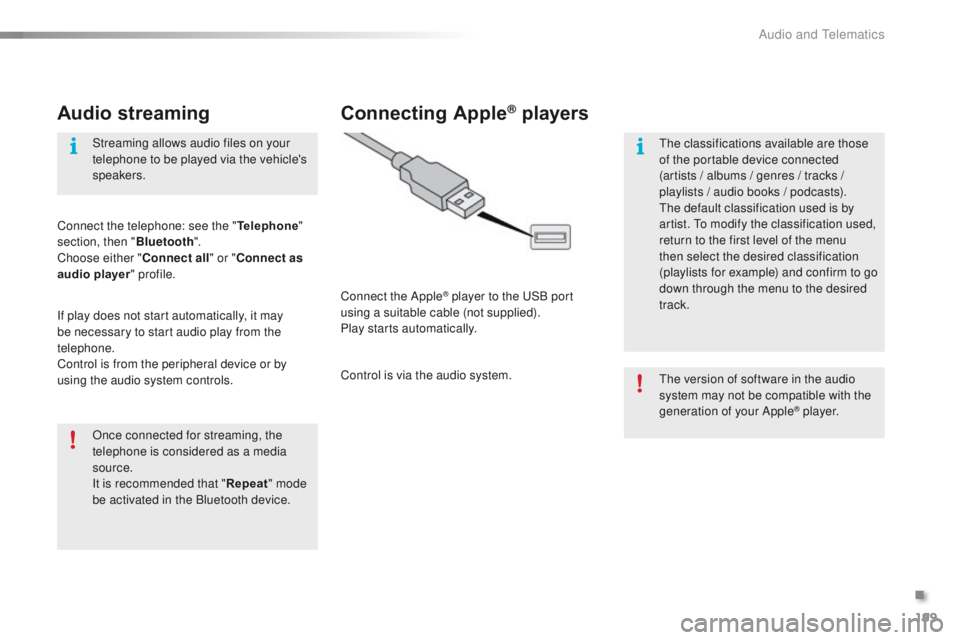
Audio streaming
Once connected for streaming, the
telephone is considered as a media
source.
It is recommended that "Repeat" mode
be activated in the Bluetooth device. Streaming allows audio files on your
telephone to be played via the vehicle's
speakers.
Connect the telephone: see the " Telephone"
section, then " Bluetooth".
Choose either " Connect all" or " Connect as
audio player " profile.
If play does not start automatically, it may
be necessary to start audio play from the
telephone.
Control is from the peripheral device or by
using the audio system controls.
Connecting Apple® players
Connect the Apple® player to the uS B port
using a suitable cable (not supplied).
Play starts automatically.
Control is via the audio system.
th
e version of software in the audio
system may not be compatible with the
generation of your Apple
® p l aye r.
th
e classifications available are those
of the portable device connected
(artists / albums / genres / tracks /
playlists / audio books
/ podcasts).
th
e default classification used is by
artist.
t
o m
odify the classification used,
return to the first level of the menu
then select the desired classification
(playlists for example) and confirm to go
down through the menu to the desired
track.
.
Audio and telematics
Page 202 of 271
200
108_en_Chap12a_Autoradio-Toyota-tactile-1_ed01-2015
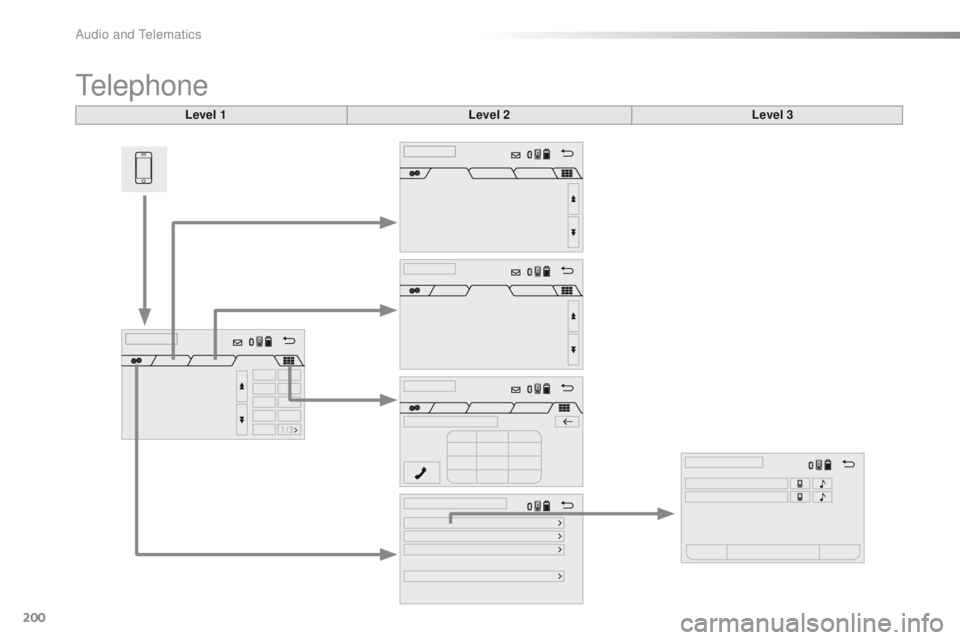
telephone
Level 1Level 2Level 3
Audio and telematics