Page 95 of 457
Instrument panel storage trays . .................2-46
Console box (if so equipped) ...................2-47
Center armrest storage (if so equipped) ..........2-48
Glove box .................................... 2-48
Sunglasses holder (if so equipped) ..............2-49
Map pockets .................................. 2-49
Seatback pocket (if so equipped) ...............2-50
Overhead console (if so equipped) ..............2-50
Cup holders .................................. 2-51
Grocery hooks (if so equipped) .................2-53
Lockable bedside storage compartment
(if so equipped) ............................... 2-54
Windows ........................................ 2-54
Power windows ............................... 2-54
Rear sliding window (if so equipped) ............2-57
Rear power window switch (if so equipped) ......2-57 Moonroof (if so equipped)
......................... 2-58
Power moonroof ............................... 2-58
Interior light ...................................... 2-59
Console light (if so equipped) ...................2-60
Personal lights (if so equipped) ....................2-61
Map lights (if so equipped) ........................2-61
HomeLink® universal transceiver (if so equipped) ....2-61
Programming HomeLink® ......................2-62
Programming HomeLink® for Canadian
customers and gate openers ....................2-63
Operating the HomeLink® universal
transceiver .................................... 2-64
Programming trouble-diagnosis .................2-64
Clearing the programmed information ............2-64
Reprogramming a single HomeLink® button ......2-65
If your vehicle is stolen ......................... 2-65
Page 97 of 457
16. Power outlet (P. 2-42)
17. Heated seat switch (if so equipped)(P. 2-38)
18. Vehicle Dynamic Control (VDC) off
switch (P. 2-39)
19. Tow mode switch (P. 2-42)
20. Electronic locking rear differential (E-
Lock) system switch (if so equipped)
(P.2-39)
21. Shift lever (console) (if so equipped)
(P. 5-14)
22. Hazard warning flasher switch (P. 6-2)
23. Power outlet (P. 2-42)
24. 4WD shift switch (if so equipped)
(P. 5-29)
25. Ignition switch (P. 5-9)
26. Tilt steering wheel control (P. 3-14)
27. Cargo lamp switch (if so equipped)
(P. 2-38)/Rear sonar system off switch
(if so equipped) (P. 2-41)/Pedal posi-
tion adjustment switch (if so equipped)
(P. 3-14)/Rear power window switch
(if so equipped) (P. 2-57)
*: Refer to the separate Navigation System Own-
er’s Manual (if so equipped) .
See the page number indicated in paren-
theses for operating details.
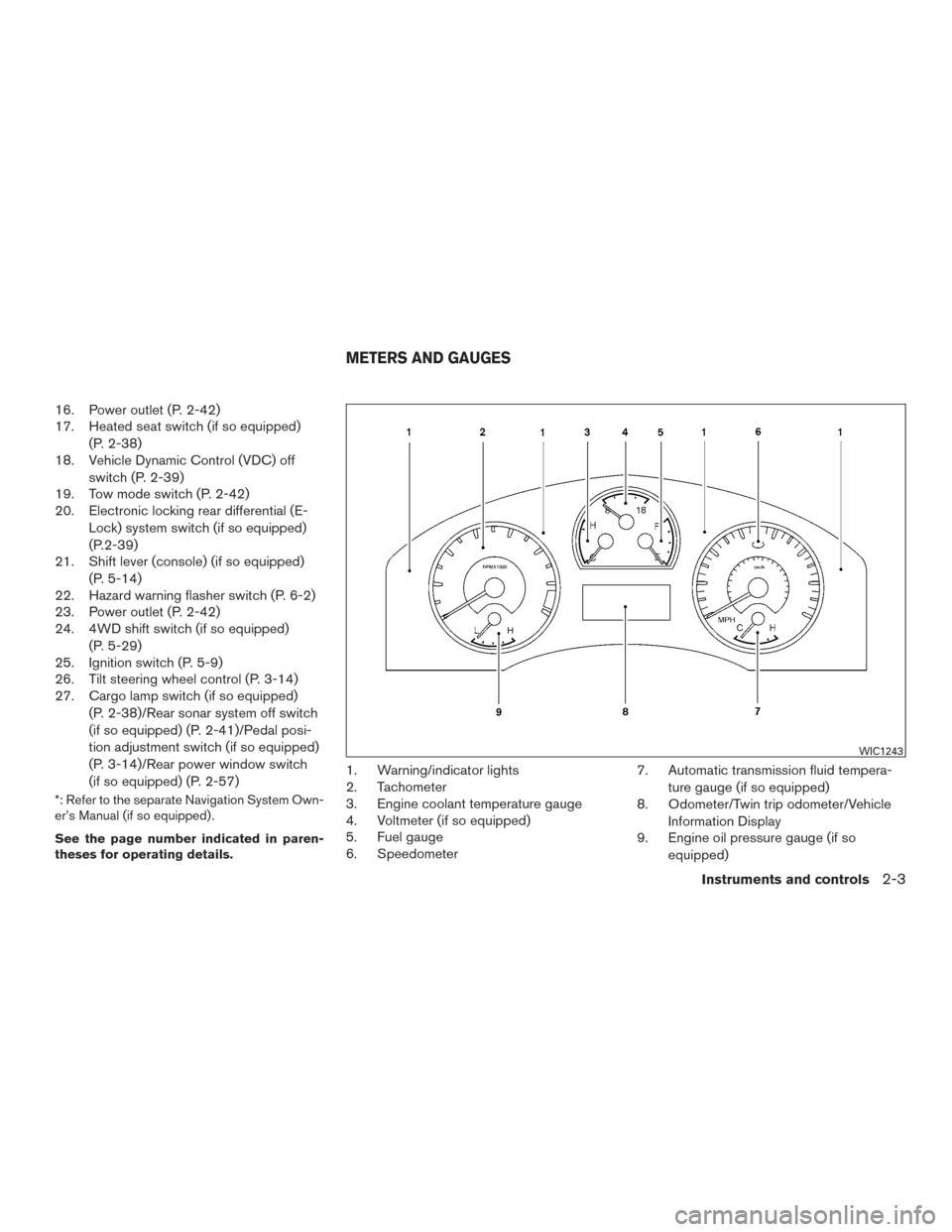
1. Warning/indicator lights
2. Tachometer
3. Engine coolant temperature gauge
4. Voltmeter (if so equipped)
5. Fuel gauge
6. Speedometer 7. Automatic transmission fluid tempera-
ture gauge (if so equipped)
8. Odometer/Twin trip odometer/Vehicle
Information Display
9. Engine oil pressure gauge (if so
equipped)
WIC1243
METERS AND GAUGES
Instruments and controls2-3
Page 121 of 457
Check tire pressure warning
This warning appears when the low tire pressure
warning light in the meter illuminates and low tire
pressure is detected. If this warning appears,
stop the vehicle and adjust the tire pressure to
the recommended COLD tire pressure shown on
the Tire and Loading Information label. For addi-
tional information, refer to “Low tire pressure
warning light” in this section and “Tire Pressure
Monitoring System (TPMS)” in the “Starting and
driving” section of this manual.Your vehicle may have two types of security sys-
tems:● Vehicle security system (if so equipped)
● NISSAN Vehicle Immobilizer System (if so
equipped)
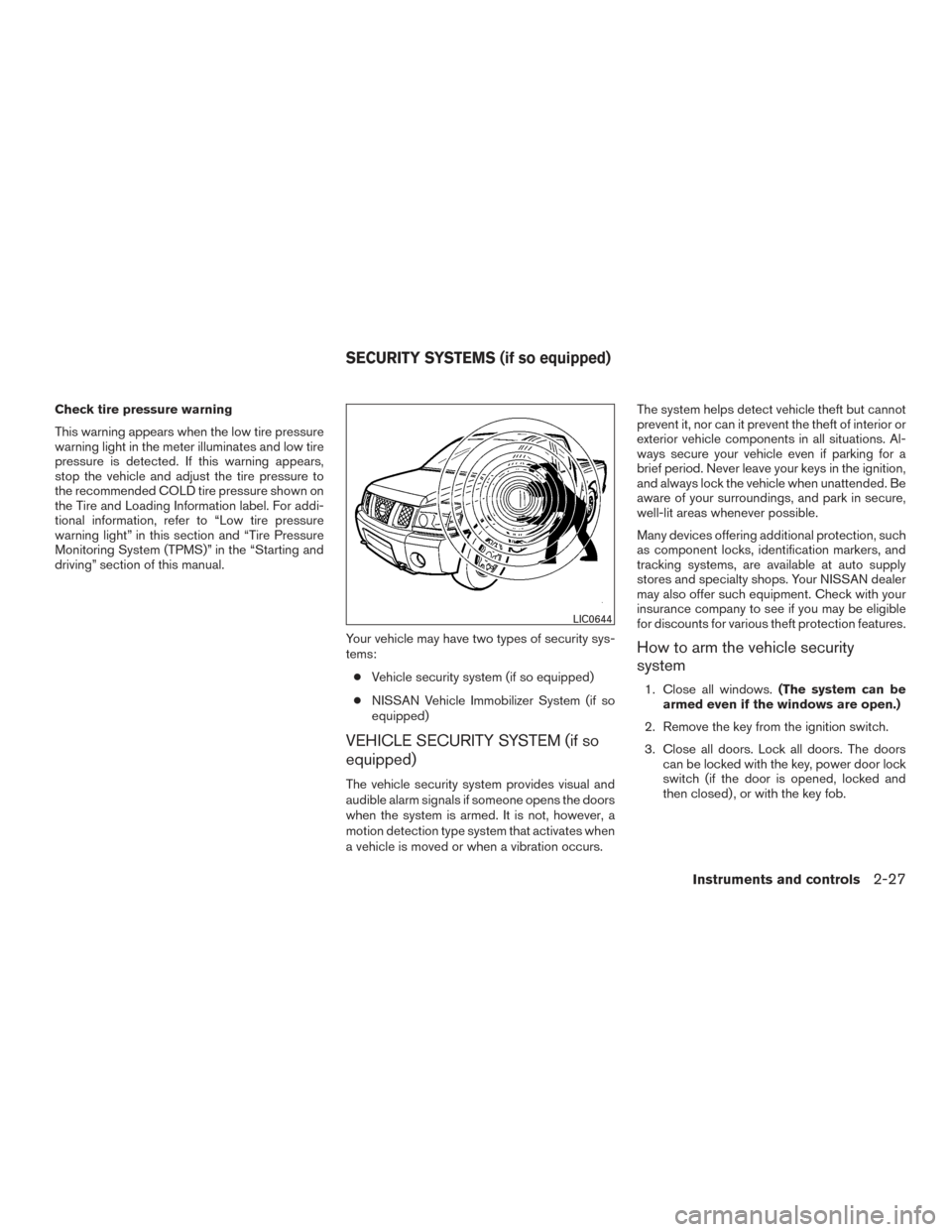
VEHICLE SECURITY SYSTEM (if so
equipped)
The vehicle security system provides visual and
audible alarm signals if someone opens the doors
when the system is armed. It is not, however, a
motion detection type system that activates when
a vehicle is moved or when a vibration occurs. The system helps detect vehicle theft but cannot
prevent it, nor can it prevent the theft of interior or
exterior vehicle components in all situations. Al-
ways secure your vehicle even if parking for a
brief period. Never leave your keys in the ignition,
and always lock the vehicle when unattended. Be
aware of your surroundings, and park in secure,
well-lit areas whenever possible.
Many devices offering additional protection, such
as component locks, identification markers, and
tracking systems, are available at auto supply
stores and specialty shops. Your NISSAN dealer
may also offer such equipment. Check with your
insurance company to see if you may be eligible
for discounts for various theft protection features.
How to arm the vehicle security
system
1. Close all windows.
(The system can be
armed even if the windows are open.)
2. Remove the key from the ignition switch.
3. Close all doors. Lock all doors. The doors can be locked with the key, power door lock
switch (if the door is opened, locked and
then closed) , or with the key fob.
LIC0644
SECURITY SYSTEMS (if so equipped)
Instruments and controls2-27
Page 125 of 457
●Pre-mix washer fluid concentrates with
water to the manufacturer’s recom-
mended levels before pouring the fluid
into the windshield-washer fluid reser-
voir. Do not use the windshield-washer
reservoir to mix the washer fluid con-
centrate and water.
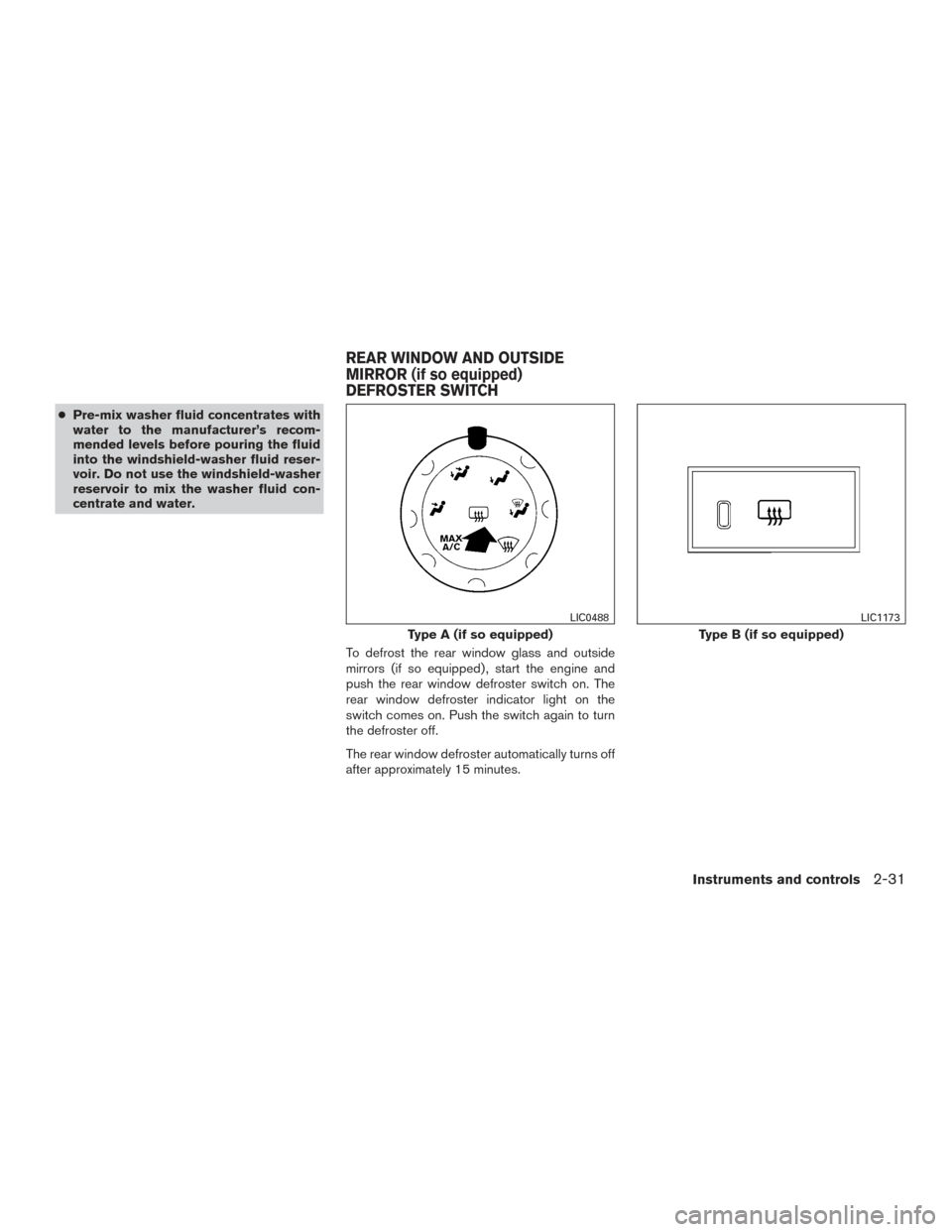
To defrost the rear window glass and outside
mirrors (if so equipped) , start the engine and
push the rear window defroster switch on. The
rear window defroster indicator light on the
switch comes on. Push the switch again to turn
the defroster off.
The rear window defroster automatically turns off
after approximately 15 minutes.
Type A (if so equipped)
LIC0488
Type B (if so equipped)
LIC1173
REAR WINDOW AND OUTSIDE
MIRROR (if so equipped)
DEFROSTER SWITCH
Instruments and controls2-31
Page 126 of 457
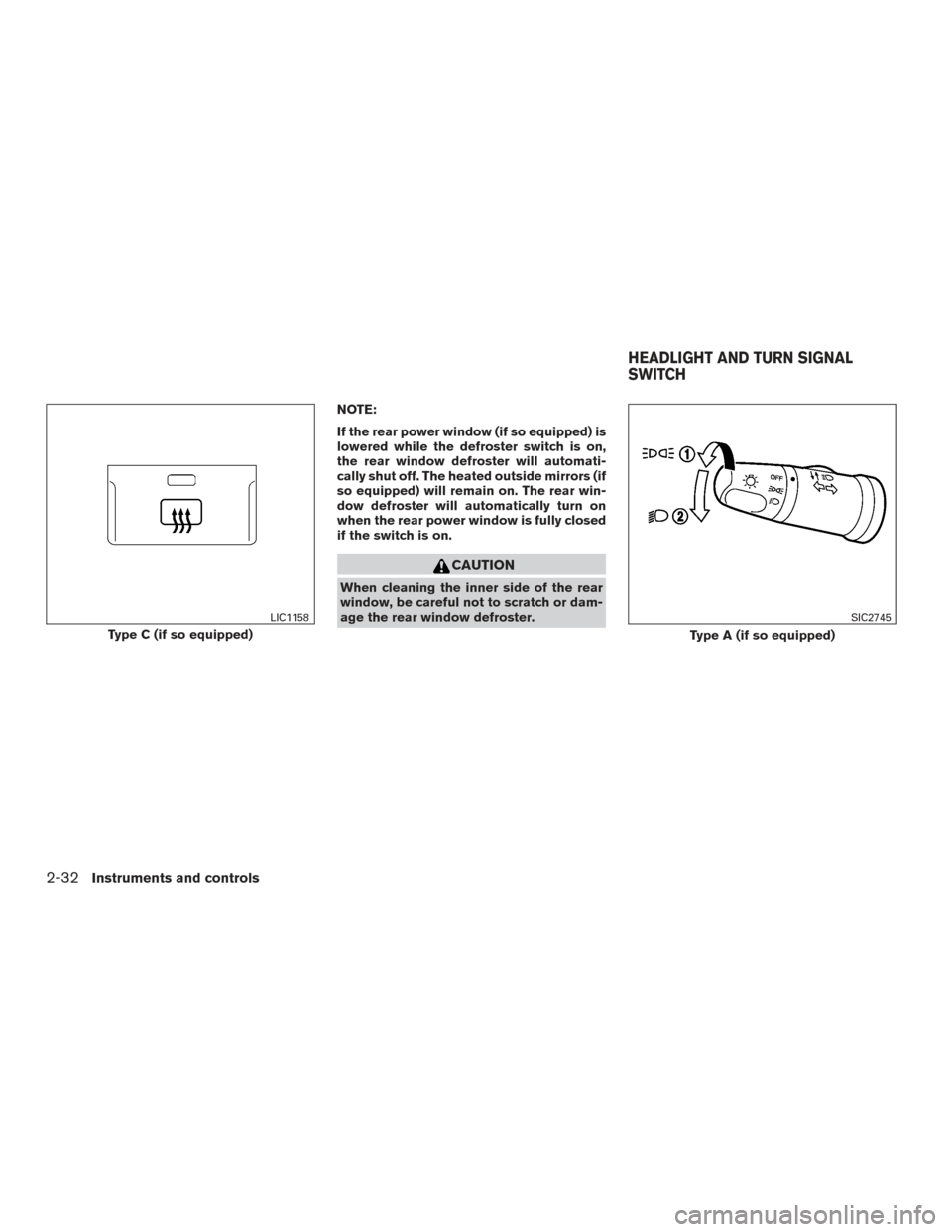
NOTE:
If the rear power window (if so equipped) is
lowered while the defroster switch is on,
the rear window defroster will automati-
cally shut off. The heated outside mirrors (if
so equipped) will remain on. The rear win-
dow defroster will automatically turn on
when the rear power window is fully closed
if the switch is on.
CAUTION
When cleaning the inner side of the rear
window, be careful not to scratch or dam-
age the rear window defroster.
Type C (if so equipped)
LIC1158
Type A (if so equipped)
SIC2745
HEADLIGHT AND TURN SIGNAL
SWITCH
2-32Instruments and controls
Page 138 of 457
CAUTION
●The outlet and plug may be hot during
or immediately after use.
● Only certain power outlets are designed
for use with a cigarette lighter unit. Do
not use any other power outlet for an
accessory lighter. See your NISSAN
dealer for additional information.
● Do not use with accessories that exceed
a 12 volt, 120W (10A) power draw. Do
not use double adapters or more than
one electrical accessory.
● Use power outlets with the engine run-
ning to avoid discharging the vehicle
battery.
● Avoid using power outlets when the air
conditioner, headlights or rear window
defroster is on.
● Before inserting or disconnecting a
plug, be sure the electrical accessory
being used is turned OFF.
● Push the plug in as far as it will go. If
good contact is not made, the plug may
overheat or the internal temperature
fuse may open.
● When not in use, be sure to close the
cap. Do not allow water or any other
liquid to contact the outlet.
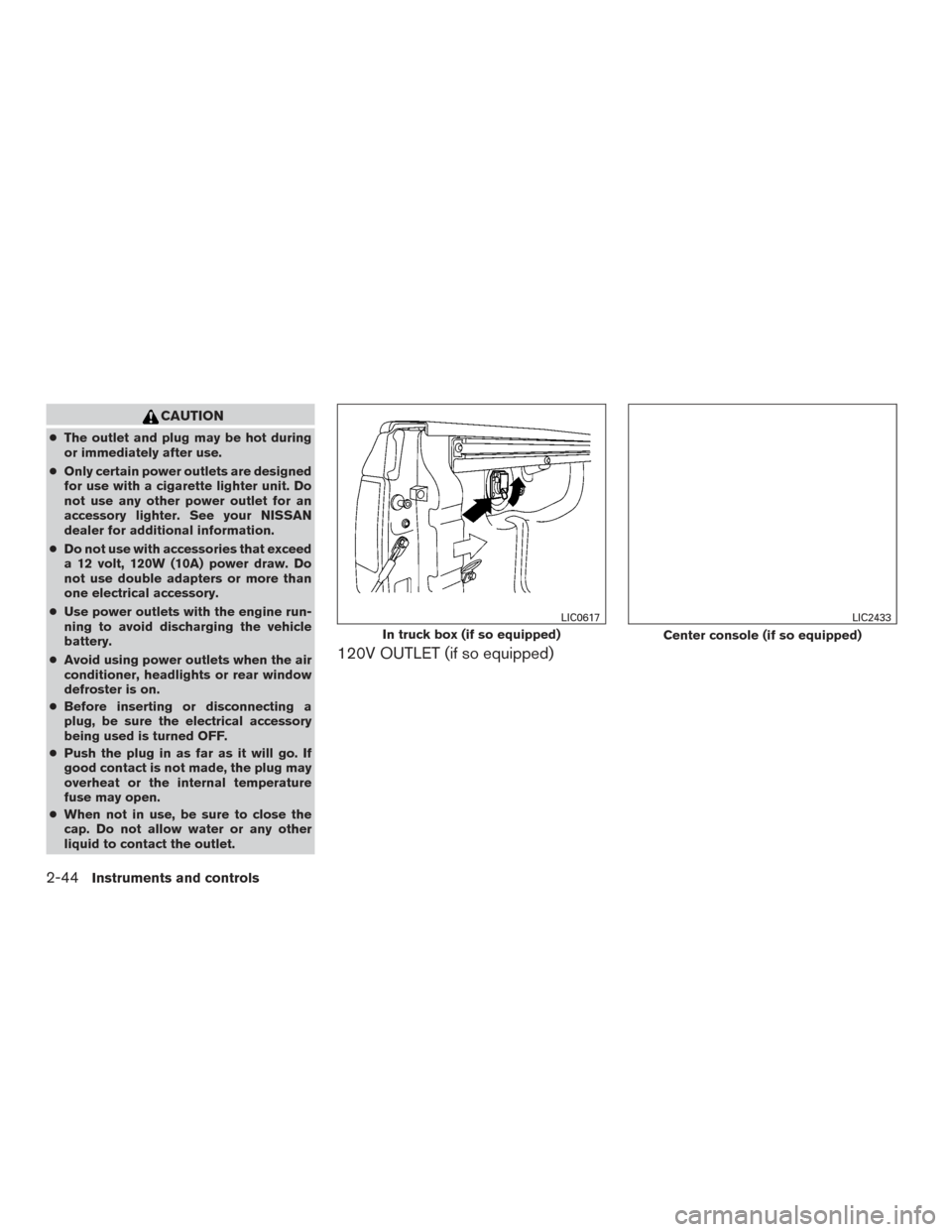
120V OUTLET (if so equipped)
In truck box (if so equipped)
LIC0617
Center console (if so equipped)
LIC2433
2-44Instruments and controls
Page 140 of 457
Do not use the outlet located in the truck box with
accessories that exceed 120 volt. Do not use
double adapters or more than one electrical ac-
cessory.
CAUTION
●Operation of the 120 volt system with
the ignition in the ON position and the
engine not running (idle) will drain the
battery charge. This could lead to a
dead battery or no start condition.
● The outlet and plug may be hot during
or immediately after use.
● Use power outlets with the engine run-
ning to avoid discharging the vehicle
battery.
● Do not use double adaptors or more
than one electrical accessory.
● Avoid using power outlets when the air
conditioner, headlights or rear window
defroster is on.
● Before inserting or disconnecting a
plug, be sure the electrical accessory
being used is turned OFF. ●
Push the plug in as far as it will go. If
good contact is not made, the plug may
overheat or the internal temperature
fuse may open.
● When not in use, be sure to close the
cap. Do not allow water or any other
liquid to contact the outlet.
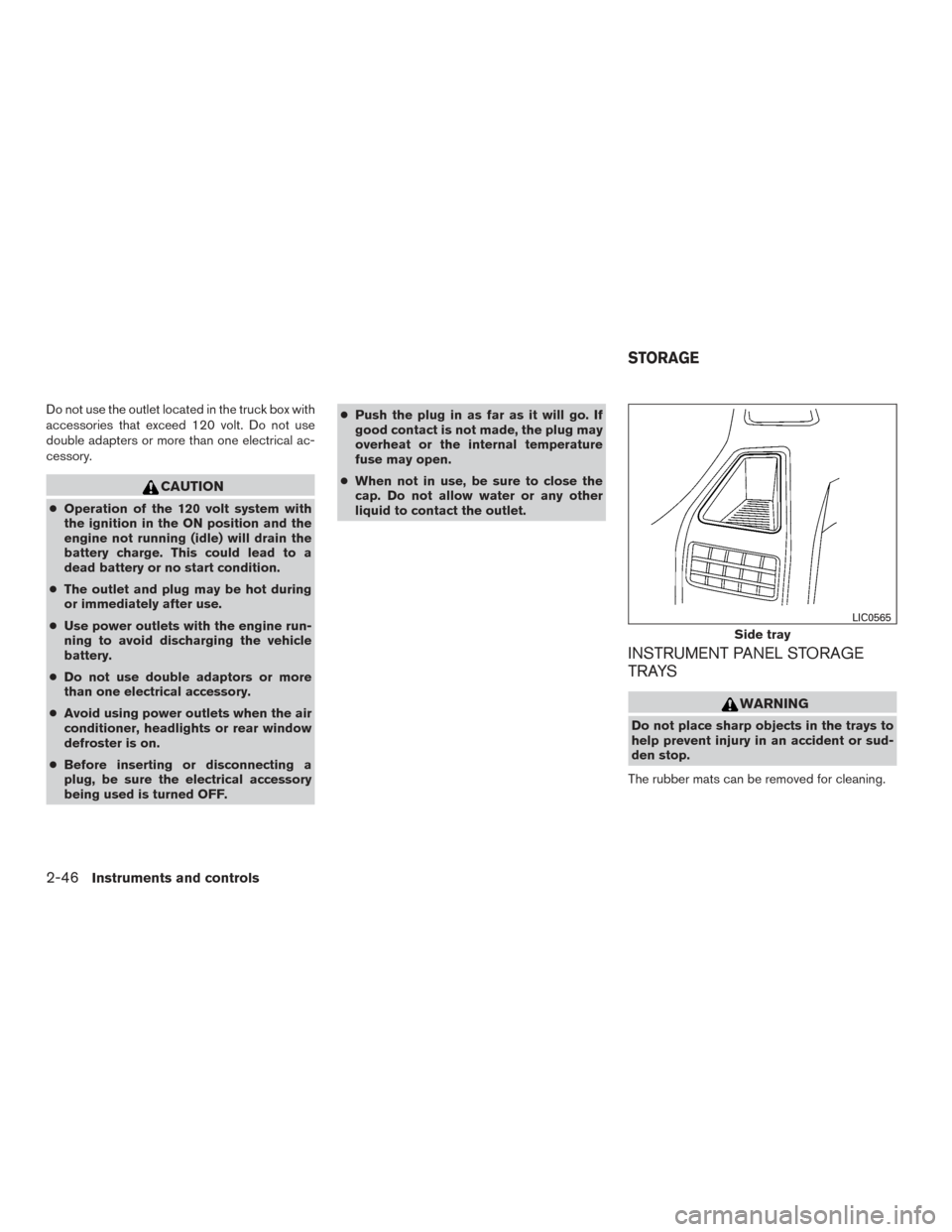
INSTRUMENT PANEL STORAGE
TRAYS
WARNING
Do not place sharp objects in the trays to
help prevent injury in an accident or sud-
den stop.
The rubber mats can be removed for cleaning.
Side tray
LIC0565
STORAGE
2-46Instruments and controls
Page 148 of 457
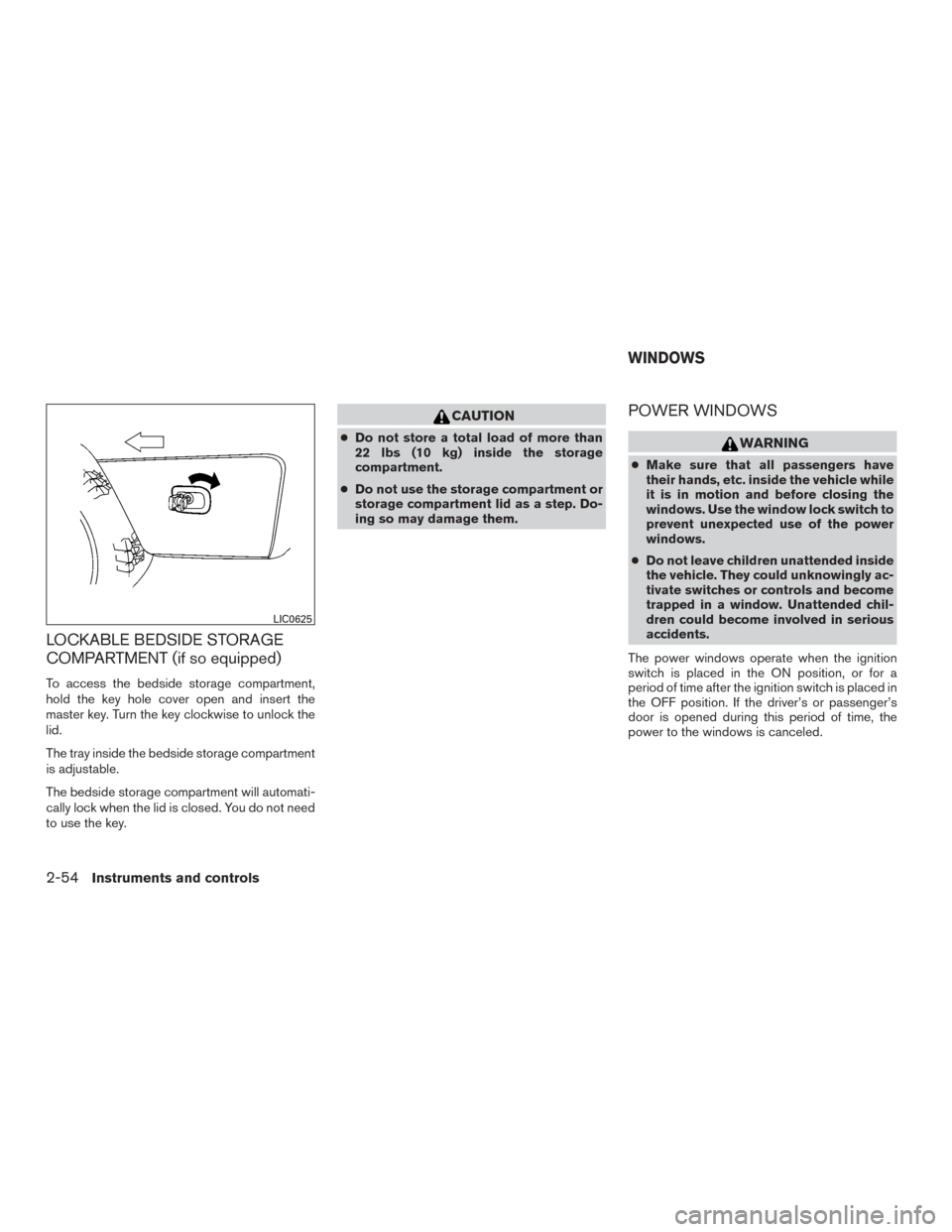
LOCKABLE BEDSIDE STORAGE
COMPARTMENT (if so equipped)
To access the bedside storage compartment,
hold the key hole cover open and insert the
master key. Turn the key clockwise to unlock the
lid.
The tray inside the bedside storage compartment
is adjustable.
The bedside storage compartment will automati-
cally lock when the lid is closed. You do not need
to use the key.
CAUTION
●Do not store a total load of more than
22 lbs (10 kg) inside the storage
compartment.
● Do not use the storage compartment or
storage compartment lid as a step. Do-
ing so may damage them.
POWER WINDOWS
WARNING
● Make sure that all passengers have
their hands, etc. inside the vehicle while
it is in motion and before closing the
windows. Use the window lock switch to
prevent unexpected use of the power
windows.
● Do not leave children unattended inside
the vehicle. They could unknowingly ac-
tivate switches or controls and become
trapped in a window. Unattended chil-
dren could become involved in serious
accidents.
The power windows operate when the ignition
switch is placed in the ON position, or for a
period of time after the ignition switch is placed in
the OFF position. If the driver’s or passenger’s
door is opened during this period of time, the
power to the windows is canceled.
LIC0625
WINDOWS
2-54Instruments and controls