2015 NISSAN TITAN cruise control
[x] Cancel search: cruise controlPage 314 of 457
The cruise control is automatically canceled and
the SET light in the vehicle information display
goes out if:● You depress the brake pedal while pushing
the ACCEL/RES or SET/COAST switch.
The preset speed is deleted from memory.
● The vehicle slows down more than 8 MPH
(13 km/h) below the set speed.
● You move the shift lever to N (Neutral) .
To reset at a faster cruising speed, use one of
the following three methods:
● Depress the accelerator pedal. When the
vehicle attains the desired speed, push and
release the COAST/SET switch.
● Push and hold the ACCEL/RES switch.
When the vehicle attains the speed you de-
sire, release the switch.
● Push and release the ACCEL/RES switch.
Each time you do this, the set speed in-
creases by about 1 MPH (1.6 km/h).
To reset at a slower cruising speed, use one
of the following three methods:
● Lightly tap the brake pedal. When the ve-
hicle attains the desired speed, push the
COAST/SET switch and release it. ●
Push and hold the COAST/SET switch. Re-
lease the switch when the vehicle slows to
the desired speed.
● Push and release the COAST/SET switch.
Each time you do this, the set speed de-
creases by about 1 MPH (1.6 km/h).
To resume the preset speed, push and re-
lease the ACCEL/RES switch. The vehicle re-
turns to the last set cruising speed when the
vehicle speed is over 25 MPH (40 km/h).CAUTION
During the first 1,200 miles (2,000 km),
follow these recommendations to obtain
maximum engine performance and ensure
the future reliability and economy of your
new vehicle. Failure to follow these rec-
ommendations may result in shortened
engine life and reduced engine
performance.
● Avoid driving for long periods at constant
speed, either fast or slow, and do not run the
engine over 4,000 RPM.
● Do not accelerate at full throttle in any gear.
● Avoid quick starts.
● Avoid hard braking as much as possible.
● Do not tow a trailer for the first 500 mi
(805 km) . Your engine, axle or other parts
could be damaged.
BREAK-IN SCHEDULE
5-22Starting and driving
Page 315 of 457
Follow these easy-to-use Fuel Efficient Driving
Tips to help you achieve the most fuel economy
from your vehicle.1. Use Smooth Accelerator and Brake
Pedal Application
● Avoid rapid starts and stops.
● Use smooth, gentle accelerator and
brake application whenever possible.
● Maintain constant speed while commut-
ing and coast whenever possible.
2. Maintain Constant Speed
● Look ahead to try and anticipate and mini-
mize stops.
● Synchronizing your speed with traffic
lights allows you to reduce your number
of stops.
● Maintaining a steady speed can minimize
red light stops and improve fuel effi-
ciency.
3. Use Air Conditioning (A/C) at Higher
Vehicle Speeds
● Below 40 MPH (64 km/h), it is more
efficient to open windows to cool the
vehicle due to reduced engine load. ●
Above 40 MPH (64 km/h), it is more
efficient to use A/C to cool the vehicle
due to increased aerodynamic drag.
● Recirculating the cool air in the cabin
when the A/C is on reduces cooling load.
4. Drive at Economical Speeds and Dis-
tances
● Observing the speed limit and not ex-
ceeding 60 MPH (97 km/h) (where le-
gally allowed) can improve fuel efficiency
due to reduced aerodynamic drag.
● Maintaining a safe following distance be-
hind other vehicles reduces unnecessary
braking.
● Safely monitoring traffic to anticipate
changes in speed permits reduced brak-
ing and smooth acceleration changes.
● Select a gear range suitable to road con-
ditions.
5. Use Cruise Control
● Using cruise control during highway driv-
ing helps maintain a steady speed.
● Cruise control is particularly effective in
providing fuel savings when driving on flat
terrains. 6.
Plan for the Shortest Route
● Utilize a map or navigation system to de-
termine the best route to save time.
7. Avoid Idling
● Shutting off your engine when safe for
stops exceeding 30–60 seconds saves
fuel and reduces emissions.
8. Buy an Automated Pass for Toll Roads
● Automated passes permit drivers to use
special lanes to maintain cruising speed
through the toll and avoid stopping and
starting.
9. Winter Warm Up
● Limit idling time to minimize impact to fuel
economy.
● Vehicles typically need no more than
30 seconds of idling at start-up to effec-
tively circulate the engine oil before driv-
ing.
● Your vehicle will reach its ideal operating
temperature more quickly while driving
versus idling.
FUEL EFFICIENT DRIVING TIPS
Starting and driving5-23
Page 332 of 457
DRAINING OF COOLANT WATER
If the vehicle is to be left outside without anti-
freeze, drain the cooling system, including the
engine block. Refill before operating the vehicle.
For additional information, refer to “Changing
engine coolant” in the “Maintenance and do-it-
yourself” section of this manual.
TIRE EQUIPMENT
1. SUMMER tires have a tread designed toprovide superior performance on dry pave-
ment. However, the performance of these
tires will be substantially reduced in snowy
and icy conditions. If you operate your ve-
hicle on snowy or icy roads, NISSAN recom-
mends the use of MUD & SNOW or ALL
SEASON TIRES on all four wheels. Please
consult a NISSAN dealer for the tire type,
size, speed rating and availability informa-
tion.
2. For additional traction on icy roads, studded tires may be used. However, some U.S.
states and Canadian provinces prohibit their
use. Check local, state and provincial laws
before installing studded tires.
Skid and traction capabilities of studded
snow tires on wet or dry surfaces may be
poorer than that of non-studded snow tires. 3. Tire chains may be used. For additional in-
formation, refer to “Tire chains” in the “Main-
tenance and do-it-yourself” section of this
manual.
SPECIAL WINTER EQUIPMENT
It is recommended that the following items be
carried in the vehicle during winter:
● A scraper and stiff-bristled brush to remove
ice and snow from the windows and wiper
blades.
● A sturdy, flat board to be placed under the
jack to give it firm support.
● A shovel to dig the vehicle out of snowdrifts.
● Extra washer fluid to refill the windshield-
washer fluid reservoir.
DRIVING ON SNOW OR ICE
WARNING
● Wet ice (32°F, 0°C and freezing rain) ,
very cold snow or ice can be slick and
very hard to drive on. The vehicle will
have much less traction or “grip” under
these conditions. Try to avoid driving on
wet ice until the road is salted or
sanded. ●
Whatever the condition, drive with cau-
tion. Accelerate and slow down with
care. If accelerating or downshifting too
fast, the drive wheels will lose even
more traction.
● Allow more stopping distance under
these conditions. Braking should be
started sooner than on dry pavement.
● Allow greater following distances on
slippery roads.
● Watch for slippery spots (glare ice) .
These may appear on an otherwise
clear road in shaded areas. If a patch of
ice is seen ahead, brake before reach-
ing it. Try not to brake while on the ice,
and avoid any sudden steering
maneuvers.
● Do not use the cruise control (if so
equipped) on slippery roads.
● Snow can trap dangerous exhaust
gases under your vehicle. Keep snow
clear of the exhaust pipe and from
around your vehicle.
5-40Starting and driving
Page 440 of 457
Do the following if the trailer begins to sway:1.
Take your foot off the accelerator pedal to
allow the vehicle to coast and steer as straight
ahead as the road conditions allow. This com-
bination will help stabilize the vehicle
– Do not correct trailer sway by steering or applying the brakes.
2. When the trailer sway stops, gently apply the brakes and pull to the side of the road in a
safe area.
3. Try to rearrange the trailer load so it is bal- anced as described earlier in this section.
● Be careful when passing other vehicles.
Passing while towing a trailer requires con-
siderably more distance than normal pass-
ing. Remember, the length of the trailer must
also pass the other vehicle before you can
safely change lanes.
● Use the Tow Mode or downshift the trans-
mission to a lower gear for engine braking
when driving down steep or long hills. This
will help slow the vehicle without applying
the brakes.
● Avoid holding the brake pedal down too long
or too frequently. This could cause the
brakes to overheat, resulting in reduced
braking efficiency. ●
Increase your following distance to allow for
greater stopping distances while towing a
trailer. Anticipate stops and brake gradually.
● NISSAN recommends that the cruise con-
trol (if so equipped) not be used while tow-
ing a trailer.
● Some states or provinces have specific
regulations and speed limits for vehicles that
are towing trailers. Obey the local speed
limits.
● Check your hitch, trailer wiring harness con-
nections, and trailer wheel lug nuts after
50 miles (80 km) of travel and at every break.
● When launching a boat, don’t allow the wa-
ter level to go over the exhaust tail pipe or
rear bumper.
● Make sure you disconnect the trailer lights
before backing the trailer into the water or
the trailer lights may burn out.
When towing a trailer, final drive gear oil
should be replaced and transmission
oil/fluid should be changed more fre-
quently. For additional information, refer to
the “Maintenance and do-it-yourself” sec-
tion in this manual.
Tow mode
Using tow mode is recommended when pulling a
heavy trailer or hauling a heavy load. Press the
TOW MODE switch to activate tow mode. The
indicator light on the TOW MODE switch illumi-
nates when tow mode is selected. Press the
TOW MODE switch again to turn tow mode off.
Tow mode is automatically cancelled when the
ignition switch is turned OFF.
Tow mode includes the following features: ● Grade logic — Adjusts transmission shifts
when pulling a trailer or hauling a load up a
grade.
● Downhill Speed Control (DSC) — automati-
cally downshifts when driving down a grade
with a trailer or heavy load to help control
vehicle speed.
Driving the vehicle in the tow mode with no
trailer/load or light trailer/light load will not cause
any damage. However, fuel economy may be
reduced and the transmission/engine driving
characteristics may feel unusual.
When towing a trailer, final drive gear oil
should be replaced and transmission
oil/fluid should be changed more fre-
quently. For additional information, refer to
the “Maintenance and do-it-yourself” sec-
tion in this manual.
9-40Technical and consumer information
Page 448 of 457
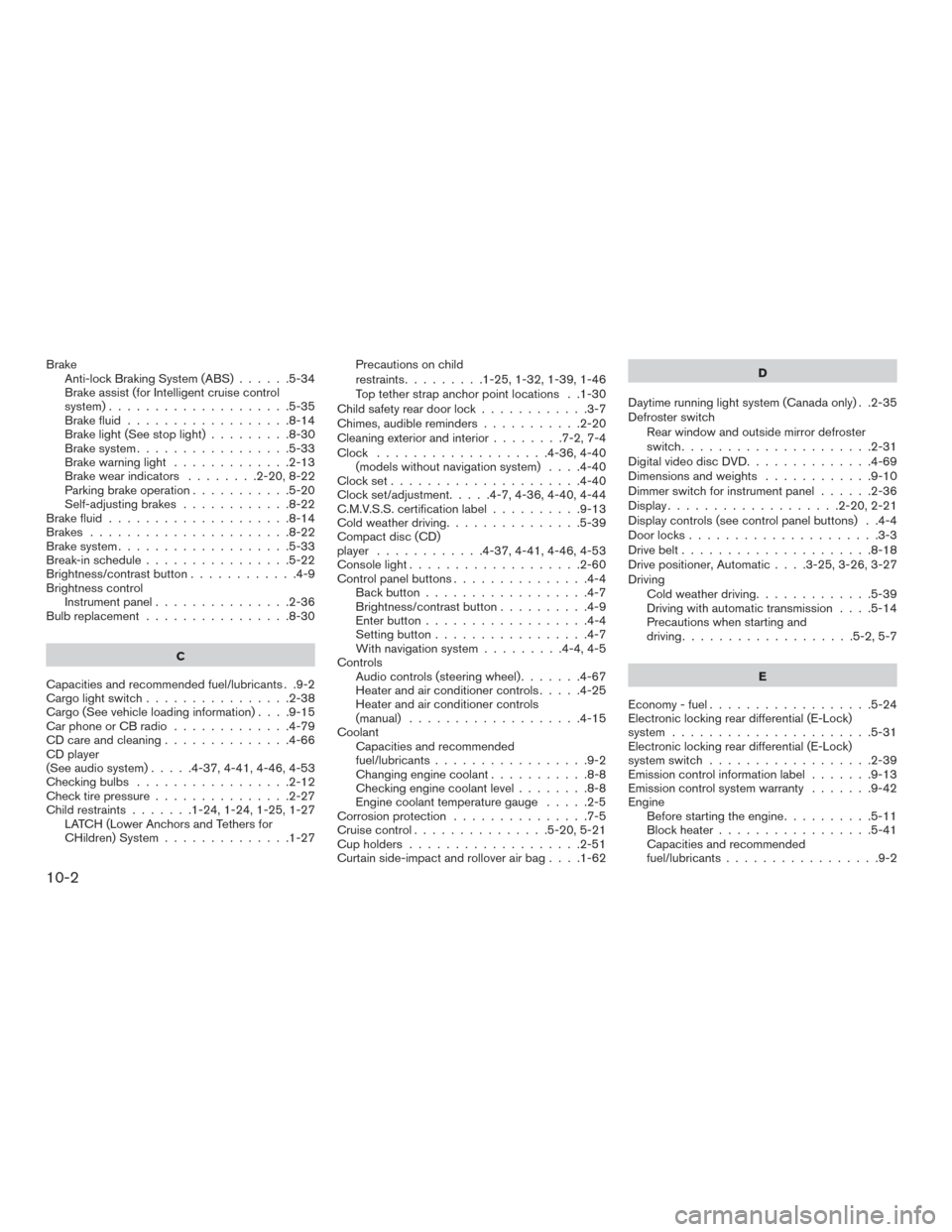
BrakeAnti-lock Braking System (ABS) ......5-34
Brake assist (for Intelligent cruise control
system)....................5-35
Brake fluid ..................8-14
Brake light (See stop light) .........8-30
Brake system .................5-33
Brake warning light .............2-13
Brake wear indicators ........2-20,8-22
Parking brake operation ...........5-20
Self-adjusting brakes ............8-22
Brake fluid ....................8-14
Brakes ......................8-22
Brake system ...................5-33
Break-in schedule ................5-22
Brightness/contrastbutton............4-9
Brightness control Instrument panel ...............2-36
Bulb replacement ................8-30
C
Capacities and recommended fuel/lubricants . .9-2
Cargolightswitch................2-38
Cargo(Seevehicleloadinginformation)....9-15
Car phone or CB radio .............4-79
CD care and cleaning ..............4-66
CD player
(See audio system) .....4-37,4-41,4-46,4-53
Checkingbulbs .................2-12
Check tire pressure ...............2-27
Child restraints .......1-24,1-24,1-25,1-27
LATCH (Lower Anchors and Tethers for
CHildren) System ..............1-27 Precautions on child
restraints
.........1-25,1-32,1-39,1-46
Top tether strap anchor point locations . .1-30
Child safety rear door lock ............3-7
Chimes,audiblereminders...........2-20
Cleaning exterior and interior ........7-2,7-4
Clock ...................4-36,4-40 (models without navigation system) ....4-40
Clockset.....................4-40
Clock set/adjustment.....4-7,4-36,4-40,4-44
C.M.V.S.S. certification label ..........9-13
Cold weather driving ...............5-39
Compact disc (CD)
player ............4-37,4-41,4-46,4-53
Console light ...................2-60
Control panel buttons ...............4-4
Back button ..................4-7
Brightness/contrast button ..........4-9
Enterbutton..................4-4
Setting button .................4-7
With navigation system .........4-4,4-5
Controls Audio controls (steering wheel) .......4-67
Heater and air conditioner controls .....4-25
Heater and air conditioner controls
(manual) ...................4-15
Coolant Capacities and recommended
fuel/lubricants .................9-2
Changingenginecoolant...........8-8
Checking engine coolant level ........8-8
Engine coolant temperature gauge .....2-5
Corrosion protection ...............7-5
Cruisecontrol...............5-20,5-21
Cupholders...................2-51
Curtainside-impactandrolloverairbag....1-62 D
Daytime running light system (Canada only) . .2-35
Defroster switch Rear window and outside mirror defroster
switch .....................2-31
Digital video disc DVD ..............4-69
Dimensionsandweights ............9-10
Dimmer switch for instrument panel ......2-36
Display...................2-20,2-21
Display controls (see control panel buttons) . .4-4
Door locks .....................3-3
Drive belt .....................8-18
Drive
positioner, Automatic ....3-25,3-26,3-27
Driving Cold weather driving .............5-39
Driving with automatic transmission ....5-14
Precautions when starting and
driving ...................5-2,5-7
E
Economy-fuel..................5-24
Electronic locking rear differential (E-Lock)
system ......................5-31
Electronic locking rear differential (E-Lock)
system switch ..................2-39
Emission control information label .......9-13
Emission control system warranty .......9-42
Engine Before starting the engine ..........5-11
Blockheater.................5-41
Capacities and recommended
fuel/lubricants.................9-2
10-2