Page 168 of 412
Instant energy economy:
The instant energy economy mode shows the
instant energy economy via a moving bar graph.
When regenerated energy is being stored in the
Li-ion battery while driving, the instant energy
economy display will show the maximum value.
State of charge (%)
Displays the vehicles current state of charge.
Average speed
The average speed mode shows the average
vehicle speed (MPH or km/h) since the last reset.
The average speed (MPH or km/h) can be reset
by pushing the
switch�Bfor longer than 1
second.
The display is updated every 30 seconds. For the
first 30 seconds after a reset, the display shows
“----”.
Instruments and controls2-29
Page 171 of 412
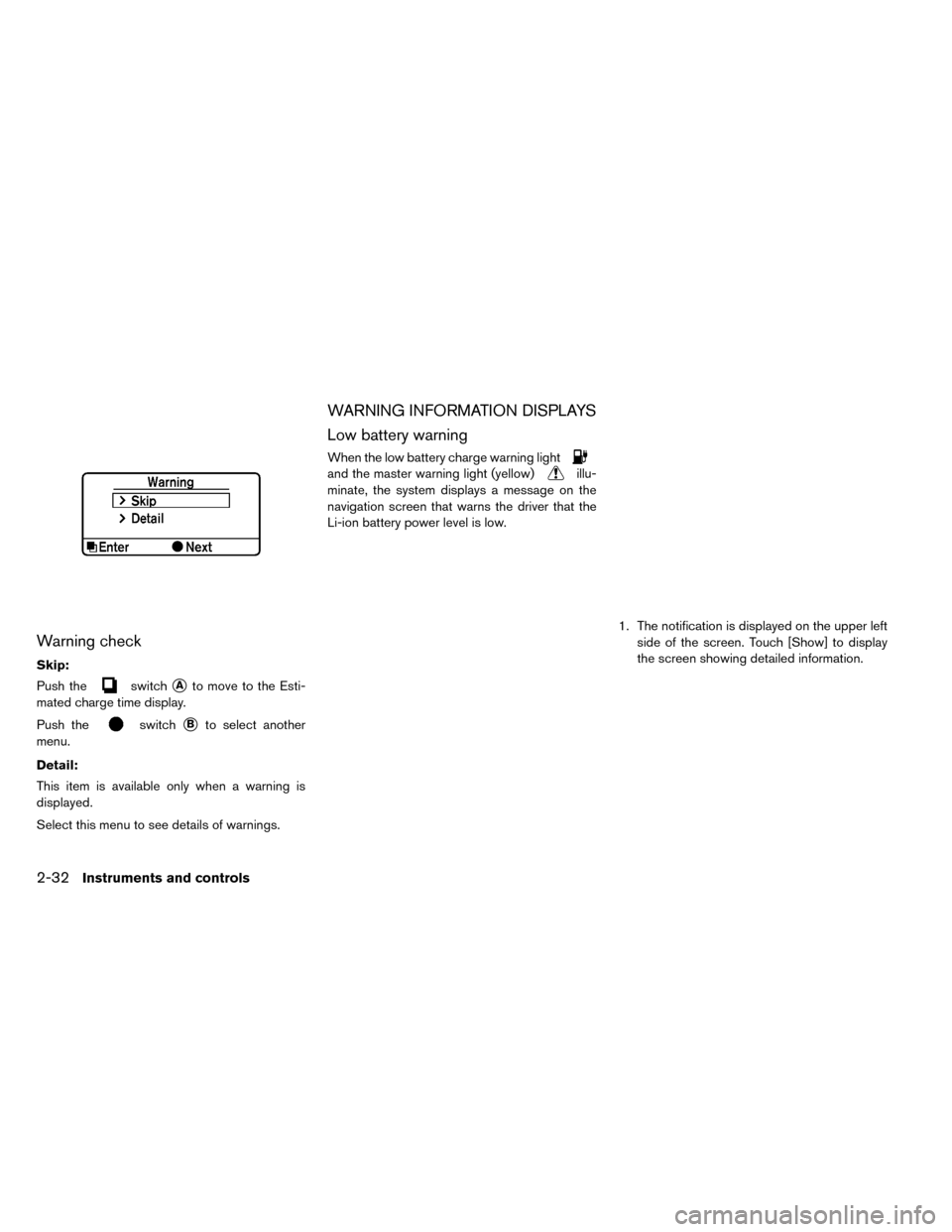
Warning check
Skip:
Push the
switch�Ato move to the Esti-
mated charge time display.
Push the
switch�Bto select another
menu.
Detail:
This item is available only when a warning is
displayed.
Select this menu to see details of warnings.
WARNING INFORMATION DISPLAYS
Low battery warning
When the low battery charge warning light
and the master warning light (yellow)illu-
minate, the system displays a message on the
navigation screen that warns the driver that the
Li-ion battery power level is low.
1. The notification is displayed on the upper leftside of the screen. Touch [Show] to display
the screen showing detailed information.
2-32Instruments and controls
Page 172 of 412
2. The system displays a message screen andannounces the contents of the message to
warn that the Li-ion battery power level is low.
Check the message displayed on the screen.
Touch [Nearby Charging Station] to search all
charging stations that are located around the
current vehicle position.
3. Touch [BACK] or push the MAPbutton to
return to the vehicle location screen.
NOTE:
• The low battery warning can be set to off.
See LEAF Navigation System Owner’s
Manual.
• When the battery power level is low, the
system automatically obtains charging
station information.
Limited power warning
When the Li-ion battery power level is extremely
low or the Li-ion battery malfunctions, the power
limitation indicator
and the master warning
light (yellow)
illuminate in the meter and the
system displays a message on the navigation
screen in order to inform the driver that power
output is restricted. 1. The notification is displayed on the upper left
side of the screen. Touch [Show] to display
the screen showing detailed information.
Instruments and controls2-33
Page 174 of 412
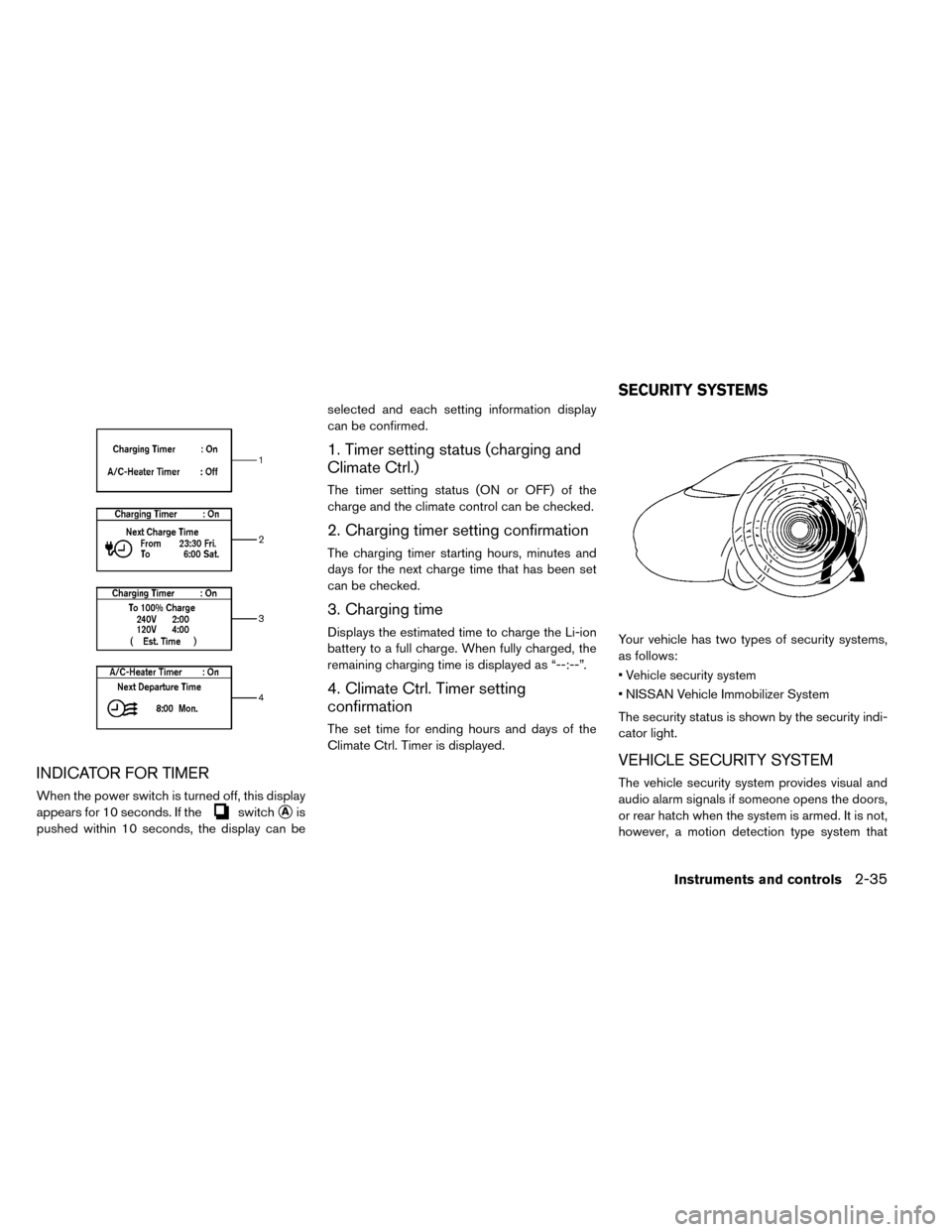
INDICATOR FOR TIMER
When the power switch is turned off, this display
appears for 10 seconds. If the
switch�Ais
pushed within 10 seconds, the display can be selected and each setting information display
can be confirmed.
1. Timer setting status (charging and
Climate Ctrl.)
The timer setting status (ON or OFF) of the
charge and the climate control can be checked.
2. Charging timer setting confirmation
The charging timer starting hours, minutes and
days for the next charge time that has been set
can be checked.
3. Charging time
Displays the estimated time to charge the Li-ion
battery to a full charge. When fully charged, the
remaining charging time is displayed as “--:--”.
4. Climate Ctrl. Timer setting
confirmation
The set time for ending hours and days of the
Climate Ctrl. Timer is displayed.
Your vehicle has two types of security systems,
as follows:
• Vehicle security system
• NISSAN Vehicle Immobilizer System
The security status is shown by the security indi-
cator light.
VEHICLE SECURITY SYSTEM
The vehicle security system provides visual and
audio alarm signals if someone opens the doors,
or rear hatch when the system is armed. It is not,
however, a motion detection type system that
SECURITY SYSTEMS
Instruments and controls2-35
Page 182 of 412
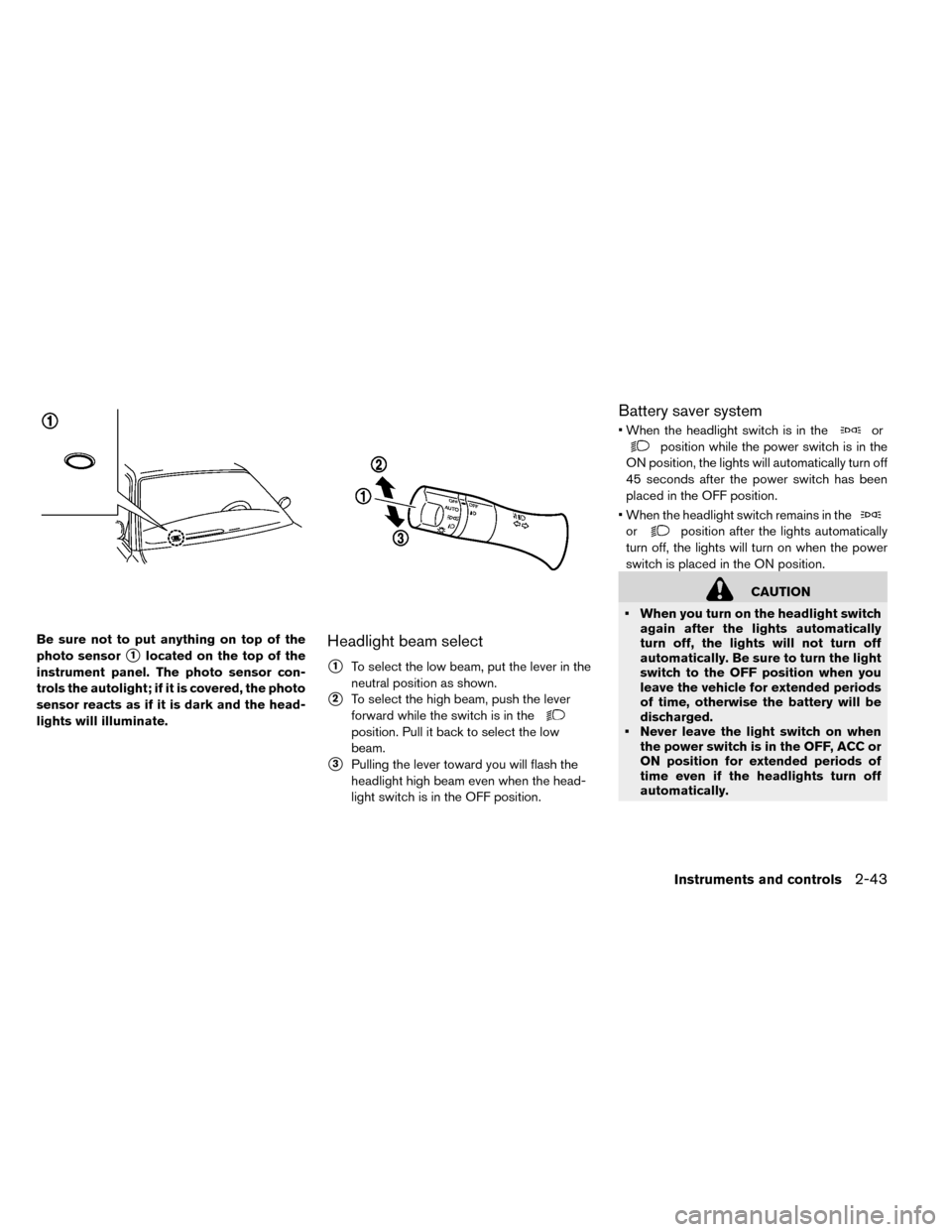
Be sure not to put anything on top of the
photo sensor
�1located on the top of the
instrument panel. The photo sensor con-
trols the autolight; if it is covered, the photo
sensor reacts as if it is dark and the head-
lights will illuminate.Headlight beam select
�1To select the low beam, put the lever in the
neutral position as shown.
�2To select the high beam, push the lever
forward while the switch is in the
position. Pull it back to select the low
beam.
�3Pulling the lever toward you will flash the
headlight high beam even when the head-
light switch is in the OFF position.
Battery saver system
• When the headlight switch is in theor
position while the power switch is in the
ON position, the lights will automatically turn off
45 seconds after the power switch has been
placed in the OFF position.
• When the headlight switch remains in the
orposition after the lights automatically
turn off, the lights will turn on when the power
switch is placed in the ON position.
CAUTION
• When you turn on the headlight switch again after the lights automatically
turn off, the lights will not turn off
automatically. Be sure to turn the light
switch to the OFF position when you
leave the vehicle for extended periods
of time, otherwise the battery will be
discharged.
• Never leave the light switch on when the power switch is in the OFF, ACC or
ON position for extended periods of
time even if the headlights turn off
automatically.
Instruments and controls2-43
Page 189 of 412
• Use the power outlet with the powerswitch is in the ON or READY to drive
position to avoid discharging the 12-
volt battery.
• Avoid using the power outlet when the air conditioner, headlights or rear win-
dow defroster are on.
• This power outlet is not designed for use with a cigarette lighter unit.
• Push the plug in as far as it will go. If good contact is not made, the plug may
overheat or the internal temperature
fuse may open.
• Before inserting or disconnecting a plug, make sure that the electrical ac-
cessory being used is turned OFF.
• When not in use, be sure to close the cap. Do not allow water to contact the
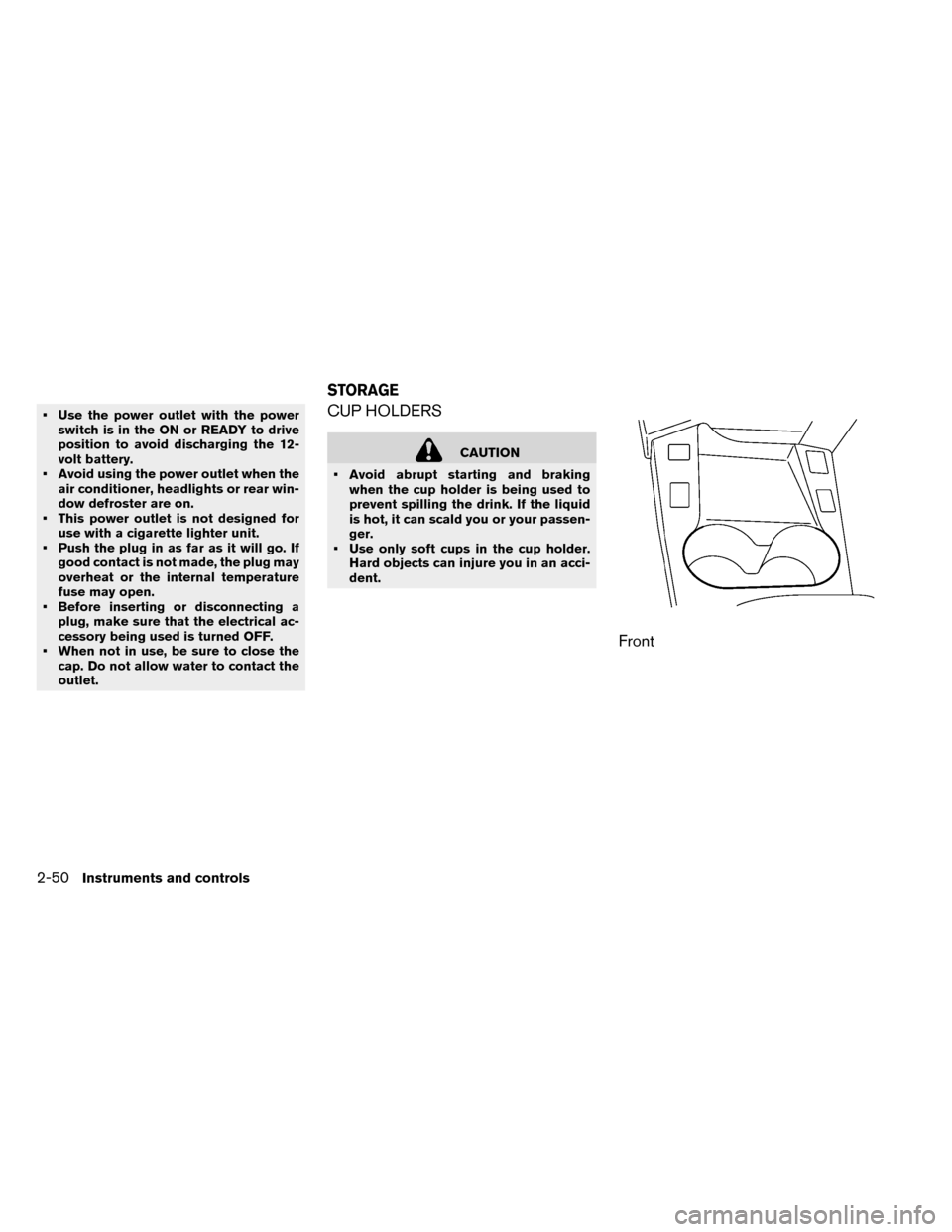
outlet.CUP HOLDERS
CAUTION
• Avoid abrupt starting and braking when the cup holder is being used to
prevent spilling the drink. If the liquid
is hot, it can scald you or your passen-
ger.
• Use only soft cups in the cup holder. Hard objects can injure you in an acci-
dent.
Front
STORAGE
2-50Instruments and controls
Page 196 of 412
If the windows do not close
automatically
If the power window automatic function (closing
only) does not operate properly, perform the fol-
lowing procedure to initialize the power window
system.
1. Place the power switch in the ON position.
2. Close the door.
3. Open the window completely by operatingthe power window switch.
4. Pull the power window switch and hold it to close the window, and then hold the switch
more than 3 seconds after the window is
closed completely.
5. Release the power window switch. Operate the window by the automatic function to con-
firm the initialization is complete.
If the power window automatic function does not
operate properly after performing the procedure
above, have your vehicle checked by a NISSAN
certified LEAF dealer.
CAUTION
Do not use for extended periods of time
with the power switch in the OFF posi-
tion. This could result in a discharged
12-volt battery.
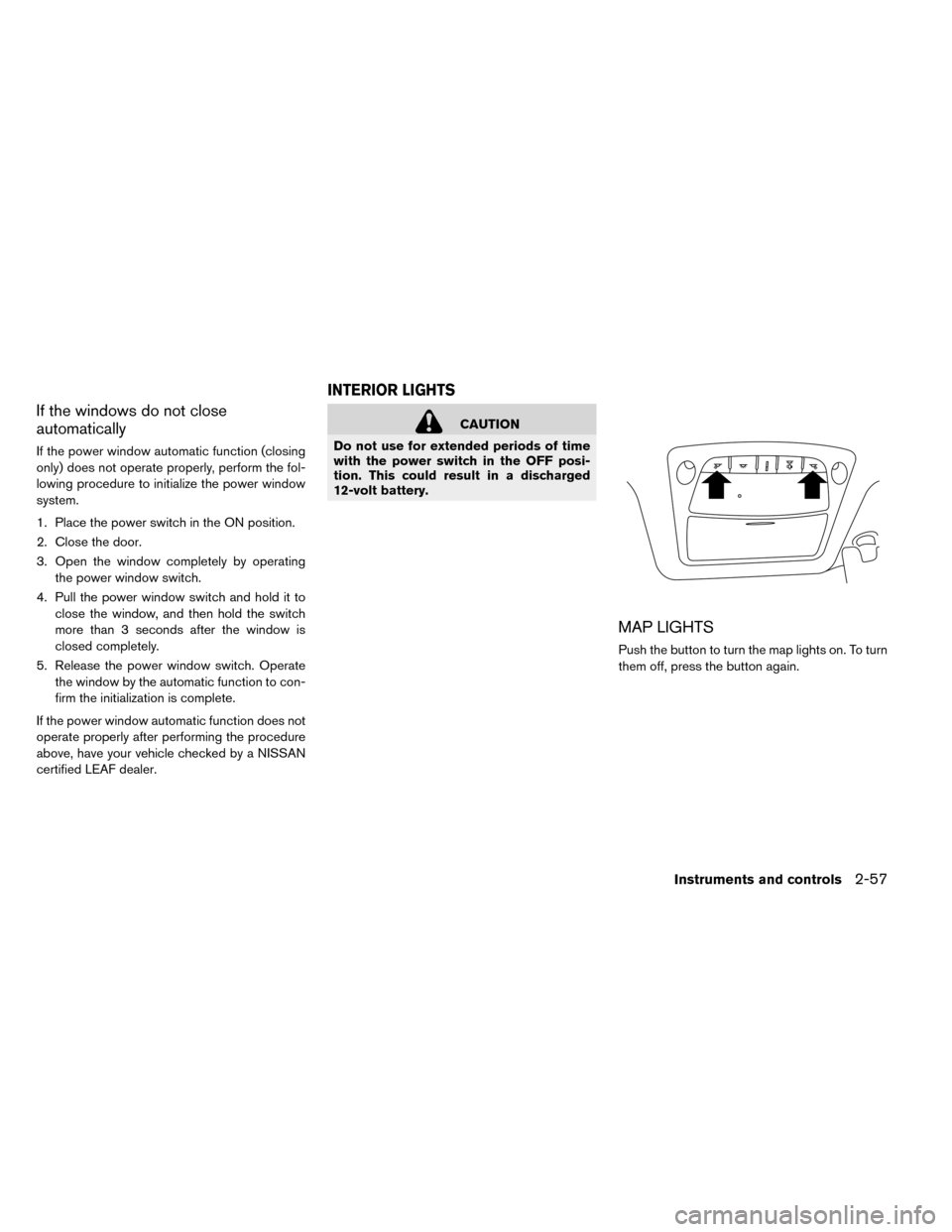
MAP LIGHTS
Push the button to turn the map lights on. To turn
them off, press the button again.
INTERIOR LIGHTS
Instruments and controls2-57
Page 197 of 412
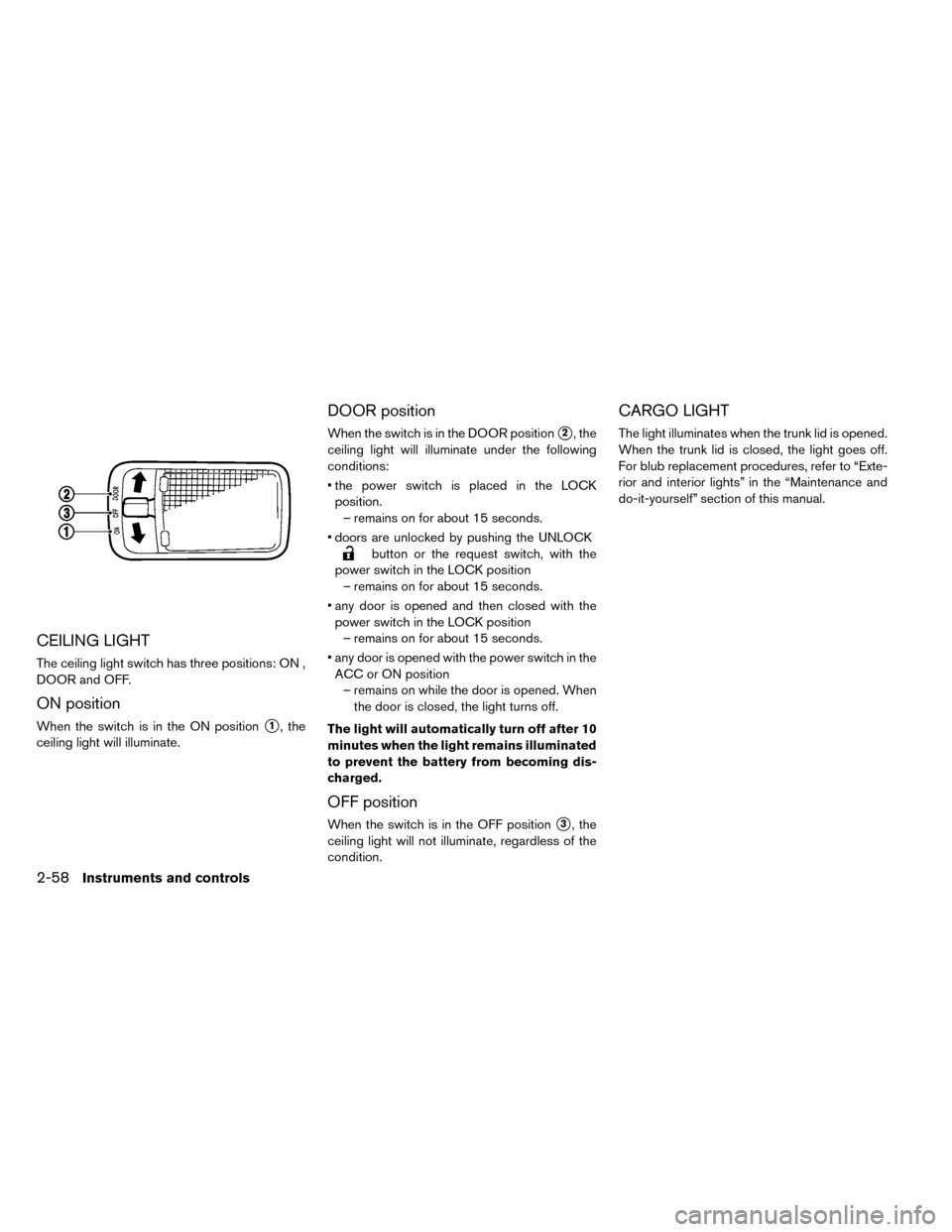
CEILING LIGHT
The ceiling light switch has three positions: ON ,
DOOR and OFF.
ON position
When the switch is in the ON position�1, the
ceiling light will illuminate.
DOOR position
When the switch is in the DOOR position�2, the
ceiling light will illuminate under the following
conditions:
• the power switch is placed in the LOCK position. – remains on for about 15 seconds.
• doors are unlocked by pushing the UNLOCK
button or the request switch, with the
power switch in the LOCK position – remains on for about 15 seconds.
• any door is opened and then closed with the power switch in the LOCK position – remains on for about 15 seconds.
• any door is opened with the power switch in the ACC or ON position – remains on while the door is opened. When the door is closed, the light turns off.
The light will automatically turn off after 10
minutes when the light remains illuminated
to prevent the battery from becoming dis-
charged.
OFF position
When the switch is in the OFF position�3, the
ceiling light will not illuminate, regardless of the
condition.
CARGO LIGHT
The light illuminates when the trunk lid is opened.
When the trunk lid is closed, the light goes off.
For blub replacement procedures, refer to “Exte-
rior and interior lights” in the “Maintenance and
do-it-yourself” section of this manual.
2-58Instruments and controls