2015 NISSAN ALTIMA navigation
[x] Cancel search: navigationPage 6 of 441
MODIFICATION OF YOUR VEHICLE
This vehicle should not be modified.
Modification could affect its
performance, safety or durability and may
even violate governmental regulations. In
addition, damage or performance prob-
lems resulting from modifications may
not be covered under NISSAN warranties.This manual includes information for all features
and equipment available on this model. Features
and equipment in your vehicle may vary depend-
ing on model, trim level, options selected, order,
date of production, region or availability. There-
fore, you may find information about features or
equipment that are not included or installed on
your vehicle.
All information, specifications and illustrations in
this manual are those in effect at the time of print-
ing. NISSAN reserves the right to change specifi-
cations, performance, design or component sup-
pliers without notice and without obligation. From
time to time, NISSAN may update or revise this
manual to provide Owners with the most accurate
information currently available. Please carefully
read and retain with this manual all revision up-
dates sent to you by NISSAN to ensure you have
access to accurate and up-to-date information re-
garding your vehicle. Current versions of vehicle
Owner’s Manuals and any updates can also be
found in the Owner section of the NISSAN website
at
https://owners.nissanusa.com/nowners/
navigation/manualsGuide
. If you have ques-
tions concerning any information in your Owner’s
Manual, contact NISSAN Consumer Affairs. See
the NISSAN CUSTOMER CARE PROGRAM
page in this Owner’s Manual for contact informa-
tion.
IMPORTANT INFORMATION ABOUT
THIS MANUAL
You will see various symbols in this manual. They
are used in the following ways:
WARNING
This is used to indicate the presence of a
hazard that could cause death or serious
personal injury. To avoid or reduce the
risk, the procedures must be followed
precisely.
CAUTION
This is used to indicate the presence of a
hazard that could cause minor or moder-
ate personal injury or damage to your ve-
hicle. To avoid or reduce the risk, the pro-
cedures must be followed carefully.
WHEN READING THE MANUAL
Page 16 of 441
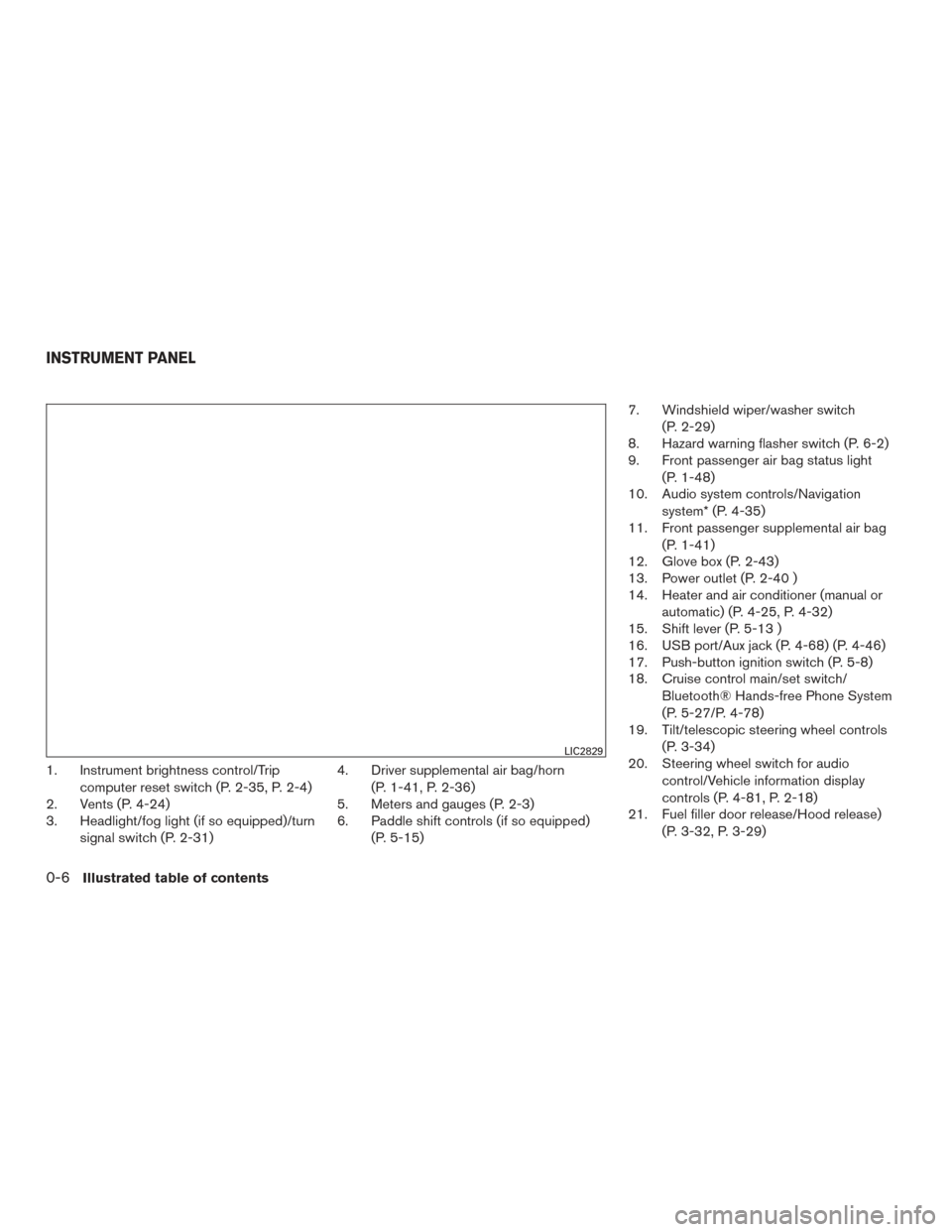
1. Instrument brightness control/Tripcomputer reset switch (P. 2-35, P. 2-4)
2. Vents (P. 4-24)
3. Headlight/fog light (if so equipped)/turn
signal switch (P. 2-31) 4. Driver supplemental air bag/horn
(P. 1-41, P. 2-36)
5. Meters and gauges (P. 2-3)
6. Paddle shift controls (if so equipped)
(P. 5-15) 7. Windshield wiper/washer switch
(P. 2-29)
8. Hazard warning flasher switch (P. 6-2)
9. Front passenger air bag status light
(P. 1-48)
10. Audio system controls/Navigation
system* (P. 4-35)
11. Front passenger supplemental air bag
(P. 1-41)
12. Glove box (P. 2-43)
13. Power outlet (P. 2-40 )
14. Heater and air conditioner (manual or
automatic) (P. 4-25, P. 4-32)
15. Shift lever (P. 5-13 )
16. USB port/Aux jack (P. 4-68) (P. 4-46)
17. Push-button ignition switch (P. 5-8)
18. Cruise control main/set switch/
Bluetooth® Hands-free Phone System
(P. 5-27/P. 4-78)
19. Tilt/telescopic steering wheel controls
(P. 3-34)
20. Steering wheel switch for audio
control/Vehicle information display
controls (P. 4-81, P. 2-18)
21. Fuel filler door release/Hood release)
(P. 3-32, P. 3-29)
LIC2829
INSTRUMENT PANEL
0-6Illustrated table of contents
Page 17 of 441
22. Vehicle Dynamic Control OFF switch(P. 2-39)
Trunk opener release switch (P. 3-30)
Heated steering wheel switch
(if so equipped) (P. 2-38)
Warning system switch
(if so equipped) (P. 2-38)
* Refer to the Navigation System Owner’s manual
(if so equipped)
See the page number indicated in paren-
theses for operating details.
Illustrated table of contents0-7
Page 84 of 441
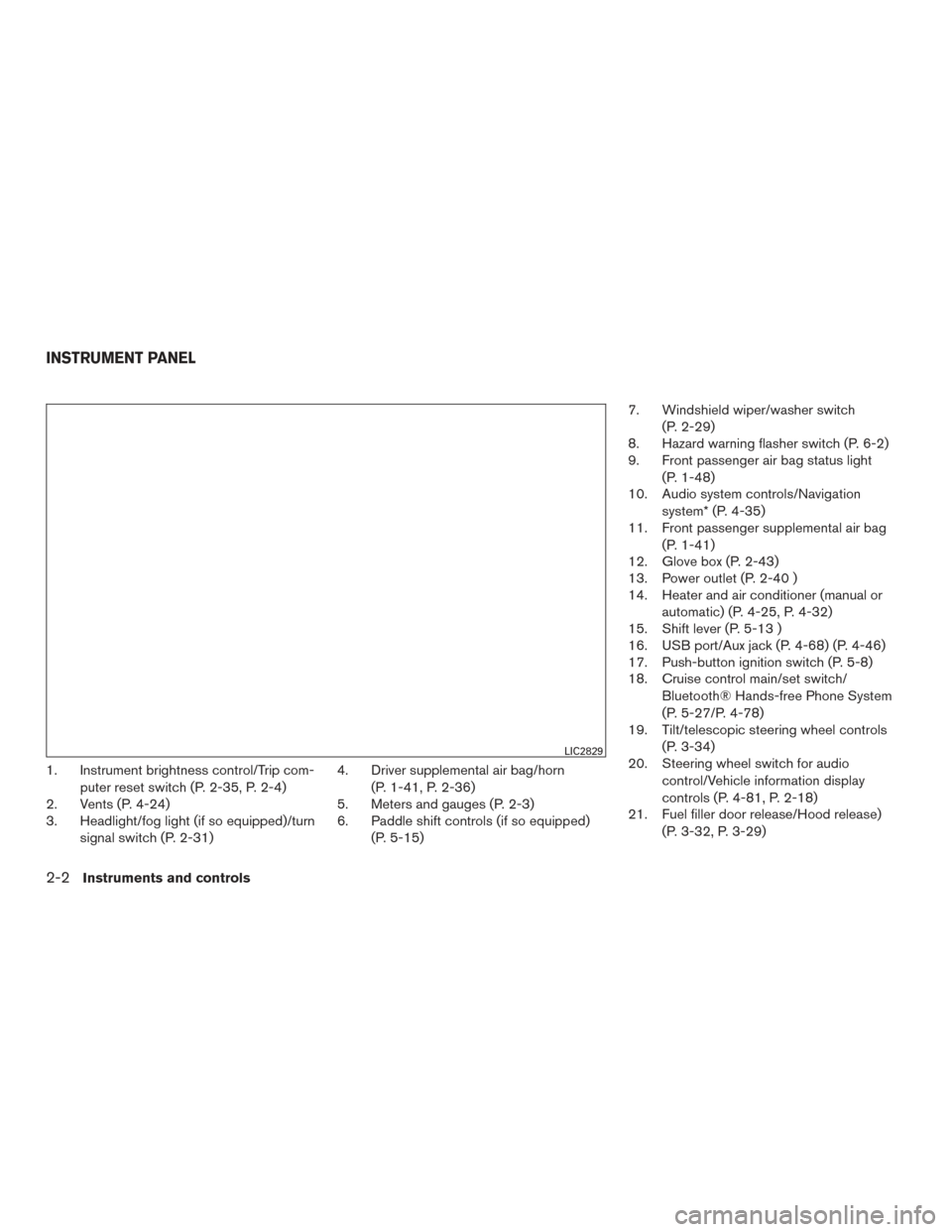
1. Instrument brightness control/Trip com-puter reset switch (P. 2-35, P. 2-4)
2. Vents (P. 4-24)
3. Headlight/fog light (if so equipped)/turn
signal switch (P. 2-31) 4. Driver supplemental air bag/horn
(P. 1-41, P. 2-36)
5. Meters and gauges (P. 2-3)
6. Paddle shift controls (if so equipped)
(P. 5-15) 7. Windshield wiper/washer switch
(P. 2-29)
8. Hazard warning flasher switch (P. 6-2)
9. Front passenger air bag status light
(P. 1-48)
10. Audio system controls/Navigation
system* (P. 4-35)
11. Front passenger supplemental air bag
(P. 1-41)
12. Glove box (P. 2-43)
13. Power outlet (P. 2-40 )
14. Heater and air conditioner (manual or
automatic) (P. 4-25, P. 4-32)
15. Shift lever (P. 5-13 )
16. USB port/Aux jack (P. 4-68) (P. 4-46)
17. Push-button ignition switch (P. 5-8)
18. Cruise control main/set switch/
Bluetooth® Hands-free Phone System
(P. 5-27/P. 4-78)
19. Tilt/telescopic steering wheel controls
(P. 3-34)
20. Steering wheel switch for audio
control/Vehicle information display
controls (P. 4-81, P. 2-18)
21. Fuel filler door release/Hood release)
(P. 3-32, P. 3-29)
LIC2829
INSTRUMENT PANEL
2-2Instruments and controls
Page 85 of 441
22. Vehicle Dynamic Control OFF switch(P. 2-39)
Trunk opener release switch (P. 3-30)
Heated steering wheel switch
(if so equipped) (P. 2-38)
Warning system switch
(if so equipped) (P. 2-38)
* Refer to the Navigation System Owner’s manual
(if so equipped)
See the page number indicated in paren-
theses for operating details.
1. Tachometer
2. Warning/indicator lights
3. Vehicle Information Display
4. Speedometer
5. Fuel gauge
6. Odometer/Twin trip odometer 7. Engine coolant temperature gauge
LIC2254
METER AND GAUGES
Instruments and controls2-3
Page 99 of 441
AUDIBLE REMINDERS
Brake pad wear warning
The disc brake pads have audible wear warnings.
When a disc brake pad requires replacement, it
makes a high pitched scraping sound when the
vehicle is in motion, whether or not the brake
pedal is depressed. Have the brakes checked as
soon as possible if the warning sound is heard.
Light reminder chime
With the ignition switch placed in the OFF posi-
tion, a chime sounds when the driver’s door is
opened if the headlights or parking lights are on.
Turn the headlight control switch off before leav-
ing the vehicle.
NISSAN Intelligent Key® door buzzer
The Intelligent Key door buzzer sounds if the
Intelligent Key is left inside the vehicle when
locking the doors. When the buzzer sounds, be
sure to check both the vehicle and the Intelligent
Key. For additional information, refer to “NISSAN
Intelligent Key®” in the “Pre-driving checks and
adjustments” section of this manual.The vehicle information display is located to the
left of the speedometer. It displays such items as:
● Vehicle settings
● Trip computer information
● Drive system warnings and settings (if so
equipped)
● Cruise control system information
● NISSAN Intelligent Key® operation informa-
tion
● Indicators and warnings (if so equipped)
● Tire Pressure information (if so equipped) ●
Audio information
● Navigation information (if so equipped)
LIC2205
VEHICLE INFORMATION DISPLAY
Instruments and controls2-17
Page 102 of 441
Auto Door Unlock
The auto door unlock function automatically un-
locks all the doors when the shift lever is placed in
the P (Park) position. From the Vehicle Settings
menu, select “Auto Door Unlock”. Use the EN-
TER button to enable/disable this function.
Answer Back Horn
When the answer back horn is on, the horn will
chirp and the hazard indicators will flash once
when locking the vehicle with the Intelligent Key.
Remote Start (if so equipped)
The remote start function can be turned on or off.
If the setting is OFF the vehicle cannot be started
using the Intelligent Key. From the Vehicle Set-
tings menu, select “Remote Start”. Use the EN-
TER button to enable/disable.
Battery Saver
The battery saver automatically turns off the igni-
tion after a period of time when the ignition switch
is left in the ACC or ON position.
Main Menu Selection
The items that display can be enabled/disabled
when the ignition switch is placed in the ON
position. To change the items that display.Use the
button to select and the ENTER
button to change a menu item:
● Trip Computer
● Audio
● Navigation (if so equipped)
● Fuel Economy
● Tire Pressures (if so equipped)
Trip Computer
The trip computer can be enabled/disabled to
display in the vehicle information display when
the ignition switch is placed in the ON position.
From the “Main Menu Selection” select “Trip
Computer” to display in the vehicle information
display when the ignition is placed in the ON
position.
Audio
The audio can be enabled/disabled to display in
the vehicle information display when the ignition
switch is placed in the ON position to display the
radio information in the vehicle information dis-
play.
From the “Main Menu Selection” select “Audio” to
display in the vehicle information display when
the ignition is placed in the ON position. Navigation (if so equipped)
The navigation can be enabled/disabled to dis-
play in the vehicle information display when the
ignition switch is placed in the ON position.
From the “Main Menu Selection” select “Naviga-
tion” to display in the vehicle information display
when turn-by-turn is used and the ignition is
placed in the ON position.
Fuel Economy
The fuel economy can be enabled/disabled to
display in the vehicle information display when
the ignition switch is placed in the ON position.
From the “Main Menu Selection” select “Fuel
Economy” to display in the vehicle information
display when the ignition is placed in the ON
position.
Tire Pressures (if so equipped)
The tire pressures can be enabled/disabled to
display in the vehicle information display when
the ignition switch is placed in the ON position.
From the “Main Menu Selection” select “Tire
Pressures” to display in the vehicle information
display when the ignition is placed in the ON
position.
2-20Instruments and controls
Page 104 of 441
WARNING
The tire replacement indicator is not a
substitute for regular tire checks, includ-
ing tire pressure checks. For additional
information, refer to “Changing wheels
and tires” in the “Maintenance and do-it-
yourself” section of this manual. Many fac-
tors including tire inflation, alignment,
driving habits and road conditions affect
tire wear and when tires should be re-
placed. Setting the tire replacement indi-
cator for a certain driving distance does
not mean your tires will last that long. Use
the tire replacement indicator as a guide
only and always perform regular tire
checks. Failure to perform regular tire
checks, including tire pressure checks
could result in tire failure. Serious vehicle
damage could occur and may lead to a
collision, which could result in serious
personal injury or death.
Other
This indicator appears when the customer set
distance is reached for checking or replacing
maintenance items other than the engine oil, oil
filter and tires. Other maintenance items can in-
clude such things as air filter or tire rotation. The
distance for checking or replacing the items can
be set or reset.
Alarms
This setting allows the customer to set alarms for
outside temperature and a timer alert. 1. Press the
button.
2. Use the
button until “Settings” is se-
lected, and press ENTER.
3. Select “Alarms” using the
button and
press ENTER.
Outside Temperature
This setting allows the customer to
enable/disable the alert for low outside tempera-
ture in the vehicle information display.
1. Use the
button to select “Outside
Temperature”.
2. Press the ENTER button to turn on/off the outside temperature in the vehicle informa-
tion display.
Timer Alert
This setting allows the driver to set an alert to
notify a set time has been reached.
1. Use the
button to select “Timer Alert”.
2. Press the ENTER button.
3. To change the timer amount, use the
button and the ENTER button to save the
selected time amount. Navigation (if so equipped)
This setting allows the customer to
enable/disable the alert for navigation in the ve-
hicle information display.
1. Use the
buttons to select “Naviga-
tion”.
2. Press the ENTER button to turn ON/OFF the alert.
Language
The language of the vehicle information display
can be changed to:
● US English
● French
● Spanish
Use the
,, and the ENTER buttons to
select and change the language of the vehicle
information display. The language of the center
display/navigation can be changed indepen-
dently of the vehicle information display. For ve-
hicles not equipped with Navigation refer to
“How to use the
button” for vehicles
equipped with Navigation in the “System” in the
“Monitor, climate, audio, phone and voice recog-
nition systems” section of this manual.
2-22Instruments and controls