2015 MITSUBISHI OUTLANDER SPORT set clock
[x] Cancel search: set clockPage 286 of 384
Listen to Radio
Comfort controls 7-39
7
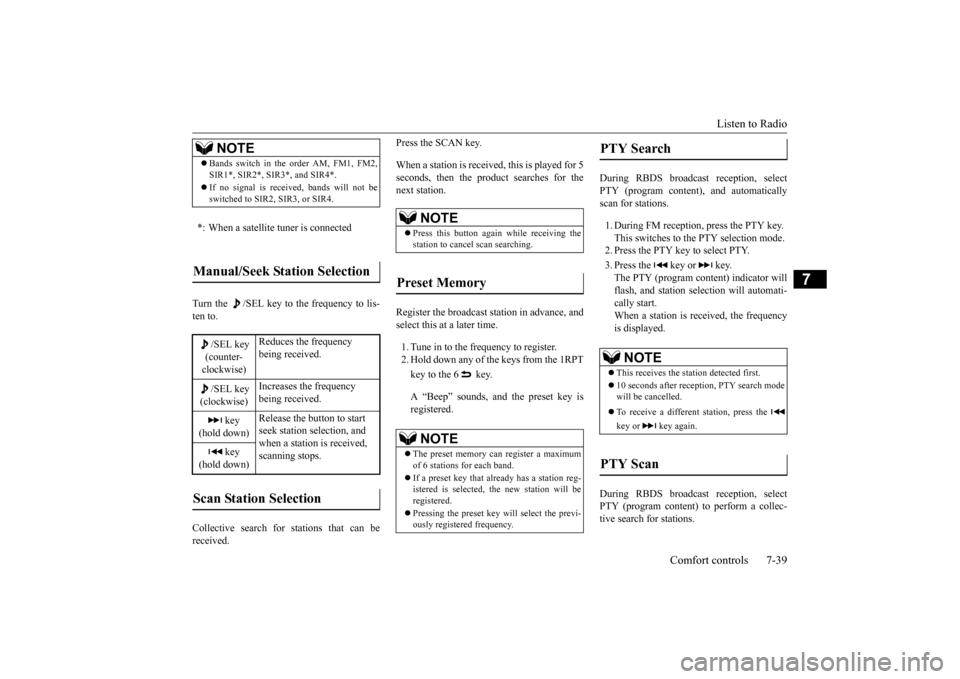
Turn the /SEL key to the frequency to lis- ten to. Collective search for stations that can be received.
Press the SCAN key. When a station is received, this is played for 5 seconds, then the product searches for the next station. Register the broadcast station in advance, and select this at a later time. 1. Tune in to the frequency to register. 2. Hold down any of the keys from the 1RPT key to the 6 key. A “Beep” sounds, and the preset key is registered.
During RBDS broadcast reception, select PTY (program content), and automaticallyscan for stations. 1. During FM reception, press the PTY key. This switches to the PTY selection mode. 2. Press the PTY key to select PTY. 3. Press the key or key. The PTY (program content) indicator willflash, and station selection will automati- cally start. When a station is r
eceived, the frequency
is displayed.
During RBDS broadcast reception, select PTY (program content) to perform a collec- tive search for stations.
NOTE
Bands switch in the order AM, FM1, FM2, SIR1*, SIR2*, SIR3*, and SIR4*. If no signal is received, bands will not be switched to SIR2, SIR3, or SIR4.
*: When a satellite tuner is connectedManual/Seek Station Selection
/SEL key (counter-clockwise)
Reduces the frequency being received.
/SEL key (clockwise)
Increases the frequency being received.
key
(hold down)
Release the button to start seek station selection, and when a station is received, scanning stops.
key
(hold down)Scan Station Selection
NOTE
Press this button again while receiving the station to cancel scan searching.
Preset Memory
NOTE
The preset memory can register a maximum of 6 stations for each band. If a preset key that already has a station reg- istered is selected, the new station will be registered. Pressing the preset key will select the previ- ously registered frequency.
PTY Search
NOTE
This receives the station detected first. 10 seconds after reception, PTY search mode will be cancelled. To receive a different station, press the key or key again.
PTY Scan
BK0206700US.bo
ok 39 ページ 2014年3月25日 火曜日 午後4時42分
Page 300 of 384
System Settings
Comfort controls 7-53
7
N00718500056
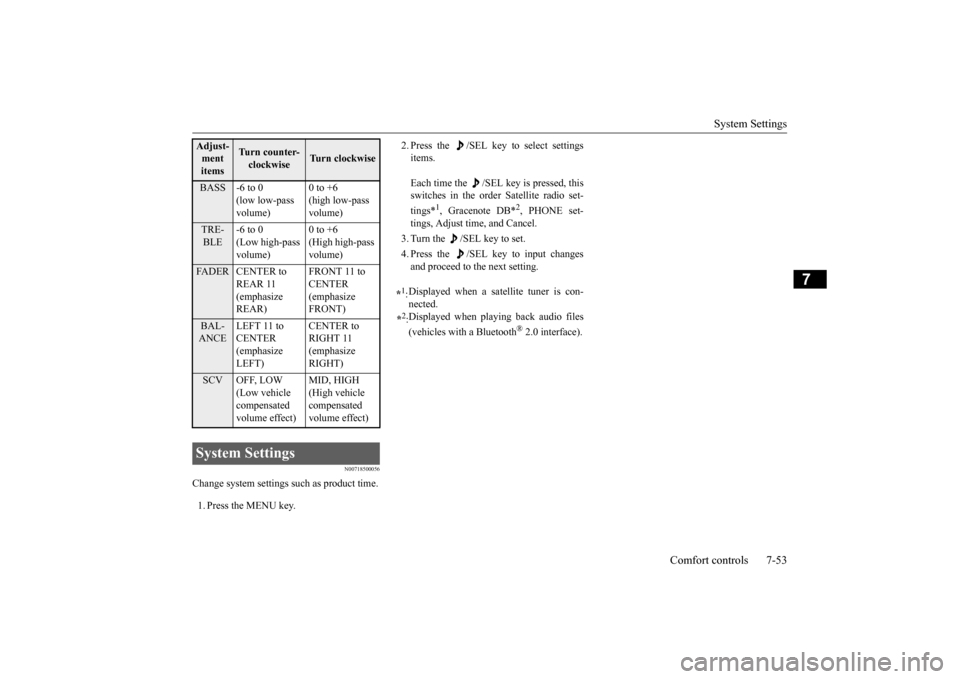
Change system settings such as product time. 1. Press the MENU key.
2. Press the /SEL key to select settings items. Each time the /SEL key is pressed, this switches in the order Satellite radio set- tings*
1, Gracenote DB*
2, PHONE set-
tings, Adjust time, and Cancel. 3. Turn the /SEL key to set.4. Press the /SEL key to input changes and proceed to the next setting.
Adjust- ment items
Turn counter-clockwise
Turn clockwise
BASS -6 to 0
(low low-pass volume)
0 to +6 (high low-pass volume)
TRE- BLE
-6 to 0 (Low high-pass volume)
0 to +6 (High high-pass volume)
FADER CENTER to
REAR 11 (emphasize REAR)
FRONT 11 to CENTER (emphasize FRONT)
BAL- ANCE
LEFT 11 to CENTER (emphasize LEFT)
CENTER to RIGHT 11 (emphasize RIGHT)
SCV OFF, LOW
(Low vehicle compensated volume effect)
MID, HIGH (High vehicle compensated volume effect)
System Settings
*1: Displayed when a satellite tuner is con- nected.
*2: Displayed when playing back audio files (vehicles with a Bluetooth
® 2.0 interface).
BK0206700US.bo
ok 53 ページ 2014年3月25日 火曜日 午後4時42分
Page 314 of 384
How to change a tire
For emergencies 8-7
8
N00849700273
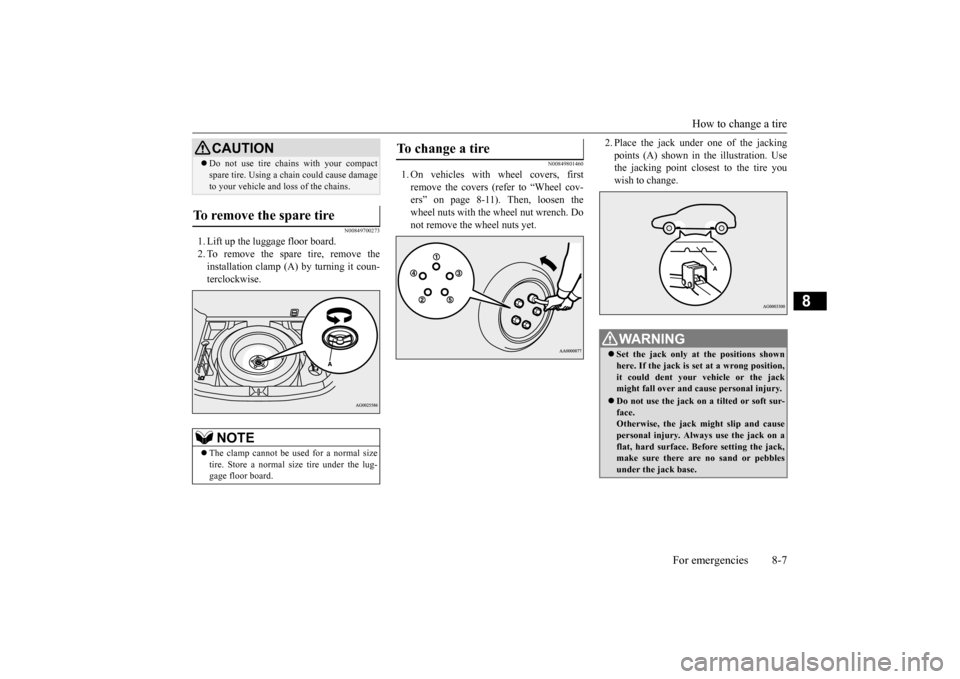
1. Lift up the luggage floor board. 2. To remove the spare tire, remove theinstallation clamp (A) by turning it coun-terclockwise.
N00849801460
1. On vehicles with wheel covers, firstremove the covers (refer to “Wheel cov-ers” on page 8-11). Then, loosen the wheel nuts with the wheel nut wrench. Do not remove the wheel nuts yet.
2. Place the jack under
one of the jacking
points (A) shown in the illustration. Use the jacking point closest to the tire you wish to change.
Do not use tire chains with your compact spare tire. Using a chain could cause damage to your vehicle and loss of the chains.
To remove the spare tire
NOTE
The clamp cannot be used for a normal size tire. Store a normal size tire under the lug- gage floor board.CAUTION
To change a tire
WA R N I N G Set the jack only at the positions shown here. If the jack is set at a wrong position, it could dent your vehicle or the jack might fall over and cause personal injury. Do not use the jack on a tilted or soft sur- face.Otherwise, the jack might slip and cause personal injury. Always use the jack on a flat, hard surface. Before setting the jack,make sure there are no sand or pebbles under the jack base.
BK0206700US.bo
ok 7 ページ 2014年3月25日 火曜日 午後4時42分
Page 379 of 384
Alphabetical index 12-2
12
Continuously variable transmission (CVT)
....
5-49 Fluid
.....................
...............
9-10
, 11-5
Selector lever operation
...................
5-49
Selector lever positions
...................
5-52
Sports mode
..................
.................
5-53
Coolant (engine)
..........................
9-7
, 11-5
Cruise control
....................
.................
5-71
Cup holder
....................
...................
5-167
D
Daytime running lights
Bulb capacity
................
.................
9-29
Replacement
.................
.................
9-35
Defogger (rear window)
....................
5-134
Defrosting or defogging (windshield, door windows)
.................
7-8
, 7-13
, 7-19
, 7-24
Digital clock
Time setting
..................
.................
7-55
Dimensions
...................
.....................
11-3
Dimmer (high/low beam change)
.......
5-125
Disc brake pads
.................
.................
9-23
Dome light
Bulb capacity
................
.................
9-30
Doors
Lock
......................
........................
5-28
Power door locks
............................
5-30
Driving during cold weather
..................
6-5
Driving precaution
...............................
6-2
Driving, alcohol and drugs
....................
6-2
E
Electric rear window defogger switch
..5-134
Electronic immobilizer (Anti-theft starting system)
.....................
................
5-4
, 5-23
Electronically controlled 4WD system
..5-56
Emission-control system maintenance
...
9-21
Engine
Compartment
..................
.................
9-5
Coolant
...................
................
9-7
, 11-5
Hood
.......................
........................
9-3
Oil and oil filter
.......................
9-5
, 11-5
Overheating
....................
.................
8-4
Serial number
.................
................
11-2
Specification
...................
................
11-4
Engine coolant temperature display
.......
5-90
Engine hood
....................
....................
9-3
Engine switch
.....................
................
5-16
Exhaust system
...................
................
9-23
F
Floor console box
..............................
5-166
Floor mat
.........................
....................
6-3
Fluid
Automatic transaxle fluid
.................
11-5
Brake fluid
.....................
................
11-5
Continuously variable transmission (CVT) fluid
....................
...............
9-10
, 11-5
Engine coolant
........................
9-7
, 11-5
Power steering fluid
........................
11-5
Washer fluid
.........................
9-11
, 11-5
Fluid capacities and lubricants
.............
11-5
Free-hand advanced security transmitter (F.A.S.T.-key)
.................
.................
5-11
Front fog lights
Bulb capacity
................
.................
9-29
Indicators
..................
...................
5-118
Replacement
.................
.................
9-34
Switch
......................
...................
5-128
Front seat adjustment
............................
4-3
Front side-marker lights
Bulb capacity
................
.................
9-29
Replacement
.................
.................
9-33
Front turn signal light
Bulb capacity
................
.................
9-29
Replacement
.................
.................
9-33
Fuel
Filling the fuel tank
...........................
3-3
Fuel economy
...................
................
6-2
Fuel hoses
.....................
.................
9-22
Fuel selection
...................
................
3-2
Tank capacity
................
.................
11-5
Fuses
.........................
........................
9-24
Fusible links
..................
.....................
9-24
BK0206700US.bo
ok 2 ページ 2014年3月25日 火曜日 午後4時42分