2015 MITSUBISHI OUTLANDER Specifications
[x] Cancel search: SpecificationsPage 351 of 446

Listen to Audio Files on a USB Device 7-36 Comfort controls
7
Press the MEDIA key to set USB as the source. The selected source is
indicated on the dis-
play.
Press the key or key to select the track. This enables selection of
the next or previous
track. Hold down the 3 key or the 4 key. Fast forward/rewind is possible. Repeat playback, random
playback, and scan
playback are possible. Press the 1RPT key. Repeat playback of th
e track currently being
played.
NOTE
Digital audio players that support the mass storage class specifications can be con-nected. For details regarding the types of USB devices that can be c
onnected and the types
of files that can be pl
ayed back in vehicles
with a Bluetooth
® 2.0 interface, refer to
“Types of connectable
devices and supported
file specifications” on page 5-207. Regarding how to c
onnect USB devices,
refer to “How to
connect a USB memory
device” on page 5-206. When connecting a US
B device, use a con-
nection cable. Failure to use a connection cable when connecti
ng may place undue load
on, or damage th
e USB connector.
Set up the device in order that no unsafe actions, such as pluggi
ng in the connection
cable are taken while driving. When inserting and removing the USB device, for safety’s sa
ke first stop the vehi-
cle. Do not insert other than audio devices into the USB port. Damage
to the device or
equipment may result. Depending on the status
of the USB device,
it may take some time
until the device is rec-
ognized, or playback starts. Depending on USB device
s, buttons on the
product will not operate while the USBdevice is connected.
USB device specificati
ons and settings may
mean that connection is not possible, orresult in differences
in operation or display.
Depending on audio data
in the USB device,
track information may
not be displayed cor-
rectly. Depending on the status of the vehicle and device, the iPod/iPhone
may not play back
after starting the engine. Data containing copyri
ght information may
not play back. This product can play
back MP3, WMA, and
AAC format audio files. Depending on the type of USB device, usage may not be possible, or
functions that can be
used may be restricted. The recommended file system for USB memory is FAT32. The maximum supported capacity for USB memory is 32GB. Operate the USB device containing recorded audio files while conne
cted to this product.
Play Back of Audio Files on a USB Device
NOTE
Select the Track (File) Fast Forward or Rewind Switch Playback Mode Repeat Playback (RPT)
NOTE
Pressing again will cancel.
BK0211800US.book 36 ページ 2014年3月12日 水曜日 午後2時42分
Page 353 of 446
Listen to Bluetooth Audio (if so equipped) 7-38 Comfort controls
7
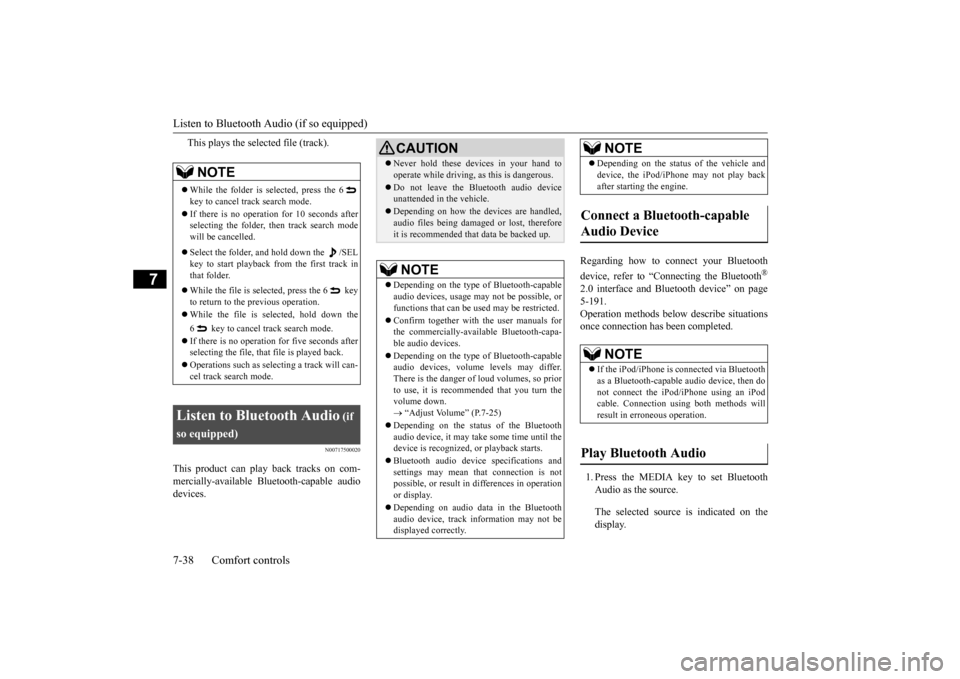
This plays the selected file (track).
N00717500020
This product can play back tracks on com- mercially-available Bl
uetooth-capable audio
devices.
Regarding how to connect your Bluetooth device, refer to “Conne
cting the Bluetooth
®
2.0 interface and Blue
tooth device” on page
5-191. Operation methods belo
w describe situations
once connection has been completed. 1. Press the MEDIA key to set Bluetooth Audio as the source. The selected source is indicated on the display.
NOTE
While the folder is selected, press the 6 key to cancel track search mode. If there is no operation for 10 seconds after selecting the folder, then track search mode will be cancelled. Select the folder, and hold down the /SEL key to start playback from the first track inthat folder. While the file is selected, press the 6 key to return to the
previous operation.
While the file is se
lected, hold down the
6 key to cancel track search mode. If there is no operation for five seconds after selecting the file, that file is played back. Operations such as sele
cting a trac
k will can-
cel track search mode.
Listen to Bluetooth Audio
(if
so equipped)
CAUTION Never hold these devices in your hand to operate while driving,
as this is dangerous.
Do not leave the Bluetooth audio device unattended in the vehicle. Depending on how the de
vices are handled,
audio files being damage
d or lost, therefore
it is recommended that data be backed up.NOTE
Depending on the type of
Bluetooth-capable
audio devices, usage ma
y not be possible, or
functions that can be us
ed may be restricted.
Confirm together with the user manuals for the commercially-availab
le Bluetooth-capa-
ble audio devices. Depending on the type of
Bluetooth-capable
audio devices, volume
levels may differ.
There is the danger of loud volumes, so prior to use, it is recommended that you turn the volume down. “Adjust Volume” (P.7-25)
Depending on the status of the Bluetooth audio device, it may ta
ke some time until the
device is recognized,
or playback starts.
Bluetooth audio device
specifications and
settings may mean th
at connection is not
possible, or result in
differences in operation
or display. Depending on audio data in the Bluetooth audio device, track in
formation may not be
displayed correctly.
Depending on the status of the vehicle and device, the iPod/iPhone
may not play back
after starting
the engine.
Connect a Bluetooth-capable Audio Device
NOTE
If the iPod/iPhone is c
onnected via Bluetooth
as a Bluetooth-capable
audio device, then do
not connect the iPod/
iPhone using an iPod
cable. Connection us
ing both methods will
result in err
oneous operation.
Play Bluetooth Audio
NOTE
BK0211800US.book 38 ページ 2014年3月12日 水曜日 午後2時42分
Page 359 of 446
System Settings 7-44 Comfort controls
7
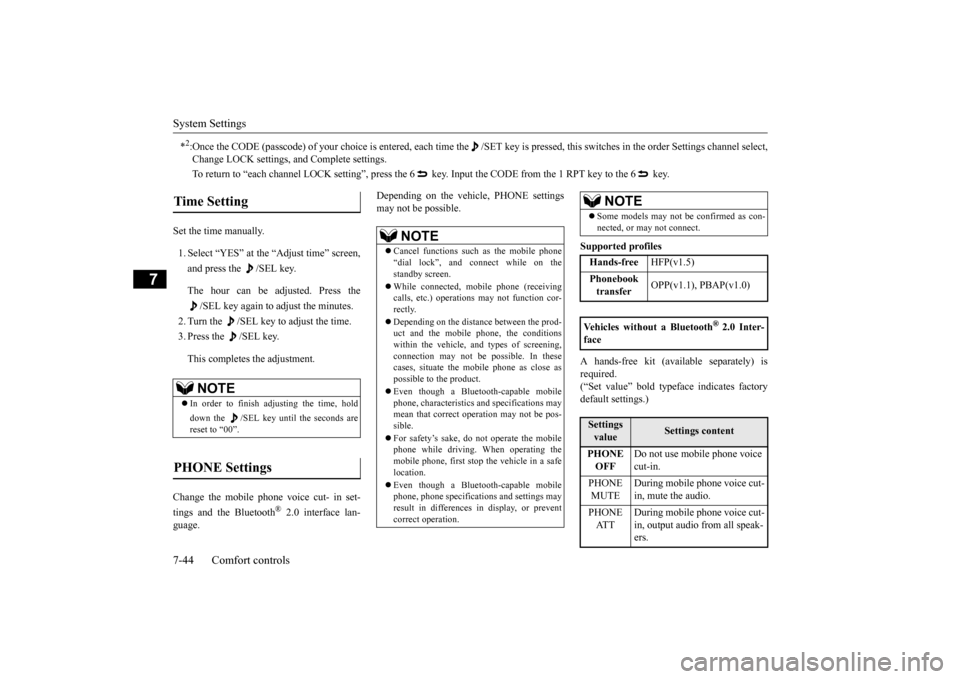
Set the time manually. 1. Select “YES” at the “Adjust time” screen, and press the /SEL key. The hour can be adjusted. Press the
/SEL key again to adjust the minutes.
2. Turn the /SEL key to adjust the time.3. Press the /SEL key. This completes the adjustment.
Change the mobile phone voice cut- in set- tings and the Bluetooth
® 2.0 interface lan-
guage.
Depending on the vehi
cle, PHONE settings
may not be possible.
Supported profiles A hands-free kit (available separately) is required. (“Set value” bold typefa
ce indicates factory
default settings.)
*2:Once the CODE (passcode) of your
choice is entered, each time th
e /SET key is pressed, this swit
ches in the order Settings chan
nel select,
Change LOCK settings, a
nd Complete settings.
To return to “each channel LOCK setting”, press the
6 key. Input the CODE from the 1 RPT key to the 6 key.
Time Setting
NOTE
In order to finish ad
justing the time, hold
down the /SEL key unt
il the seconds are
reset to “00”.
PHONE Settings
NOTE
Cancel functions such as the mobile phone “dial lock”, and connect while on thestandby screen. While connected, mobile phone (receiving calls, etc.) operations
may not function cor-
rectly. Depending on the distance between the prod- uct and the mobile
phone, the conditions
within the vehicle, and types of screening,connection may not be
possible. In these
cases, situate the mobile phone as close as possible to the product. Even though a Bluet
ooth-capable mobile
phone, characteristics a
nd specifications may
mean that correct ope
ration may not be pos-
sible. For safety’s sake, do
not operate the mobile
phone while driving.
When operating the
mobile phone, first stop the vehicle in a safelocation. Even though a Bluet
ooth-capable mobile
phone, phone specifications
and settings may
result in differences in display, or prevent correct operation.
Some models may not
be confirmed as con-
nected, or may not connect.Hands-free
HFP(v1.5)
Phonebook transfer
OPP(v1.1), PBAP(v1.0)
Vehicles without a Bluetooth
® 2.0 Inter-
faceSettings value
Settings content
PHONE OFF
Do not use mobile phone voice cut-in.
PHONE MUTE
During mobile phone voice cut- in, mute the audio.
PHONE AT T
During mobile phone voice cut- in, output audio from all speak- ers.
NOTE
BK0211800US.book 44 ページ 2014年3月12日 水曜日 午後2時42分
Page 403 of 446

Emission-control system maintenance 9-22 Vehicle care and maintenance
9
detergent or non-abrasive
cleaner to clean the
blades and glass areas.Replace the blades if th
ey continue to streak
or smear. If the blades are frozen to the windshield or rear window, do not operate the wipers until the ice has melted and the blades are freed,otherwise the wiper mo
tor may be damaged.
N00940800328
Your vehicle is equi
pped with an emission-
control system that me
ets all the requirements
of the U.S. Environmental Protection Agency and Environment Cana
da. The emission-con-
trol system is made of: a positive crankcase ventilation system an evaporative emission-control system an exhaust emission-control system
To be sure the emissi
on-control system works
properly, have your ve
hicle inspected and
maintained by an authorized Mitsubishi Motors dealer or a repair facility of your choice. This should be done at the time ormileage specified in the “WARRANTY AND MAINTENANCE MANUAL”. These, and all the other “general” mainte-nance services listed in this manual, need to be performed to keep
your vehicle running
properly and reliably. You should also have
an inspection and ser-
vice any time you suspect a malfunction.
N00940900231
Spark plugs must fire properly to ensure proper engine perfo
rmance and emission-
control.Do not reuse spark plugs by cleaning or regapping. Spark plugs sh
ould be replaced at
the mileage specified in the “WARRANTYAND MAINTENANCE MANUAL”.
N00941000040
Check the hose surfaces for any heat and mechanical damage, ha
rd and brittle rubber,
cracking, tears, cuts and abrasions. Pay spe-cial attention to the hos
es closest to high heat
sources such as the exhaust manifold. Check all the hose connections, such as clamps andcouplings, to make sure they are secure and that there are no leaks. If you see any wear or damage, replace the hoses immediately.
NOTE
Do not run the wipers on dry glass for a long time. This wears out
the rubber and can
scratch the glass.
During cold weather Emission-control system maintenance
NOTE
To meet government
regulations and pro-
mote cleaner air, your
vehicle is equipped
with an onboard diagnostic system (OBD).The engine electroni
c control module that
controls OBD functions
stores various data
(especially about th
e exhaust emissions).
This data will be erased if the battery cable is disconnected, which c
ould make a rapid
diagnosis difficult.
Do not disconnect the
battery cable when the engine malfunction indicator (“SERVIC
E ENGINE SOON” or
“Check engine light”) is ON.
Spark plugs
NOTE
Use the recommended or
equivalent spark
plugs listed under “Engine specifications” onpage 11-6. Use of other plugs could cause engine damage, loss of
performance or radio
noise.
Fuel hoses
BK0211800US.book 22 ページ 2014年3月12日 水曜日 午後2時42分
Page 407 of 446

Fuses 9-26 Vehicle care and maintenance
9
*: Fusible link Some fuses may not be installed on your vehicle, depending on the vehicle modelor specifications. The table above shows the main equip- ment corresponding to each fuse.
Passenger compartment fuse loca- tion table No.
Sym- bol
Electrical system
Capacity
1
Power window con-
trol
30 A*
2 Defogger 30 A* 3 Heater 30 A 4 Windshield wipers 30 A5 Door locks 20 A6 Rear fog light 10 A7 12 V power outlet 15 A
Sub fuse block
Main fuse block
8 Rear window wiper 15 A9 Sunroof 20 A 10 Ignition switch 10 A 11 Option 10 A 12
Hazard warning
flasher
15 A
13 4-wheel drive system 10 A 14
Stop lights (Brake lights)
15 A
15 Gauges 10 A 16 SRS airbag 7.5 A 17 Radio 15 A18 Control unit relay 7.5 A 19
Interior lights (Room lights)
15 A
20 Back-up lights 7.5 A 21
Heated outside rearview mirrors
7.5 A
22
Outside rearview
mirrors
10 A
23
Cigarette lighter/ 12 V power outlet
15 A
No.
Sym- bol
Electrical system
Capacity
24 Charge 7.5 A 25 Power seat 30 A*26 Heated seats 30 ANo.
Sym- bol
Electrical system
Capacity
BK0211800US.book 26 ページ 2014年3月12日 水曜日 午後2時42分
Page 409 of 446
Fuses 9-28 Vehicle care and maintenance
9
*: Fusible link Some fuses may not be installed on your vehicle, depending on the vehicle model or specifications. The table above shows the main equip- ment corresponding to each fuse.
The fuse block does not contain spare 7.5 A, 25 A or 30 A fuses. If one of these fusesburns out, substitute w
ith the following fuse.
7.5 A: 10 A spare fuse 25 A: 20 A spare fuse30 A: 30 A audio system amplifier fuse When using a substitute
fuse, replace with a
fuse of the correct capa
city as soon as possi-
ble.
N00954901141
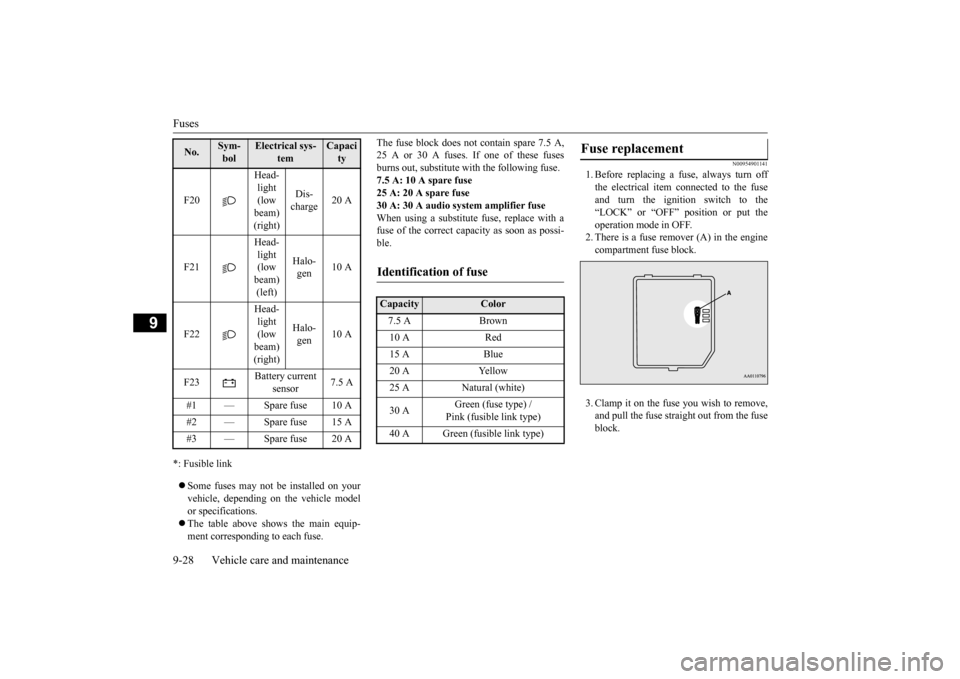
1. Before replacing a fuse, always turn off the electrical item
connected to the fuse
and turn the ignition switch to the“LOCK” or “OFF” position or put the operation mode in OFF. 2. There is a fuse remover (A) in the enginecompartment fuse block. 3. Clamp it on the fuse you wish to remove, and pull the fuse straight out from the fuseblock.
F20
Head- light (low beam) (right)
Dis- charge
20 A
F21
Head- light (low beam) (left)
Halo- gen
10 A
F22
Head- light (low beam) (right)
Halo- gen
10 A
F23
Battery current
sensor
7.5 A
#1 — Spare fuse 10 A #2 — Spare fuse 15 A #3 — Spare fuse 20 ANo.
Sym- bol
Electrical sys-
tem
Capacity
Identification of fuse Capacity
Color
7.5 A Brown 10 A Red 15 A Blue 20 A Yellow 25 A Natural (white) 30 A
Green (fuse type) / Pink (fusible link type)
40 A Green (fusible link type)
Fuse replacement
BK0211800US.book 28 ページ 2014年3月12日 水曜日 午後2時42分
Page 429 of 446

Important facts to know
in case of an accident
10-4 Customer assistance/Re
porting Safety Defects
10
call (671)649-3673 or write to: To contact Triple J Motors call (670)234-7133 or write to: To contact Pacific Marketing Inc. call 684(699)9140 or write to:
N01047300098
We hope you will never be involved in an accident, but there is always that potential danger. So, please be sure to buckle up anddrive safely. Remain calm. Check for injuries. Report all injuries to the police, and, if
necessary, call for an
ambulance. Record all the details of the accident. This will provide you with accurate records of the accident for discussions with yourinsurance company and other persons who may be acting on your behalf. Understand your repair
estimate before
approving repairs. Choosing the repair shop and the brands of parts that they use on your vehicle is your decision.
Ask for genuine Mits
ubishi Motors parts.
Many times, to save
money, your insur-
ance company will recommend imitation parts that do not meet the original specifi- cations of fit, finish, corrosion resistanceor workmanship.
The strength and integrity built into your Mitsubishi vehicle is the result of a specificdesign referred to as
“Energy Management”.
Individual body parts are designed to act as one unit in the event of an accident. Shockwaves are absorbed by protective panels or are channeled around the passenger compart- ment. This important
feature is possible
because high tensile
steel is used in
Mitsubishi panels and structural parts, some- thing that cannot be guaranteed by the manu-facturers of imitation parts. All Genuine Mitsubishi body panels
and support brackets
are designed and constructed as importantprotection features in the event of an acci- dent. By replacing body pa
rts with imitations,
your vehicle may no longer meet originalequipment specifications.
Triple J Enterprises, Inc. P.O. Box 6066 TAMUNING GUAM 96931For vehicles sold in Saipan Triple J Motors P.O. Box 500487 SAIPAN, MP96950-0487For vehicles sold in American Samoa Pacific Marketing, Inc. P. O . B o x 6 9 8PA G O PA G O , AMERICAN SAMOA AS, 96799
Important facts to know in case of an accident In the event of an accident Key information to discuss with your insurance company
Mitsubishi Motors built-in pro- tection
BK0211800US.book 4 ページ 2014年3月12日 水曜日 午後2時42分
Page 432 of 446
11
SpecificationsVehicle labeling ............................................................................. 11-2 Vehicle dimensions ........................................................................ 11-4 Vehicle weights .............................................................................. 11-5Engine specifications ..................................................................... 11-6 Battery ............................................................................................ 11-6 Tires and wheels ............................................................................ 11-7Capacity ......................................................................................... 11-7
BK0211800US.book 1 ページ 2014年3月12日 水曜日 午後2時42分