2015 MERCEDES-BENZ GLC SUV service interval reset
[x] Cancel search: service interval resetPage 8 of 497
Front airbag (driver, front
passenger) ....................................... 54
Important safety guidelines ............. 53
Kneebag ........................................... 55
Sidebag ............................................ 55
Triggering ......................................... 62
Windowbag ...................................... 56
Alarm
ATA (Anti-Theft Alarm system) ......... 90
Switching off (ATA) .......................... 90
Switching the function on/off
(ATA) ................................................ 90
Anti-glare film .................................... 411
Approach/departure angle .............. 229
Aquaplaning ....................................... 225
Armrest
Stowage compartment .................. 392
Ashtray ............................................... 404
Assistance display (on-board com-
puter) .................................................. 326
Assistance menu (on-board com-
puter) .................................................. 327
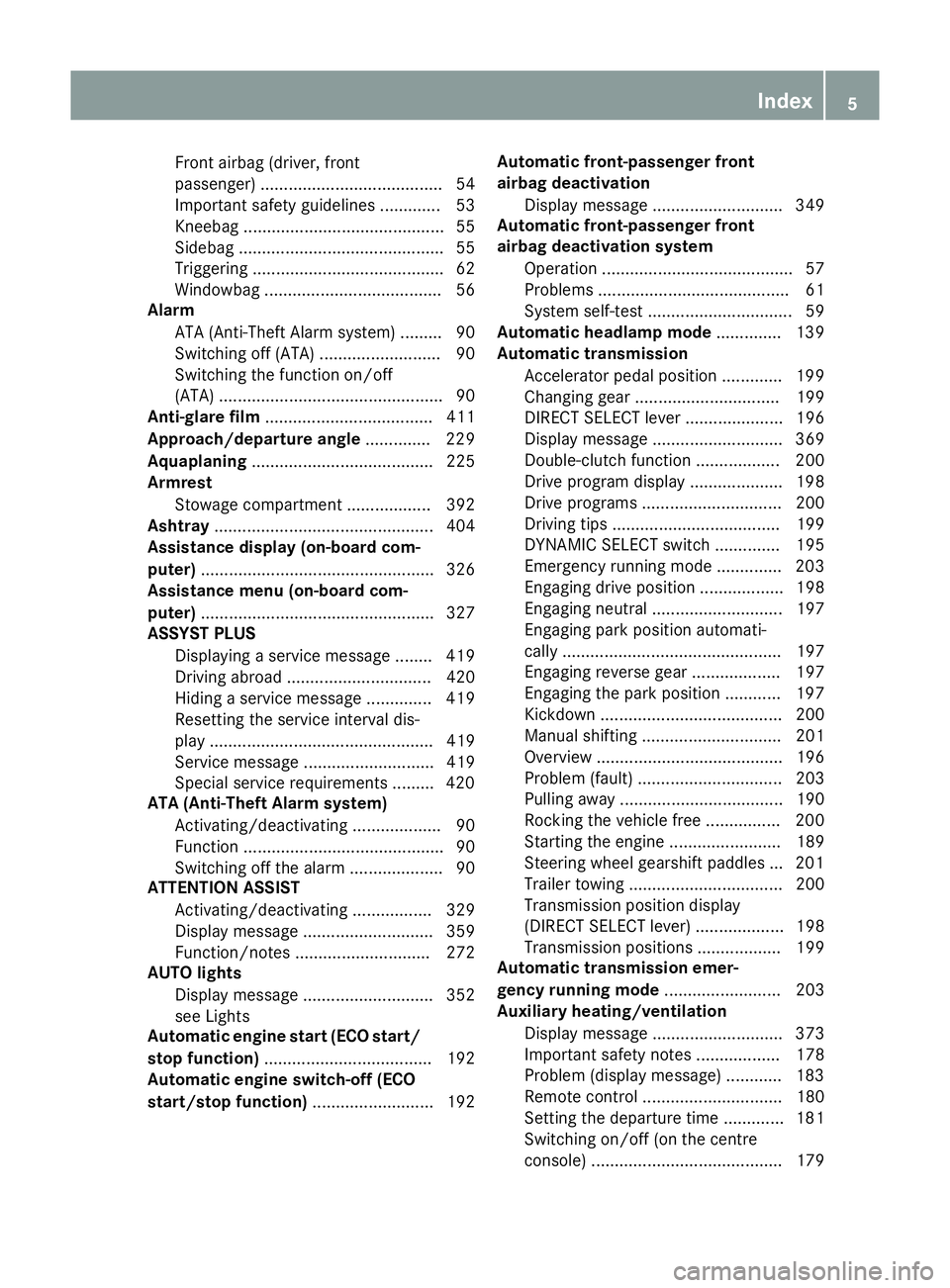
ASSYST PLUS
Displaying a service messag e........ 419
Driving abroad ............................... 420
Hiding a service message .............. 419
Resetting the service interval dis-
play ................................................ 419
Service message ............................ 419
Special service requirements ......... 420
ATA (Anti-Theft Alarm system)
Activating/deactivating ................... 90
Function ........................................... 90
Switching off the alarm .................... 90
ATTENTION ASSIST
Activating/deactivating ................. 329
Display message ............................ 359
Function/note s............................. 272
AUTO lights
Display message ............................ 352
see Lights
Automatic engine start (ECO start/
stop function) .................................... 192
Automatic engine switch-off (ECO
start/stop function) .......................... 192 Automatic front-passenger front
airbag deactivation
Display message ............................ 349
Automatic front-passenger front
airbag deactivation system
Operation ......................................... 57
Problems ......................................... 61
System self-test ............................... 59
Automatic headlamp mode .............. 139
Automatic transmission
Accelerator pedal position ............. 199
Changing gear ............................... 199
DIRECT SELECT lever ..................... 196
Display message ............................ 369
Double-clutch function .................. 200
Drive program display .................... 198
Drive programs .............................. 200
Driving tips .................................... 199
DYNAMIC SELECT switch .............. 195
Emergency running mode .............. 203
Engaging drive position .................. 198
Engaging neutral ............................ 197
Engaging park position automati-
cally ............................................... 197
Engaging reverse gear ................... 197
Engaging the park position ............ 197
Kickdown ....................................... 200
Manual shifting .............................. 201
Overview ........................................ 196
Problem (fault) ............................... 203
Pulling away ................................... 190
Rocking the vehicle free ................ 200
Starting the engine ........................ 189
Steering wheel gearshift paddle s... 201
Trailer towing ................................. 200
Transmission position display
(DIRECT SELECT lever) ................... 198
Transmission positions .................. 199
Automatic transmission emer-
gency running mode ......................... 203
Auxiliary heating/ventilation
Display message ............................ 373
Important safety notes .................. 178
Problem (display message) ............ 183
Remote control .............................. 180
Setting the departure time ............. 181
Switching on/off (on the centre
console) ......................................... 179 Index
5
Page 422 of 497
If the washer fluid level drops below the rec-
ommended minimum of 1 litre, a message
appears in the multifunction display prompt-
ing you to top up the washer fluid
(Y page 374).
Further information on windscreen washer
fluid/antifreeze (Y page 487). ASSYST PLUS
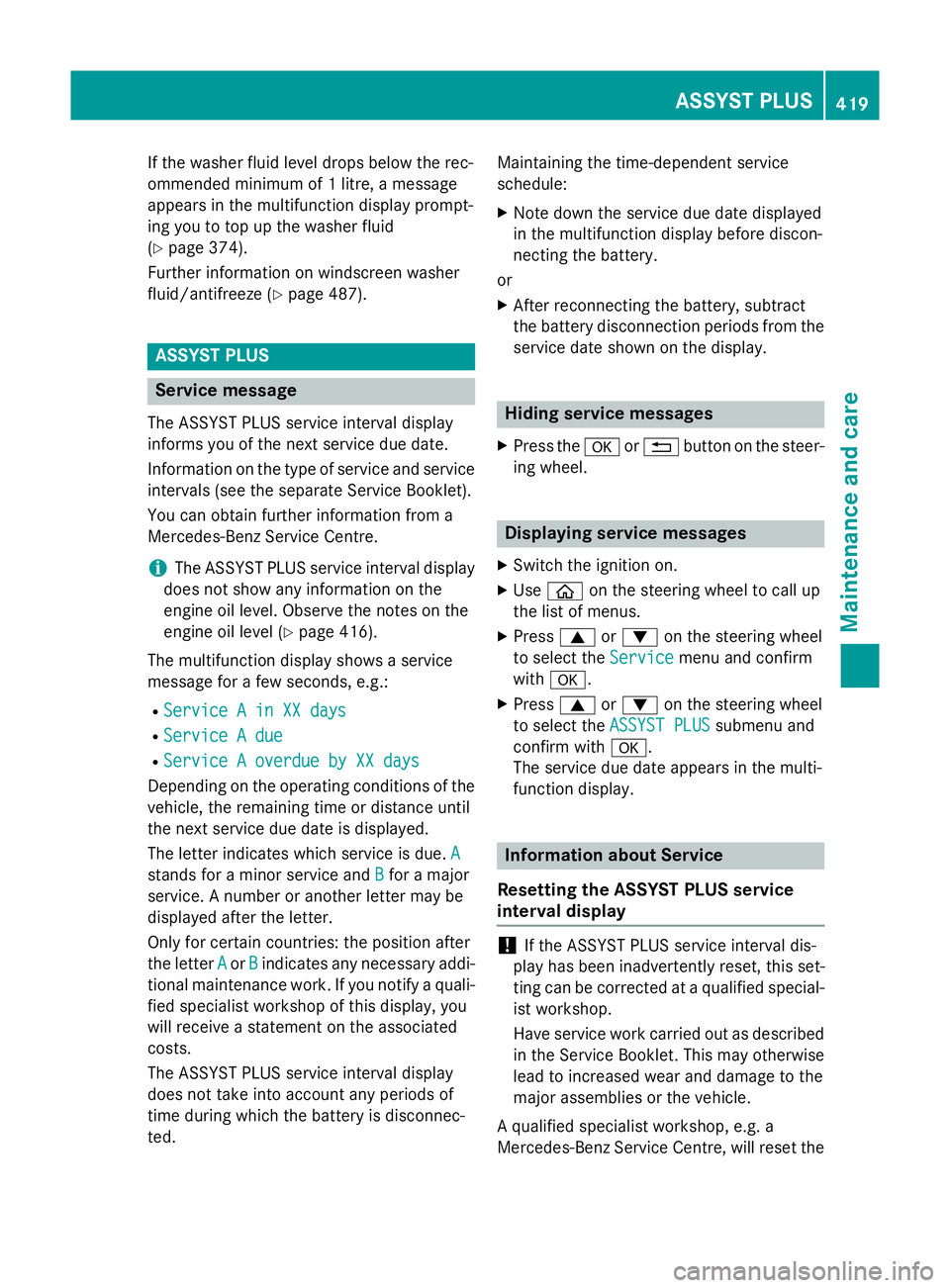
Service message
The ASSYST PLUS service interval display
informs you of the next service due date.
Information on the type of service and service
intervals (see the separate Service Booklet).
You can obtain further information from a
Mercedes-Benz Service Centre.
i The ASSYST PLUS service interval display
does not show any information on the
engine oil level. Observe the notes on the
engine oil level (Y page 416).
The multifunction display shows a service
message for a few seconds, e.g.:
R Service A in XX days
Service A in XX days
R Service A due Service A due
R Service A overdue by XX days
Service A overdue by XX days
Depending on the operating conditions of the
vehicle, the remaining time or distance until
the next service due date is displayed.
The letter indicates which service is due. A
A
stands for a minor service and B
B for a major
service. A number or another letter may be
displayed after the letter.
Only for certain countries: the position after
the letter A Aor B
Bindicates any necessary addi-
tional maintenance work. If you notify a quali-
fied specialist workshop of this display, you
will receive a statement on the associated
costs.
The ASSYST PLUS service interval display
does not take into account any periods of
time during which the battery is disconnec-
ted. Maintaining the time-dependent service
schedule:
X Note down the service due date displayed
in the multifunction display before discon-
necting the battery.
or
X After reconnecting the battery, subtract
the battery disconnection periods from the
service date shown on the display. Hiding service messages
X Press the aor% button on the steer-
ing wheel. Displaying service messages
X Switch the ignition on.
X Use ò on the steering wheel to call up
the list of menus.
X Press 9or: on the steering wheel
to select the Service Servicemenu and confirm
with a.
X Press 9or: on the steering wheel
to select the ASSYST PLUS
ASSYST PLUS submenu and
confirm with a.
The service due date appears in the multi-
function display. Information about Service
Resetting the ASSYST PLUS service
interval display !
If the ASSYST PLUS service interval dis-
play has been inadvertently reset, this set-
ting can be corrected at a qualified special-
ist workshop.
Have service work carried out as described in the Service Booklet. This may otherwise
lead to increased wear and damage to the
major assemblies or the vehicle.
A qualified specialist workshop, e.g. a
Mercedes-Benz Service Centre, will reset the ASSYST PLUS
419Maintenance and care Z