Changing bulbs .............................. 136
Display message ............................ 281
Switching on/off ..........................
.129
Manual transmission
Drive program ................................ 177
DYNAMIC SELECT button .............. 174
Engaging reverse gear ................... 176
Gear lever ...................................... 176
Pulling away ................................... 168
Shift recommendation ................... 176
Shifting to neutra l.......................... 176
Starting the engine ........................ 167
Matt finish (cleaning instructions) .. 342
Memory card (audio) ......................... 253
Memory function ............................... 122
Mercedes-Benz emergency call
system
Switch in the overhead control
panel .............................................. 329
Mercedes-Benz Intelligent Drive
Traffic Sign Assist .......................... 231
Mercedes-Benz Service Centre
see Qualified specialist workshop
Message memory (on-board com-
puter) .................................................. 265
Messages
see Display messages
Mirror turn signal
Cleaning ......................................... 344
Mirrors
see Exterior mirrors
see Rear-view mirror
see Vanity mirror (in sun visor)
Mobile phone
Frequencies ................................... 400
Installation ..................................... 400
Menu (on-board computer) ............ 254
Notes/placing in the bracket ......... 329
Transmission output (maximum) .... 400
Mobile telephone
Pre-installed bracket ...................... 331
Modifying the programming (key) ..... 88
MOExtended tyres ............................. 352
Motorway mode ................................ 130
MP3
Operating ....................................... 253 Multifunction display
Function/note s............................. 249
Permanent display ......................... 258
Multifunction steering wheel
Operating the on-board compute r..2 47
Overview .......................................... 34 N
Navigation Menu (on-board computer) ............ 251
Notes on running in a new vehicle .. 164 O
Occupant safety Automatic front-passenger front
airbag deactivatio n.......................... 51
Automatic measures after an acci-
dent ................................................. 59
Children in the vehicle ..................... 59
Important safety notes .................... 43
PASSENGER AIRBAG indicator
lamp ................................................. 43
Pets in the vehicle ........................... 72
PRE-SAFE ®
(anticipatory occu-
pant protection) ............................... 58
Restraint system introduction .......... 42
Restraint system warning lamp ........ 43
Seat belts ........................................ 44
Odometer ........................................... 250
On-board computer
AMG menu ..................................... 262
Assistance graphic menu ............... 255
Assistance menu ........................... 255
Audio menu ................................... 253
Convenience submenu .................. 261
Display messages .......................... 265
Displaying a service message ........ 340
DISTRONIC PLUS ........................... 209
Factory settings ............................. 262
Heating submenu ........................... 260
Important safety notes .................. 246
Instrument cluster submenu .......... 258
Light submenu ............................... 259
Menu overview .............................. 249
Message memory .......................... 265
Navigation menu ............................ 251 14
Index
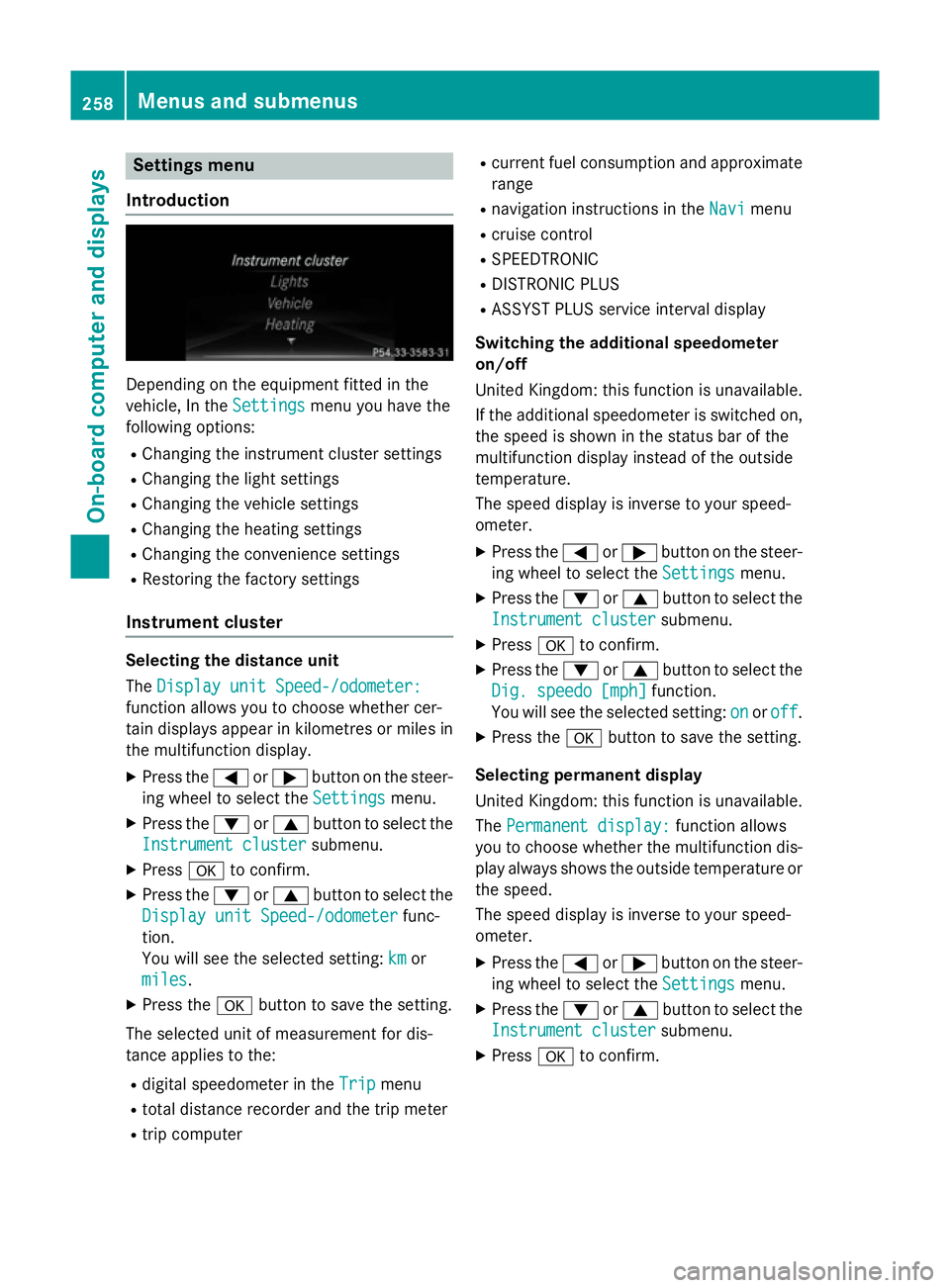
Settings menu
Introduction Depending on the equipment fitted in the
vehicle, In the
Settings Settingsmenu you have the
following options:
R Changing the instrument cluster settings
R Changing the light settings
R Changing the vehicle settings
R Changing the heating settings
R Changing the convenience settings
R Restoring the factory settings
Instrument cluster Selecting the distance unit
The
Display unit Speed-/odometer: Display unit Speed-/odometer:
function allows you to choose whether cer-
tain displays appear in kilometres or miles in the multifunction display.
X Press the =or; button on the steer-
ing wheel to select the Settings
Settings menu.
X Press the :or9 button to select the
Instrument cluster Instrument cluster submenu.
X Press ato confirm.
X Press the :or9 button to select the
Display unit Speed-/odometer
Display unit Speed-/odometer func-
tion.
You will see the selected setting: km kmor
miles
miles.
X Press the abutton to save the setting.
The selected unit of measurement for dis-
tance applies to the: R digital speedometer in the Trip Tripmenu
R total distance recorder and the trip meter
R trip computer R
current fuel consumption and approximate
range
R navigation instructions in the Navi
Navimenu
R cruise control
R SPEEDTRONIC
R DISTRONIC PLUS
R ASSYST PLUS service interval display
Switching the additional speedometer
on/off
United Kingdom: this function is unavailable.
If the additional speedometer is switched on,
the speed is shown in the status bar of the
multifunction display instead of the outside
temperature.
The speed display is inverse to your speed-
ometer.
X Press the =or; button on the steer-
ing wheel to select the Settings Settingsmenu.
X Press the :or9 button to select the
Instrument cluster
Instrument cluster submenu.
X Press ato confirm.
X Press the :or9 button to select the
Dig. speedo [mph]
Dig. speedo [mph] function.
You will see the selected setting: on
onoroff
off.
X Press the abutton to save the setting.
Selecting permanent display
United Kingdom: this function is unavailable.
The Permanent display: Permanent display: function allows
you to choose whether the multifunction dis-
play always shows the outside temperature or the speed.
The speed display is inverse to your speed-
ometer.
X Press the =or; button on the steer-
ing wheel to select the Settings Settingsmenu.
X Press the :or9 button to select the
Instrument cluster
Instrument cluster submenu.
X Press ato confirm. 258
Menus and submenusOn-board computer and displays