Page 198 of 681

198 4-1. Before driving
NX300h_U_OM78007U WA R N I N G ■
When towing a trailer
Lexus recommends trailers with brakes that conform to any applicable federal and
state/provincial regulations. ●
If the gross trailer weight exceeds unbraked TWR, trailer brakes are required. Lexus
recommends trailers with brakes that conform to all applicable federal and state/pro-
vincial regulations. ●
Never tap into your vehicle’s hydraulic system, as this will lower the vehicle’s braking
effectiveness. ●
Never tow a trailer without using a safety ch ain securely attached to both the trailer
and the vehicle. If damage occurs to the coupling unit or hitch ball, there is danger of
the trailer wandering into another lane.
NOTICE ■
When installing a trailer hitch
Use only the position recommended by your Lexus dealer. Do not install the trailer
hitch on the bumper; this may cause body damage. ■
Do not directly splice trailer lights
Do not directly splice trailer lights. Dire ctly splicing trailer lights may damage your
vehicle’s electrical system and cause a malfunction.
Page 227 of 681
2274-3. Operating the lights and wipers
4
Driving
NX300h_U_OM78007UFog light switch Turns the fog lights off
Turns the fog lights on
■
Fog lights can be used when
The headlights are on in low beam.The fog lights secure excell ent visibility in difficult driving conditions, such as
in rain and fog.
Operating instructions 1
2
NOTICE ■
To prevent 12-volt battery discharge
Do not leave the lights on longer than necessary when the hybrid system is off.
Page 236 of 681

236 4-4. Refueling
NX300h_U_OM78007UOpening the fuel tank cap ●
Close all the doors and windows, and turn the power switch off. ●
Confirm the type of fuel. ■
Fuel types
Unleaded gasoline (Octane rating 87 [Research Octane Number 91] or higher)Perform the following steps to open the fuel tank cap.
Before refueling the vehicle WA R N I N G ■
When refueling the vehicle
Observe the following precautions while refu eling the vehicle. Failure to do so may
result in death or serious injury. ●
After exiting the vehicle and before openin g the fuel door, touch an unpainted metal
surface to discharge any static electricity. It is important to discharge static electricity
before refueling because sparks resulting fr om static electricity can cause fuel vapors
to ignite while refueling. ●
Always hold the grips on th e fuel tank cap and turn it slowly to remove it.
A whooshing sound may be heard when the fuel tank cap is loosened. Wait until the
sound cannot be heard before fully removing the cap. In hot weather, pressurized fuel
may spray out of the filler neck and cause injury. ●
Do not allow anyone that has not discharged static electricity from their body to come
close to an open fuel tank. ●
Do not inhale vaporized fuel.
Fuel contains substances th at are harmful if inhaled.●
Do not smoke while refueling the vehicle.
Doing so may cause the fuel to ignite and cause a fire. ●
Do not return to the vehicle or touch any person or object that is statically charged.
This may cause static electricity to build up, resulting in a possible ignition hazard.■
When refueling
Observe the following precautions to prevent fuel overflowing from the fuel tank: ●
Securely insert the fuel nozzle into the fuel filler neck. ●
Stop filling the tank after the fuel nozzle automatically clicks off.●
Do not top off the fuel tank.
Page 320 of 681

320 4-5. Using the driving support systems
NX300h_U_OM78007U ■
The Blind Spot Monitor function is operational when ●
The BSM main switch is set to on ●
Vehicle speed is greater than approximately 10 mph (16 km/h). ■
The Blind Spot Monitor function will detect a vehicle when ●
A vehicle in an adjacent lane overtakes your vehicle. ●
Another vehicle enters the detection area when it changes lanes. ■
Conditions under which the Blind Spot Monitor function will not detect a vehicle
The Blind Spot Monitor function is not designed to detect the following types of vehicles
and/or objects: ●
Small motorcycles, bicycles, pedestrians, etc.
*●
Vehicles traveling in the opposite direction ●
Guardrails, walls, signs, parked vehi cles and similar stationary objects
*●
Following vehicles that are in the same lane
*●
Vehicles driving 2 lanes across from your vehicle
*
* : Depending on conditions, detection of a vehicle and/or object may occur. ■
Conditions under which the Bl ind Spot Monitor function may not function correctly●
The Blind Spot Monitor function may not dete ct vehicles correctly in the following con-
ditions:
• During bad weather such as heavy rain, fog, snow, etc.
• When ice or mud, etc., is attached to the rear bumper
• When driving on a road surface that is wet due to rain, standing water, etc.
• When there is a significant difference in speed between your vehicle and the vehicle
that enters the detection area
• When a vehicle is in the detection area from a stop and remains in the detection
area as your vehicle accelerates
• When driving up or down consecutive steep inclines, such as hills , a dip in the road,
etc.
• When multiple vehicles approach with only a small gap between each vehicle
• When vehicle lanes are wide, and the vehicle in the next lane is too far away from
your vehicle
• When the vehicle that enters the detection area is traveling at about the same speed
as your vehicle
• When there is a significant difference in height between your vehicle and the vehicle
that enters the detection area
• Directly after the BSM main switch is set to on ●
Instances of the Blind Spot Monitor function unnecessarily detecting a vehicle and/or
object may increase under the following conditions:
• When there is only a short distance between your vehicle and a guardrail, wall, etc.
• When there is only a short distance between your vehicle and a following vehicle
• When vehicle lanes are narrow and a vehicle driving 2 lanes across from your vehi-
cle enters the detection area
• When items such as a bicycle carrier ar e installed on the rear of the vehicle
Page 366 of 681

366 5-4. Using the radio
NX300h_U_OM78007U It is prohibited to copy, decompile, disassemble, reverse engineer, hack, manipulate, or
otherwise make available any technology or software incorporated in receivers compat-
ible with the XM Satellite Ra dio System or that support the XM website, the Online Ser-
vice or any of its content. Furthermore, the AMBE ®
voice compression software
included in this product is protected by intellectual property rights including patent
rights, copyrights, and trade secrets of Digital Voice Systems, Inc.
Note: this applies to XM receivers only and not XM Ready devices. ■
If the satellite radio does not operate normally
If a problem occurs with the XM tuner, a me ssage will appear on the screen. Refer to the
table below to identify the problem, and take the suggested corrective action.
Contact the XM Listener Care Center at 1-877-515-3987 (U.S.A.) or 1-877-438-
9677 (Canada). SAT Check Antenna The XM antenna is not connected. Check whether the XM
antenna cable is attached securely.
There is a short-circuit in the antenna or the surrounding
antenna cable. See a Lexus certified dealer.
SAT Ch Unauthorized Yo u h a v e n o t s u b s c r i b e d t o X M Satellite Radio. The radio is
being updated with the latest encryption code. Contact XM
Satellite Radio for subscription information. When a con-
tract is canceled, you can choose “Ch000” and all free-to-
air channels.
The premium channel you select ed is not authorized. Wait
for about 2 seconds until the radio returns to the previous
channel or “Ch001”. If it does not change automatically,
select another channel. To listen to the premium channel,
contact XM Satellite Radio.
SAT No Signal The XM signal is too weak at the current location. Wait until
your vehicle reaches a location with a stronger signal.
SAT Loading The unit is acquiring audio or program information. Wait
until the unit has received the information.
SAT Channel Off Air The channel you selected is not broadcasting any program-
ming. Select another channel.
----- There is no song/program title or artist name/feature asso-
ciated with the channel at that time. No action is required.
SAT Chan Unavailable The channel you selected is no longer available. Wait for
about 2 seconds until the radio returns to the previous
channel or “Ch001”. If it does not change automatically,
select another channel.
Page 384 of 681

384 5-7. Connecting Bluetooth ®
NX300h_U_OM78007URegistering a Bluetooth ®
deviceTurn the Bluetooth ®
connection setting of your device set to on.
Go to “Bluetooth
* Setup”: “MENU” button “Setup” “Bluetooth
* ”
Move the controller to the left and then select “Add Device”
When this screen is displayed, input
the passcode displayed on the
screen into your Bluetooth ®
device. For operation of the Bluetooth ®
device,
see the manual that comes with your
Bluetooth ®
device.
Register the Bluetooth ®
device
using your Bluetooth ®
device.A PIN code are not required for SSP
(Secure Simple Pairing) compatible
Bluetooth ®
devices. Depending on the
device, you may need to select Yes to
register, or No to cancel on the device.
If an error message is displayed, follow the guidance on the screen to try again.
* : Bluetooth is a registered trademark of Bluetooth SIG, Inc.
Go to “Bluetooth
* Setup”: “MENU” button “Setup” “Bluetooth
* ”
Move the controller to the left and then select “Remove Device”.
Select the device to remove.
* : Bluetooth is a registered trademark of Bluetooth SIG, Inc.Bluetooth ®
compatible phones (HFP) and portable audio players (AVP) can
be registered simultaneously. You can register up to 5 Bluetooth ®
devices.
How to register a Bluetooth ®
device1
2
3
4
5
Removing a Bluetooth ®
device 1
2
3
Page 412 of 681
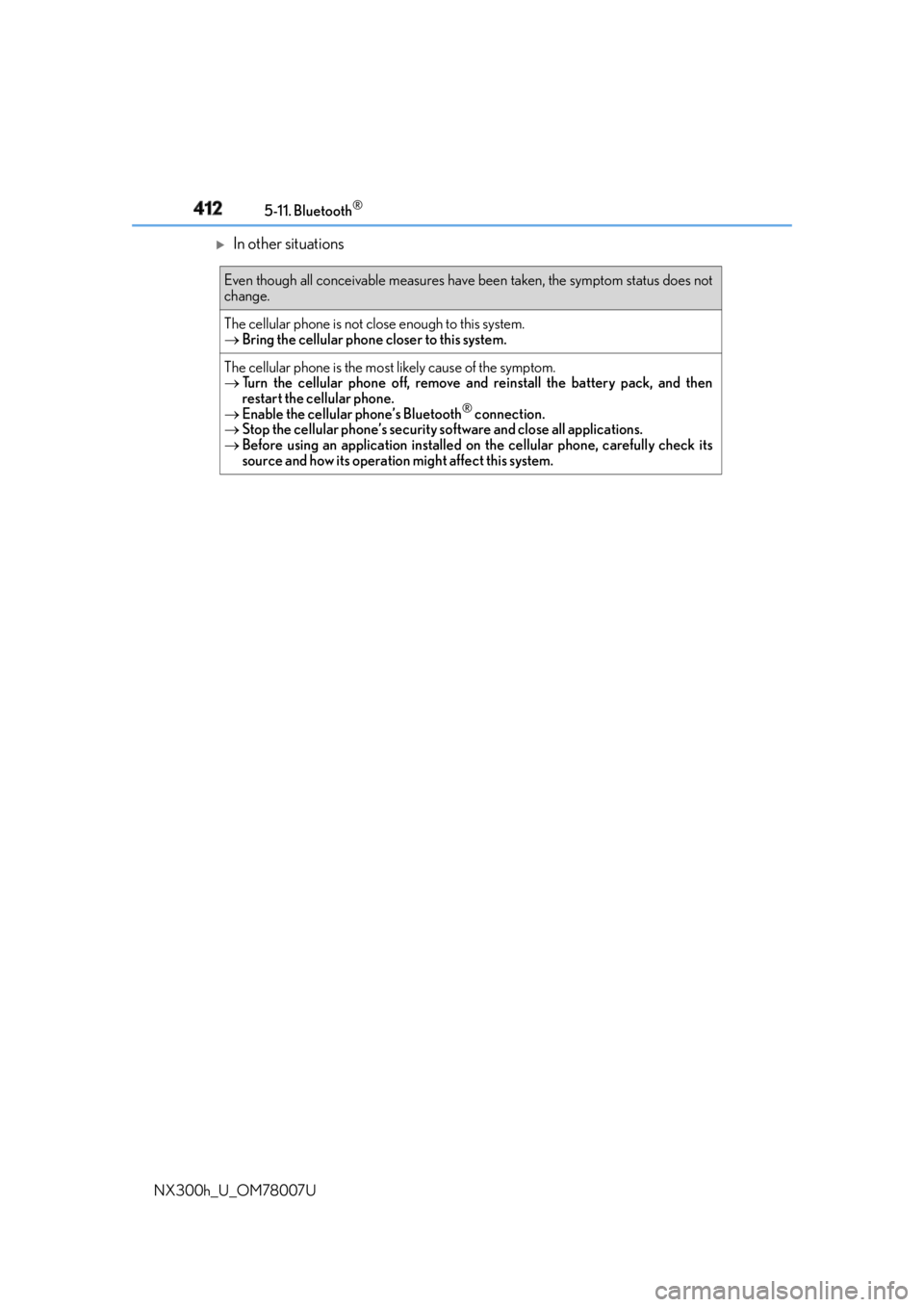
412 5-11. Bluetooth ®
NX300h_U_OM78007U
In other situations Even though all conceivable measures have been taken, the symptom status does not
change.
The cellular phone is not close enough to this system.
Bring the cellular phone closer to this system.
The cellular phone is the most likely cause of the symptom.
Turn the cellular phone off, remove an d reinstall the battery pack, and then
restart the cellular phone.
Enable the cellular phone’s Bluetooth ®
connection.
Stop the cellular phone’s security so ftware and close all applications.
Before using an application installed on the cellular phone, carefully check its
source and how its operation might affect this system.
Page 450 of 681
450 6-3. Using the storage features
NX300h_U_OM78007ULuggage compartment features Raise the hook to use. The cargo hooks are provided for
securing loose items.
Raise the hook to use. The cargo net can be hanged, using the
hook.Cargo hooks
WA R N I N G
To avoid injury, always return the hooks to their stowed positions when not in use.
Cargo net hooks
WA R N I N G
To avoid injury, always return the hooks to their stowed positions when not in use.