2015 Lexus GX460 SNOW
[x] Cancel search: SNOWPage 229 of 634

228
GX 460 _O M_ OM6 0L 72U _( U)4-5. Using the driving support systems
■Radar sensor and grille cover
Always keep the sensor and grille cover clean to ensure that the vehicle-to-vehicle dis-
tance control operates properly. (Some obstructions, such as snow, ice or plastic objects,
cannot be detected by the obstruction sensor.)
Dynamic radar cruise control is canceled if an obstruction is detected.
■Warning messages and buzzers for dynamic radar cruise control
Warning messages and buzzers are used to indicate a system malfunction or to inform
the driver of the need for caution while driving. (
→P. 5 2 2 )
■Certification
XFor vehicles sold in the U.S.A., Hawaii, Guam, Saipan and Puerto Rico
XFor vehicles sold in Canada Grille cover
Radar sensor
1
2
GX460_OM_OM60L72U_(U).book Page 228 Friday, May 16, 2014 3:03 PM
Page 231 of 634

230
GX 460 _O M_ OM6 0L 72U _( U)4-5. Using the driving support systems
CAUTION
■To avoid inadvertent cruise control activation
Switch the cruise control off using the “ON-OFF” button when not in use.
■Situations unsuitable for dynamic radar cruise control
Do not use dynamic radar cruise control in any of the following situations.
Doing so may result in inappropriate speed control and could cause an accident result-
ing in death or serious injury.
●In heavy traffic
●On roads with sharp bends
●On winding roads
●On slippery roads, such as those covered with rain, ice or snow
●On steep downhills, or where there are su
dden changes between sharp up and down
gradients
Vehicle speed may exceed the set speed when driving down a steep hill.
●At entrances to expressways
●When weather conditions are bad enough that they may prevent the sensors from
functioning correctly (fog, snow, sandstorm, heavy rain, etc.)
●When an approach warning buzzer is heard often
●When your vehicle is towing a trailer (with towing hitch) or during emergency towing
■When the sensor may not be correctly detecting the vehicle ahead
Apply the brakes as necessary when any of the following types of vehicles are in front of
you.
As the sensor may not be able to correctly detect these types of vehicles, the approach
warning ( →P. 225) will not be activated, and a fatal or serious accident may result.
●Vehicles that cut in suddenly
●Vehicles traveling at low speeds
●Vehicles that are not moving
●Vehicles with small rear ends (trailers with no load on board etc.)
●Motorcycles traveling in the same lane
GX460_OM_OM60L72U_(U).book Page 230 Friday, May 16, 2014 3:03 PM
Page 232 of 634

GX 460 _O M_ OM6 0L 72U _( U)
2314-5. Using the driving support systems
4
Driving
CAUTION
■Conditions under which the vehicle-to-vehicle distance control may not function cor-
rectly
Apply the brakes as necessary in the following conditions as the radar sensor may not
be able to correctly detect vehicles ahead, and a fatal or serious accident may result:
●When water or snow thrown up by the surrounding vehicles hinders the functioning
of the sensor
●When your vehicle is pointing upwards (caused by a heavy load in the luggage com-
partment etc.)
●When the road curves or when the lanes are narrow
●When steering wheel operation or your position in the lane is unstable
●When the vehicle ahead of you decelerates suddenly
■To ensure the sensor functions correctly
Do not do the following to the sensor or grille as doing so may cause the sensor not to
function correctly and could result in an accident:
●Sticking or attaching anything to them
●Leaving them dirty
●Disassembling or subjecting them to strong shocks
●Modifying or painting them
●Replacing them with non-genuine parts
■Handling the radar sensor
Observe the following to ensure the cruise control system can function effectively.
Otherwise, the system may not function correctly and could result in an accident.
●Keep the sensor and grille cover clean at all times.
Clean the sensor and grille cover with a soft cloth so you do not mark or damage
them.
●Do not subject the sensor or surrounding area to a strong impact.
If the sensor moves even slightly off positi on, the system may malfunction. If the sen-
sor or surrounding area is subject to a strong impact, always have the area inspected
and adjusted by your Lexus dealer.
●Do not disassemble the sensor.
●Do not attach accessories or stickers to th e sensor, grille cover or surrounding area.
●Do not modify or paint the sensor and grille cover.
●Do not replace them with non-genuine parts.
GX460_OM_OM60L72U_(U).book Page 231 Friday, May 16, 2014 3:03 PM
Page 237 of 634

236
GX 460 _O M_ OM6 0L 72U _( U)4-5. Using the driving support systems
CAUTION
■Before using the LDA system
Do not rely solely on the LDA system. The LDA system does not drive the vehicle auto-
matically, nor does it reduce the amount of care you need to take. As such, the driver
must always assume full responsibility fo
r understanding his/her surroundings, for
operating the steering wheel to correct th e driving line, and for driving safely.
Inappropriate or negligent driving could lead to an accident.
■To avoid operating the LDA by mistake
Switch the LDA system off using the “LDA” switch when not in use.
■Situations unsuitable for LDA system
Do not use LDA system in any of the following situations.
Otherwise, the system may not function correctly and could result in an accident.
●When driving with tire chains, a spare tire, or similar equipment
●When driving with non-standard parts or aftermarket equipment installed (including
modified tires and suspensions, etc.).
●When there are objects or structures along the roadside that might be misinterpreted
as lane markers (such as guardrails, curb, reflector posts, etc.)
●When driving on snowy roads
●When pavement lane markers are difficult to see due to rain, snow, fog, sand, dirt, etc.
●When there are visible lines on the pavement from road repairs, or if the remains of
old lane markers are still visible on the road
●When driving in a lane other than the driving or passing lanes on a freeway or high-
way.
●When driving on a road with lane closures due to maintenance, or when driving in a
temporary lane
GX460_OM_OM60L72U_(U).book Page 236 Friday, May 16, 2014 3:03 PM
Page 245 of 634

244
GX 460 _O M_ OM6 0L 72U _( U)4-5. Using the driving support systems
■The intuitive parking assist can be operated when
●Front corner sensors:
• The engine switch is
in IGNITION ON mode.
• The shift lever is in a position other than P.
• The vehicle speed is less than approximately 6 mph (10 km/h). (At any speed when the shift lever is in R)
●Front center sensors:
• The engine switch is in IGNITION ON mode.
• The shift lever is in a position other than P or R.
• The vehicle speed is less than about 6 mph (10 km/h).
●Rear corner and rear center sensors:
• The engine switch is in IGNITION ON mode.
• The shift lever is in R.
■Intuitive parking assist display
When an obstacle is detected while the rear view monitor system, Lexus parking assist
monitor or Multi-terrain Monitor is in use, the warning indicator will appear in the upper
corner of the screen even if the display setting has been set to off.
■Sensor detection information
●The sensor’s detection areas are limited to the areas around the vehicle’s bumper.
●Certain vehicle conditions and the surround ing environment may affect the ability of a
sensor to correctly detect an obstacle. Particular instances where this may occur are
listed below.
• There is dirt, snow or ice on the sensor . (Wiping the sensors will resolve this prob-
lem.)
• The sensor is frozen. (Thawing th e area will resolve this problem.)
In especially cold weather, if a sensor is frozen the screen may show an abnormal
display, or obstacles may not be detected.
• The sensor is covered in any way.
• The vehicle is leaning co nsiderably to one side.
• On an extremely bumpy road, on an incline, on gravel, or on grass.
• The vicinity of the vehicle is noisy due to vehicle horns, motorcycle engines, air brakes of large vehicles, or other loud noises producing ultrasonic waves.
• There is another vehicle equipped with parking assist sensors in the vicinity.
• The sensor is coated with a sheet of spray or heavy rain.
• The vehicle is equipped with a fender pole or wireless antenna.
• The bumper or sensor receives a strong impact.
• The vehicle is approaching a tall or curved curb.
• In harsh sunlight or intense cold weather.
• The area directly under the bumpers is not detected.
• If obstacles draw too close to the sensor.
• A non-genuine Lexus suspension (lowered suspension etc.) is installed.
• People may not be detected if they are wearing certain types of clothing.
In addition to the examples above, there are instances in which, because of their shape,
signs and other objects may be judged by a sensor to be closer than they are.
GX460_OM_OM60L72U_(U).book Page 244 Friday, May 16, 2014 3:03 PM
Page 246 of 634

GX 460 _O M_ OM6 0L 72U _( U)
2454-5. Using the driving support systems
4
Driving
●The shape of the obstacle may prevent a sensor from detecting it. Pay particular atten-
tion to the following obstacles:
• Wires, fences, ropes, etc.
• Cotton, snow and other materials that absorb sound waves
• Sharply-angled objects
• Low obstacles
• Tall obstacles with upper sections projecting outwards in the direction of your vehi-
cle
●The following situations may occur during use.
• Depending on the shape of the obstacle and other factors, the detection distance may shorten, or detect ion may be impossible.
• Obstacles may not be detected if they are too close to the sensor.
• There will be a short delay between obst acle detection and display. Even at slow
speeds, there is a possibility that the obstacl e will come within the sensor’s detection
areas before the display is shown and the buzzer sounds.
• Thin posts or objects lower than the sensor may not be detected when approached, even if they have been detected once.
• It might be difficult to hear beeps due to the volume of audio system or air flow noise of the air conditioning system.
■If a message is displayed on the multi-information display
→ P. 5 2 1
■Certification for the intuitive parking assist (Canada only)
This ISM device complies with Canadian ICES-001.
■Customization
Settings (e.g. buzzer sounds volume) can be changed.
(Customizable features: →P. 5 8 6 )
GX460_OM_OM60L72U_(U).book Page 245 Friday, May 16, 2014 3:03 PM
Page 251 of 634

250
GX 460 _O M_ OM6 0L 72U _( U)4-5. Using the driving support systems
■Rear view monitor system camera
The camera for the rear view moni-
tor system is located above the
license plate.
●Using the camera
If the camera lens becomes dirty, it cannot transmit a clear image. If water
droplets, snow or mud adhere to the lens, rinse with water and wipe with a
soft cloth. If the lens is extremely dirty, wash it with a mild cleanser and
rinse.
■Differences between the screen and the actual road
The distance guide lines and the vehicle width extension guide lines may not
actually be parallel with the dividing lines of the parking space, even when
they appear to be so. Be sure to check visually.
The distances between the vehicle width extension guide lines and the left and
right dividing lines of the parking space may not be equal, even when they
appear to be so. Be sure to check visually.
The distance guide lines give a distance
guide for flat road surfaces. In any of
the following situations, there is a margin of error between the fixation guide
lines on the screen and the actual distance/course on the road.
GX460_OM_OM60L72U_(U).book Page 250 Friday, May 16, 2014 3:03 PM
Page 255 of 634
254
GX 460 _O M_ OM6 0L 72U _( U)4-5. Using the driving support systems
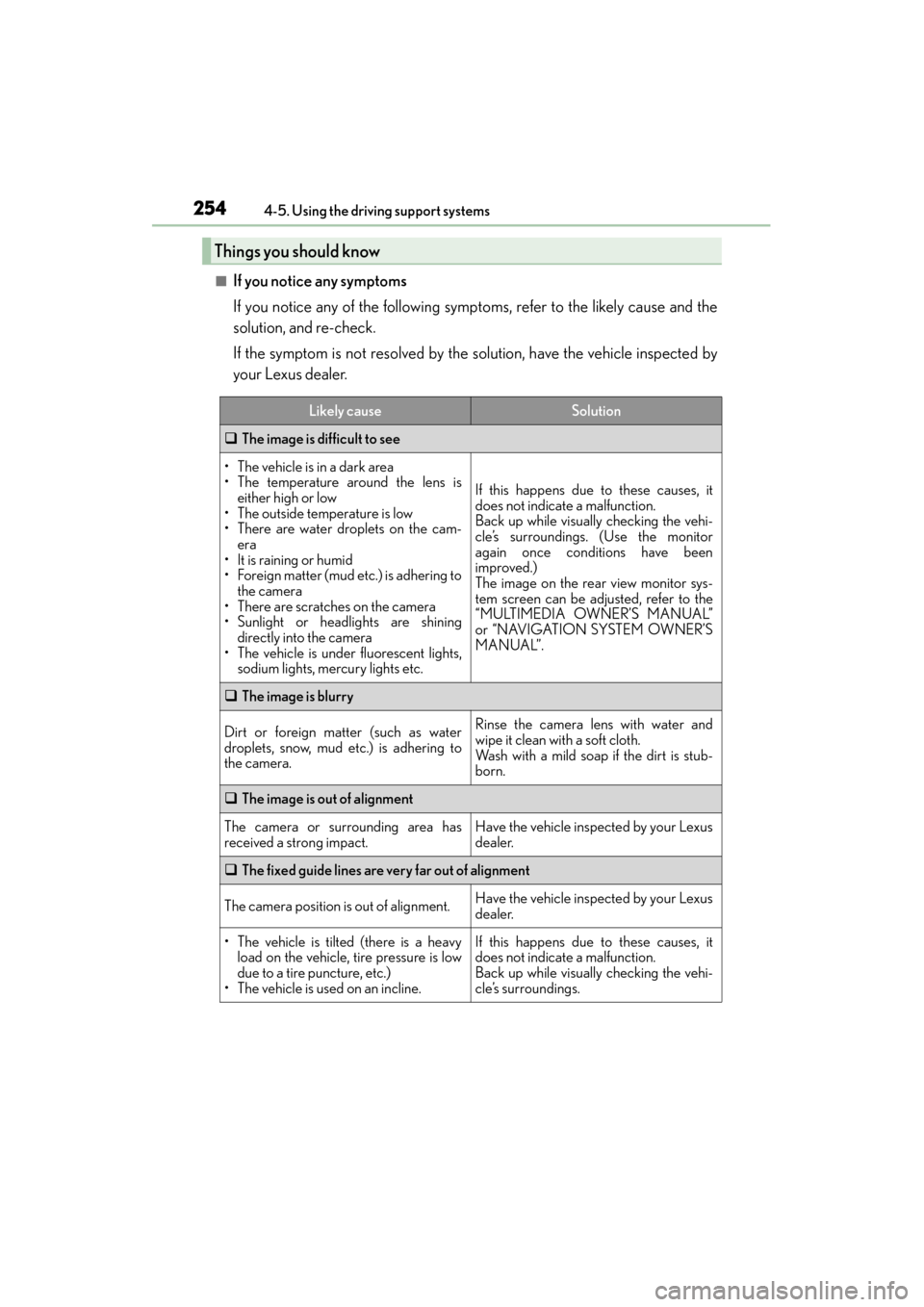
■If you notice any symptoms
If you notice any of the following symp
toms, refer to the likely cause and the
solution, and re-check.
If the symptom is not resolved by the solution, have the vehicle inspected by
your Lexus dealer.
Things you should know
Likely causeSolution
‰ The image is difficult to see
• The vehicle is in a dark area
• The temperature around the lens is
either high or low
• The outside temperature is low
• There are water droplets on the cam- era
• It is raining or humid
• Foreign matter (mud etc.) is adhering to the camera
• There are scratches on the camera
• Sunlight or headlights are shining directly into the camera
• The vehicle is under fluorescent lights, sodium lights, mercury lights etc.
If this happens due to these causes, it
does not indicate a malfunction.
Back up while visually checking the vehi-
cle’s surroundings. (Use the monitor
again once conditions have been
improved.)
The image on the rear view monitor sys-
tem screen can be adjusted, refer to the
“MULTIMEDIA OWNER’S MANUAL”
or “NAVIGATION SYSTEM OWNER’S
MANUAL”.
‰ The image is blurry
Dirt or foreign matter (such as water
droplets, snow, mud etc.) is adhering to
the camera.Rinse the camera lens with water and
wipe it clean with a soft cloth.
Wash with a mild soap if the dirt is stub-
born.
‰The image is out of alignment
The camera or surrounding area has
received a strong impact.Have the vehicle inspected by your Lexus
dealer.
‰The fixed guide lines are very far out of alignment
The camera position is out of alignment.Have the vehicle inspected by your Lexus
dealer.
• The vehicle is tilted (there is a heavy
load on the vehicle, tire pressure is low
due to a tire puncture, etc.)
• The vehicle is used on an incline.If this happens due to these causes, it
does not indicate a malfunction.
Back up while visually checking the vehi-
cle’s surroundings.
GX460_OM_OM60L72U_(U).book Page 254 Friday, May 16, 2014 3:03 PM